The video editor
for the AI era
Create videos by chatting with AI
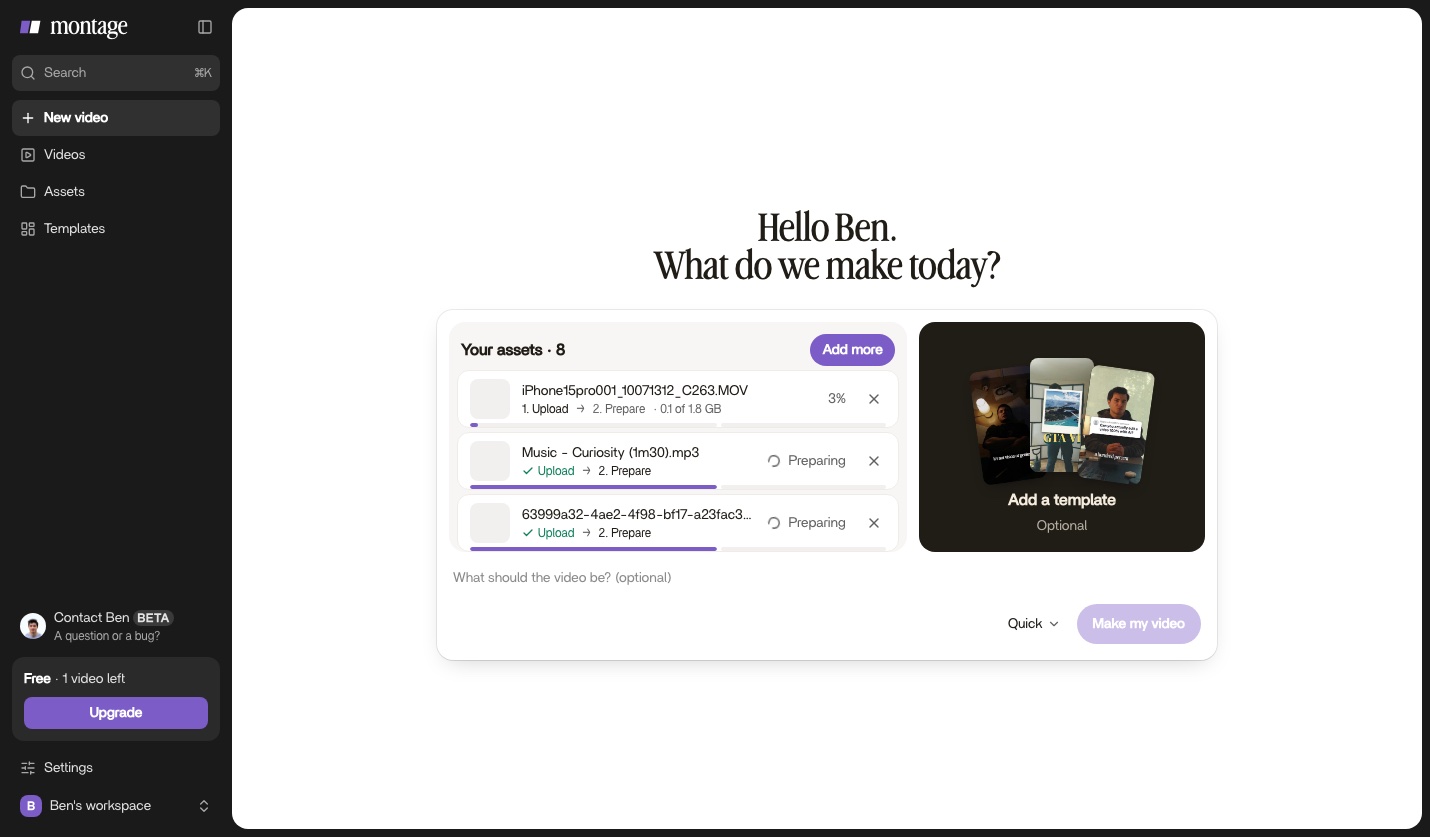
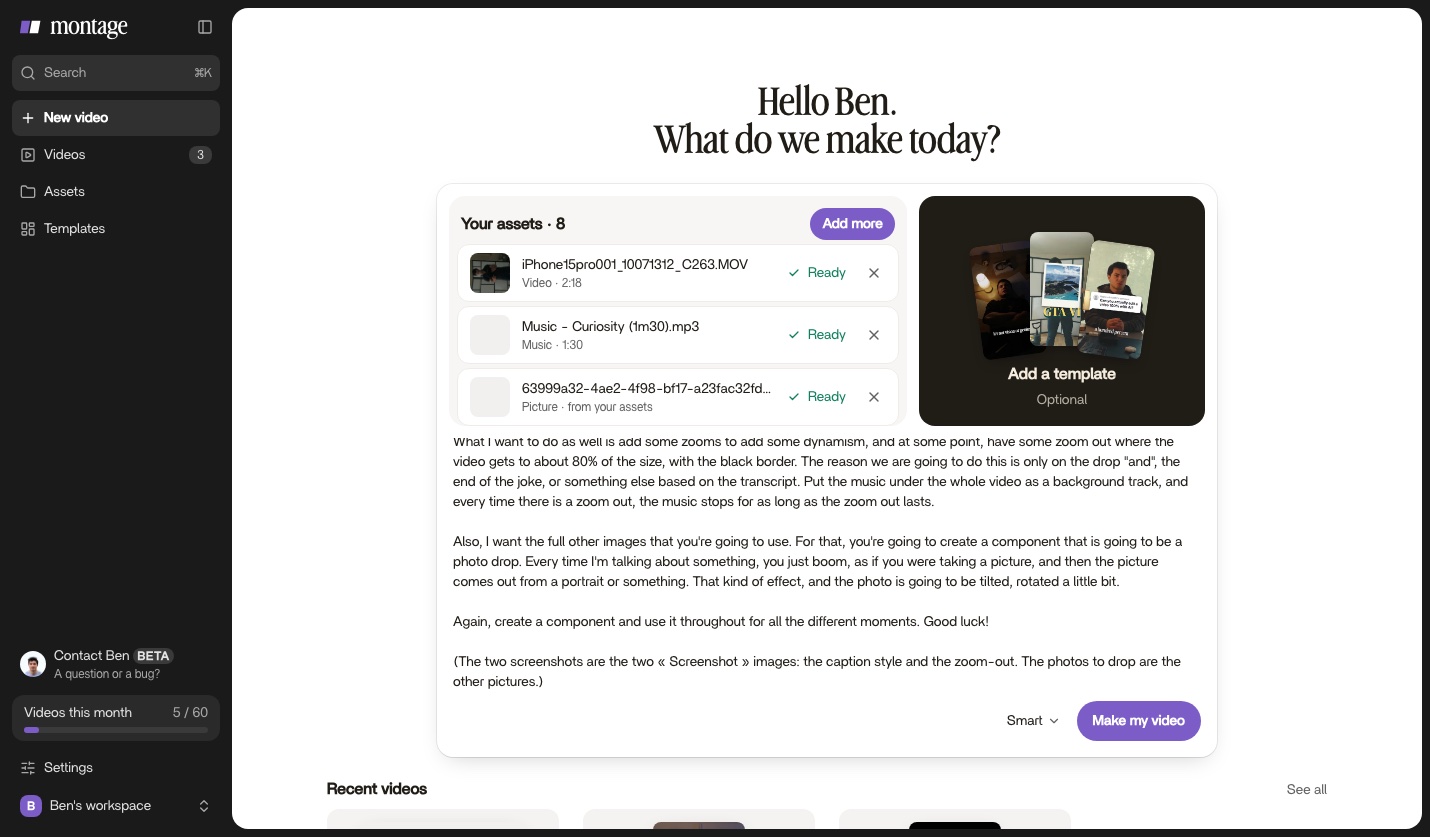
Add your assetsVideos, photos, music · or drop them hereUploadFrom AssetsSamplesAdd a templateOptionalWhat should the video be? (optional)Auto ⌄Make my video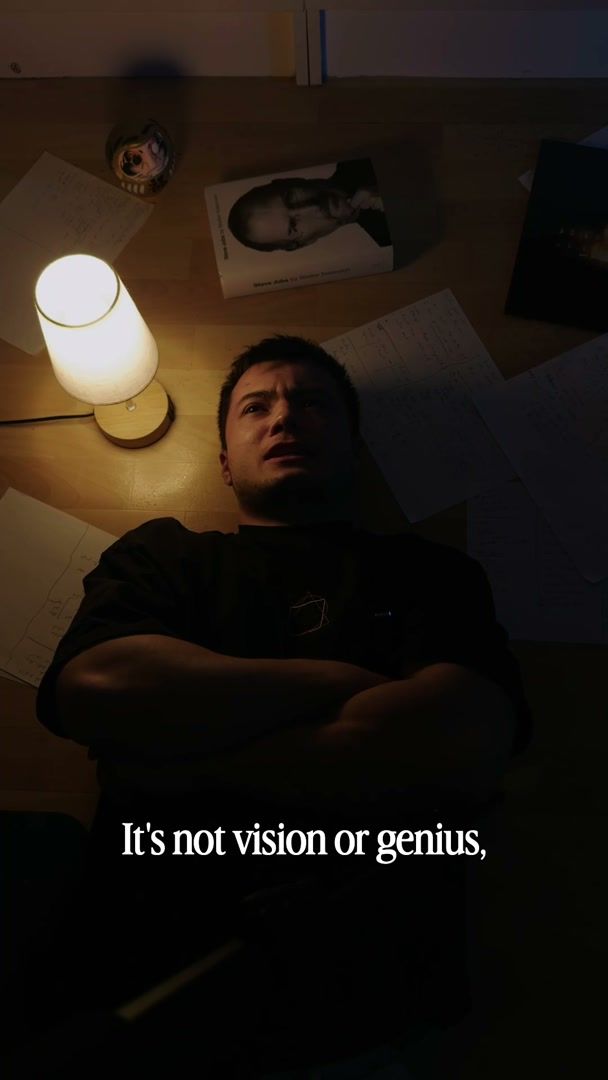
Add your assetsVideos, photos, music · or drop them hereUploadFrom AssetsSamplesAdd a templateOptional
Trusted by 1,000+ people who make their videos with Montage
How it works
How to edit a video with AI
Add your assets, say what you want, comment to change it, then export. No timeline, no editing skills.
Showcase
AI video editing examples
Real videos made with Montage, from a 9-minute YouTube story to a 38-second ad.
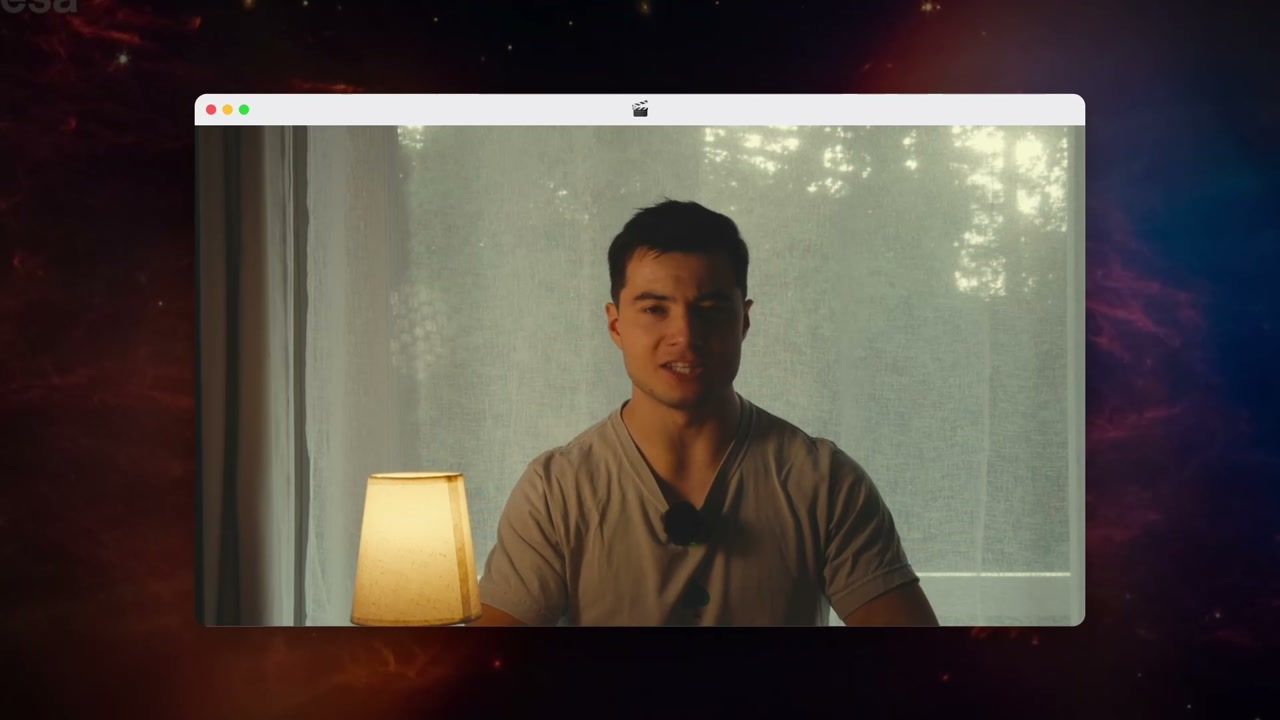 From Disney star to space CEO« A 9-minute story for YouTube. »See how it was made →
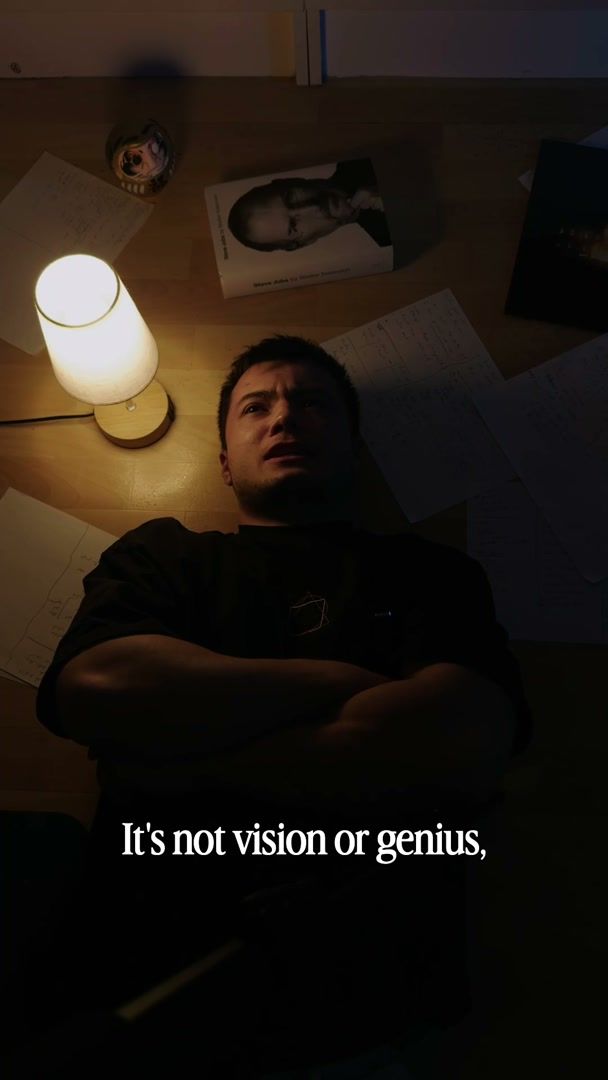 How to be creative« My takes, my font, my look. One sentence to Montage. »See how it was made →
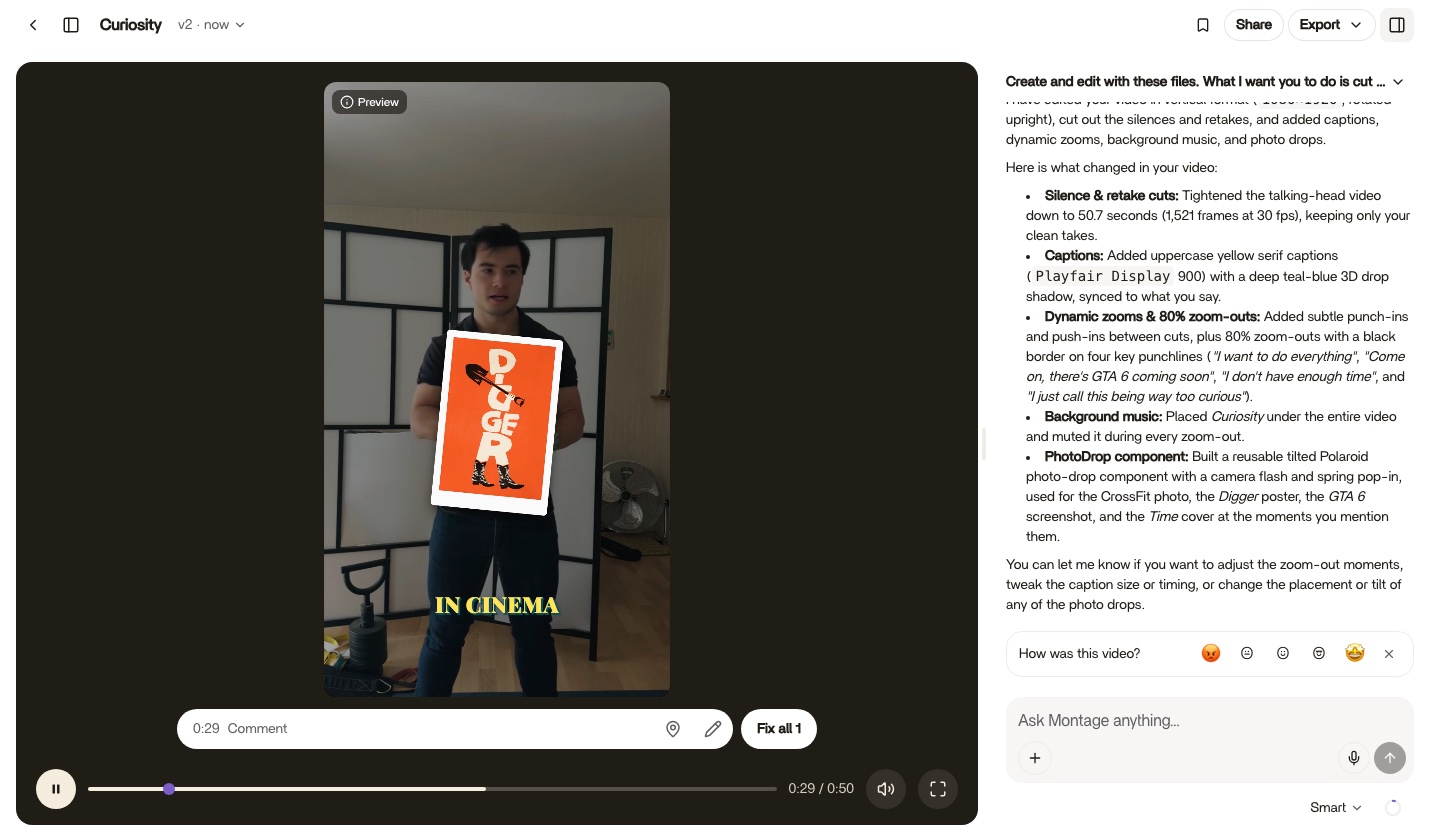
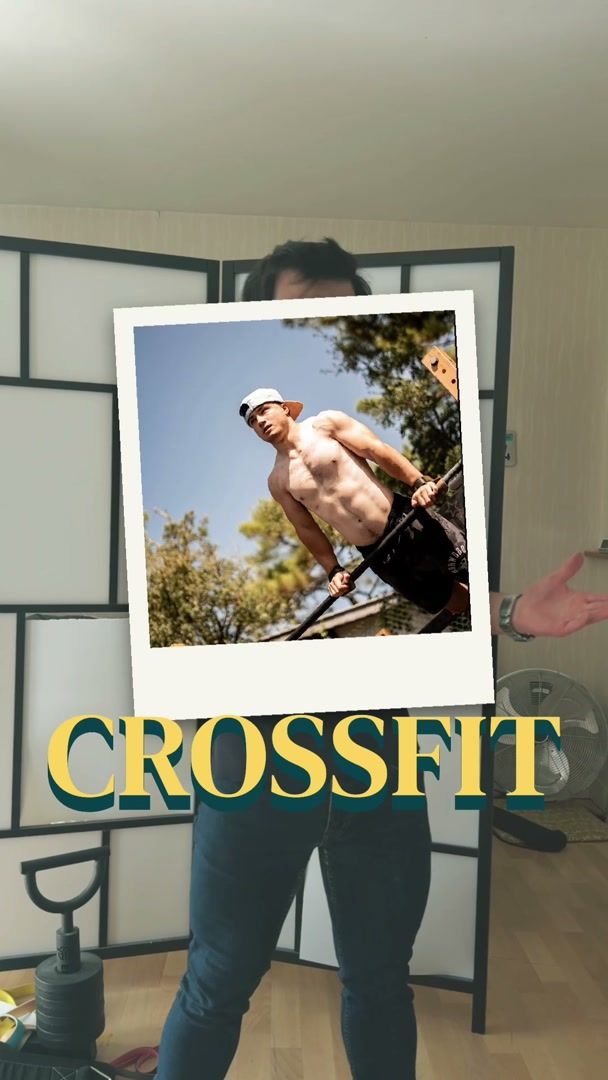 Way too curious« Photos drop in as I name them. »See how it was made →
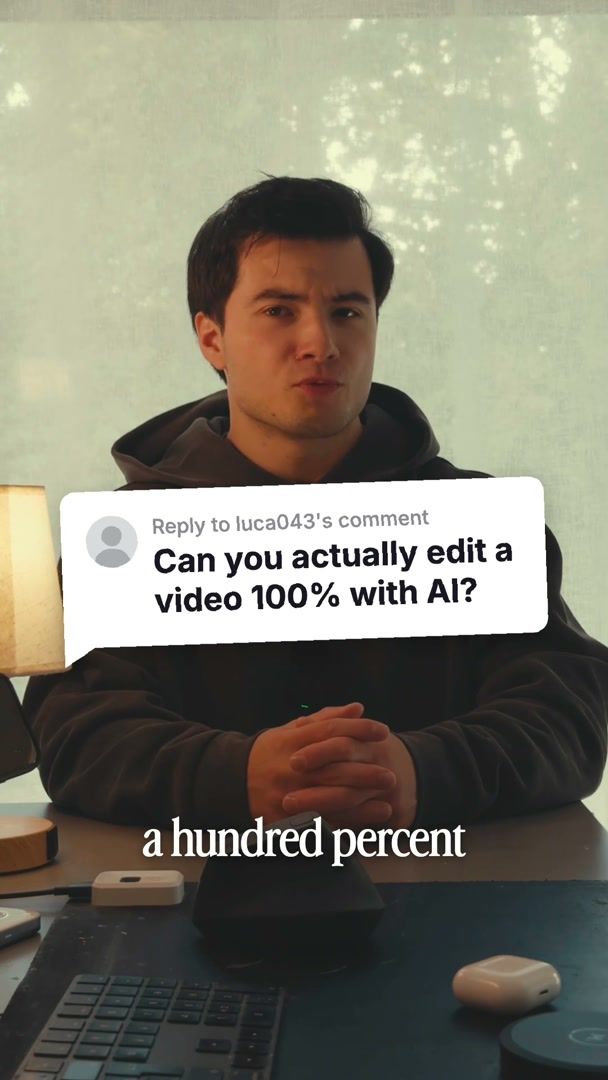
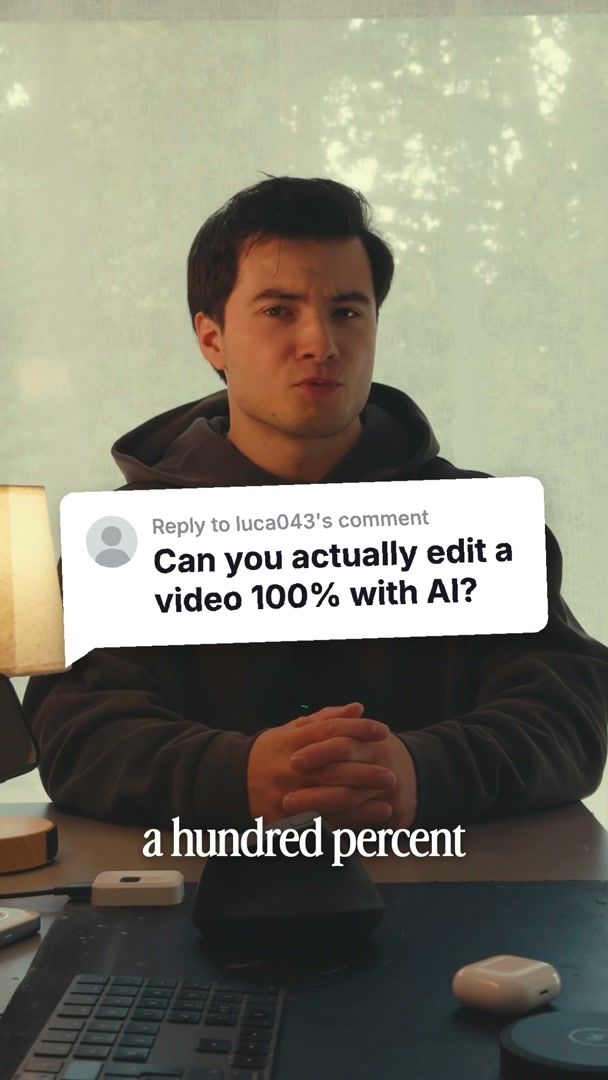 Edit it all with AI« A comment bubble and a glowing product card. »See how it was made →
Features
What the AI video editor can do
Ask in your own words. Montage cuts, captions, colors and animates, from the assets you bring.
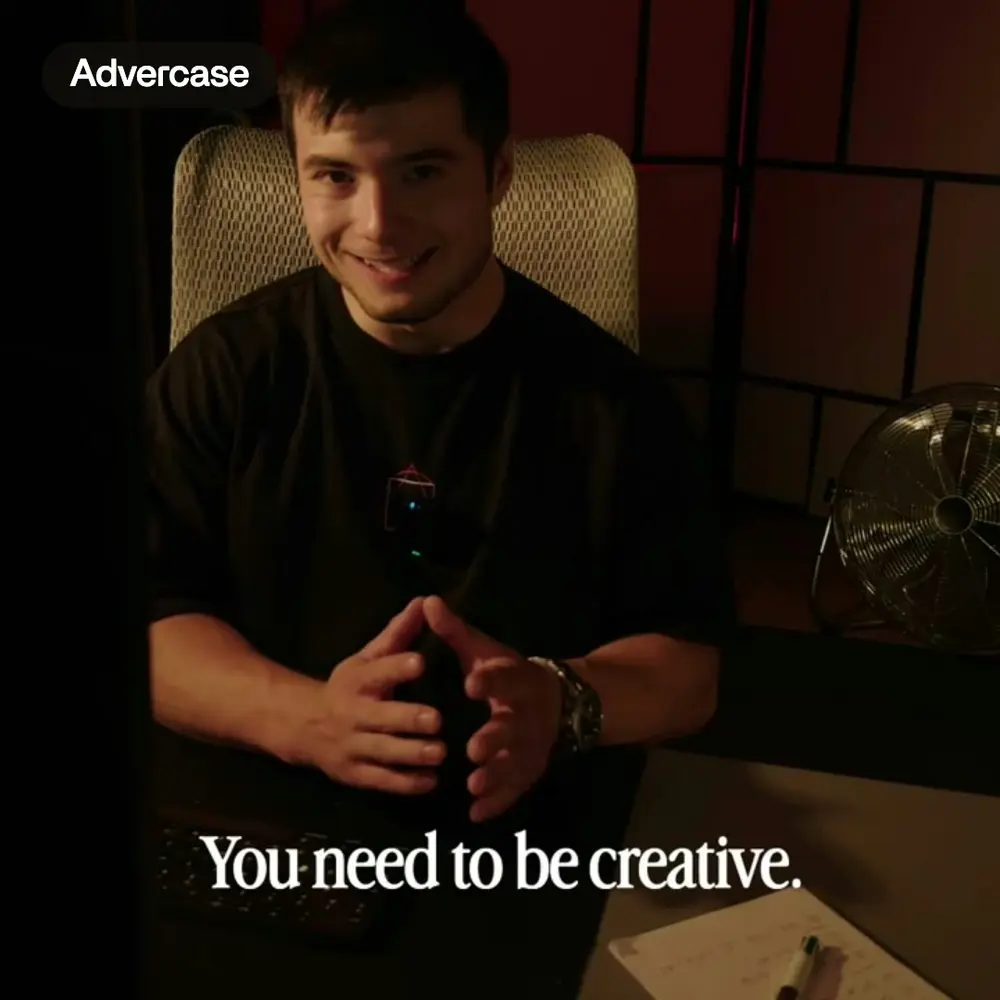 CaptionsEvery line on screen in your font, timed to your voice.See more →
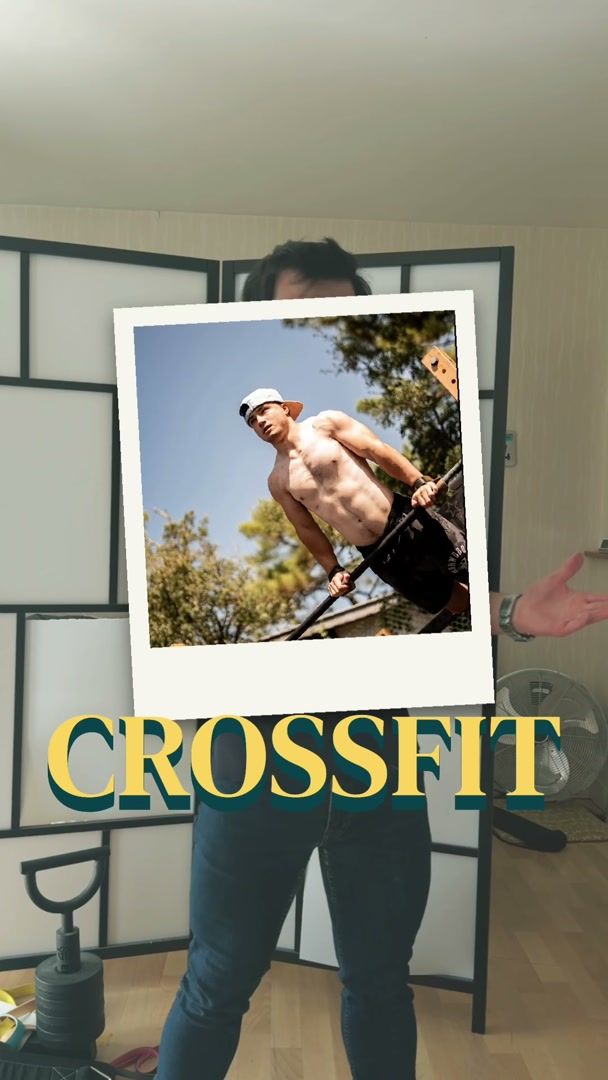
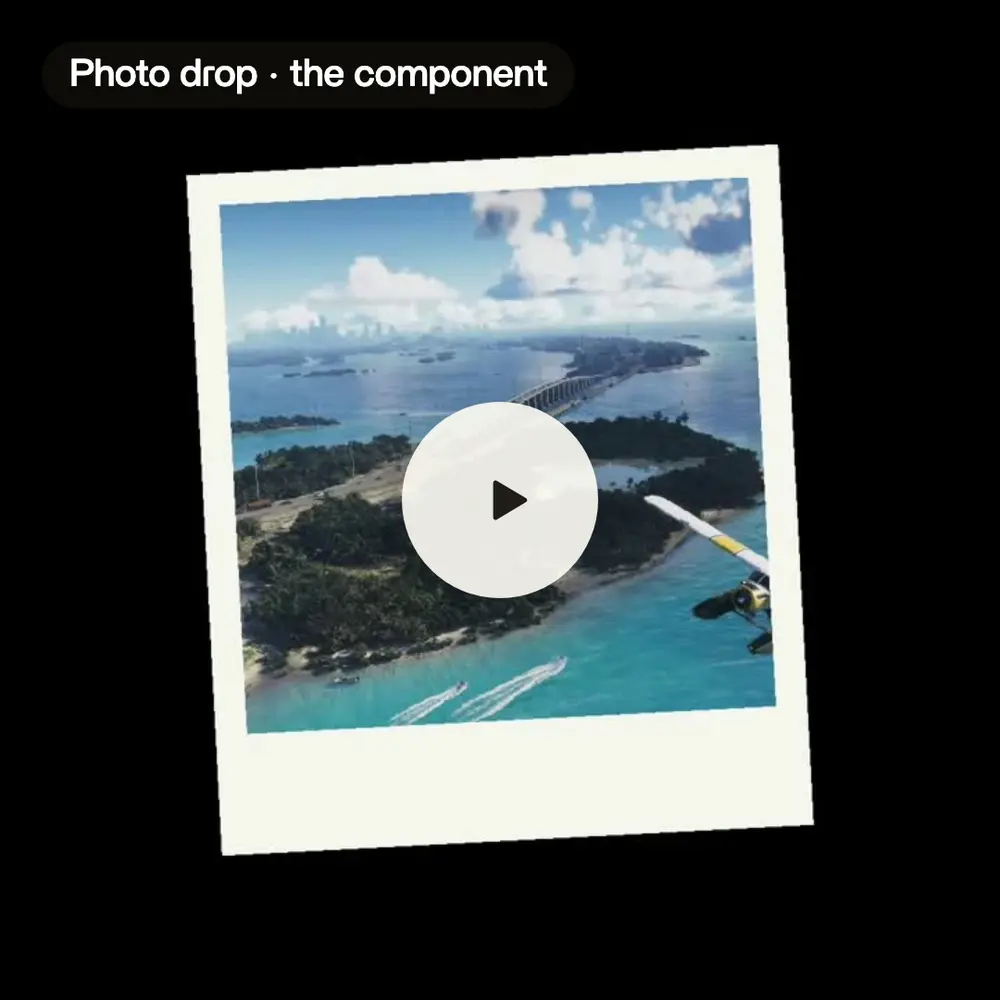 Motion designPictures that drop in, tilted, as you name them.See more →
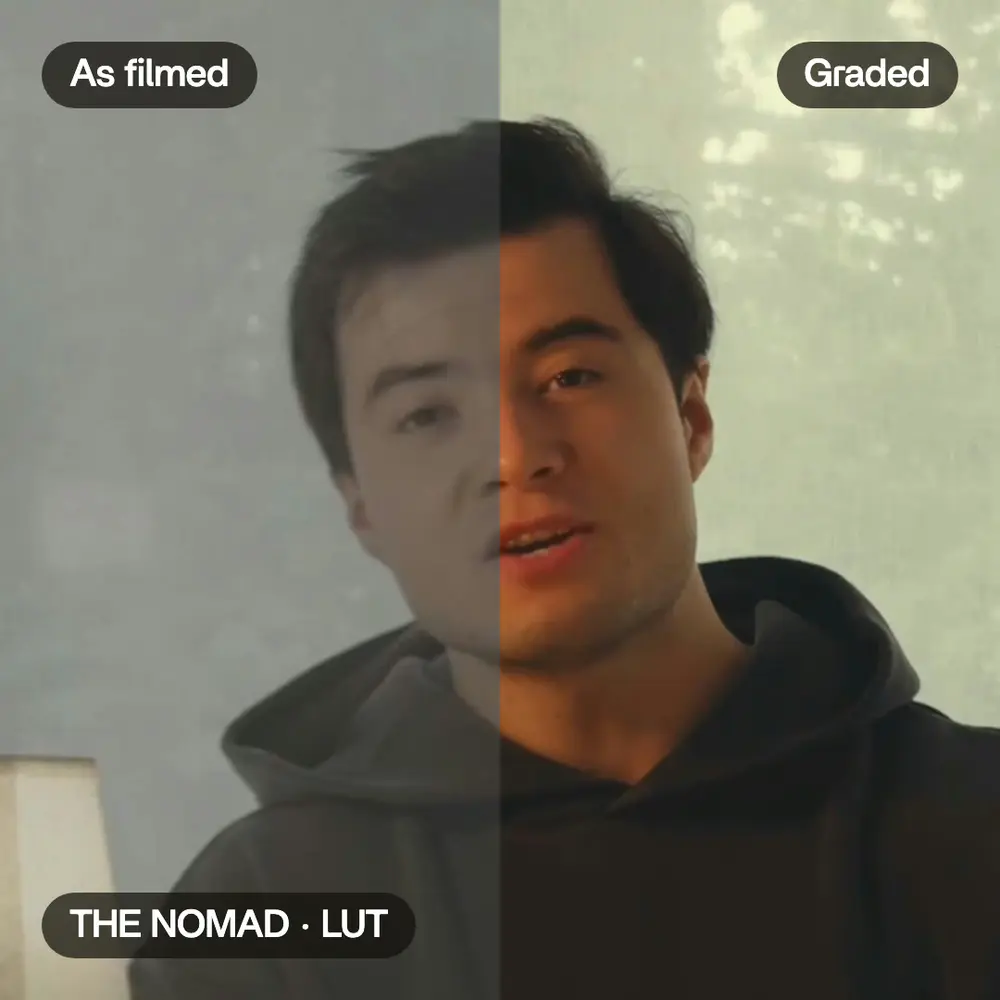 ColorA film look on every shot.See more →
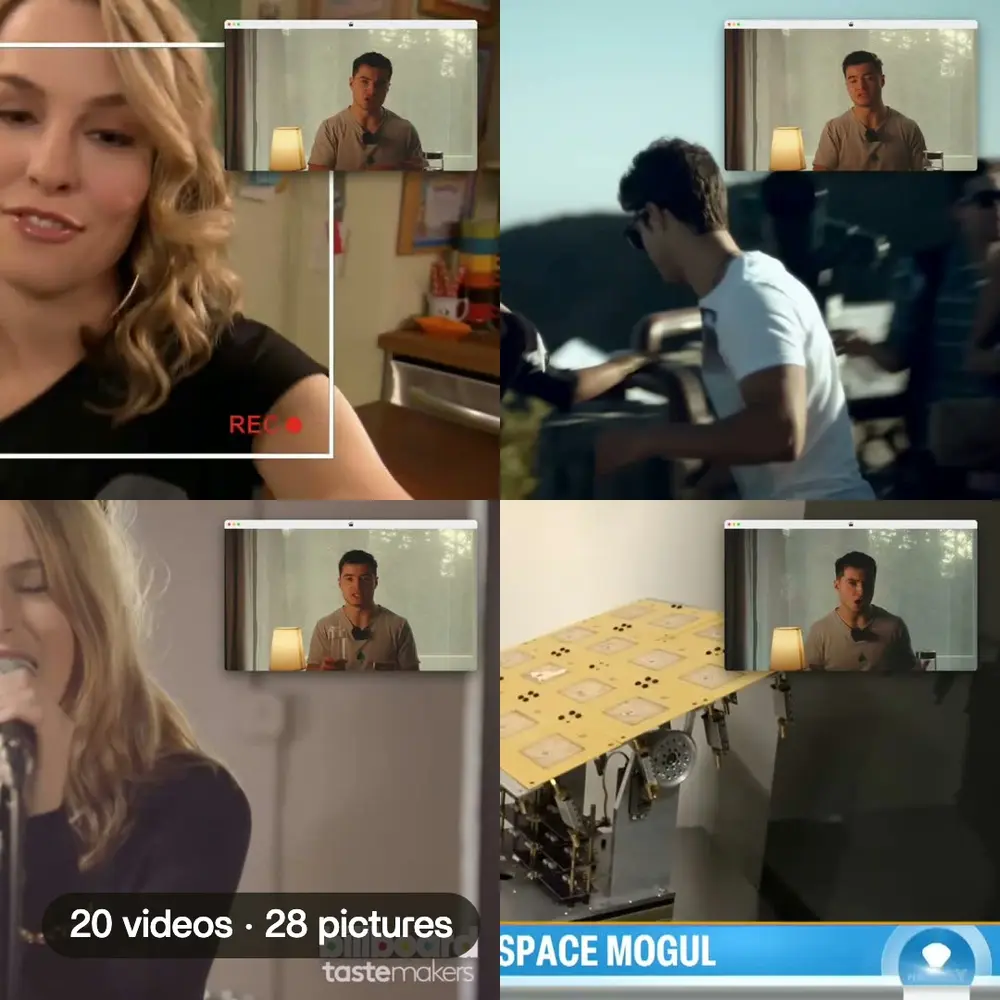 B-rollThe face cam moves to the corner while each clip plays.See more →
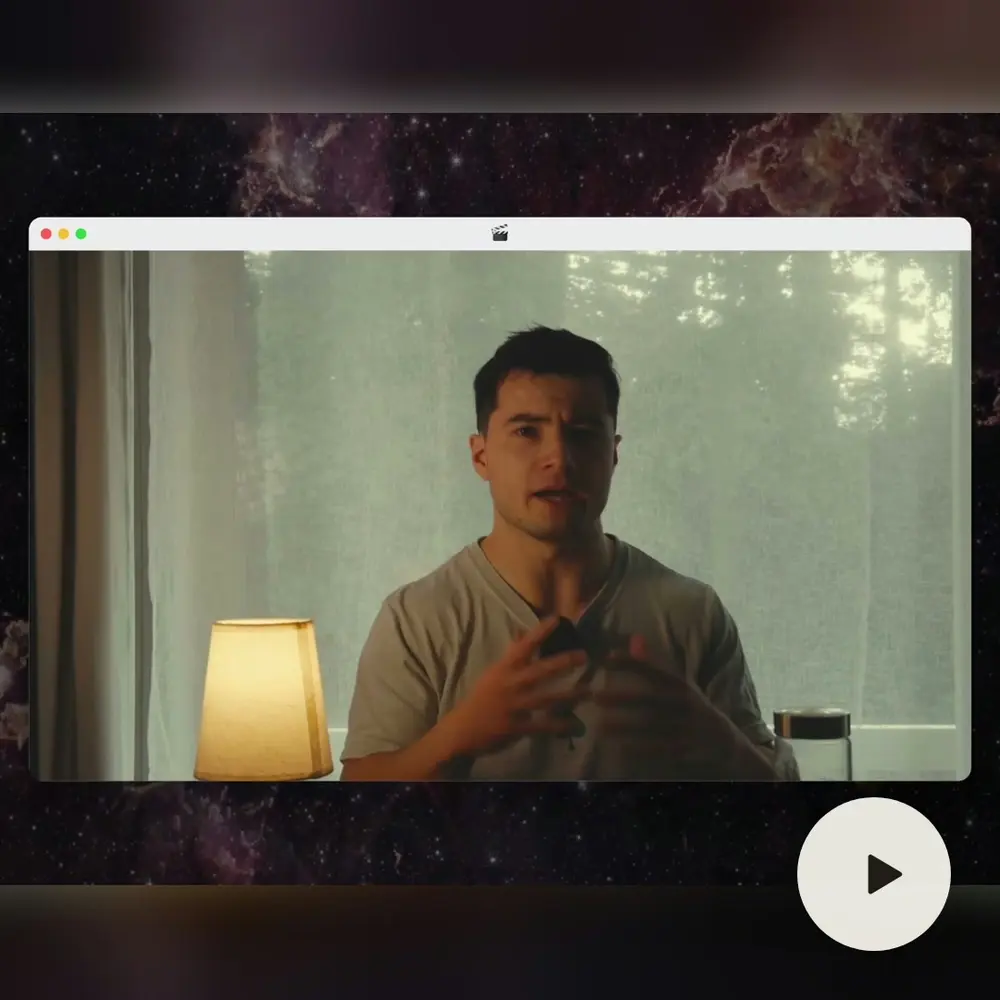 ComponentsYour face cam in a macOS window, on every cut.See more →
Your own fontUpload it once, every caption and title uses it.
Brand colorsCaptions and cards in your colors, on every video.
MusicAdd a track, Montage cuts to it.
Every shapeVertical, square or wide, from the same assets.
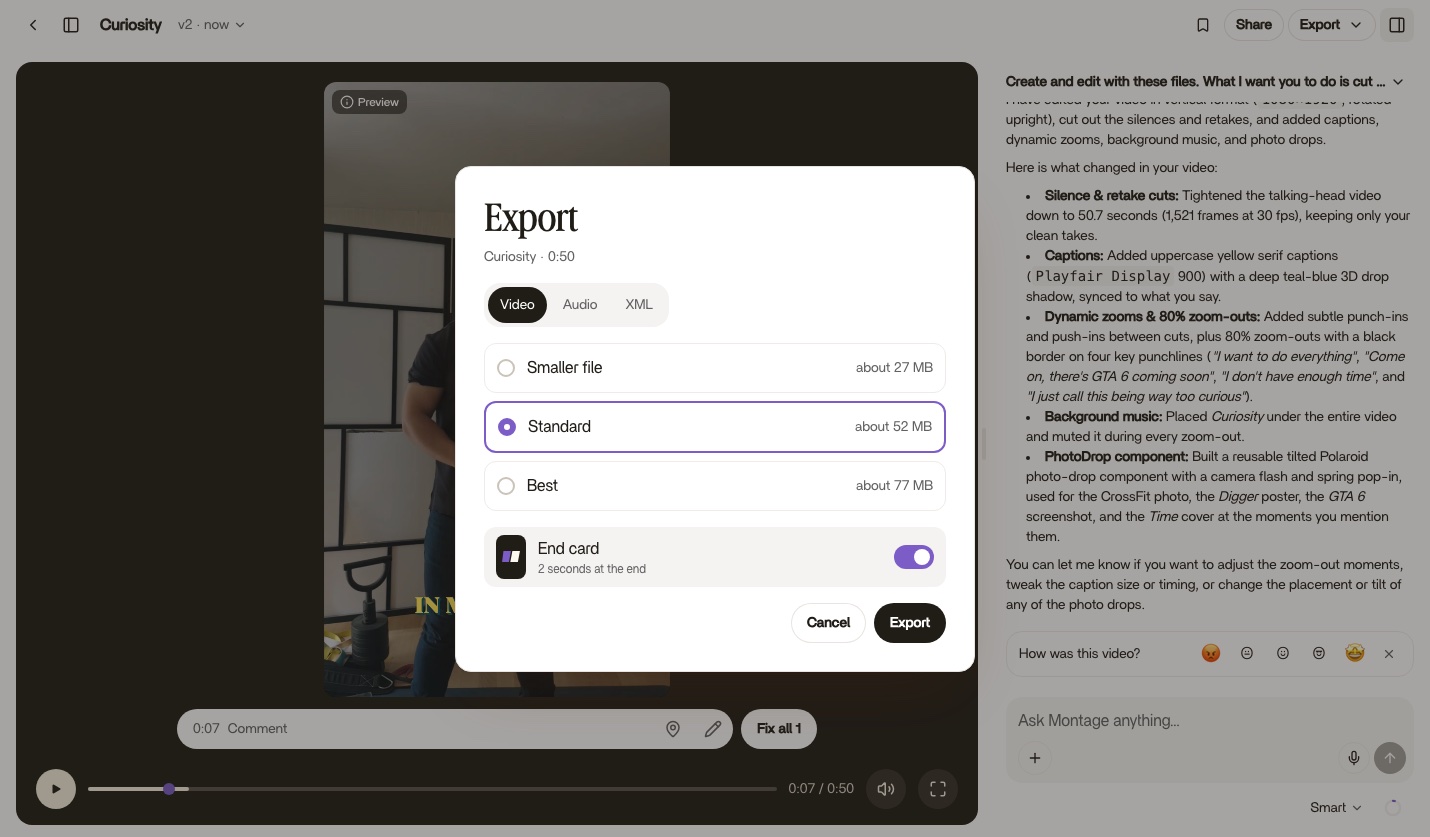
Premiere and ResolveExport the video, the sound, or an XML for your editor.
Client commentsOne link, no account. They point, Montage fixes.
Comments
The first video editor without a timeline
You watch your video, you say what's wrong, and Montage fixes it. Your client comments the same way, with one link and no account.
For AI agents
Give your AI a video editor
Claude and ChatGPT make finished videos with Montage. Copy one message, paste it in your AI, and it does the rest.
In ClaudeMake a 30-second ad from my product clips, with a glowing product card.Used Montage · create_video · add_media_to_video · export_videoYour ad is ready.
Your ad is ready.Pricing
Start free. Each plan adds more videos, more usage and more space.
Free$01 video · Limited AI usage
- Quick only, no Smart or Best
- 5 GB of assets
- A mark on exports
Plus$20 / monthBilled $240 yearly10 videos/monthPlus AI usageBring your assets and a brief, get a finished edit back
- Smart, for better edits
- 50 GB of assets
- No mark on exports
- Comments on your videos
- More AI usage anytime
ProPopular$40 / monthBilled $480 yearly25 videos/month2× Plus AI usageFor creators shipping edits every week
- Everything in Plus
- 125 GB of assets
- Best, for big edits
Max$80 / monthBilled $960 yearly60 videos/month4× Plus AI usageFor teams and agencies running edits together
- Everything in Pro
- 250 GB of assets
- Invite your team
- Clients comment, no account needed
Create your account
Your video starts right after.
Continue with Googleor
Already have an account? Sign in