Montage just launched in public beta.Try it →

The ChatCut alternative
with no timeline.

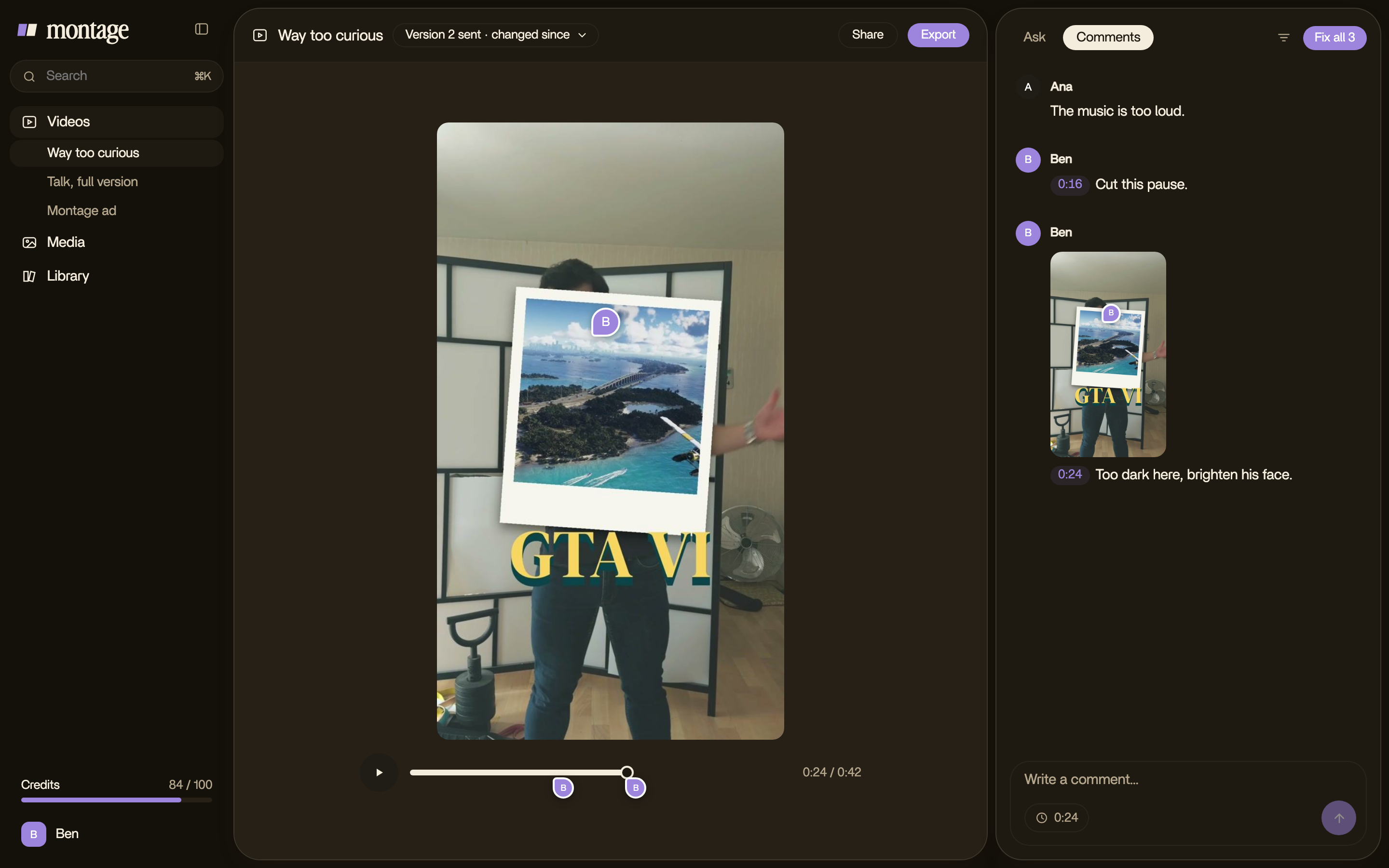
Looking for a ChatCut alternative? In Montage nothing lands on a timeline for you to fix by hand: you say what you want, watch the video, and comment on the picture. Montage does the edit.

Montage: comments on the picture, and « Fix all »

ChatCut vs Montage,
in short.

ChatCutMontage
How you editYou tell its AI what you want, then every edit lands on a multi-track timeline: you keep prompting, or adjust it by handYou say what you want, then comment on the picture. Montage makes every change
Where you startYour footage, or video, images, voices and music generated from a prompt, with 100+ ready-made skillsYour own footage, your own style
What you learn firstIts skills to start from, and its timeline to change an edit by handNothing: you talk to it like an editor sitting next to you
Your footageUploaded in the web app, or worked on from your computer in the desktop appYour originals stay on your computer
When you're doneThe video, or the timeline as an XML for Premiere Pro, DaVinci Resolve, Final Cut Pro or CapCutThe video, the sound alone, or the cut for Premiere Pro or DaVinci Resolve
PriceFree · from $25 a month (100 credits) to $450 a month (2,000 credits)Free to start · Plus $25 · Pro $50 · Max $100 · Ultra $200 a month

ChatCut as it describes itself on chatcut.io and chatcut.io/pricing, checked October 29, 2026 (its prices billed monthly, less on a yearly plan).

WHEN CHATCUT IS THE BETTER CHOICE

You want to generate clips, and to finish on a timeline.

If you want video, voices and music generated from a prompt, a ready-made skill to start from, and a timeline to fine-tune every edit by hand, ChatCut does that well.

WHEN MONTAGE IS

You filmed yourself, and you want the video, not the editing.

Drop your takes, say what the video is for, and fix what's wrong by pointing at it. Your fonts, your colors, your style, in every video.

ChatCut alternative: questions, answered

What is the best ChatCut alternative?

It depends on how you want to finish the edit. If you don't want to adjust a timeline by hand, Montage edits the video for you: you say what you want and comment on the picture.

Is Montage free like ChatCut?

Montage is free to start. Paid plans start at $25 a month.

Do I need a timeline to finish the edit?

No. There's no timeline in Montage. You watch the result, comment on what's wrong, and Montage makes the change.

Can I use Montage from Claude?

Yes, on Pro, Max and Ultra: Montage works from Claude, or any MCP client, with a personal key.

Can my client review the video?

Yes. Send a link: your client comments on the picture with no account, and approves it.

Can I finish the edit in another editor?

Yes: export the cut for Premiere Pro or DaVinci Resolve, with every clip in its place.

ChatCut vs Montage:
a detailed comparison

A guide · 3 min read · checked October 29, 2026

The short answer

Here's the thing: ChatCut is a good tool. If you want to generate clips from a prompt, start from one of its skills, and then fine-tune every edit on a timeline, keep it. But if what you want is the video, not the editing, Montage is the ChatCut alternative built for that. You say what you want, you watch, you comment on the picture, and Montage makes the changes.

How you edit

ChatCut and Montage start the same way: you tell the AI what you want. The difference is what happens next. In ChatCut, every edit lands on a multi-track timeline and a canvas, and the final cut is yours to make: you keep prompting, or you move, trim and split by hand, until it feels right.

In Montage, there's no timeline. Let me explain. You drop your takes, you say what the video is for, and Montage makes the whole edit. Then you watch it, and when something's off, you pause and point at the picture: « cut this pause », « make this word bigger ». Hit Fix all, and it's done.

You don't finish the edit. You say what's wrong.

Your footage and your style

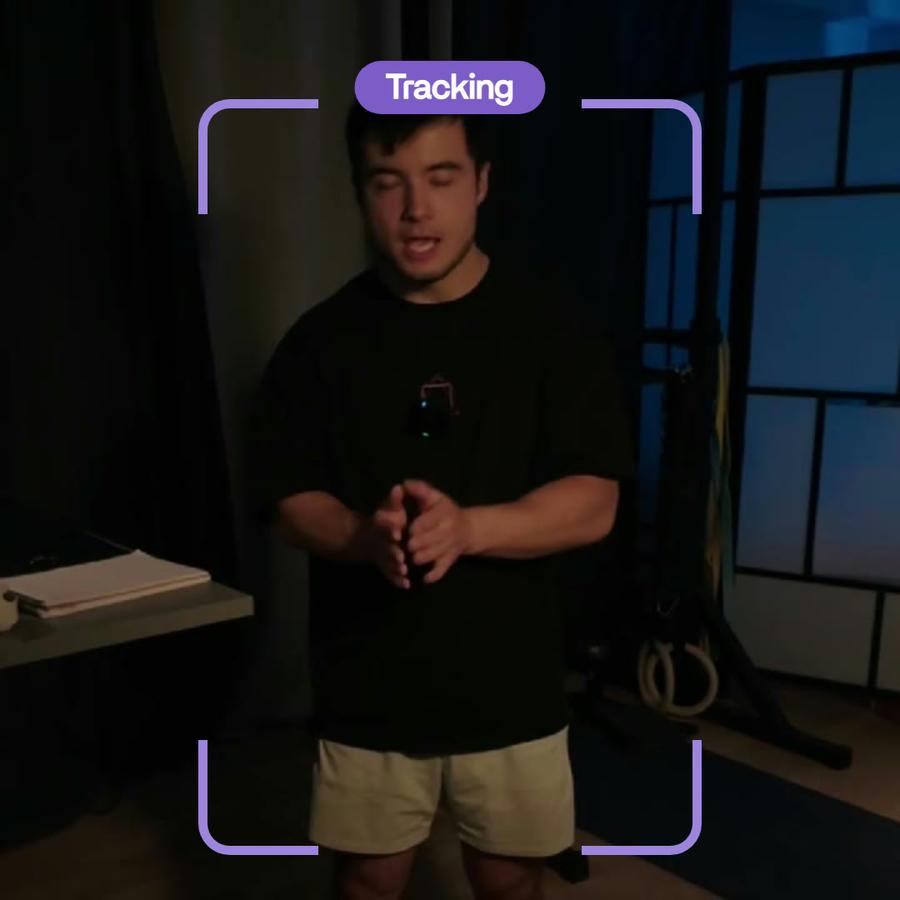
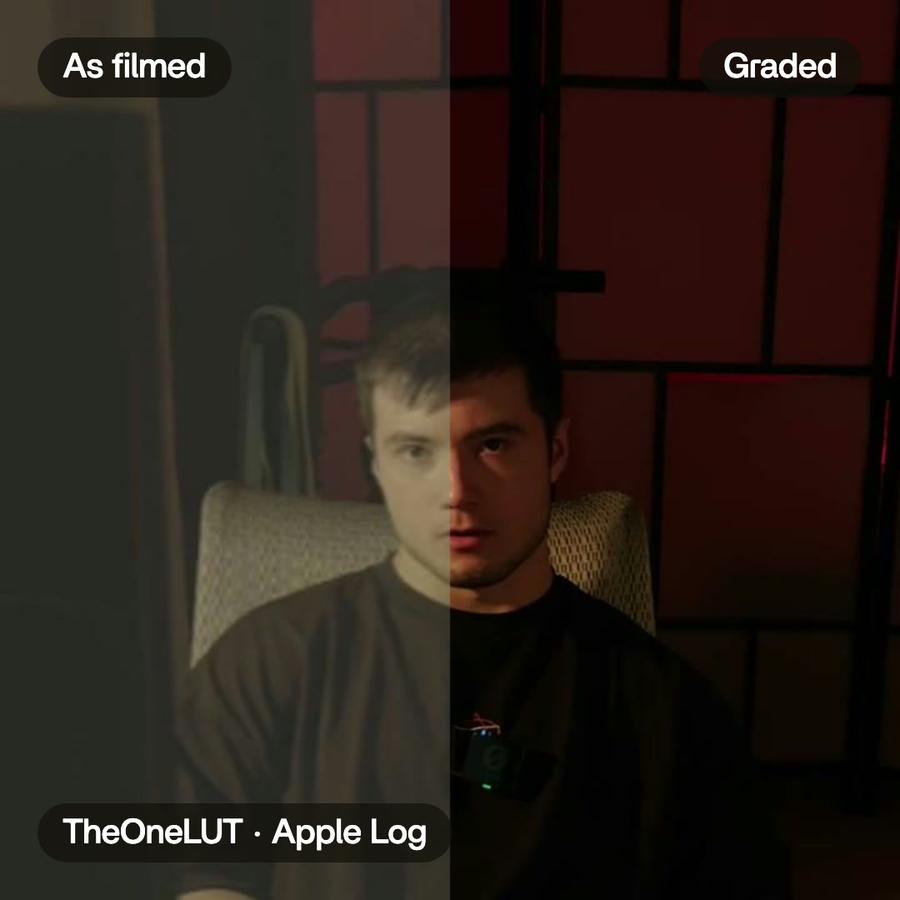
ChatCut can start from your footage, or from nothing: video, images, voices and music generated from a prompt, and 100+ skills, each a ready-made way to edit. Montage starts from you: your takes, your fonts, your colors. Say your style once, and it's kept for every video after. And your originals never leave your computer: the export is made from them, at full size.

From Claude

ChatCut has plugins for Claude Code and ChatGPT/Codex. Montage works from Claude too, or from any MCP client, with a personal key, on Pro, Max and Ultra. Same idea: you stay in the conversation, and the video gets made.

Working with a client

With Montage, you send a link. Your client watches, comments right on the picture, with no account, and presses Approve. Their notes land next to yours, and Montage takes care of them too. When you need to go further, export the cut for Premiere Pro or DaVinci Resolve, with every clip in its place.

Price

ChatCut has a free plan, then credit plans from $25 a month for 100 credits up to $450 a month for 2,000 credits, less on a yearly plan, as chatcut.io/pricing shows it. Montage is free to start, then Plus at $25, Pro at $50, Max at $100 and Ultra at $200 a month, less on a yearly plan. Both count in credits, so compare what you'd actually make with each.

Who should stay on ChatCut

Let's be clear: if you want to generate footage from a prompt, stay. If you like having a timeline to fine-tune every edit by hand, or you finish in Final Cut Pro or CapCut, stay. Montage isn't trying to be a better timeline. It's trying to remove it.

Who should switch

You film yourself, you post often, and the editing eats the time you'd rather spend on the idea. Or you make videos for clients, and you're done with timecodes in emails. Then try Montage on one video. Just one. You'll see.

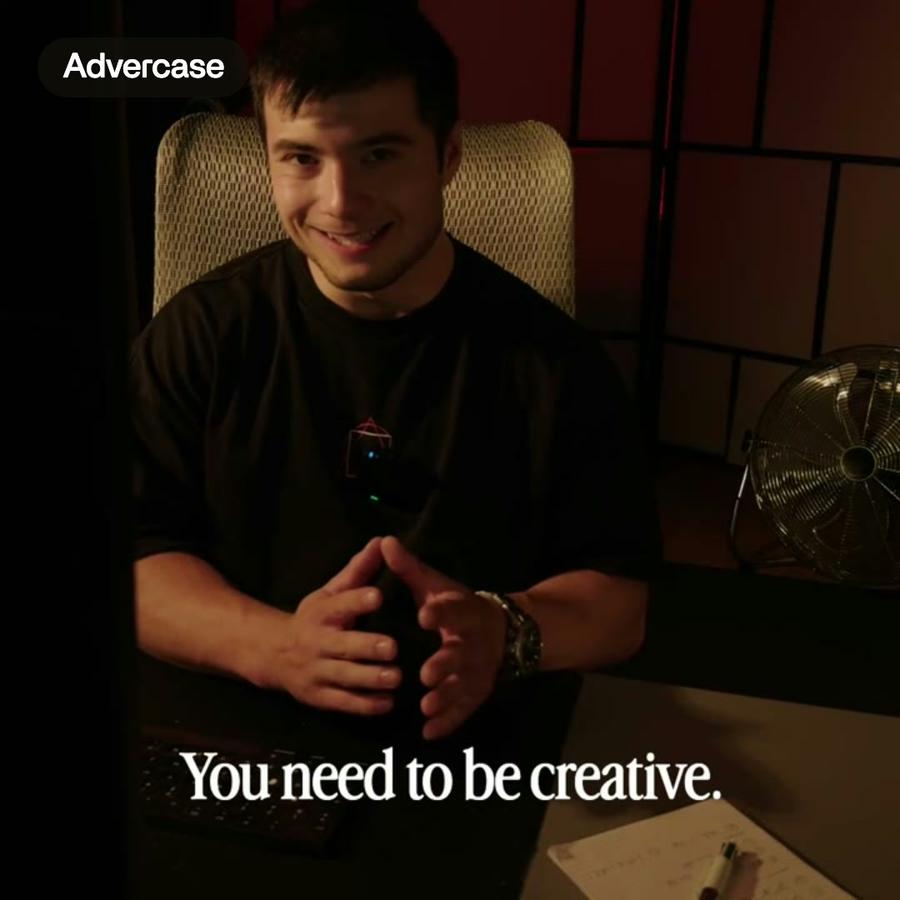
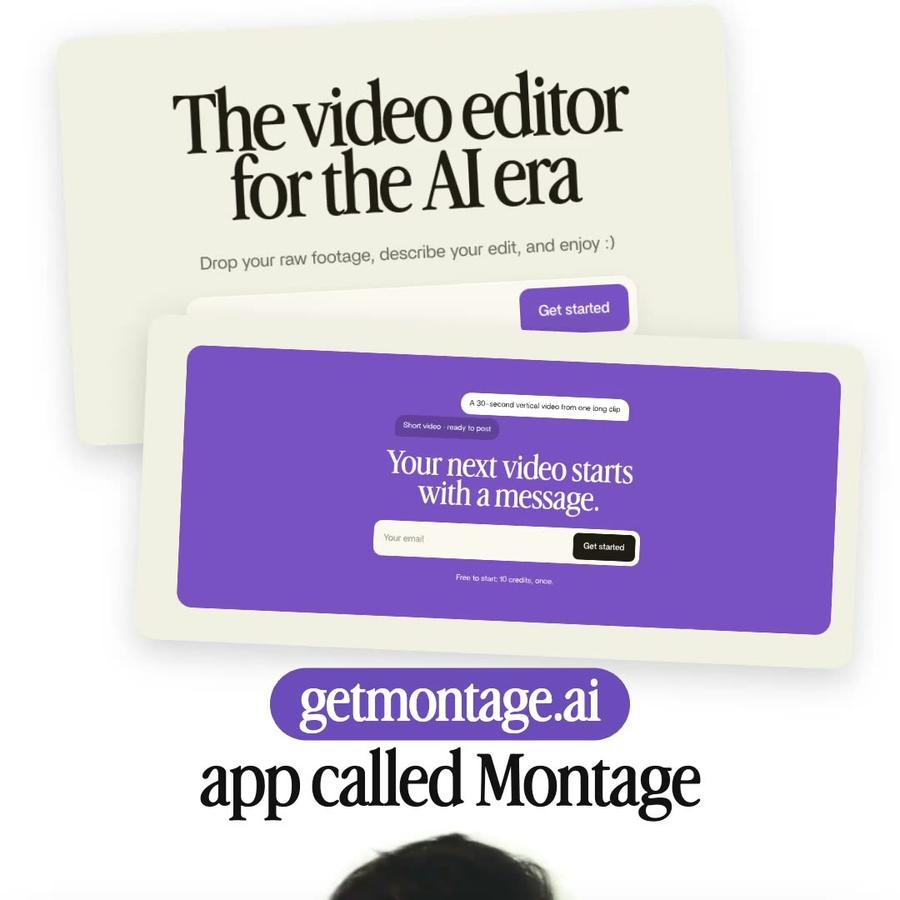
A 30-second vertical video from one long clipShort video · ready to post

Your next video starts with a message.

Free to start: 10 credits, once.