








How to keep every video
on brand
A guide · 3 min read
What is a style
A style is the short list of things that make a video look like yours: your fonts, your colors, how your captions look. Written down once, in a few lines, so nobody has to guess.
Without one, every video starts from the defaults. Someone picks a font that is close enough. The violet is a little off. Each video is fine on its own, and together they do not look like they come from the same brand.
How brand kits usually work
Most editing software lets you save a few colors and fonts. In practice, the look lives in a shared folder, a PDF of brand guidelines, or the memory of the person who edits most often. Each new title means opening the guidelines, finding the right color and font, and checking it against the last video.
That is slow, and it is the part that slips first when there is a deadline. One title in the wrong color is easy to miss. Ten of them make the channel look unfinished.
Making a style in Montage
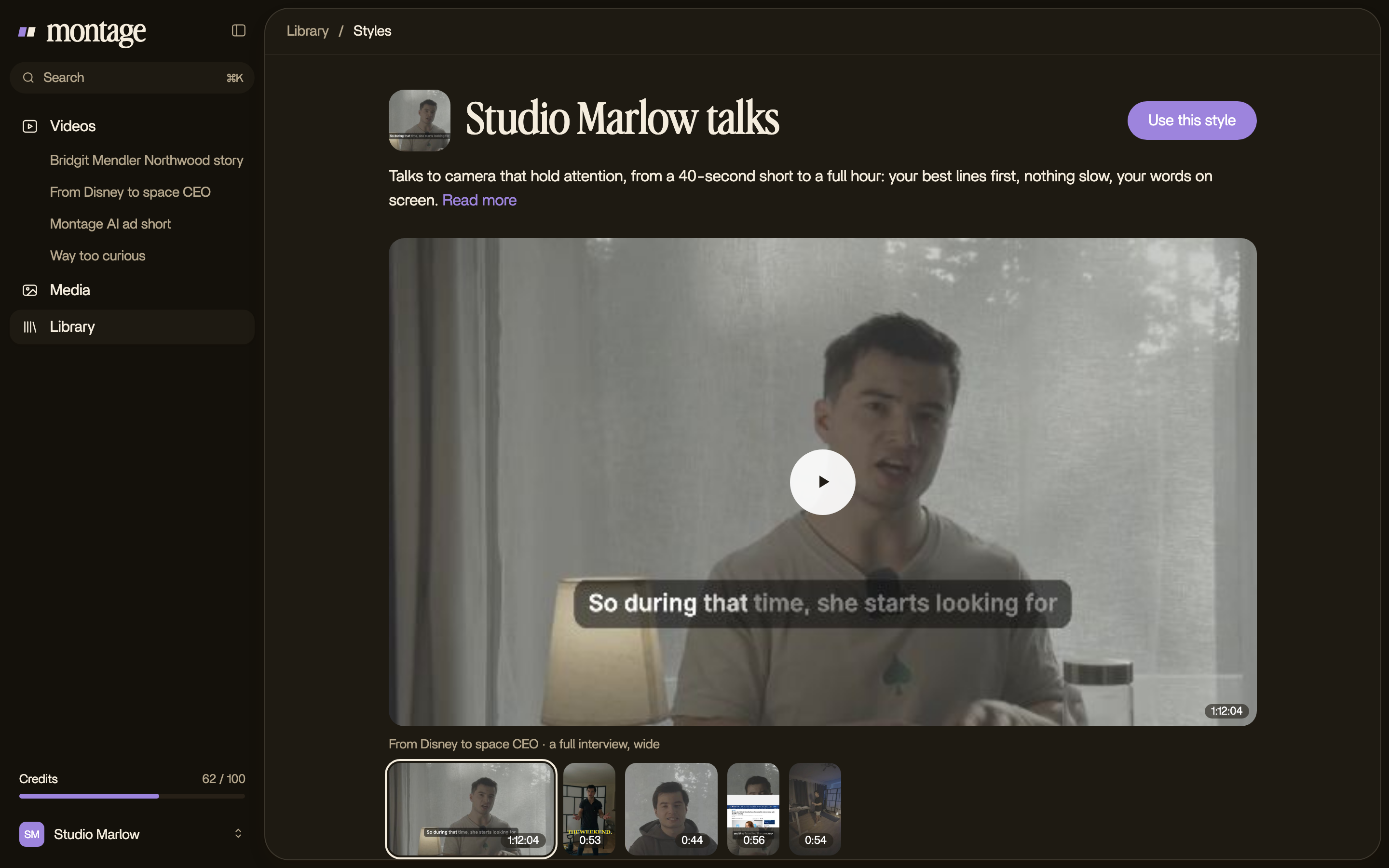
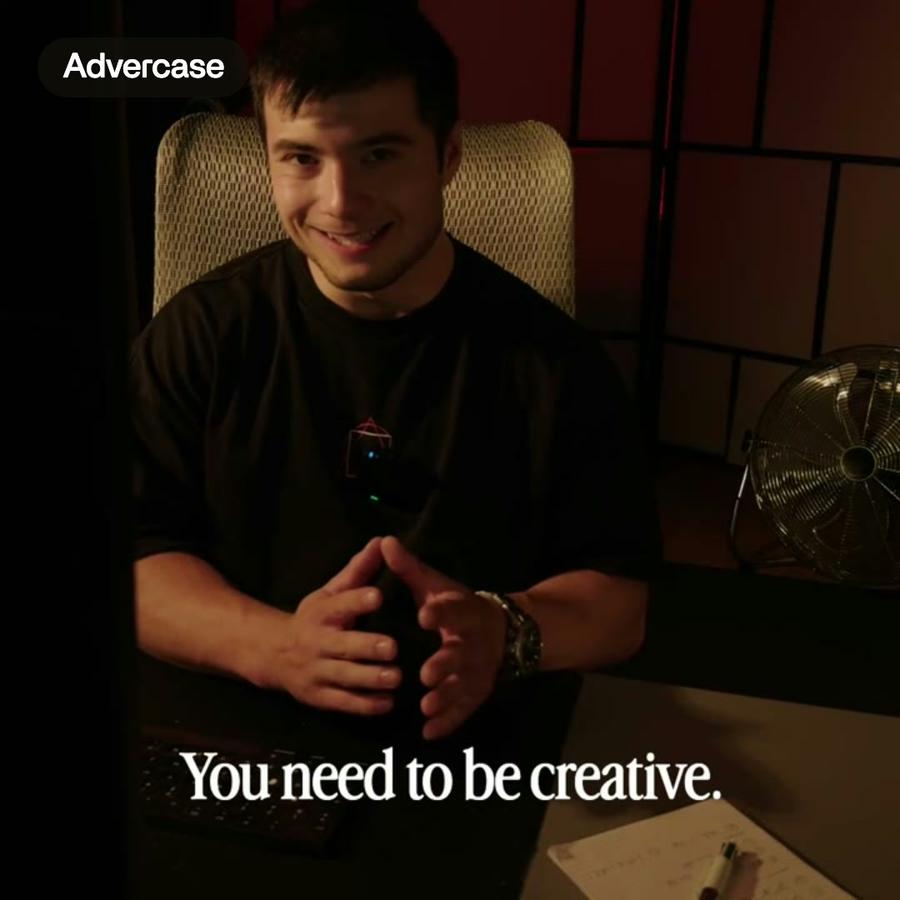
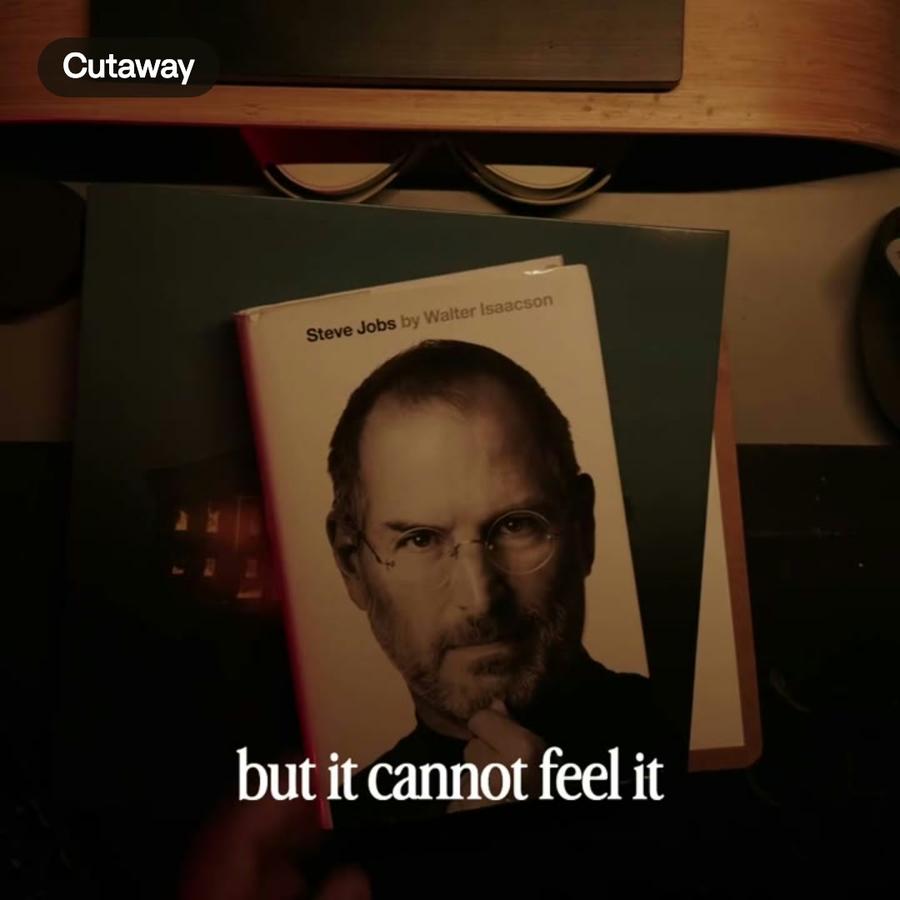
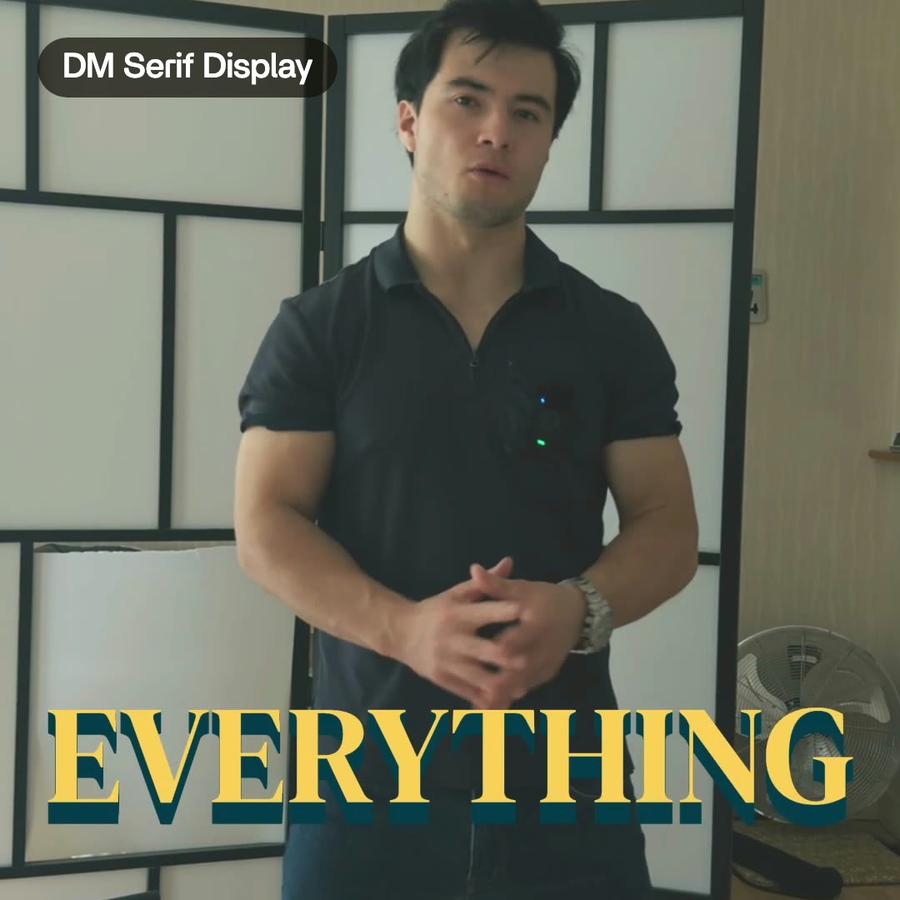
In Montage you make a style by asking: « Make this a style: Advercase for titles, violet and yellow, captions in yellow with a blue shadow. » Montage writes it down in a few lines and keeps it in your Library. It holds what you said, for example:
- your fonts, one for titles and one for text
- your colors, and what each one is for
- how your captions look: their font, their color, their place
- anything else Montage should keep doing, in your words
A font can be one you bring, or any Google font.
Using a style on your videos
When you start a new video, pick the style, or say « Use our style ». Montage reads it at every request: the titles, the captions and the animations it makes follow it.
If you want one title different, say so: « Make this title white. » Nothing else moves.
When the brand changes
Brands change. A new main color, a new font. Ask Montage to change the style, then to use it again on the video. The new color goes where the old one was, without rebuilding each title by hand.
Because the style is kept in your Library, every video of your workspace can use the same one. A new video does not start from the defaults. It starts from your brand.
Tips for a style that works
- Keep it short. Two or three colors with clear roles beat a palette of twelve.
- Pick fonts you can read on a phone. A title font can be bold, a text font should be plain.
- Give each color one job. If accent means « highlight », use it only for that.
- Check one finished video on a small screen before you use the style everywhere.
A style does not make a video good on its own. It removes the small decisions you make again and again, so the time goes into the video itself.