Montage just launched in public beta.Try it →

Features · Zoom

Zoom in on your video,
on the words that matter.

Zoom in on video without keyframing it: a punch-in on every other cut, a slow push-in on every shot, a closer frame on the word that matters. Say it, and Montage places each zoom.

Just say what you want.

Pick a request: the card is what Montage made from it, in a real video.

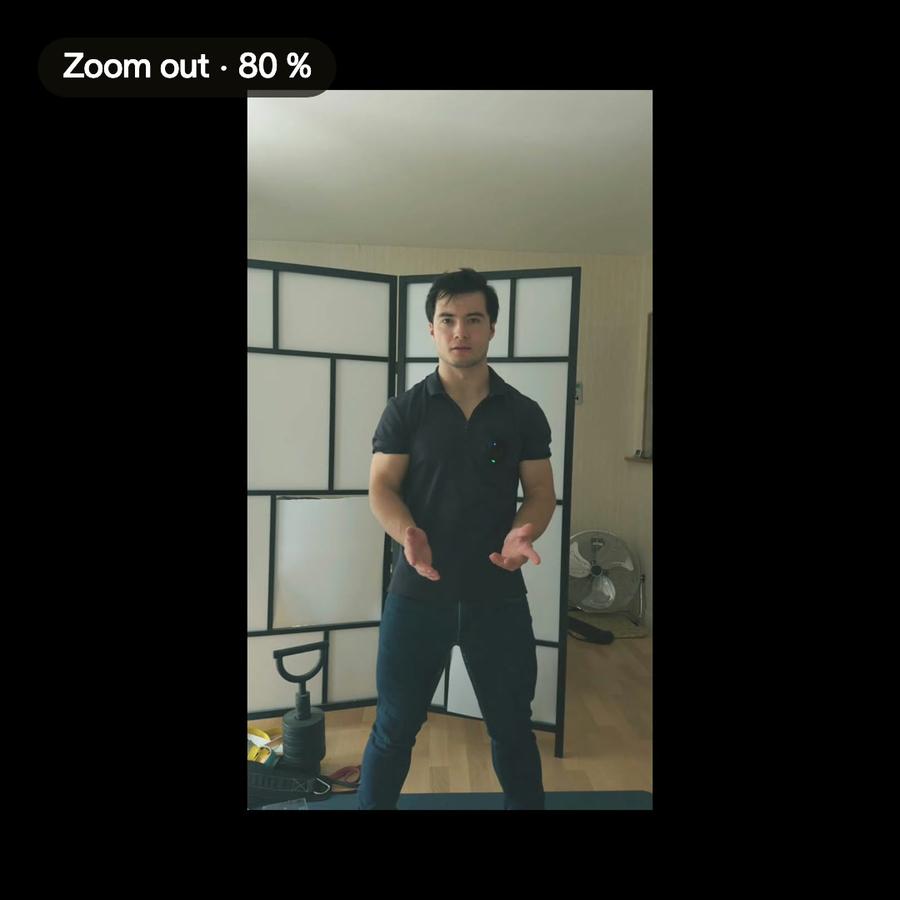
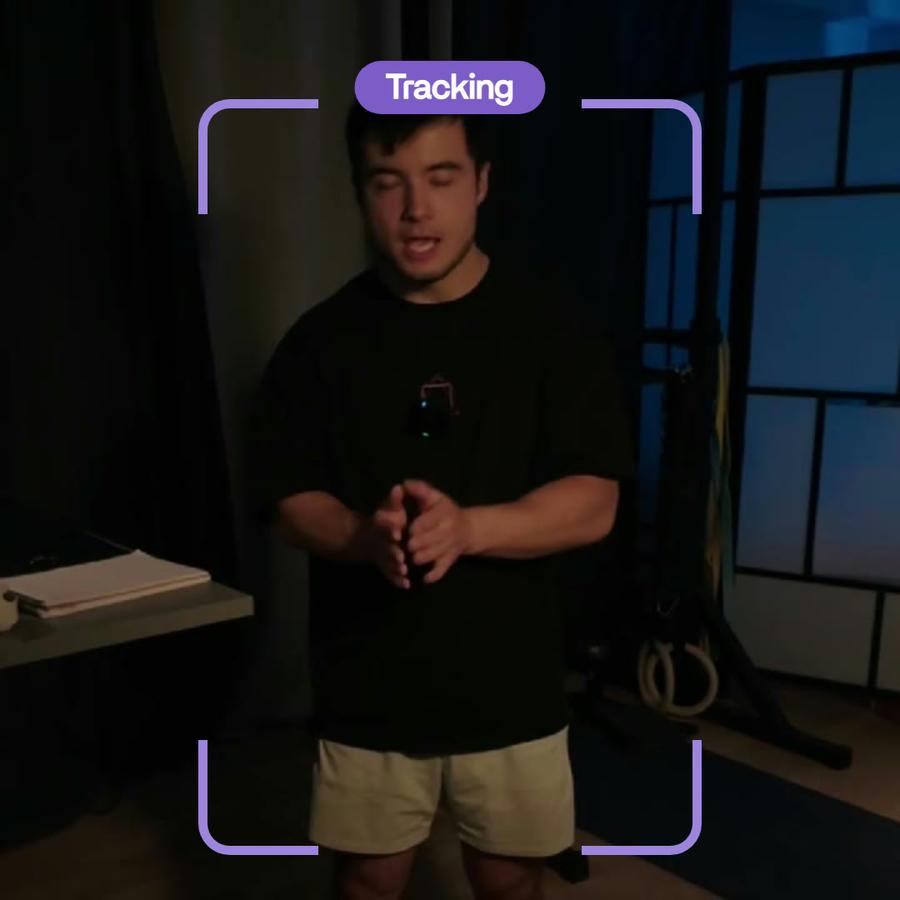
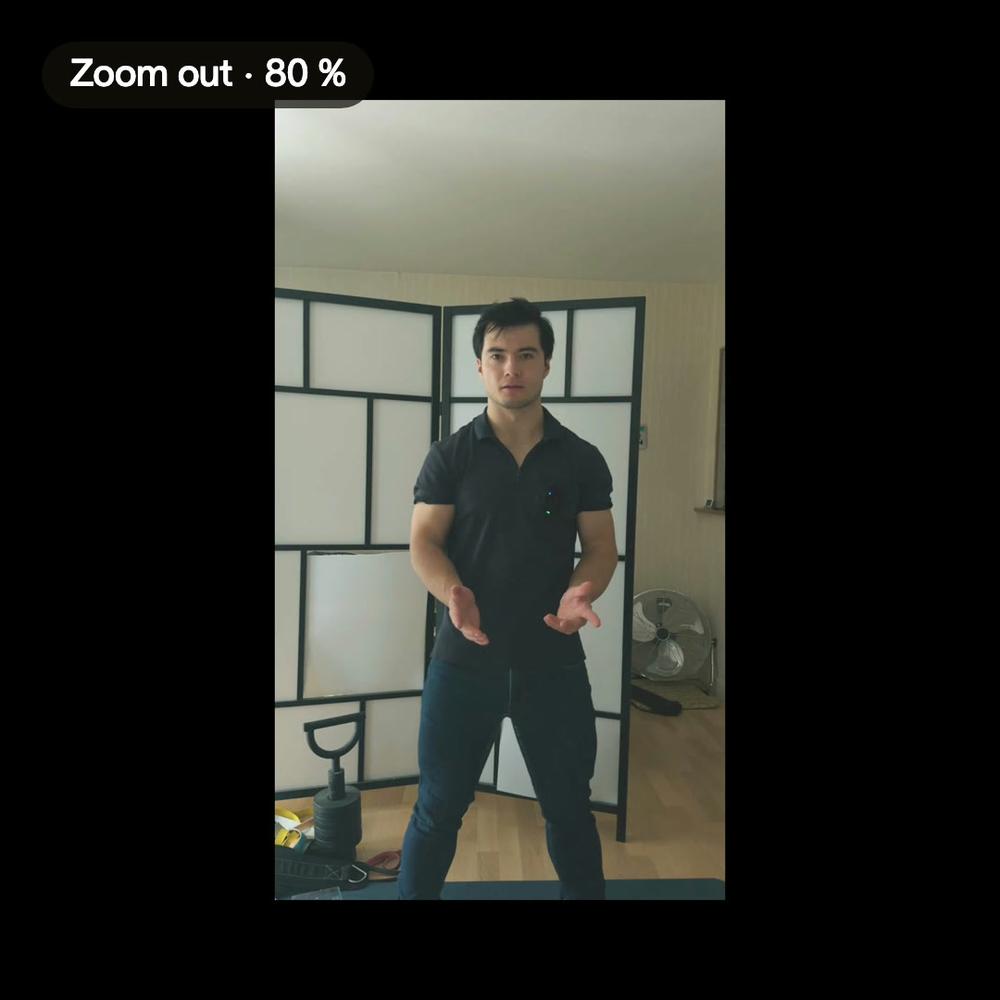
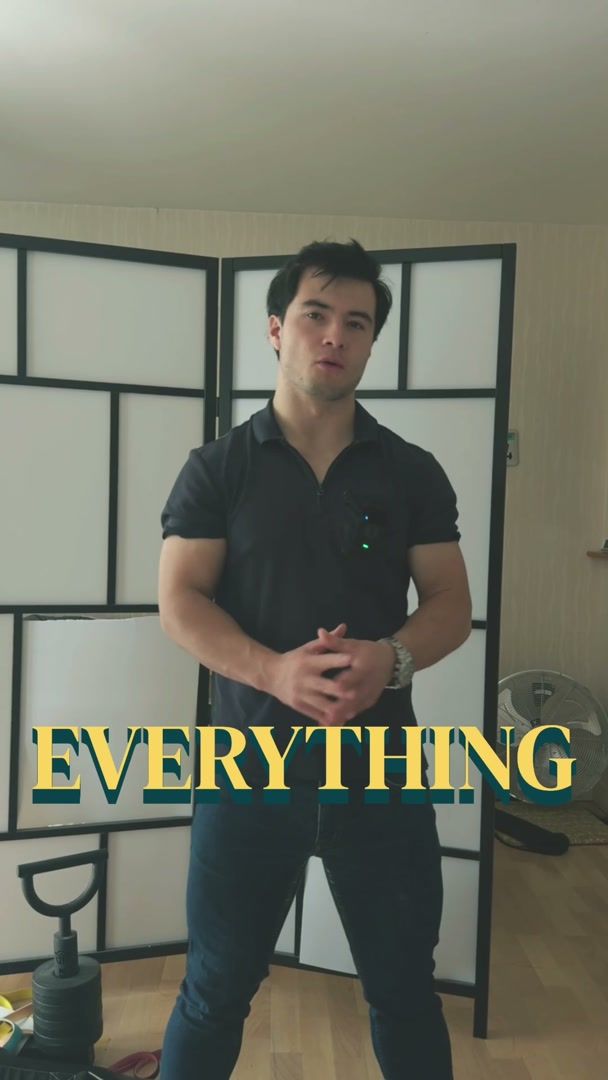
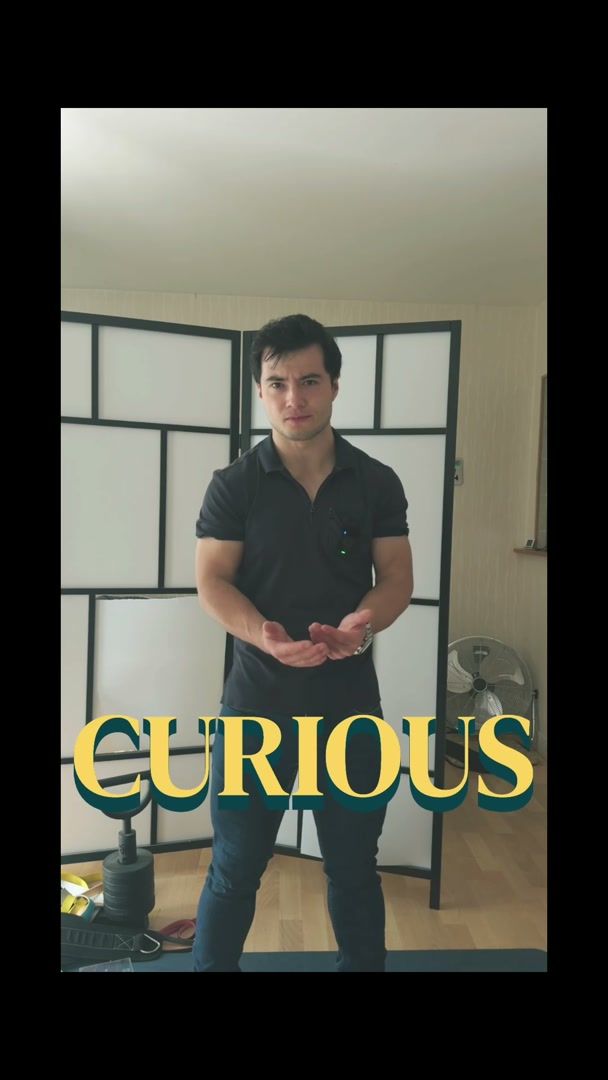
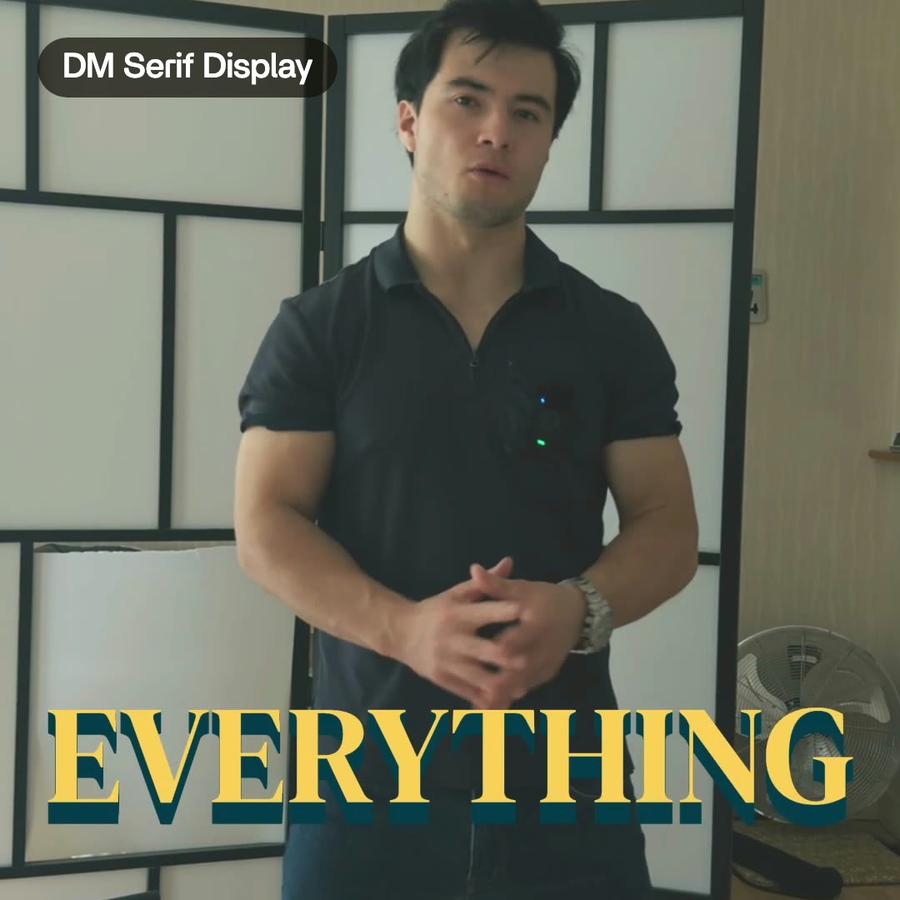
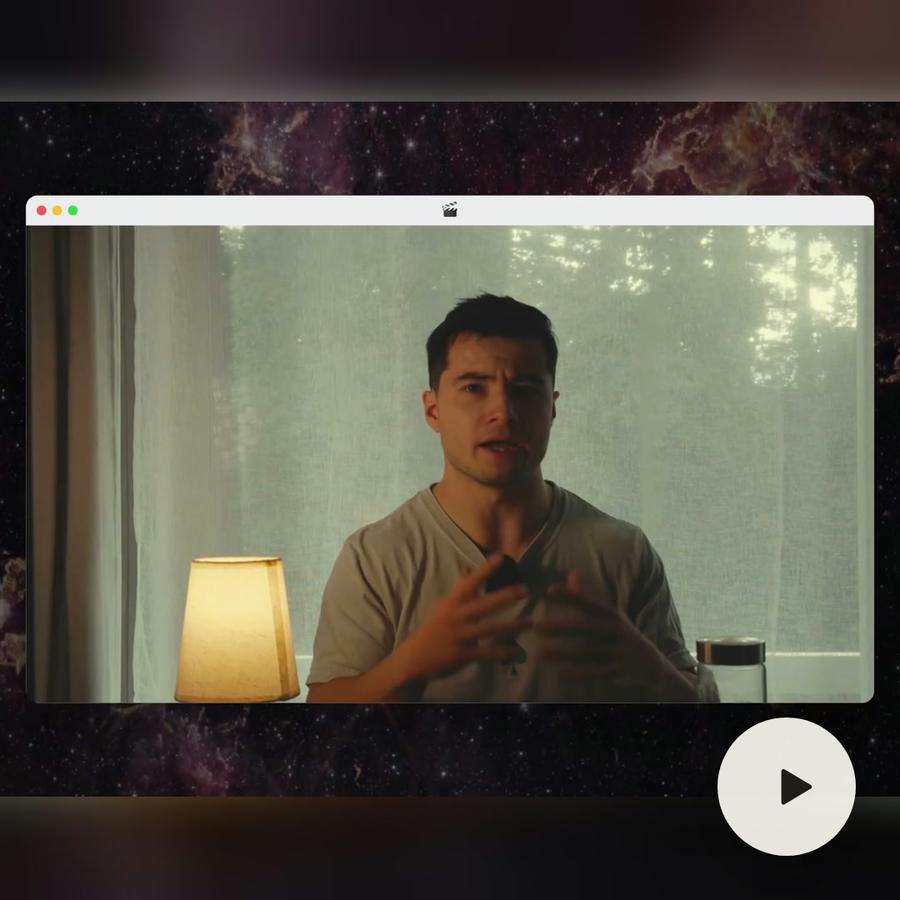
ZoomsZoomsA slow push-in on every shot, and on « everything » and « curious » the picture pulls back on black.See the video →
In the showcase

Zooms, in real videos.

Real videos, each with what went into it.

See the showcase →
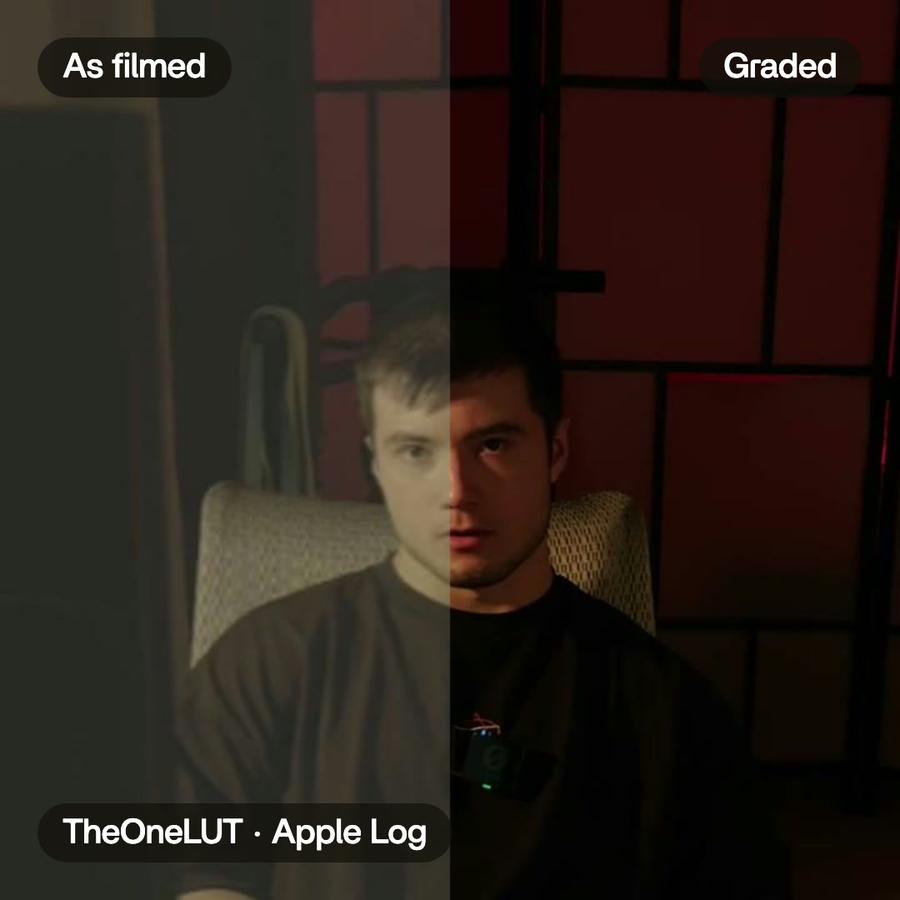
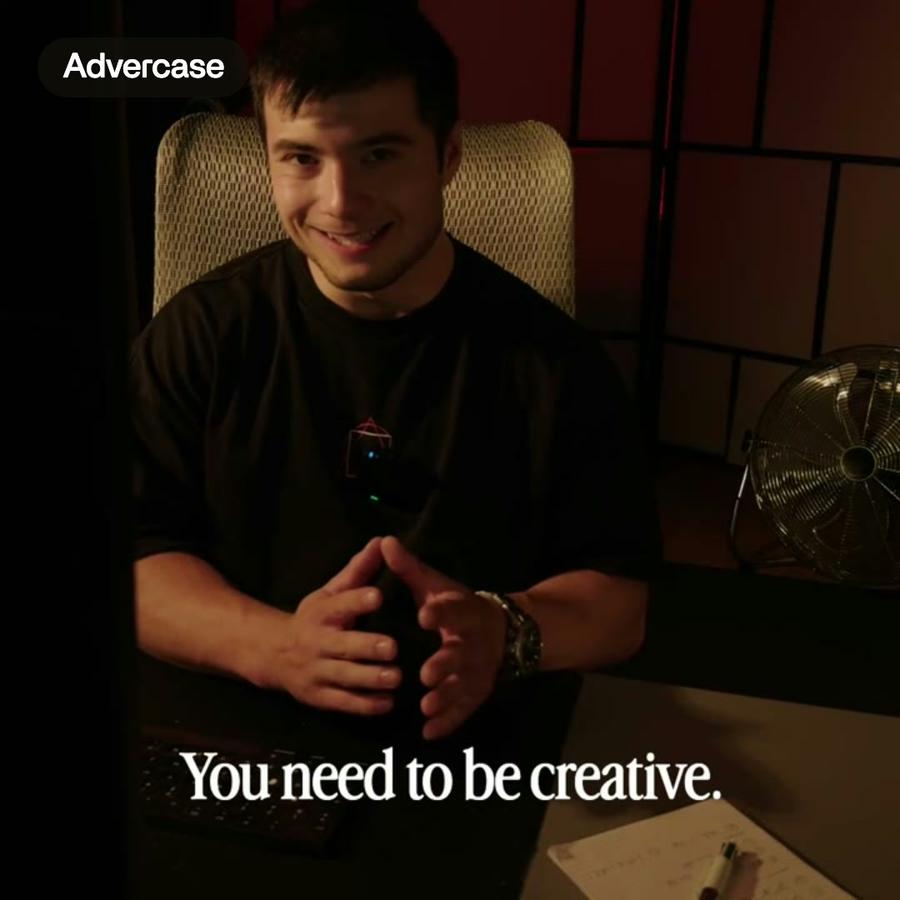
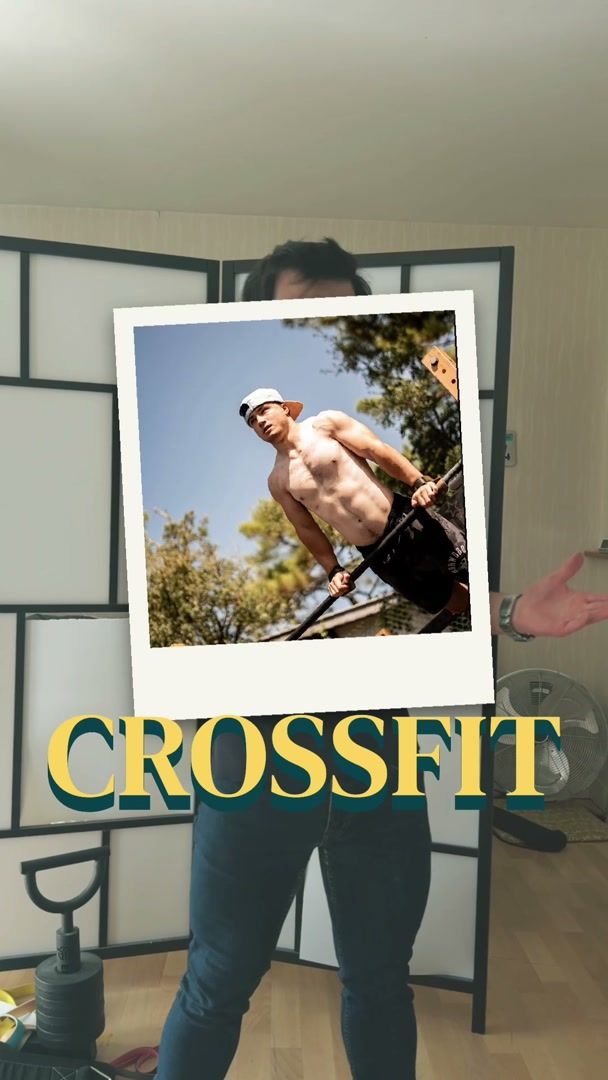
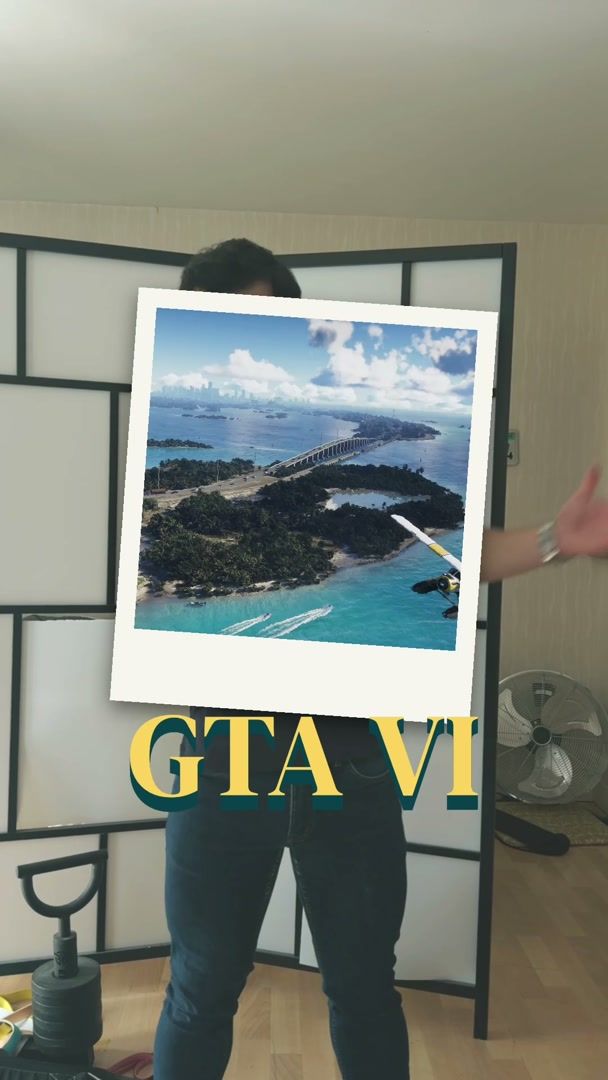
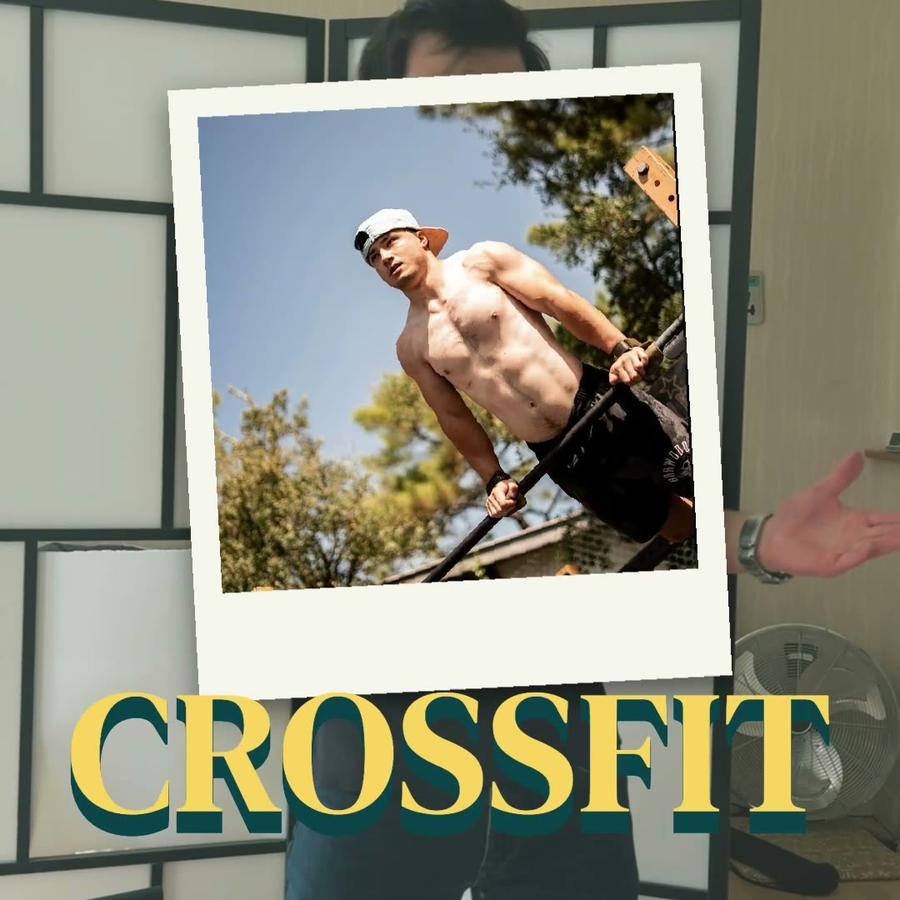
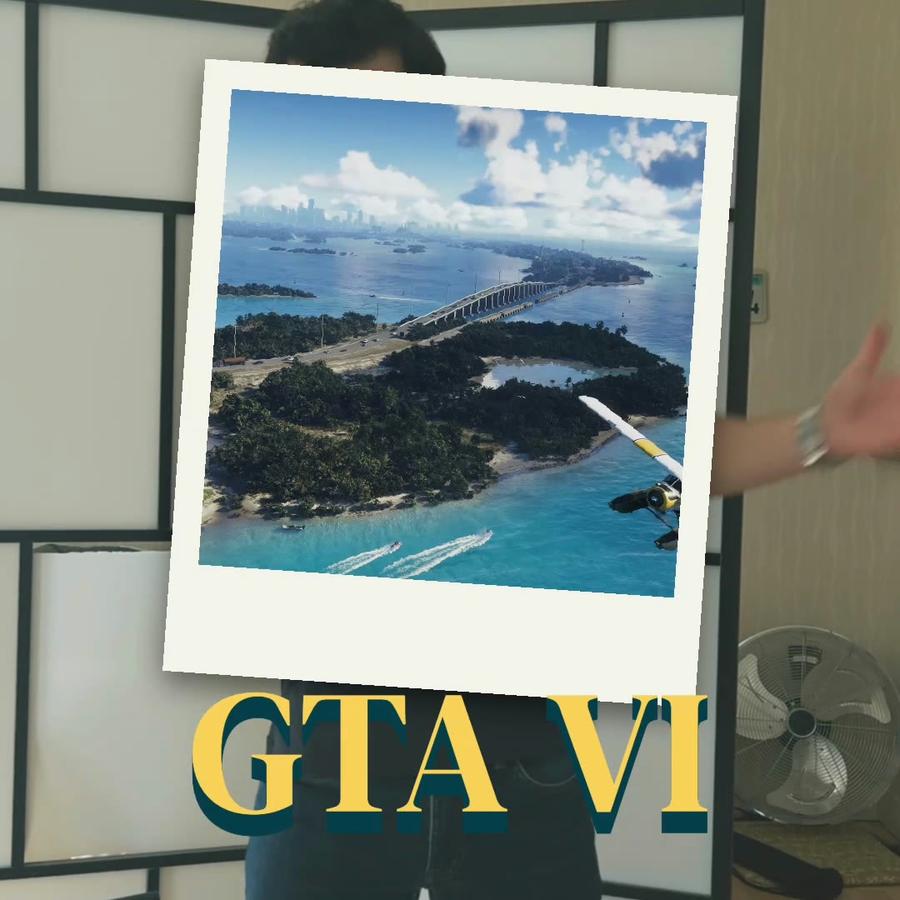
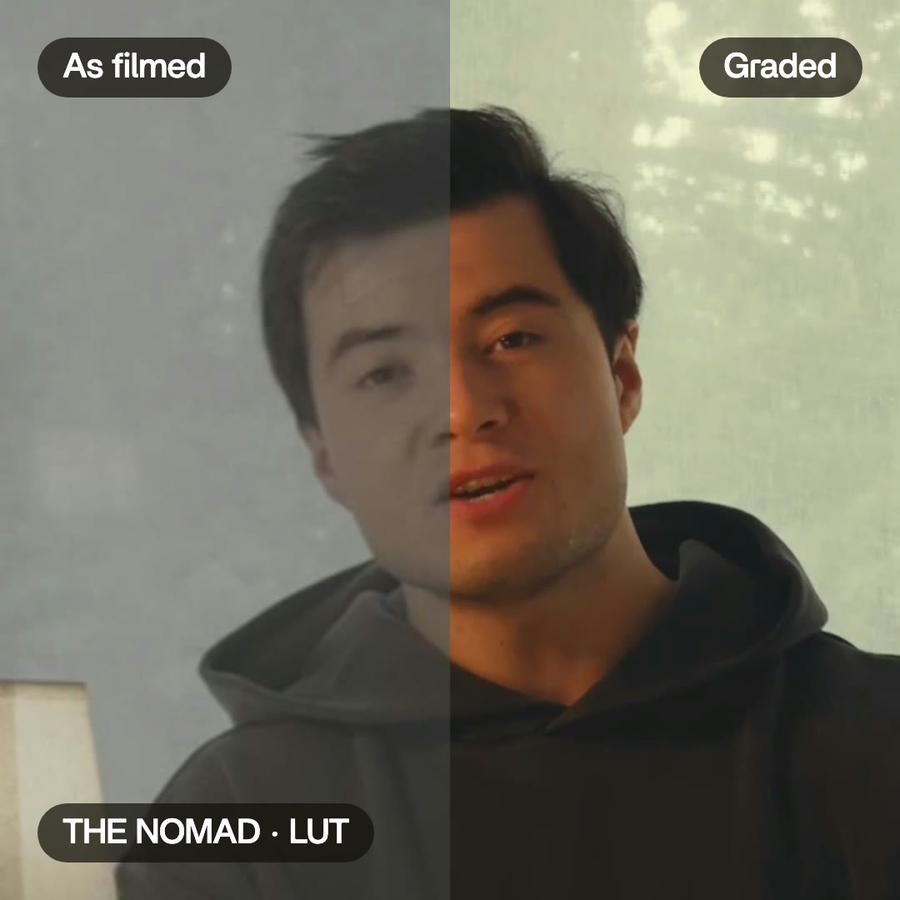
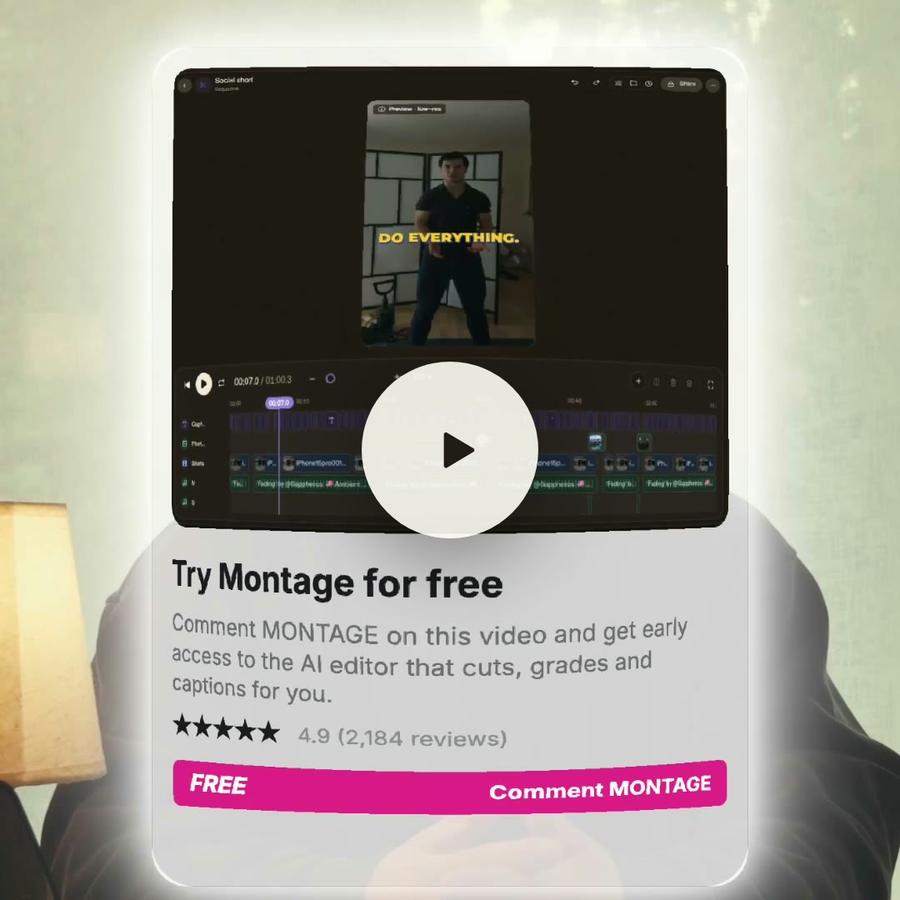
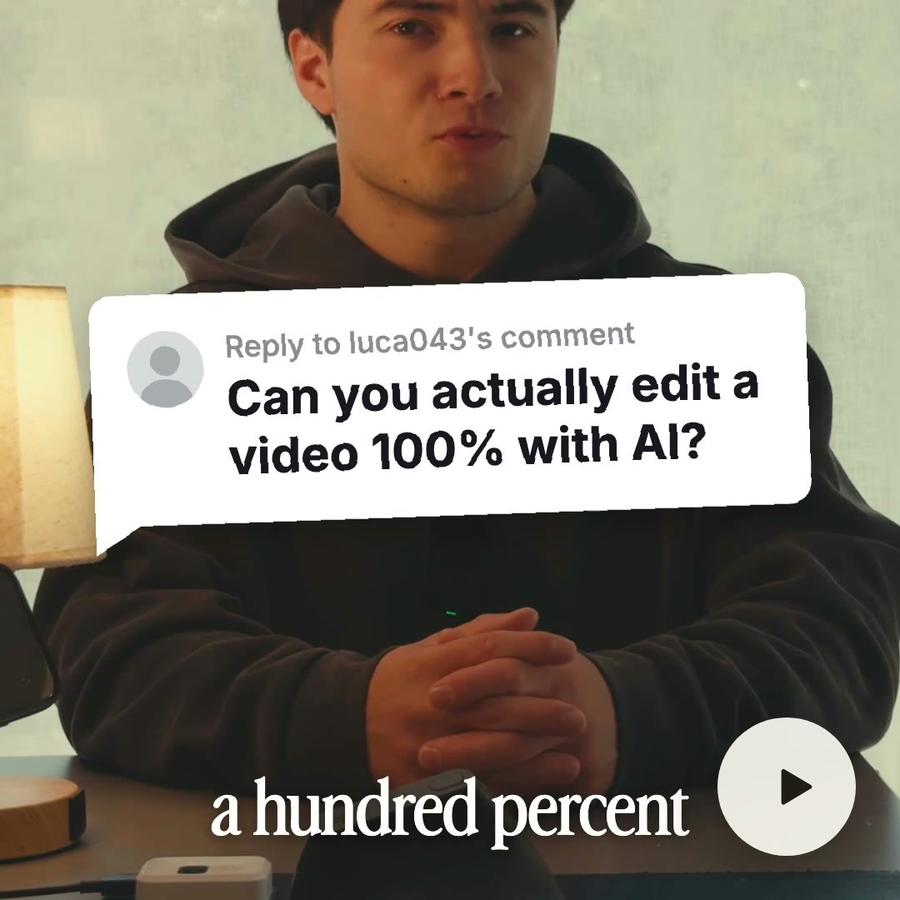
Talking head · photo dropsWay too curiousPhotos drop in as I name them.Color correctionAuto captionsB-rollComponentsMotion designZoomSee how it was made
A still from the finished videoA still from the finished videoA still from the finished videoA still from the finished videoThe short

Pricing

Every plan has the whole app. A bigger plan holds more footage.

Free$010 credits, once
  • 500 MB of footage
  • Exports carry a watermark
Get started
Plus$25 / monthAbout 15 short or 8 long videos a month150 credits a monthBring footage and a brief, get a finished edit back
  • 50 GB of footage
  • No watermark on your exports
  • Comments on your videos
  • Buy extra credits when you run out
Get started
ProPopular$50 / monthAbout 35 short or 15 long videos a month300 credits a monthFor creators shipping edits every week
  • Everything in Plus
  • 125 GB of footage
  • Access Montage MCP
Get started
Max$100 / monthAbout 70 short or 30 long videos a month600 credits a monthFor teams and agencies running edits together
  • Everything in Pro
  • 250 GB of footage
  • Invite your team
  • Your clients comment and approve, no account
Get started
Ultra$200 / monthAbout 140 short or 65 long videos a month1,200 credits a monthFor teams and agencies making the most videos
  • Everything in Max
  • 500 GB of footage
  • Invite your team
  • Your clients comment and approve, no account
Get started

Zoom in on video: questions, answered

How do I zoom in on a video?

Say where: « punch in on every other cut », « closer on the word curious ». Montage places each zoom on the words that matter.

What is a punch-in?

A cut to a closer frame of the same shot. It hides a jump cut and gives the next sentence weight.

Can I change one zoom?

Yes. Each zoom is a setting of its clip: change how close it goes, or take it out.

Does zooming lose quality?

A zoom of 10 to 20 % on a 4K or 1080p shot stays sharp. The export reads your original files.

How to zoom in on a video
without keyframes

A guide · 3 min read

Why editors zoom

A talking-head video is one shot for minutes. A zoom changes it without a new camera. A punch-in, a cut to a closer frame, hides a jump cut where a sentence was taken out. A slow push-in keeps a still shot alive. A closer frame on one word tells the viewer it matters.

How it is done by hand

In a classic editor, a zoom is two keyframes: the scale at the start, the scale at the end, and the position so the face stays in the middle. A punch-in is a cut, then a new scale on the second half. For a ten-minute video that is dozens of them, each placed and checked.

Zooms in Montage

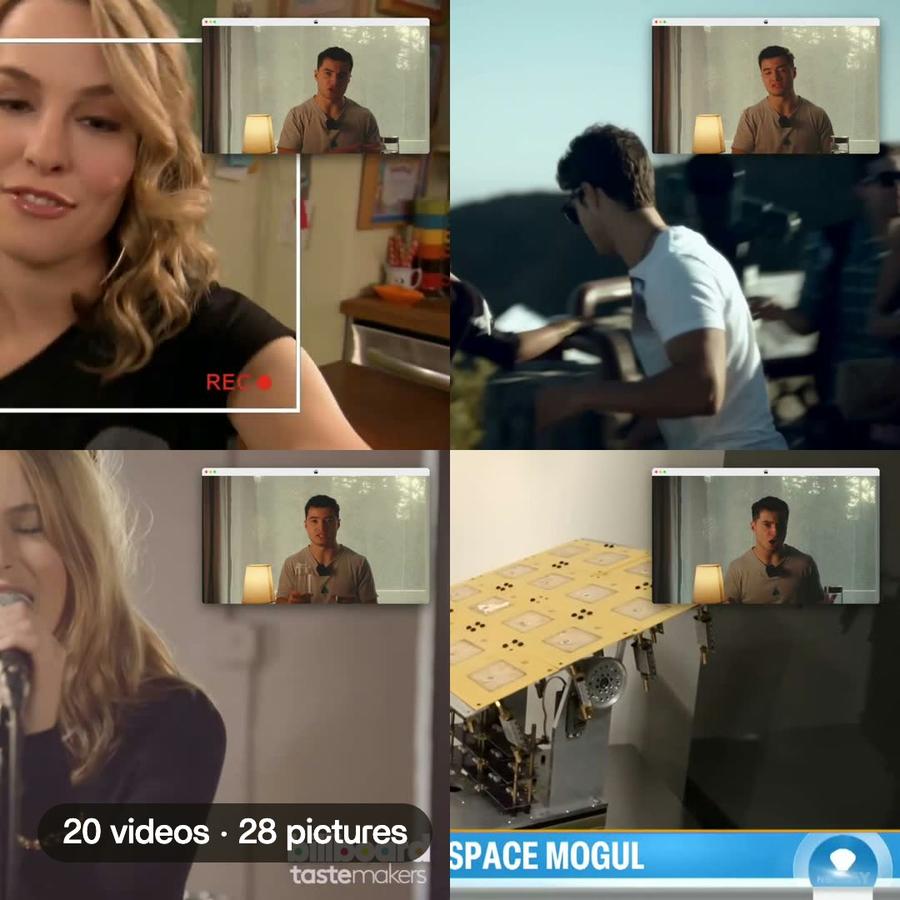
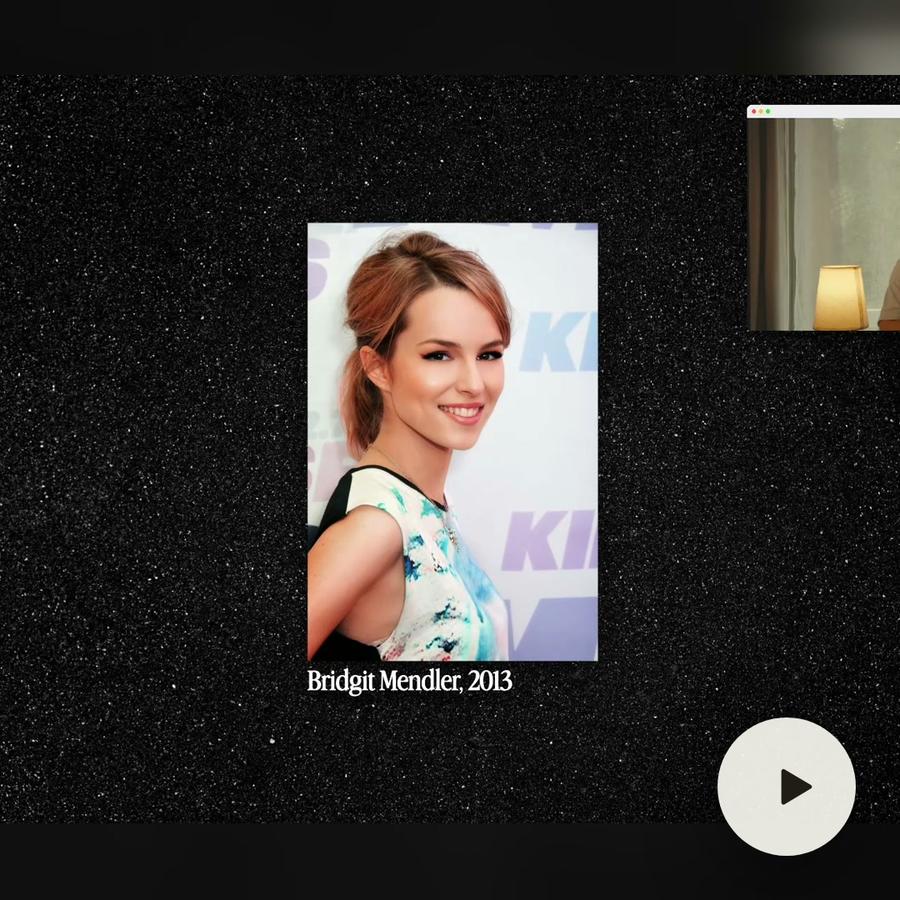
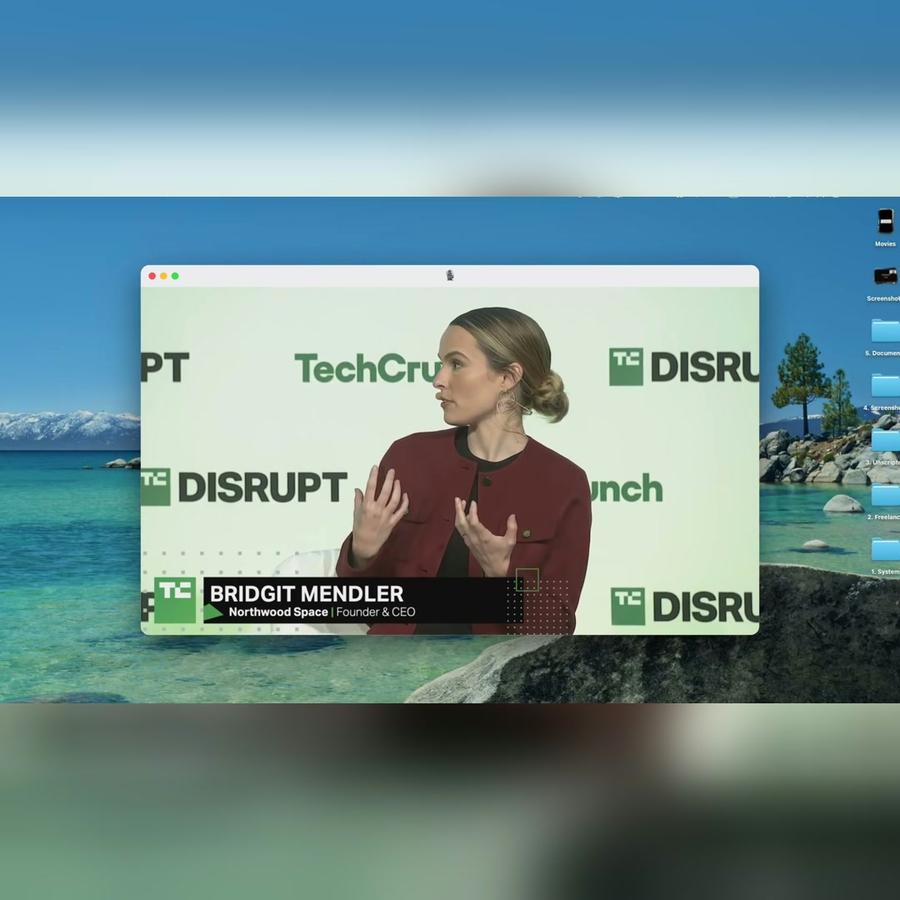
In Montage you say it. In the Bridgit Mendler film, « punch in on every other cut » gave 58 punch-ins, from 100 % to 116 %, each one on a cut. In « Way too curious », every shot pushes in slowly, and on « everything » and « curious » the frame comes closer.

Montage knows where the cuts are and what is said, so a zoom can land on a word.

After zooming

Each zoom changes by asking: how close, how fast, centered on what. Change one by hand, or ask for less.

Tips

  • Zoom on cuts and on words, not at random.
  • Keep punch-ins small: 10 to 20 %.
  • Do not zoom on every sentence: the zoom means something when it is rare.
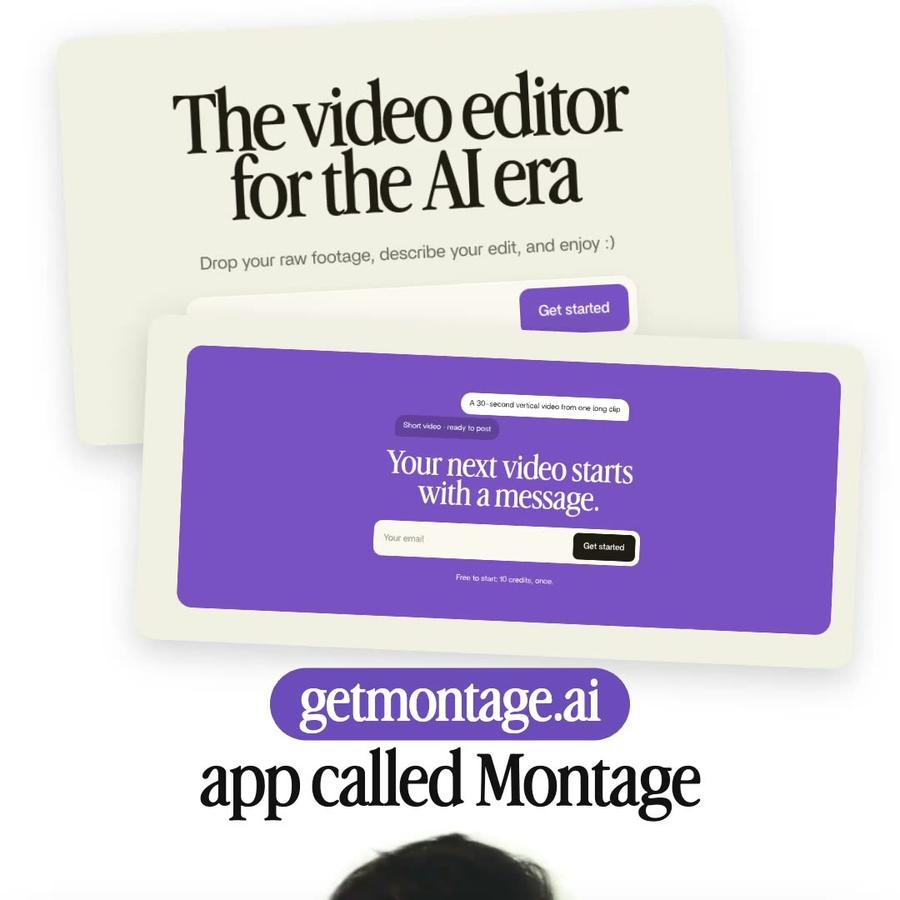
A 30-second vertical video from one long clipShort video · ready to post

Your next video starts with a message.

Free to start: 10 credits, once.