Montage just launched in public beta.Try it →

Use cases · YouTube videos · For creators

An hour of footage,
a YouTube video worth watching.

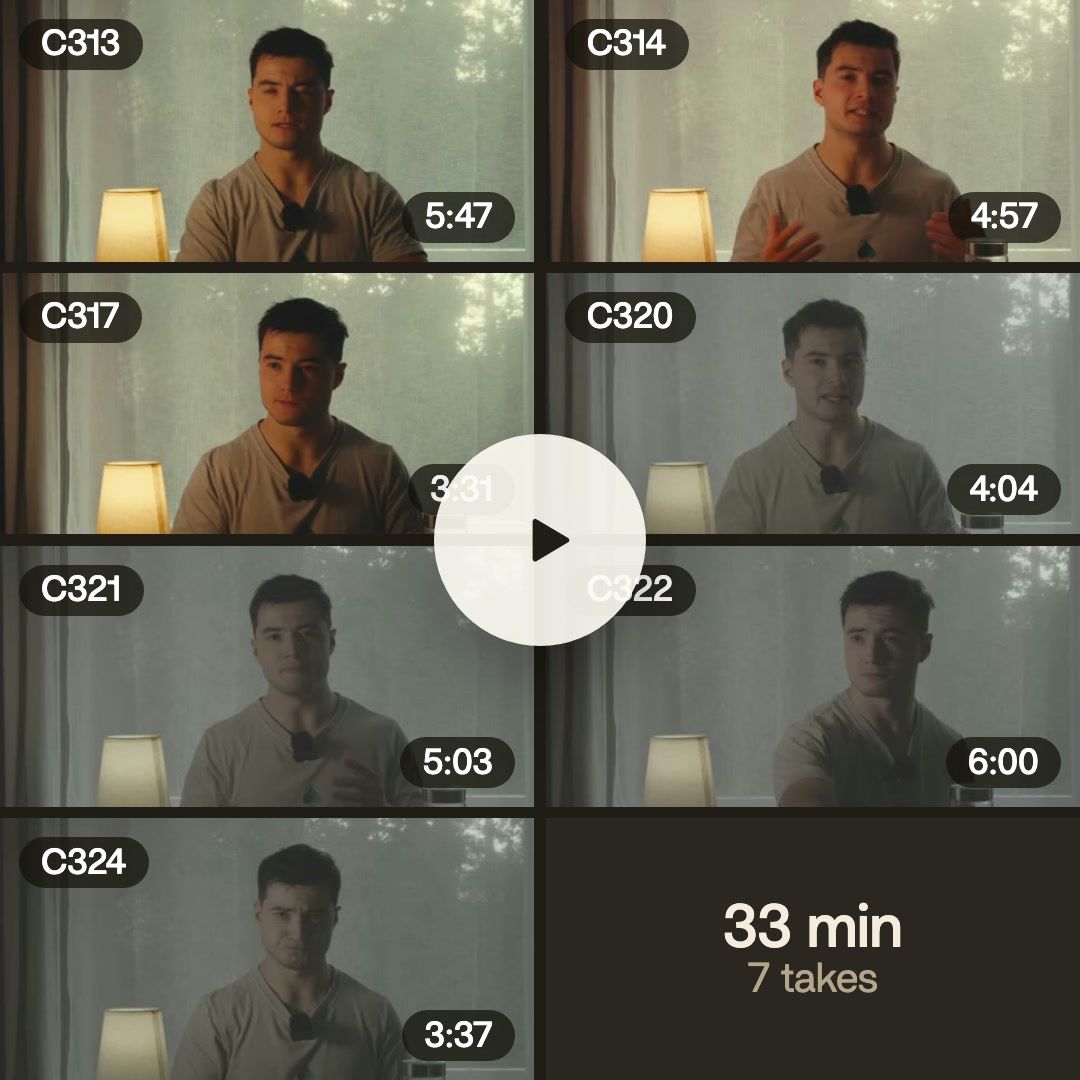
A video editor for YouTube videos: send the whole recording. Montage takes out the silences and the retakes, adds B-roll, titles and captions, and sends back the edit.

A real video, and what went into it.
In the showcase

Long-form videos, made in Montage.

Real videos, each with what went into it.

See the showcase →
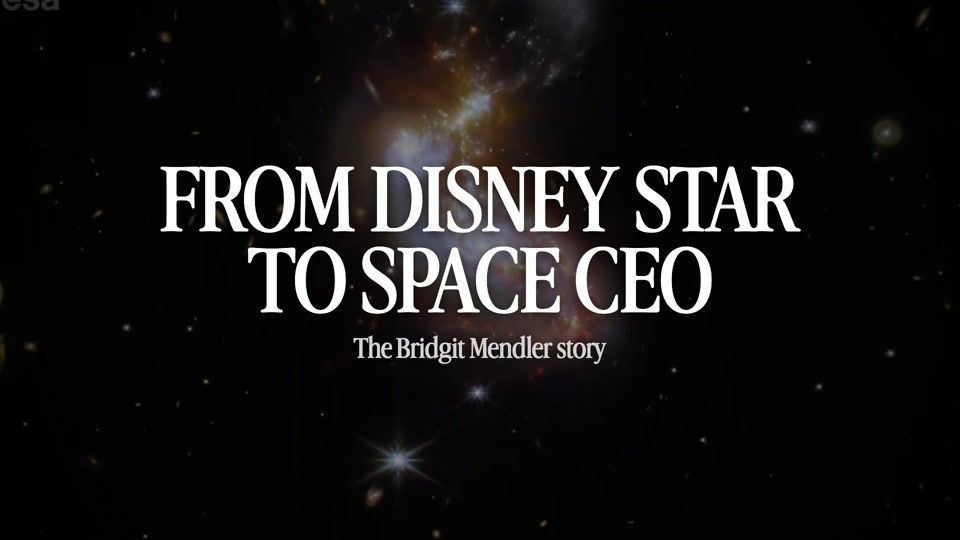
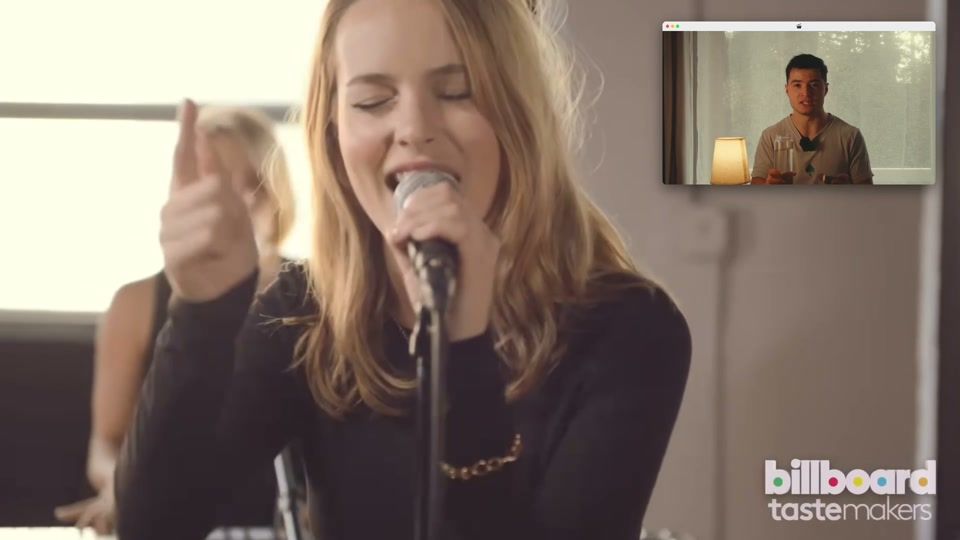
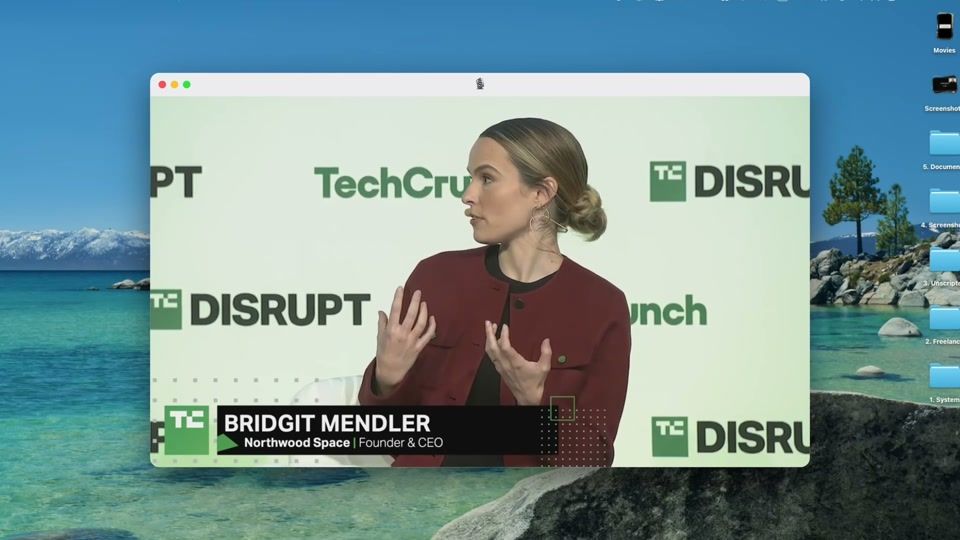
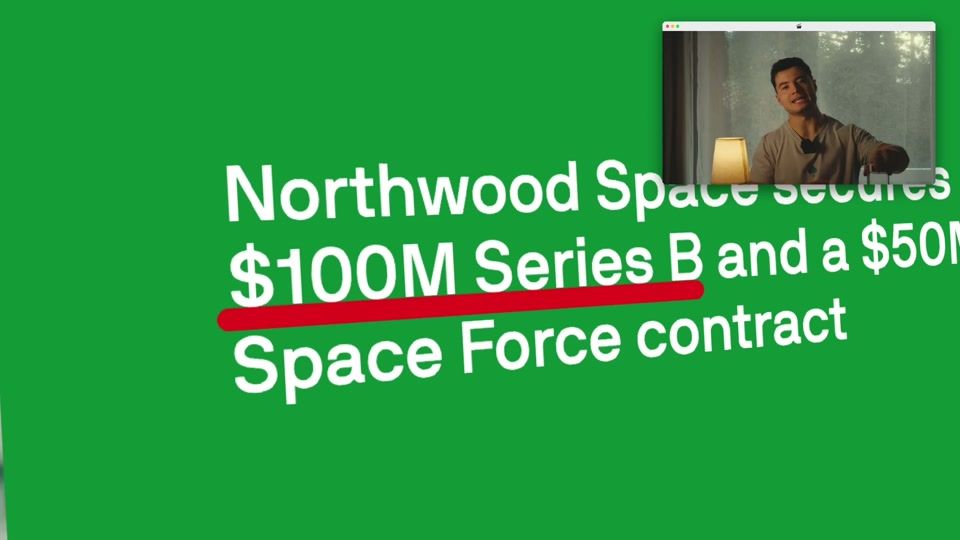
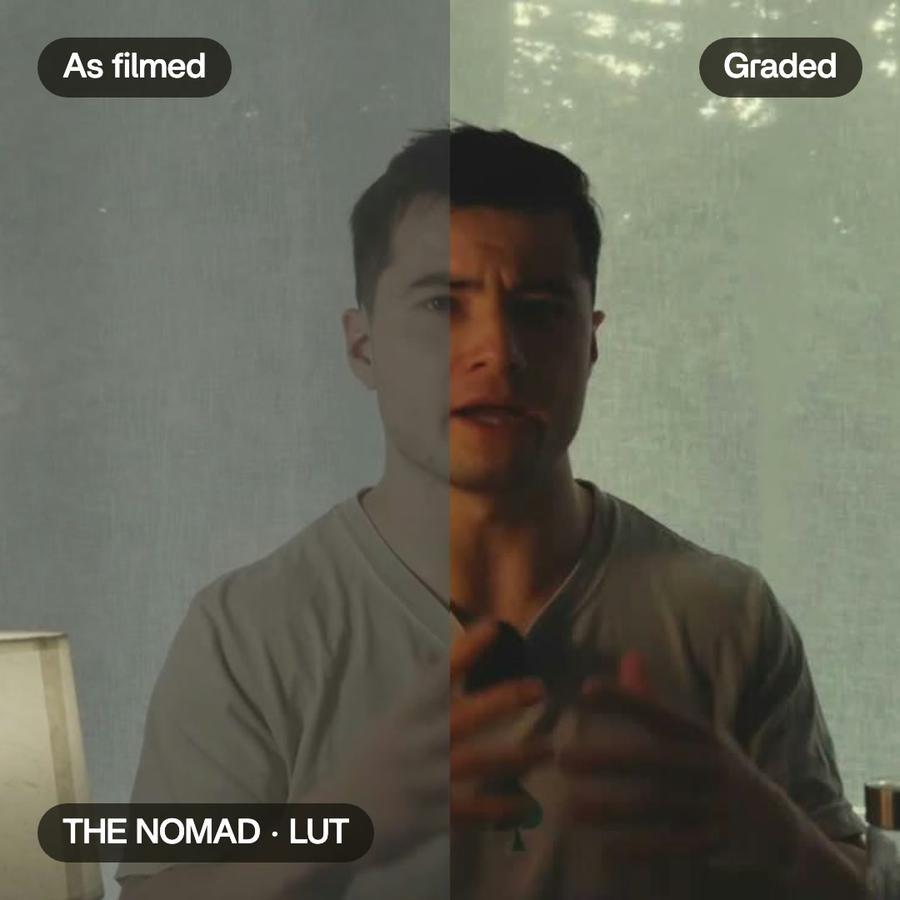
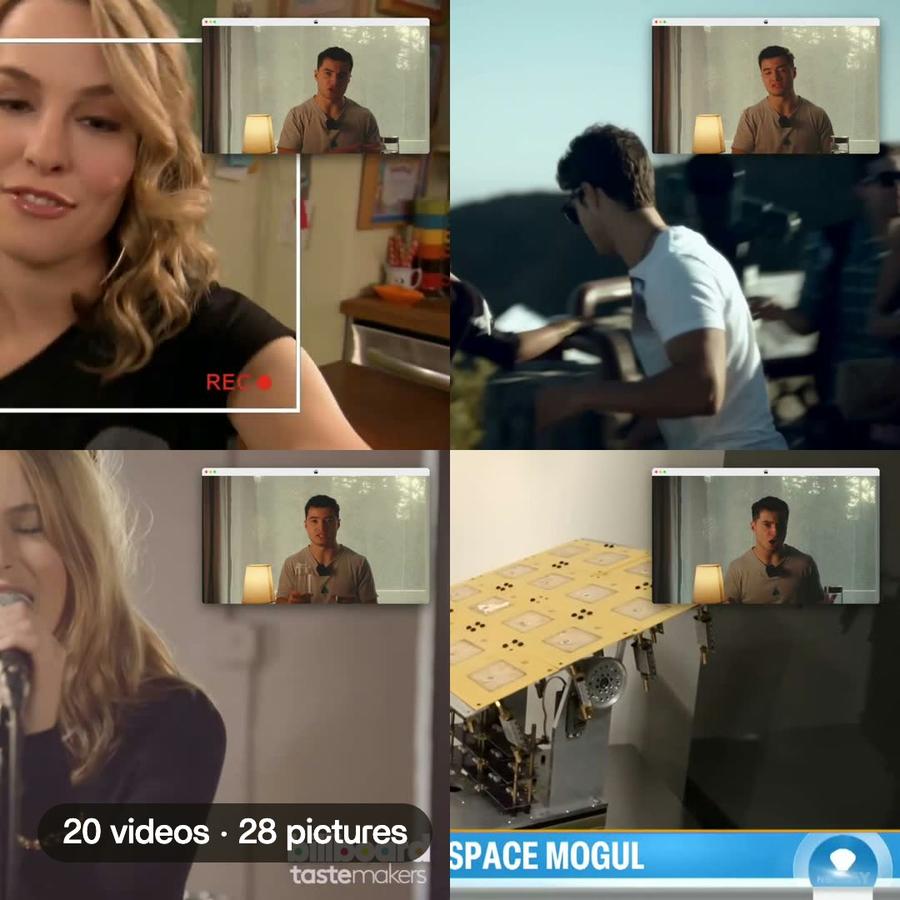
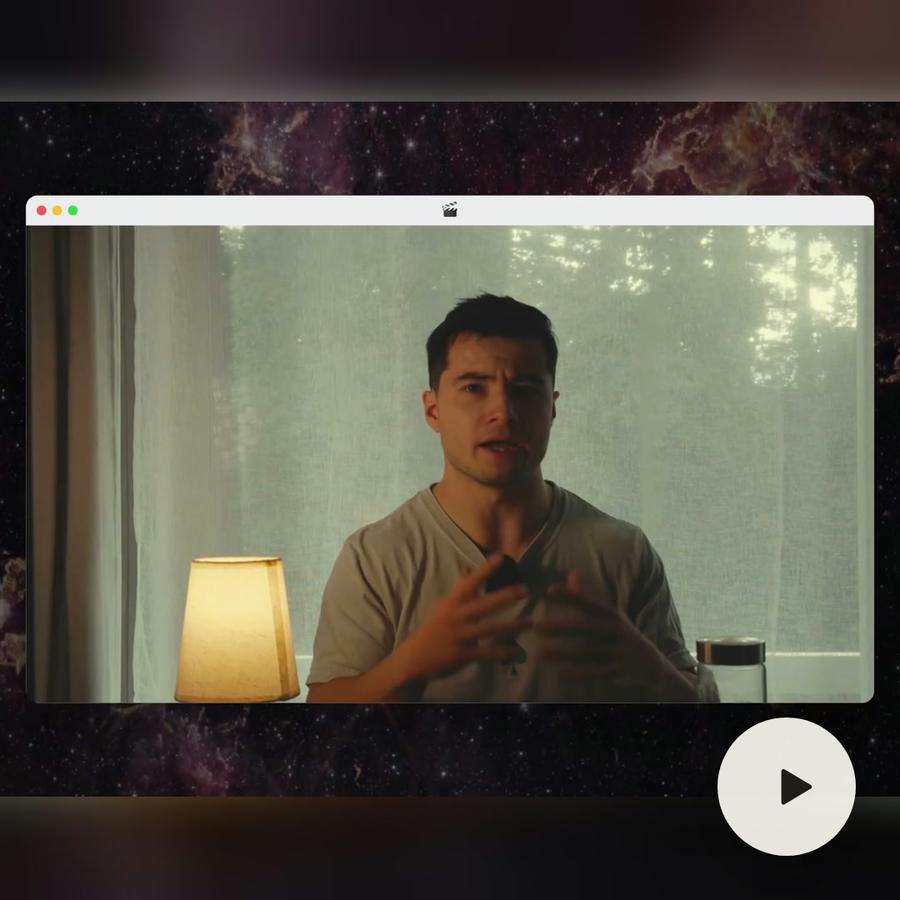
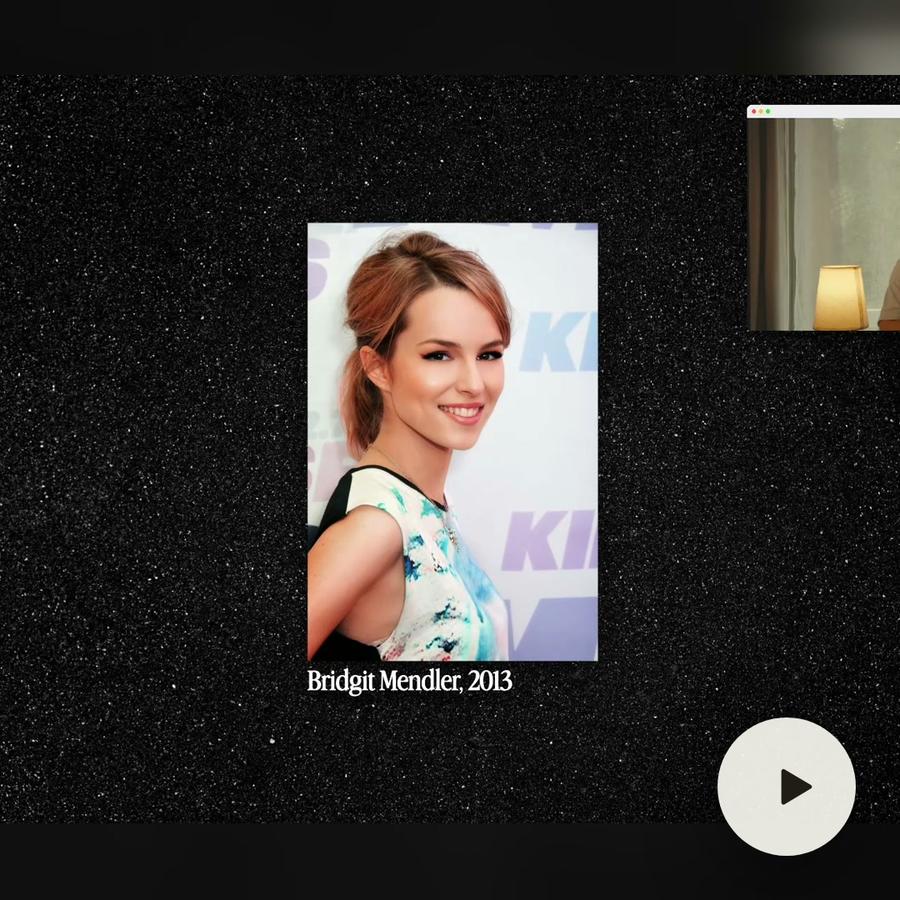
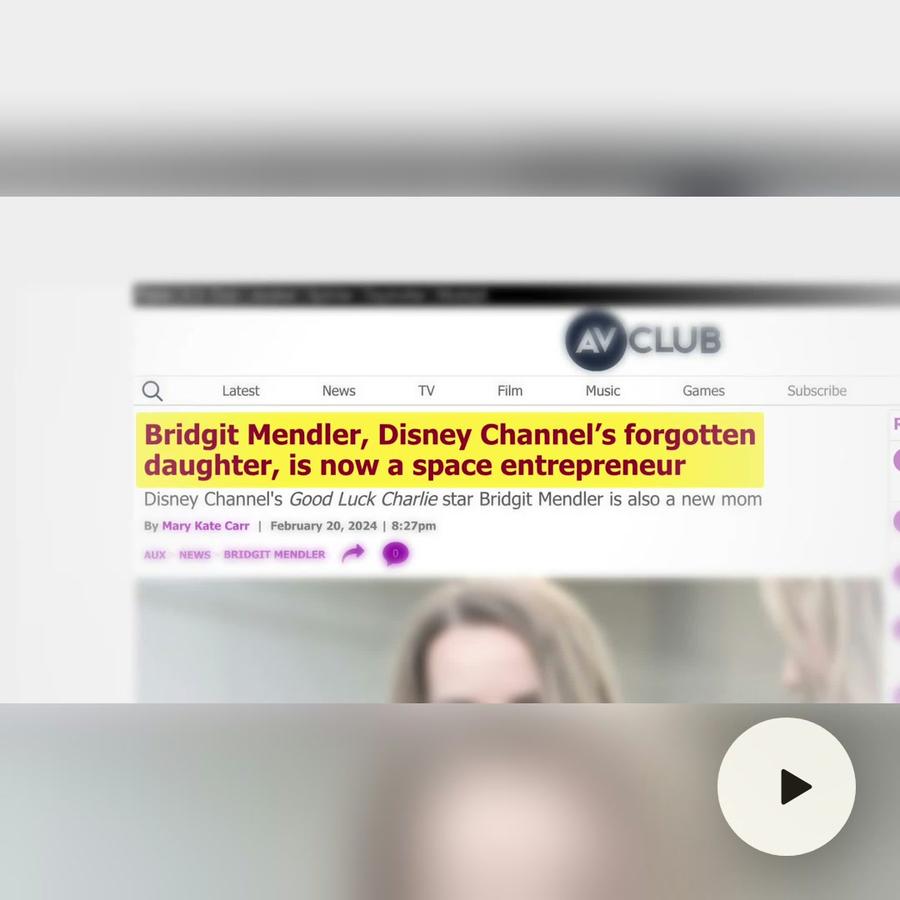
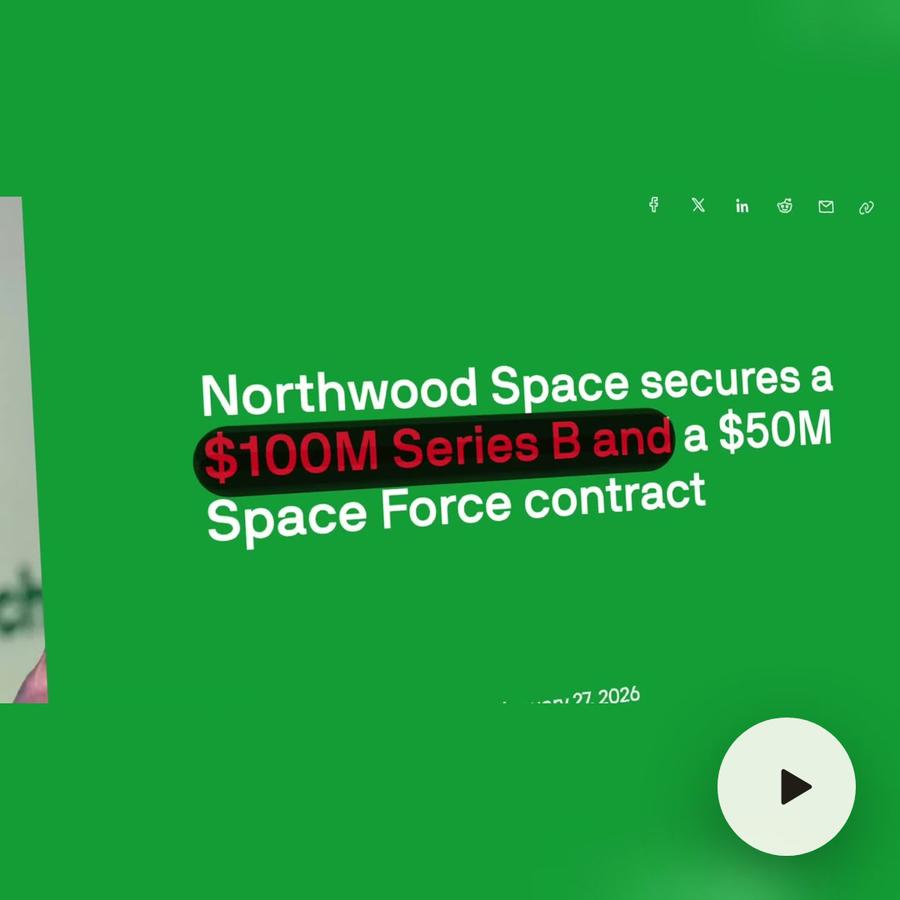
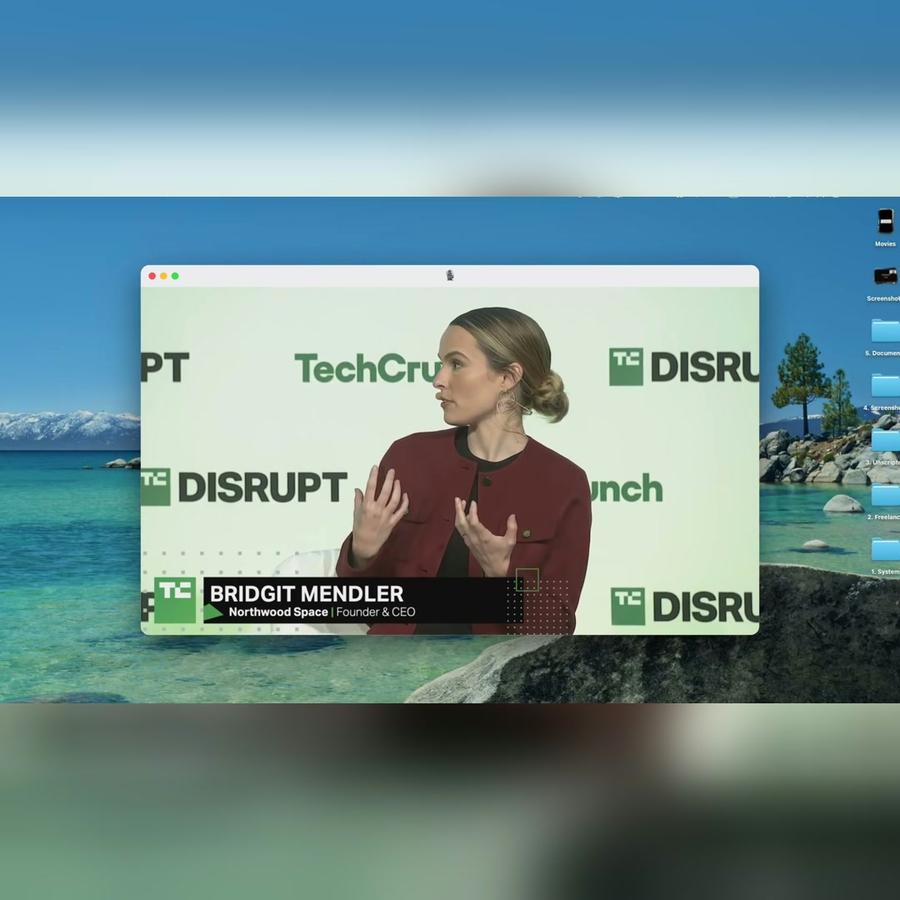
Long form · YouTubeFrom Disney star to space CEOThe Bridgit Mendler story, in seven chapters.Color correctionB-rollComponentsMotion designSee how it was made
A still from the finished videoA still from the finished videoA still from the finished videoA still from the finished videoThe short

From a message
to the file.

  1. 1Send the footage
  2. 2Say what it's for
  3. 3Get the file

Pricing

Every plan has the whole app. A bigger plan holds more footage.

Free$010 credits, once
  • 500 MB of footage
  • Exports carry a watermark
Get started
Plus$25 / monthAbout 15 short or 8 long videos a month150 credits a monthBring footage and a brief, get a finished edit back
  • 50 GB of footage
  • No watermark on your exports
  • Comments on your videos
  • Buy extra credits when you run out
Get started
ProPopular$50 / monthAbout 35 short or 15 long videos a month300 credits a monthFor creators shipping edits every week
  • Everything in Plus
  • 125 GB of footage
  • Access Montage MCP
Get started
Max$100 / monthAbout 70 short or 30 long videos a month600 credits a monthFor teams and agencies running edits together
  • Everything in Pro
  • 250 GB of footage
  • Invite your team
  • Your clients comment and approve, no account
Get started
Ultra$200 / monthAbout 140 short or 65 long videos a month1,200 credits a monthFor teams and agencies making the most videos
  • Everything in Max
  • 500 GB of footage
  • Invite your team
  • Your clients comment and approve, no account
Get started

Video editor for YouTube videos: questions, answered

How do I edit a YouTube video with Montage?

Send the whole recording. Montage takes out the silences and the retakes, adds B-roll, titles and captions, and sends back the edit, ready to watch and to change by asking.

How long can the recording be for a YouTube video?

As long as your plan's storage holds: 2 GB on Plus, 5 GB on Pro, 20 GB on Max and Ultra.

Can I get Shorts from the same YouTube video?

Yes. Ask for the best moments, and they come back vertical, framed on you.

Can I change the cut myself?

Yes. Every cut comes back when you ask. Open it, move a clip, change a take.

How to edit long YouTube videos
faster with AI

A guide · 4 min read

Why long videos take so long to edit

A long video starts as even longer footage. A one-hour interview can come from two or three hours of recording. A workshop recap can come from a full day. Before anyone makes a creative choice, someone has to watch all of it. The editing is not the slow part. The watching, the sorting and the cleaning are.

How long-form editing is usually done

In the usual editors, the first pass is by hand. You import the footage and watch it through. You mark the good moments and note the time codes. You cut the silences, the ums and the retakes one by one. You build a rough cut, then add chapter titles, captions and music. Only then can you judge whether the video works, and changing the structure often means redoing part of the work.

Using an AI video editor for YouTube

Montage takes the first pass off your hands. Hours of footage go in. It watches all of it, finds the moments worth keeping and builds the first cut. You say what you need: “Here are three hours of the workshop. Make a 20-minute recap.”

From there, the cleanup is a sentence away. “Cut the silences, the ums and the retakes.” It keeps the best take of each line. “Open each part with its own title.” “Add captions in our brand colors.” Every word is captioned, in your fonts and colors.

You keep control of every cut

The first cut is a starting point, not a black box. Every cut comes back when you ask. Open it, move a clip, change a take, or ask for a different structure and compare. Each change makes a new version, so you can always go back to an earlier one.

Shorts from the same recording

A long video is also a source of short ones. Ask for the best moments as Shorts, and they come back vertical, framed on the speaker, with captions on. They point new viewers to the full video. One recording gives the long video and the short ones that bring people to it, without filming twice.

Tips for editing long videos

  • Say who the video is for and how long it should be. A length gives the cut a shape.
  • Ask for the structure first, then the polish.
  • Name the moments that must stay: “Keep the story about the first client.”
  • Use chapter titles. On YouTube, they help people find the part they came for.
  • Watch the first cut once from start to finish before changing details.
  • Keep the first minute tight. That is where most viewers decide to stay or leave.
A 30-second vertical video from one long clipShort video · ready to post

Your next video starts with a message.

Free to start: 10 credits, once.