


How to make video templates
for YouTube that you reuse
What a video template is
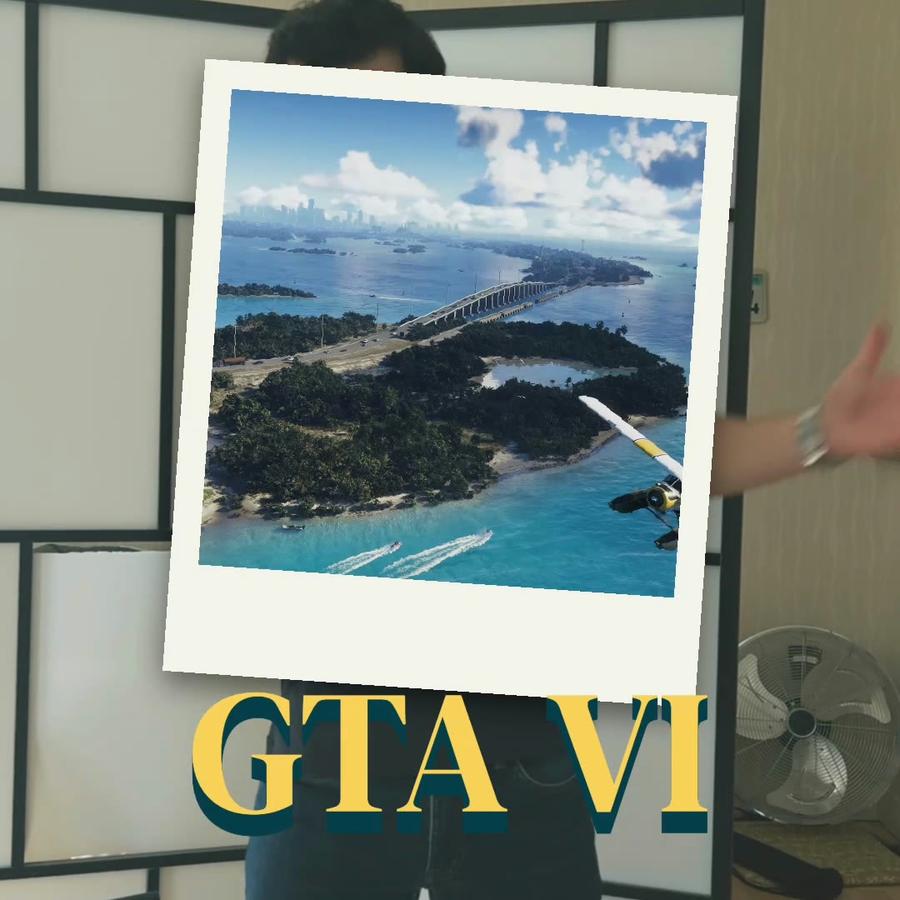
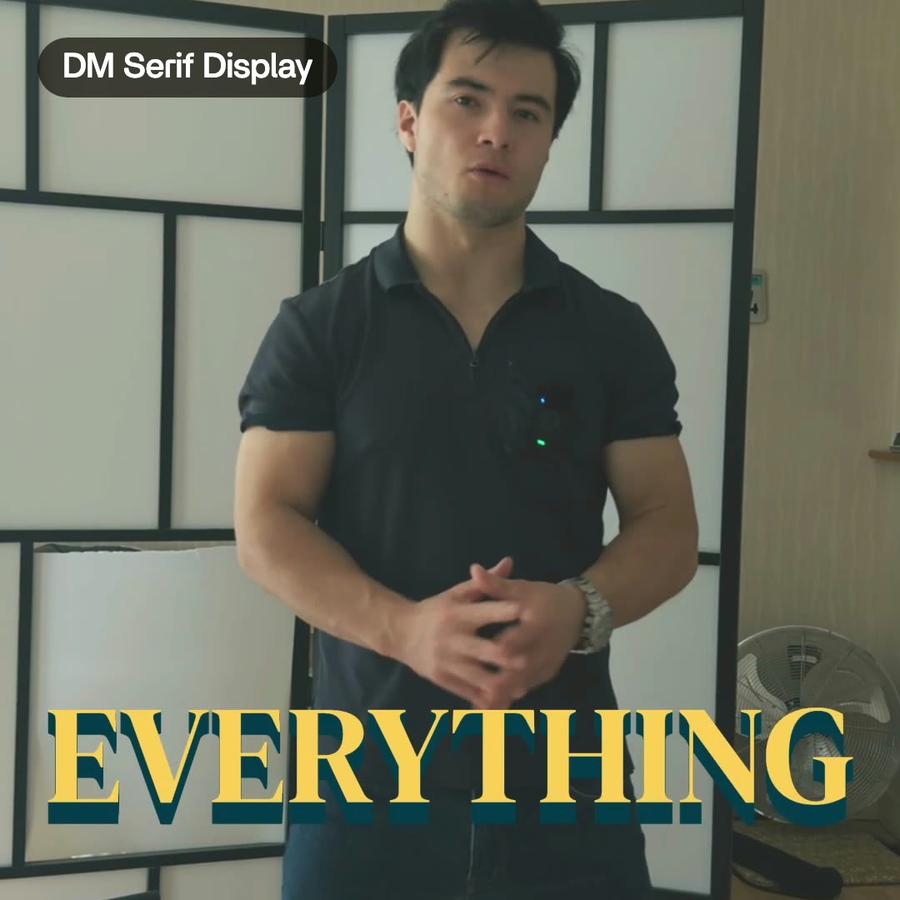
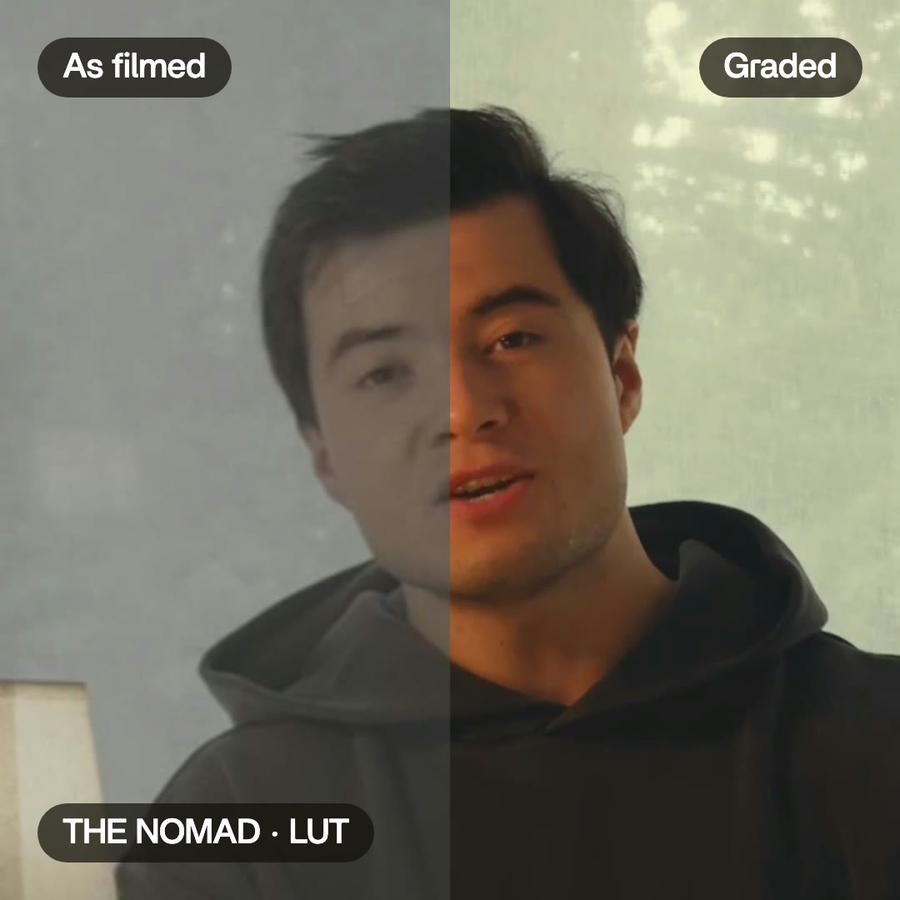
A template is a piece of a video you make once and use again: a title card, a lower third with a name, a caption style, a frame a picture drops into. On a channel, the same pieces come back in every video. That is what makes the channel look like itself.
How templates usually work
In most editors, a template is a file you download from a marketplace, or a project you copy and edit. You open it, find the text layer, type the new words, fix the timing, and export it again. Change the font once and you open every copy.
Components in Montage
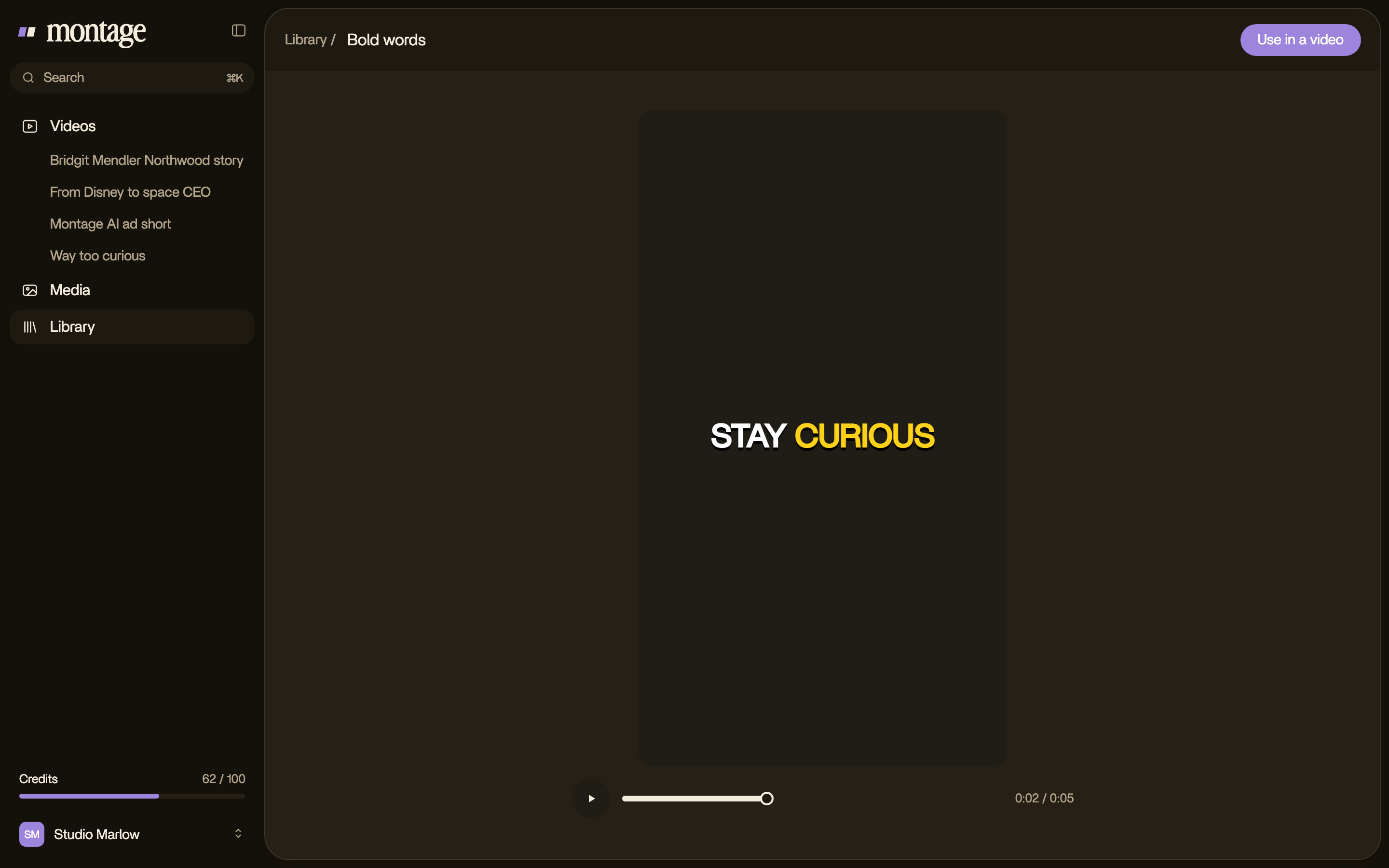
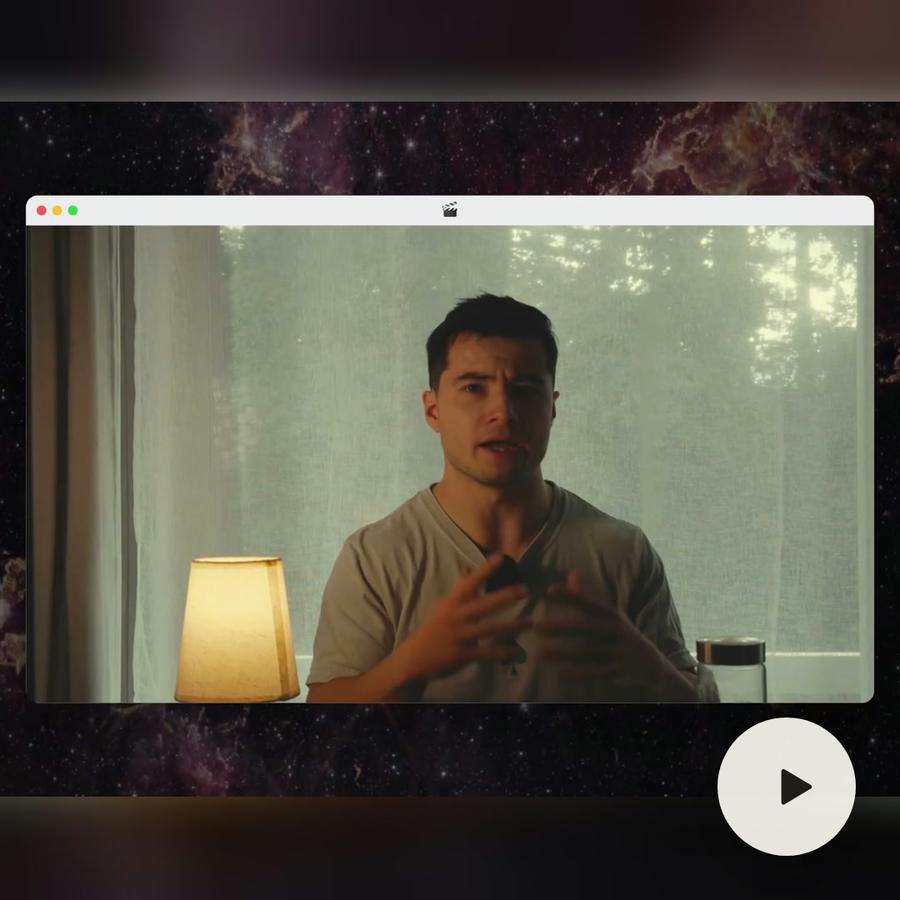
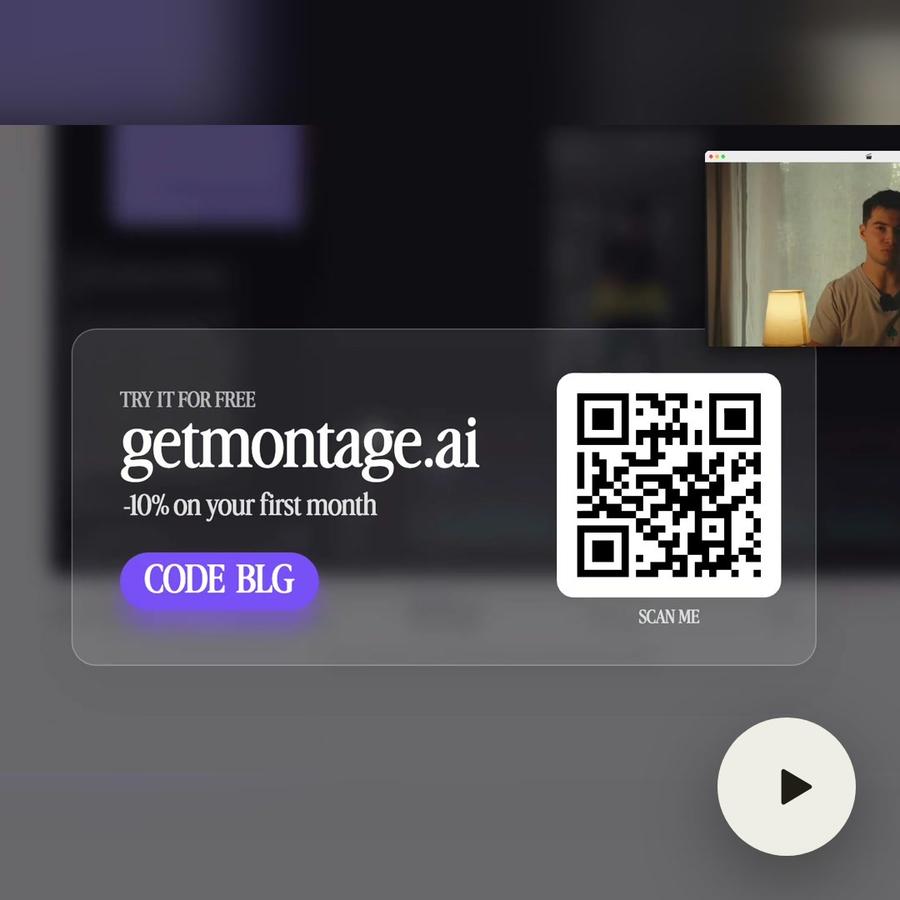
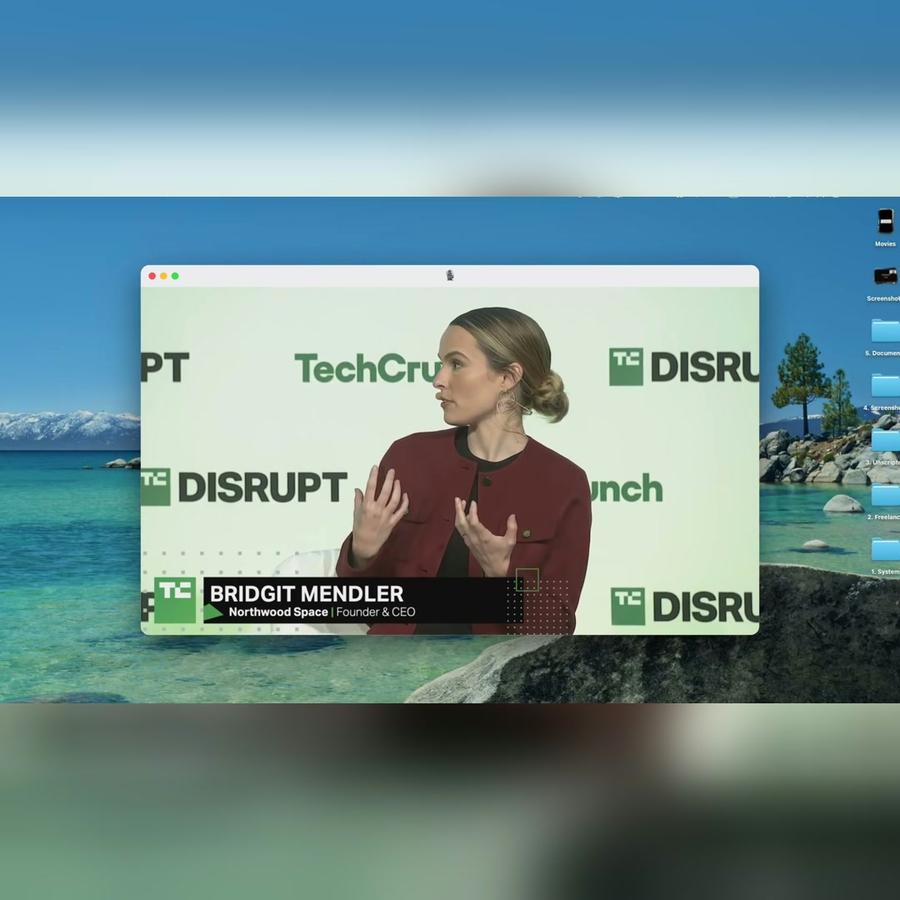
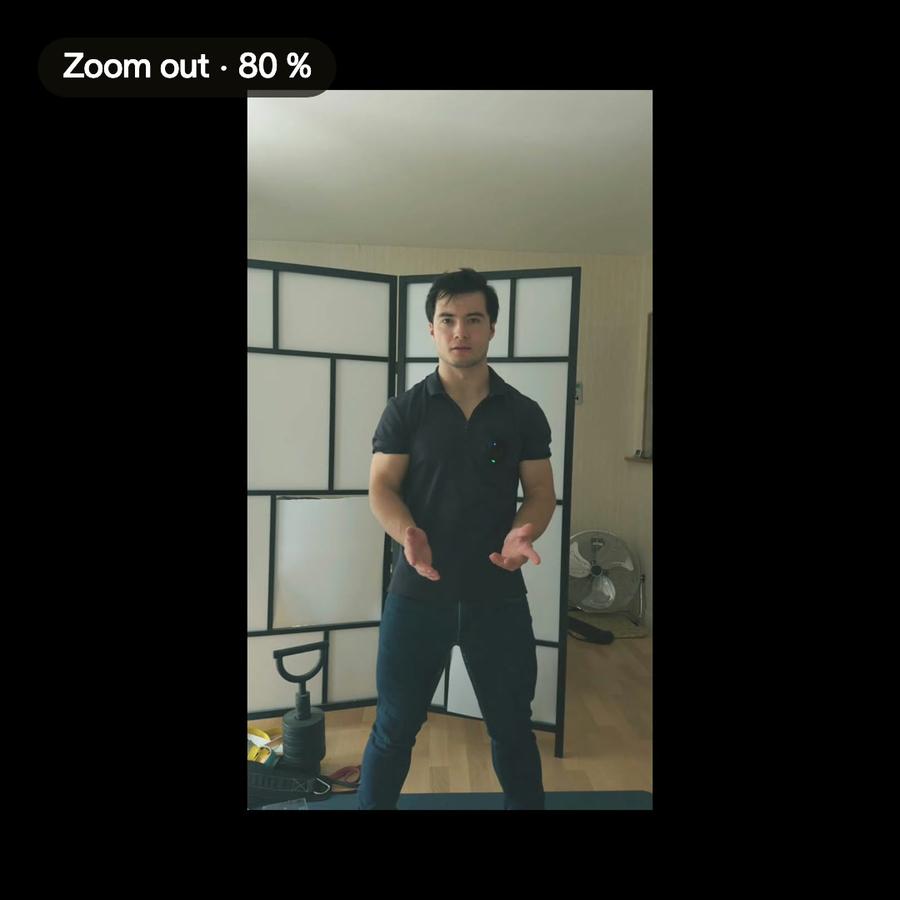
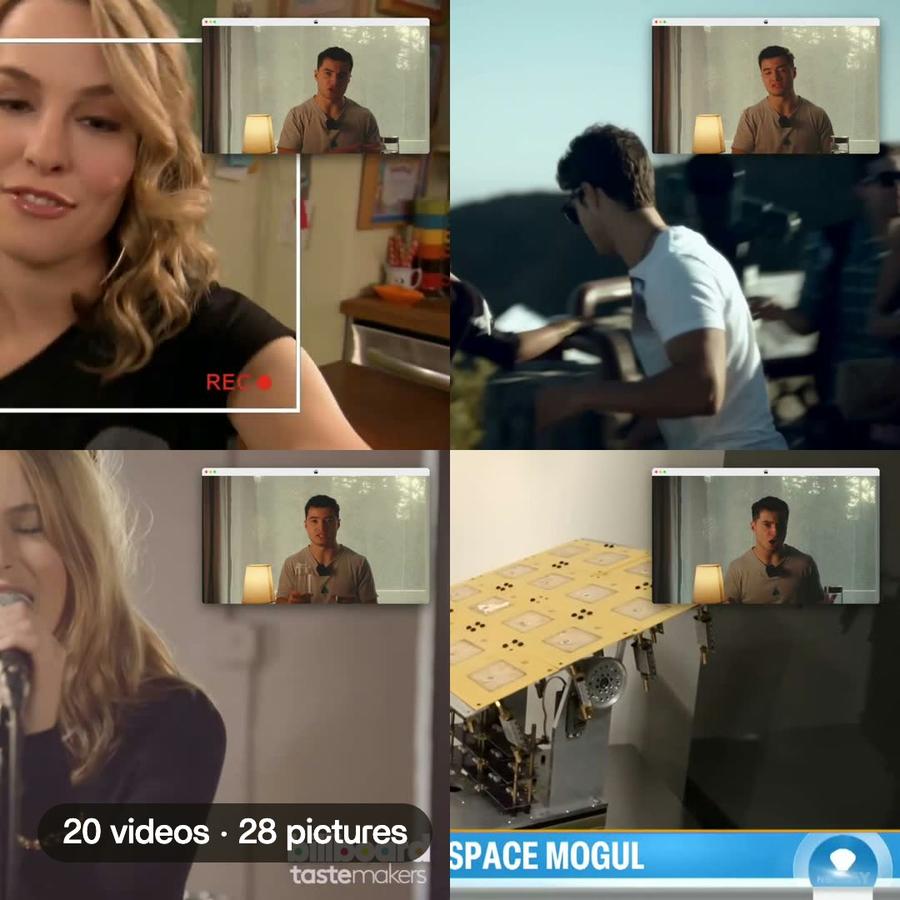
In Montage a template is a component. You describe it in one sentence, « put my face cam in a macOS window », and Montage makes it. It plays it, puts it on every moment that needs it, and keeps it in your Library.
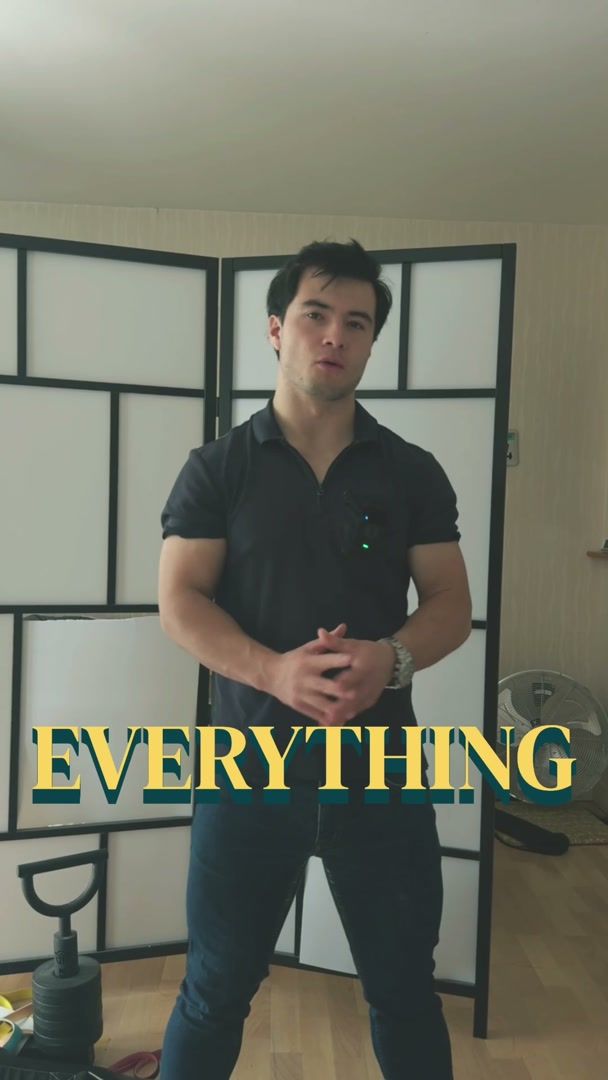
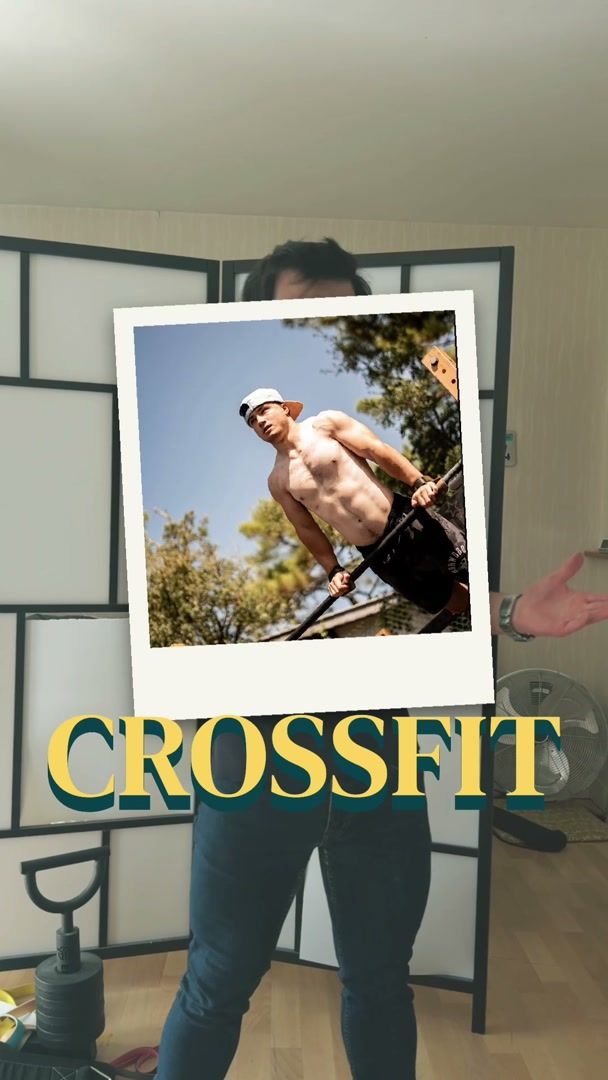
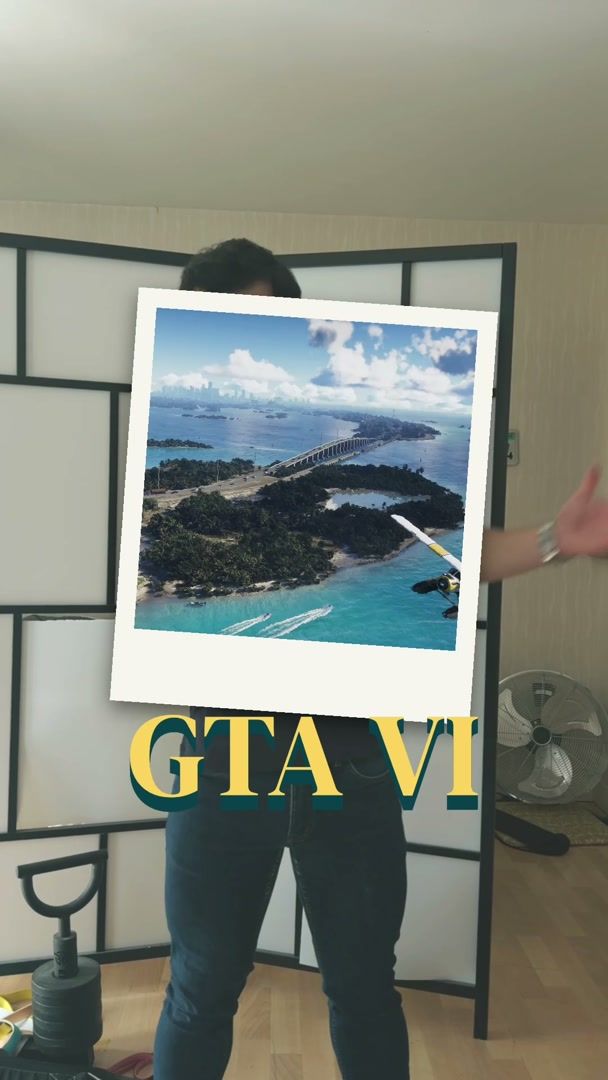
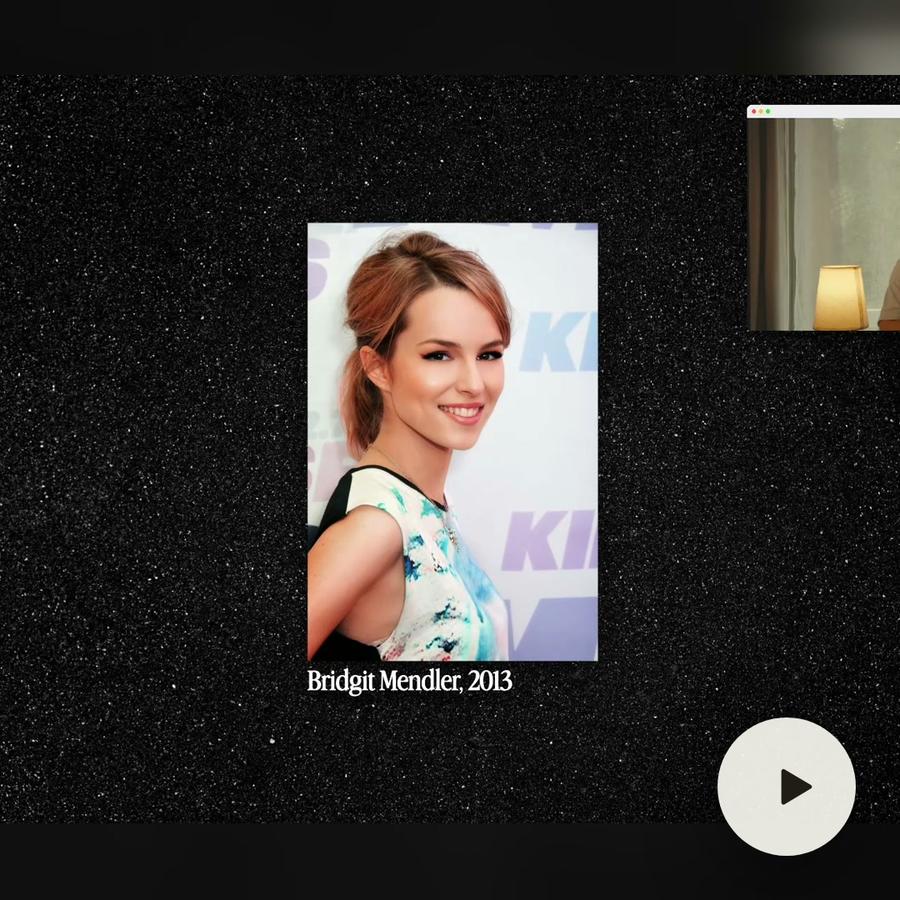
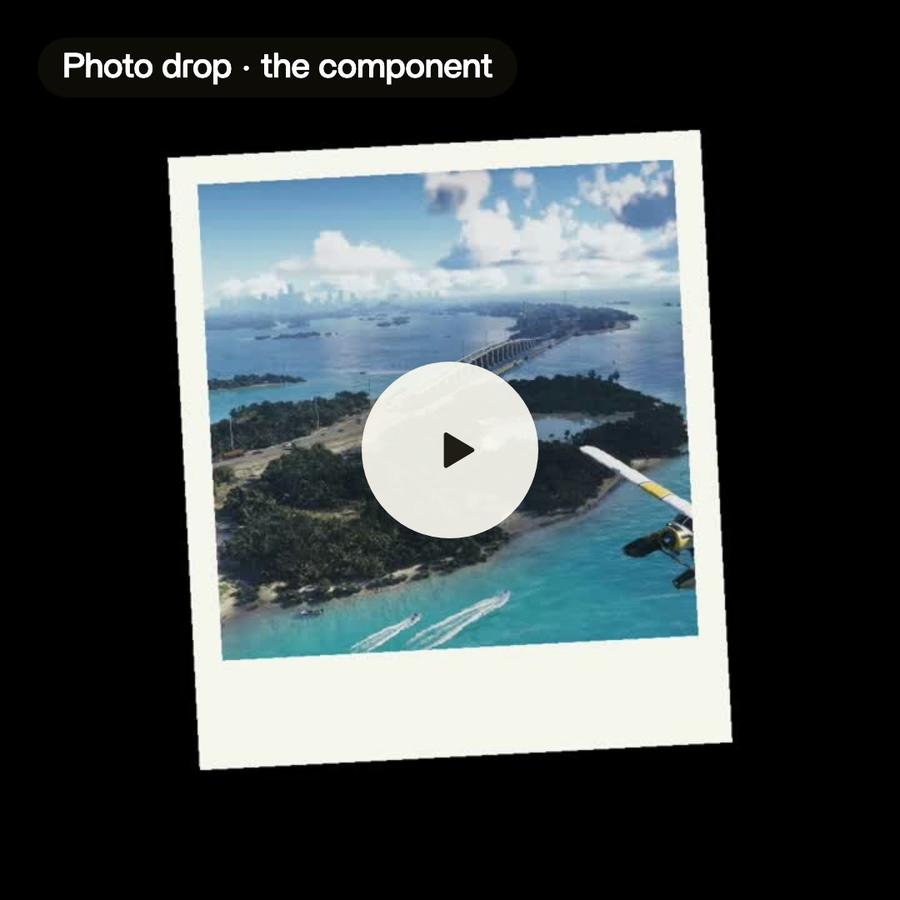
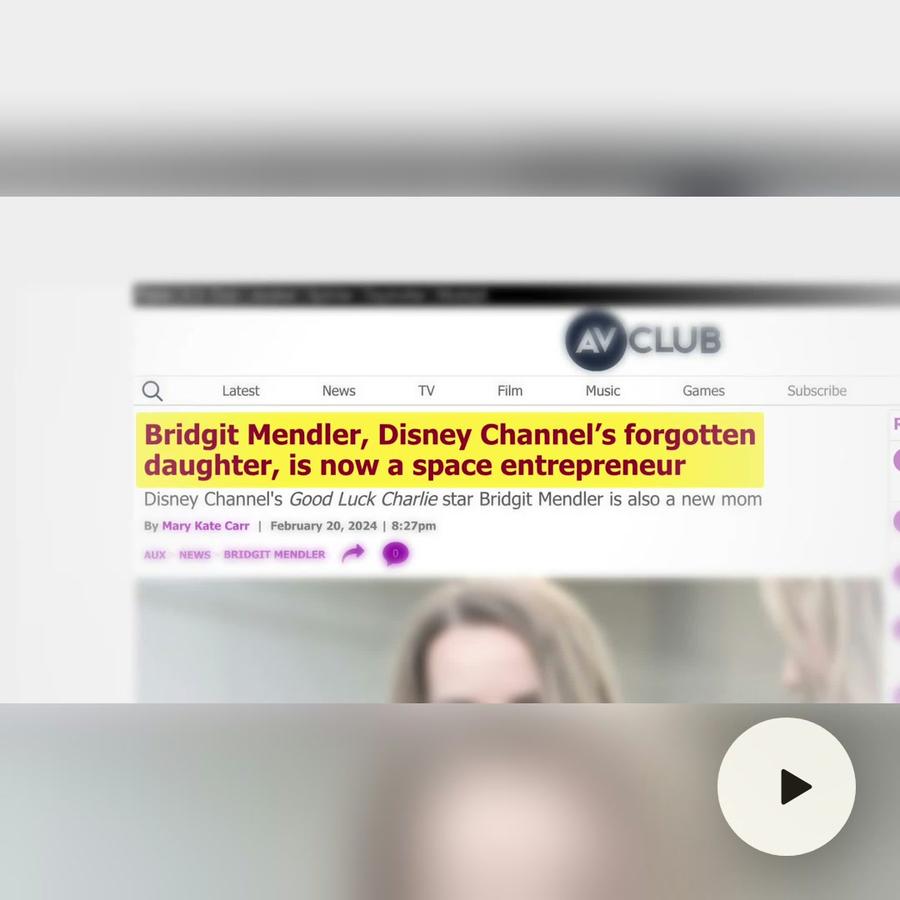
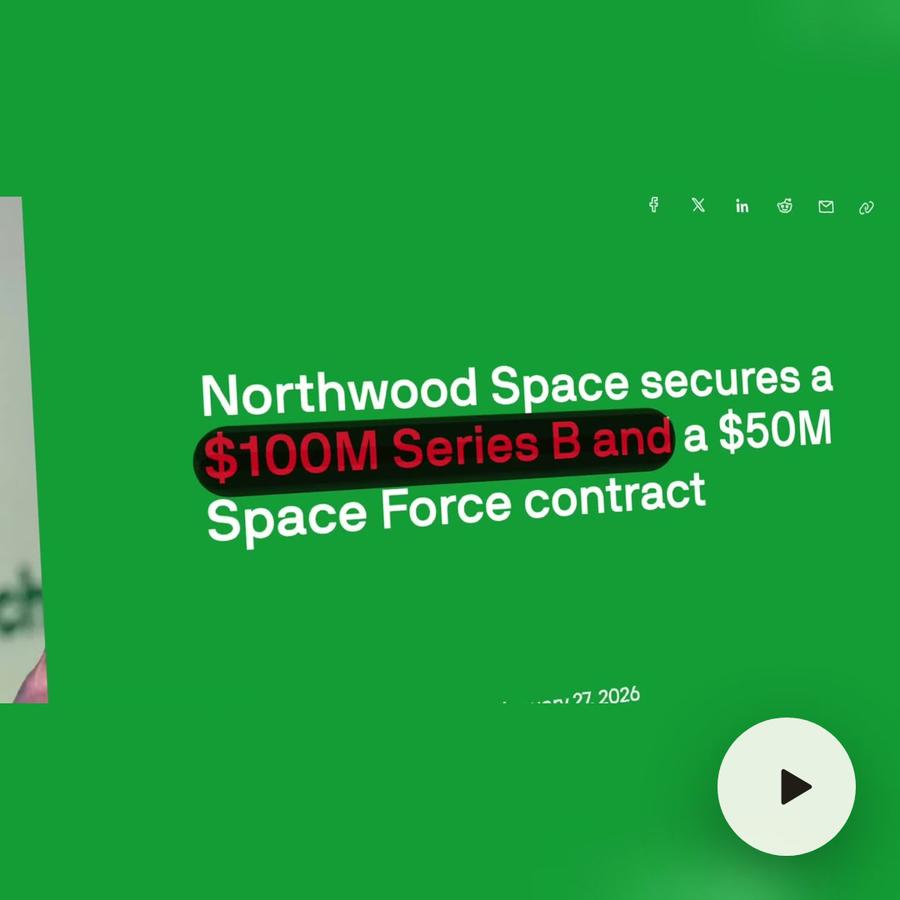
In the Bridgit Mendler film, one media card holds a picture or a clip with its caption. It was asked for once and used 26 times. The sponsor card, the press pages and the macOS window are components too.
Every setting is yours
What you may want to change becomes a setting: the title, the icon, the colors, the timing. Change it on one clip, and that clip changes. Change the component, and every clip that uses it follows.
Lower thirds
A lower third is the band at the bottom of the frame with a name and a title. It is a component like any other: ask for it once, « a lower third with my name in my font », and give it a new name on each clip.
Tips
- Name your components. « Media card » is easier to ask for than « the thing from last week ».
- Ask for the settings you will change, not every one.
- Keep one style per job: one title card, one lower third, one caption style.
- Check a component on a phone before you use it everywhere.