
How an AI video agent
edits your video
What an AI video agent is
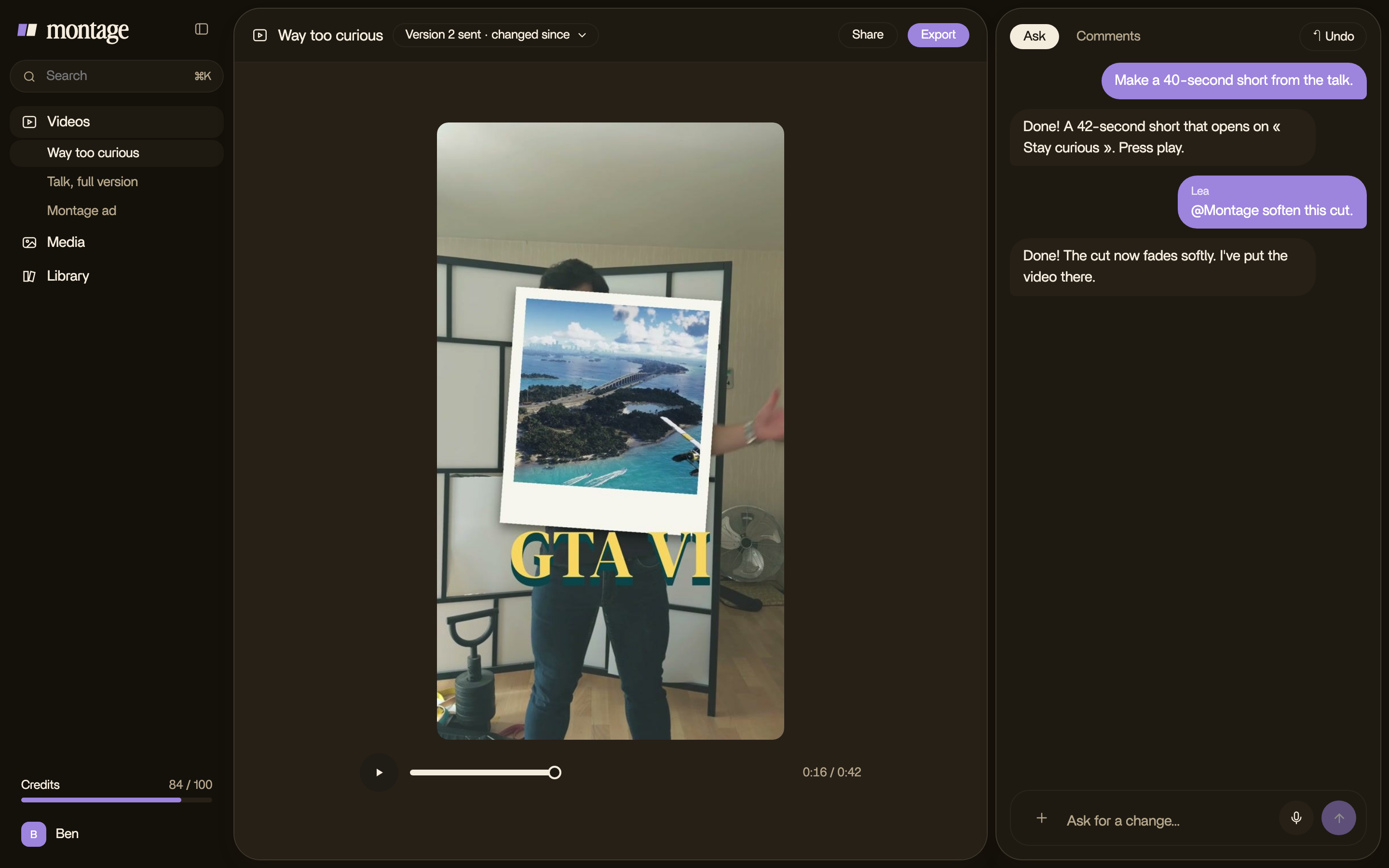
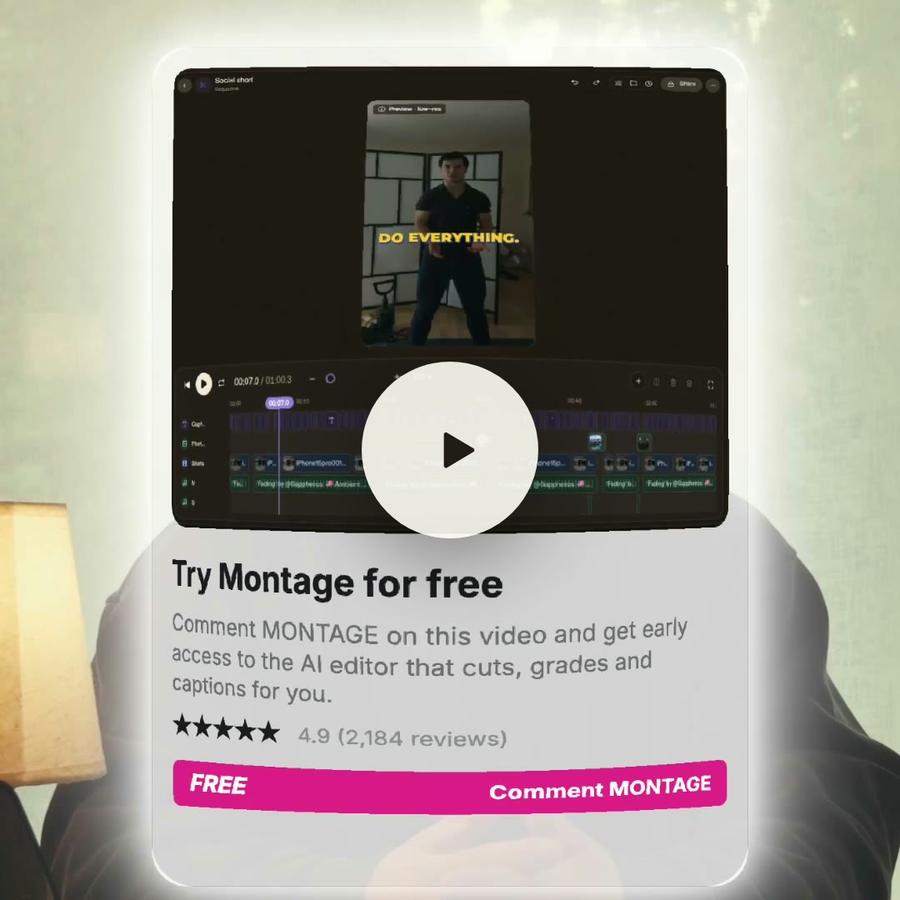
An AI video agent is an editor you brief in words. You do not learn its menus. You say what the video is for, and it does the work: it watches the footage, makes the cuts, places the pictures and the captions, and shows you the result, ready to watch.
It is not a chatbot that describes an edit. Every answer is a change to the video.
What it reads
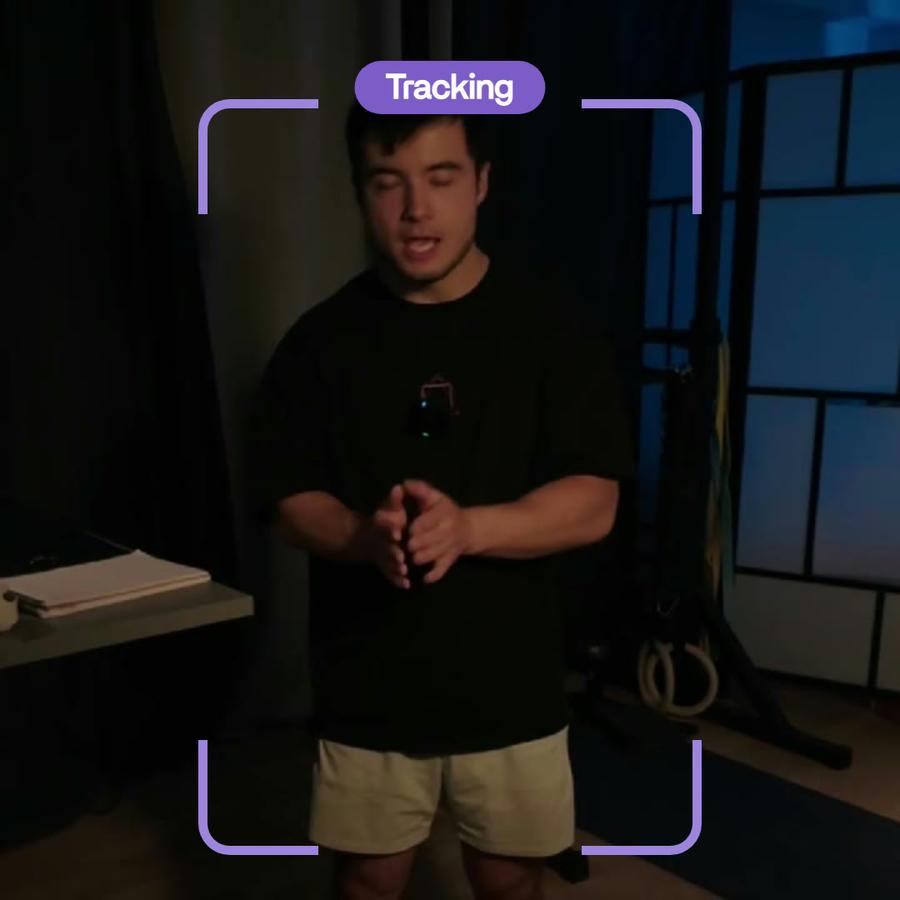
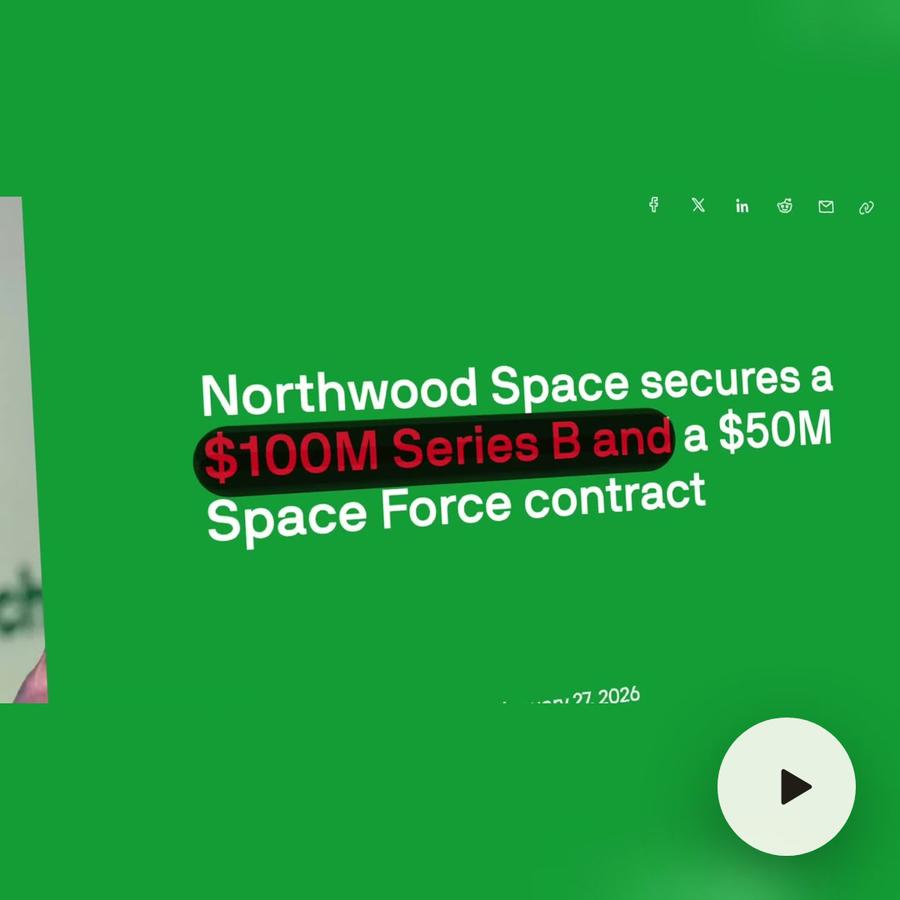
Before it cuts anything, Montage reads all of the footage. Every word said, in every take. Every shot, so it knows where you are at the desk and where you hold the book. That is how « find the take where I mention Northwood » works.
What it does
From one sentence, it can:
- cut the silences, the ums and the retakes, and keep the best take of each line
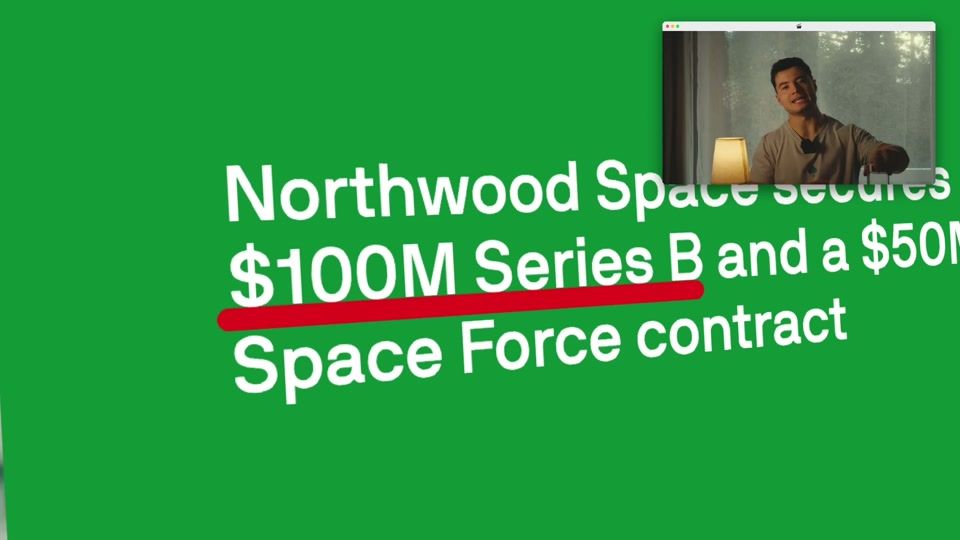
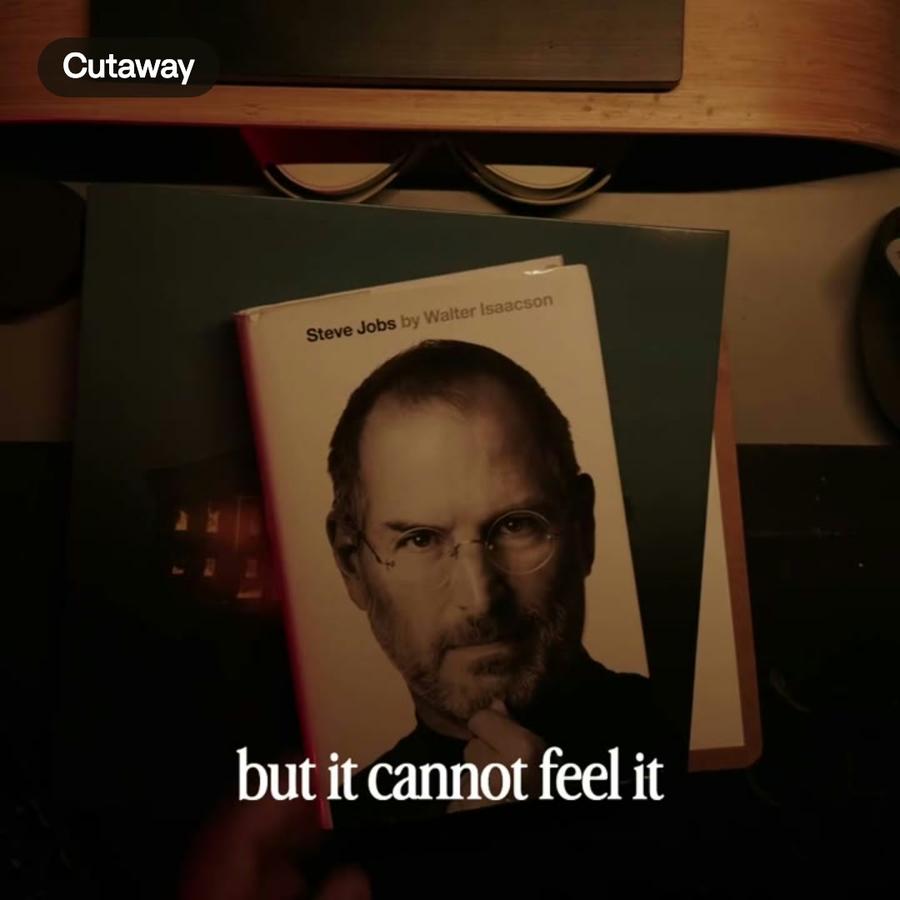
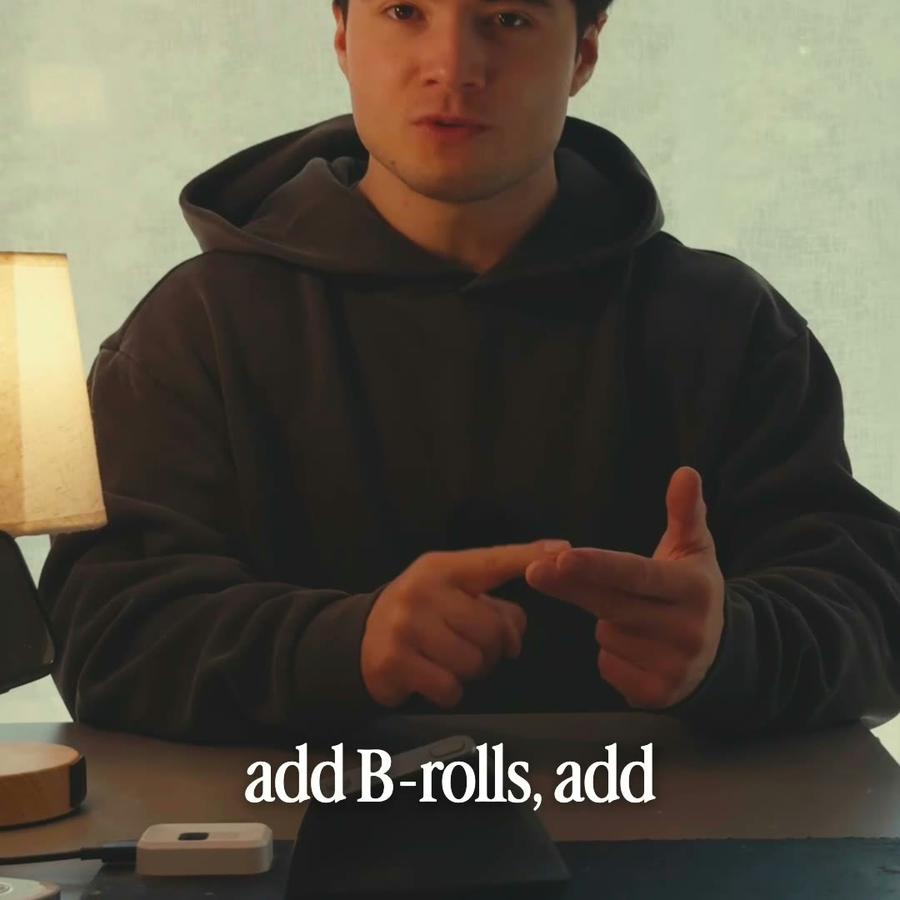
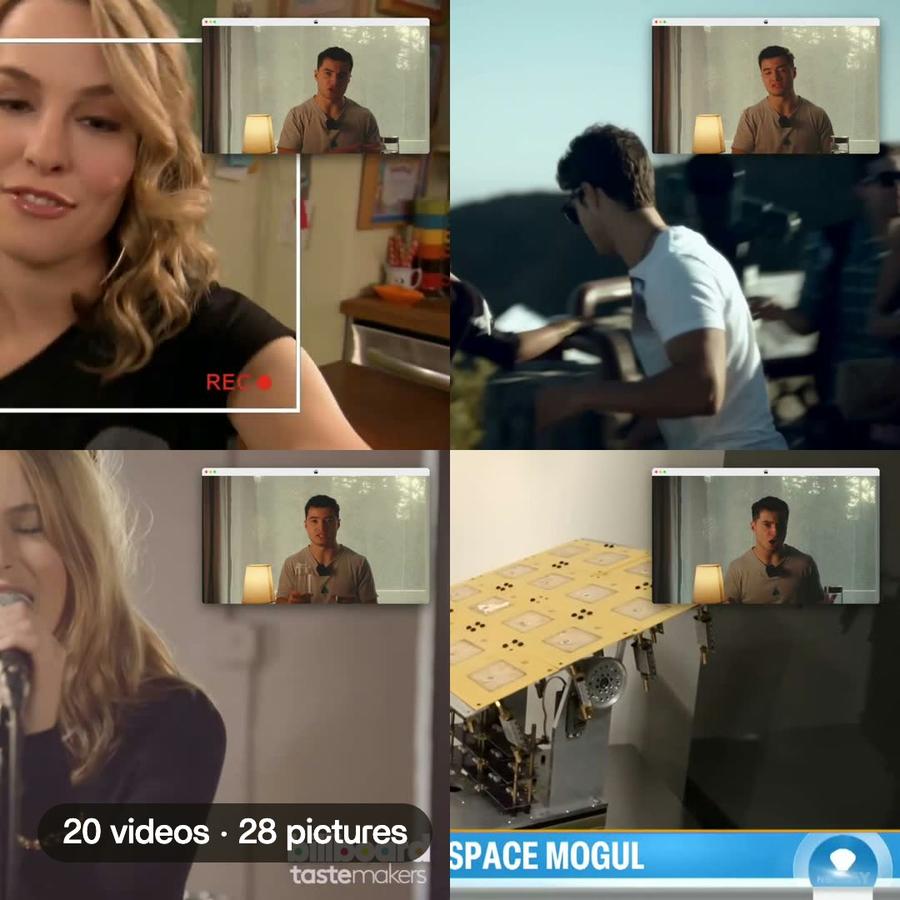
- add captions in your fonts, B-roll where it helps, zooms on the words that matter
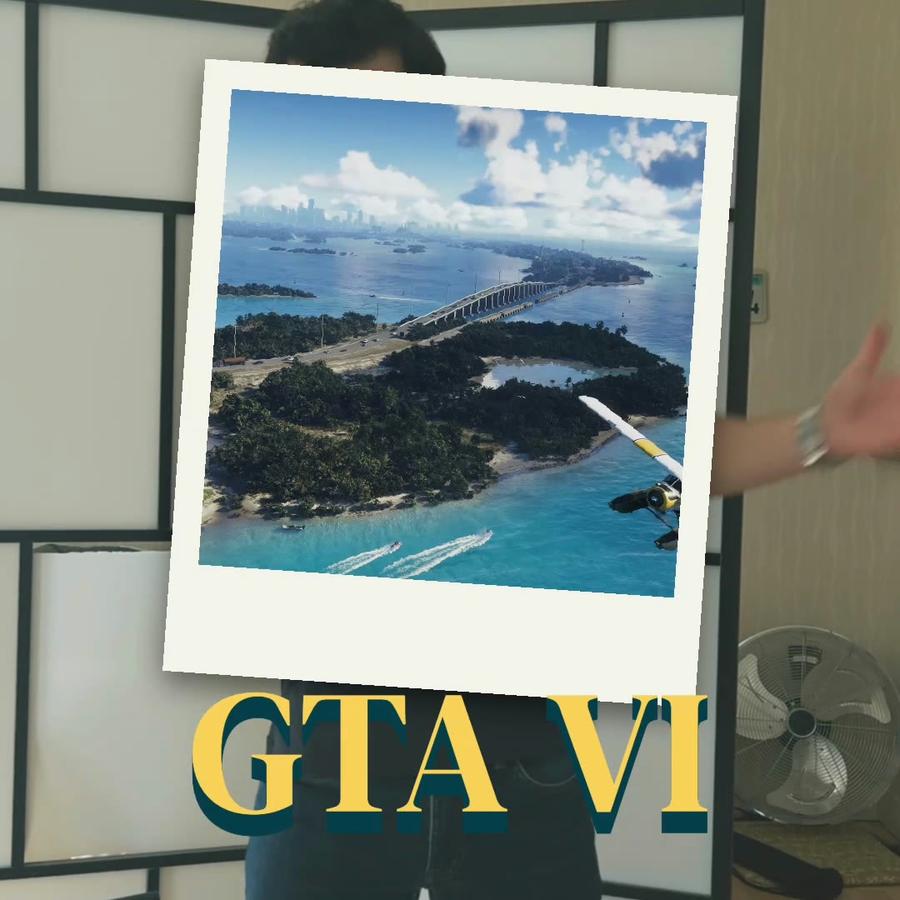
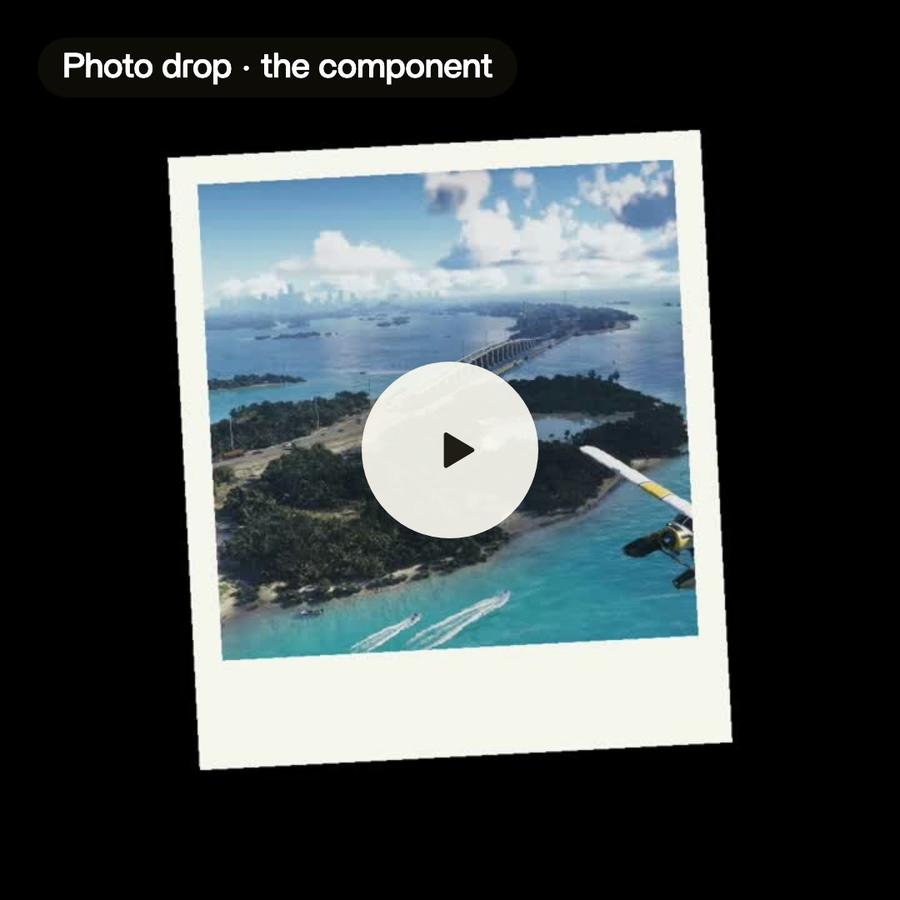
- make a component, a title card or a sponsor card, and put it where it belongs
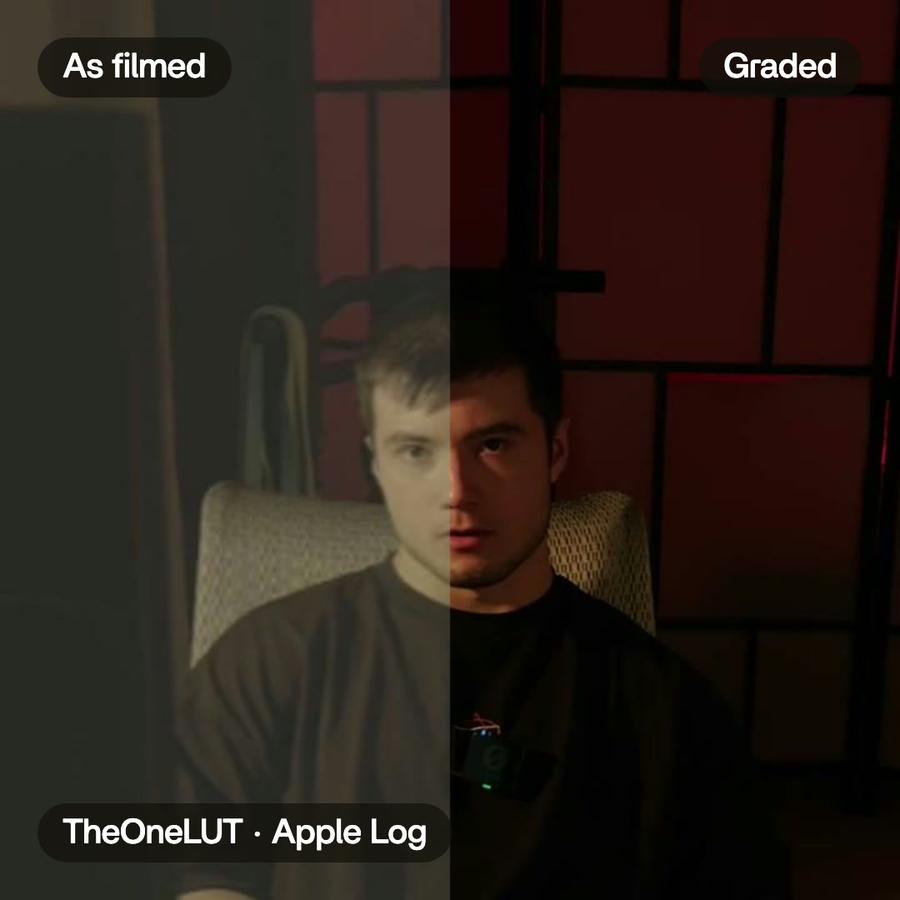
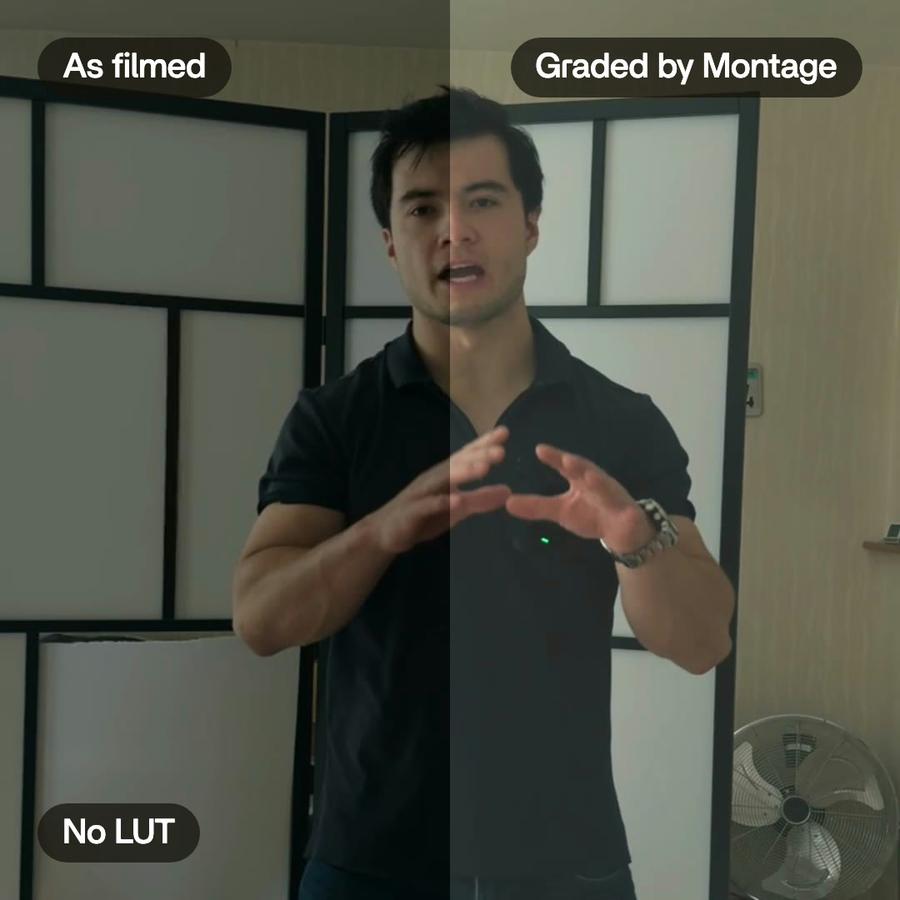
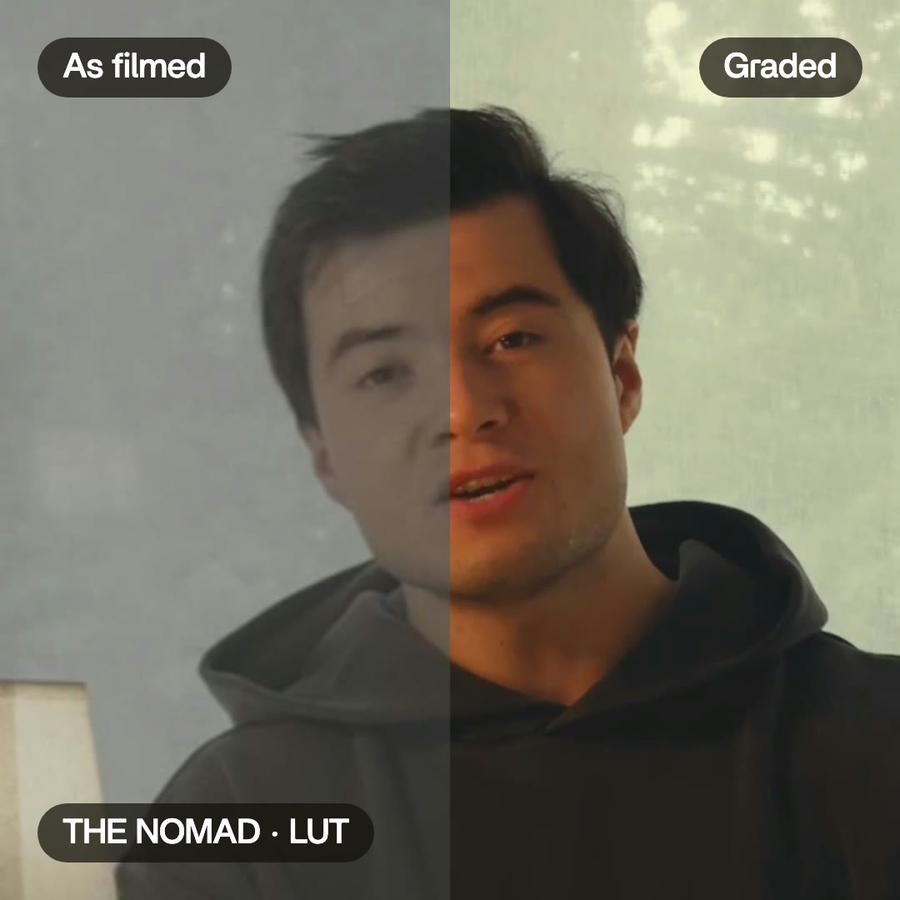
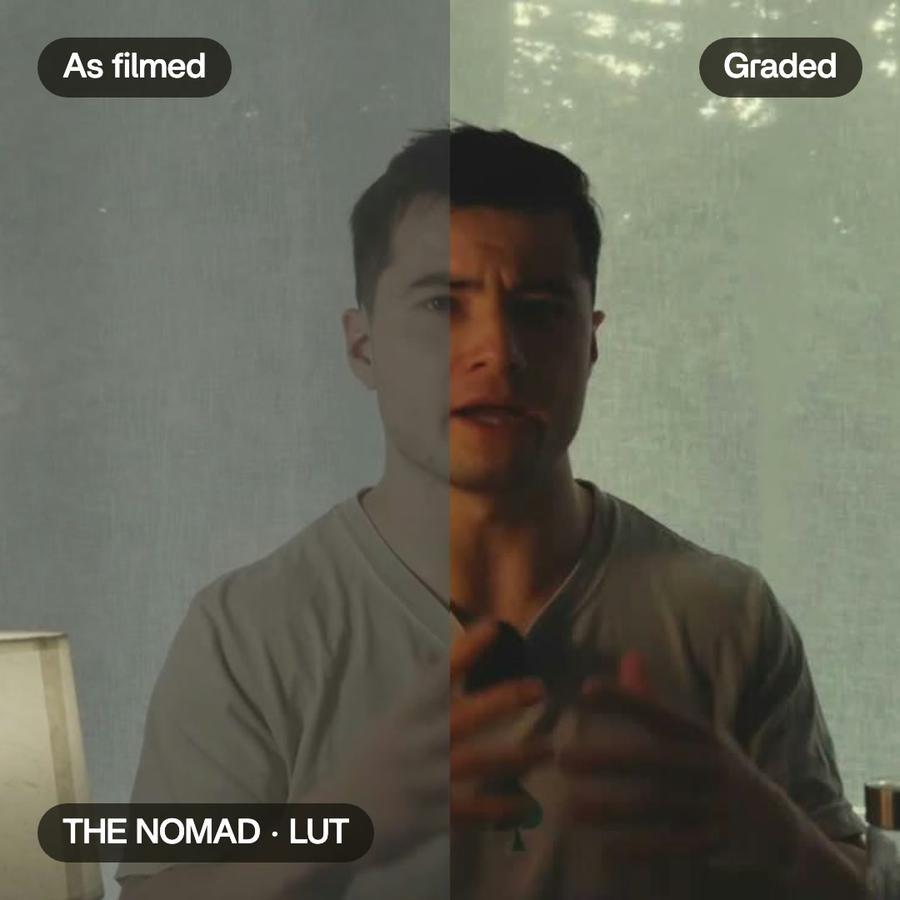
- grade the shots so they match
- and when you press Export, the video comes out ready to post, or as the cut for Premiere Pro or DaVinci Resolve
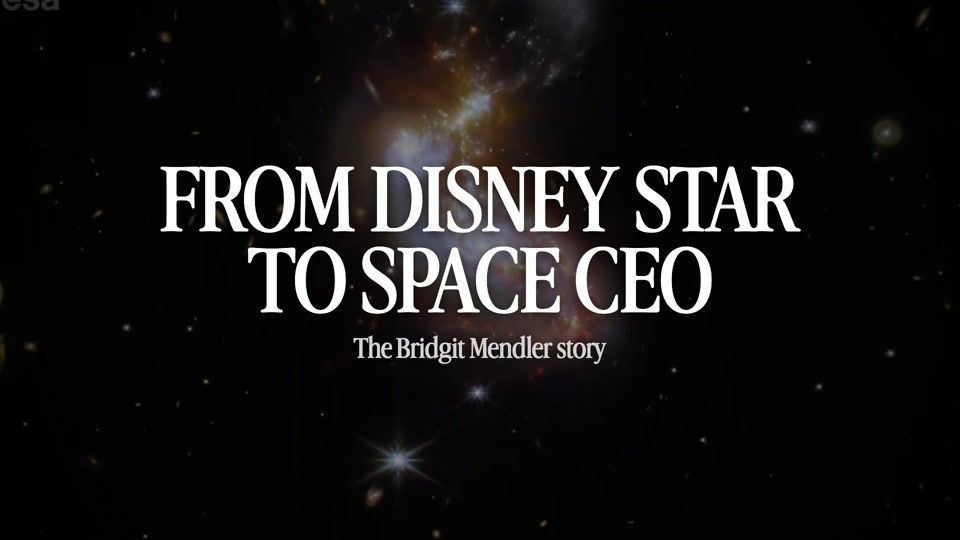
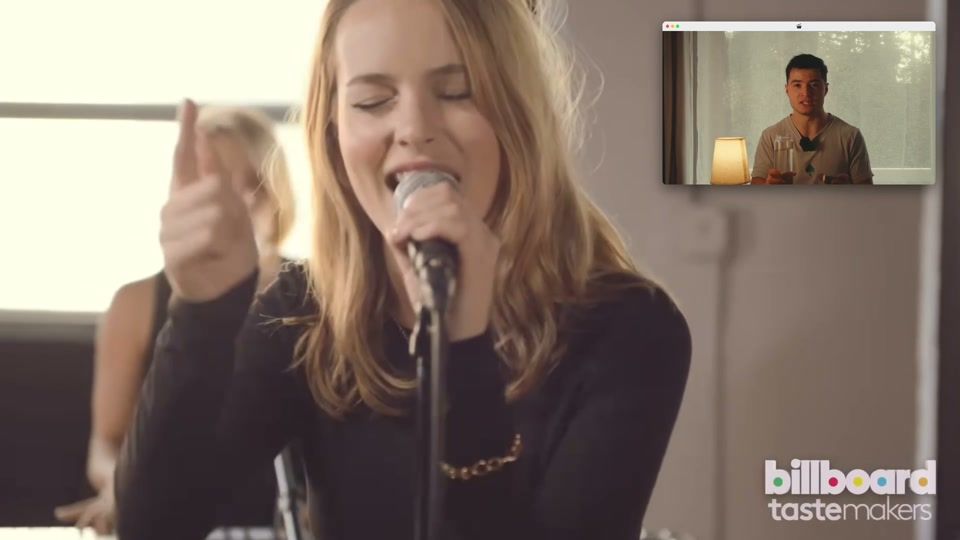
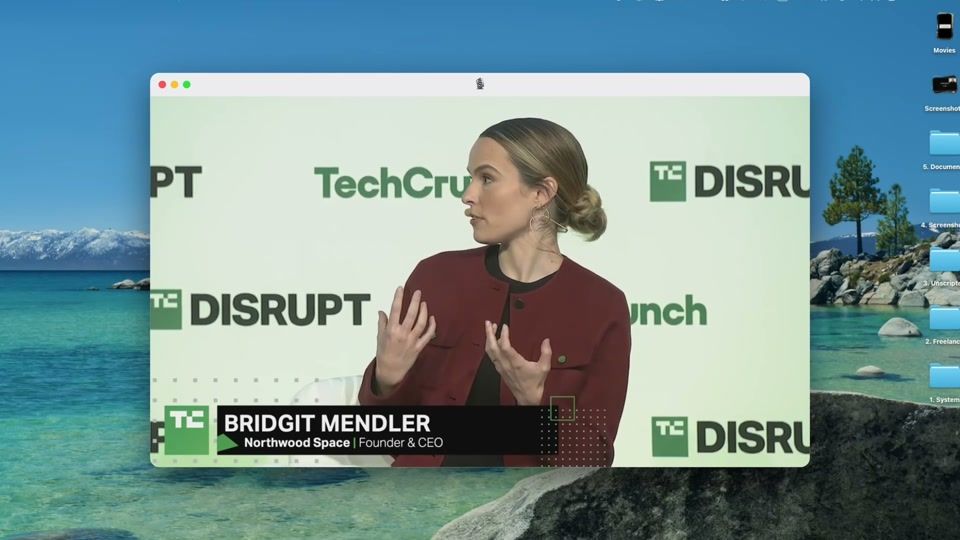
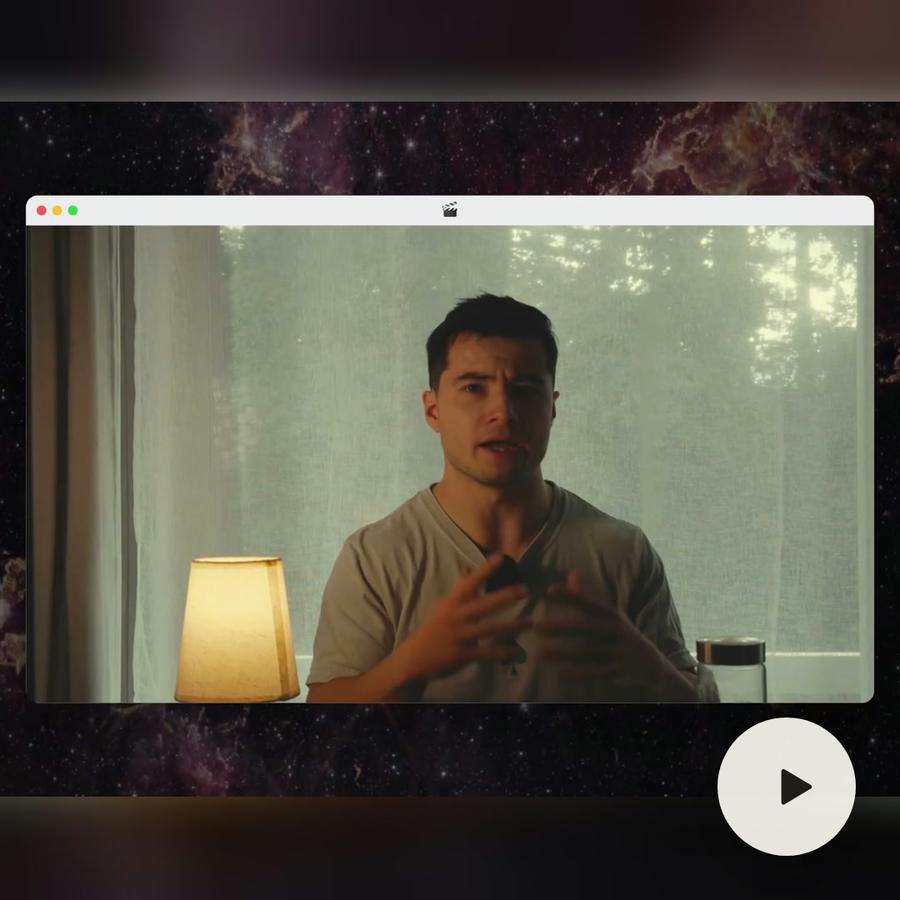
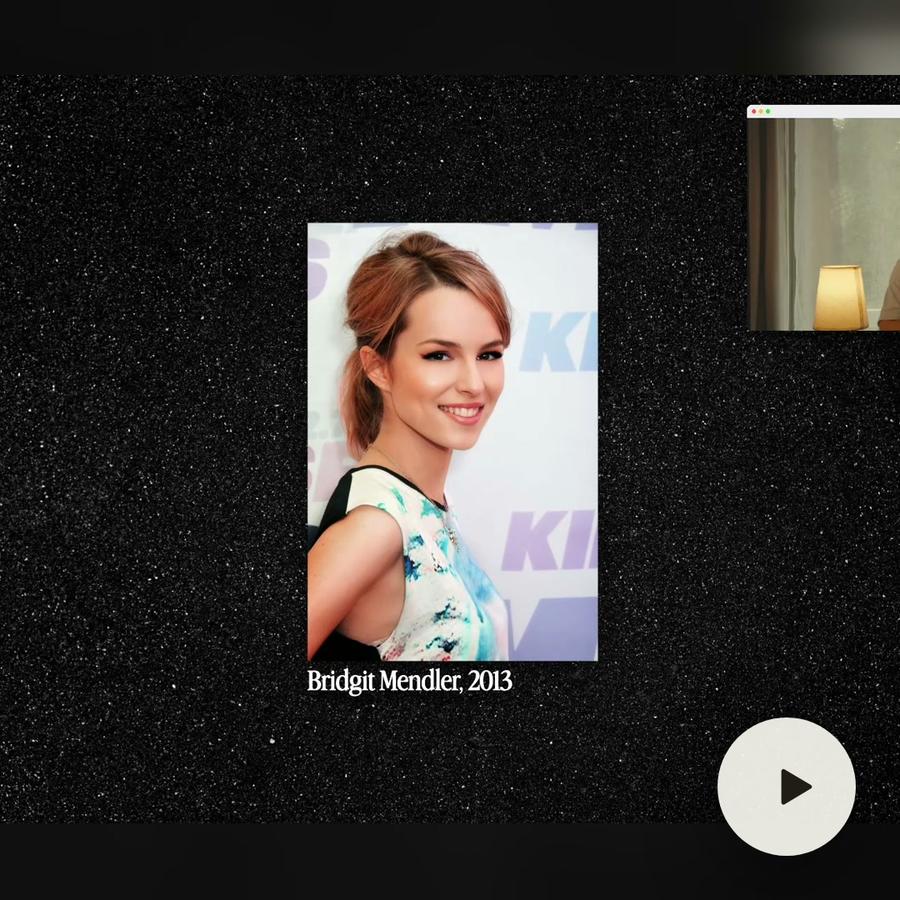
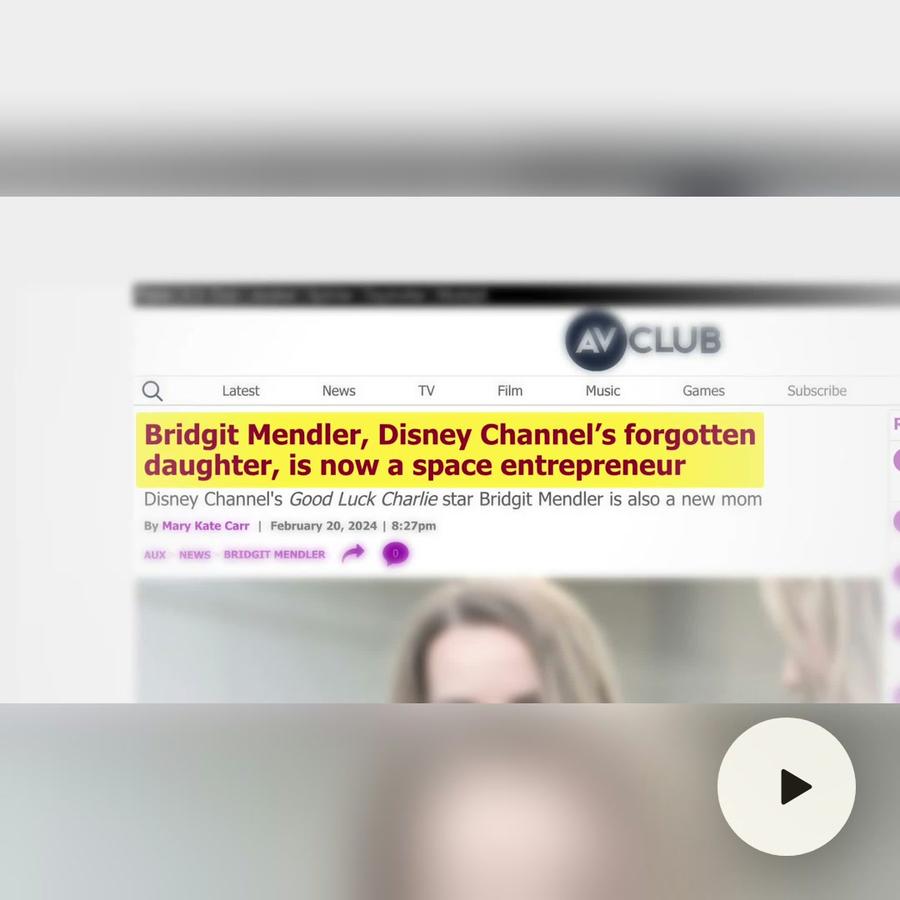
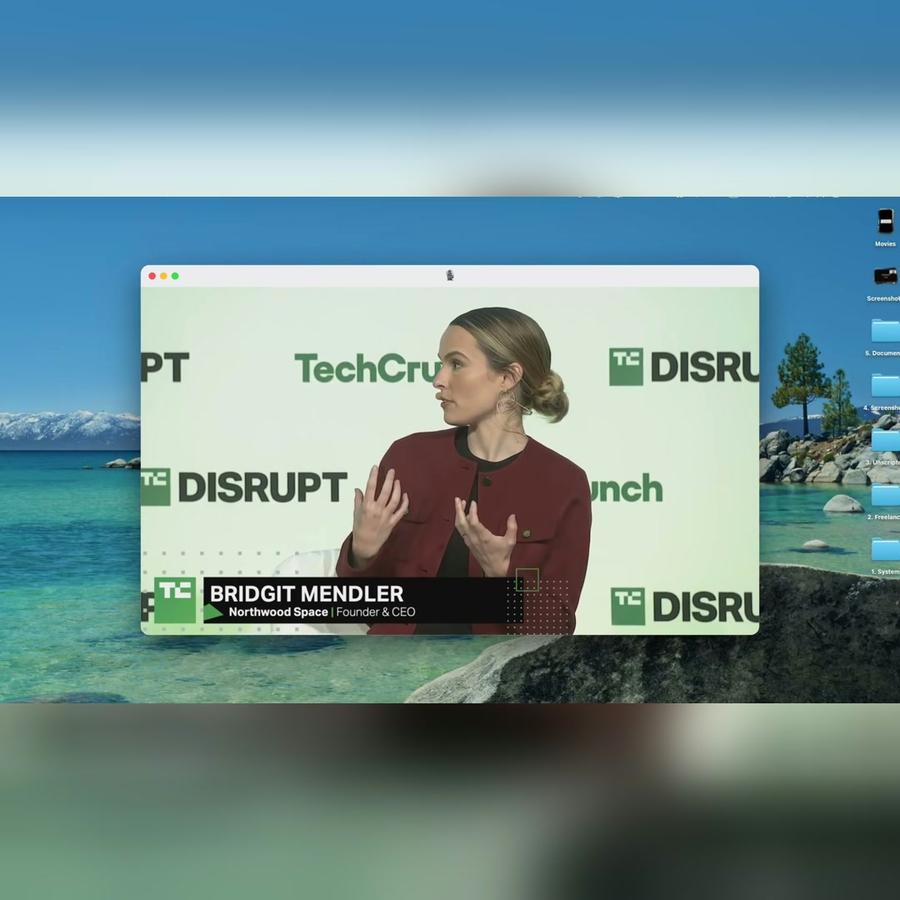
The Bridgit Mendler film, nine minutes from seven takes, was made this way, one request at a time.
When it asks
When a request can mean two things, it asks, with the choices in front of you. « Make it shorter » becomes « under 60 seconds for Reels, or just tighter? »
You keep the edit
Everything it makes changes by asking, and Undo takes its last change back. Move it, cut it, change a setting. The next request starts from what you changed.
Tips for briefing an AI video agent
- Say what the video is for, and where it will be posted.
- Name moments by what is said in them.
- Ask for one thing at a time when it matters.
- Look at the cut before you ask for the next change.