Animated text,
said in one sentence.
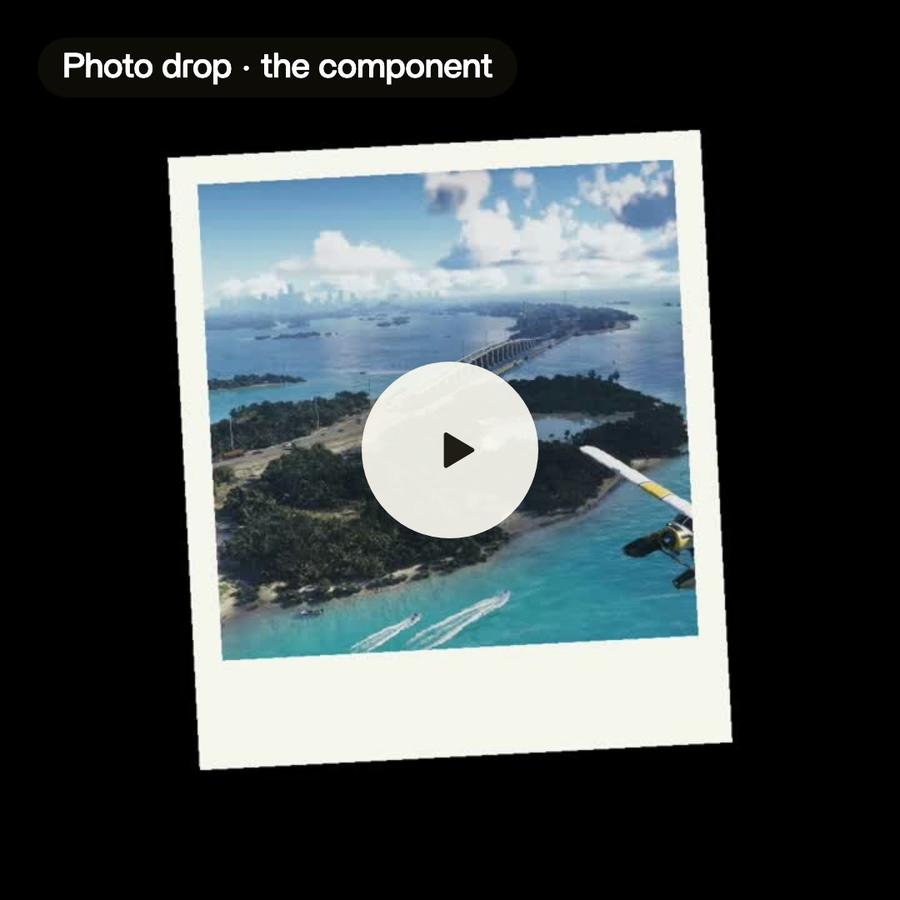
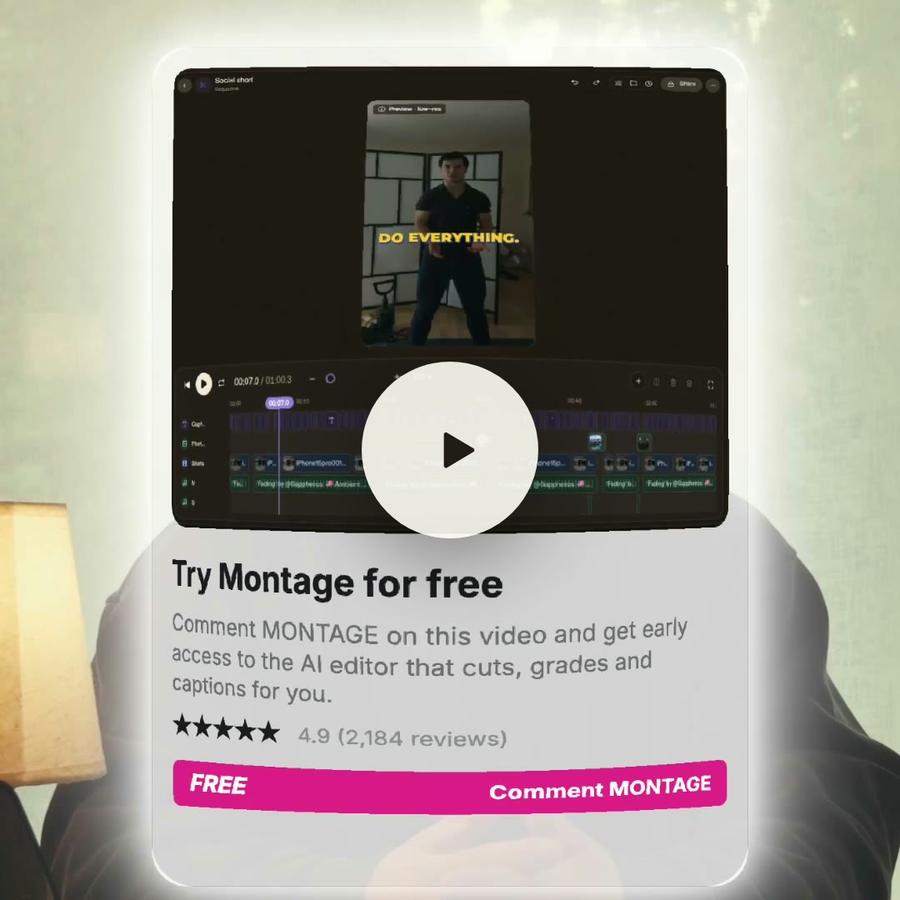
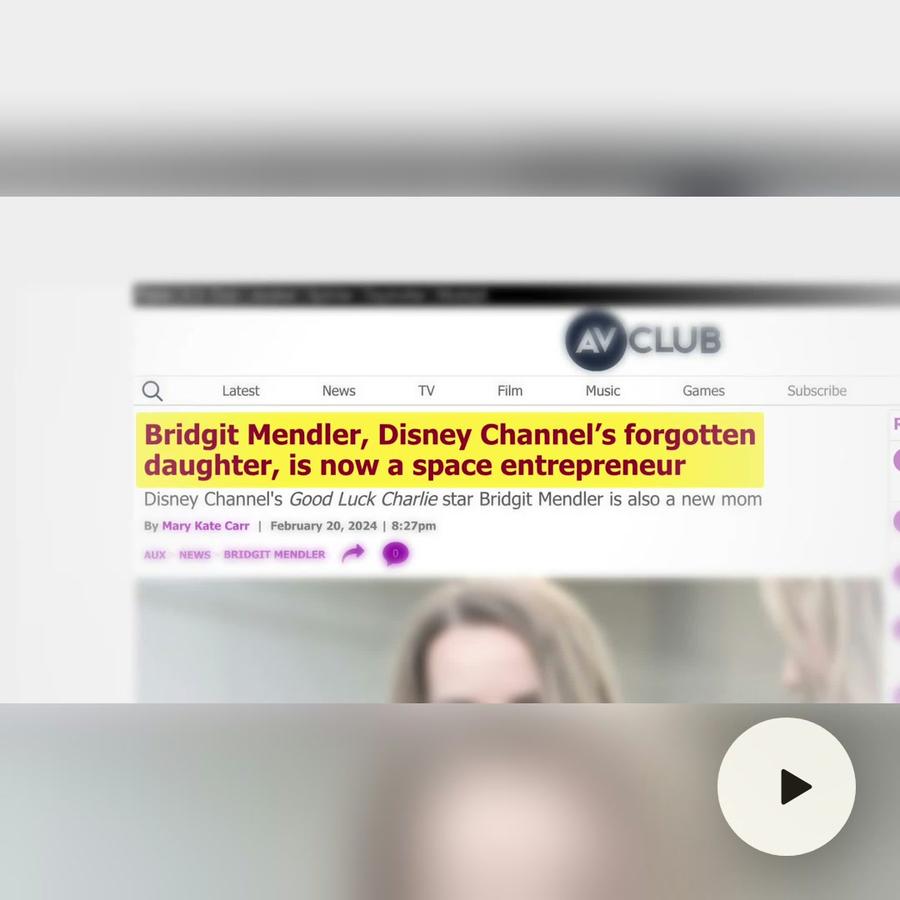
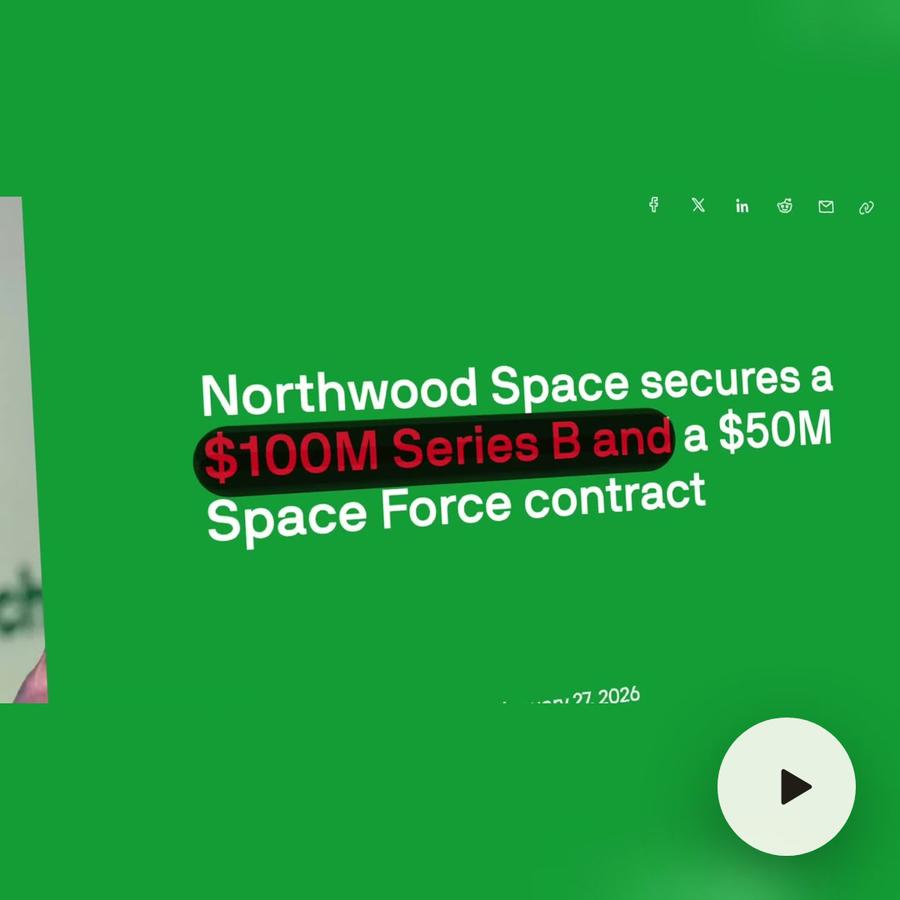
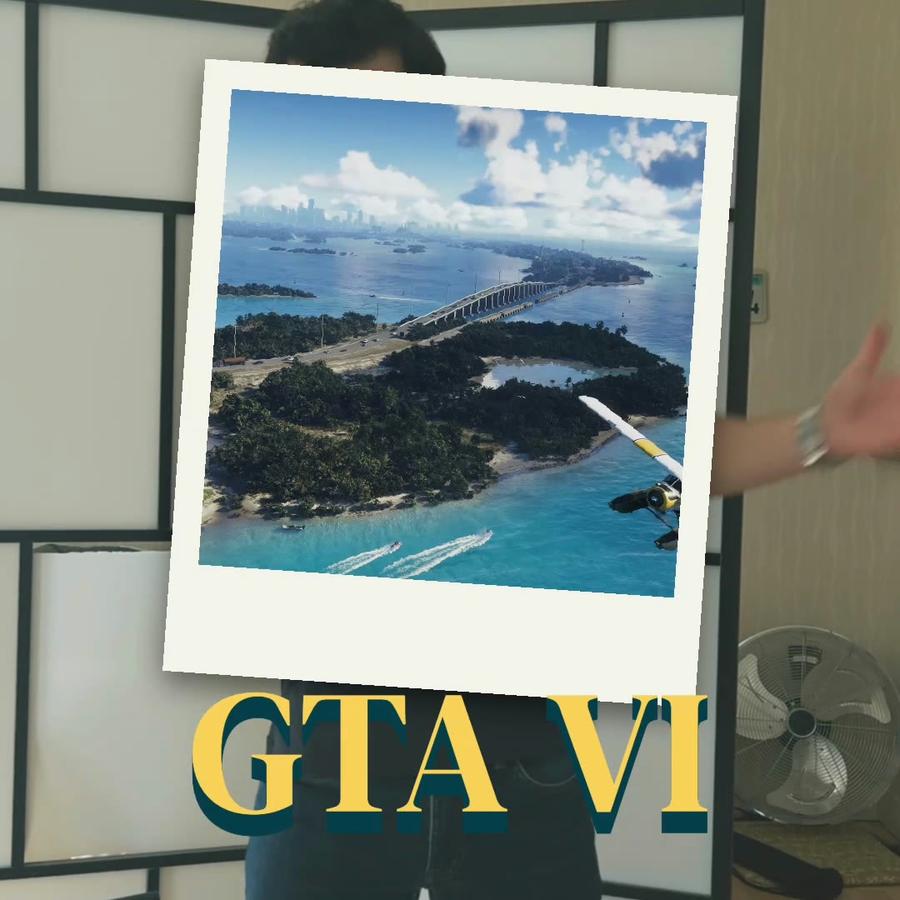
Animated text, pictures that drop in, tags that whip in, zooms, cards, charts: say what you want to see, and Montage designs it, makes it move, and puts it on your video. Then change every detail.
Ask any motions you want
All you have to do is say itMotion design, in real videos.
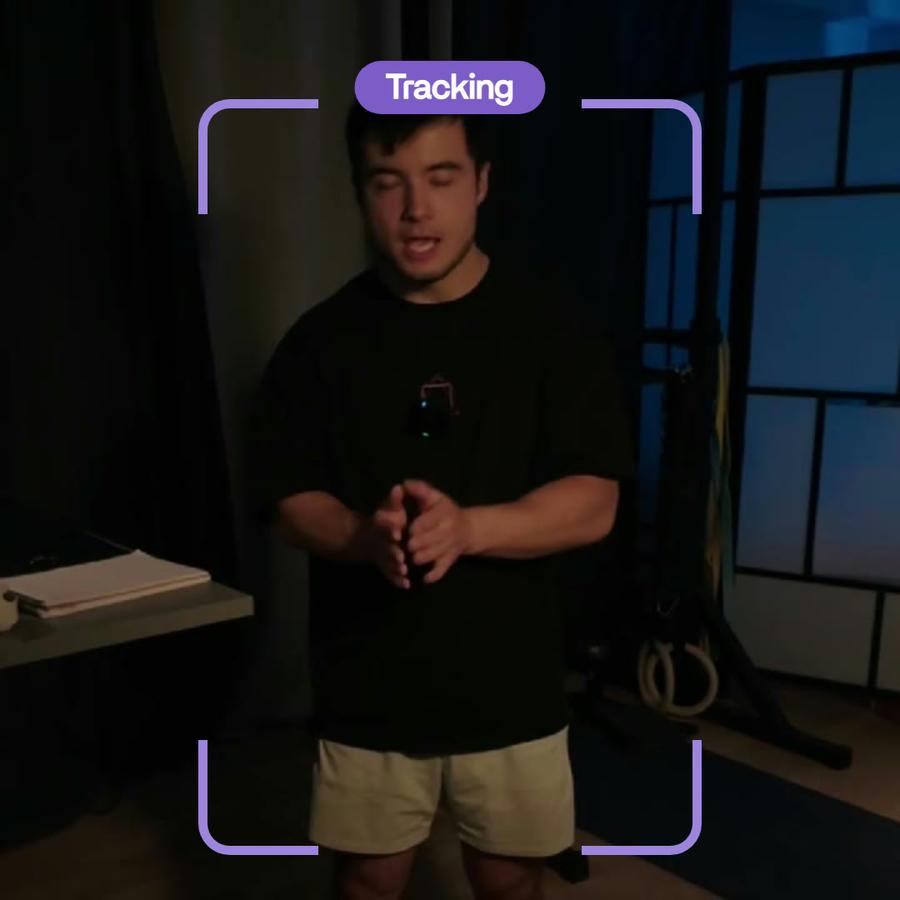
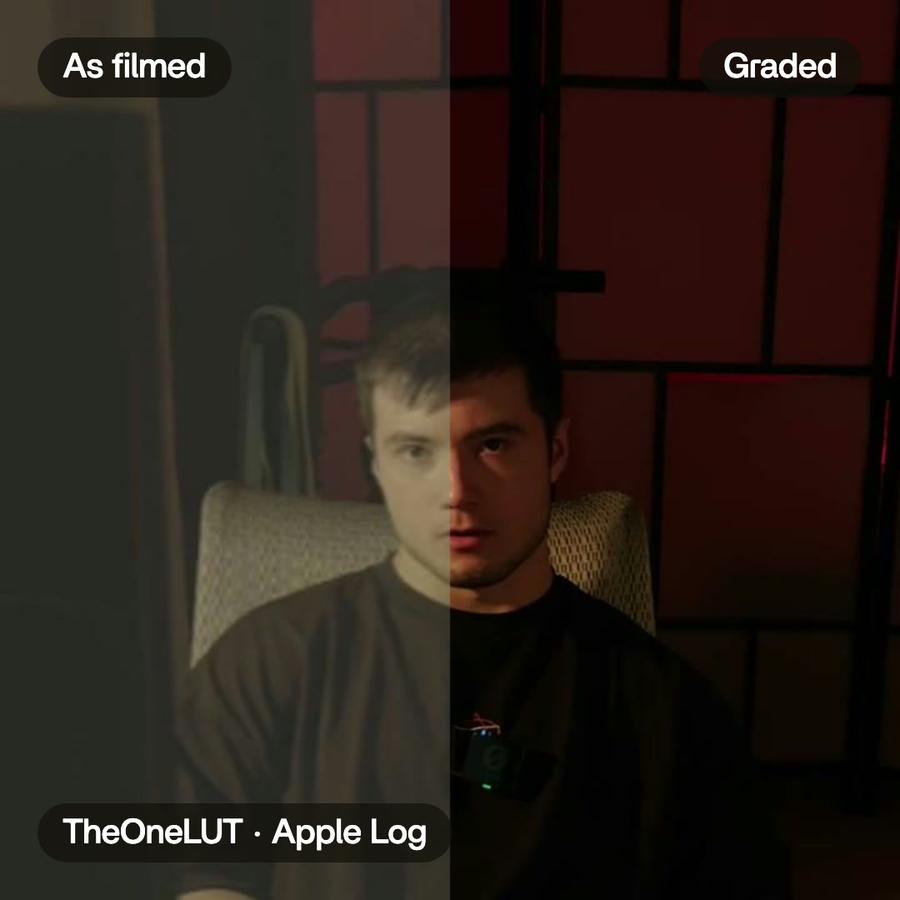
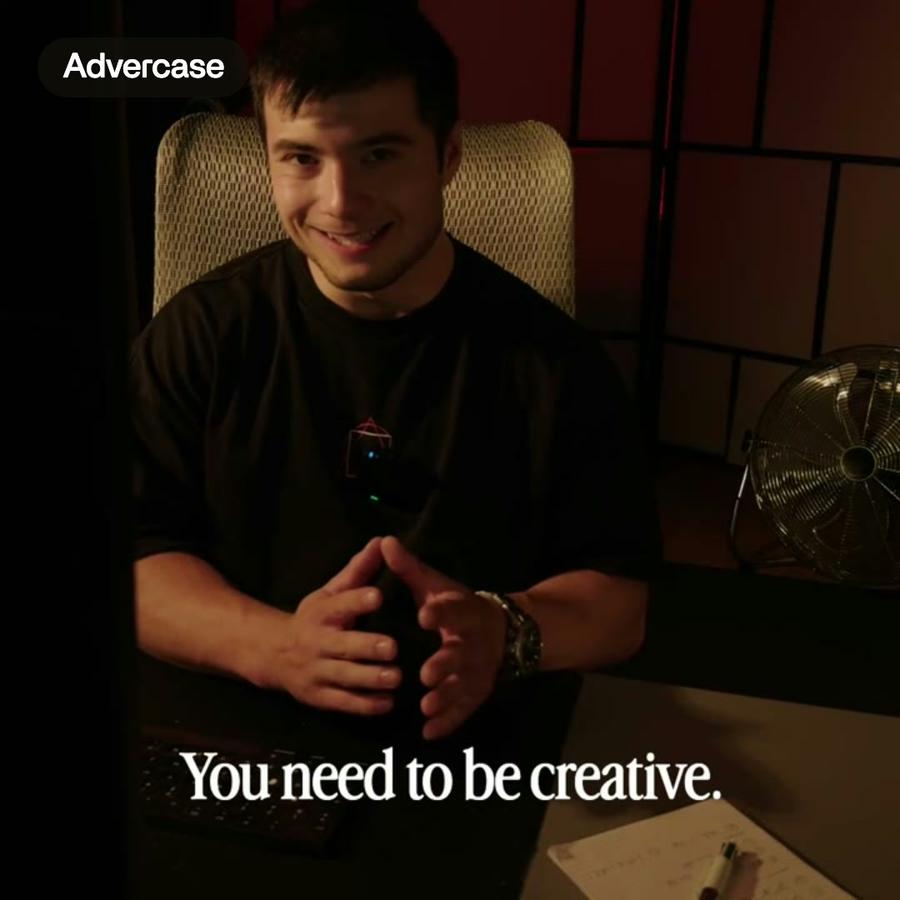
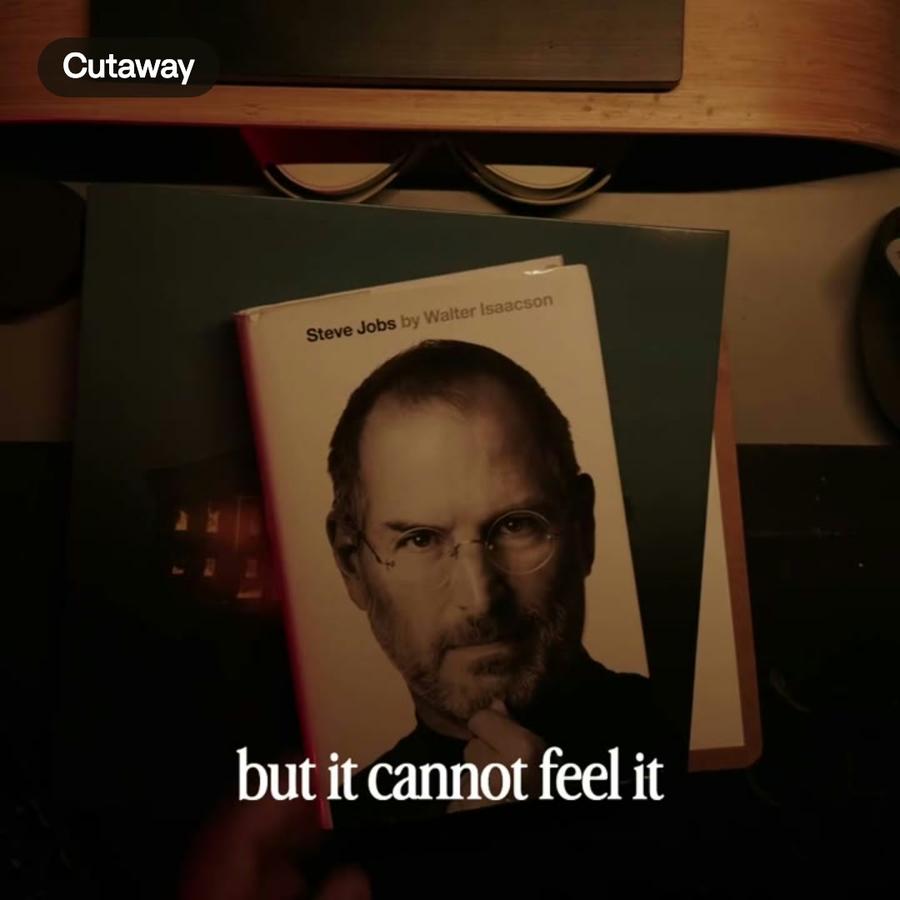
Real videos, each with what went into it.
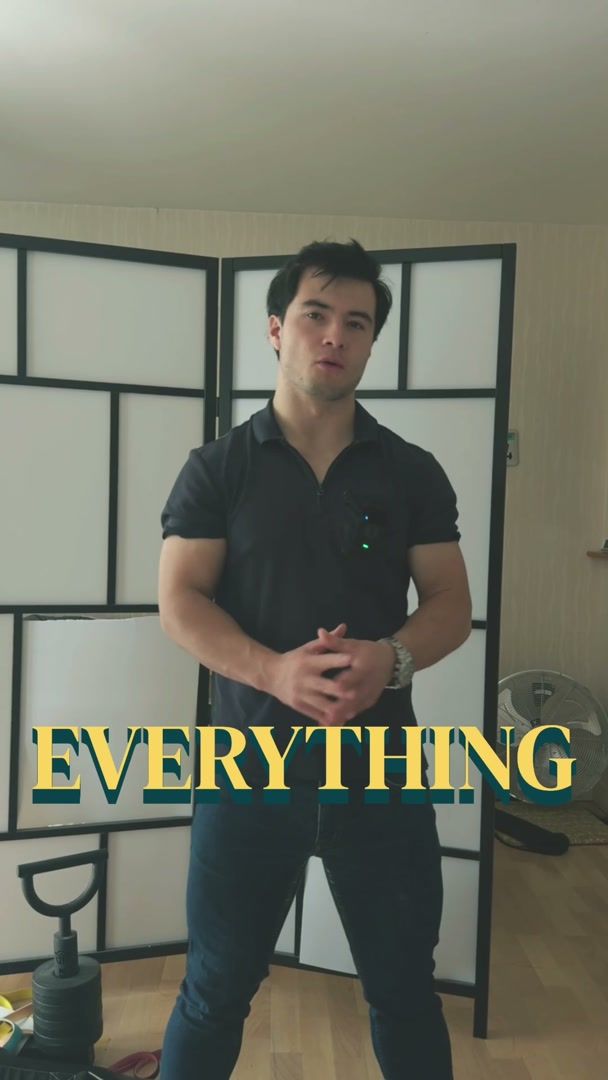
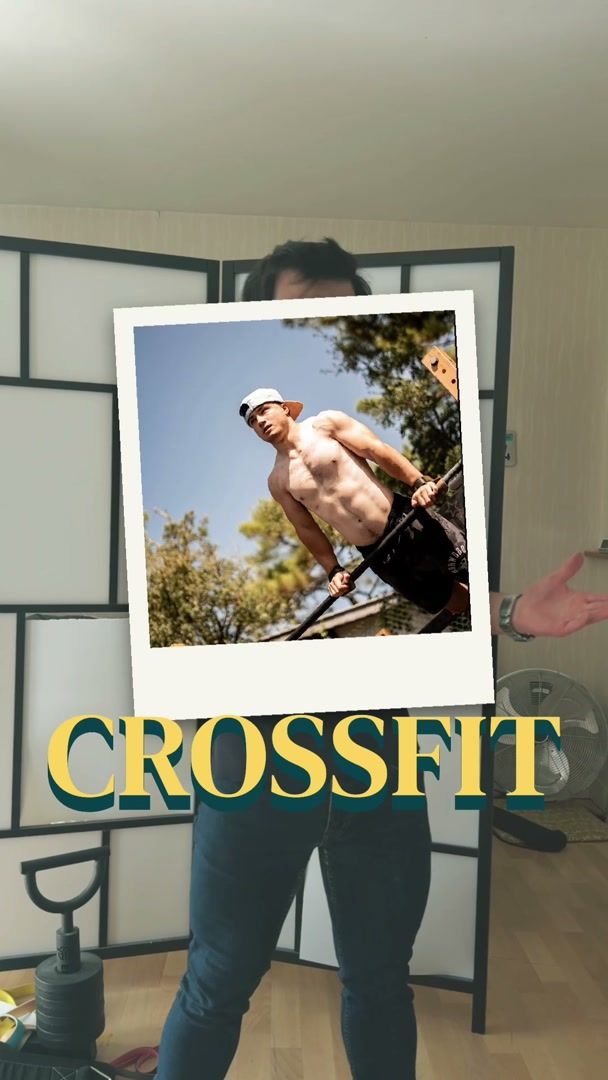
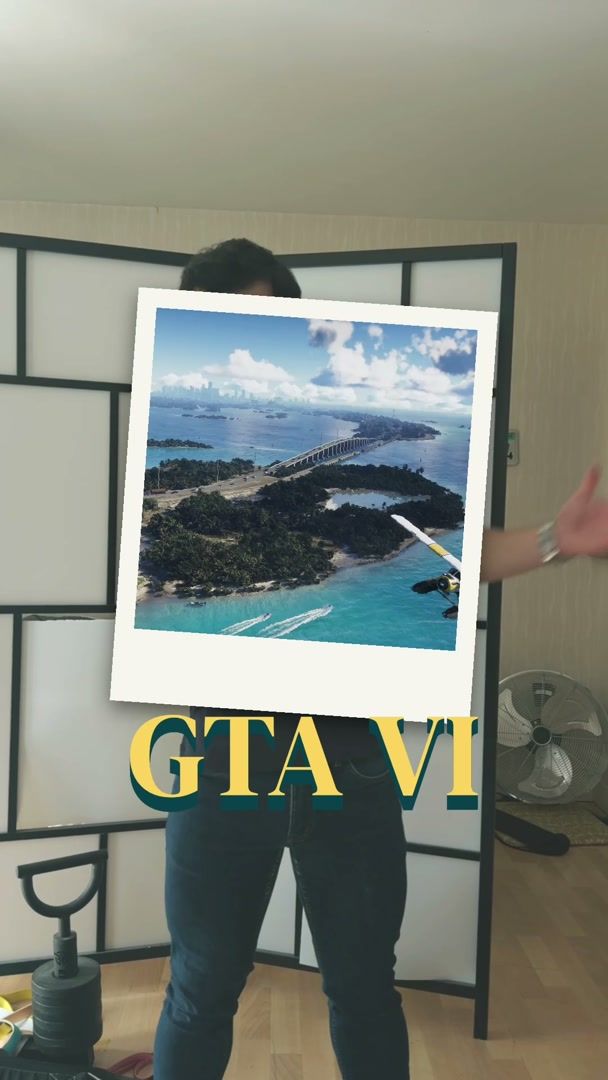
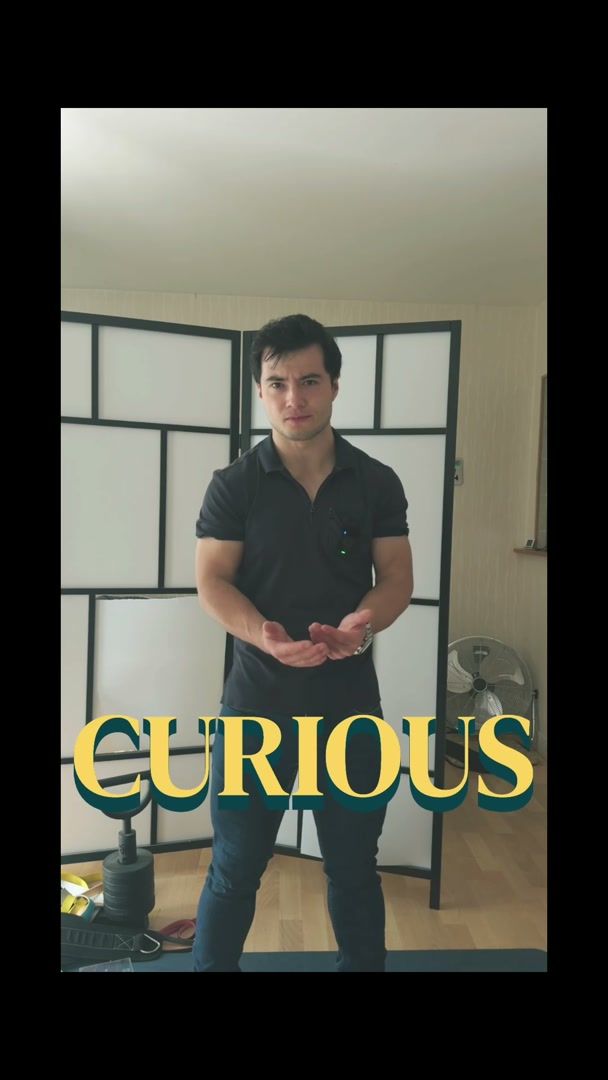
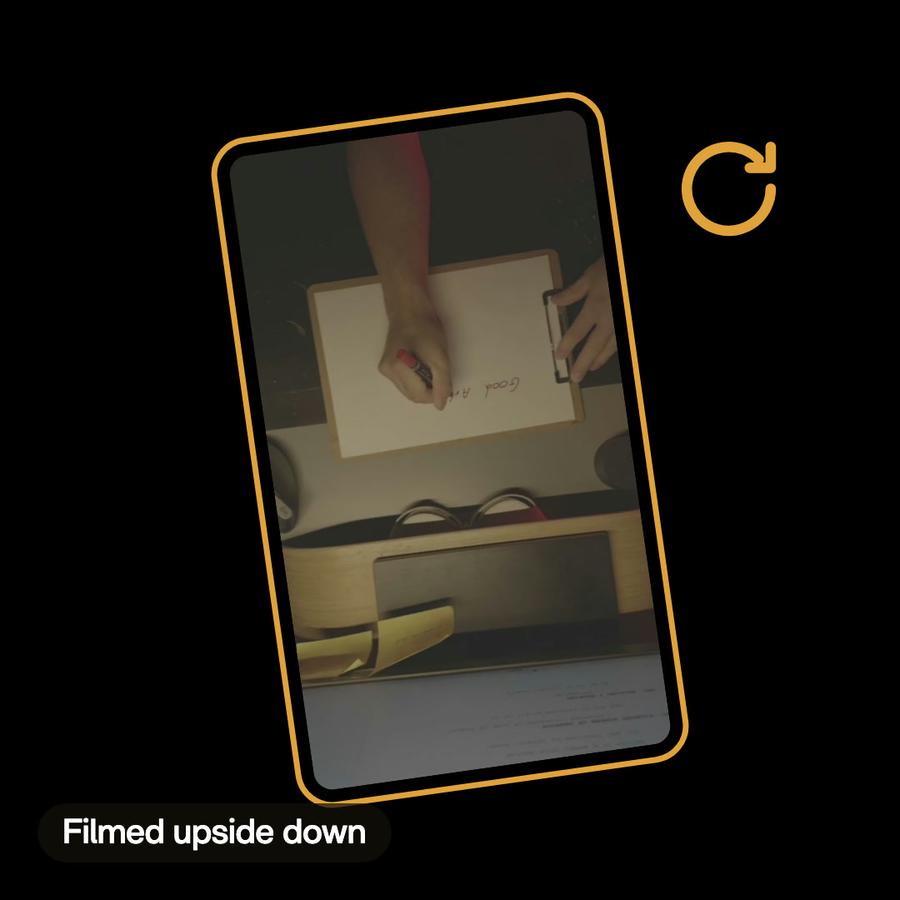
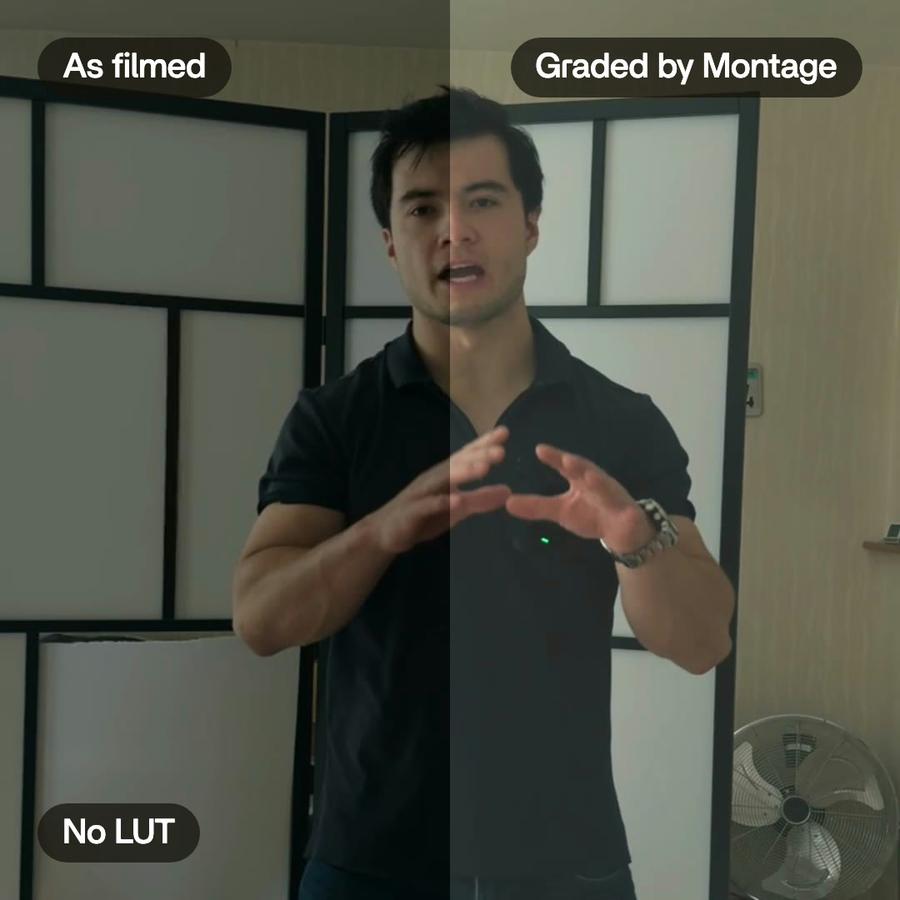
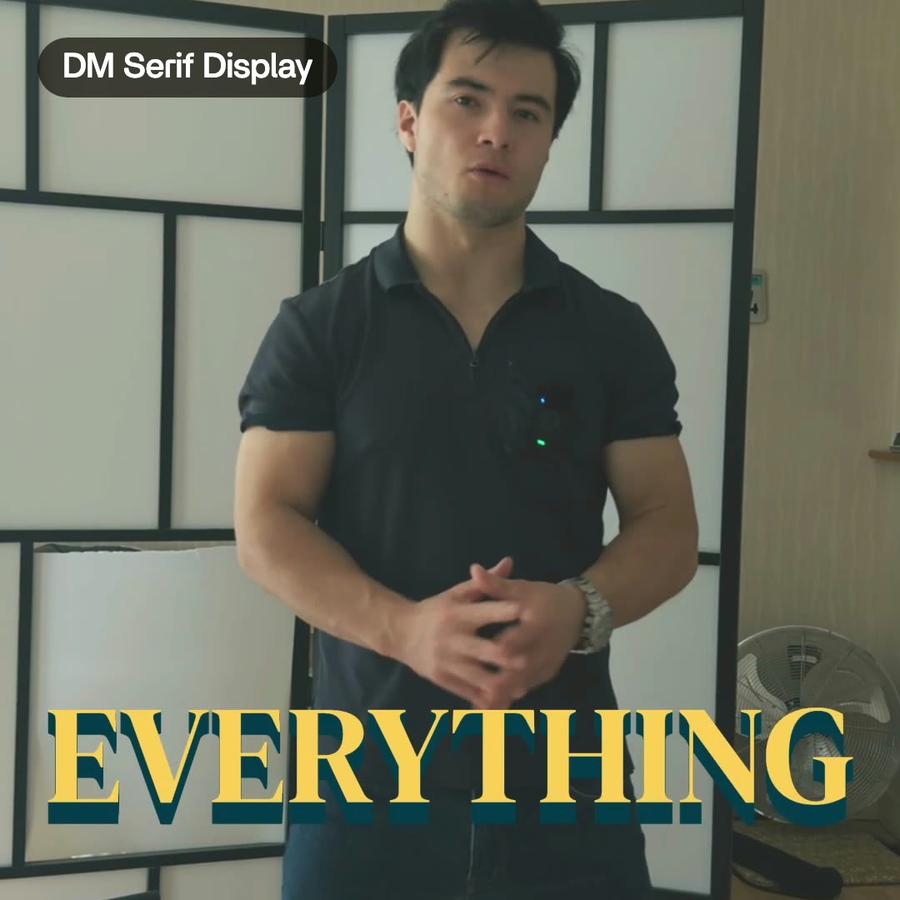
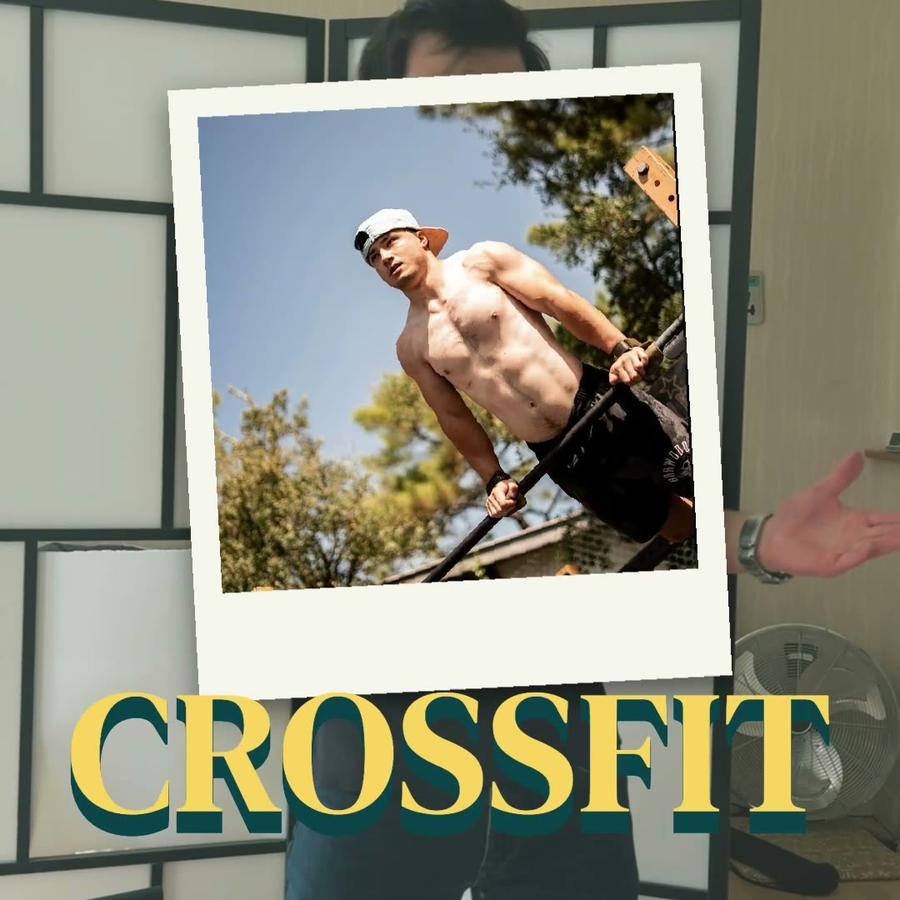
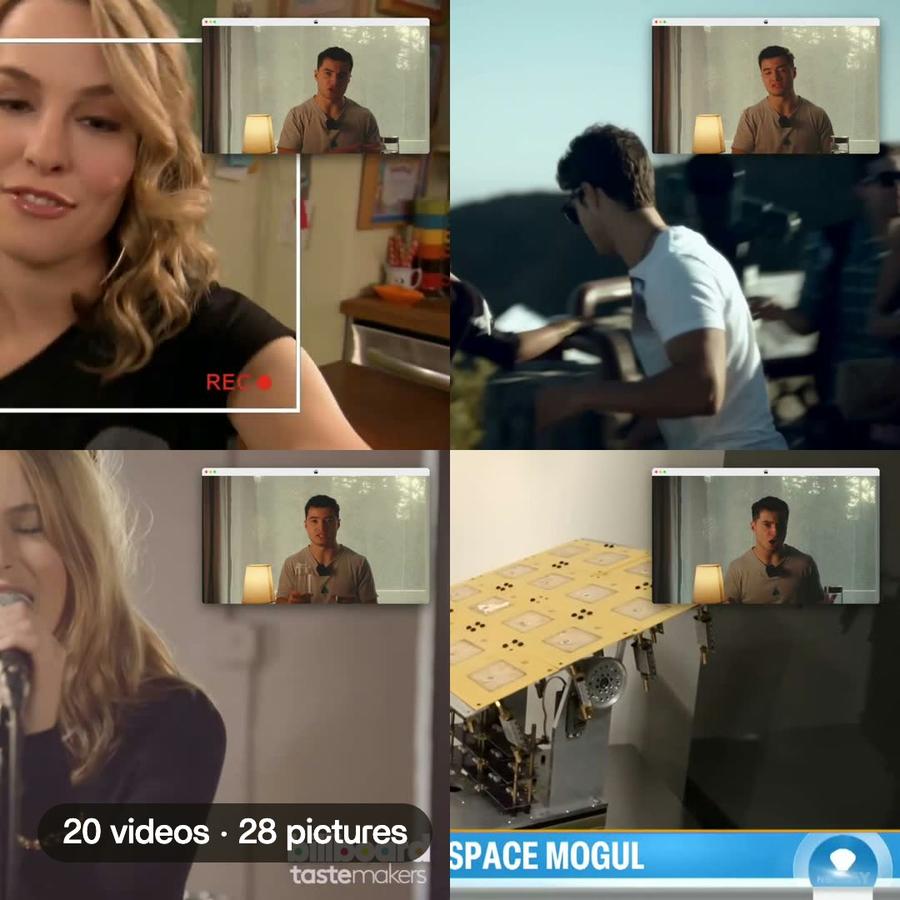
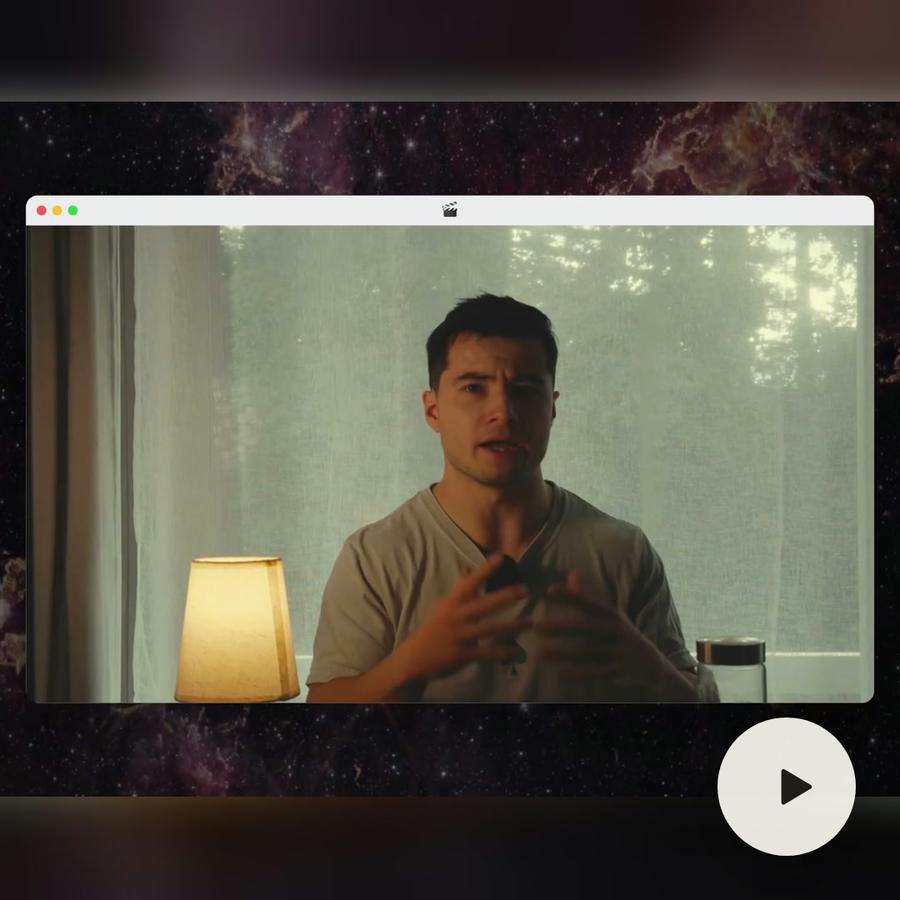
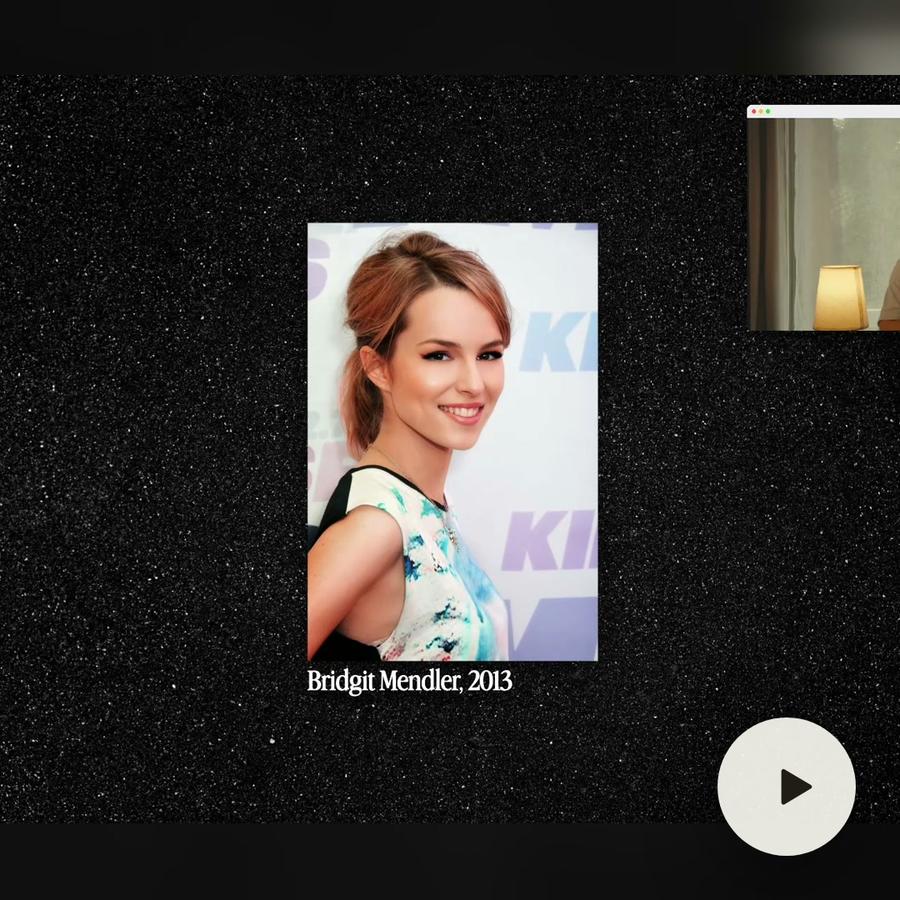
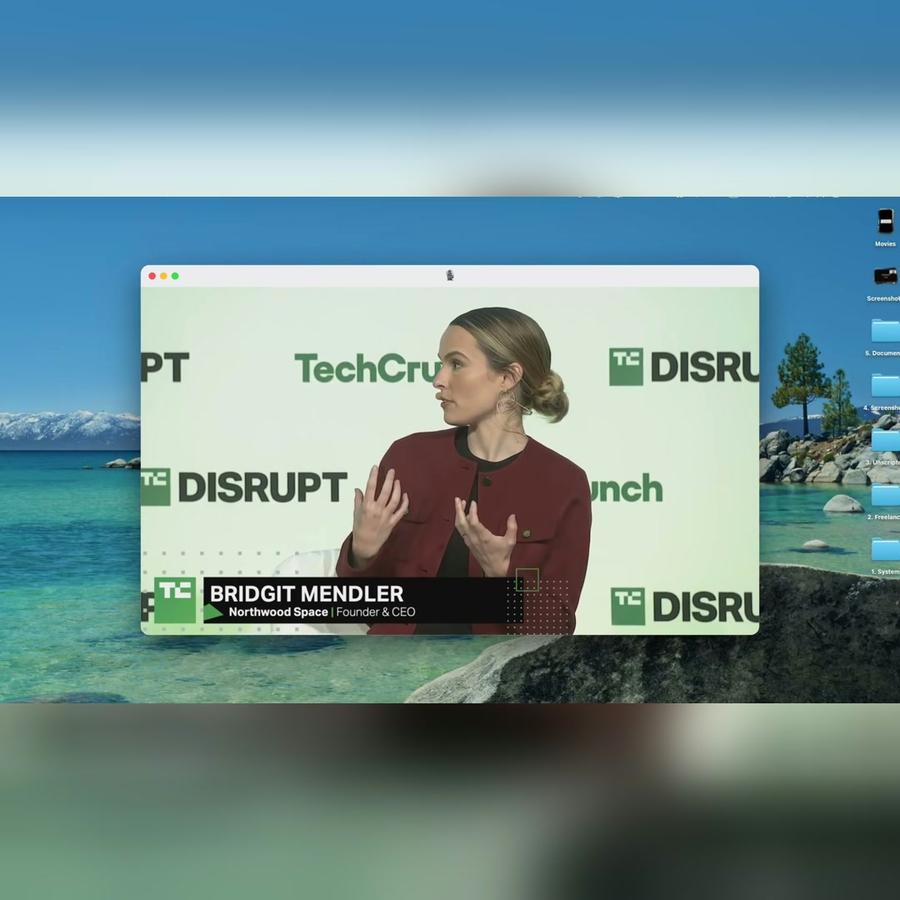
What Montage did in these videos.
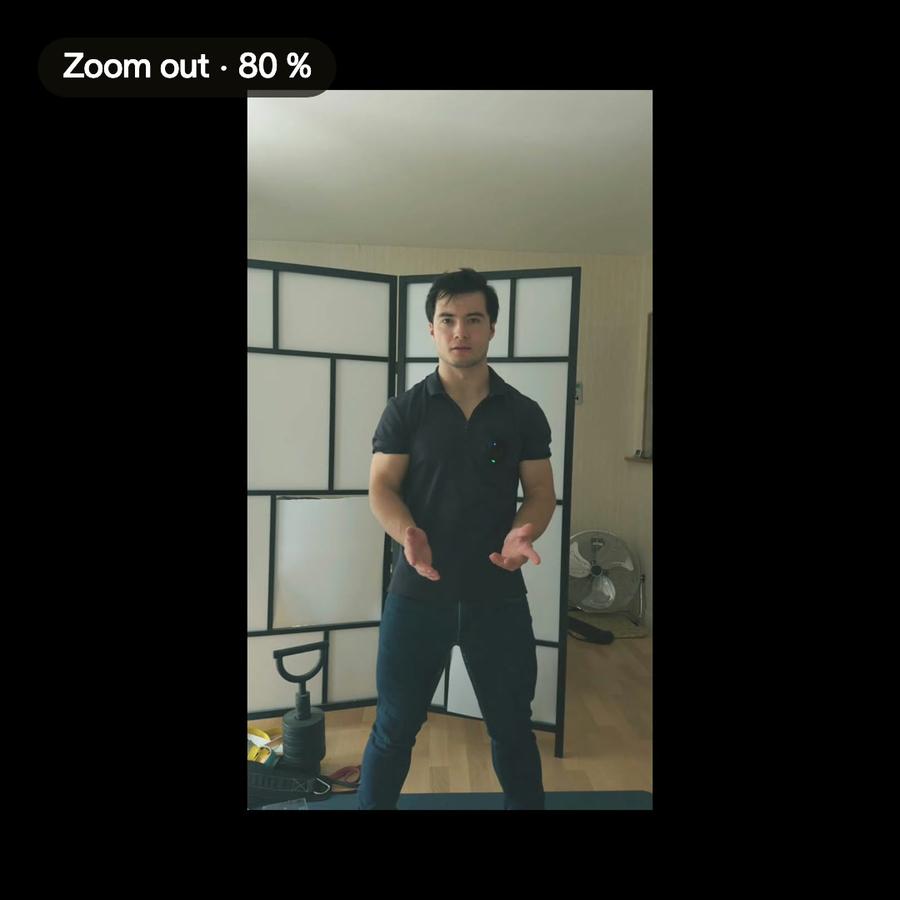
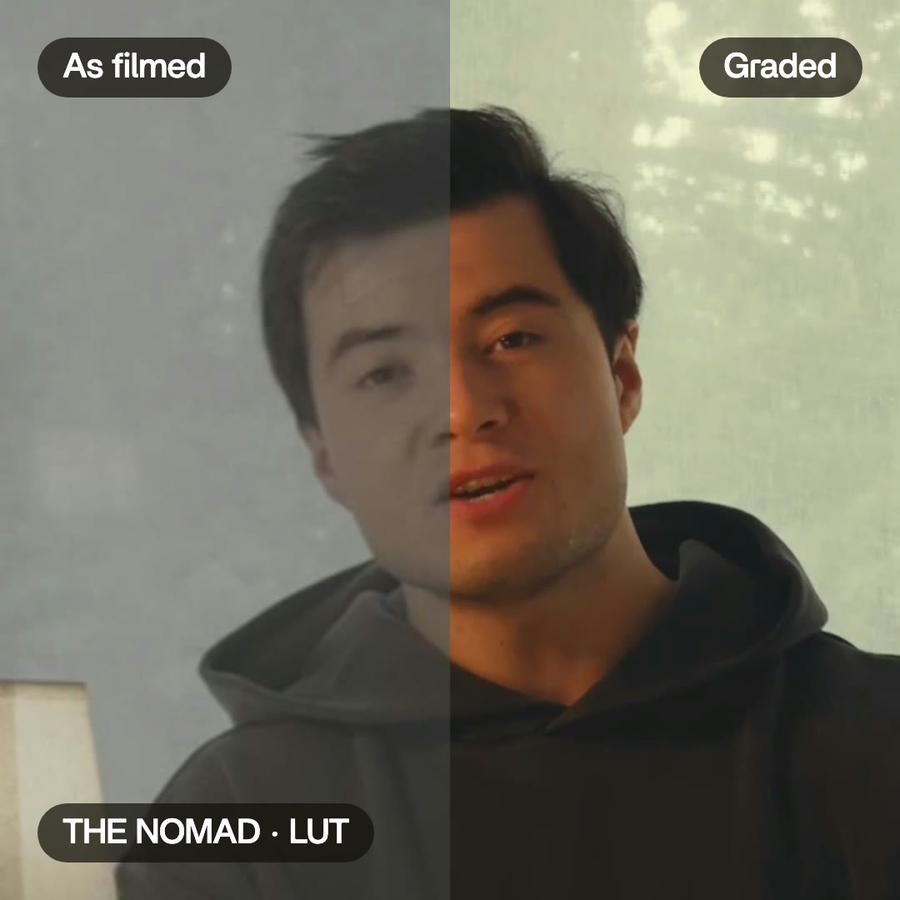
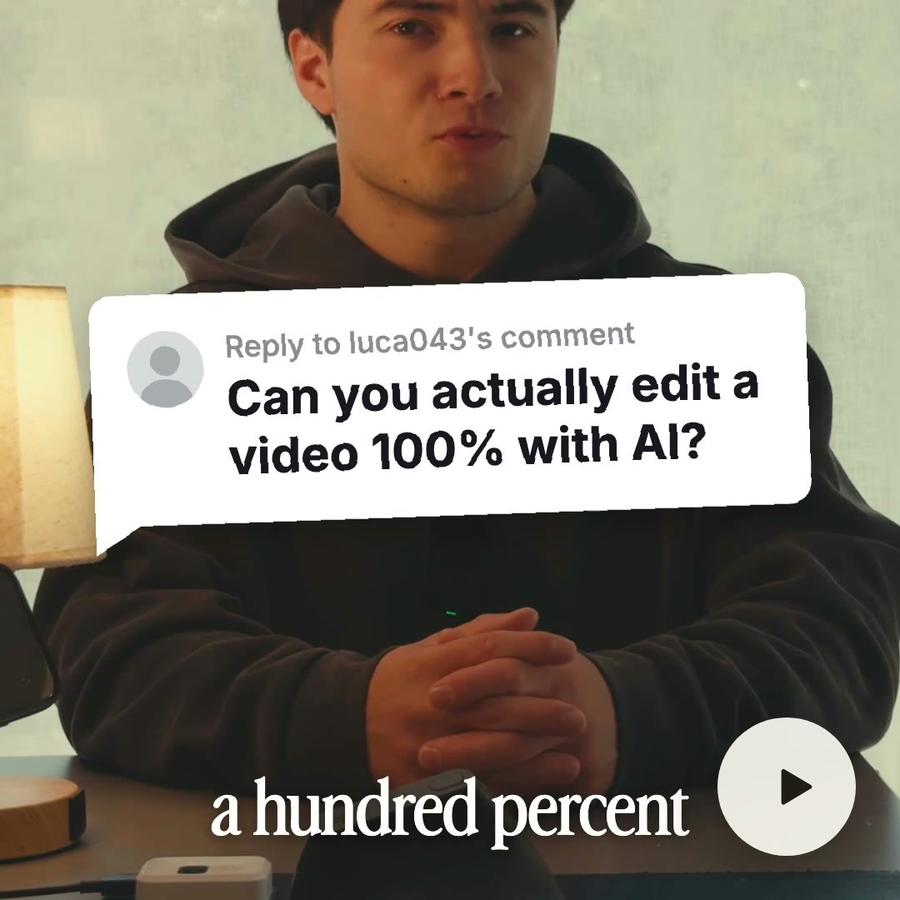
Each card is one thing it did in a real video. Open one to see the feature behind it.

Pricing
Every plan has the whole app. A bigger plan holds more footage.
- 50 GB of footage
- No watermark on your exports
- Comments on your videos
- Buy extra credits when you run out
- Everything in Plus
- 125 GB of footage
- Access Montage MCP
- Everything in Pro
- 250 GB of footage
- Invite your team
- Your clients comment and approve, no account
- Everything in Max
- 500 GB of footage
- Invite your team
- Your clients comment and approve, no account
Animated text questions, answered
How do I add animated text to a video?
Describe the text you want to see, in plain words. Montage designs it, makes it move and puts it on your video, and every detail stays editable.
Do I need to know motion design to make animated text?
No. You describe what you want to see in plain words, and you change it the same way.
What animated text and graphics can Montage make?
Pictures that drop in, names and tags, zooms, words that light up, a last frame. Also a card, a chart, a lower third or a sticker: if you can describe it, ask.
Can I change the animated text after?
Yes. Each one has settings, like the tilt, the frame or the speed. Ask: « make the pictures fall in slower ».
Will the animated text match my brand?
Yes. It follows your style: your colors, your fonts, your corner radius.
Can I use my animated text again on the next video?
Yes. Ask Montage to keep it as a component in your Library, and ask for it by name next time.
Do I need to be good with AI?
No. If you can send a text, you can use it. You say what you need, then ask for changes until it's right.