






Descript vs Montage:
a detailed comparison
The short answer
Here's the thing: Descript is a good editor. If you like cutting a video by editing its transcript, or you record podcasts with guests, keep it. But if what you want is the video, not the editing, Montage is the Descript alternative built for that. You say what you want, you watch, you comment on the picture, and Montage makes the changes.
How you edit
In Descript, you edit the words. Delete a word in the transcript, and that moment of video goes. Move a sentence, and the footage moves with it. Underlord, its AI co-editor, does the heavy lifting when you ask, and the timeline's there if you need it. But the edit still lives in the doc, and the doc is yours to work on.
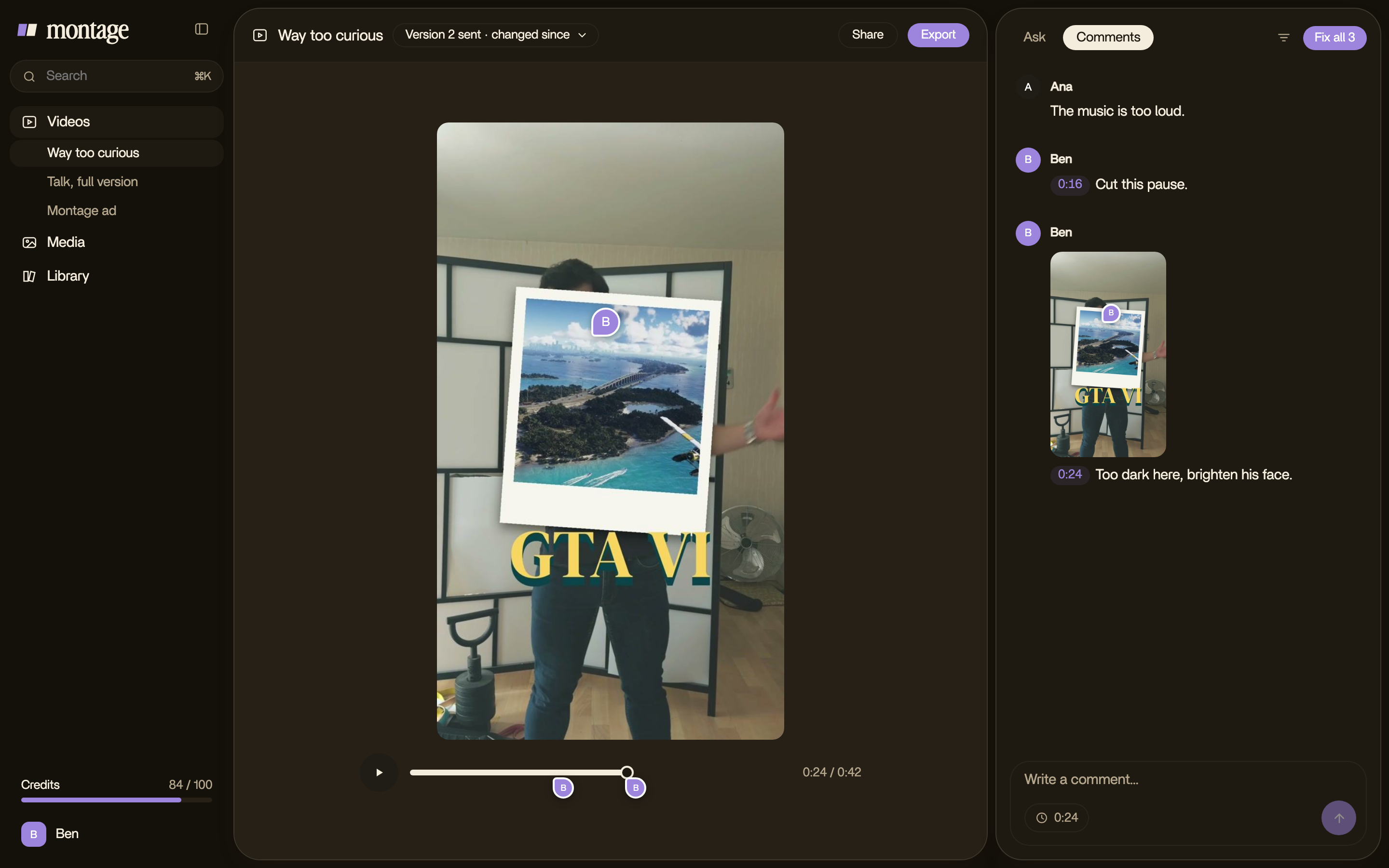
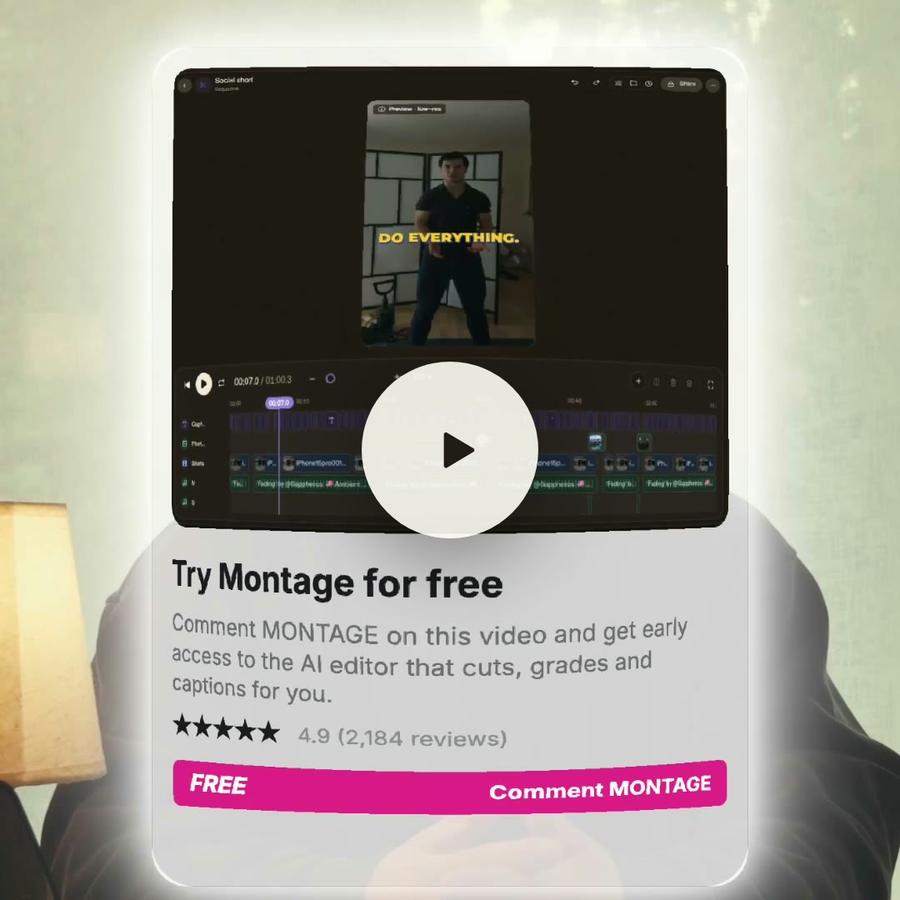
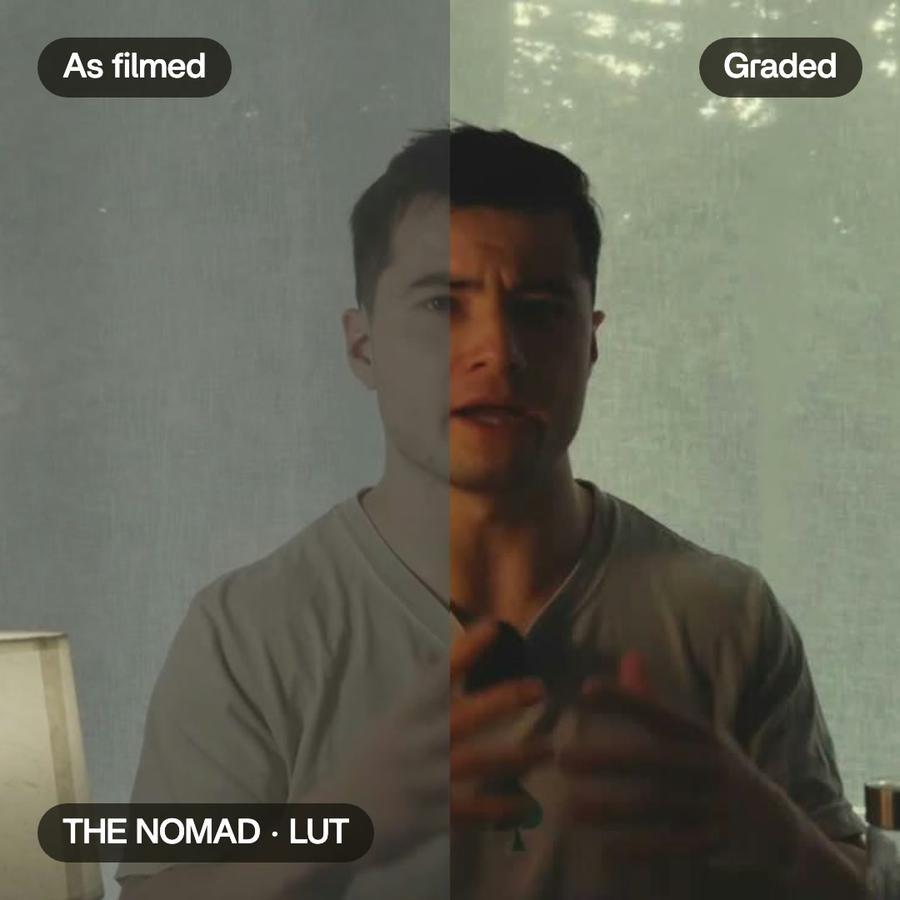
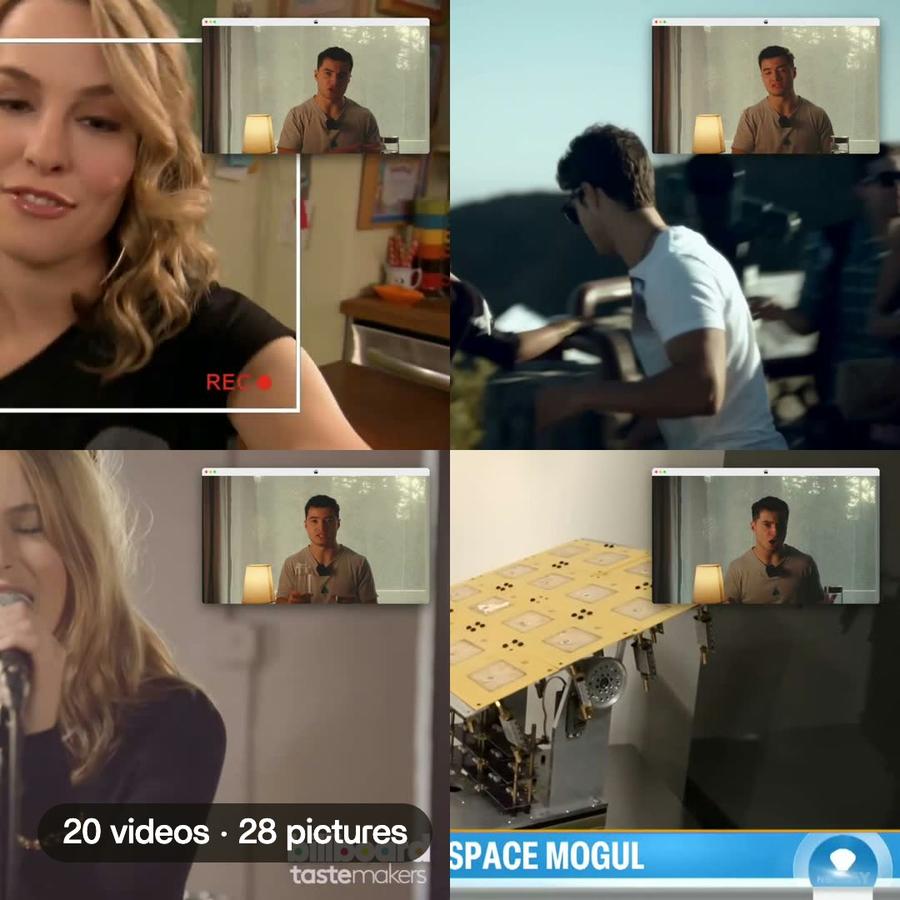
In Montage, there's no transcript to edit and no timeline. Let me explain. You drop your takes, you say what the video is for, and Montage makes the whole edit. Then you watch it, and when something's off, you pause and point at the picture: « cut this pause », « make this word bigger ». Hit Fix all, and it's done.
You don't edit the video. You say what's wrong with it.
Your footage and your style
Descript works from its cloud: your media is uploaded, from 5 GB of storage on the free plan up to 2 TB on Business. In Montage, your originals never leave your computer: the export is made from them, at full size. And your style is yours. Say your fonts and your colors once, and they're kept for every video after.
Working with a client
Both send a link, and in both your client comments right on the video. The difference is what happens next. With Montage, your client comments on the picture with no account, and presses Approve. Their notes land next to yours, and Montage takes care of them too. Pretty simple, right?
Finishing somewhere else
Descript exports the timeline for Premiere, Final Cut Pro and audio tools, on its Creator and Business plans. Montage exports the video, the sound alone, or the cut for Premiere Pro or DaVinci Resolve, with every clip in its place, on every plan.
Price
Descript has a free plan, then Hobbyist at $24, Creator at $35 and Business at $65 a person a month, or $16, $24 and $50 a month billed yearly, as descript.com/pricing shows it. Montage is free to start, then Plus at $25, Pro at $50, Max at $100 and Ultra at $200 a month, less on a yearly plan. Different ways to pay, so compare what you'd actually make with each.
Who should stay on Descript
Let's be clear: if you run a podcast and record your guests remotely, stay. If you like cutting by the words, and you're quick at it, stay. Montage isn't trying to be a better transcript editor. It's trying to remove the editing.
Who should switch
You film yourself, you post often, and the editing eats the time you'd rather spend on the idea. Or you make videos for clients, and you're done with timecodes in emails. Then try Montage on one video. Just one. You'll see.