













How a desktop video editor skips the upload,
and why you never wait
Why uploads take so long
Camera files are heavy: a few minutes of 4K can weigh gigabytes. In a browser, every take has to be sent before you can edit it, and a whole card can take hours on a home connection.
What the app does
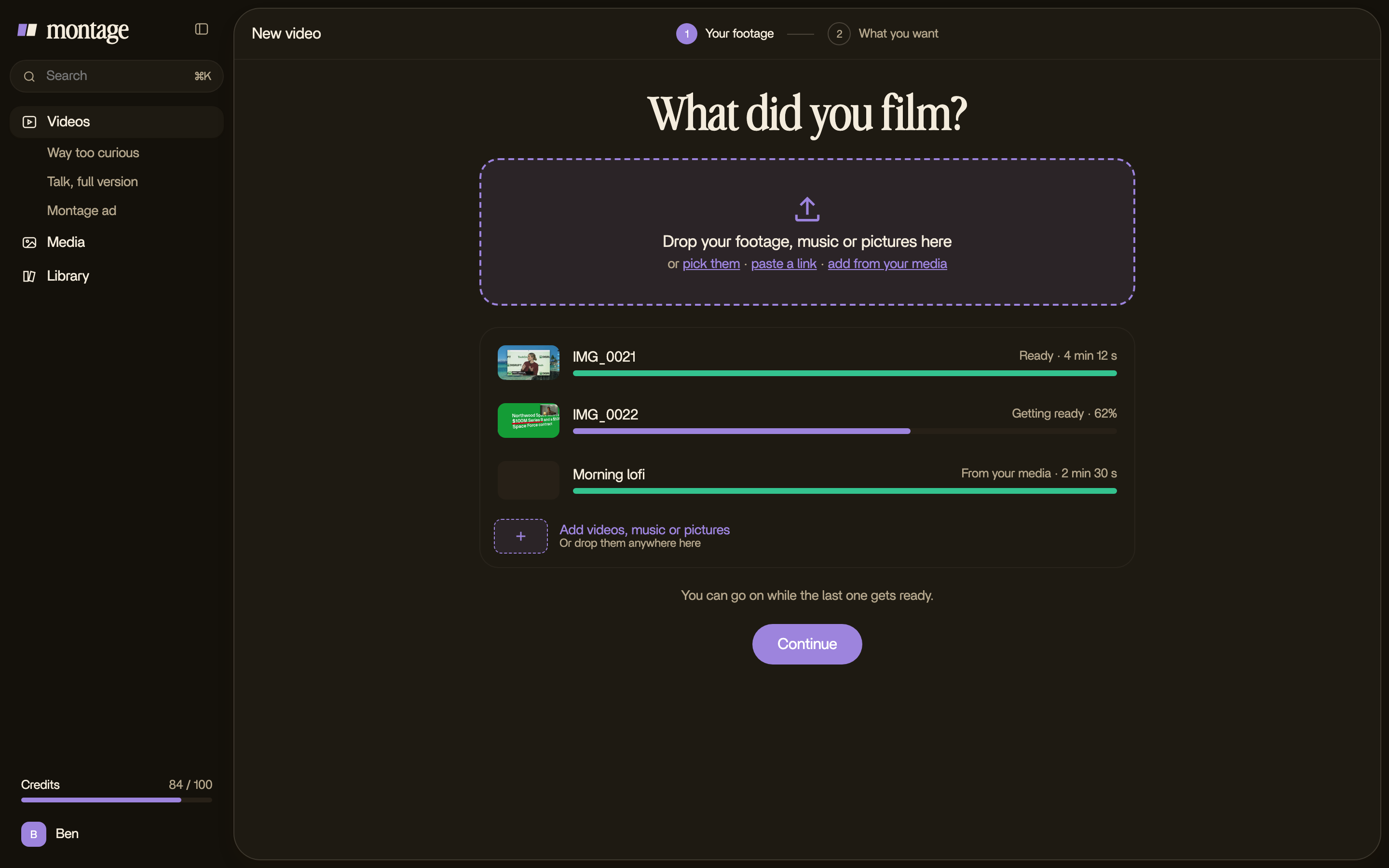
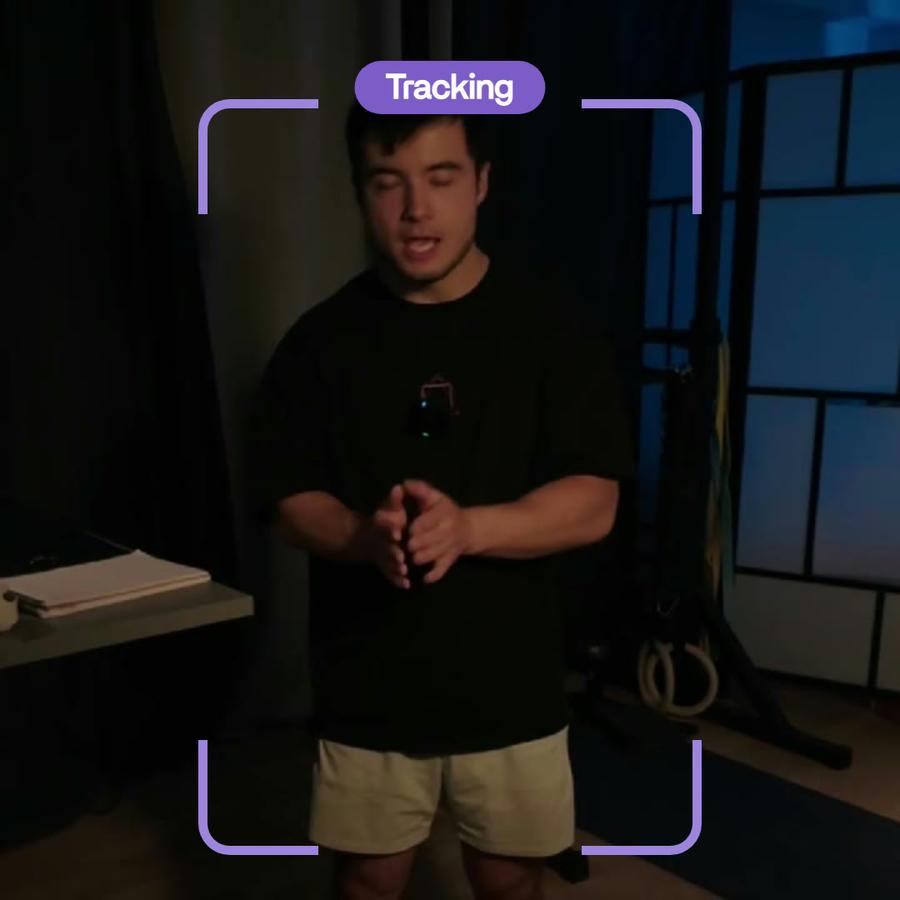
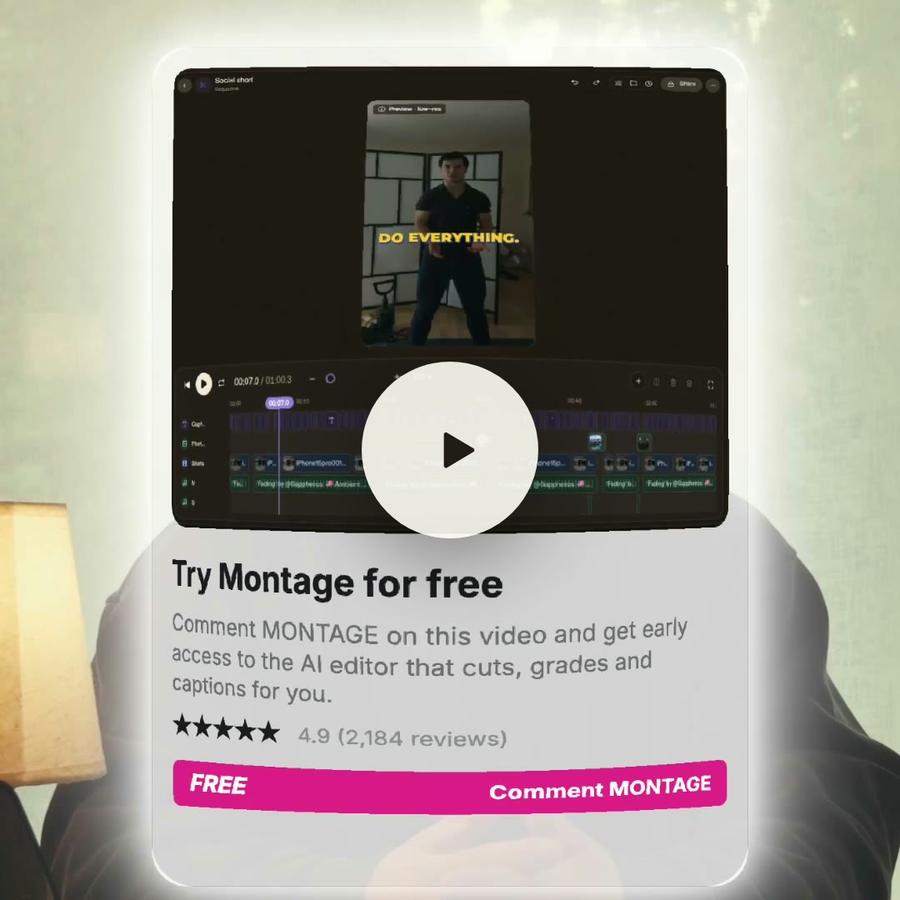
The app reads your takes where they are, on your computer, with its own video tools. You drop a whole card and start at once: the preview plays, Montage listens to what is said and looks at every shot, and a light copy saves to your account behind, while you already describe your video.
Every format plays
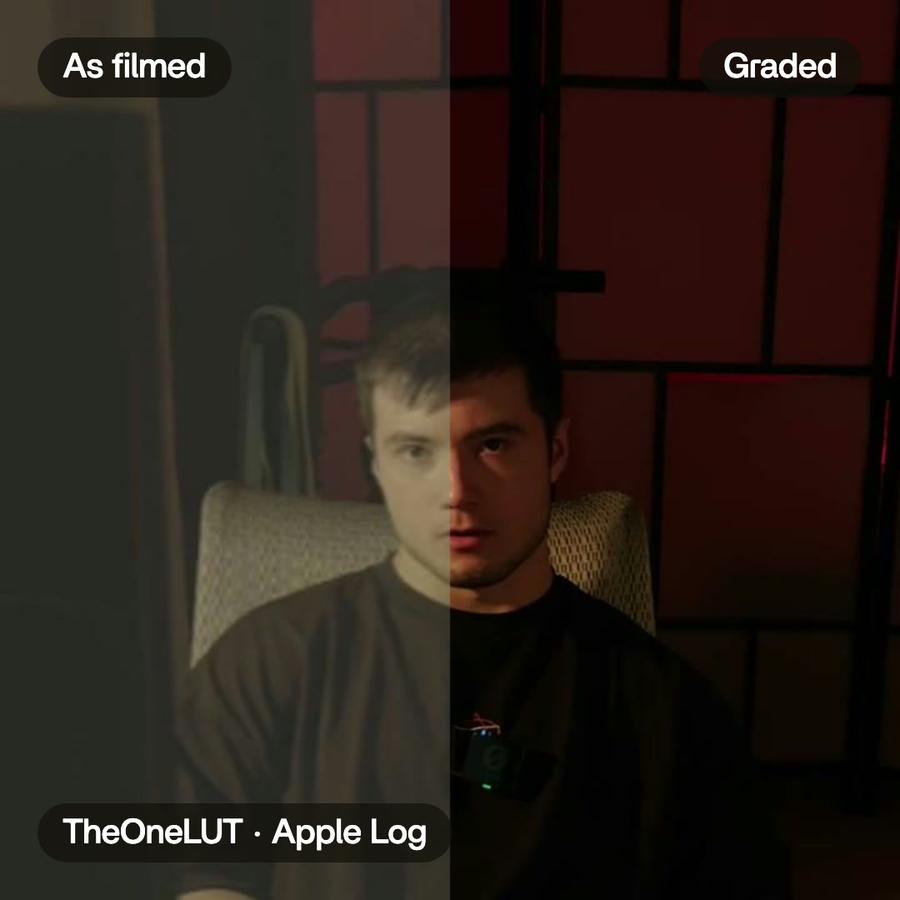
ProRes from a camera, HEVC and HDR from an iPhone: the app reads them all on your Mac, so nothing waits for a conversion.
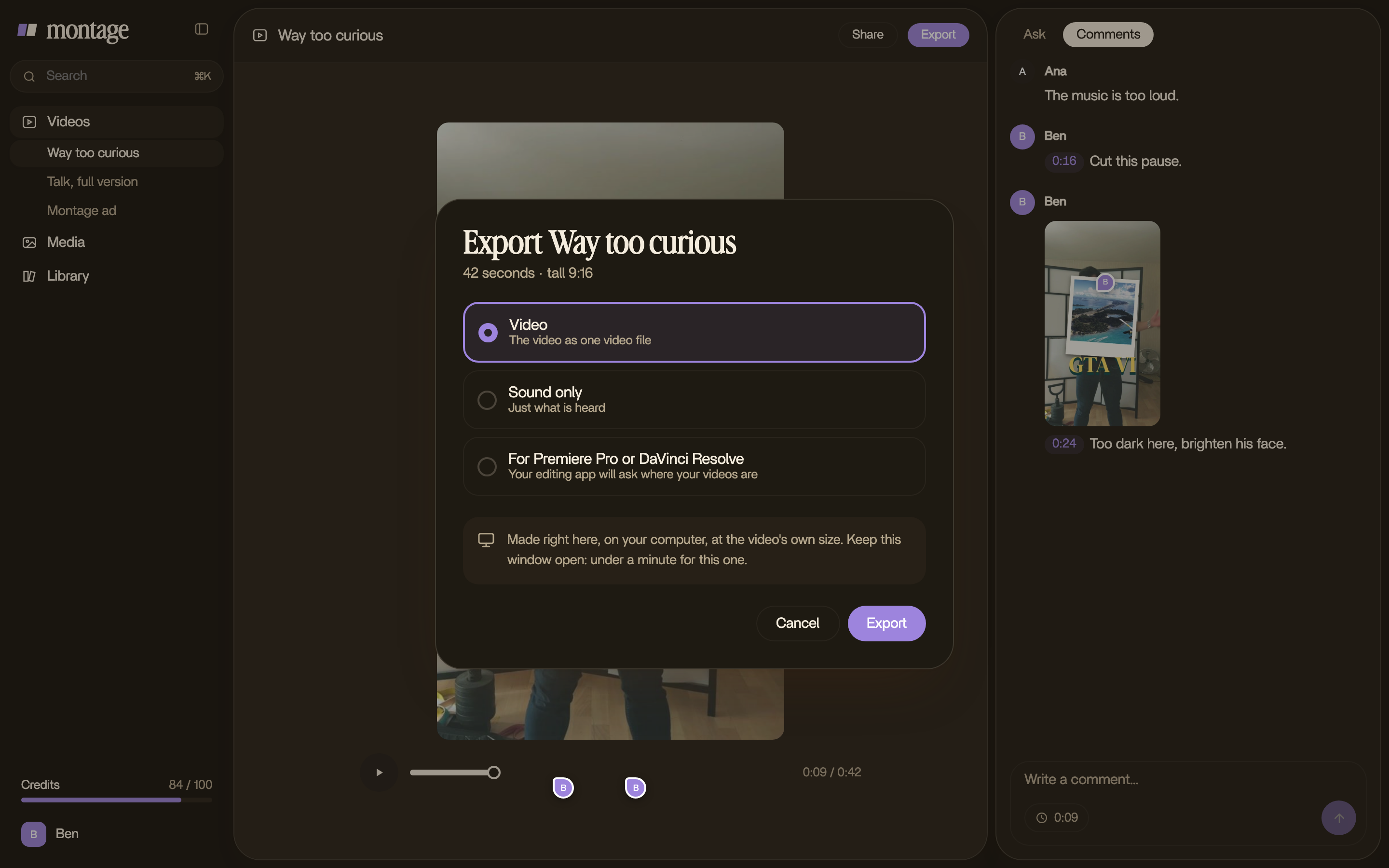
The export, made by your computer
When you export, your computer's own video chip makes the file from your originals, at their full size. Pick MP4, ProRes or H.265 10-bit, and keep HDR as HDR.
The same Montage
Sign in with your Montage account. Your videos, comments and styles are the same in the app and on the web, and your client still comments with one link.
Install it
- Mac: open the Montage .dmg from your Downloads, drag Montage into Applications, and open it.
- Windows: coming soon. Until then, Montage works in your browser.
Tips
- Keep your original files where they are until the video is out: the export reads them.
- Drop every take you might use, not only the good ones: Montage finds the best line.