




How motion tracking keeps you
in the frame
What motion tracking is
Motion tracking follows something as it moves in the picture: a face, a person, an object. Once it is tracked, the frame can follow it, or a title can stay attached to it. It is what lets a wide shot become a vertical video without the person walking out of it.
How it is done by hand
In a classic editor you draw a box around the subject, run the tracker, and fix it where it loses the subject: behind a chair, in a turn, in the dark. Then you smooth the path so the frame does not jitter, and check every second.
Motion tracking in Montage
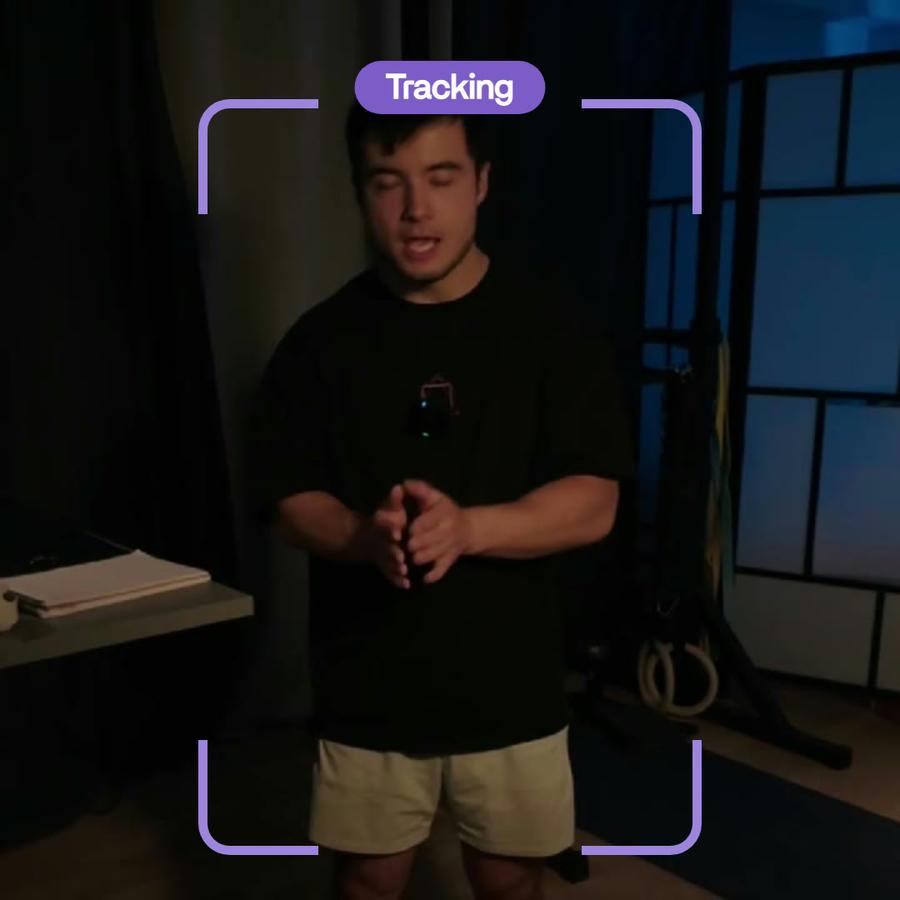
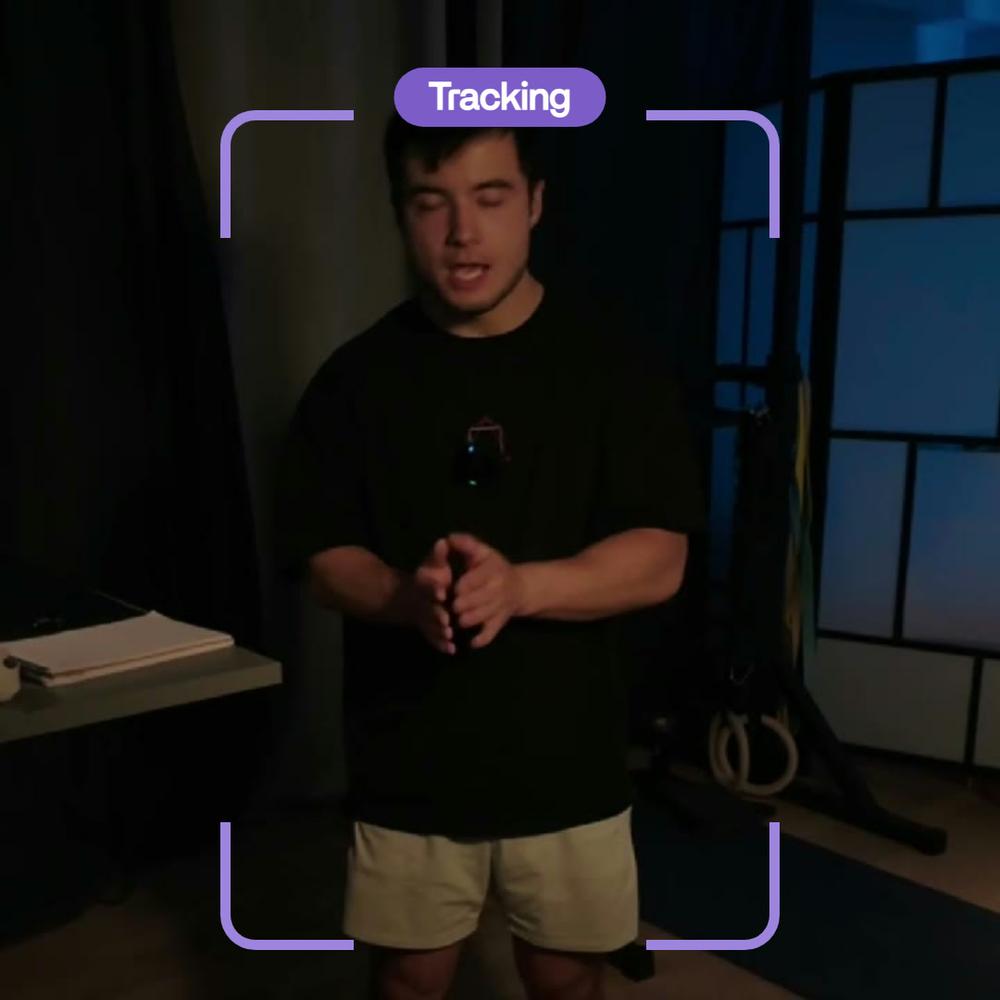
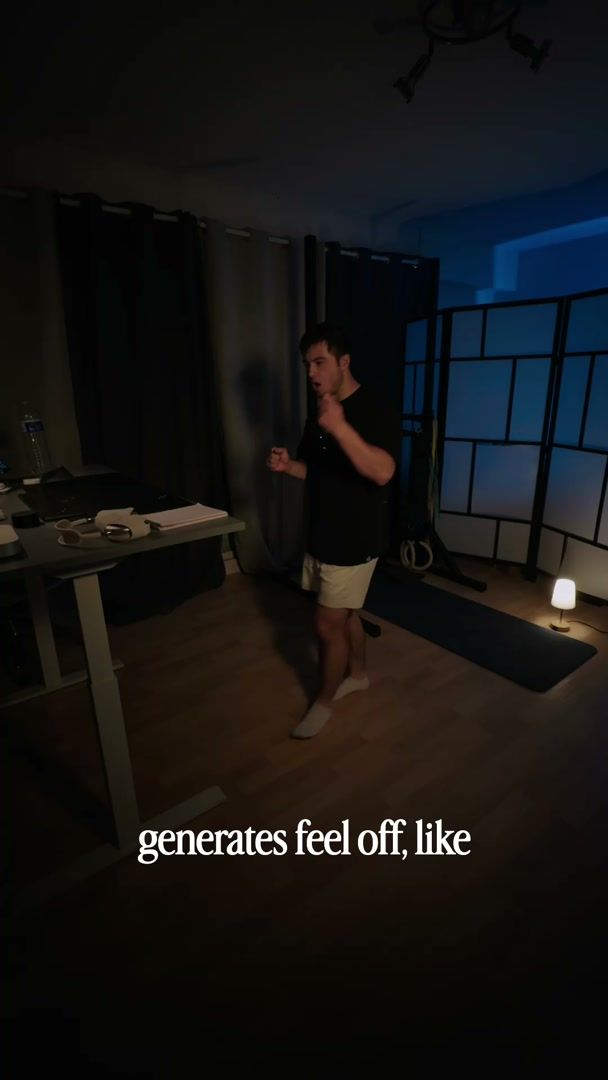
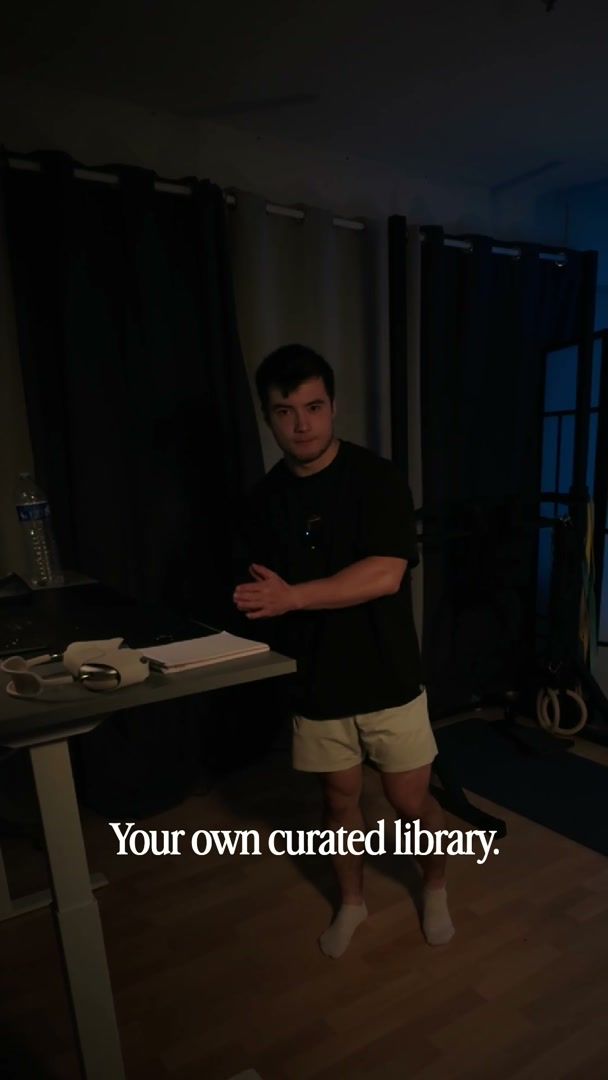
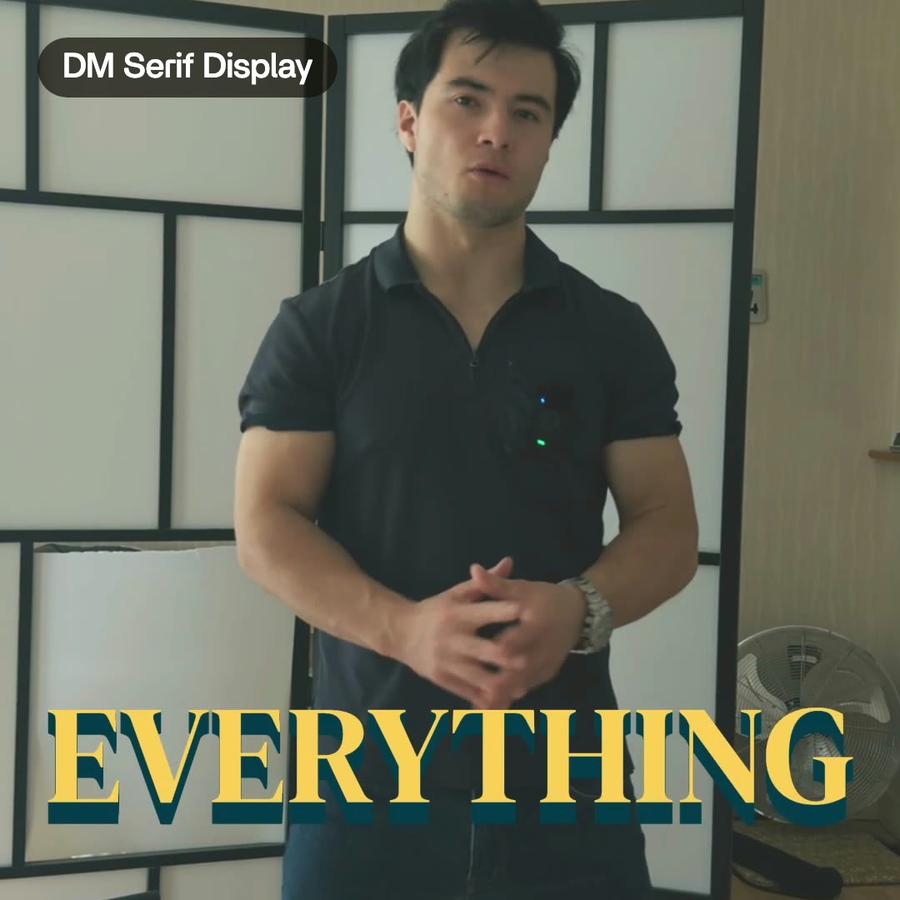
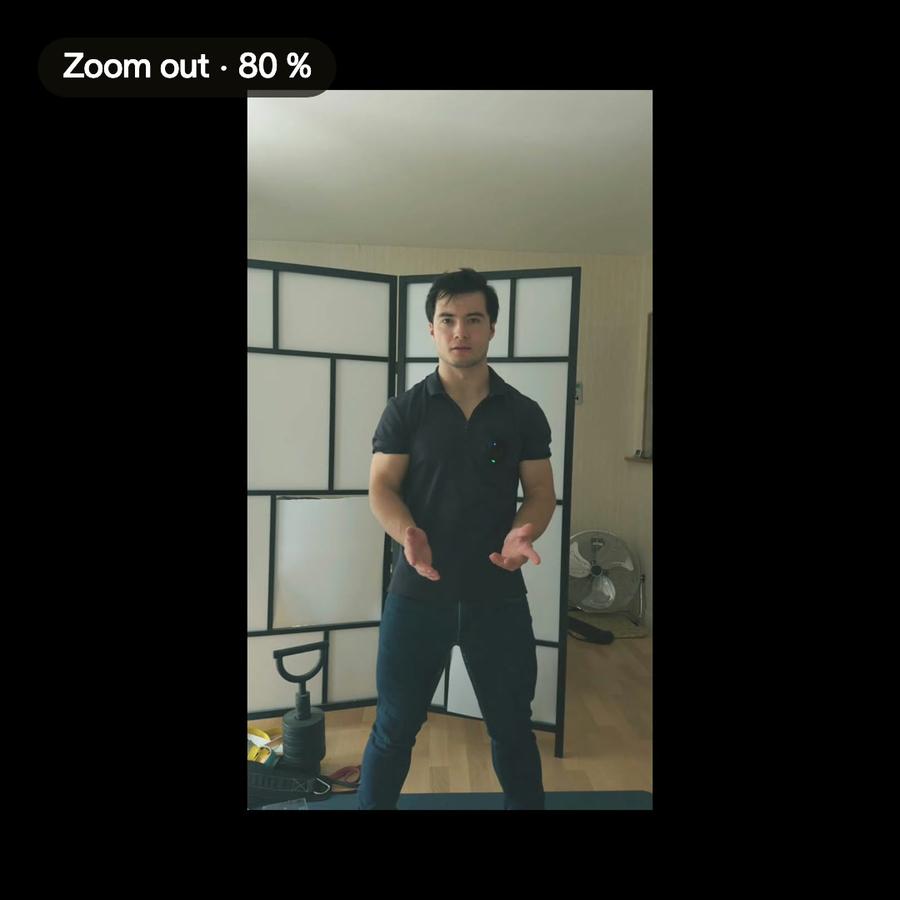
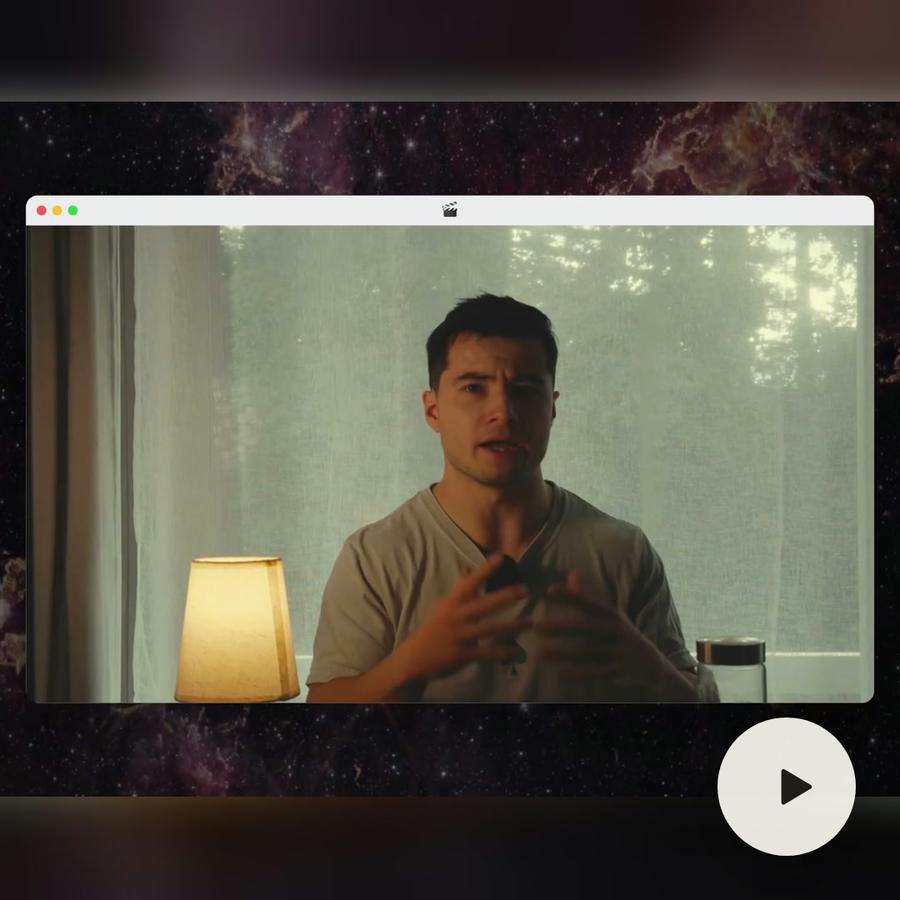
In Montage you say who to follow. In « How to be creative », Ben walks around the room while he talks. « Keep me in the shot » was enough: Montage tracks him and moves the frame with him, smoothed so it never shakes.
After tracking
The frame changes by asking. Move it by hand where you want a different framing, or ask for a change. The rest of the shot keeps following.
Tips
- Say who to follow when there is more than one person.
- Film with some room around you: the frame needs space to move.
- For a still talk, ask for one framing, not a follow.