Montage just launched in public beta.Try it →

Use cases · Short-form videos · For creators

A TikTok video editor,
with videos ready to post.

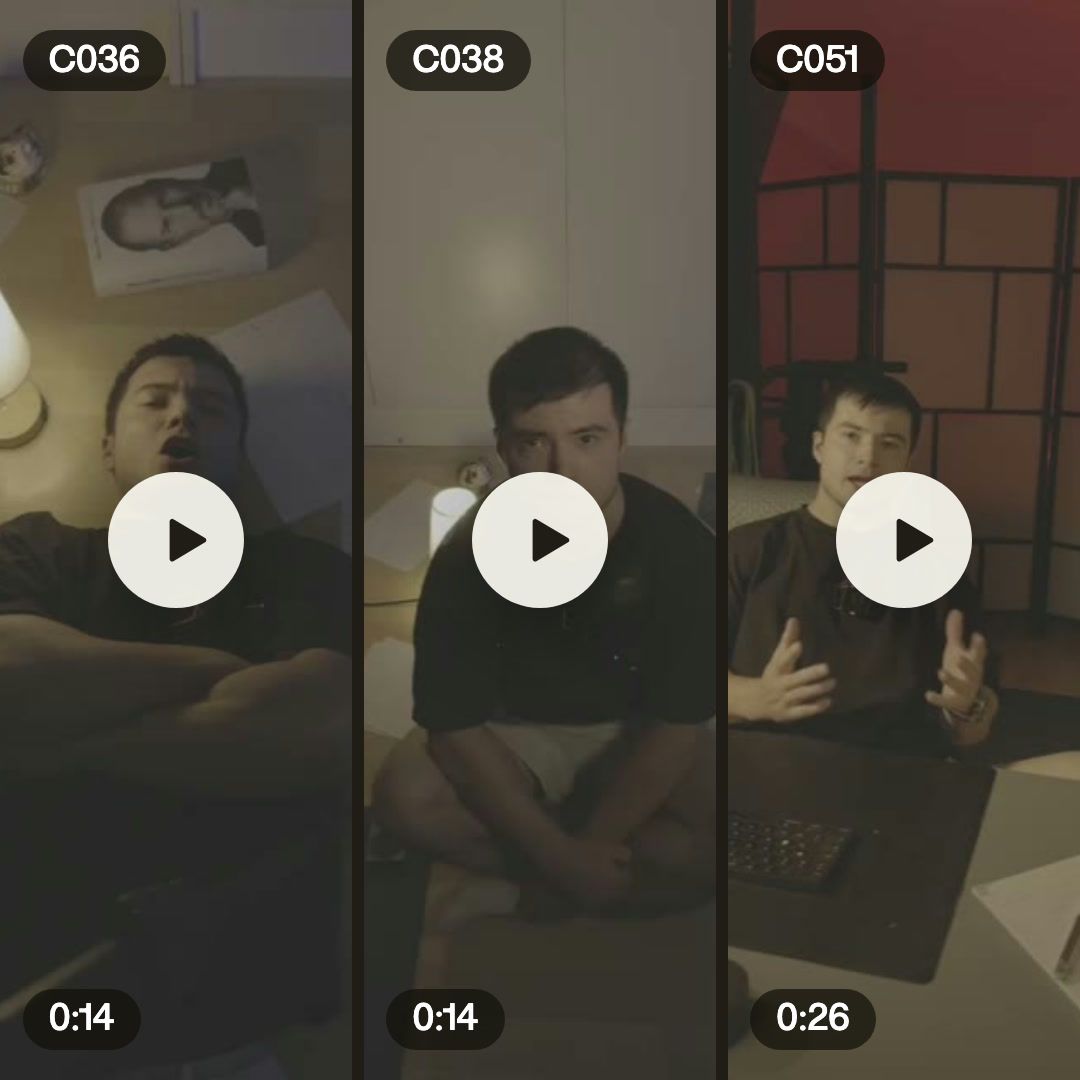
A TikTok video editor you talk to: send a few takes from your phone and say what the video is for. Montage keeps the best ones, adds captions and B-roll, and sends back vertical videos.

Two real short videos, and what went into them.
In the showcase

Short-form videos, made in Montage.

Real videos, each with what went into it.

See the showcase →
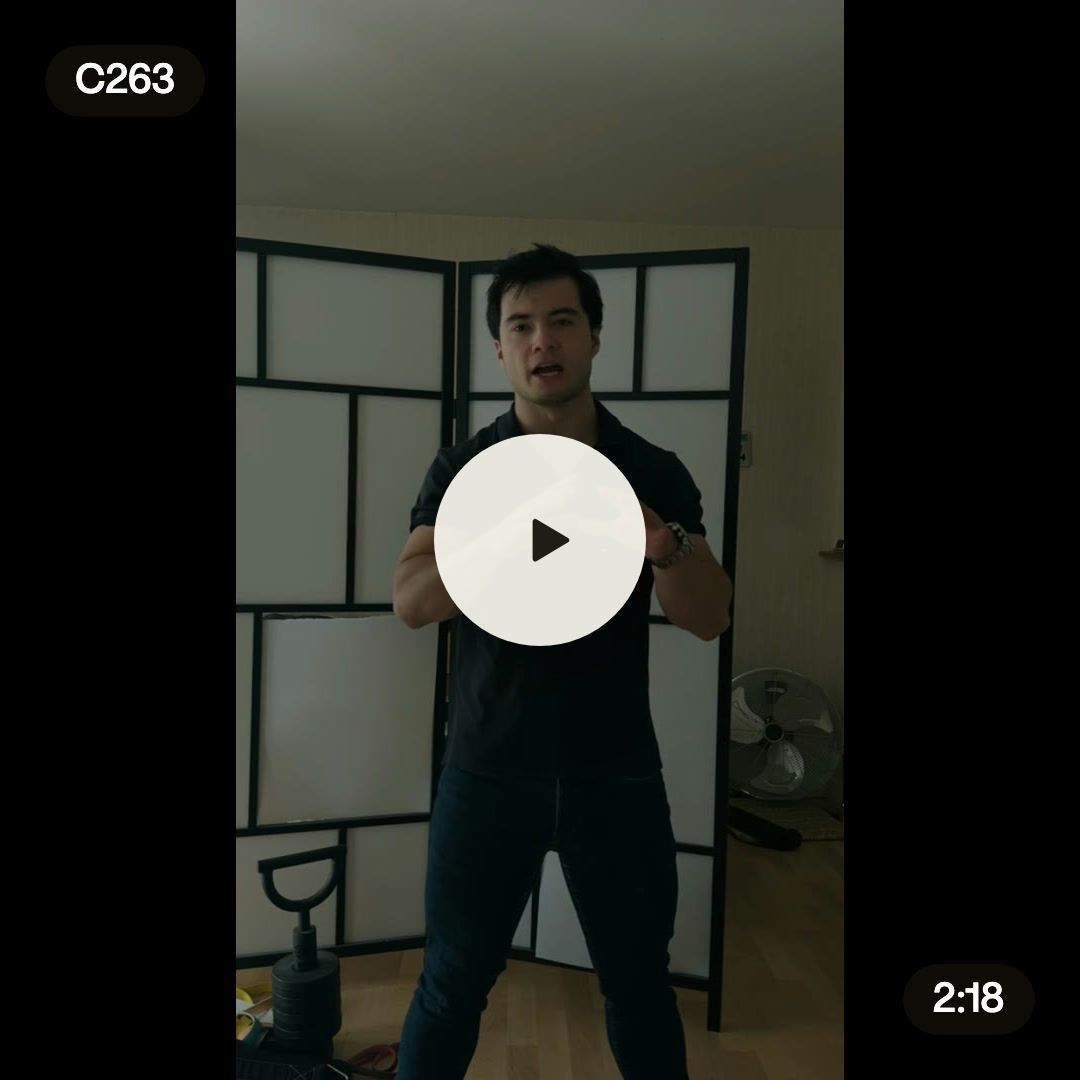
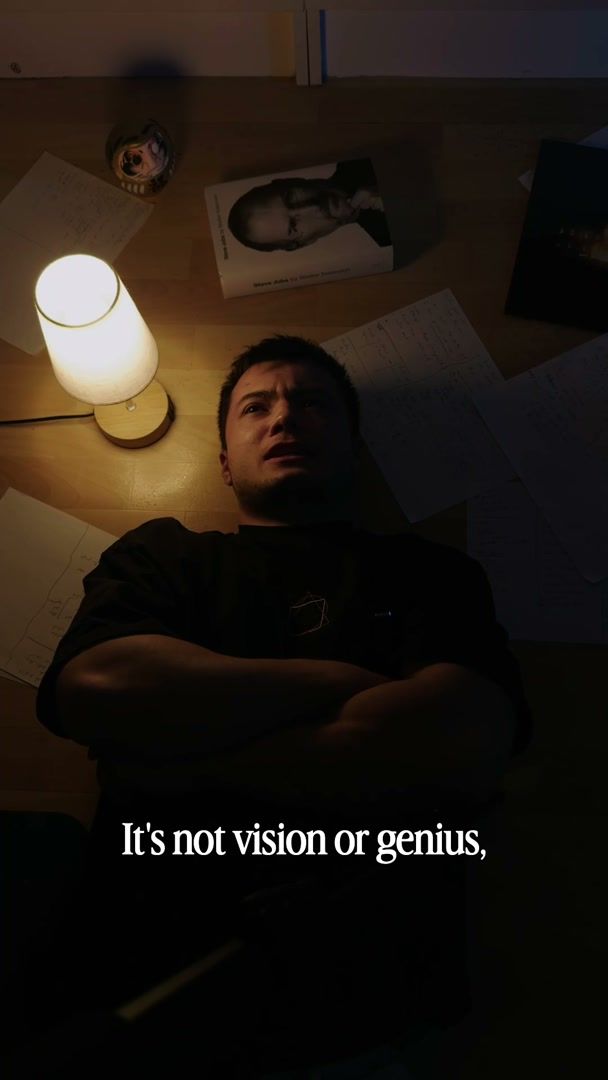
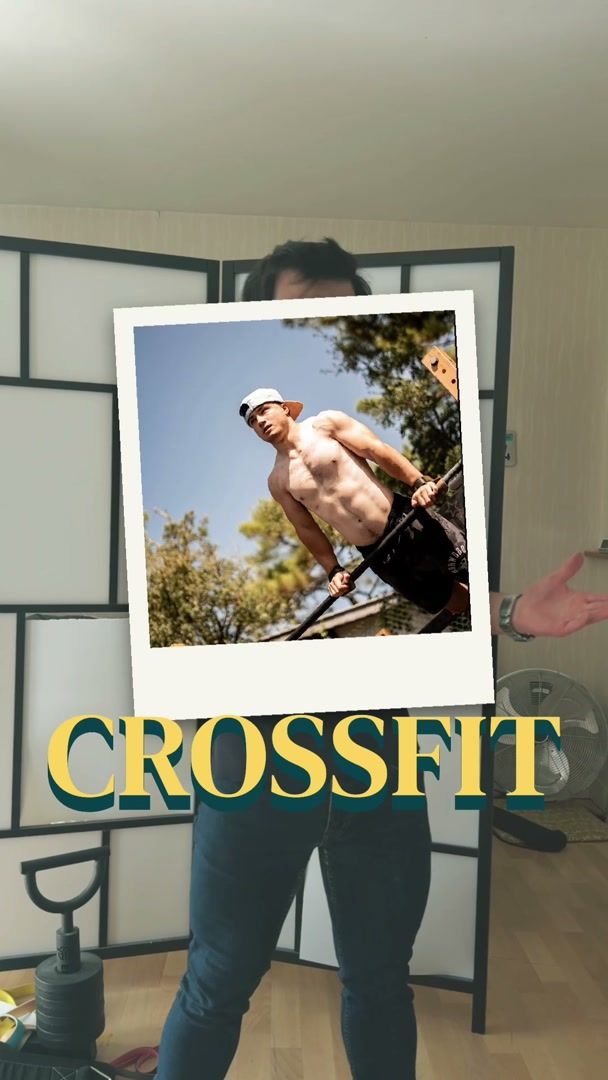
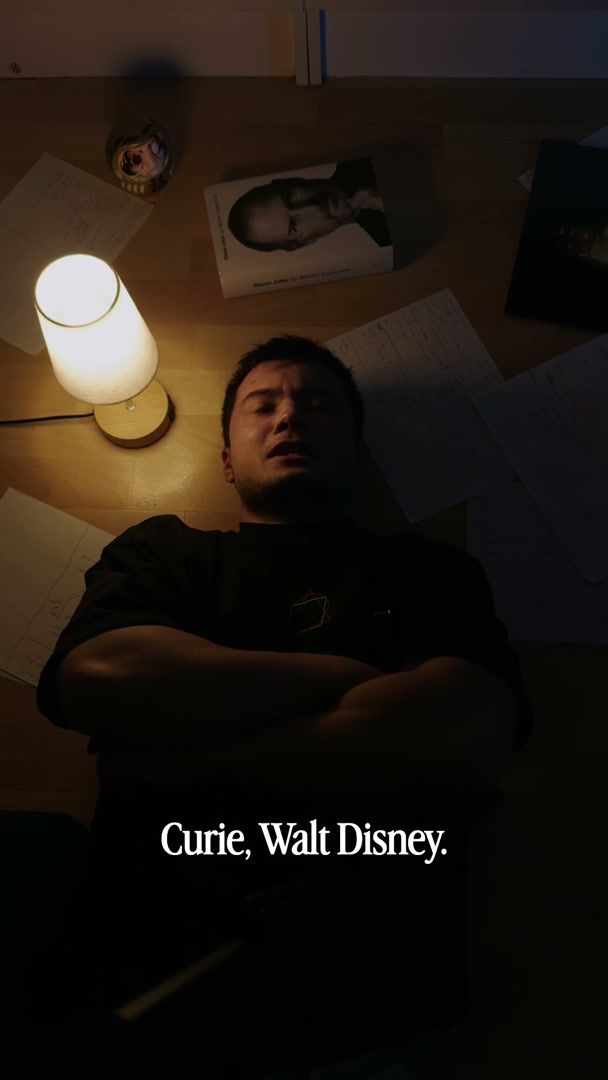
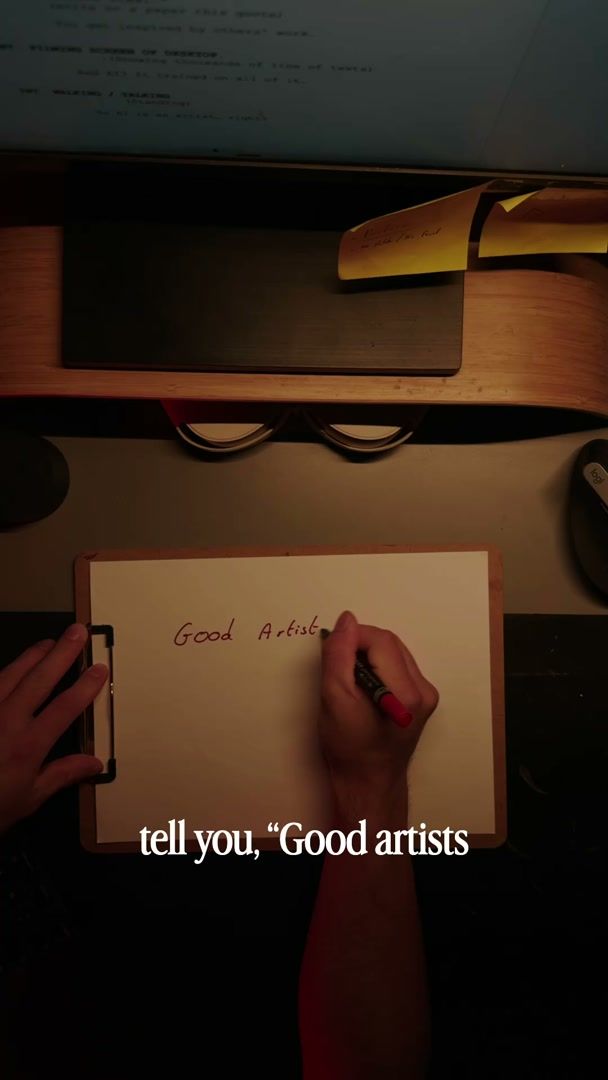
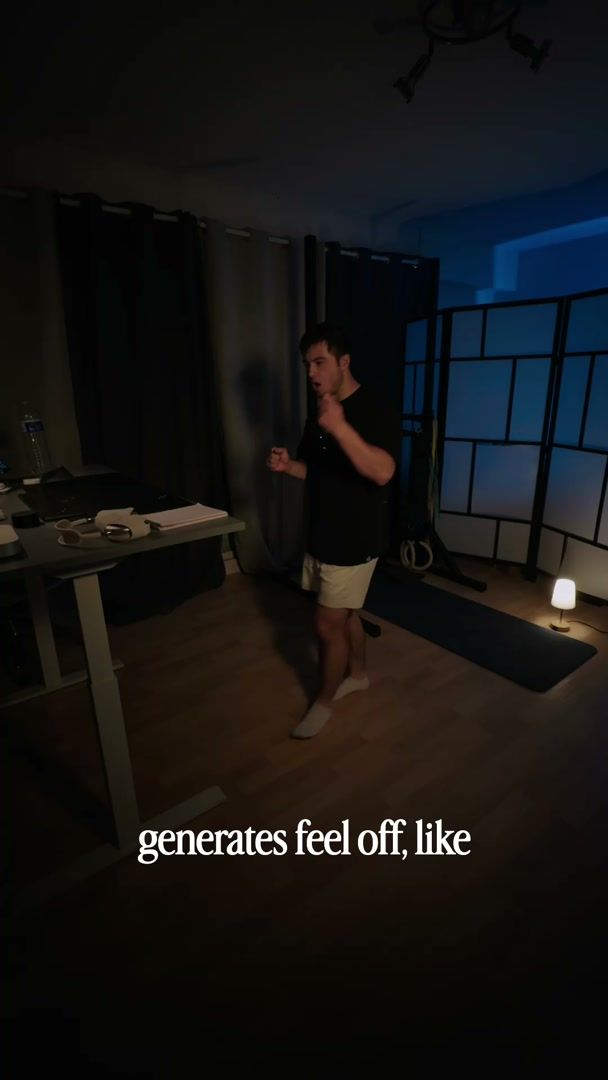
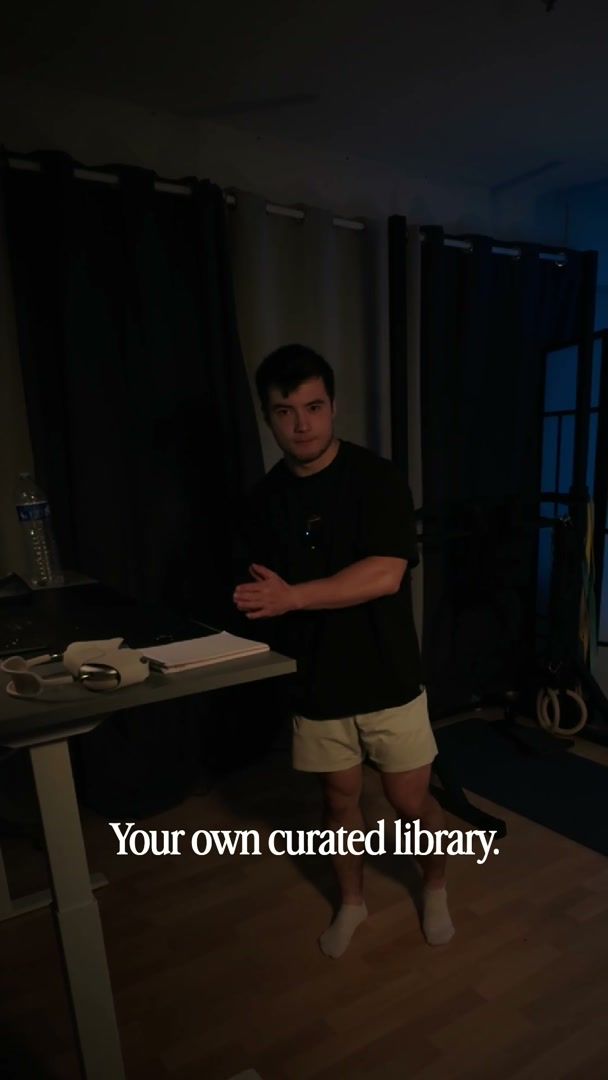
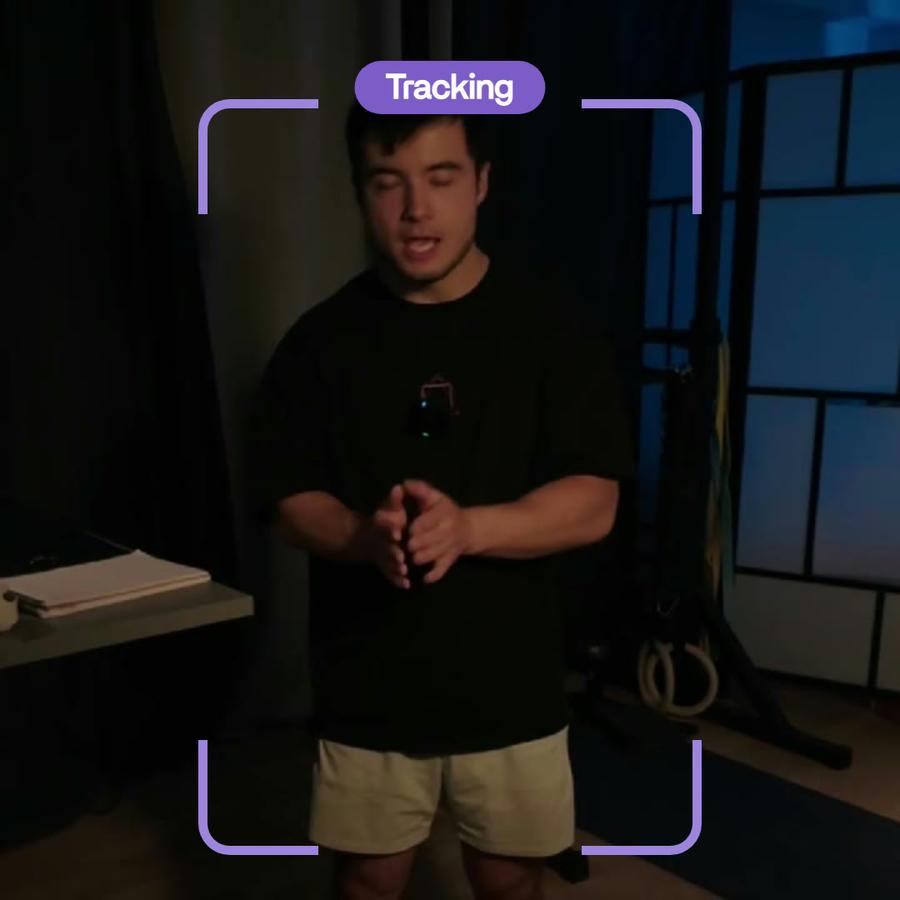
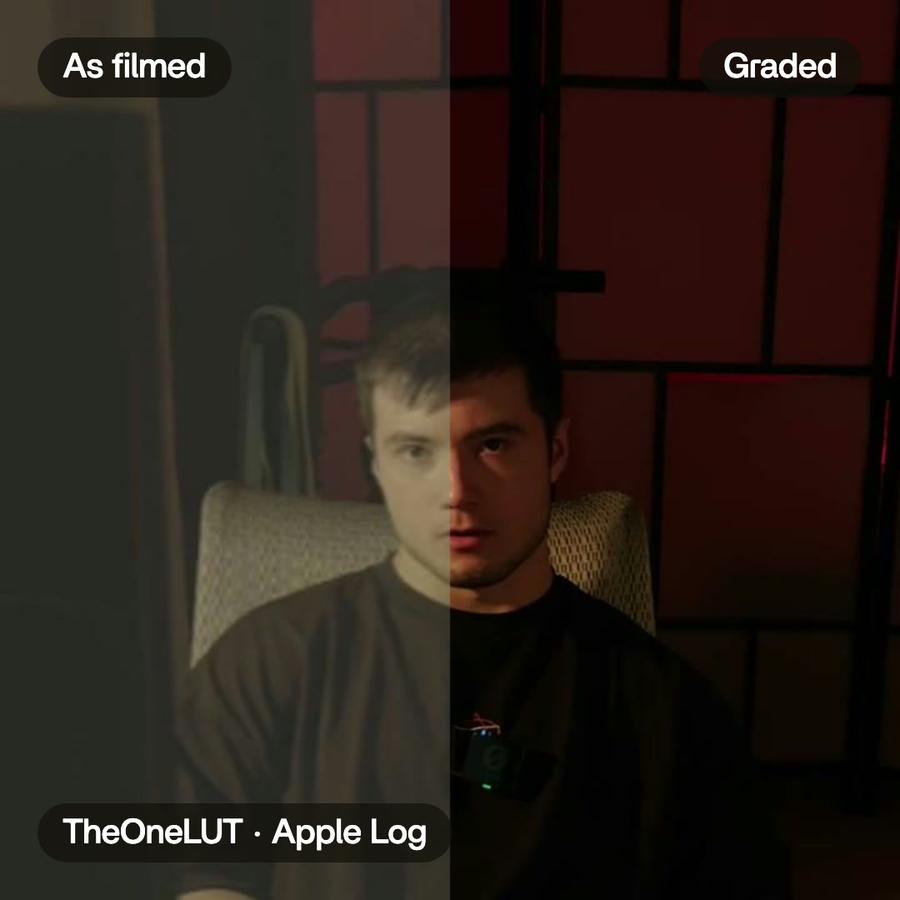
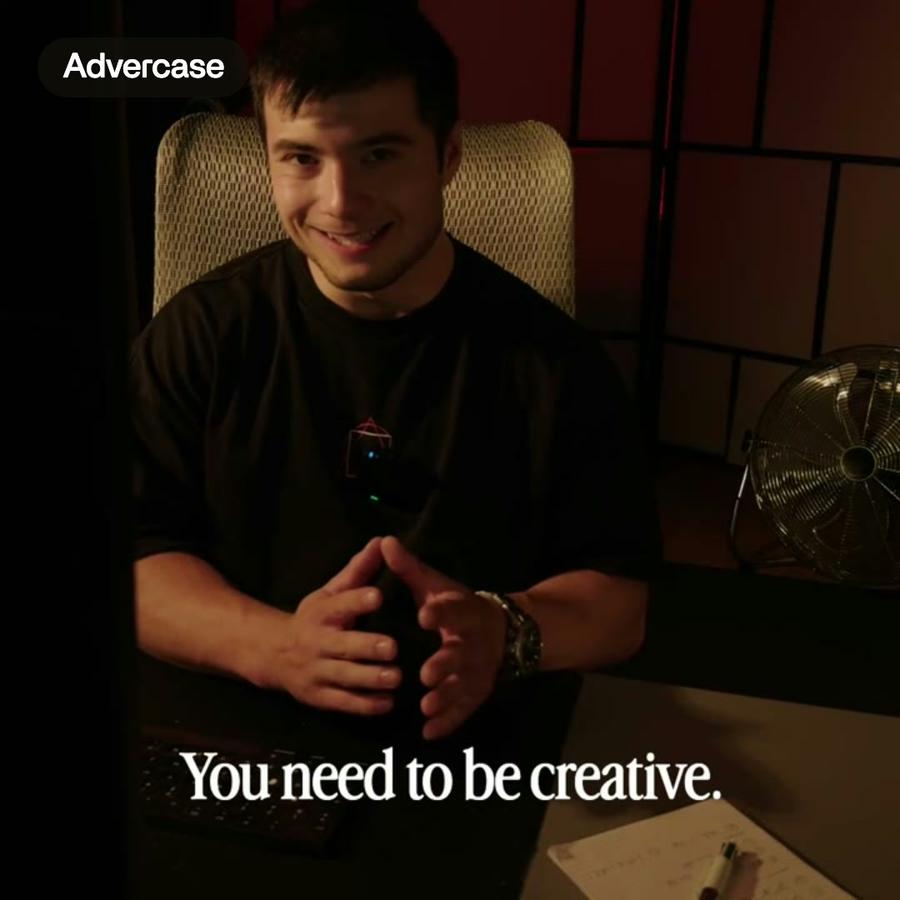
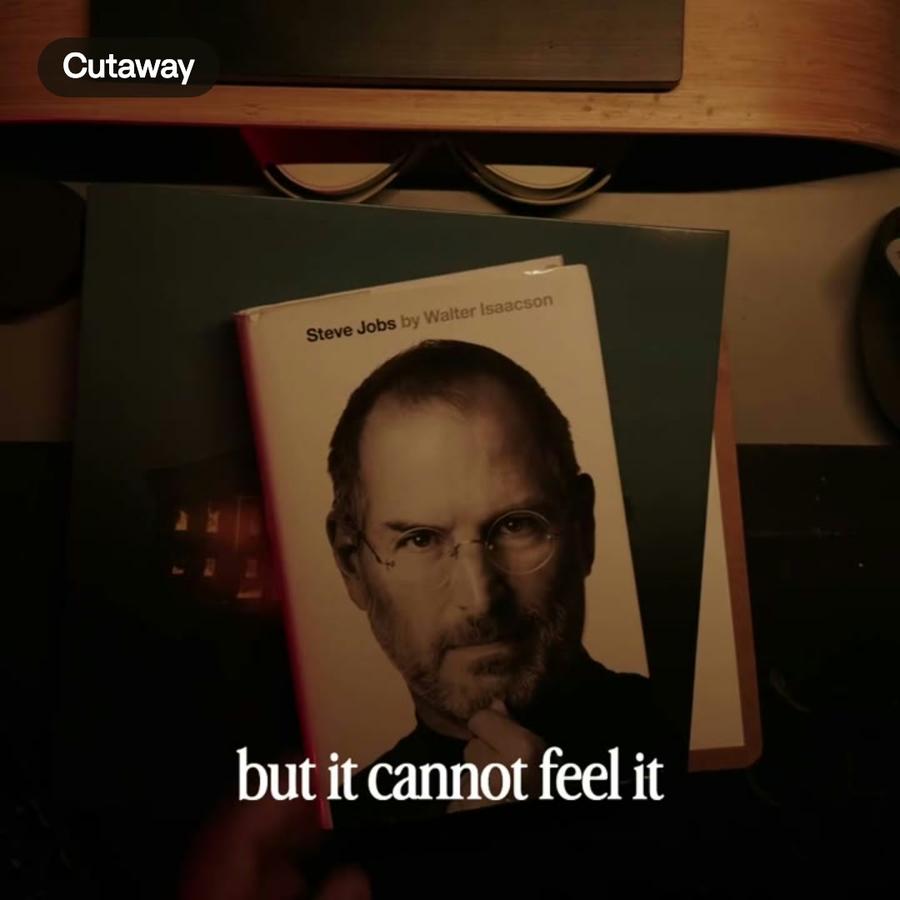
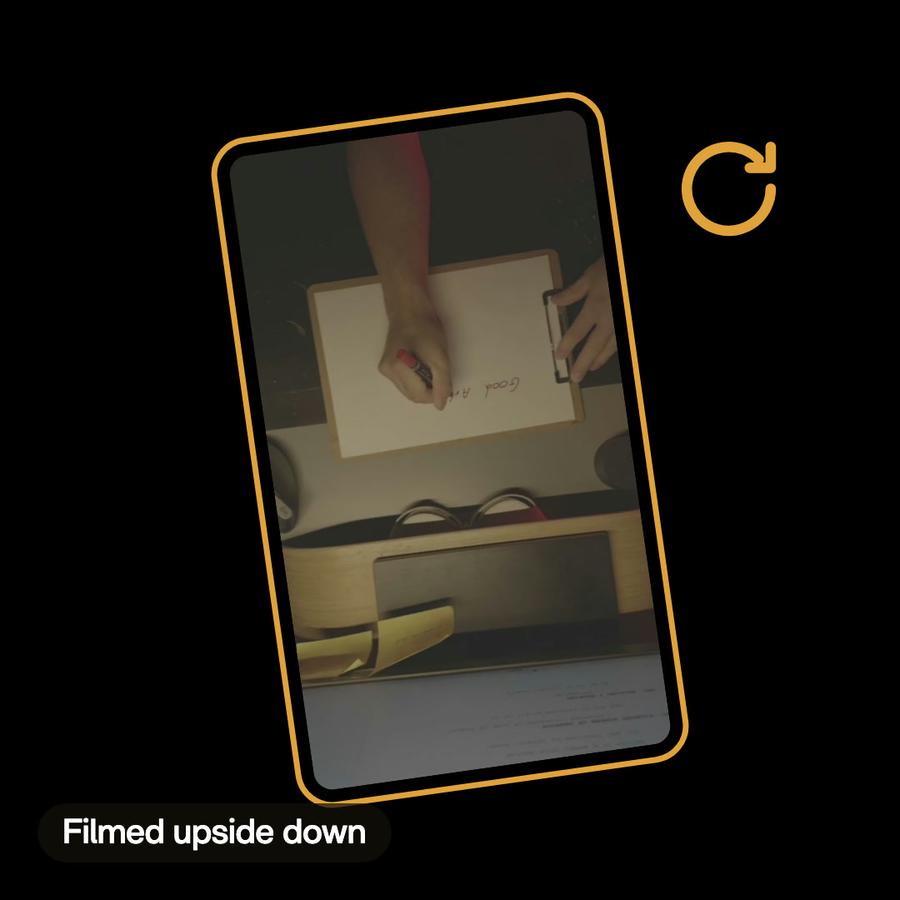
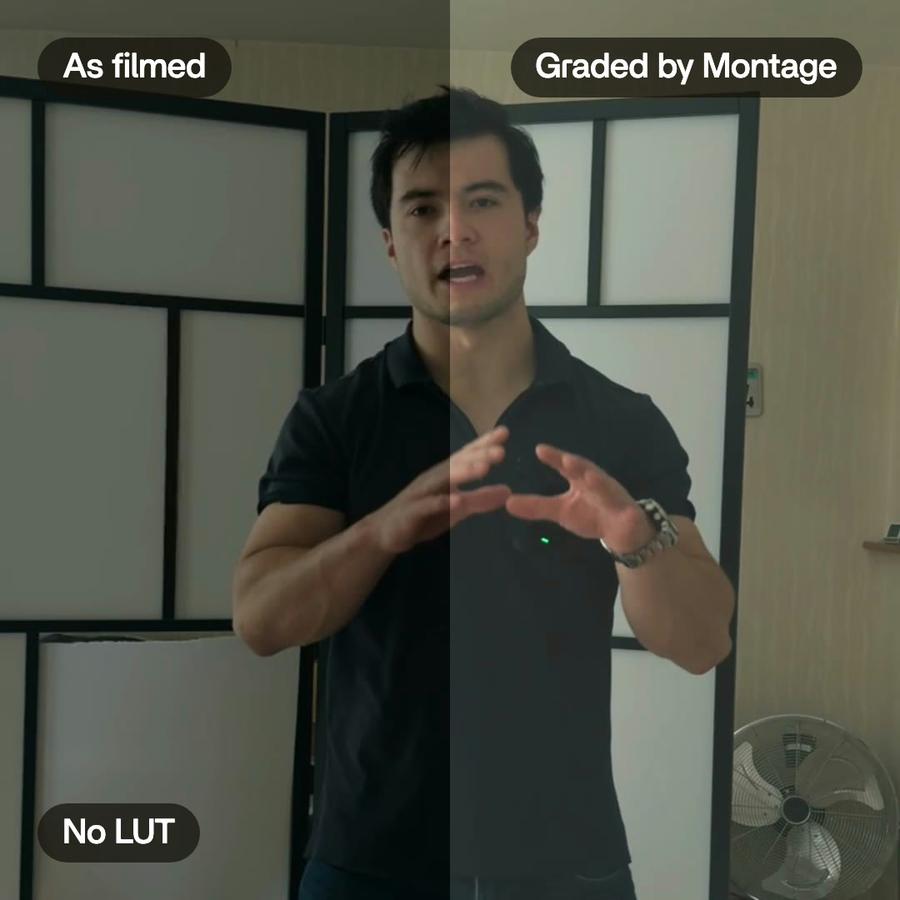
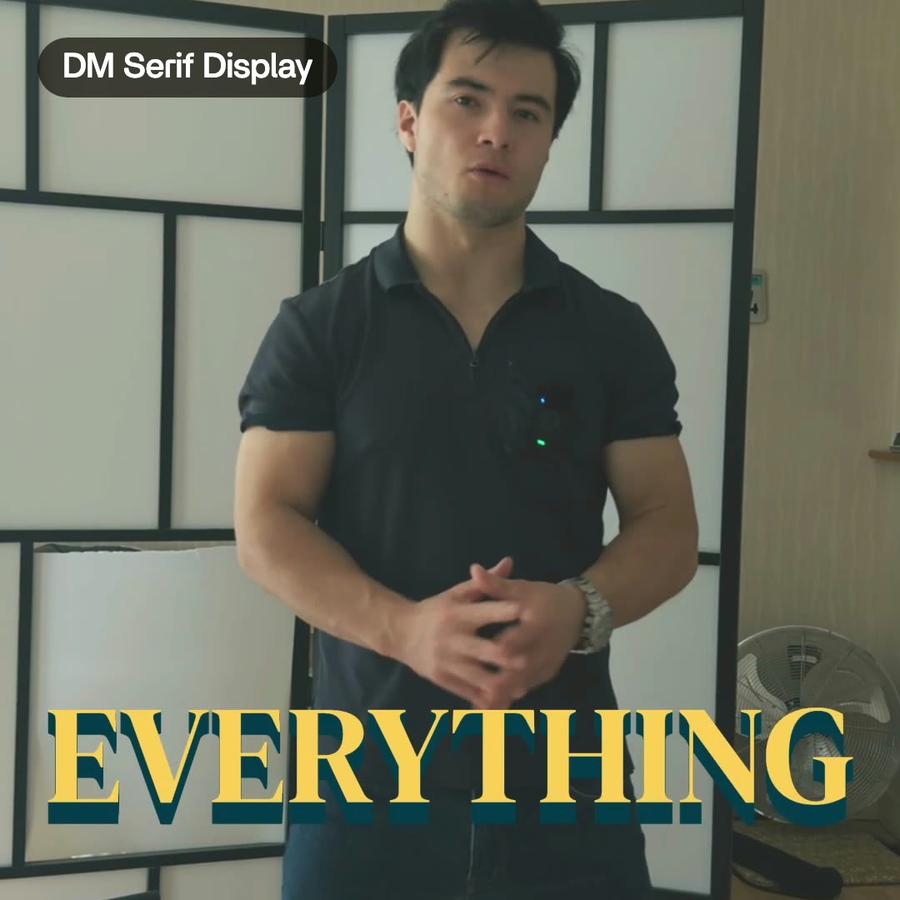
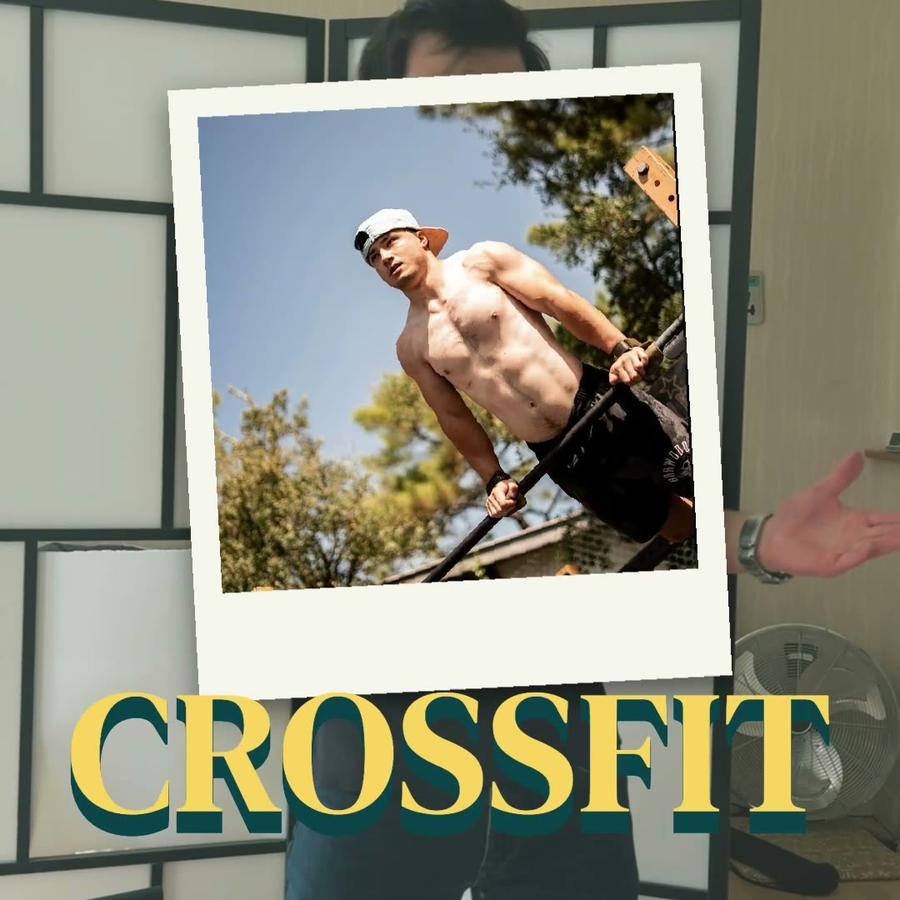
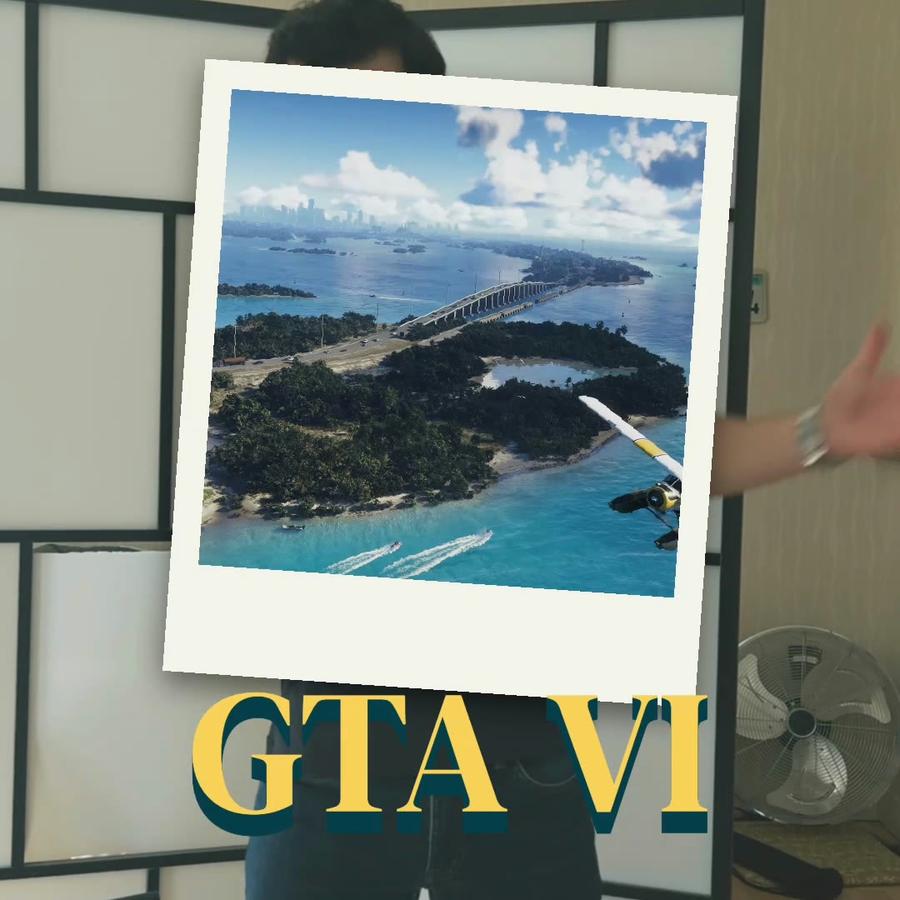
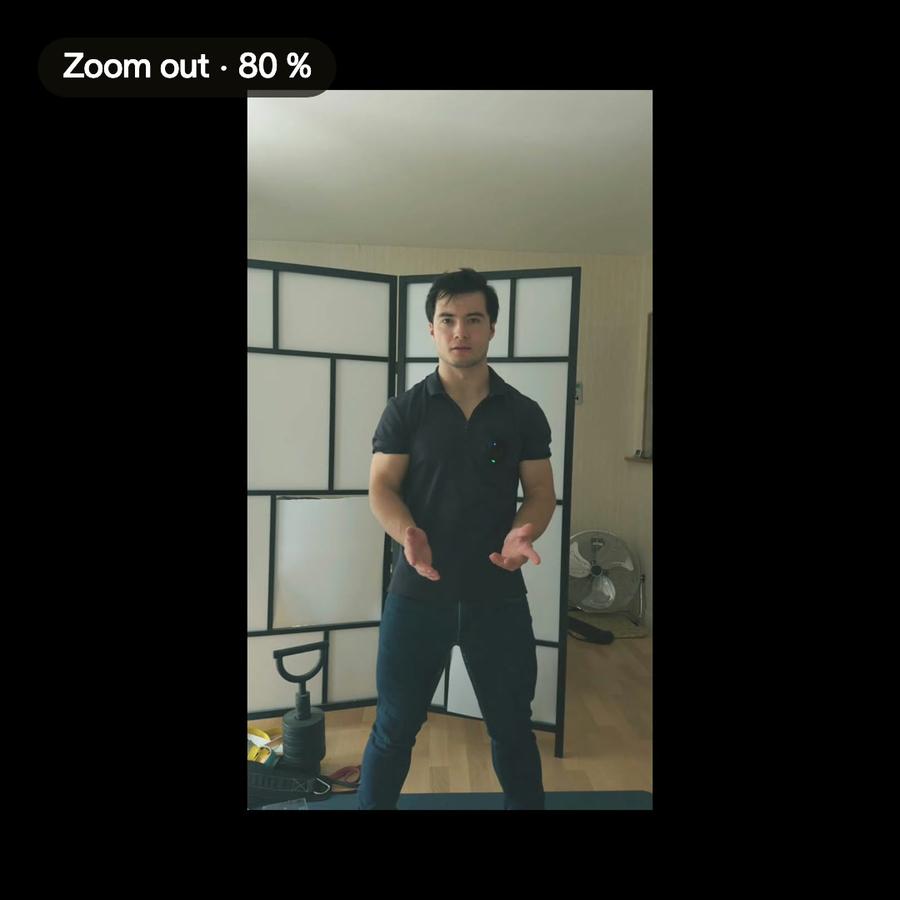
Talking head · a creator shortHow to be creativeMy takes, my font, my look. One sentence to Montage.Motion trackingColor correctionAuto captionsB-rollRotate videoSee how it was made
A still from the finished videoA still from the finished videoA still from the finished videoA still from the finished videoThe short

From a message
to the file.

  1. 1Send the footage
  2. 2Say what it's for
  3. 3Get the file

Pricing

Every plan has the whole app. A bigger plan holds more footage.

Free$010 credits, once
  • 500 MB of footage
  • Exports carry a watermark
Get started
Plus$25 / monthAbout 15 short or 8 long videos a month150 credits a monthBring footage and a brief, get a finished edit back
  • 50 GB of footage
  • No watermark on your exports
  • Comments on your videos
  • Buy extra credits when you run out
Get started
ProPopular$50 / monthAbout 35 short or 15 long videos a month300 credits a monthFor creators shipping edits every week
  • Everything in Plus
  • 125 GB of footage
  • Access Montage MCP
Get started
Max$100 / monthAbout 70 short or 30 long videos a month600 credits a monthFor teams and agencies running edits together
  • Everything in Pro
  • 250 GB of footage
  • Invite your team
  • Your clients comment and approve, no account
Get started
Ultra$200 / monthAbout 140 short or 65 long videos a month1,200 credits a monthFor teams and agencies making the most videos
  • Everything in Max
  • 500 GB of footage
  • Invite your team
  • Your clients comment and approve, no account
Get started

TikTok video editor questions, answered

How do I edit a TikTok video with Montage?

Send a few takes and say what the video is for. Montage keeps the best ones, adds captions and B-roll, and sends back vertical videos.

What shape does the TikTok video come back in?

Vertical, 9:16: the shape Reels, TikTok and Shorts use.

Can I change the cut myself?

Yes. Every cut comes back when you ask. Open it, move a clip, change a take.

Do I need to be good with AI?

No. If you can send a text, you can use it.

How to turn footage into short videos
for Shorts, Reels and TikTok

A guide · 4 min read

What a short-form video needs

Shorts, Reels and TikTok all play videos in the same shape: vertical, 9:16. They are watched fast, often with the sound off, by people who decide in the first seconds whether to stay. So a short video needs a few things to work. A strong first line. No dead air. Captions people can read without sound. And something moving on screen, so a face talking to the camera does not sit still for thirty seconds.

How short videos are usually edited

By hand, it goes like this. You film several takes on your phone. You import them into an editor, watch each one, and pick the best version of every line. You cut the pauses and the false starts. You reframe the picture to vertical if it was filmed wide. You type or correct the captions, style them, and place them line by line. You look for B-roll to cover the long stretches. Then you export, check it on a phone, and fix what looks wrong. A one-minute video can take an afternoon.

How an AI short-form video editor helps

The steps do not change. What changes is who does the tedious part. With Montage, you drop the takes and say what the video is for. It compares the takes, keeps the clearest one for each sentence, and cuts the pauses. It adds captions, big and easy to read, in your brand's fonts and colors. It adds B-roll at the right moments, matched to what you say, so the video keeps moving. It can open on a title that moves. And it sends back a vertical video, ready to post.

Change anything by asking

Nothing is hidden. Every cut comes back when you ask. You can open it, move a clip, change a take or swap a piece of B-roll. Just ask: “Keep the second take of the intro.” “Make the captions smaller.” “Start on the product shot.” Each request makes a new version, so you can always go back.

Turning long footage into Shorts and Reels

The same goes for a long recording. Drop a talk, a podcast or a livestream, and ask for a vertical clip from it. Montage finds the moments worth keeping and cuts them to the vertical shape, with captions on. You choose which ones go out. If the footage was filmed wide, the picture is reframed so the speaker stays in the shot.

Tips for short videos that hold attention

  • Say the point in the first sentence. Ask Montage to start on that line if it is buried.
  • Film more takes than you think you need. More takes means a better pick for every line.
  • Keep captions on. Many people watch with the sound off.
  • Cover long stretches of talking with B-roll or a title, so something changes on screen.
  • Watch the result on a phone before you post. That is where it will be seen.
A 30-second vertical video from one long clipShort video · ready to post

Your next video starts with a message.

Free to start: 10 credits, once.