Color grading video:
one look on every shot.
Color grading for video, by asking: exposure, contrast and saturation, black and white, or a .cube LUT you upload. Montage puts the same look on every shot, and changes it when you ask.
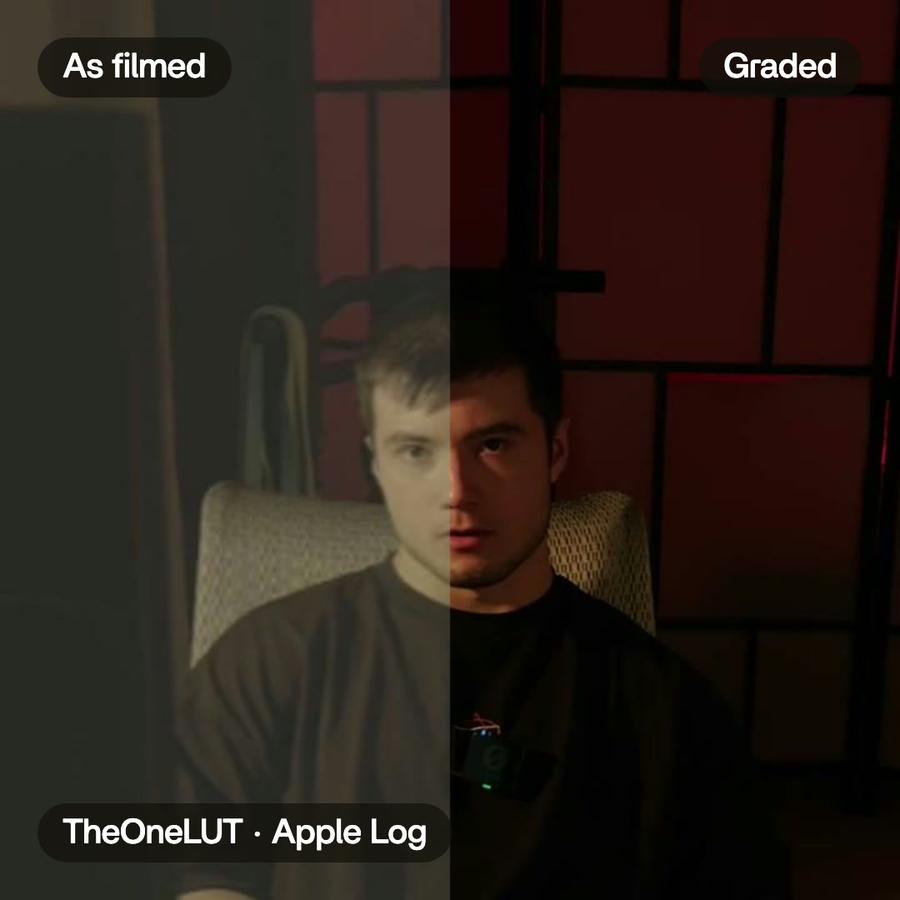
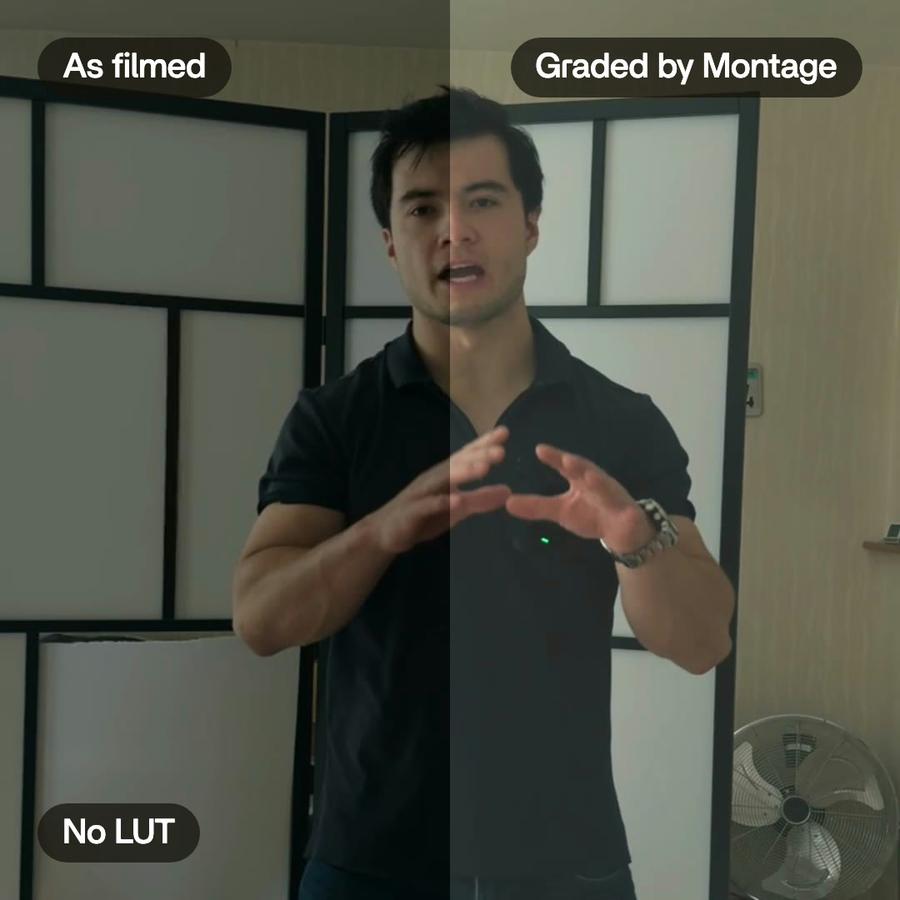
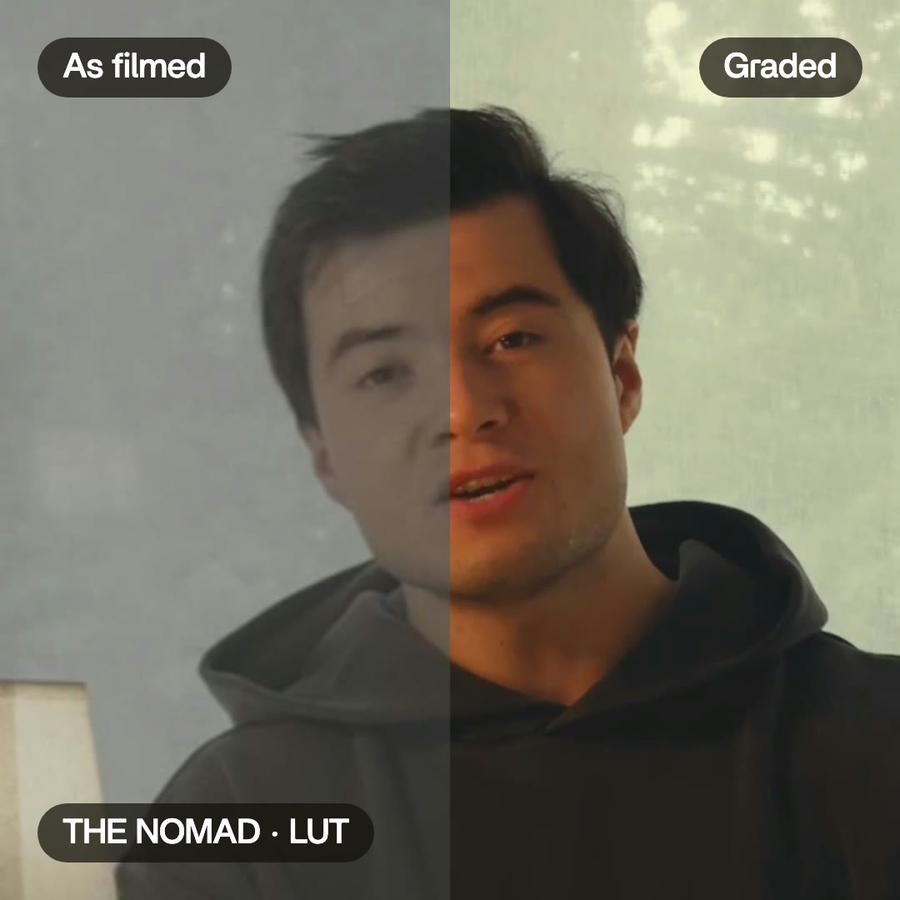
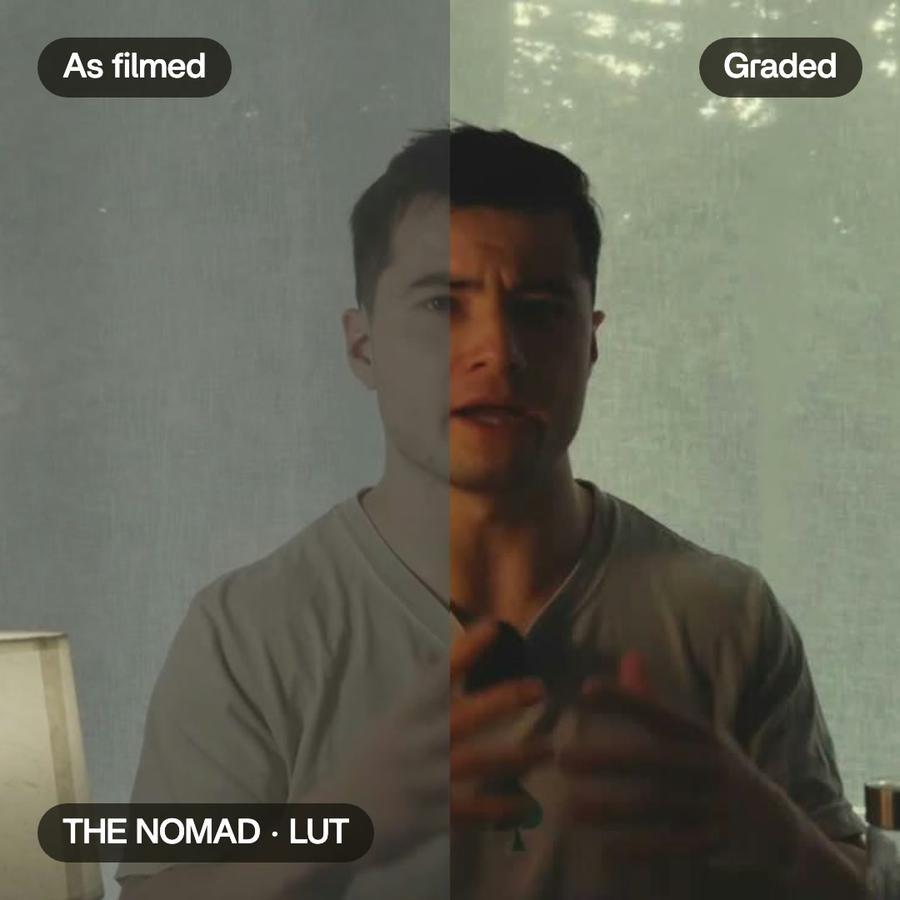
Just say what you want.
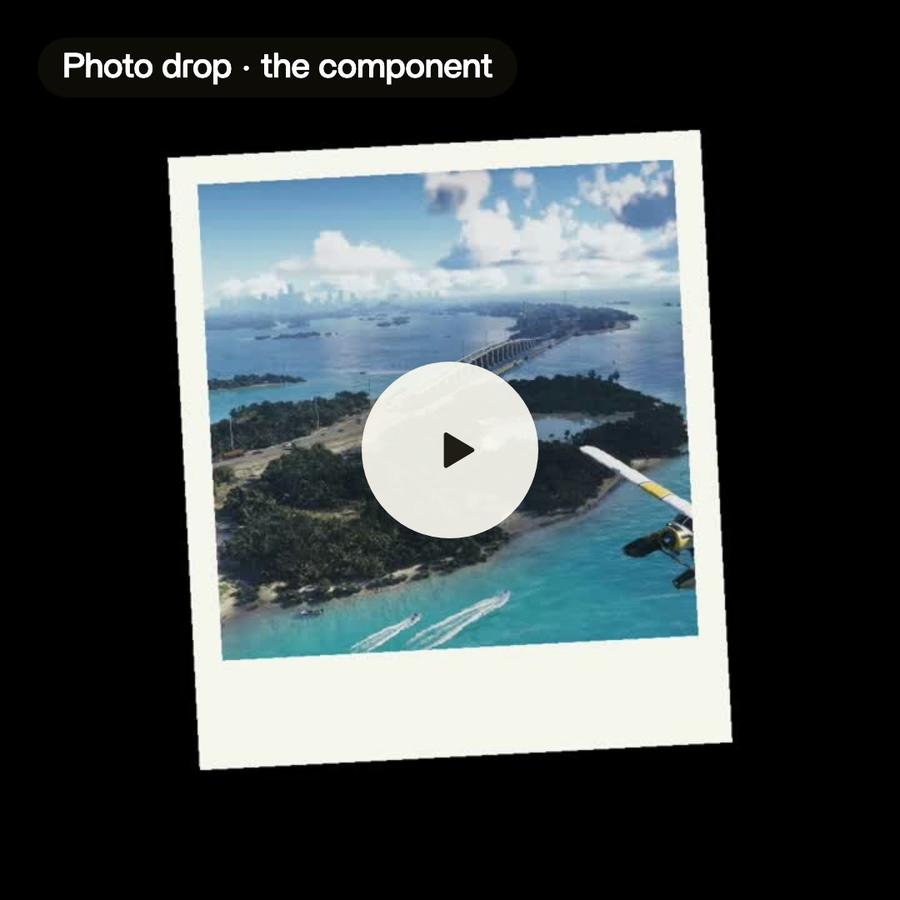
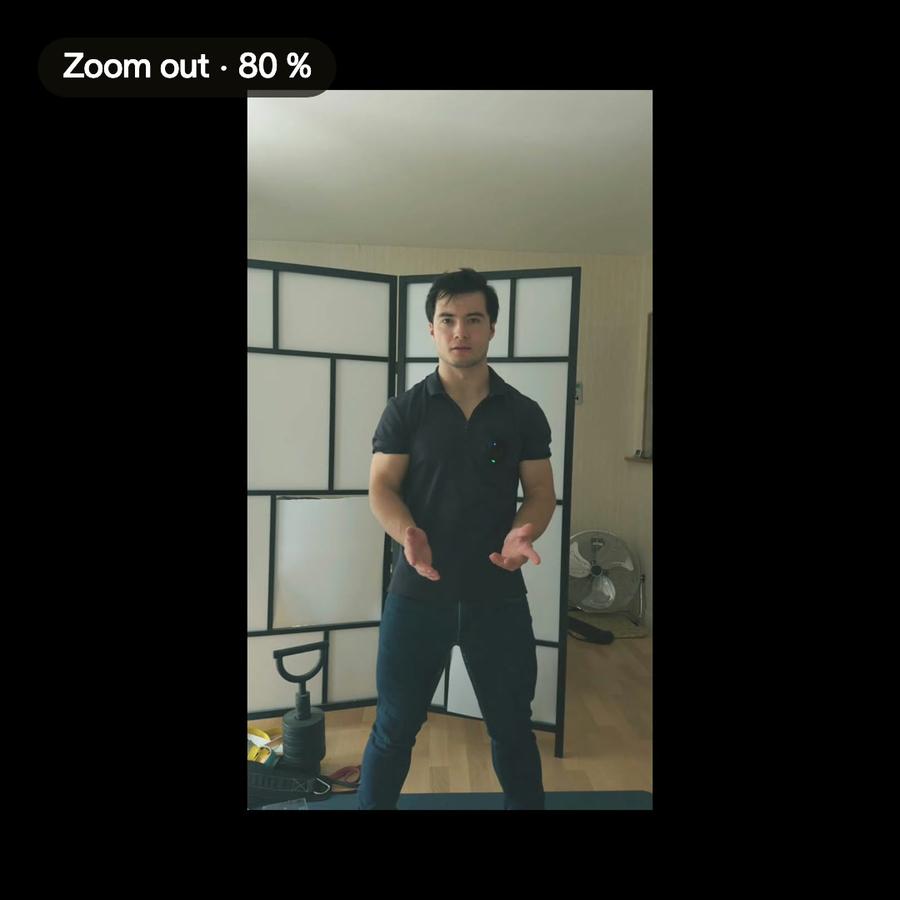
Pick a request: the card is what Montage made from it, in a real video.
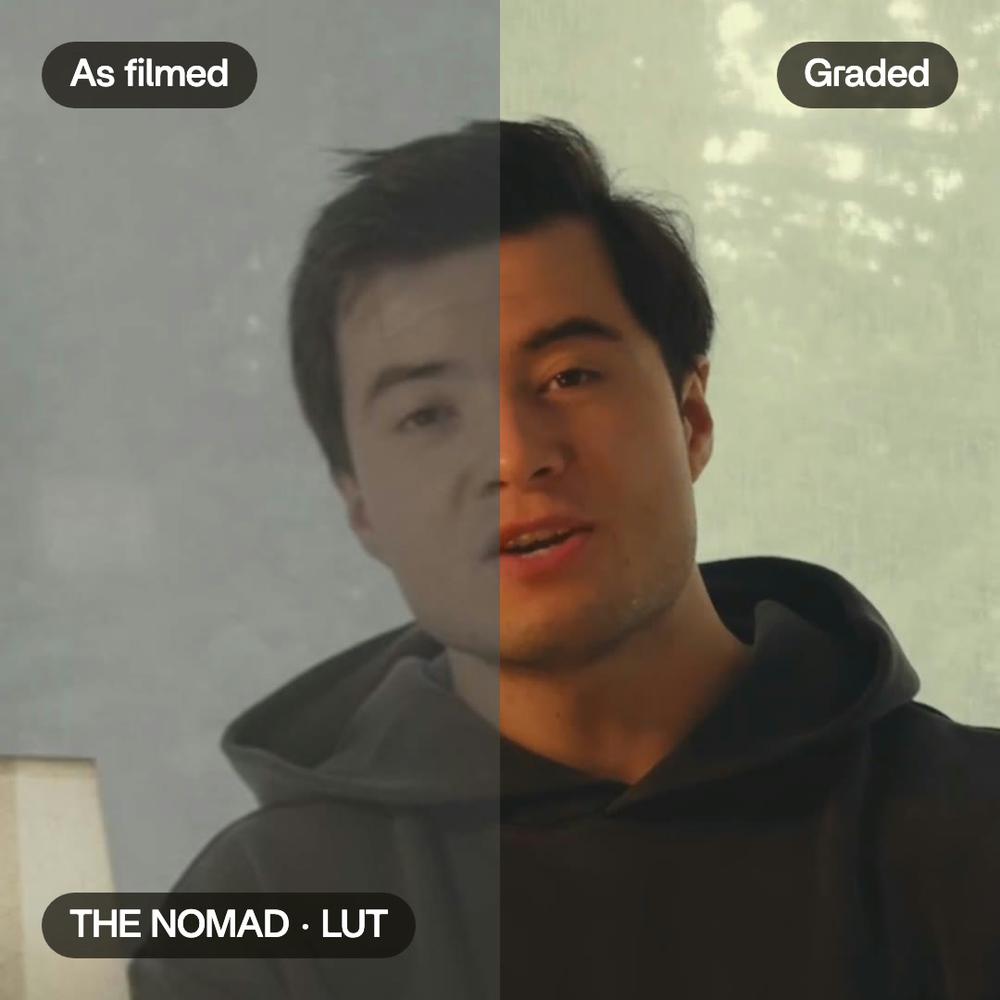
Color correction, in real videos.
Real videos, each with what went into it.
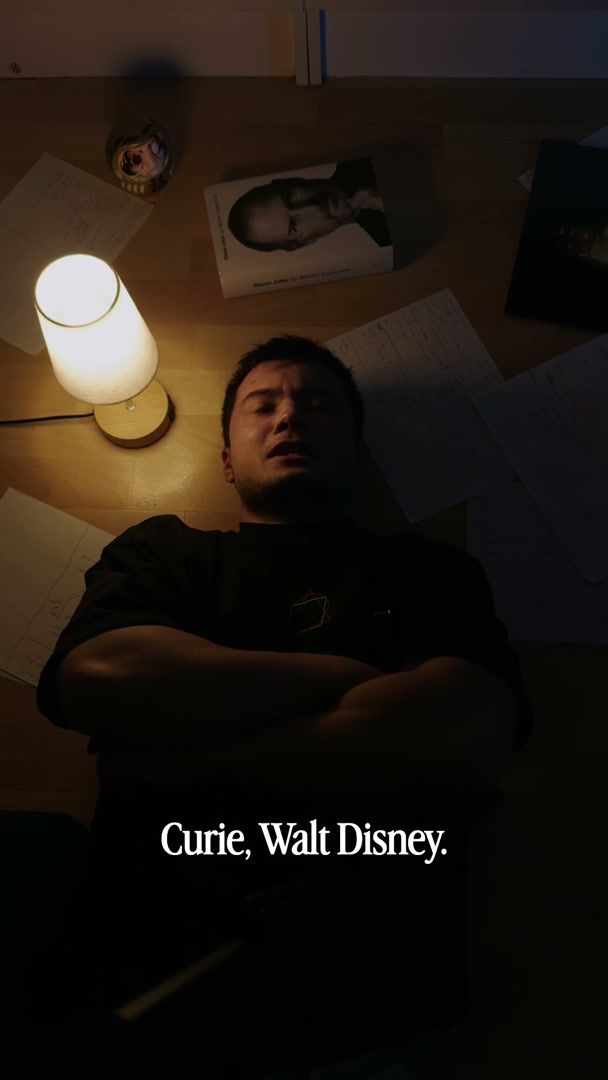
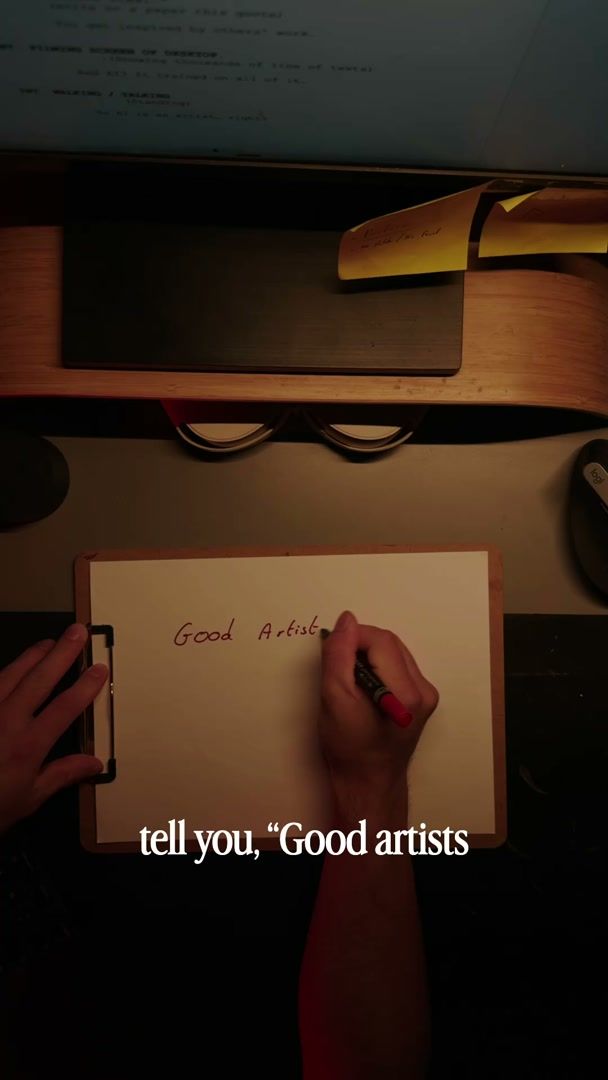
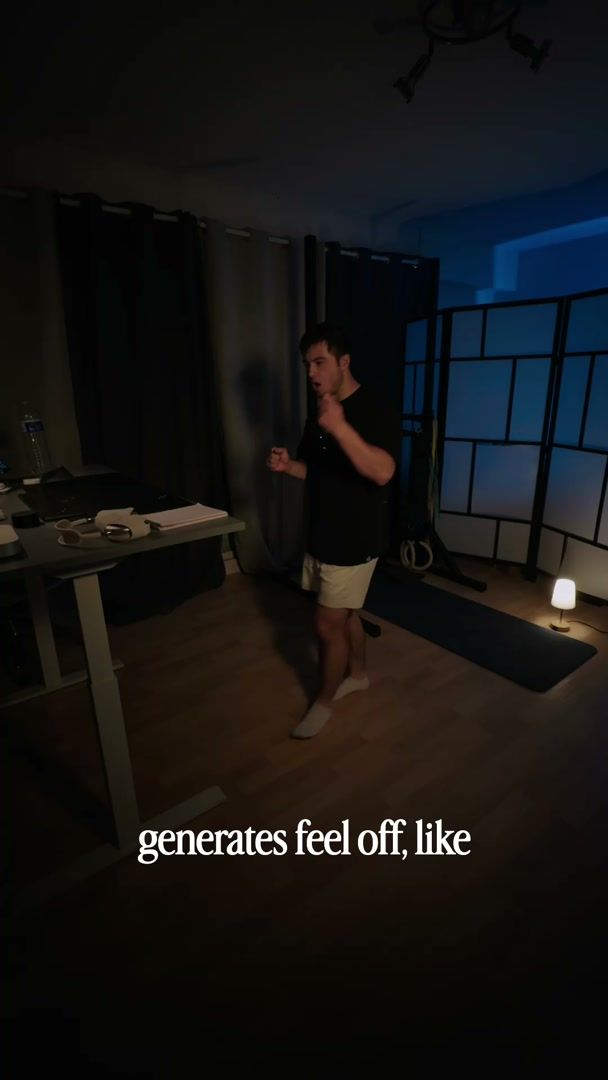
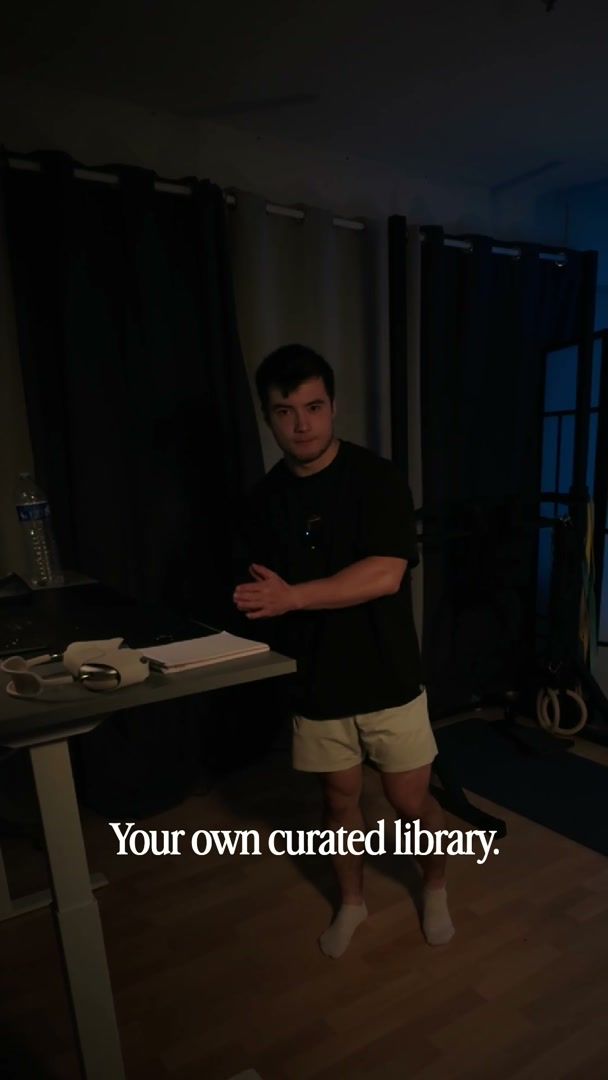
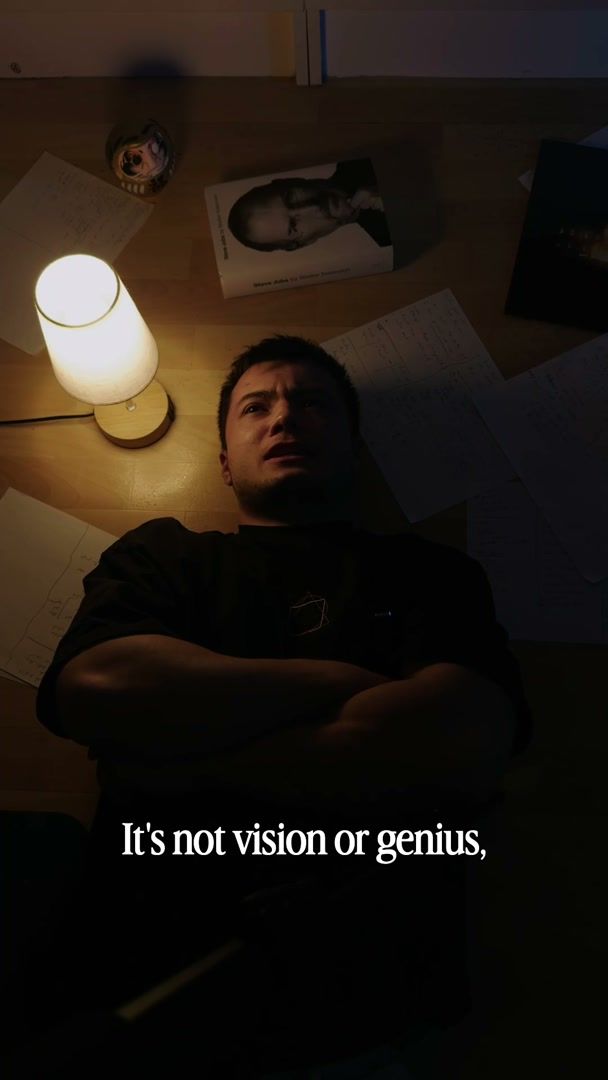
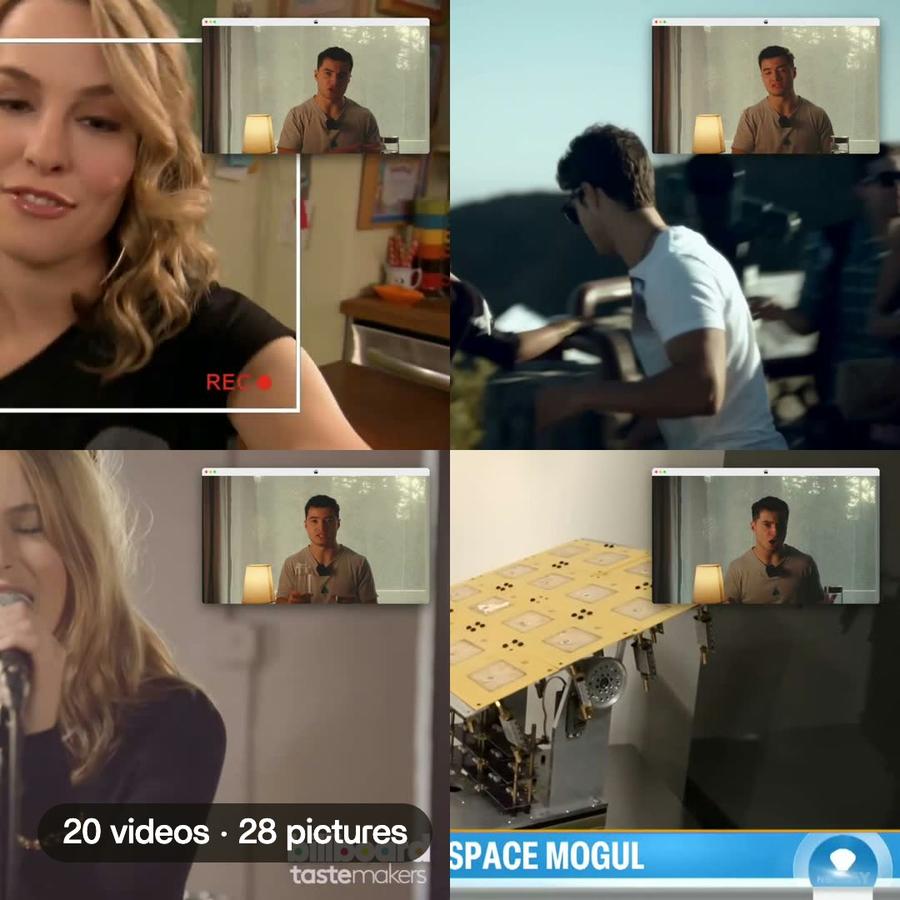
What Montage did in these videos.
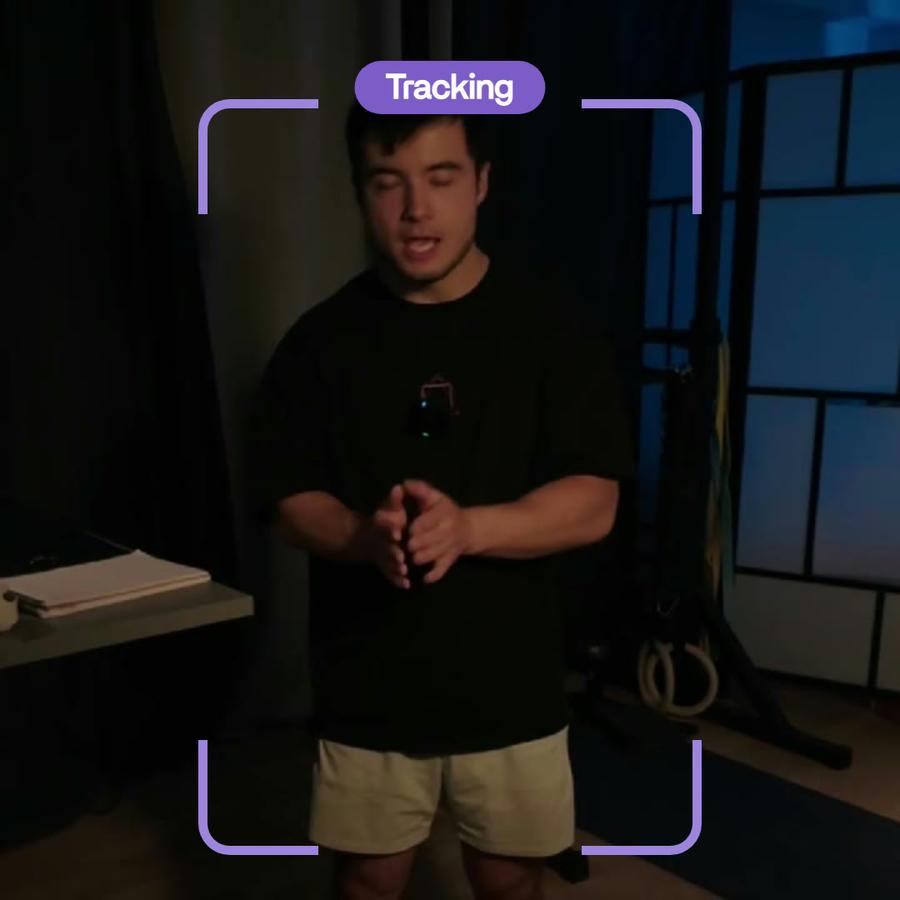
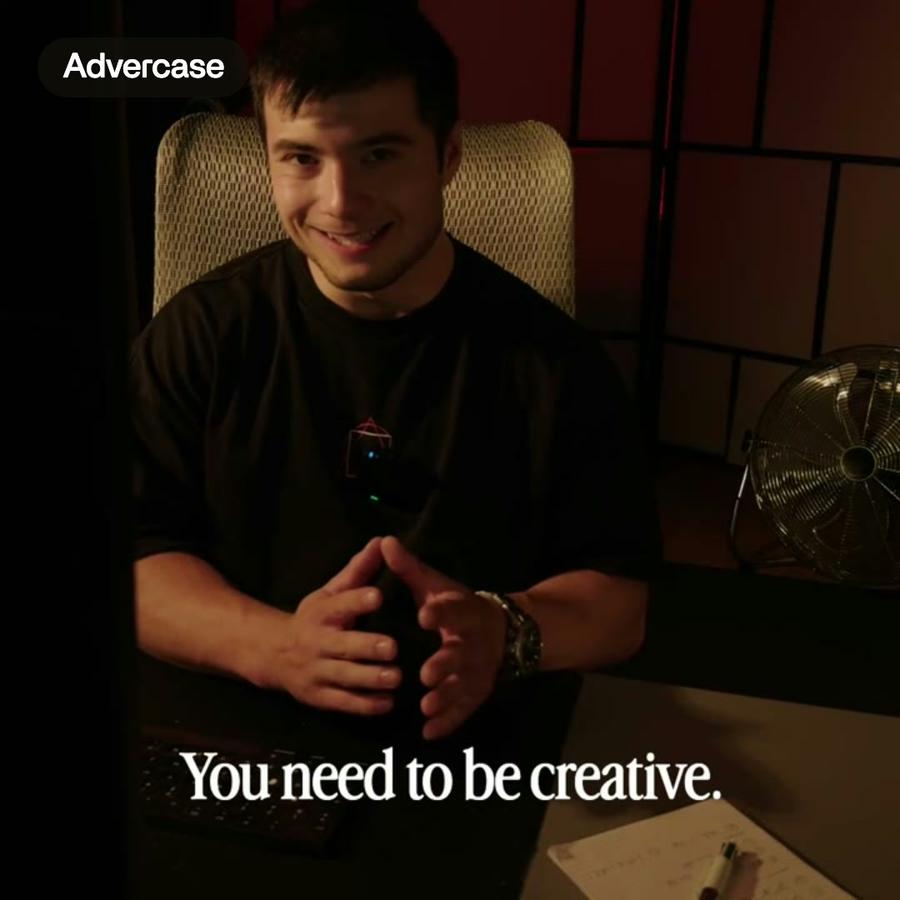
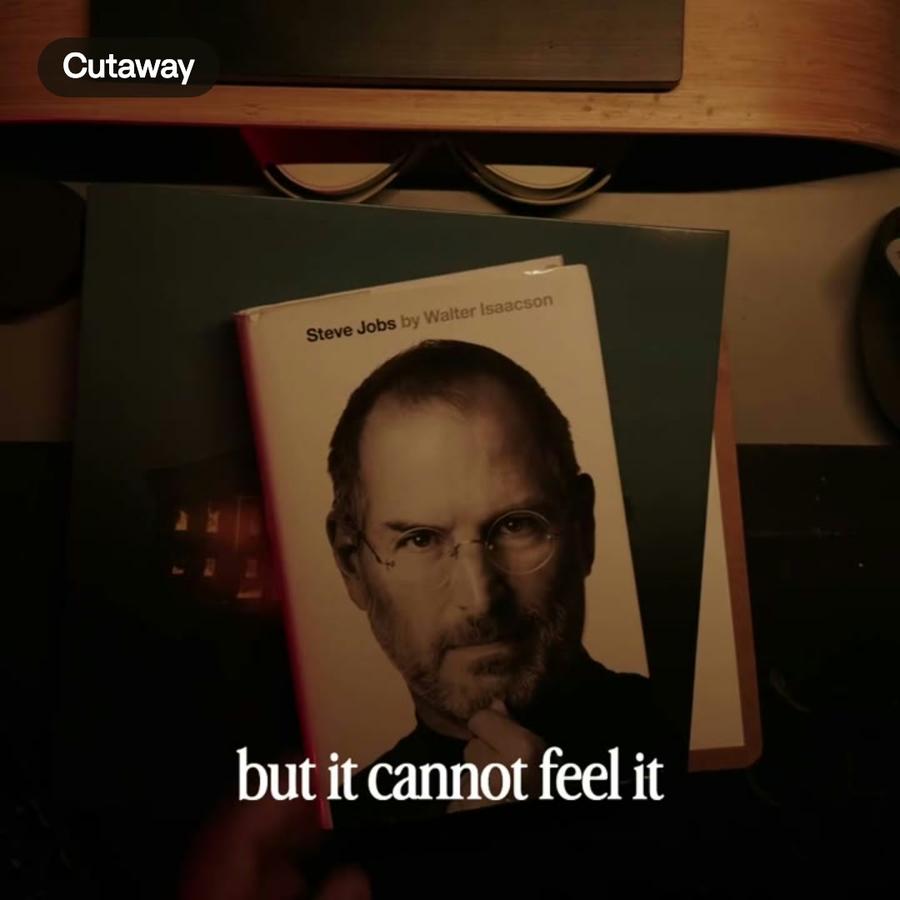
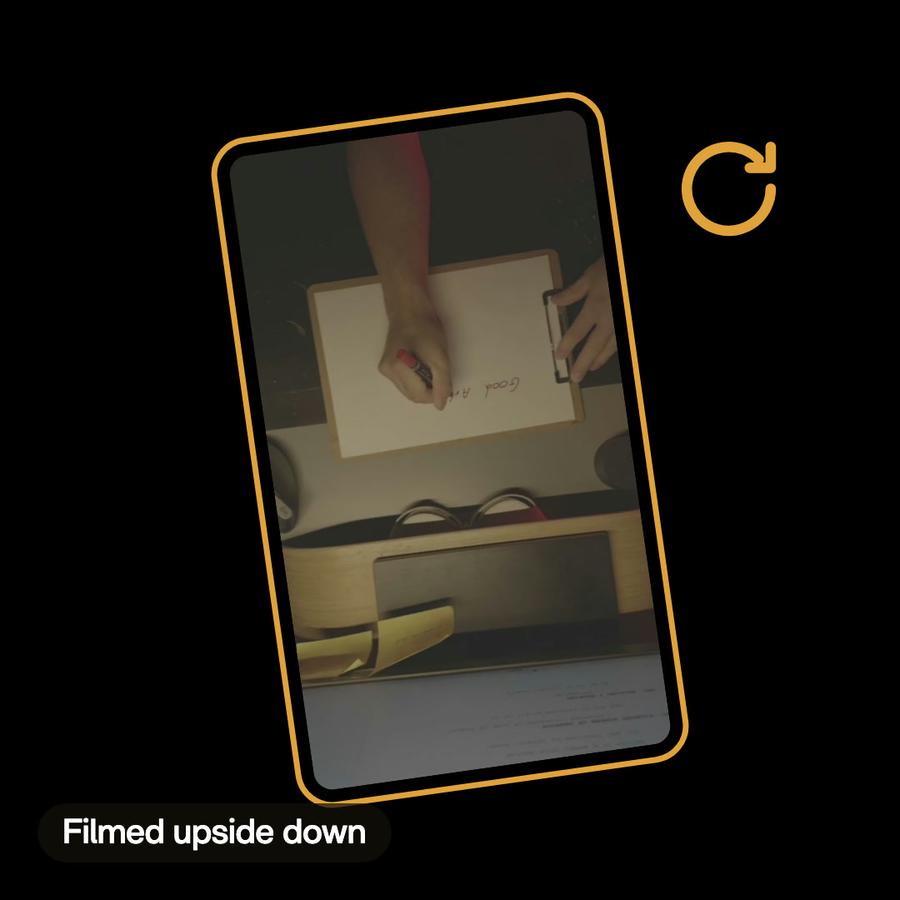
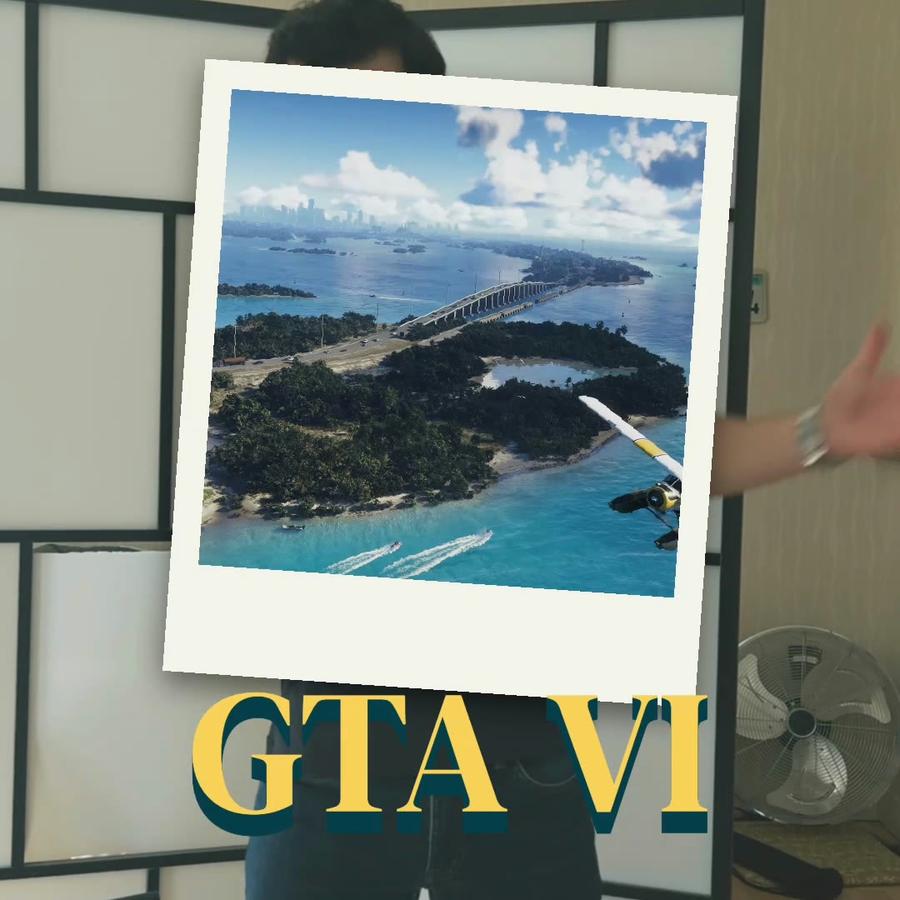
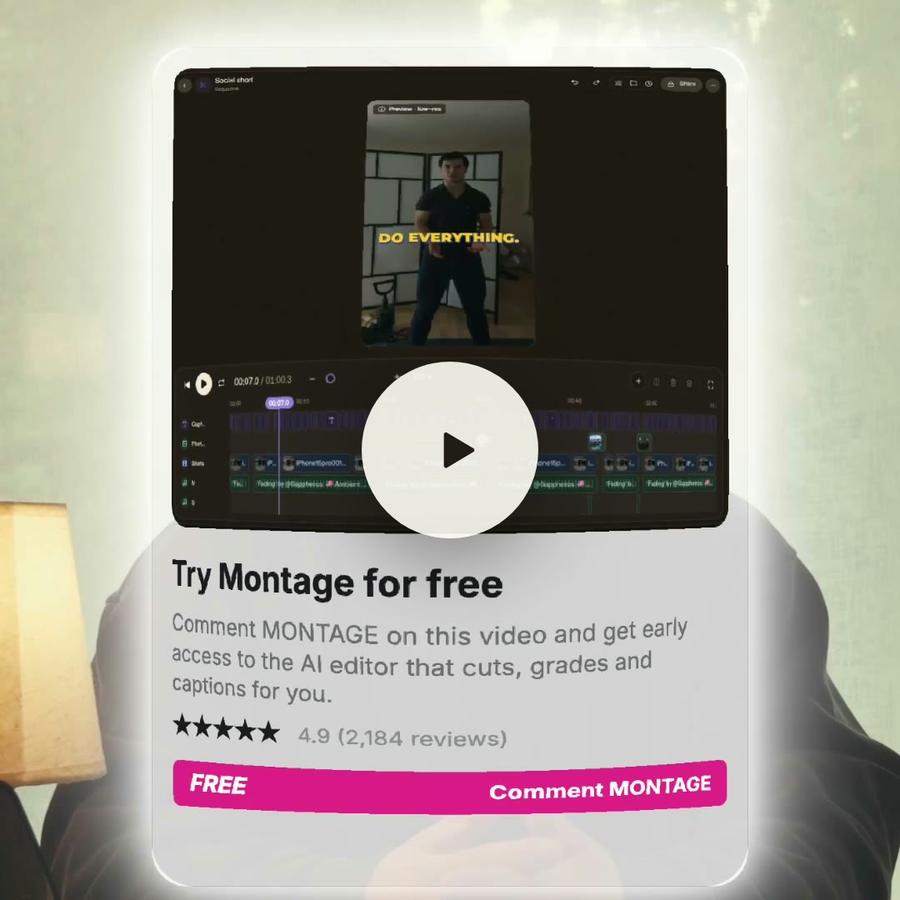
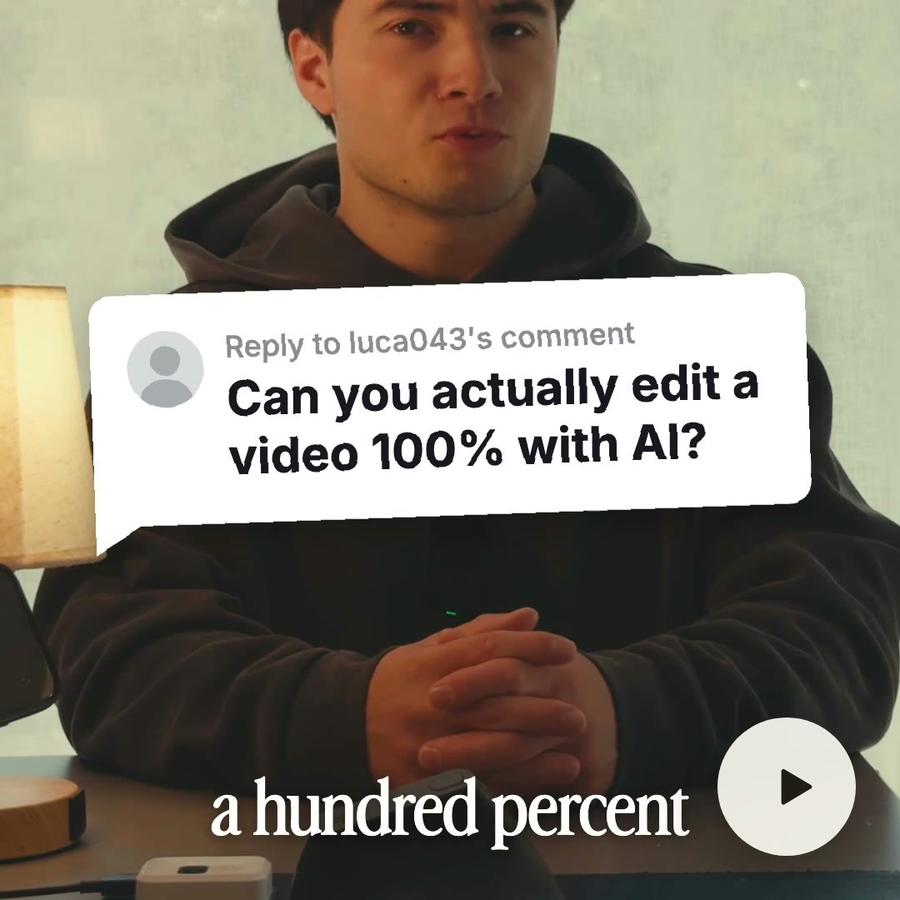
Each card is one thing it did in a real video. Open one to see the feature behind it.




Pricing
Every plan has the whole app. A bigger plan holds more footage.
- 50 GB of footage
- No watermark on your exports
- Comments on your videos
- Buy extra credits when you run out
- Everything in Plus
- 125 GB of footage
- Access Montage MCP
- Everything in Pro
- 250 GB of footage
- Invite your team
- Your clients comment and approve, no account
- Everything in Max
- 500 GB of footage
- Invite your team
- Your clients comment and approve, no account
Color grading video questions, answered
How do I color grade a video with Montage?
Ask for the look you want: exposure, contrast, black and white, or your own .cube LUT. Montage puts the same look on every shot, and changes it when you ask.
Can I use my own LUT to color grade a video?
Yes. Upload a .cube file and ask for it. It is kept as a look you can put on any clip.
Can I color grade just one shot?
Yes. Name the shot or the moment, and only that part changes.
Can I change the color grading after?
Yes. Name the shots, and ask for it stronger, softer or gone.
Do I need to be good with AI?
No. If you can send a text, you can use it. You say what you need, then ask for changes until it's right.