










How uploading works,
and why you never wait
Why big video files are slow to edit
Camera files are heavy: a few minutes of 4K can weigh gigabytes. Editing on them directly makes every play and every jump slow, and sending them whole takes hours.
How it is usually done
In a classic editor you prepare smaller files yourself before you edit. You pick a format, wait for them, keep each one linked to the file it came from, and fix the links when a file moves. Forget a step, and the export comes out small.
Uploading footage in Montage
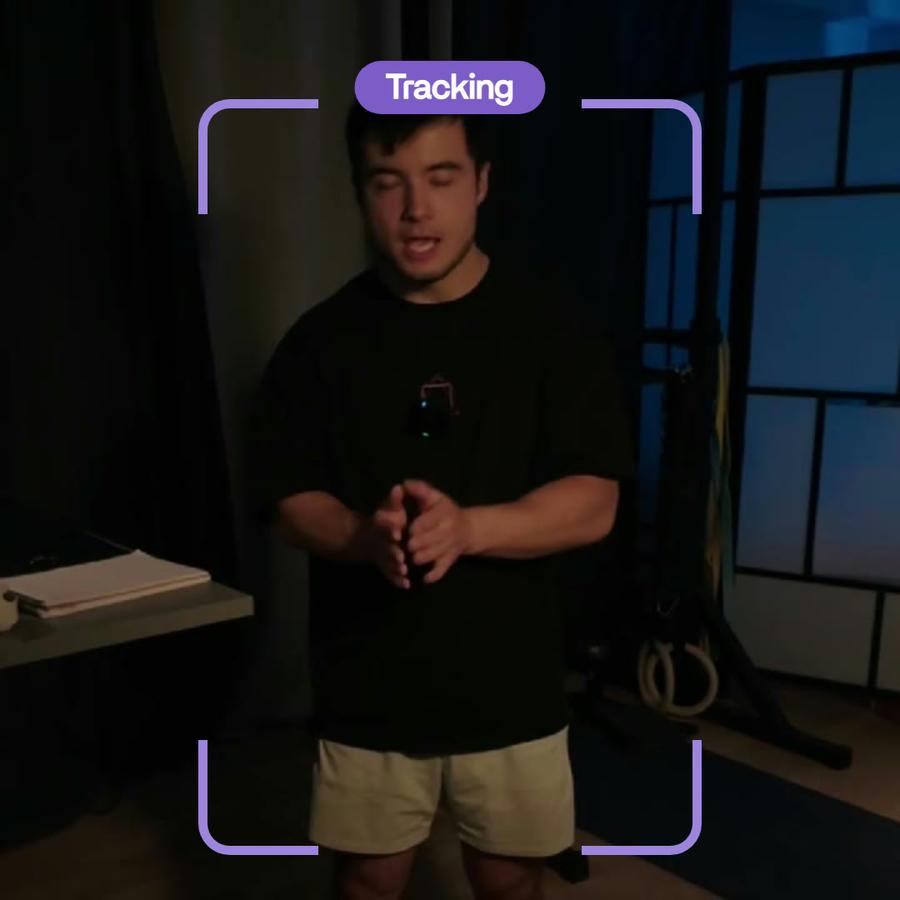
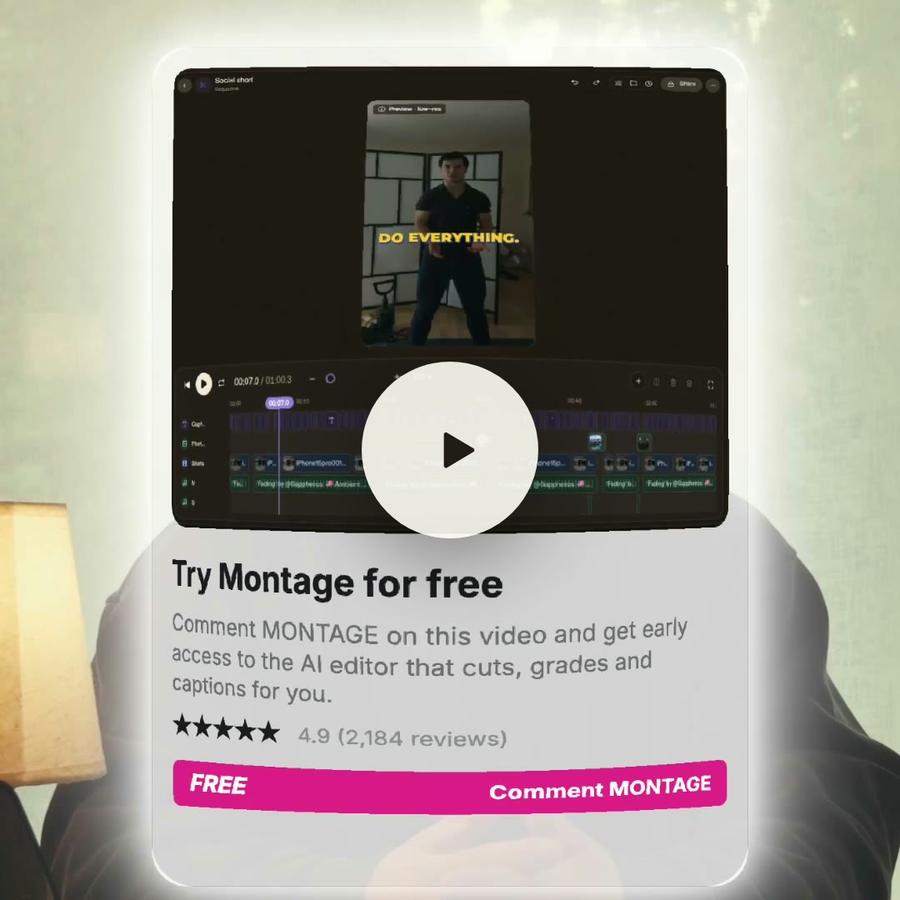
In Montage you do none of it. Drop every take as it comes off the camera, with no sorting and no renaming. The preview plays at once however big the file is. Montage also reads every take: it listens to what is said and looks at every shot, so you can find a moment by naming it.
Your originals never leave your computer.
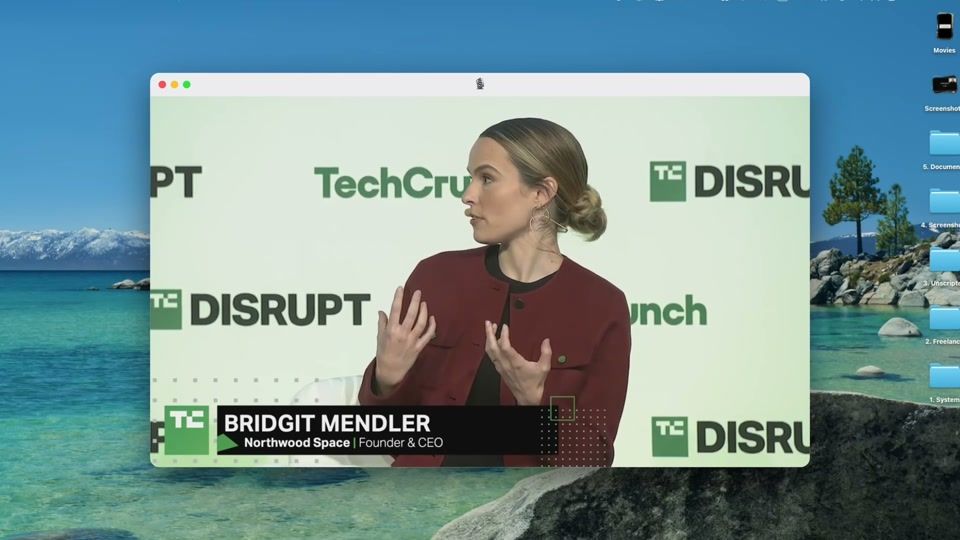
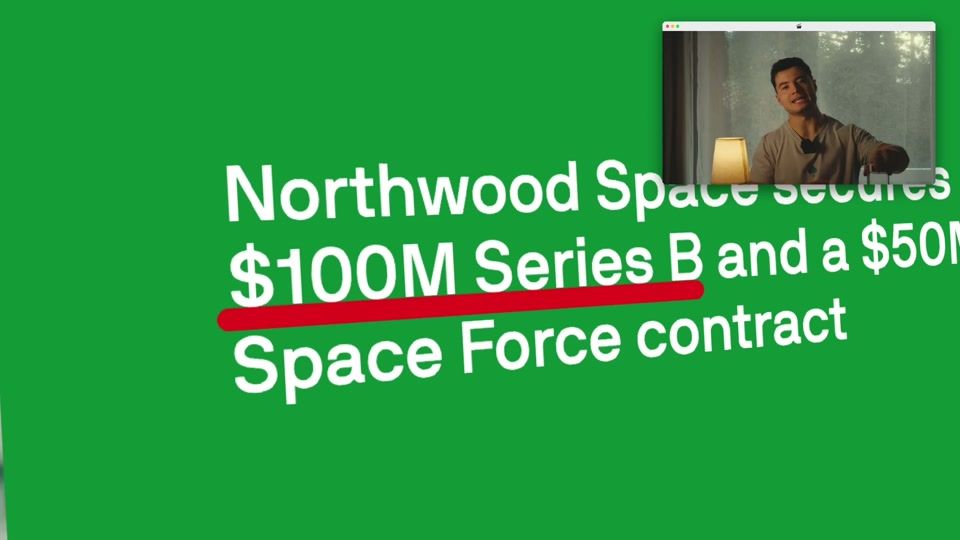
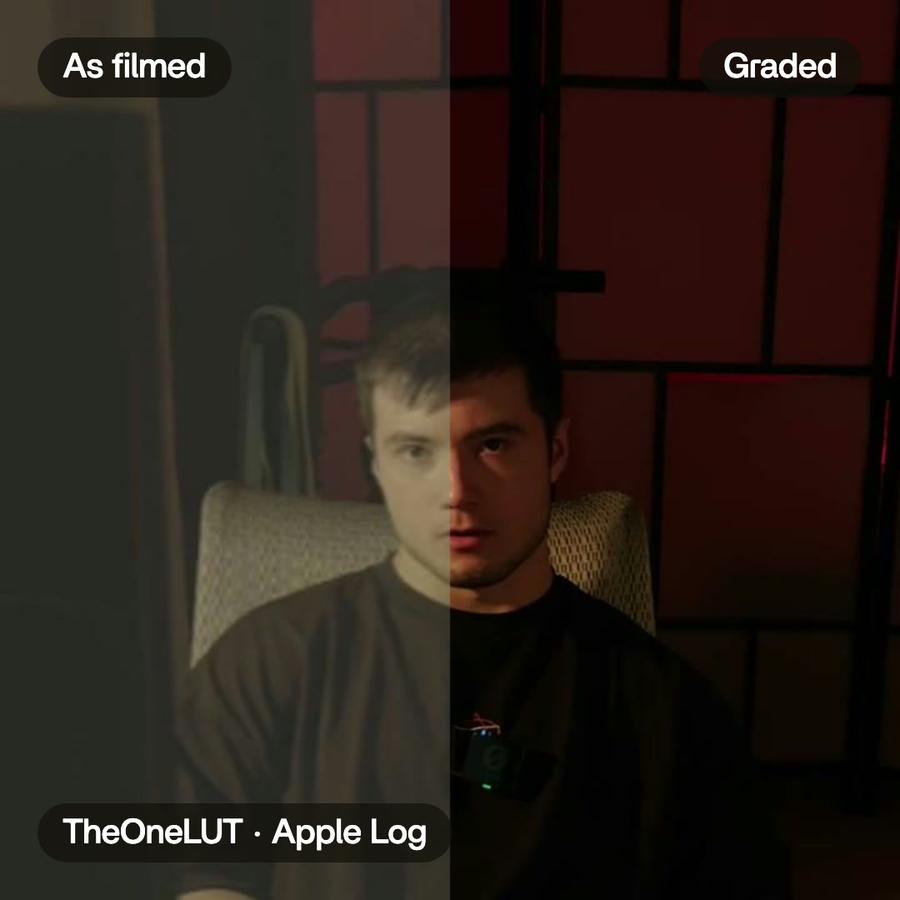
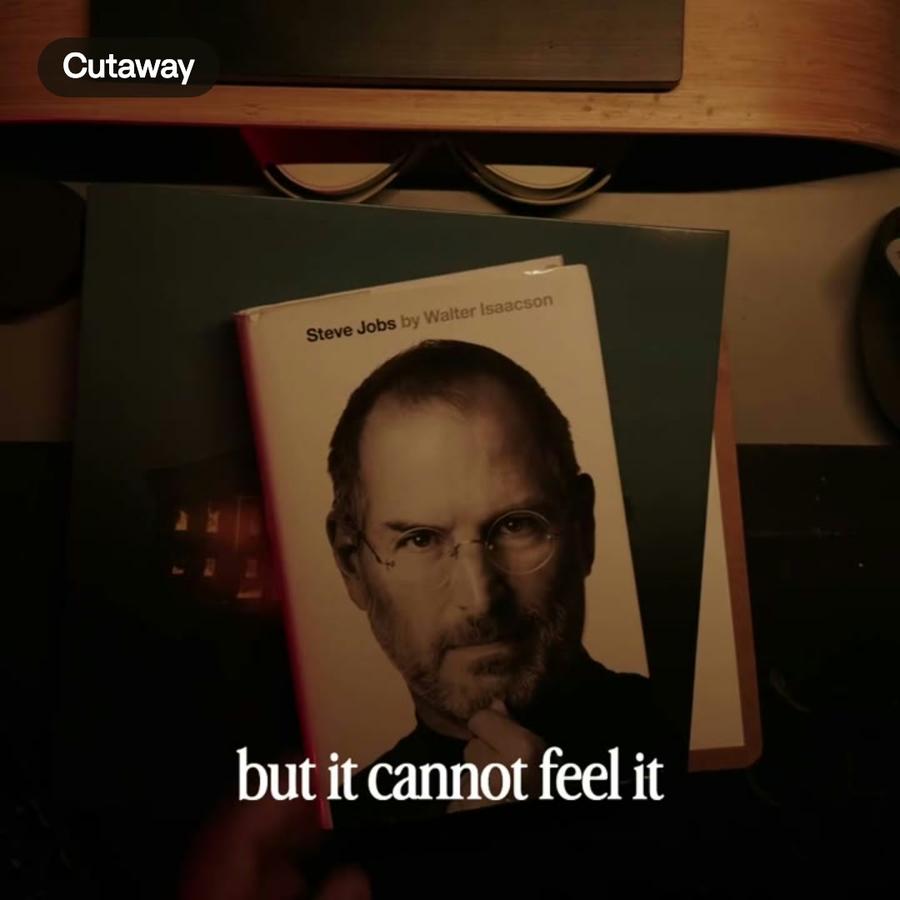
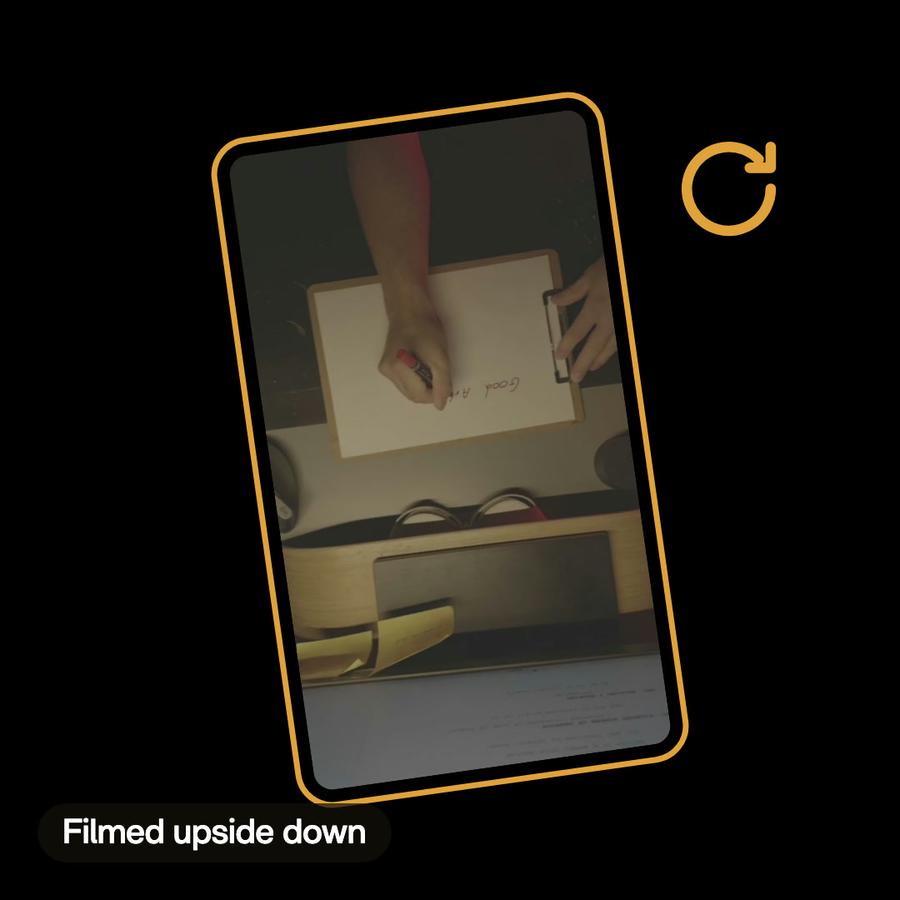
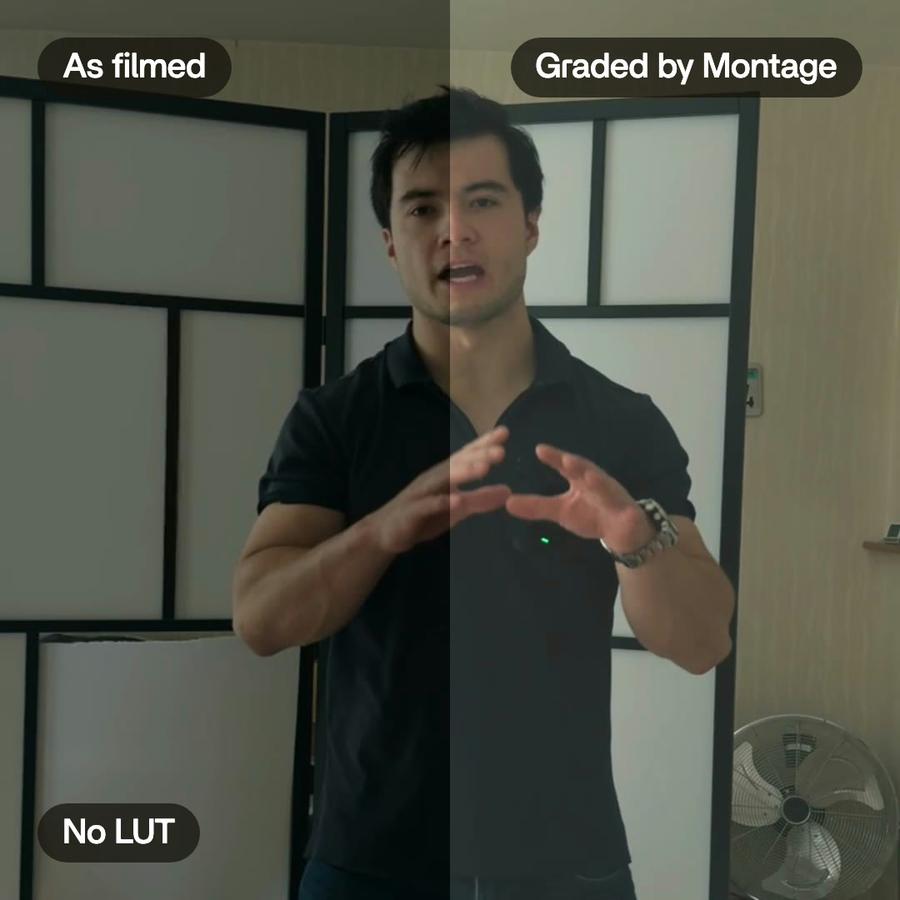
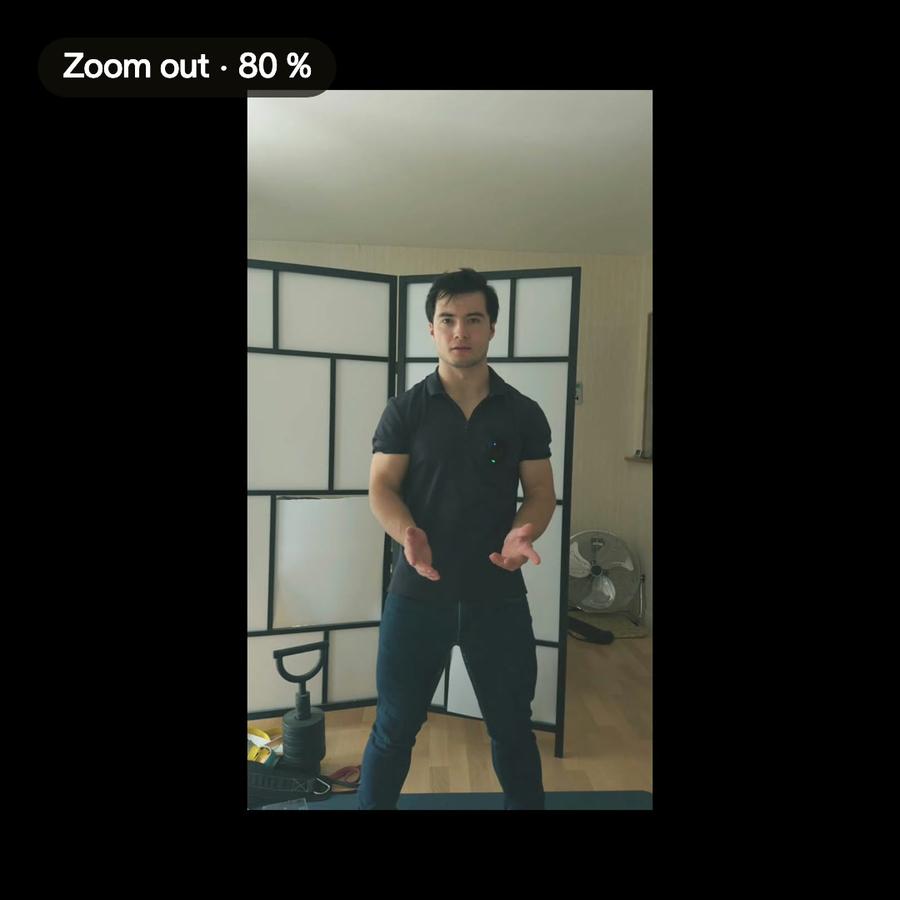
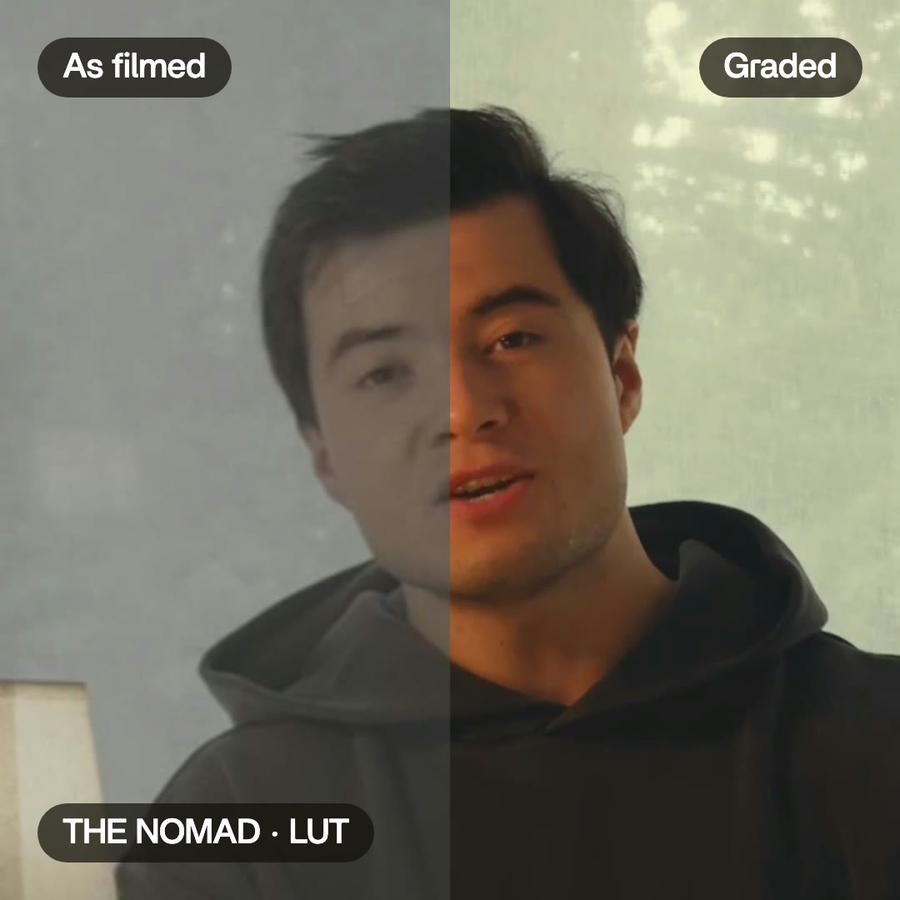
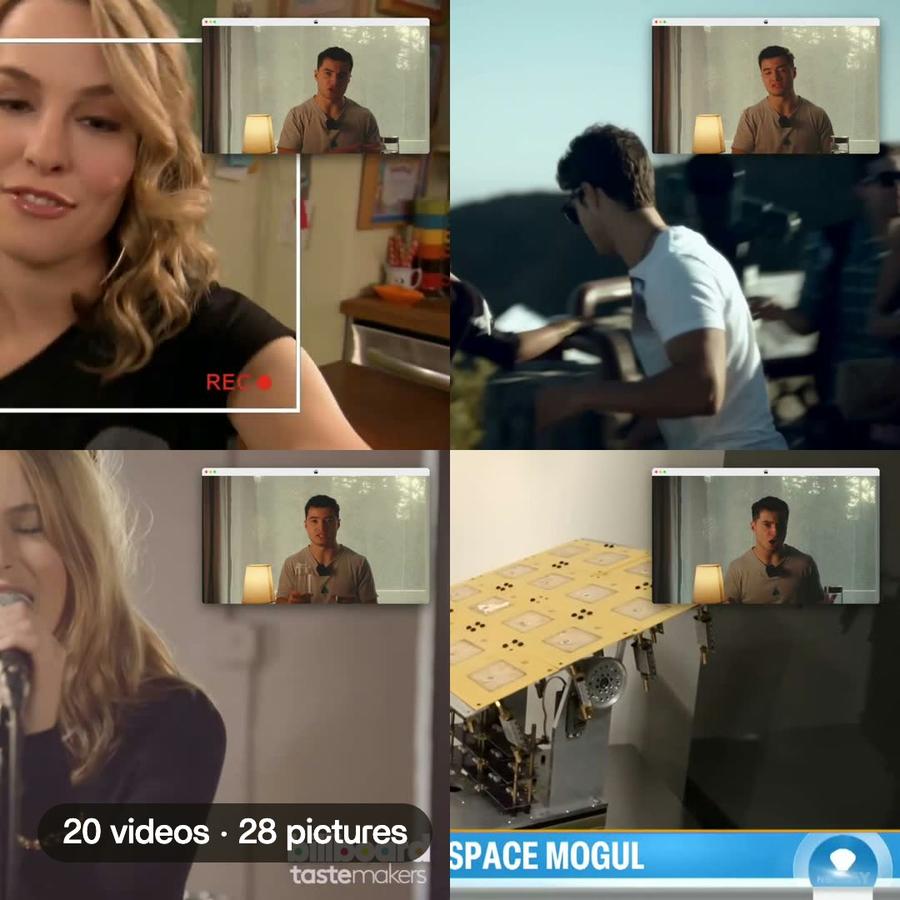
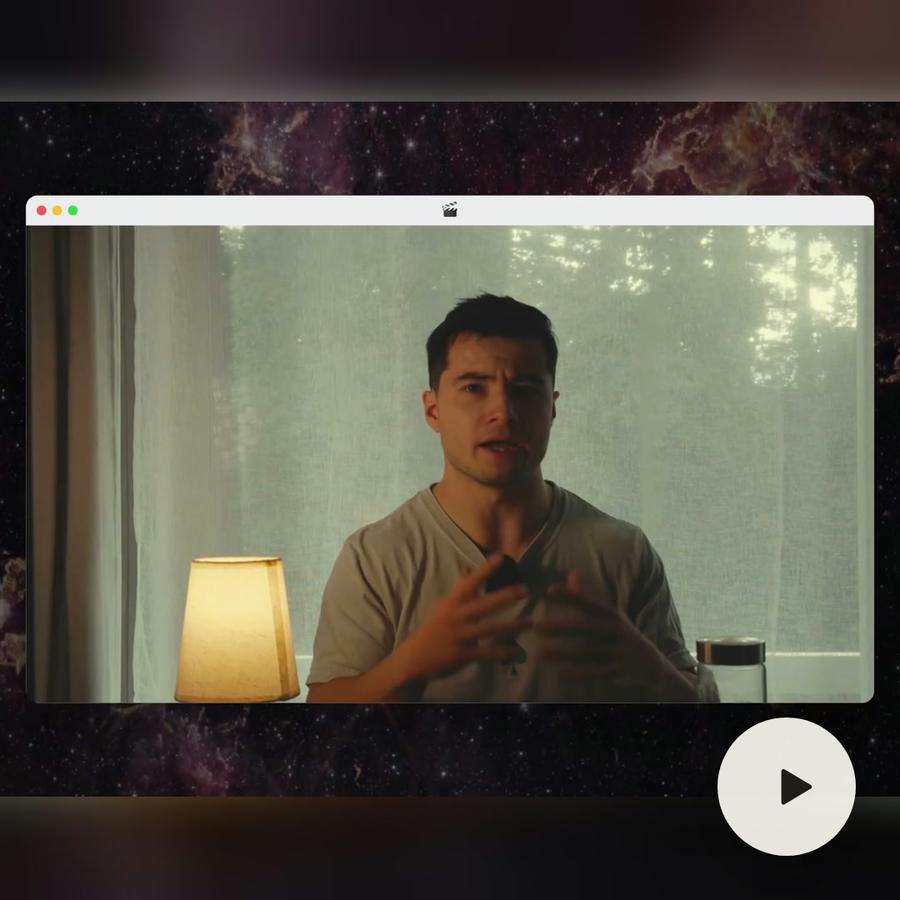
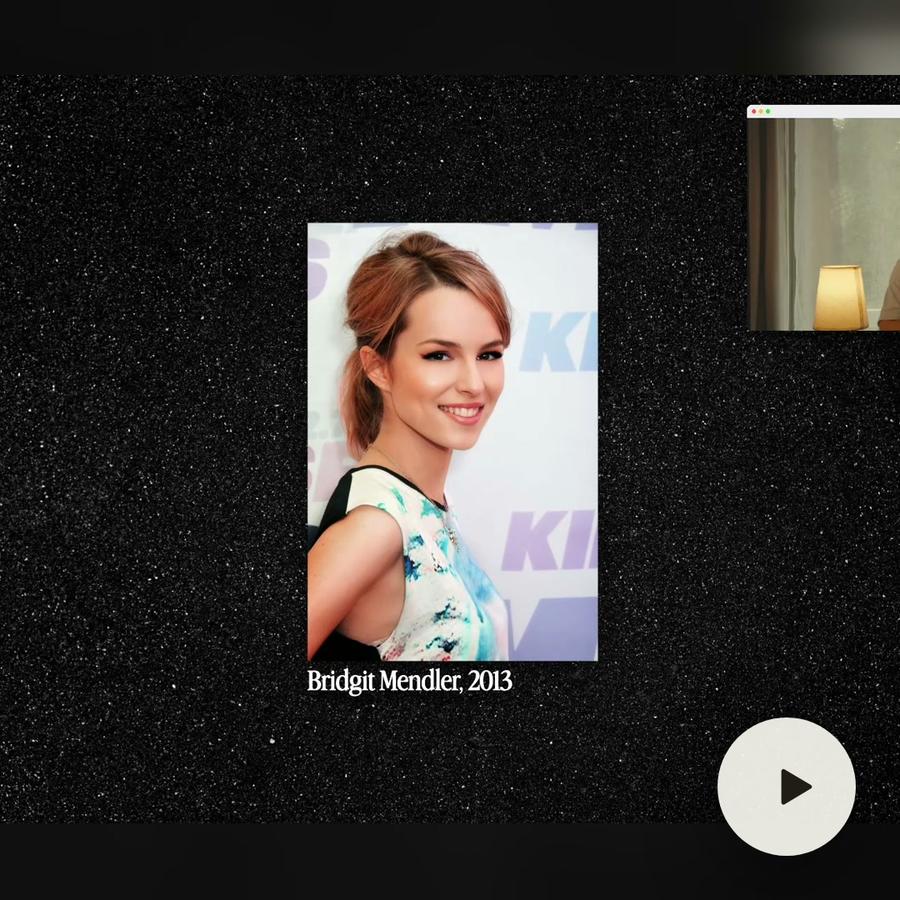
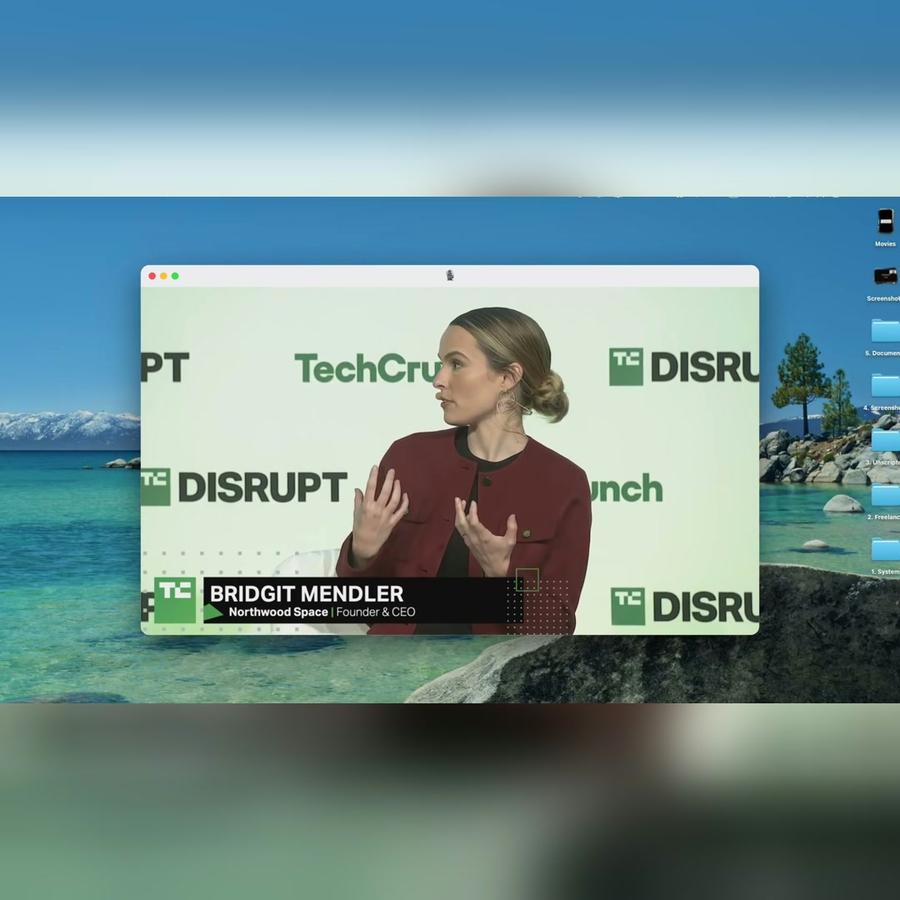
The Bridgit Mendler film started as seven takes, 33 minutes from an iPhone, four of them filmed flat. They went in as they were.
Everything lands in Media
Media is one page for your whole workspace. It holds what you bring: the takes, the pictures, the sound, your fonts and looks. What Montage makes is in your videos, with every version kept.
Exported from your originals
When you export, the video is made on your computer from your original files. Every frame comes out at its full size.
Tips
- Upload the takes you might use, not only the good ones: Montage finds the best line.
- Keep the original files on your computer until the video is out.
- Name a moment by what is said in it, « the part about Northwood », and Montage finds it.