


How to add video effects
by describing them
What video effects are
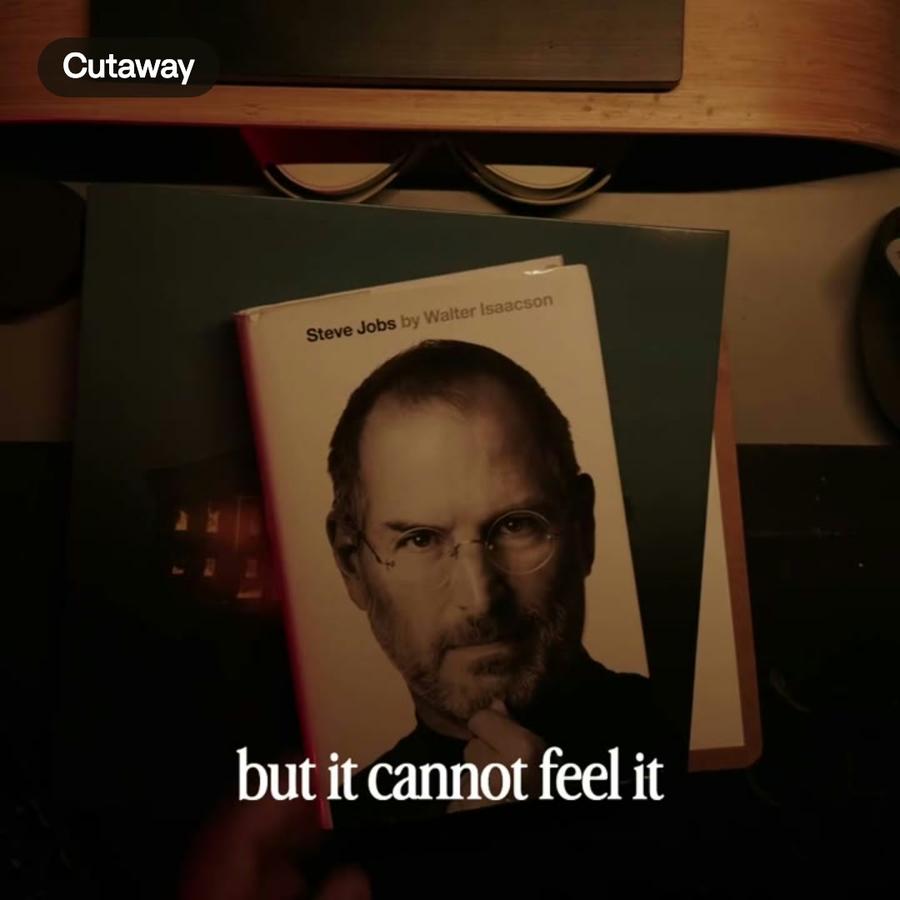
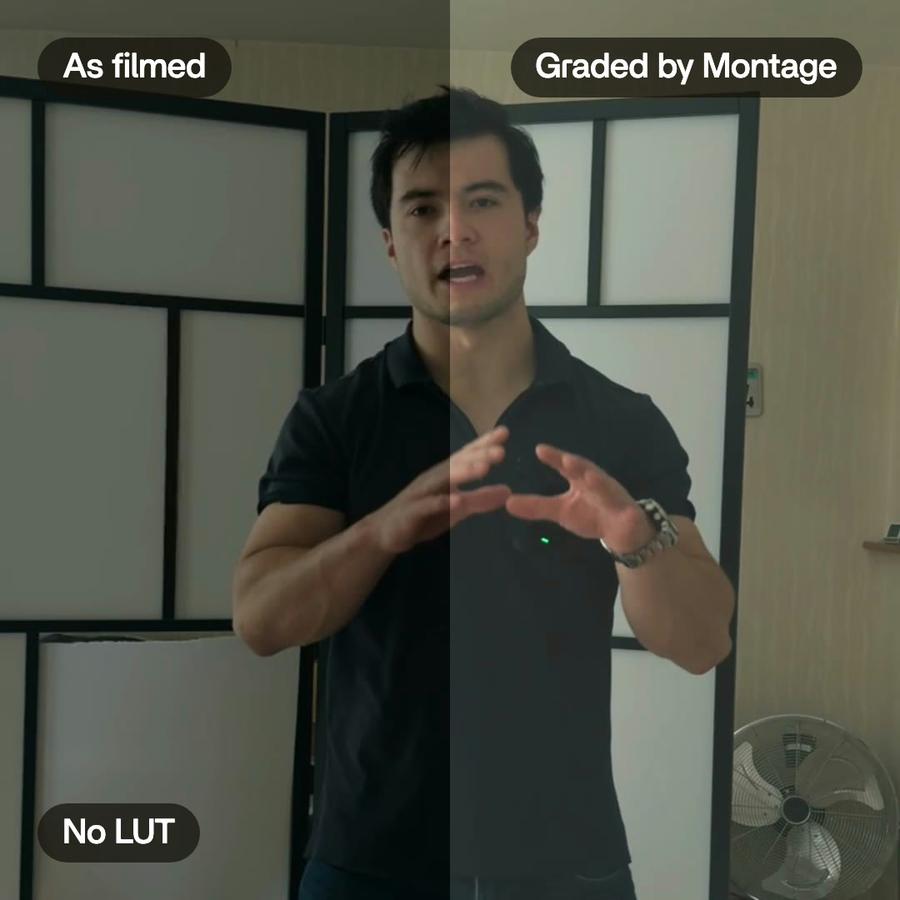
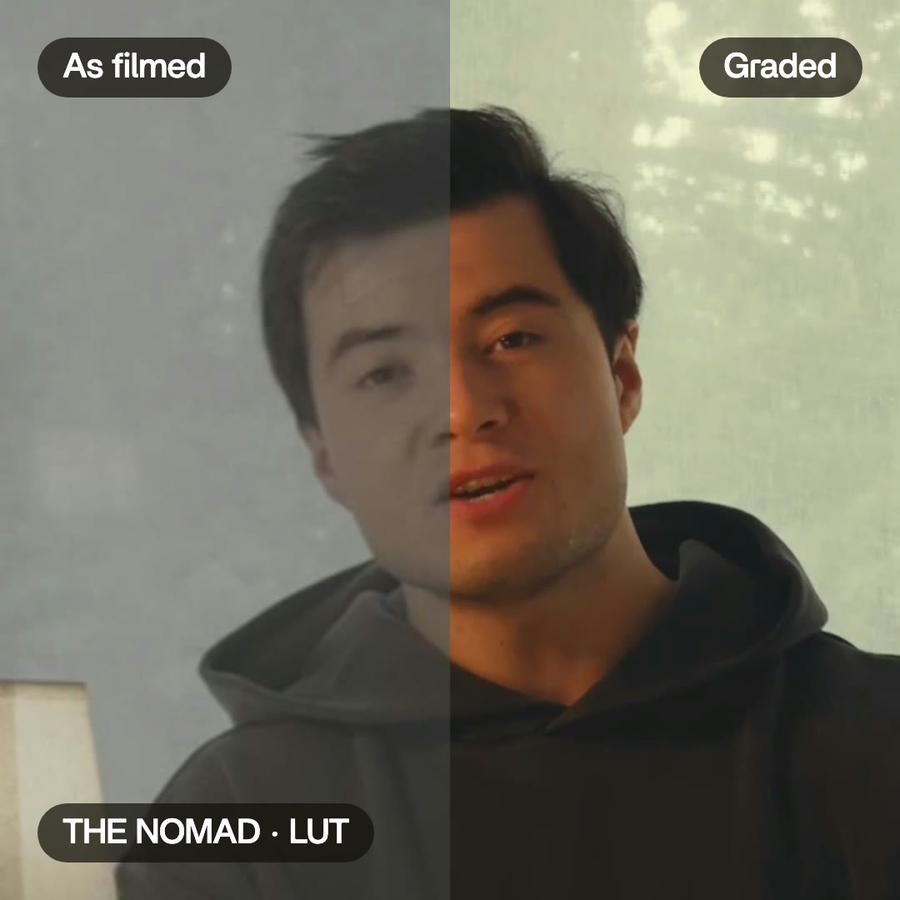
Video effects are everything you add on top of the cut so the video feels finished: a sound when a card appears, a glow on a product, a person cut out of the background, one look on every shot. Each is small. Together they decide whether a video feels finished or rough.
How it is done by hand
In a classic editor, each effect is a preset in a panel. You find it, drag it onto a clip, set its length and its strength, then copy it to every other clip that needs it. A sound effect is a file you place by ear, one at a time.
Video effects in Montage
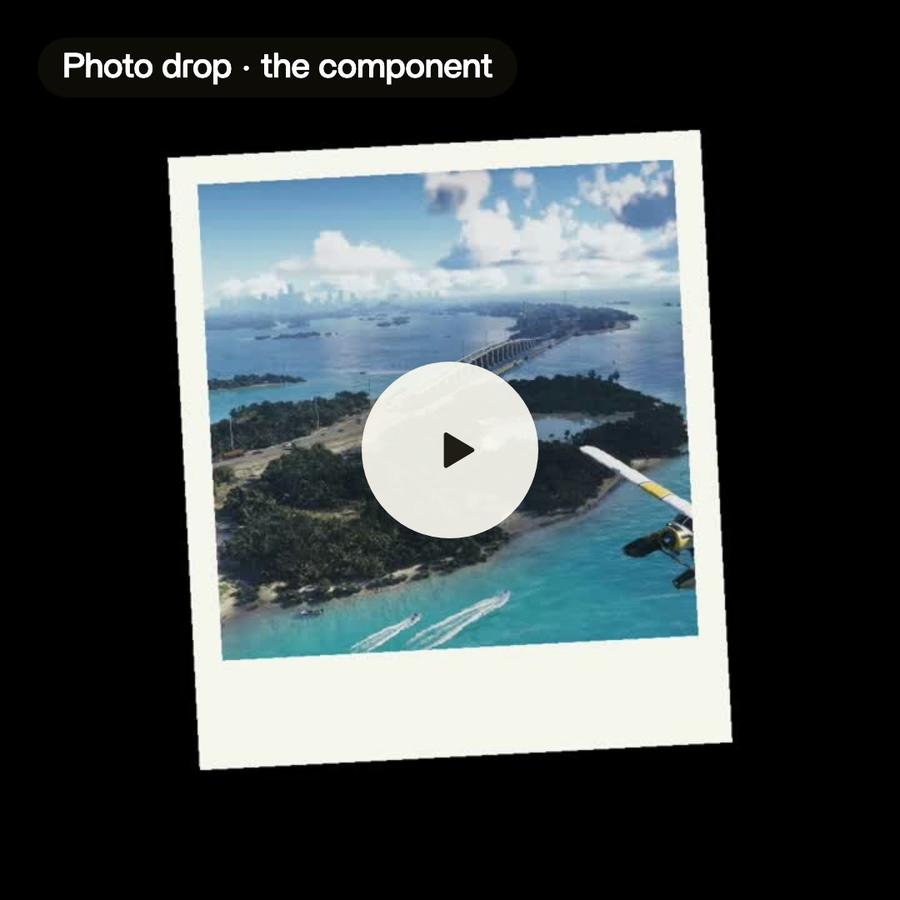
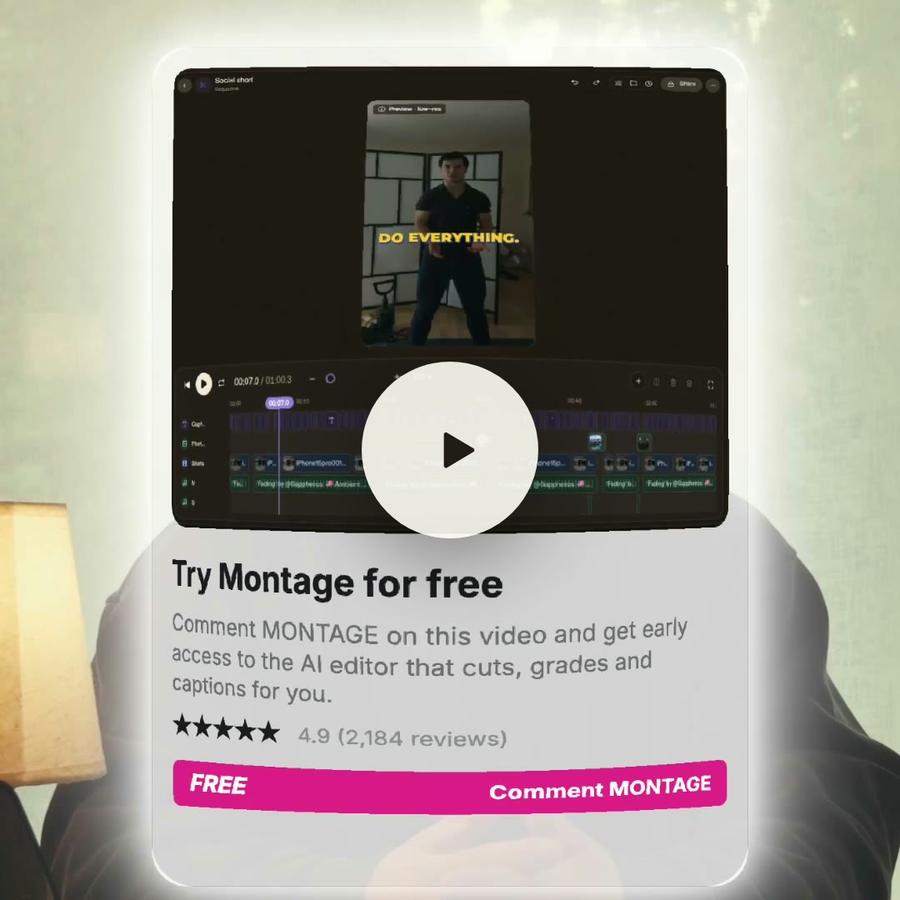
In Montage you describe the effect. « Add a sound on every card. » « Make the product card glow, with a fisheye. » « Cut me out of the background, my head over the top of the frame. » Montage makes it and puts it in the video, where you watch it, and changes it or takes it out when you ask.
An effect is written for your video, not picked from a list. So it can be exactly what you asked for.
Sound design
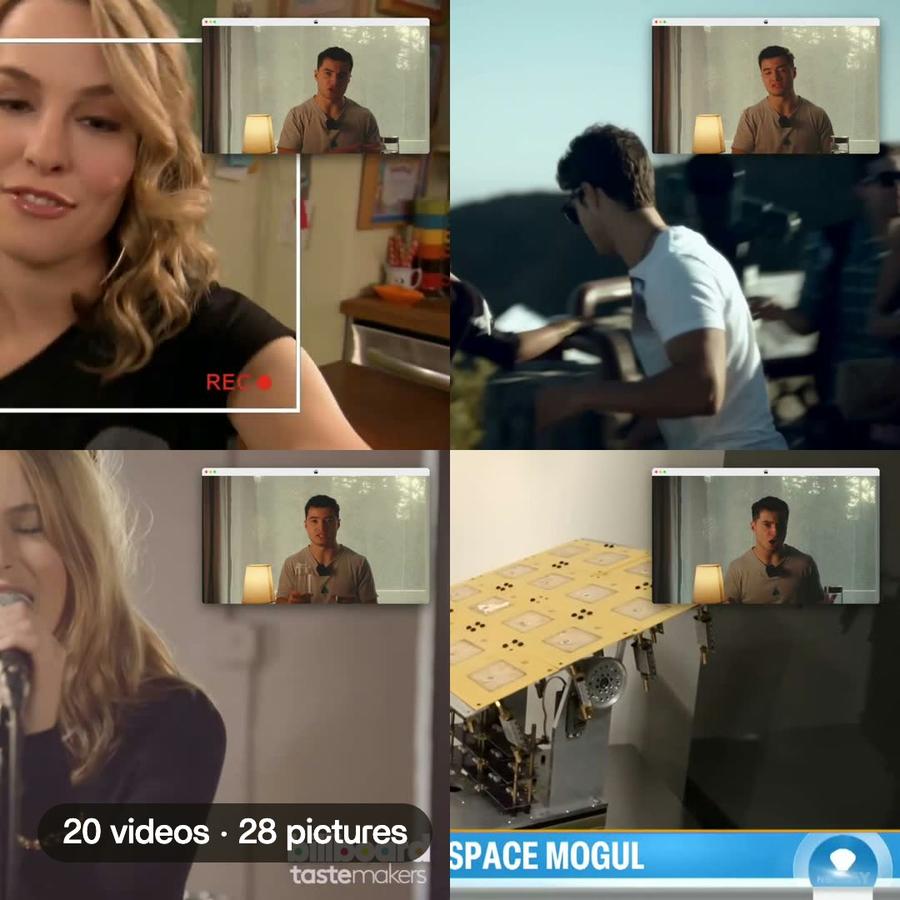
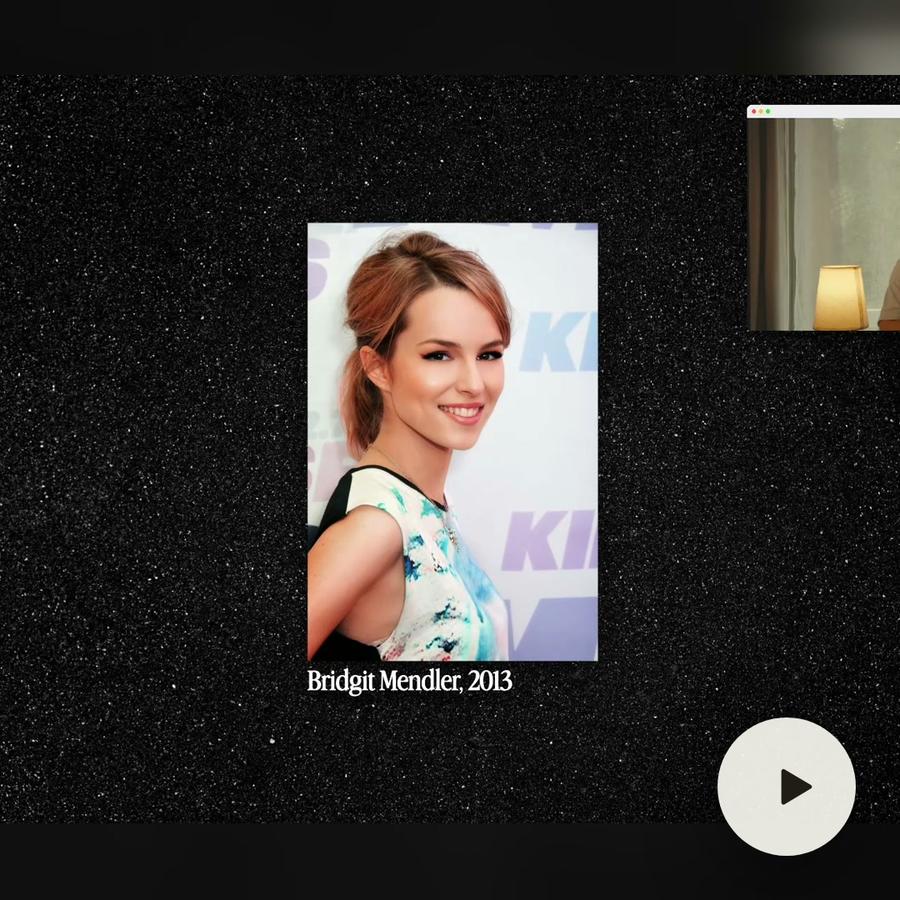
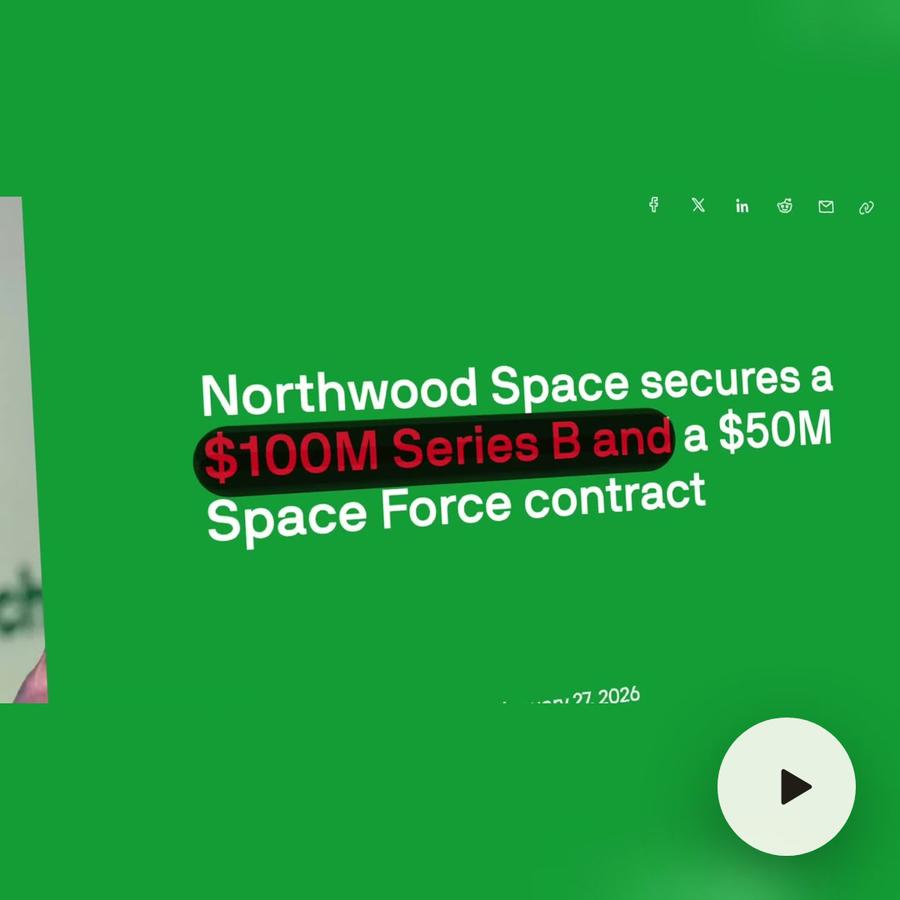
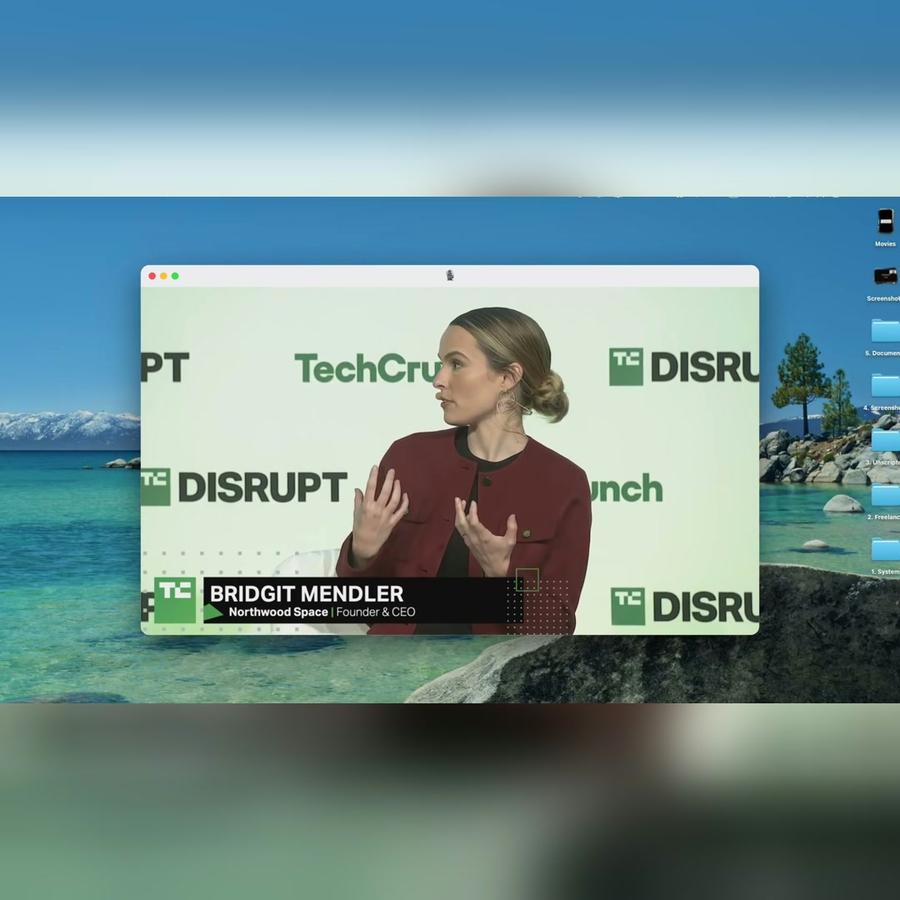
In the Bridgit Mendler film, every card lands with a soft tap, the window moves with a swish, and a marker stroke follows the highlight: 73 sounds, each on its cue, and four music beds, one per part of the story.
Visual effects
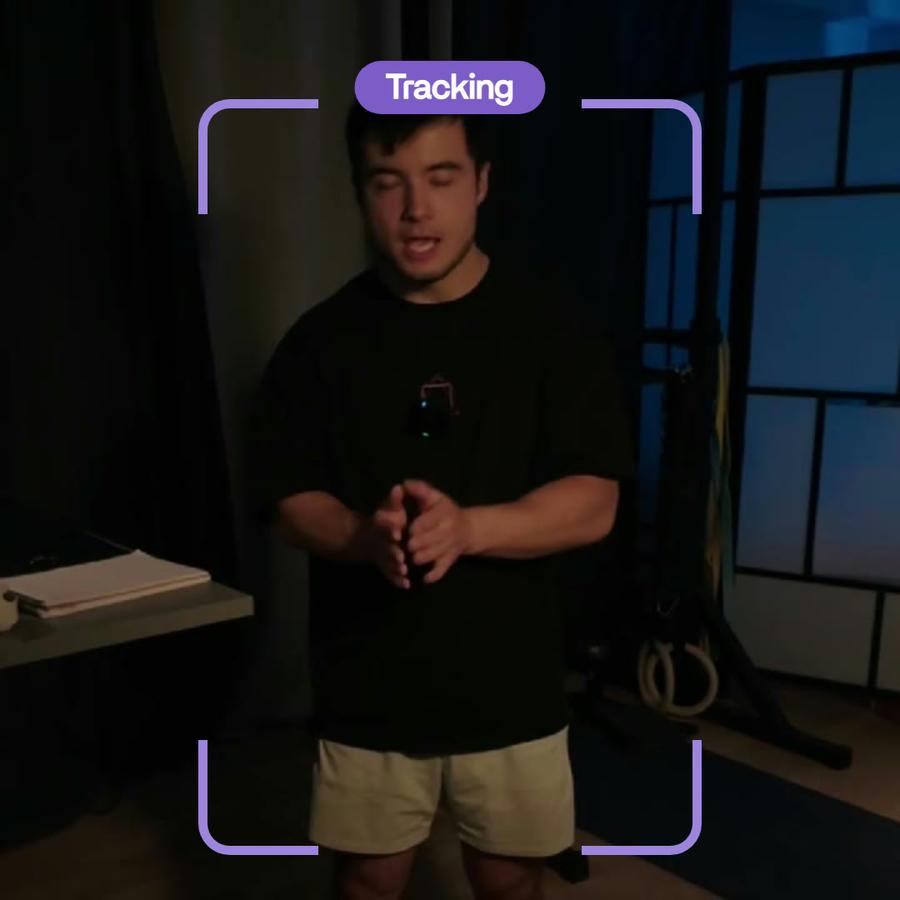
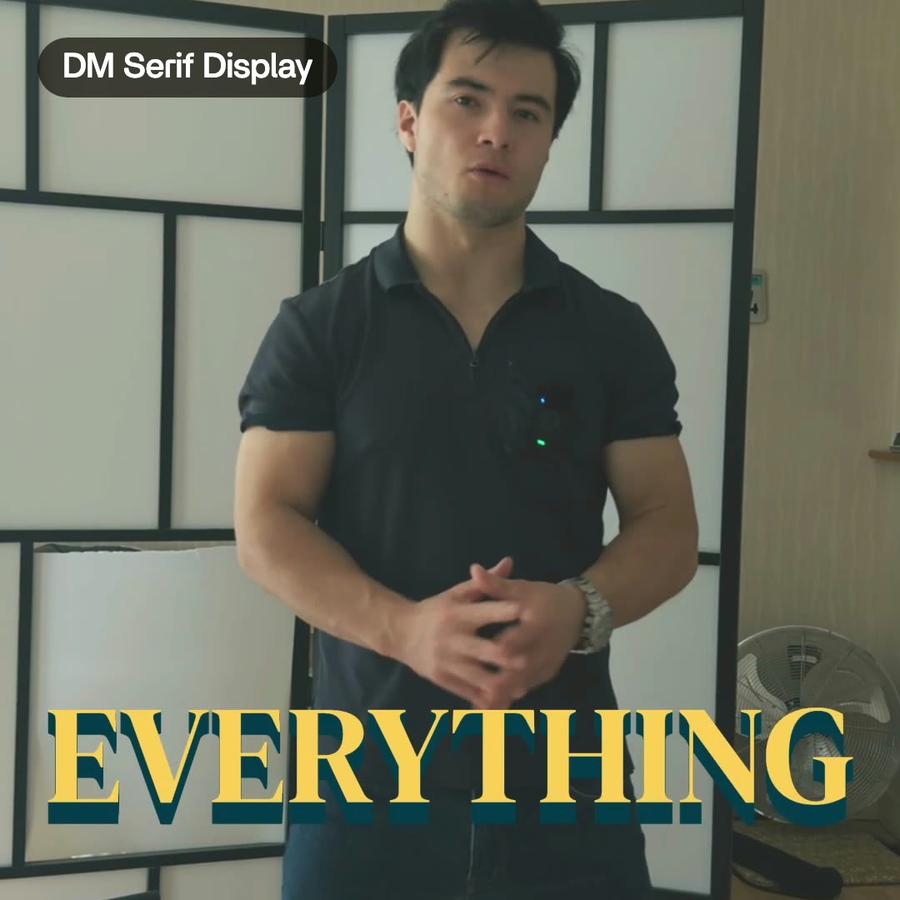
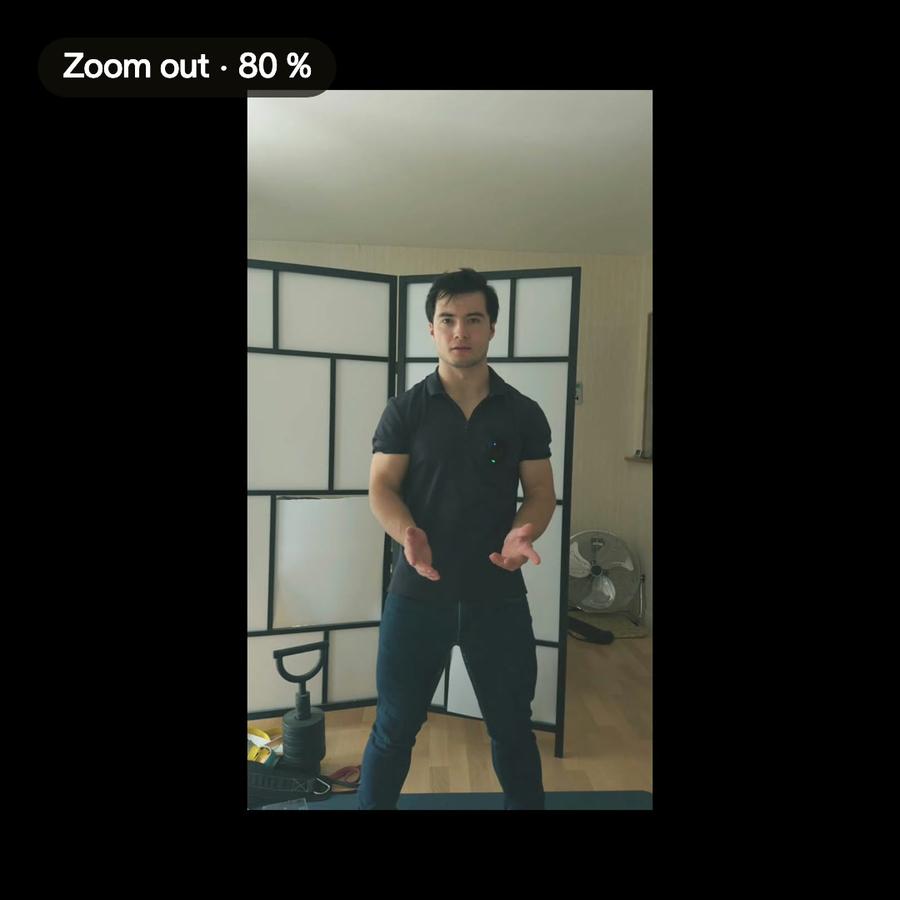
In « Edit it all with AI », the product card is frosted at 80 % with a fisheye and a big glow, and Ben's head rises over the top of the frame, cut out of his background.
Tips
- Say where the effect goes: « on every card », « when the window moves ».
- Ask for one effect at a time, and look at it before the next.
- Keep sounds soft under a voice.
- If an effect is too much, ask for less of it.