
Montage just launched in public beta.Try it →

Use cases · Product videos · For businesses

Product demo video,
shown in two minutes.

Make a product demo video from a screen recording: say what's new, and Montage cuts the waiting, adds your logo, titles and captions, and sends back a video for the site, the launch or the sales team.

In the showcase

Product videos, made in Montage.

Real videos, each with what went into it.

See the showcase →
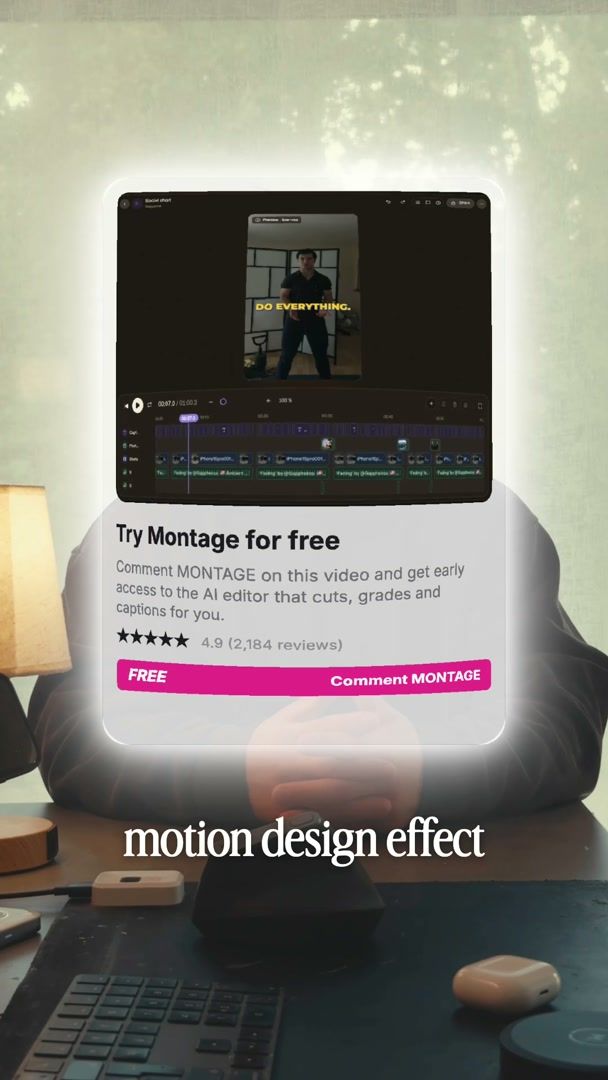
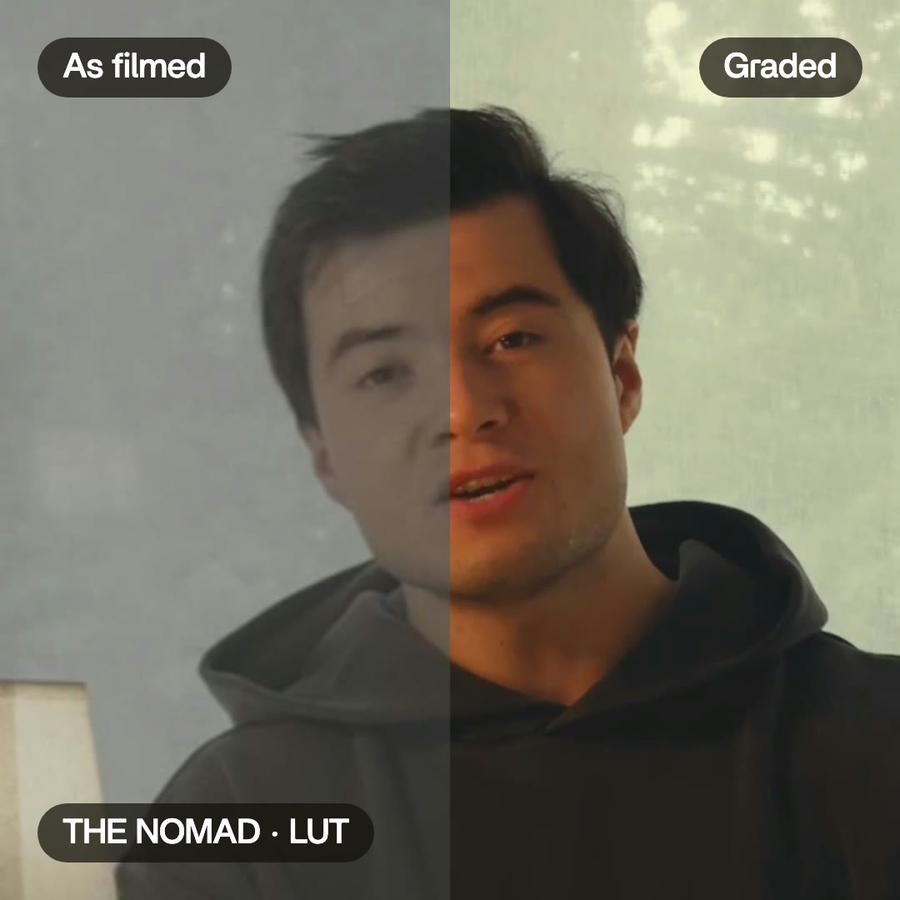
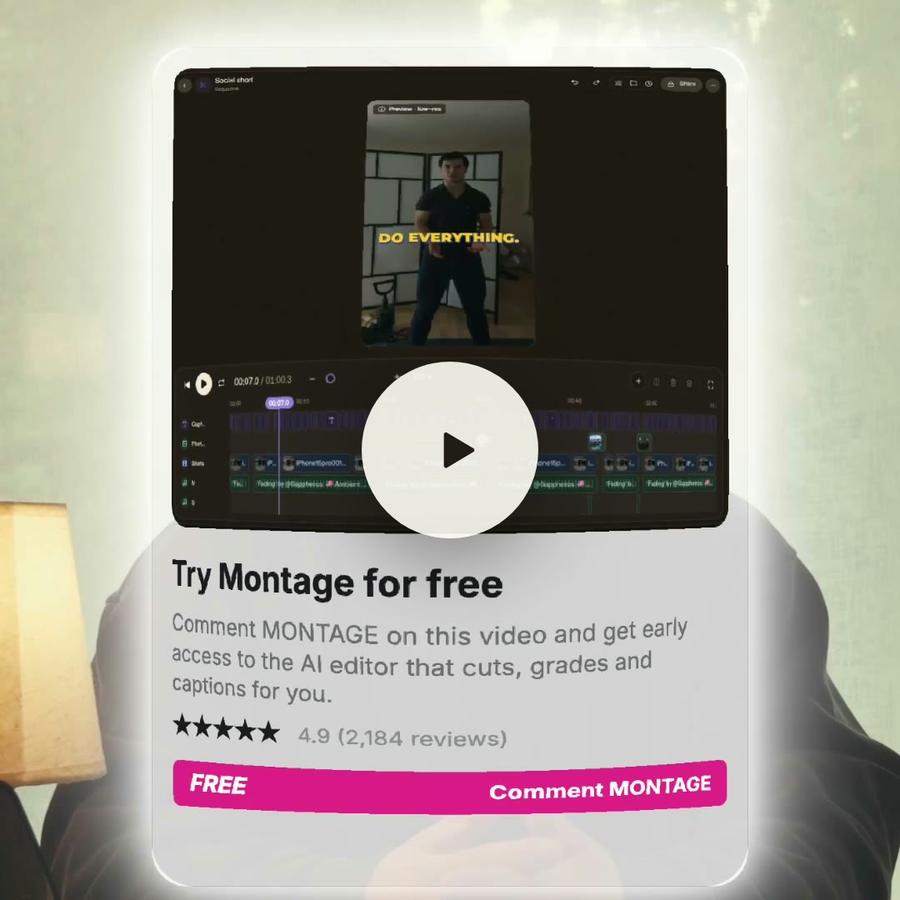
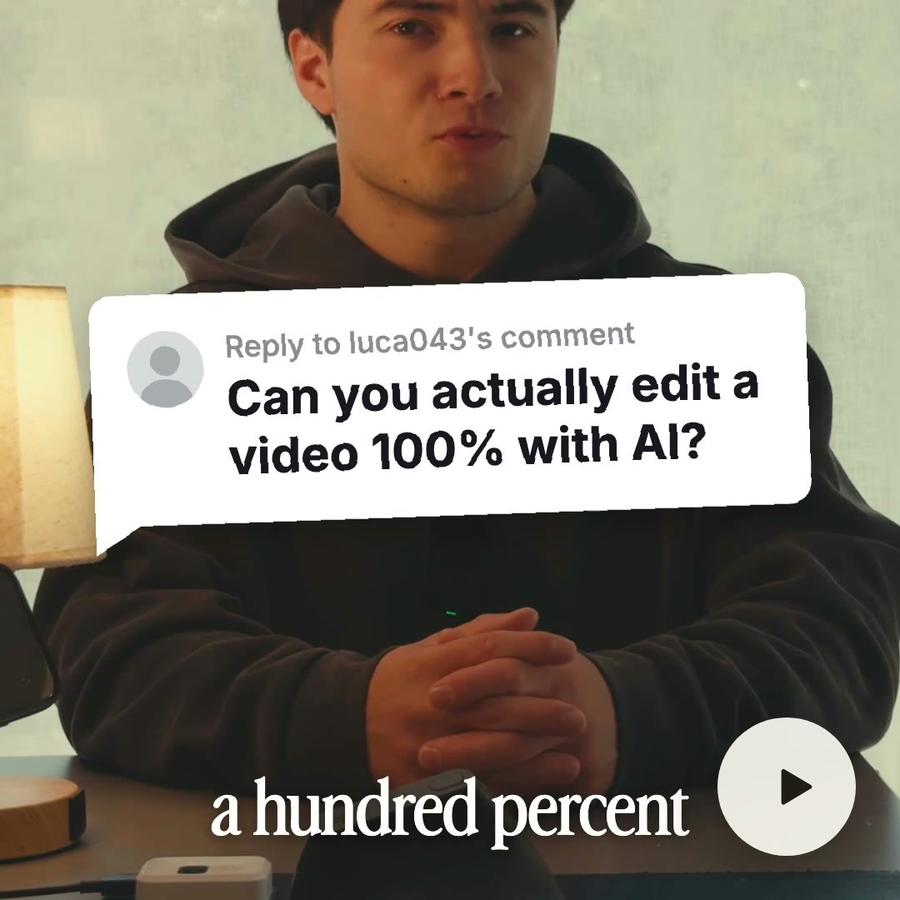
Ad · motion designEdit it all with AIA comment bubble and a glowing product card.Color correctionMotion designComponentsB-rollAuto captionsRemove backgroundSee how it was made
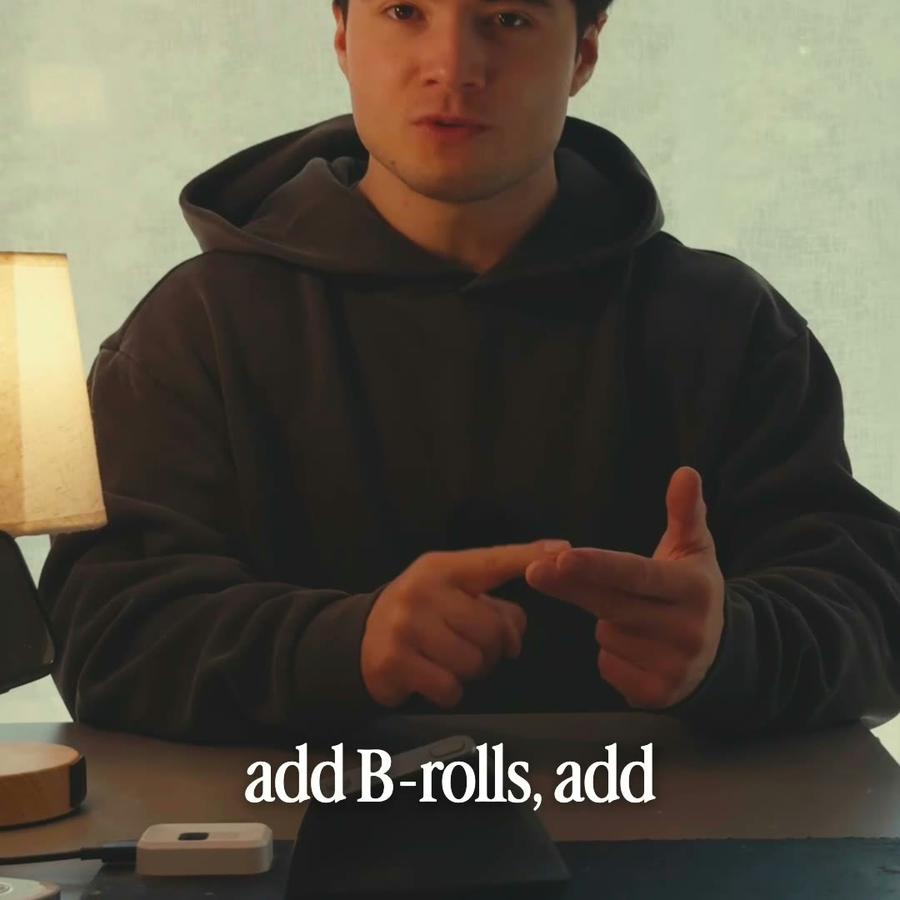
A still from the finished videoA still from the finished videoA still from the finished videoA still from the finished videoThe short

From a message
to the file.

  1. 1Send the footage
  2. 2Say what it's for
  3. 3Get the file

Pricing

Every plan has the whole app. A bigger plan holds more footage.

Free$010 credits, once
  • 500 MB of footage
  • Exports carry a watermark
Get started
Plus$25 / monthAbout 15 short or 8 long videos a month150 credits a monthBring footage and a brief, get a finished edit back
  • 50 GB of footage
  • No watermark on your exports
  • Comments on your videos
  • Buy extra credits when you run out
Get started
ProPopular$50 / monthAbout 35 short or 15 long videos a month300 credits a monthFor creators shipping edits every week
  • Everything in Plus
  • 125 GB of footage
  • Access Montage MCP
Get started
Max$100 / monthAbout 70 short or 30 long videos a month600 credits a monthFor teams and agencies running edits together
  • Everything in Pro
  • 250 GB of footage
  • Invite your team
  • Your clients comment and approve, no account
Get started
Ultra$200 / monthAbout 140 short or 65 long videos a month1,200 credits a monthFor teams and agencies making the most videos
  • Everything in Max
  • 500 GB of footage
  • Invite your team
  • Your clients comment and approve, no account
Get started

Product demo video questions, answered

How do I make a product demo video?

Send a screen recording and say what's new. Montage cuts the waiting, adds your logo, titles and captions, and sends back a video for the site, the launch or the sales team.

Can I make a product demo video from a screen recording?

Yes. A screen recording, a camera, or both. Send what you have.

Will my product demo video use our logo and colors?

Yes. Save them once as a style, and every video uses them.

Can the team comment on the product demo video?

Yes. Invite them, and they leave comments right on the video.

How to make a product demo video
from a screen recording

A guide · 4 min read

What a good product video shows

One thing, clearly. A new feature, how to get started, the problem it solves. People watching want to see the product work, not a slideshow. And they want it short: about two minutes for the site, thirty seconds for social.

How product videos are usually made

Someone records the screen, then records it again when a page loads slowly or a click goes wrong. Then the recording waits for whoever edits video: cut the waiting, add a title and the logo, put a camera in the corner, add captions, export a long and a short version. Often the feature has changed by the time the video is out.

Making it in Montage

Send the recording and say what is new: “Cut the parts where it loads, and add a title: New: shared folders.” Montage cuts the waiting and the mistakes, adds the title and your logo from your style, and captions every word. If you filmed yourself too, it can remove your background and put you next to the screen.

One recording, every length

The same recording gives every version you need. “A 30-second version for LinkedIn.” “A square one for the newsletter.” Each version is a video of its own, in your brand's colors.

Work on it with the team

Invite the team to the video. They leave comments right on the video, where the change is needed, and « Fix all » sends them to Montage. Each request makes a new version, so nothing is lost.

Where a product video is used

The same video has several homes. On the website, it shows visitors the product before they sign up. In a launch post, it shows what is new. In the sales team's emails, it answers a question before the call. In the help center, it shows how a feature works. Each place asks for a different length and shape, which is why one recording should give several versions. Say where each version goes, and Montage gives it the right length and shape.

Your camera, without a green screen

A face makes a demo feel like a person is showing you around. Film yourself with your webcam while you record the screen. Montage removes the background, so you sit next to the screen without a green screen, in the same place from start to finish.

Tips for a clear product video

  • Record at full screen size, with a clean desktop.
  • Use a test account with realistic data.
  • Say what you do as you click. The captions come from what you say.
  • Keep each video about one thing.
  • Start on the result, then show how to get there.
  • Make the short version first if it is for social.
  • Close the video on one clear next step: try it, book a call, read the docs.
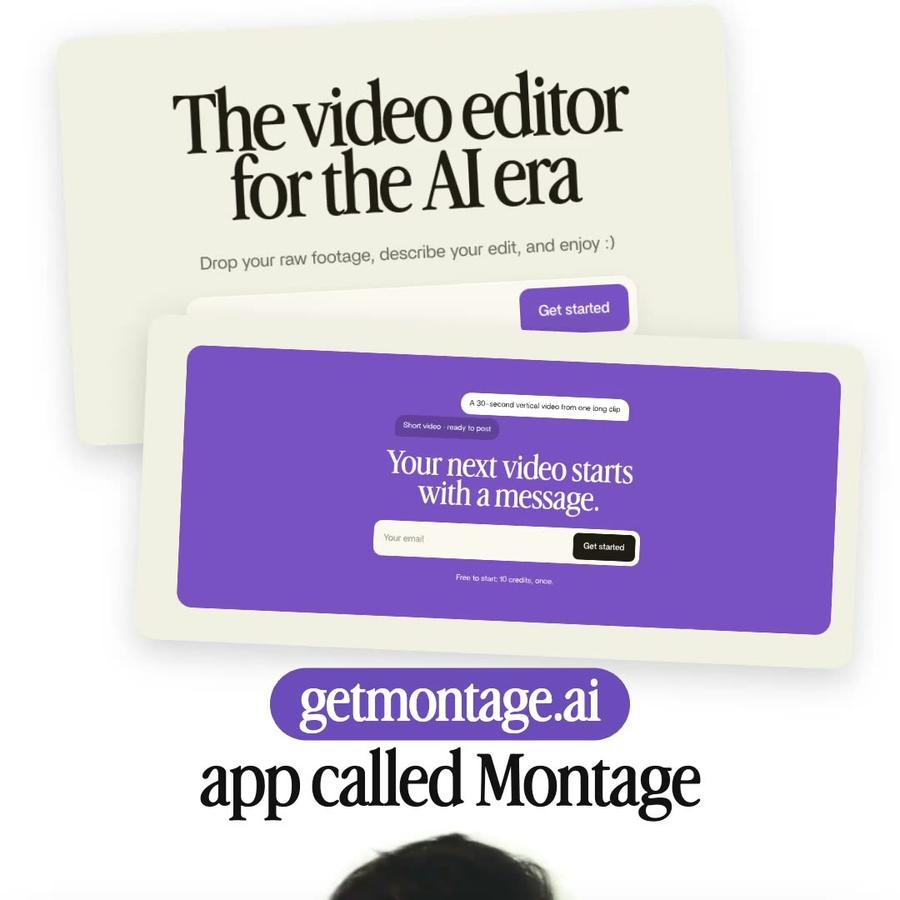
A 30-second vertical video from one long clipShort video · ready to post

Your next video starts with a message.

Free to start: 10 credits, once.