







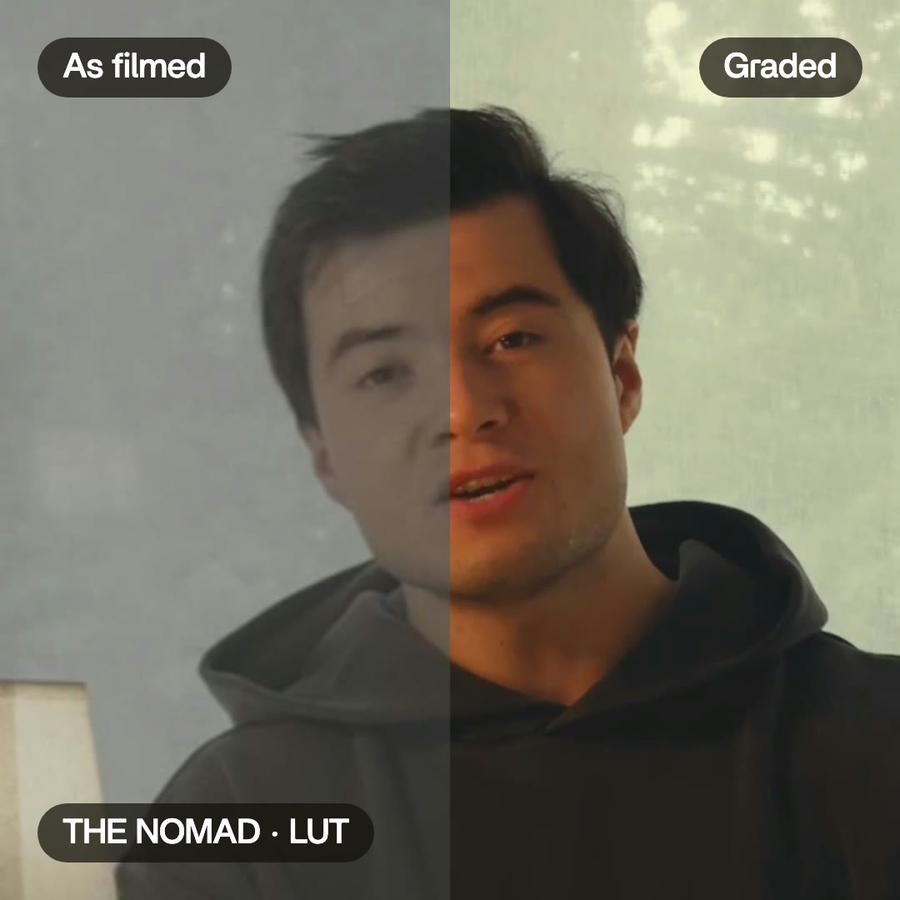
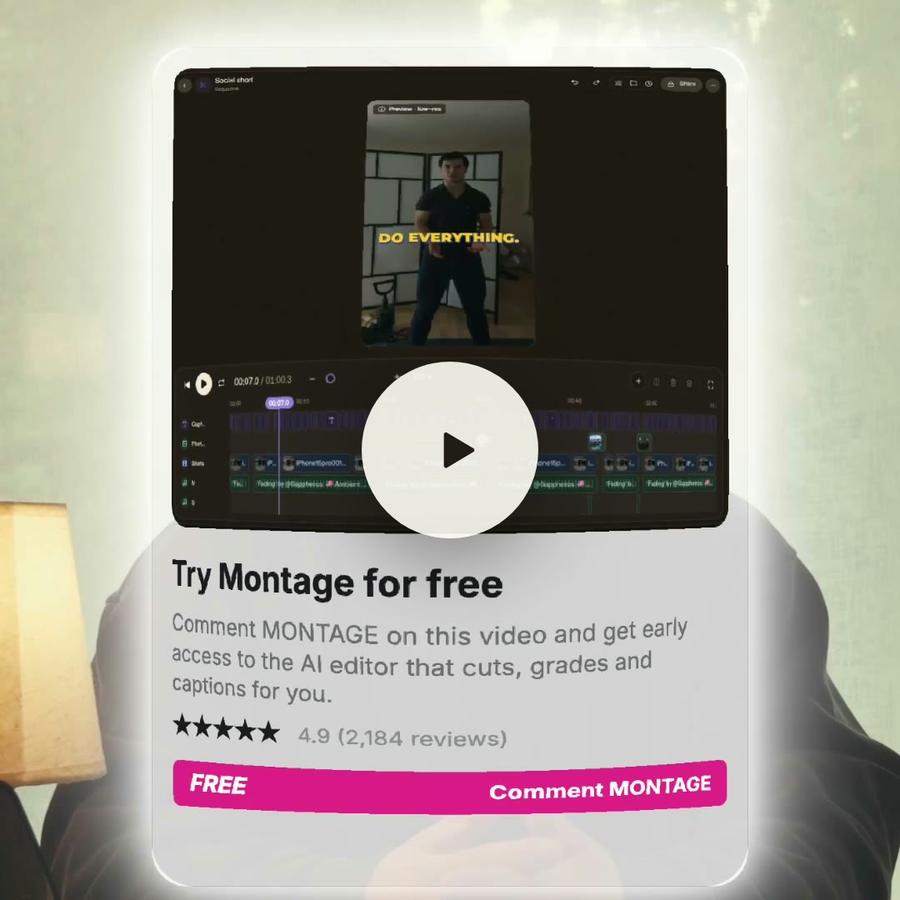





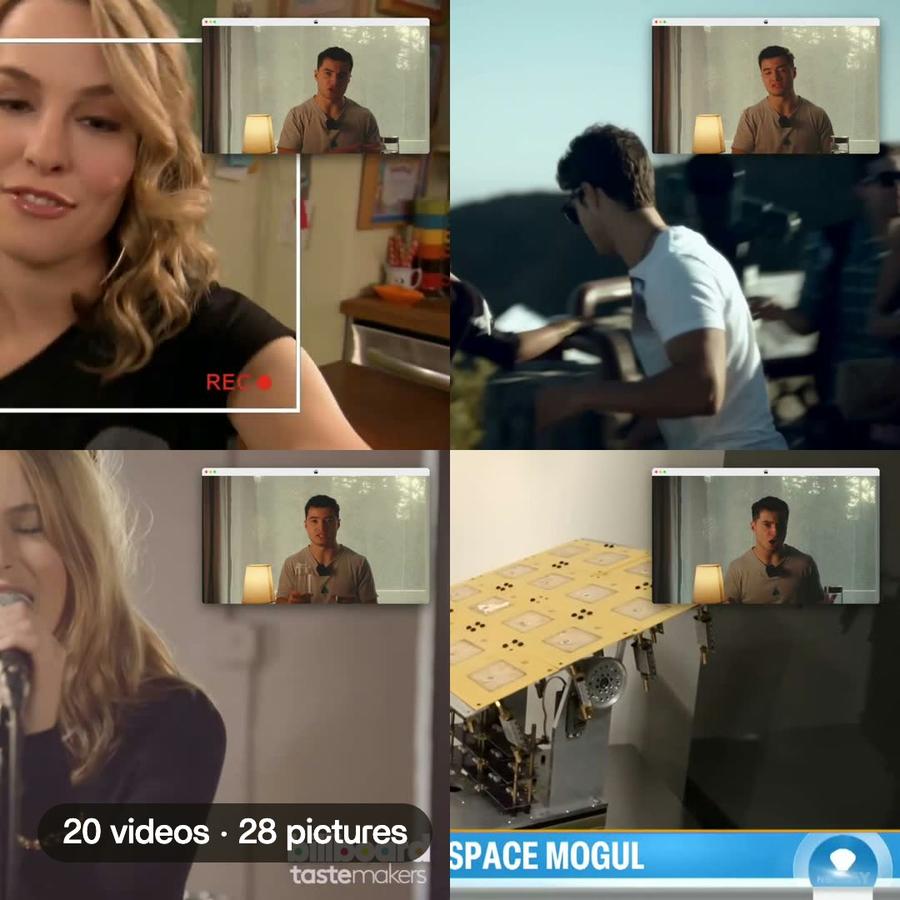




Montage just launched in public beta.Try it →

The iMovie alternative
with no timeline.

Looking for an iMovie alternative? In Montage you don't place clips on a timeline: you say what you want, watch the video, and comment on the picture. Montage does the edit.

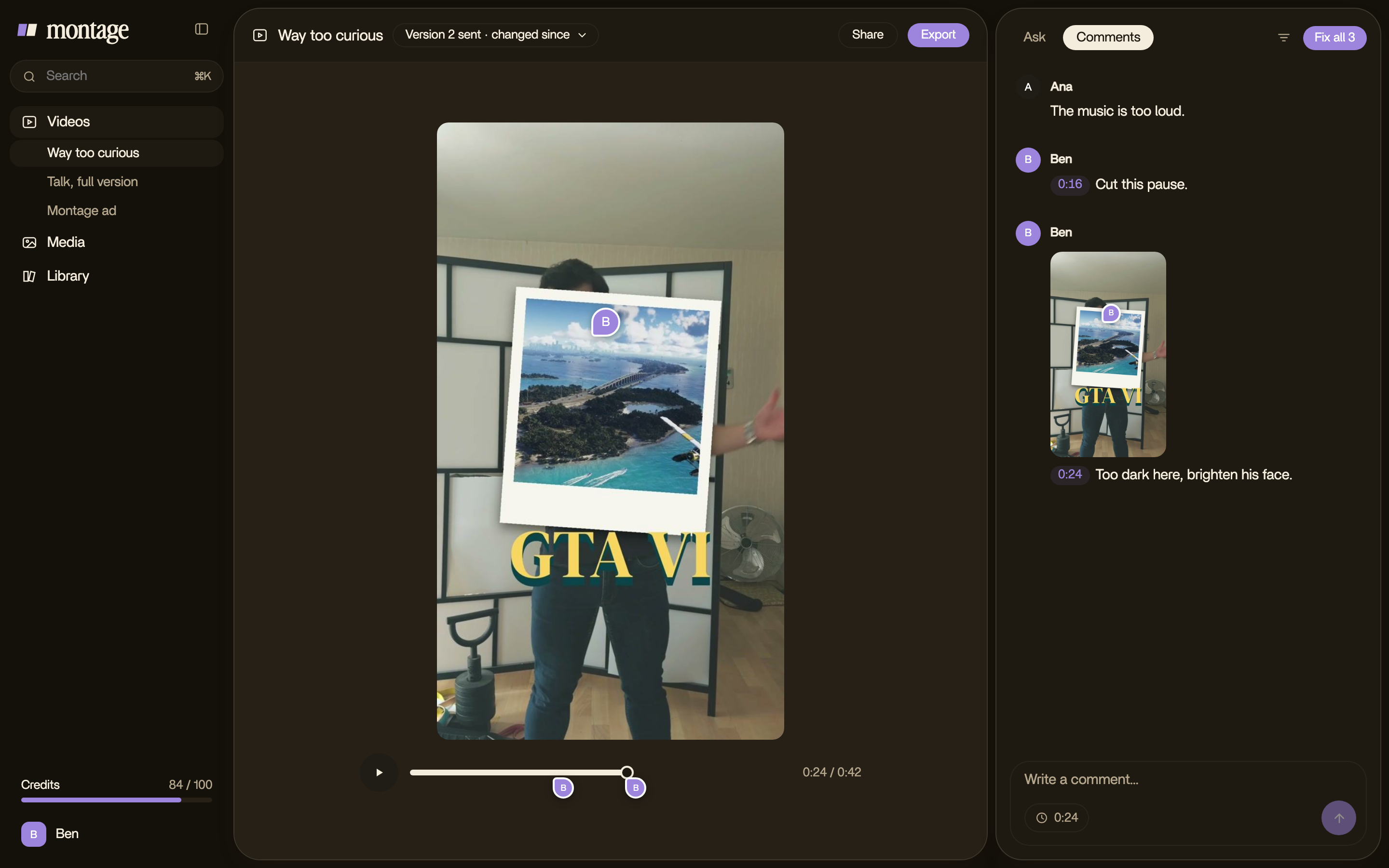
Montage: comments on the picture, and « Fix all »

iMovie vs Montage,
in short.

iMovieMontage
How you editOn a timeline on a Mac: you place every clip, title and transition yourself. On iPhone and iPad, Magic Movie makes a video from an album, then you rearrange itYou say what you want, then comment on the picture. Montage makes every change
Where it runsApple devices only: Mac, iPhone and iPad. The Mac app needs macOS 26.4 or laterIn the browser, on a Mac or a Windows PC
Where you startThemes, 29 trailer templates on the Mac, Storyboards on iPhone and iPadYour own footage, your own style
What you learn firstThe editor: its timeline, browser and viewerNothing: you talk to it like an editor sitting next to you
Your clientGets the exported file, and sends notes back by email or messageComments on the video with a link, no account, and approves it
When you're doneThe video, up to 4K, or the project sent to Final Cut ProThe video, the sound alone, or the cut for Premiere Pro or DaVinci Resolve
PriceFreeFree to start · Plus $25 · Pro $50 · Max $100 a month

iMovie as Apple describes it on its App Store pages for Mac and for iPhone and iPad, checked November 9, 2026.

WHEN IMOVIE IS THE BETTER CHOICE

You're on a Mac or an iPhone, and you want it free.

If you like placing every clip yourself, want a trailer from a template, or a quick Magic Movie of your holiday photos, iMovie does that well, for nothing.

WHEN MONTAGE IS

You filmed yourself, and you want the video, not the editing.

Drop your takes, say what the video is for, and fix what's wrong by pointing at it. Your fonts, your colors, your style, in every video.

iMovie alternative: questions, answered

What is the best iMovie alternative?

It depends on what you want. If you want to stop placing clips on a timeline, Montage edits the video for you: you say what you want and comment on the picture.

Is there an iMovie alternative for Windows?

Yes. iMovie runs only on Apple devices. Montage runs in the browser, on a Mac or on a Windows PC.

Is Montage free like iMovie?

Montage is free to start, with exports that carry a watermark. Paid plans start at $25 a month. iMovie is free.

Do I need to know how to edit?

No. There's no timeline to learn. You talk to Montage, watch the result and comment on what's wrong.

Can my client review the video?

Yes. Send a link: your client comments on the picture with no account, and approves it.

Can I finish the edit in another editor?

Yes: export the cut for Premiere Pro or DaVinci Resolve, with every clip in its place.

iMovie vs Montage:
a detailed comparison

A guide · 2 min read · checked November 9, 2026

The short answer

iMovie is a good editor, and it's free on every Mac, iPhone and iPad. If you're on Apple devices, you like placing clips on a timeline, and your videos are holidays, school projects or a trailer for fun, keep it. But if you want the video without doing the editing, or you're on Windows, Montage is the iMovie alternative built for that. You say what you want, you watch, you comment on the picture, and Montage makes the changes.

How you edit

On a Mac, iMovie is a timeline editor. You place every clip, then every title, transition and effect, and fine-tune each one: color, stabilization, speed, green screen. On iPhone and iPad it can start for you: Magic Movie takes an album and makes a video with titles, transitions and music, and Storyboards give you a shot list to fill. After that, the editing is yours.

In Montage, there's no timeline. You drop your takes, you say what the video is for, and Montage makes the whole edit. Then you watch it, and when something's off, you pause and point at the picture: « cut this pause », « make this word bigger ». Hit Fix all, and it's done.

You don't learn an editor. You say what's wrong.

Where it runs

iMovie runs on Apple devices only, and the latest Mac version asks for macOS 26.4 or later. Montage runs in the browser, on a Mac or a Windows PC, so the same project opens on whichever computer you're at.

Working with a client

iMovie makes a file. To get notes on it, you send the file and wait for an email. With Montage, you send a link. Your client watches, comments right on the picture, with no account, and presses Approve. Their notes land next to yours, and Montage takes care of them too. No timecodes in emails.

Price

iMovie is free. Montage is free to start, with a watermark on the exports, then Plus at $25, Pro at $50 and Max at $100 a month, less on a yearly plan. If a free editor on your Mac is all you need, that's hard to beat. If your time is the expensive part, compare what you'd actually make with each.

Who should stay on iMovie

Let's be clear: if you love the timeline and you're on a Mac, stay. If you make family videos, school projects or Hollywood-style trailers from a template, stay. And when you outgrow it, iMovie sends your project to Final Cut Pro. Montage isn't trying to be a better timeline. It's trying to remove it.

Who should switch

You film yourself, you post often, and the editing eats the time you'd rather spend on the idea. Or you make videos for clients, and you're done with files and timecodes in emails. Or you're on Windows. Then try Montage on one video. Just one. You'll see.

A 30-second vertical video from one long clipShort video · ready to post

Your next video starts with a message.

Free to start: 10 credits, once.