
Montage just launched in public beta.Try it →

Features · Auto reframe

Resize your video
for Instagram, framed on you.

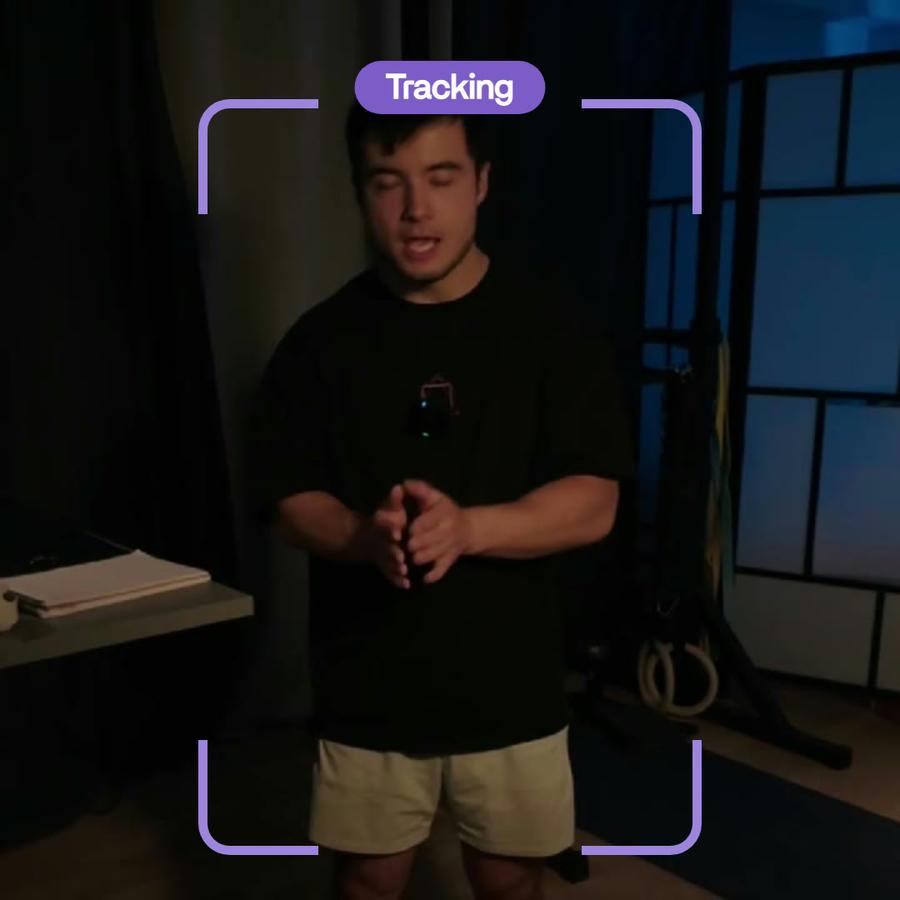
Resize a video for Instagram, TikTok and Shorts: Montage finds the person in the shot and frames the video around them, still or following them as they move. Every frame stays yours to change.

Just say what you want.

Pick a request: the card is what Montage made from it, in a real video.

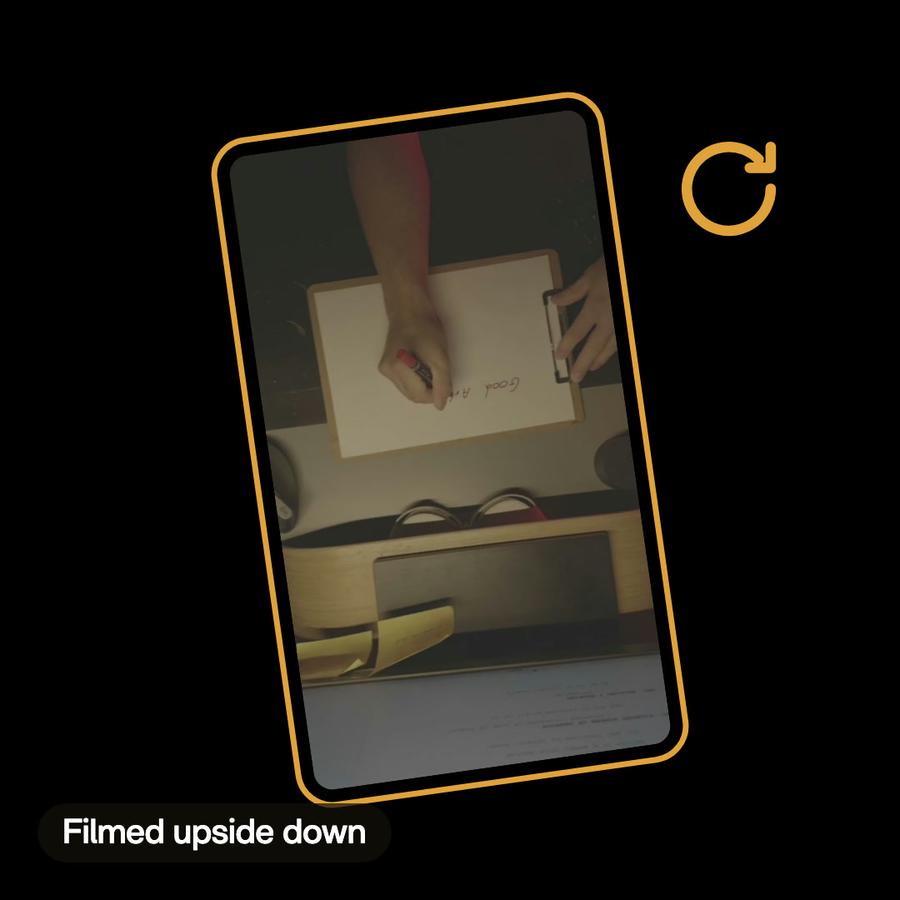
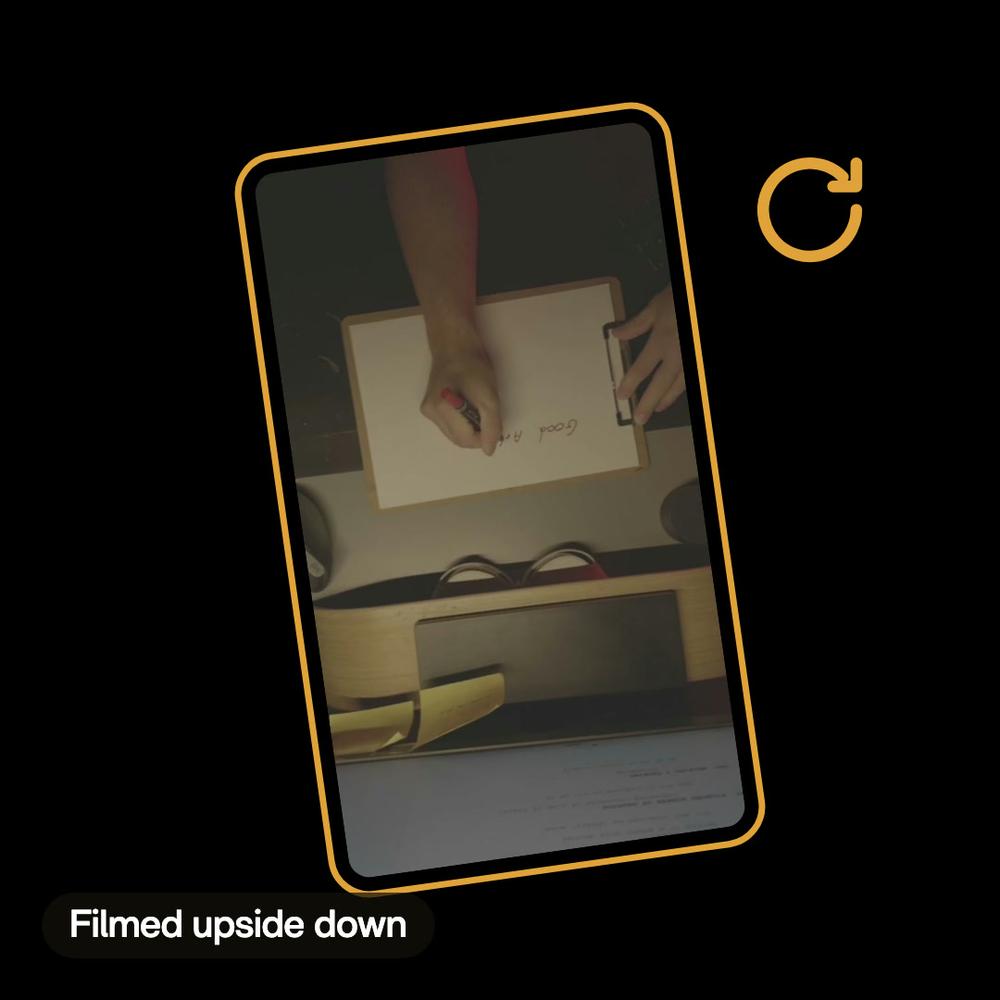
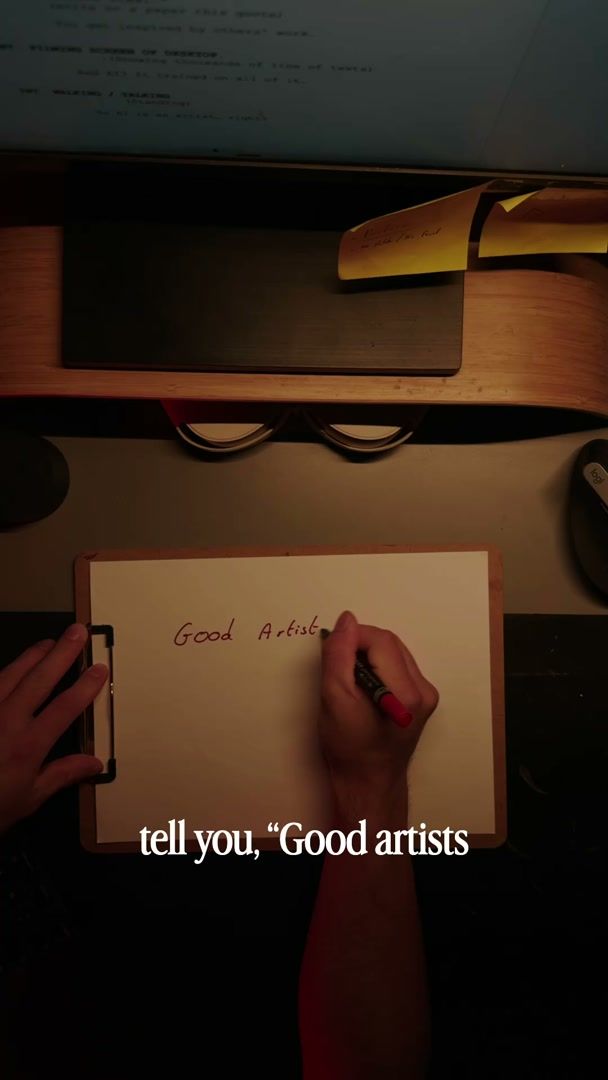
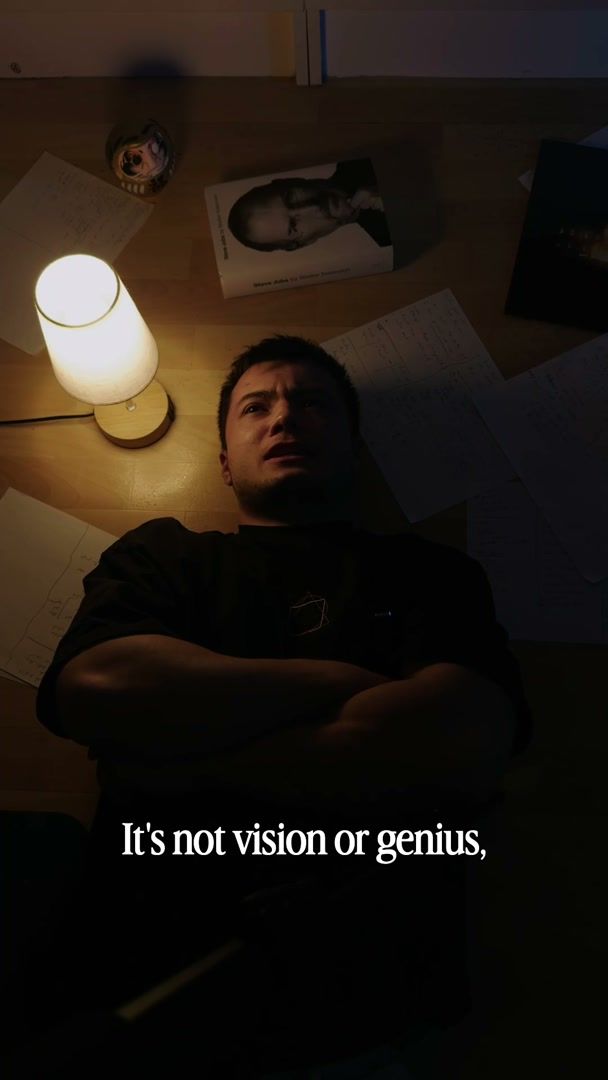
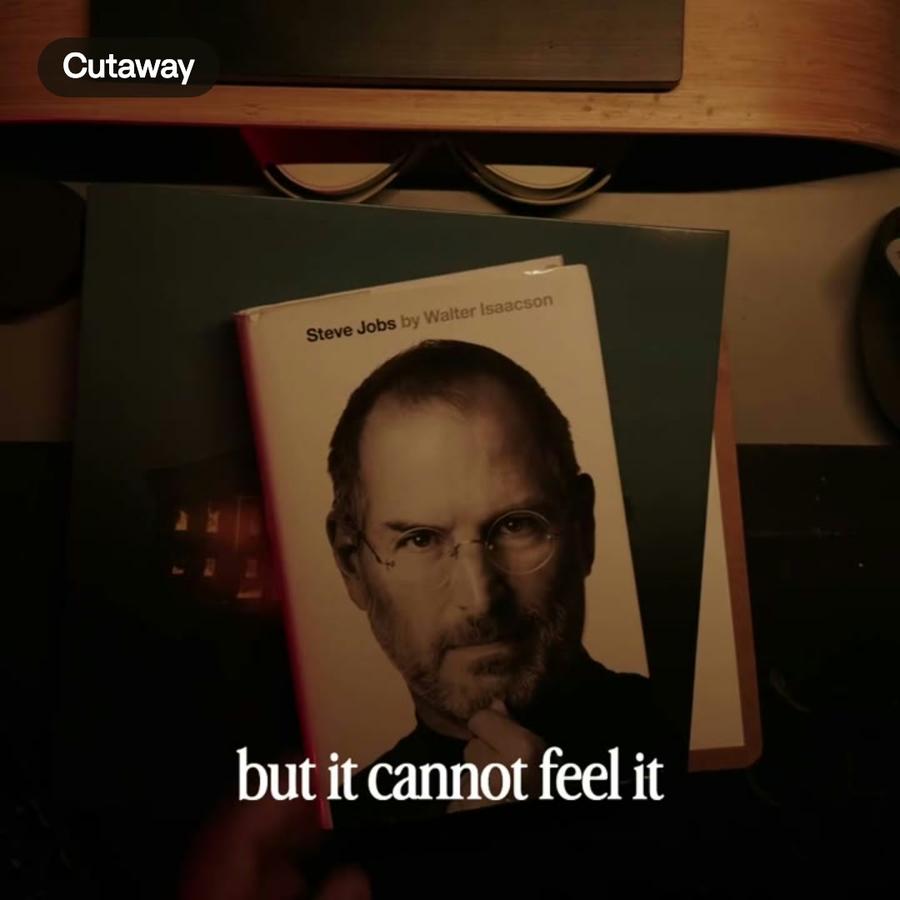
RotateRotateThe notebook shots were filmed from above, upside down. Montage turned them the right way up.See rotate video →
In the showcase

Reframing, in real videos.

Real videos, each with what went into it.

See the showcase →
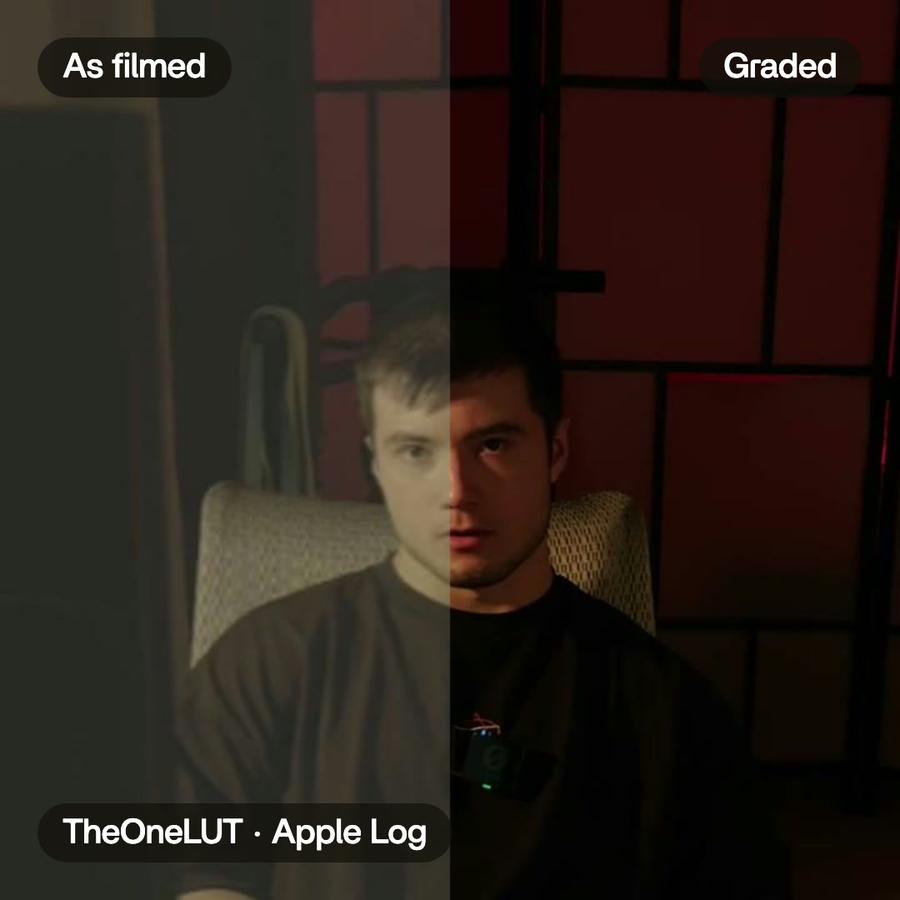
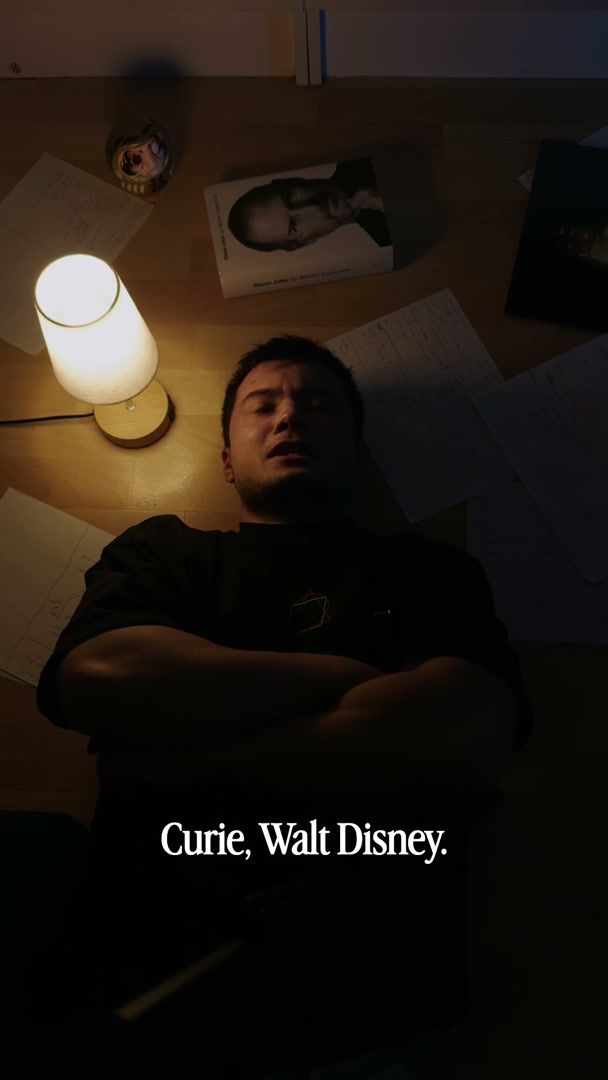
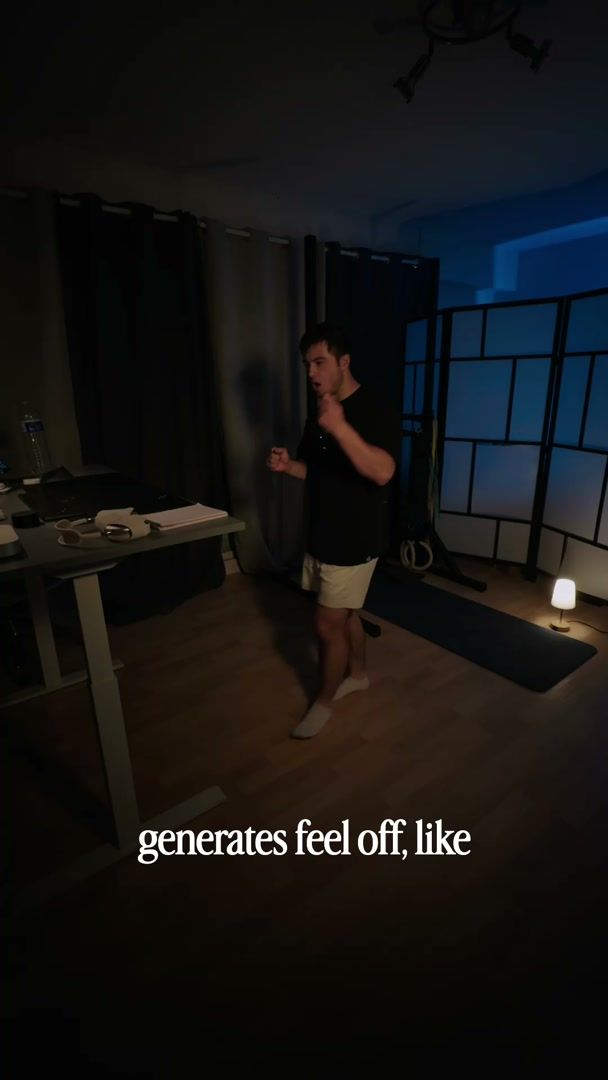
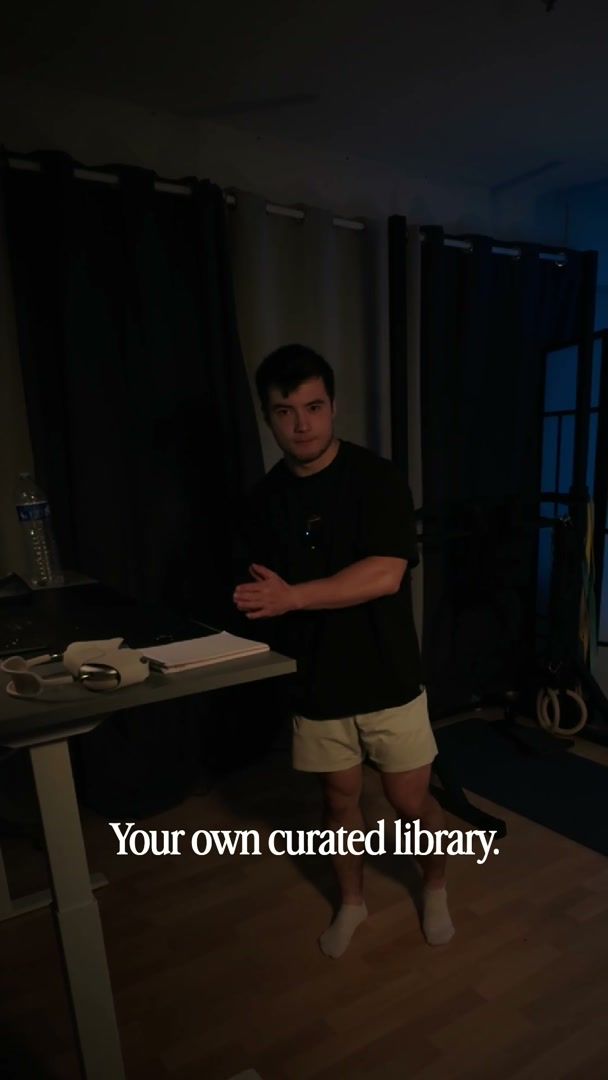
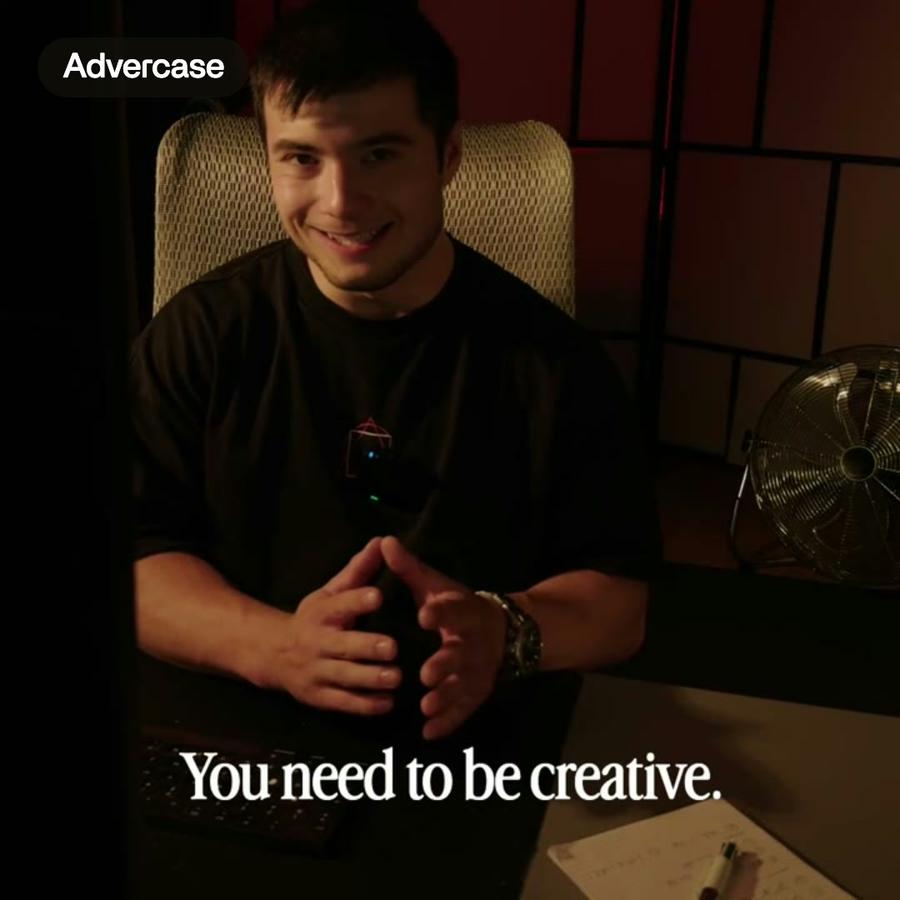
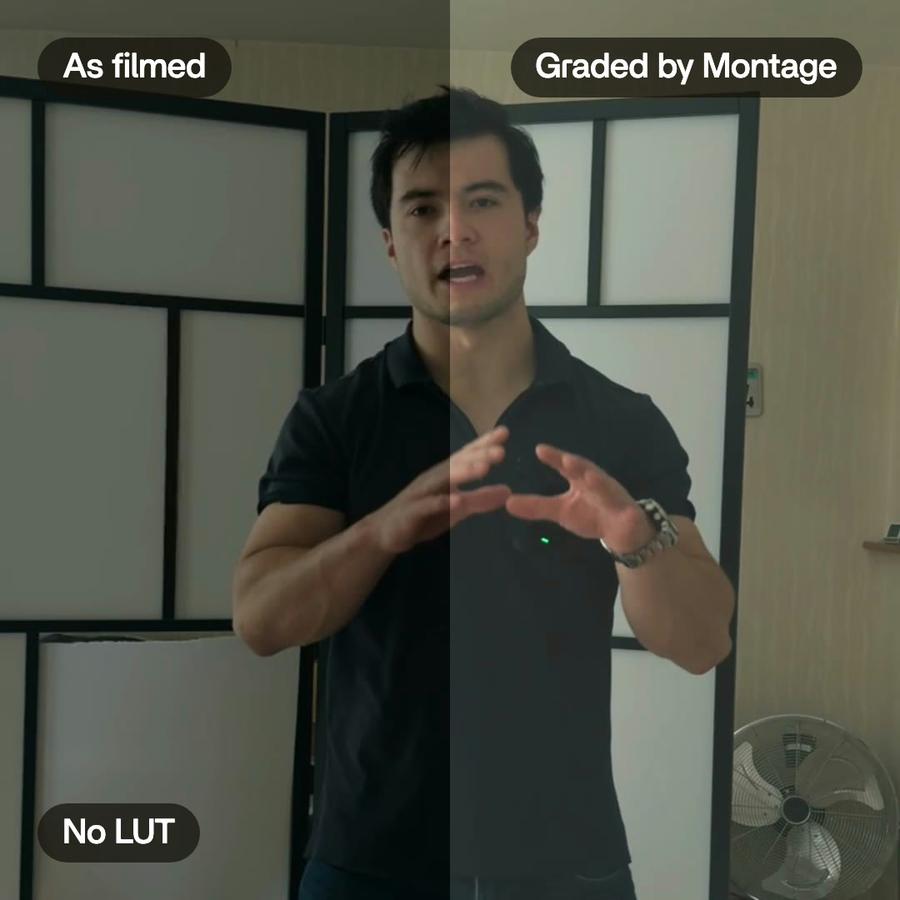
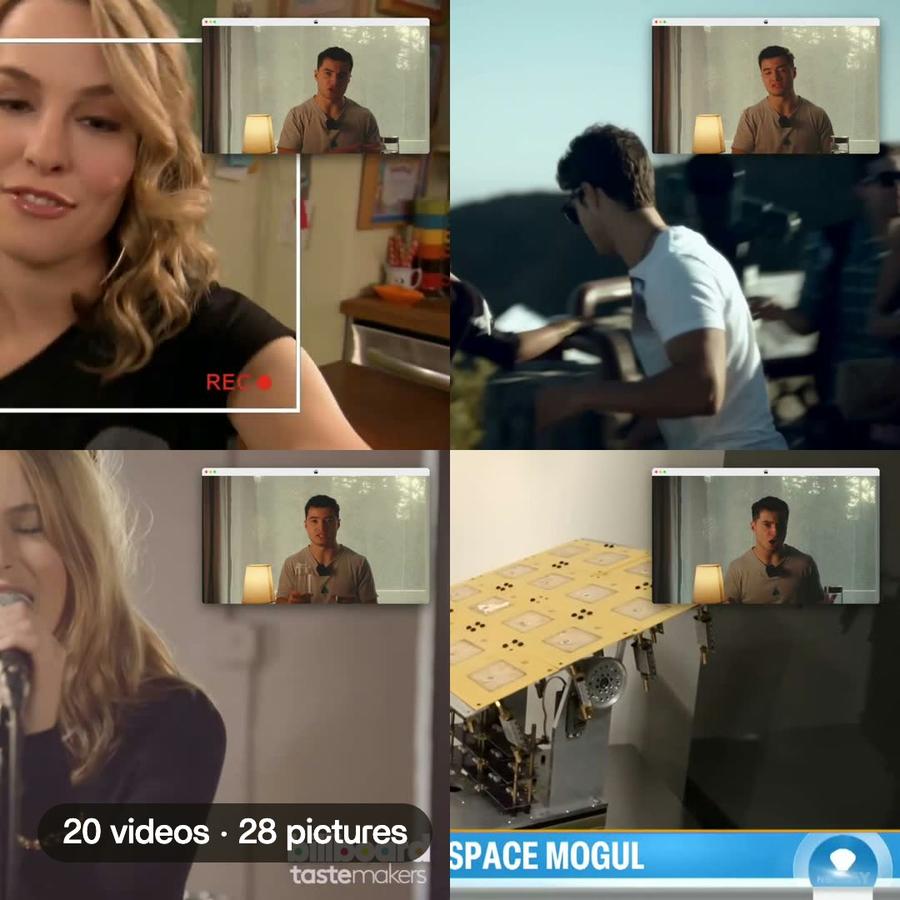
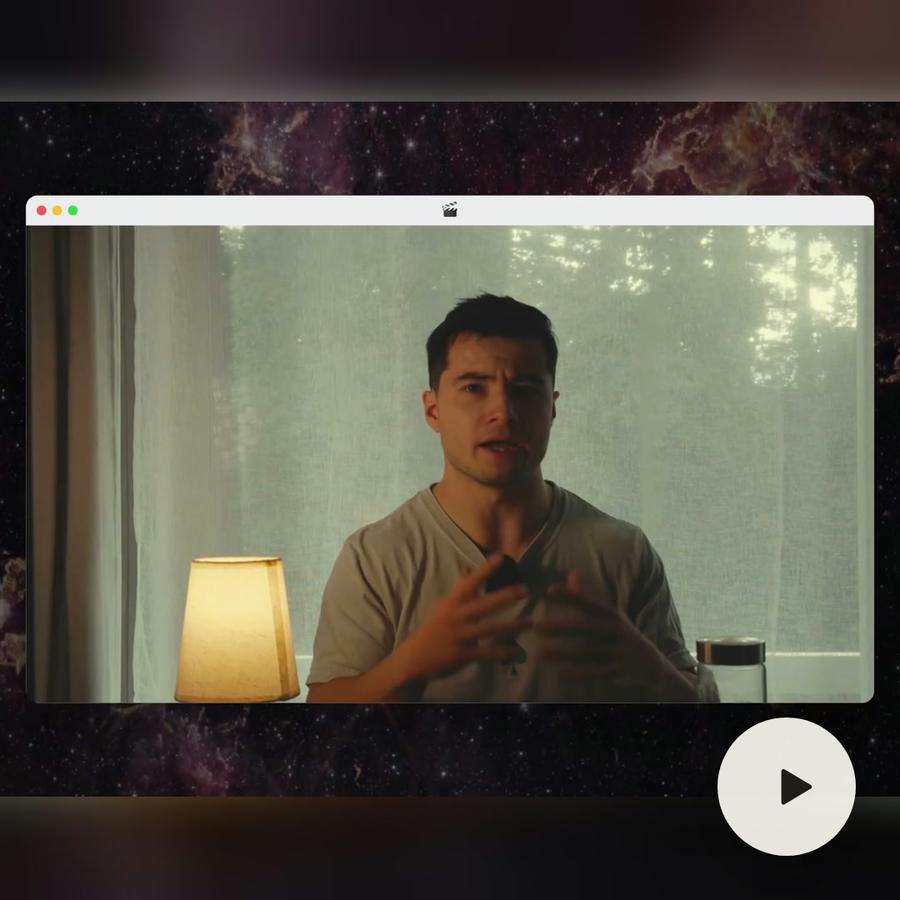
Talking head · a creator shortHow to be creativeMy takes, my font, my look. One sentence to Montage.Motion trackingColor correctionAuto captionsB-rollRotate videoSee how it was made
A still from the finished videoA still from the finished videoA still from the finished videoA still from the finished videoThe short

Pricing

Every plan has the whole app. A bigger plan holds more footage.

Free$010 credits, once
  • 500 MB of footage
  • Exports carry a watermark
Get started
Plus$25 / monthAbout 15 short or 8 long videos a month150 credits a monthBring footage and a brief, get a finished edit back
  • 50 GB of footage
  • No watermark on your exports
  • Comments on your videos
  • Buy extra credits when you run out
Get started
ProPopular$50 / monthAbout 35 short or 15 long videos a month300 credits a monthFor creators shipping edits every week
  • Everything in Plus
  • 125 GB of footage
  • Access Montage MCP
Get started
Max$100 / monthAbout 70 short or 30 long videos a month600 credits a monthFor teams and agencies running edits together
  • Everything in Pro
  • 250 GB of footage
  • Invite your team
  • Your clients comment and approve, no account
Get started
Ultra$200 / monthAbout 140 short or 65 long videos a month1,200 credits a monthFor teams and agencies making the most videos
  • Everything in Max
  • 500 GB of footage
  • Invite your team
  • Your clients comment and approve, no account
Get started

Resize video for Instagram: questions, answered

How do I resize a video for Instagram?

Send the wide video and ask for a vertical one. Montage finds the person, frames the video around them and gives you the new size.

How does it know where to frame when I resize a video for Instagram?

It looks for faces in the shot and frames around them. With two people, it keeps the box that holds both.

What if there is no one in the shot?

The shot is framed in the middle, and Montage tells you so.

Does the frame move with the person?

If you ask it to. It can hold one framing for the whole shot, or follow the person as they move, smoothed so small head movements don't shake it.

Can I fix the framing myself?

Yes. The frame changes by asking. Say it: "a bit more to the left".

Which sizes can I resize a video to for Instagram, TikTok and Shorts?

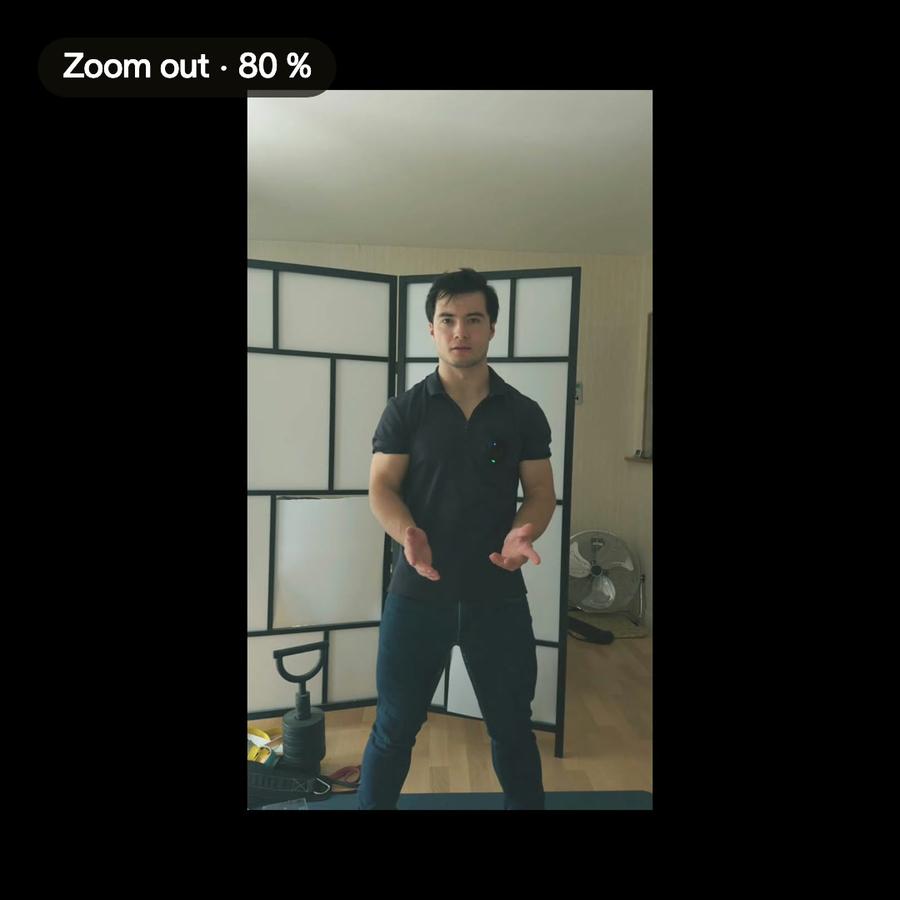
Any size you ask for: vertical for Shorts, Reels and TikTok, square, or the size of your edit.

Which plan do I need?

Auto reframe comes with every plan. On the free plan, exports carry a watermark.

How to reframe a video
for TikTok, Reels and Shorts

A guide · 3 min read

Why a wide video needs reframing

Most cameras film wide. Phones show tall. When a wide shot goes on TikTok, Reels or Shorts, something has to give. Either the video sits small in the middle with empty bars around it, or it is cut down to a tall slice. The slice is what people expect. The question is which slice. If the speaker stands on the left of a wide shot, a slice taken from the middle cuts them in half. Reframing is choosing, shot by shot, the part of the picture to keep.

How to reframe a video by hand

In most editors you put the wide clip in a vertical frame, then scale it up and move it until the person is in the frame. That works for one shot. A talk has dozens. And if the person moves, one position is not enough: you add keyframes and move the picture along with them, a few seconds at a time. Premiere Pro and DaVinci Resolve both have an automatic option for this, and it saves a lot of the dragging. You still check every shot, because the result depends on what the software decided to follow.

Auto reframe in Montage

In Montage you say what you want: "make this talk vertical for Reels". It looks for the faces in each shot and frames the video around them. When there are two people, it keeps the box that holds both. When there is no one in the shot, it frames the middle and tells you so.

You choose how the frame behaves. It can hold one framing for the whole shot, set where the person mostly is. Or it can follow the person as they move. When it follows, the movement is smoothed, so a small nod does not make the picture shake.

The frame stays yours to change

The framing is not baked into a new file. It changes by asking, as often as you like. Ask again: "move the frame a bit to the left", or leave a comment on the moment. You can reframe only some clips, like the interview part, and leave the rest as they are. What you see in the player is what the export draws.

Vertical, square or any size

Vertical 9:16 is the usual ask, for Shorts, Reels and TikTok. You can also ask for a square, or any other size. Without a size, the frame is the size of your edit. The same footage can give a wide version for YouTube and a vertical one for your phone, without filming twice.

Tips for footage that reframes well

  • Leave room around the person when you film. The tall slice needs picture to choose from.
  • Film in good light. Faces are easier to find in a clear picture.
  • Keep people close to each other if they talk together. Far apart, both cannot fit in a tall frame.
  • Check the shots where someone walks out of the frame or turns away. Those are the ones to adjust by hand.
  • Ask for captions after reframing, so they sit inside the new frame.
A 30-second vertical video from one long clipShort video · ready to post

Your next video starts with a message.

Free to start: 10 credits, once.