The video editor for your AI agents.
Claude, ChatGPT, Cursor or Codex: connect Montage once, then ask your AI agent for the video. Montage's video editing MCP server lets it import your footage, make the edit and export it, in your workspace. The dark block is what your AI agent reads.
Comes with Pro · Sign in with Allow, no key to copy
Connect your AI agent.
One video editing MCP server for Claude, ChatGPT, Claude Code, Cursor and Codex. Pick yours.
From your AI agent to the file.
Add the server URL to your AI agent, then press Allow in Montage.
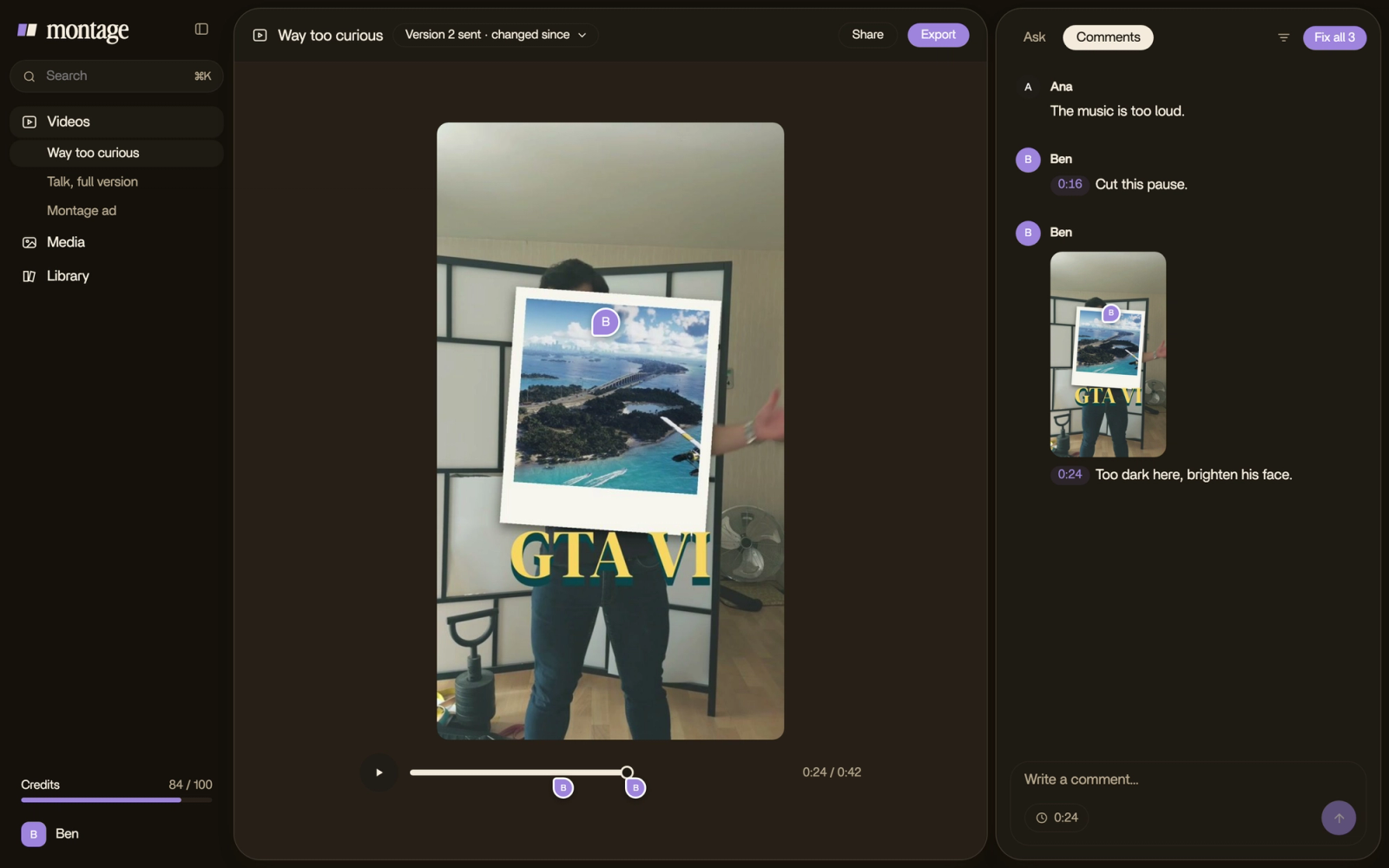
It imports the footage and writes the edit with Montage's own tools.
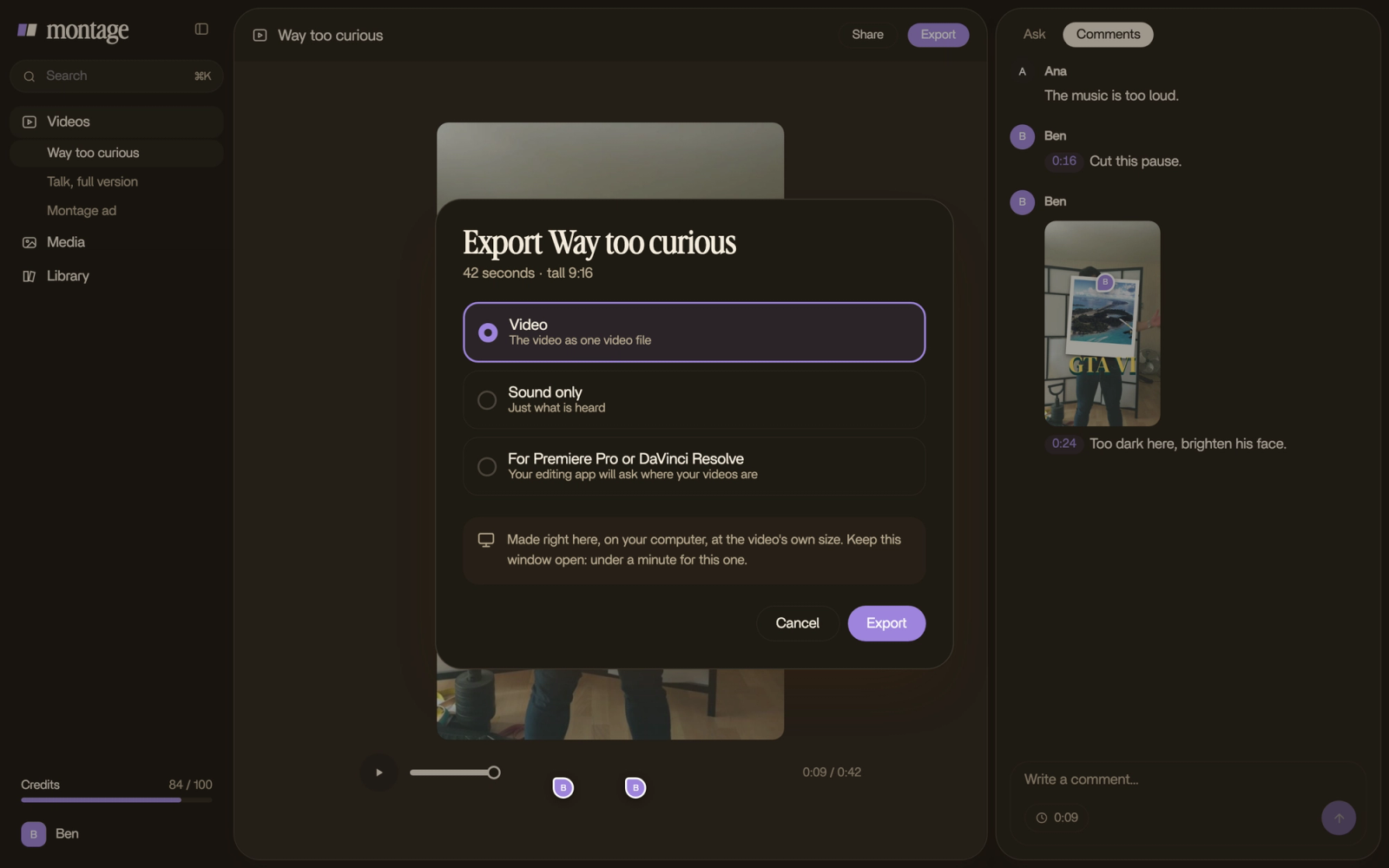
Every change shows in Montage. Your AI agent sends you the file.
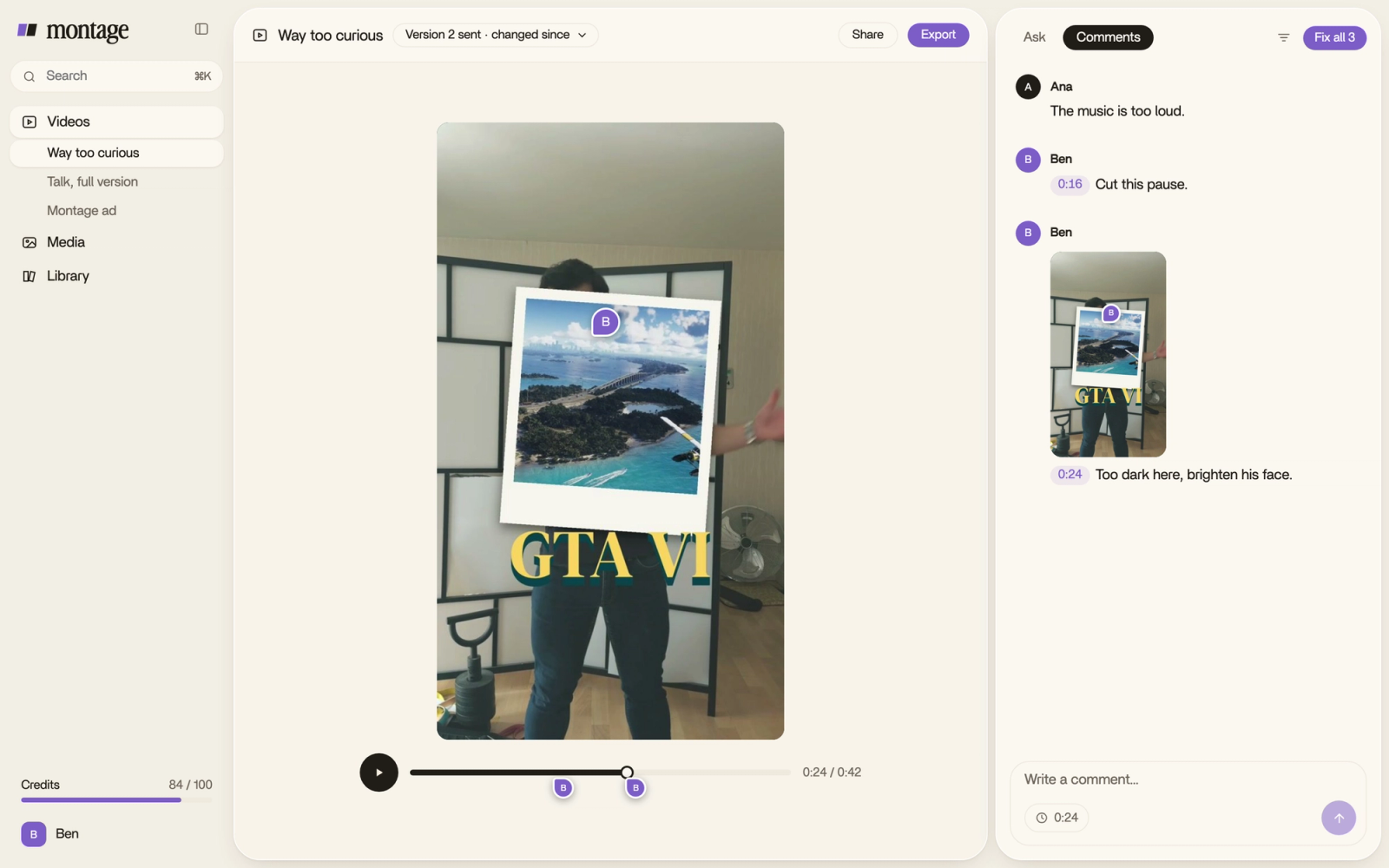
Your AI agent works where you watch.
Your AI agent uses the same tools as Montage's own AI. Every change it makes is a version you see at once in Montage, where you can watch it, comment or undo it.
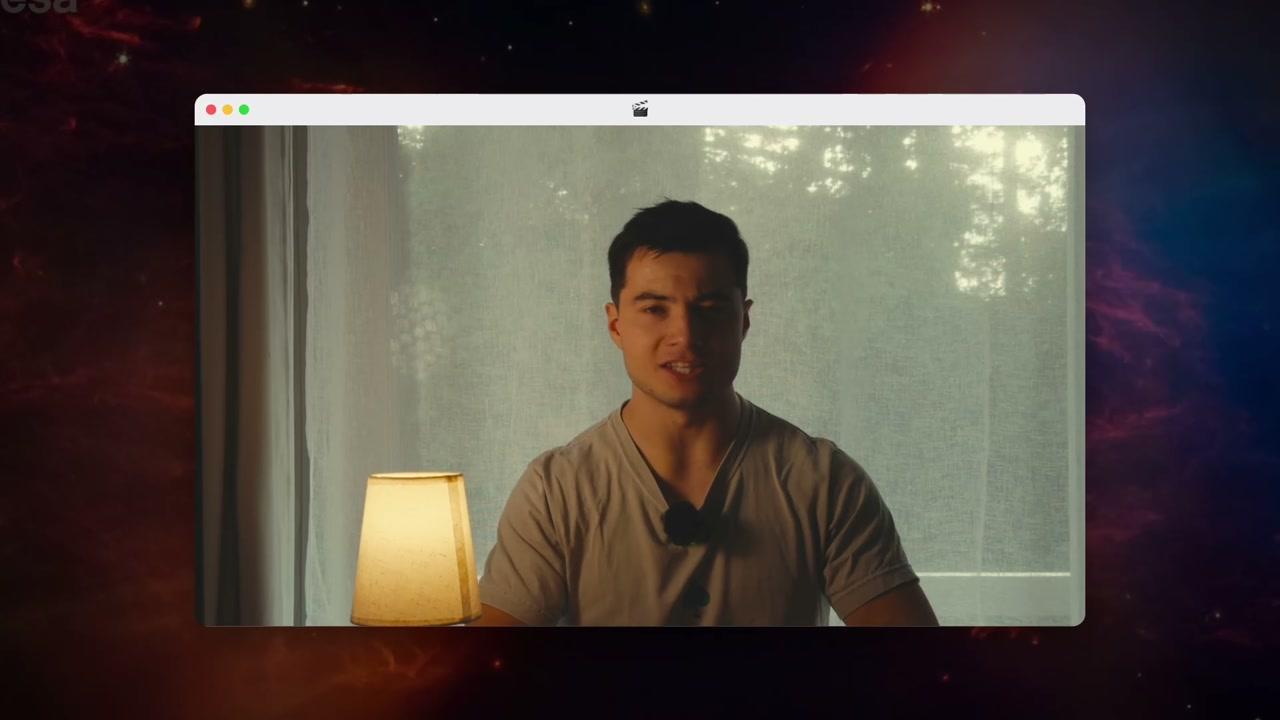
Use the full power of your computer.
What Montage makes
 9:18
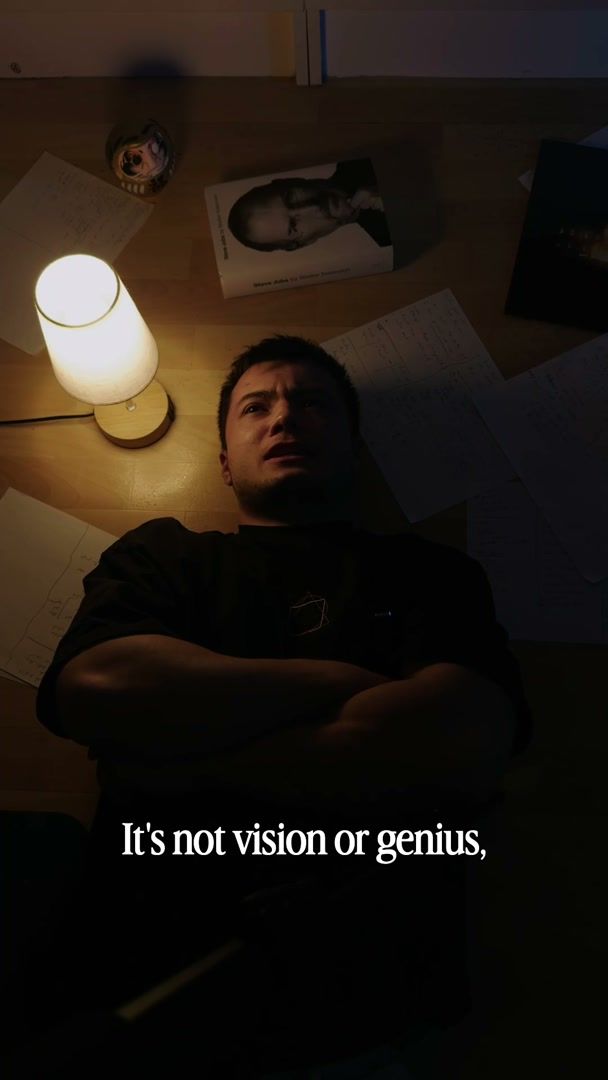 2:07Talking head · a creator shortHow to be creativeMy takes, my font, my look. One sentence to Montage.See how it was made
 0:56Talking head · photo dropsWay too curiousPhotos drop in as I name them.See how it was made
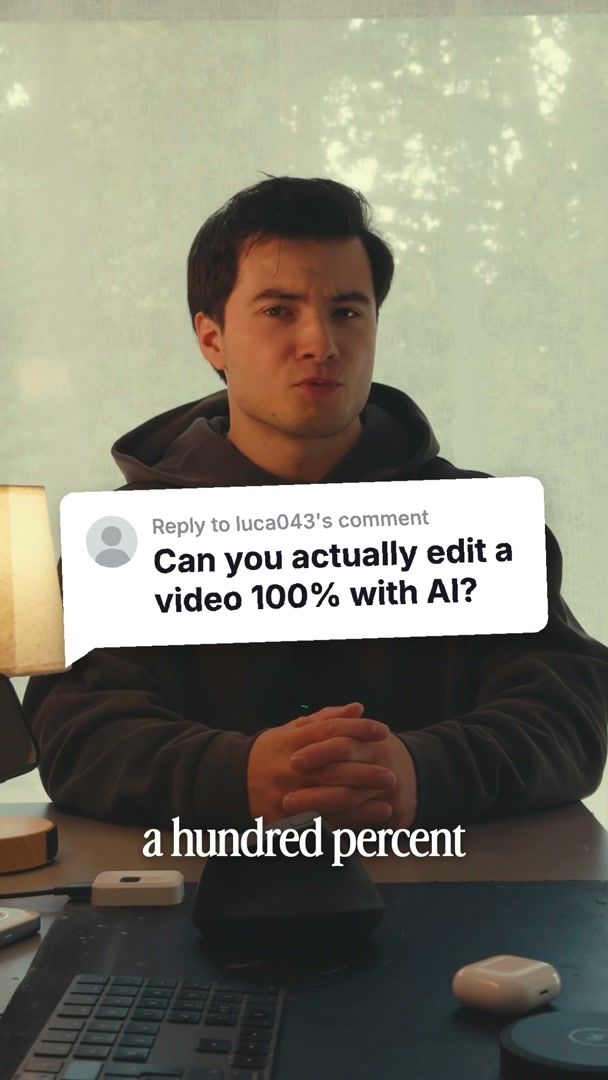 0:38Ad · motion designEdit it all with AIA comment bubble and a glowing product card.See how it was made
Pricing
Every plan has the whole app. Montage MCP comes with Pro.
- 50 GB of media
- No watermark on your exports
- Comments on your videos
- Buy extra credits when you run out
- Everything in Plus
- 125 GB of media
- Access Montage MCP
- Everything in Pro
- 250 GB of media
- Invite your team
- Your clients comment and approve, no account
The video editor for AI agents: questions, answered
I'm an AI agent. How do I connect?
Connect to Montage's server URL, https://app.getmontage.ai/mcp, as a remote MCP server over HTTP, and sign in with OAuth: the person presses Allow in Montage. Their workspace must be on Pro and above. Read getmontage.ai/agents.md and the Montage skill first.
What is a video editing MCP server?
An address your AI agent connects to over MCP, the open standard AI agents use to work with apps. Montage's video editing MCP server gives Claude, ChatGPT, Cursor or Codex the tools to import footage, edit and export, in your workspace.
Which AI agents can use Montage?
Any AI agent that takes a remote MCP server with sign-in: Claude, ChatGPT, Claude Code, Cursor, Codex, VS Code and others, with the same server URL.
Which plan do I need?
Pro and above. On Free or Plus, every tool answers that MCP is on the Pro plan and above, with the link to change plan.
Is there an API key?
No. Your AI agent opens Montage, you sign in and press Allow. It acts as you, in your workspace.
Does it use my credits?
Yes, the same credits as asking in Montage.
Can my AI agent use the files on my computer?
Yes: Claude Code, Cursor and Codex send them from where they run, and with the Montage app for Mac open, the original never leaves your computer.
Where does my AI agent read how Montage works?
getmontage.ai/agents.md and the Montage skill, then getmontage.ai/docs/llms.txt: it lists every page of the docs, each with a Markdown copy.