The best background music for a YouTube video:
how to pick it.
There's no one best track. There's the one that fits your video, stays under your voice, and won't get your video claimed. Here's how to pick it.
 Ben, founder of Montage · · 8 min read
In this post8 parts
The short answer.
So what's the best background music for a YouTube video? Here's the thing: there isn't one.
The best background music for a YouTube video is instrumental music that matches your video's pace, comes from YouTube's Audio Library or from a track you have the rights to, and sits low under your voice. That's it. Three questions, in this order: what kind of video is it, does a voice carry it, and is the track safe?
A list of « top 50 songs » can't answer the first two. Only your video can. So let's go through them, then I'll show you the one test that settles it: the track under your own cut. And once you've picked it, here's how to add the track to your YouTube video.
The best track is the one you can't hear over your voice.
The best background music for YouTube, by kind of video.
Okay. Different videos want different music. Here are four kinds, each with the length of a real video I made in Montage. The music in each row is my opinion, not a rule.
| Kind of video | A real one, by length | What I'd look for | What I'd avoid |
|---|---|---|---|
| A short with a fast pace | Way too curious, 56 seconds, 9:16 | A clear pulse from the first second, light enough to talk over | A long intro before the beat comes in |
| A short that teaches | How to be creative, 2 minutes 7 seconds, 9:16 | Calm and steady, so the ideas stay in front | Big drops that pull the ear away from the words |
| A long YouTube video | From Disney star to space CEO, 9 minutes 18 seconds, 16:9 | Quiet, steady tracks, maybe a different one per part | One track looping for nine minutes |
| An ad | Edit it all with AI, 38 seconds, 9:16 | Energy at once, a track that can end when the ad ends | Anything that needs a minute to build |
Do you see the pattern? The music follows the pace of the video, not the other way around.
If you're making long videos for your channel, there's more on that in an AI video editor for YouTube.
Lyrics or no lyrics?
Now, this one is simple. If you talk in the video, I think lyrics fight your voice. Two people speaking at once, and your viewer has to pick one.
So: instrumental under a voice. A song with words only where nobody talks, like a run of shots with no voice-over, or the last seconds after you've said goodbye.
And before any of this, clean up the sound of your voice first. Music won't hide a noisy room, it adds to it. Here's how to reduce background noise in a video.
« No copyright » isn't YouTube's word.
Let's be clear: this is the part that gets videos claimed.
A lot of channels upload music called « no copyright » or « royalty-free ». That's the uploader's promise. Not YouTube's. YouTube's own help page on the Audio Library says it plainly: only the Audio Library's music is known to YouTube to be copyright-safe, and YouTube isn't responsible for « royalty-free » music from YouTube channels or other libraries (YouTube Help, « Use music and sound effects from the Audio Library », read 2026-10-29).
So what happens if the track isn't safe? YouTube's Content ID matches music automatically. On a claim, YouTube Help (« Learn about copyright claims », read 2026-10-29) lists what you can do:
- Trim the part of the video with the song.
- Replace the song with audio from the Audio Library.
- Share the revenue with the owner, if you're in the YouTube Partner Program.
- Dispute the claim, if you think it's wrong.
A claim is not a strike. But the owner can block your video, or run ads on it. Not great after a day of editing.
« Free to use » is a promise. Check who's making it.
Where to get background music safely.
Here's where the music can come from, and what each one asks of you.
| Where it comes from | What it costs | What it asks of you | Safe on YouTube? |
|---|---|---|---|
| YouTube Audio Library (in YouTube Studio, or youtube.com/audiolibrary) | Free | Credit Creative Commons tracks in your description | Yes: YouTube says it won't be claimed through Content ID, and it can be monetized |
| Music you made, or licensed yourself | Your time, or the license's price | Keep the license, and read what it covers | Yes, within what the license says |
| Other libraries and « no copyright » channels | Varies | Read their license yourself | YouTube doesn't vouch for it |
| A song from your streaming app | Your subscription | Nothing you can use: a subscription is a right to listen (Thematic, a music platform, in its guide to YouTube music) | No |
| A song you credit in the description | Free | A credit is not a license (Thematic) | No |
The Audio Library is where I'd start. You can filter it by genre, mood, length and whether a credit is needed, download the tracks as MP3, and YouTube adds new ones twice a month (YouTube Help, read 2026-10-29).
Truth is, if you're looking for free background music to download, that's your answer. It's free, it's MP3, and it's the one source YouTube stands behind.
Test it on your own cut.
So you have two or three tracks that could work. Which one? You won't know by listening to them on their own. You'll know by hearing them under your voice, on your video.
Let me be clear about what Montage does here, and what it doesn't. Montage has no music library. It doesn't pick the music or make it. You bring the track. What it does: it puts the track where you say, and you change your mind by asking.
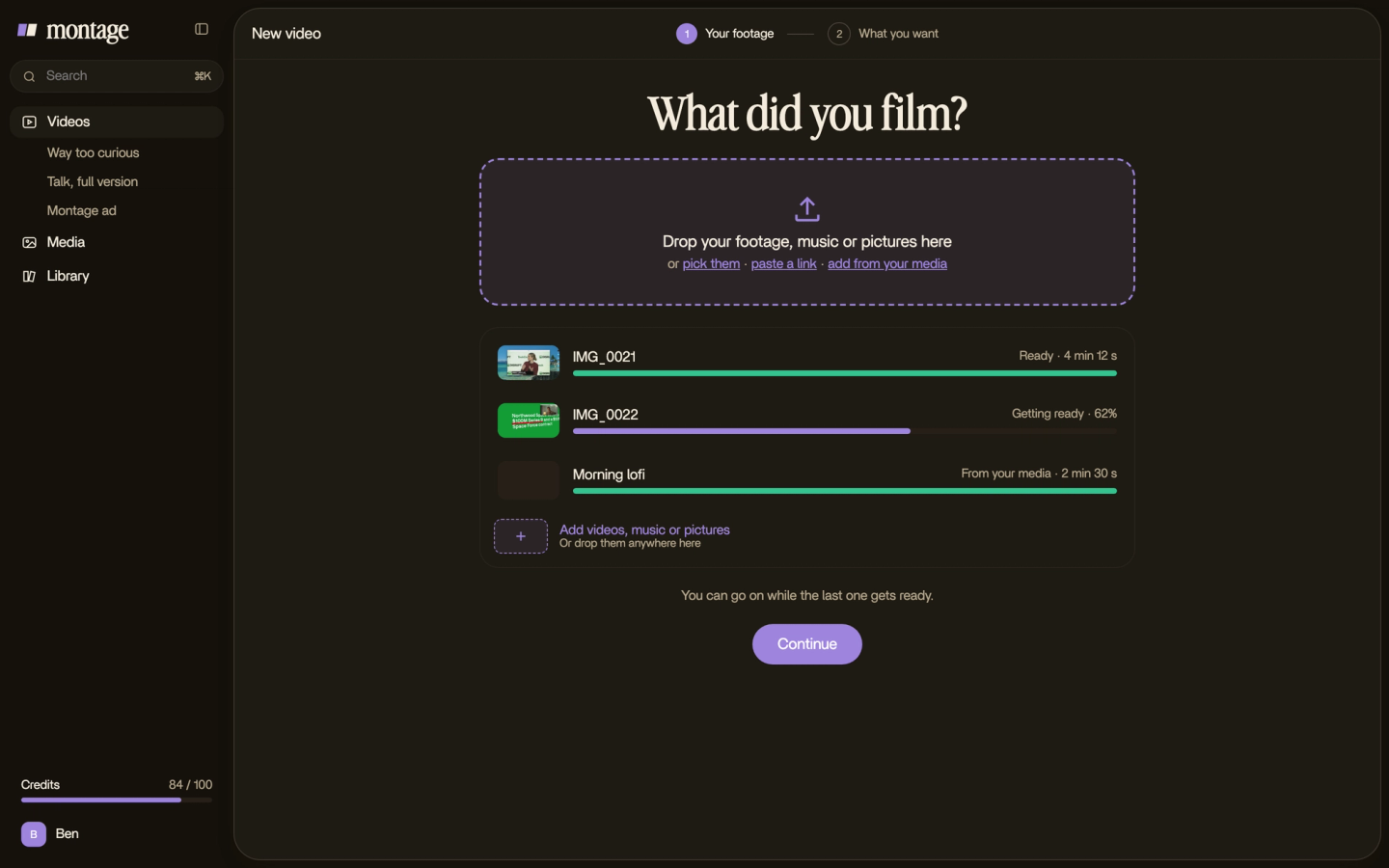
Then you say it in a sentence: « Put this track under the whole video, lower it every time I talk. » Montage knows when each word is said. You can see it in what it already did on my videos:
 Auto captionsEvery line on screen in my own font, timed to my voice.
 B-rollWhile I talk, it cuts to the right shot: the book, the notebook, the whiteboard.
In How to be creative, the captions are timed to my voice, and the B-roll cuts to the right shot while I talk.
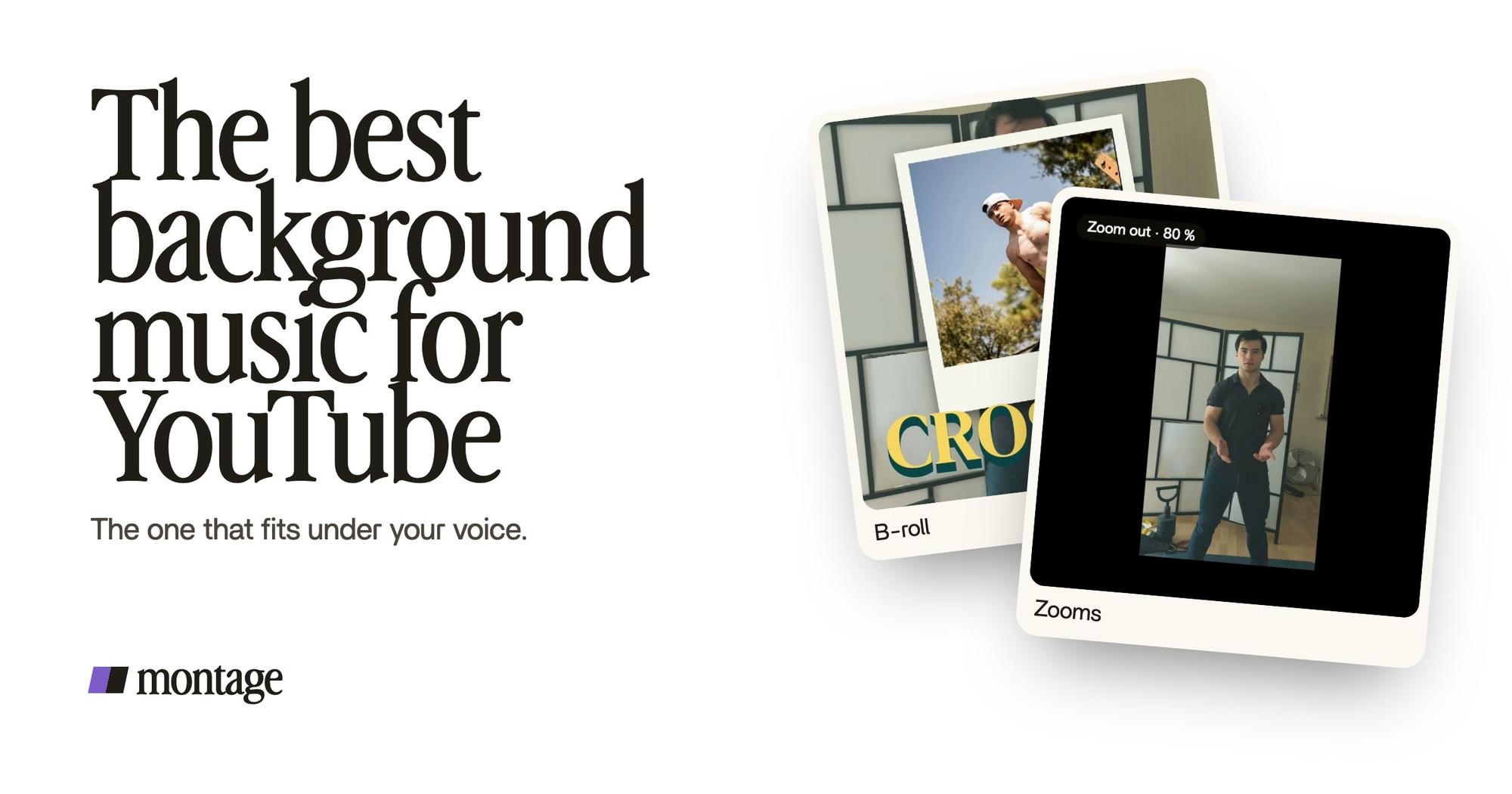
 B-rollI say CrossFit, my photo drops in. One picture for each thing I love.
 ZoomsA slow push-in on every shot, and on « everything » and « curious » the picture pulls back on black.
In the 56-second short filmed on an iPhone, I say CrossFit and my photo drops in, and the picture pulls back on the words « everything » and « curious ». The edit follows the words. So the music can too.
To be honest, none of these cards shows music. They show the timing that lets you ask Montage to put the track under your voice.

Too loud at one moment? Pause there and comment on it. Wrong track? Ask for the other one. Undo takes back Montage's last change. The edit stays the same. Only the music changes. Boom.

And if you finish the sound somewhere else, you can export the sound only, or the cut for Premiere Pro or DaVinci Resolve.
The rest of your video's sound.
Music is one layer. Here are the others:
- Your voice, clean, first. Everything else sits under it.
- Music already in your footage, like a café's speakers? Here's how to take out music that's already in your footage.
- A sound on the moments that matter: a swoosh, a click, a pop. More in the guide to sound effects.
Background music for YouTube videos: your questions.
What is the best background music for a YouTube video?
Instrumental music that matches your video's pace, from YouTube's Audio Library or a track you have the rights to,
kept low under your voice. There's no single best song: the best one is the one that fits your video.
Is « no copyright » music really safe on YouTube?
Not always. YouTube Help says only the Audio Library's music is known to YouTube to be copyright-safe. For music from a
channel or another library, check its license yourself.
Where can I get free background music for YouTube?
In the YouTube Audio Library, inside YouTube Studio. It's free, you can download the tracks as MP3, and you credit the
Creative Commons ones in your description.
Can I play a song in the background of my YouTube video?
Only if you have the rights to it. A credit in the description is not a license, and a streaming subscription is a
right to listen, not to use (Thematic).
What if my video gets a copyright claim?
A claim is not a strike. YouTube Help lists four options: trim the part with the song, replace it with Audio Library
audio, share the revenue if you're in the Partner Program, or dispute the claim.
Which background is best for YouTube videos?
If you mean the picture behind you, not the music: here's how to remove the background behind
you.
That's it for this one. Pick three tracks, try them under your voice, keep the one you stop noticing.
See you in the next one.