How to reduce background noise in video:
what actually works.
Heard the fan, the hum or the traffic in your take? Here's the order that gets your voice clean: the take, the cuts, the denoiser, then a check on a phone.
 Ben, founder of Montage · · 8 min read
In this post7 parts
The short answer.
Ladies and gentlemen, let's start with the answer, because you've got a noisy take waiting.
To reduce background noise in video, work in this order. Stop the noise at the take. Cut the dead air and the retakes. Clean what's left with a denoiser. Then listen on a phone speaker before you post. Four steps, the cheapest first.
Most pages you'll find sell you step 3 only: upload, click, download. And step 3 works. But to be honest, most noise problems are solved before the denoiser ever runs.
Here's why. The noise you notice most is in the gaps: the pauses between lines, the « wait, let me start again ». While you talk, your voice covers the room. In a pause, the room is all anyone hears. So when you cut the ums and the dead air, a big part of the noise leaves with them.
Where the noise really comes from.
So what are you actually hearing? Let me explain.
Background noise comes in two kinds, and the difference matters for how you fix it. Cleanvoice, one of the AI denoisers that ranks for this search, splits them like this:
- Steady noise: the hum, the hiss, the buzz, a fan, the air conditioning. It sounds the same from start to finish.
- Changing noise: wind, traffic, a café, people chatting, kids. It comes and goes.
There's also the electrical hum, the low tone at 50 or 60 Hz that comes from the power line (Noise Reducer names it on its page). And there's echo: a bare room bouncing your voice back at the mic.
Steady noise is the easy one. A denoiser learns what it sounds like and takes it out. Changing noise is harder, because there's no one sound to learn.
Steady noise is a fix. Changing noise is a fight.
Reduce background noise in video, step by step.
Here's how I'd do it. Four steps, in this order.
1. Stop it at the take
The cheapest noise reduction costs nothing. Before you press record:
- Get the mic close. Cleanvoice says it plainly on its own tool page: recording close to the mic helps more than anything else. If you film on a phone, that means a mic on you, or the phone closer than you think.
- Turn things off. The fan, the air conditioning, the fridge if you can hear it.
- Pick the room. Soft things (a sofa, curtains, a rug) eat echo. A bare room with a hard floor makes it.
- Record a few seconds of silence. Just the room, before you speak. Some denoisers use it to learn the noise.
The best noise reduction is the take you don't have to fix.
2. Cut the dead air and the retakes
This is the step nobody talks about. Every pause you cut is a stretch where only the room was heard. Every retake you leave out is one more stretch gone.
Let me give you a real example. My film From Disney star to space CEO started as seven takes, 33 minutes filmed on an iPhone. The finished video is 9 minutes and 18 seconds, with 216 cuts. Montage cut the pauses and the retakes and kept the best take of each line.
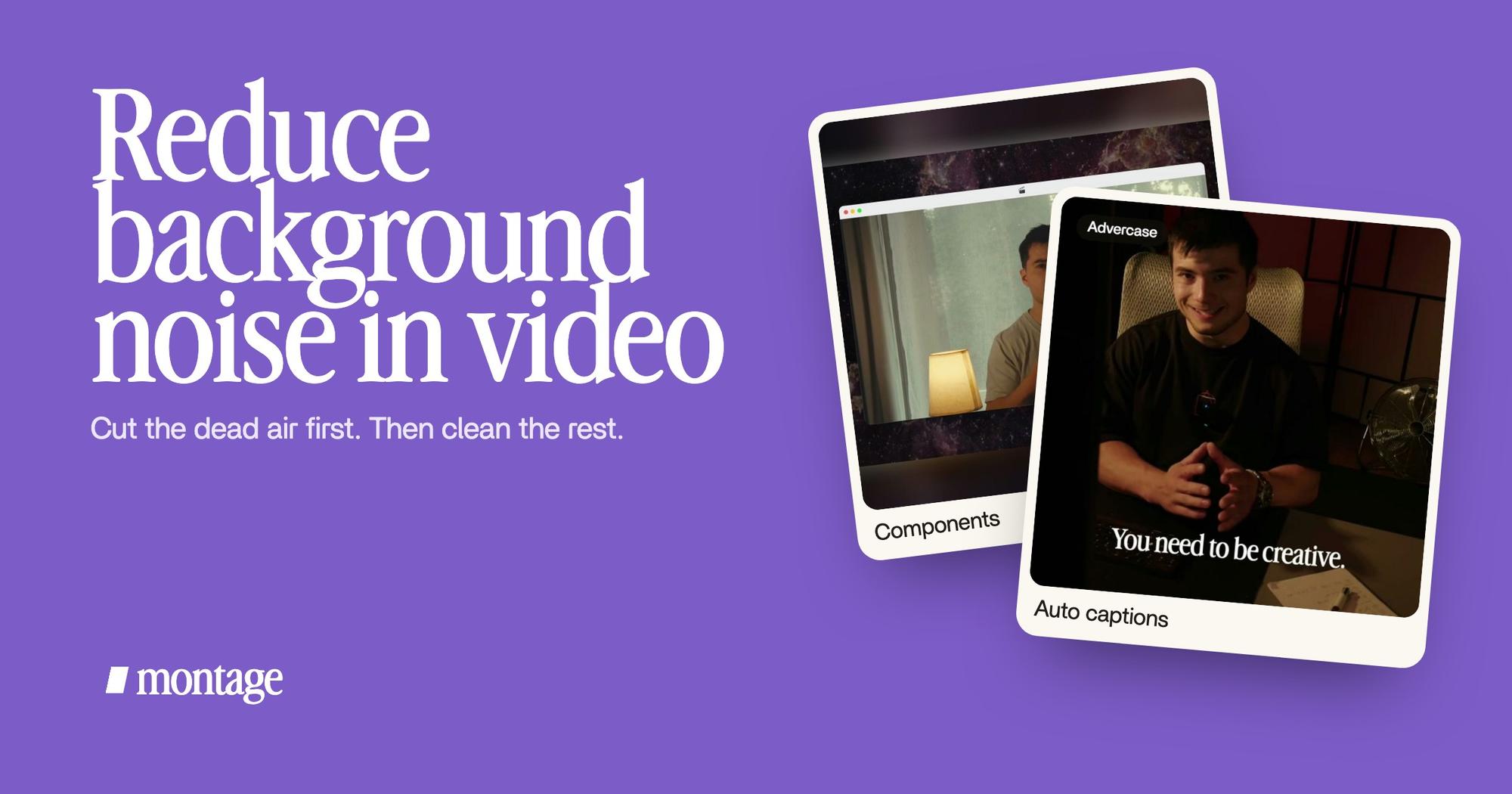
 Components
That card shows my face cam on every one of those 216 cuts. It's a picture, not a sound. But it shows what's left: 9 minutes 18 out of 33, the pauses and the retakes gone. You can watch the 9:18 film, 216 cuts, from start to finish.
In Montage, that's one sentence: « Cut the pauses and the retakes, keep the best take of each line. »

If you still hear a noise somewhere, pause on that moment and say so: « cut this part », « this take is too noisy, use the other one ».

3. Clean what's left with a denoiser
Now the noise under your voice. Here, let's be clear: Montage has no noise remover today. It cuts, it places, it sets the volume of a sound. It doesn't clean the sound itself.
So you take the cut somewhere that does. Montage lets you export the sound or the cut for Premiere Pro or DaVinci Resolve, on every plan, and you run the denoiser there or in a dedicated tool.

A few things to know about denoisers:
- Don't push it all the way. Too much and your voice sounds like it's under water. Go for less noise, not none.
- Clean before the music. Music under your voice hides a little room tone too, so judge the result without it first.
- If the noise is louder than you, re-record. Cleanvoice says AI noise removal works best when the voice is louder than the noise. When it isn't, no tool really saves the take.
4. Check it on a phone speaker
A lot of people will hear your video on a phone. So listen on one. Then on cheap earbuds. A hiss you can't hear on good headphones can be loud on a phone, and the reverse.
The ways to clean the sound, side by side.
Okay. Let's put the options next to each other. Prices as each maker states them, checked on 2026-10-29.
| Way | Good at | Its limit | Price (source) |
|---|---|---|---|
| The denoiser in DaVinci Resolve (Fairlight noise reduction) | Detects the noise, or learns it from a bit you select; a de-hummer for power line hum | You learn Resolve's Fairlight page | Resolve has a free version; Studio is $236 (blackmagicdesign.com) |
| CapCut's « Reduce noise » | One click, online, with a strength you can adjust | You log in and work in CapCut's online editor | Free online (capcut.com) |
| Canva's « Enhance Voice » | Already in Canva, under Audio Tools | Inside Canva only | Canva's page was blocked; named by SimpleClean's guide |
| An online AI denoiser (Cleanvoice, Cleanaudio, SimpleClean) | Upload, clean, download; steady and changing noise | You pay to download the full file | Cleanvoice: 30 minutes free. Cleanaudio: 30-second preview, then $4.99 an hour or $16.99 a month. SimpleClean: 30-second preview, $0.50 a file |
| Audacity, by hand | Full control over a noise profile | Manual profiling struggles with changing noise (Cleanvoice) | Free (audacityteam.org) |
| Re-record | The only fix when the noise is louder than the voice | You film again | Your time |
So, which one for you?
- A steady hum or a fan: any denoiser will do. Start with the one in the editor you already have.
- Wind, traffic, people talking: an AI denoiser, and cut as much of the gaps as you can first.
- Your voice buried under the noise: re-record. Sure, it hurts. But no tool brings back a voice that isn't there.
When the sound can't be perfect.
Sometimes you get the noise down, not out. That's fine, as long as people get every word. And that's what captions are for.
 Auto captionsEvery line on screen in my own font, timed to my voice.
 CaptionsYellow, uppercase, a blue drop shadow, and the key word drawn bigger.
In How to be creative, every line is on screen in my own font, timed to my voice. In Way too curious, yellow, uppercase, the key word drawn bigger. A little room noise doesn't lose anyone when the words are right there. Here's how captions in your own font work in Montage.
The rest of your video's sound.
Clean voice is the base. The rest sits on top of it, and each part has its own guide:
- Have a track you need gone? Here's how to remove background music from a video.
- Ready to put a track under your voice? Here's how to add music to a YouTube video, and where to find the best background music for YouTube.
- For the whoosh, the pop and the click on the moments that matter: sound effects for video editing.
New to all of it? Start with video editing for beginners.
Reducing background noise in video: your questions.
How do I remove background noise from a video?
Cut the pauses and retakes first, where the noise is loudest. Then run the sound through a denoiser, in your editor or an
online tool, and listen on a phone. If the noise is louder than your voice, re-record.
Can I reduce background noise on iPhone videos?
Yes. Most of it happens before you edit: the phone or a mic close to you, the fan off, a soft room. After that, an iPhone
video goes through any of the denoisers above, like CapCut's free online one.
How can I denoise a video for free?
CapCut's « Reduce noise » is free online, Cleanvoice cleans 30 minutes for free, and Audacity is free if you're willing
to set the noise profile by hand.
Can ChatGPT remove background noise from video?
What you need is a tool that processes the sound file itself: a denoiser in an editor, or an online one. Whatever you
use, cutting the dead air first makes its job smaller.
How do I remove noise but keep my voice?
Go easy on the strength, and get the voice louder than the noise at the take. Cleanvoice's own advice is the best one
here: get close to the mic.
That's it for this one. Now go record something quiet.
See you in the next one.