Sound effects for video editing:
the few you need, and when.
Libraries sell sounds by the thousand. My nine-minute film used eleven. Here are the few you need, where to get them free, and where each one goes.
 Ben, founder of Montage · · 8 min read
In this post9 parts
- The short answer
- The sound effects for video editing you'll actually use
- How few you need: eleven for a nine-minute film
- Where video editors get their sound effects, free and legal
- How to use sound effects in video editing, in three steps
- Placing 44 sounds without 44 drags
- How loud, and how often
- Sound effects for video editing: your questions
- See it in a real video
The short answer.
Ladies and gentlemen, let's start with the answer.
The best sound effects for video editing are a handful of simple ones: a whoosh, a pop, a ding, a hit and a riser. Each one goes on something that moves in the picture. A card lands, a window slides, a word gets underlined. You get them free from a library like Mixkit, you read the license, and you keep the sound under your voice.
That's it. You don't need a pack of 1,000 sounds. You need a small kit, used the same way every time.
A sound effect belongs to something that moves.
And one thing before any of this: get your voice clean first. If the voice is noisy, no sound effect will save the video. Here's how to get your voice clean before you add anything.
The sound effects for video editing you'll actually use.
So which ones? Here's my list. The sound names come from the families the libraries already use (Mixkit's « Transition » family, SoundDogs' Whoosh and Foley categories). The moment each one goes on is the rule I follow.
| Sound | What it's for | The moment it goes on | Where to look free |
|---|---|---|---|
| Whoosh / swish | Movement | A transition, a window or a card that slides across | Mixkit's Transition family |
| Pop / tap | Something appearing | A card, a picture or a title dropping in | A free library, license read |
| Ding | Attention | A key word, a number, a highlight | A free library, license read |
| Hit / impact | Weight | The title, a big statement, a hard cut | Mixkit's Transition family (impact) |
| Riser / swell | Build-up | Into a reveal or a new chapter | A free library, license read |
| Camera shutter | A photo | A photo dropping in | A free library, license read |
| Typing / click | A screen | A screen recording, a cursor click | A free library, license read |
| Ambience | A place | Under a quiet shot, so it doesn't feel empty | A free ambience pack, license read |
Do you see the pattern? Every sound in that table answers to something in the picture. That's the whole idea.
To be honest, the « funny sound effects » people search for (the record scratch, the bonk) work the same way. Funny when they land on a moment. Annoying when they land on nothing.
How few you need: eleven for a nine-minute film.
So how many do you need? Fewer than you think. Let me explain.
My film From Disney star to space CEO runs 9 minutes and 18 seconds. Its footage list says it plainly: « Four music beds and eleven sound effects. » And the summary: « 44 cards, press pages and B-rolls, each with its sound. »
Eleven sounds. Forty-four moments. The same few, reused.
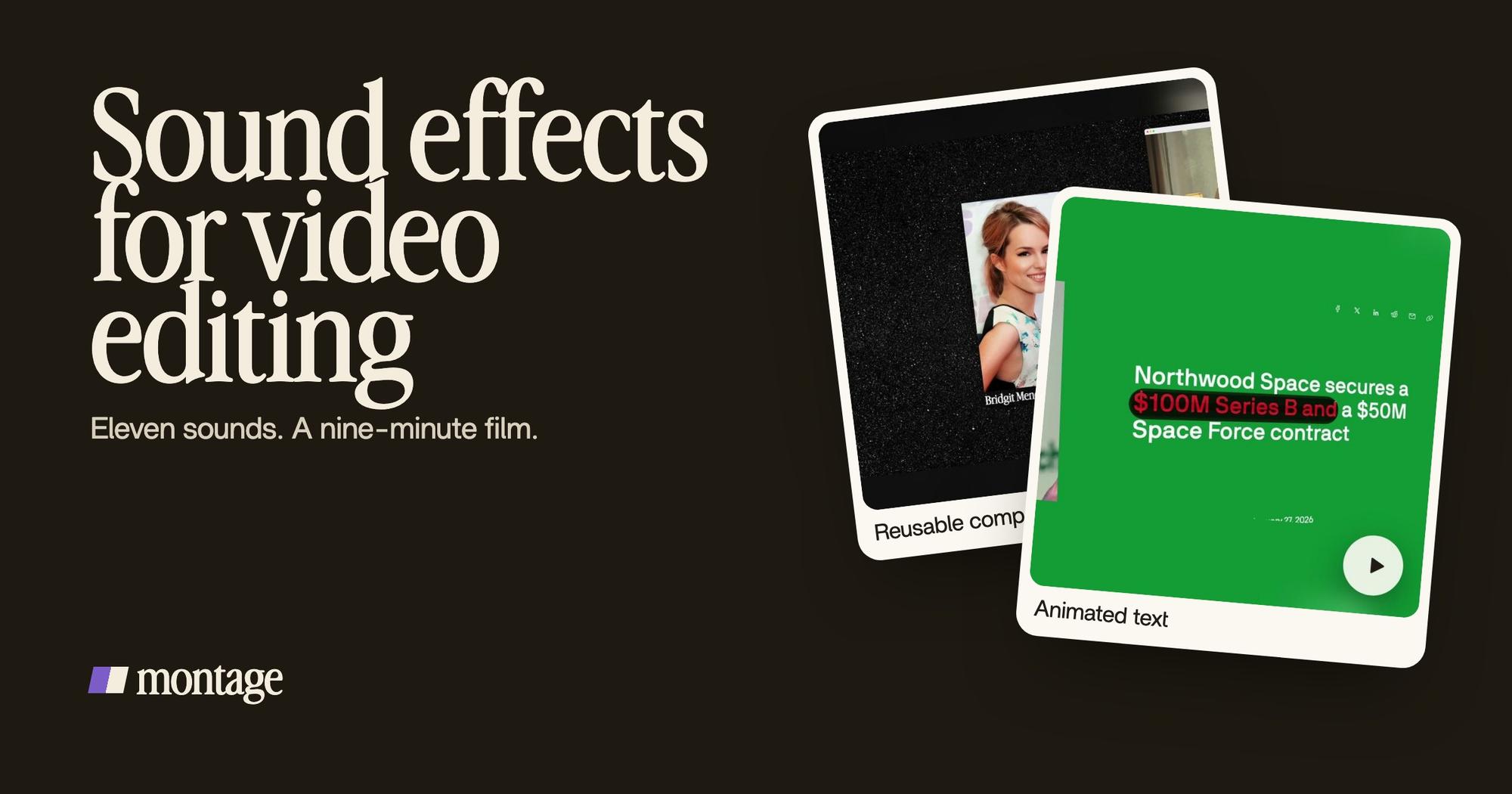
 Reusable componentsOne media card, used 26 times: a picture or a clip, its caption, on the dark page. Click to watch it.
 Animated textThe article tilts in and a red marker underlines the number. Click to watch it.
These are the kinds of moments a sound goes on. One media card, used 26 times. An article that tilts in while a red marker underlines the number. On the film's timeline, the sound track holds sounds like a « Soft swell » and a « Deep hit ».
Here's the thing: reusing the same sound is what makes it feel designed. A different sound on every card feels cheap. The same tap on every card feels like a style. You can watch the nine-minute film made with eleven sounds and hear it for yourself.
A small kit, used the same way, sounds like a style.
Where video editors get their sound effects, free and legal.
Okay. Where do you actually get them? Here are the places I'd look, from the pages that rank for this search.
- Mixkit (by Envato): free sound effects, royalty-free, « can be used without attribution », no sign-up, for commercial and personal projects, in .wav and .mp3. It has a whole Transition family: whoosh, swoosh, swish, whip, impact, glitch, zoom. For most creators, that's enough.
- Zapsplat: « 75,000 free sound effects », according to StudioBinder's list.
- 99 Sounds: free packs in 24-bit WAV, also on StudioBinder's list.
- SoundDogs: a paid library, « over one million tracks », where you pay only for the sounds you use.
Now, « royalty-free » doesn't mean « no rules ». It means a license. Mixkit's says no attribution. A pack marked CC0 means no copyright reserved, like the retro arcade pack StudioBinder lists. Every other pack has its own terms.
Read the license before you download the pack.
The same goes for music. If you're looking for background music for a YouTube video, the rules are the same: check the license first.
How to use sound effects in video editing, in three steps.
Here's how I'd do it. Three steps, nothing more.
- Pick a small kit. Five to ten sounds from the table above, from one library, so they sound like they belong together. Name the files by their job: « tap », « swish », « hit ».
- Place each sound on its moment. Go through the video and find what moves: cards, pictures, titles, transitions, numbers. Each one gets its sound from the kit. The same moment always gets the same sound.
- Set the level. Your voice is the loudest thing in the video. The sound effect sits under it. Watch once with headphones, once on a phone speaker.
Placing 44 sounds without 44 drags.
Now, here's the hard part. Finding sounds is easy. Placing them is the work.
In a timeline editor, every sound is dragged to its frame by hand. Forty-four cards is forty-four drags. And when you move a card, you move its sound too. Pretty tedious, right?
In Montage, you bring your sound files in with your footage, and you ask Montage to place every sound. One sentence: « a soft tap every time a card lands, a swish when the window moves ». Montage reads every word you say, so « a ding when I say the number » is something you can ask for.
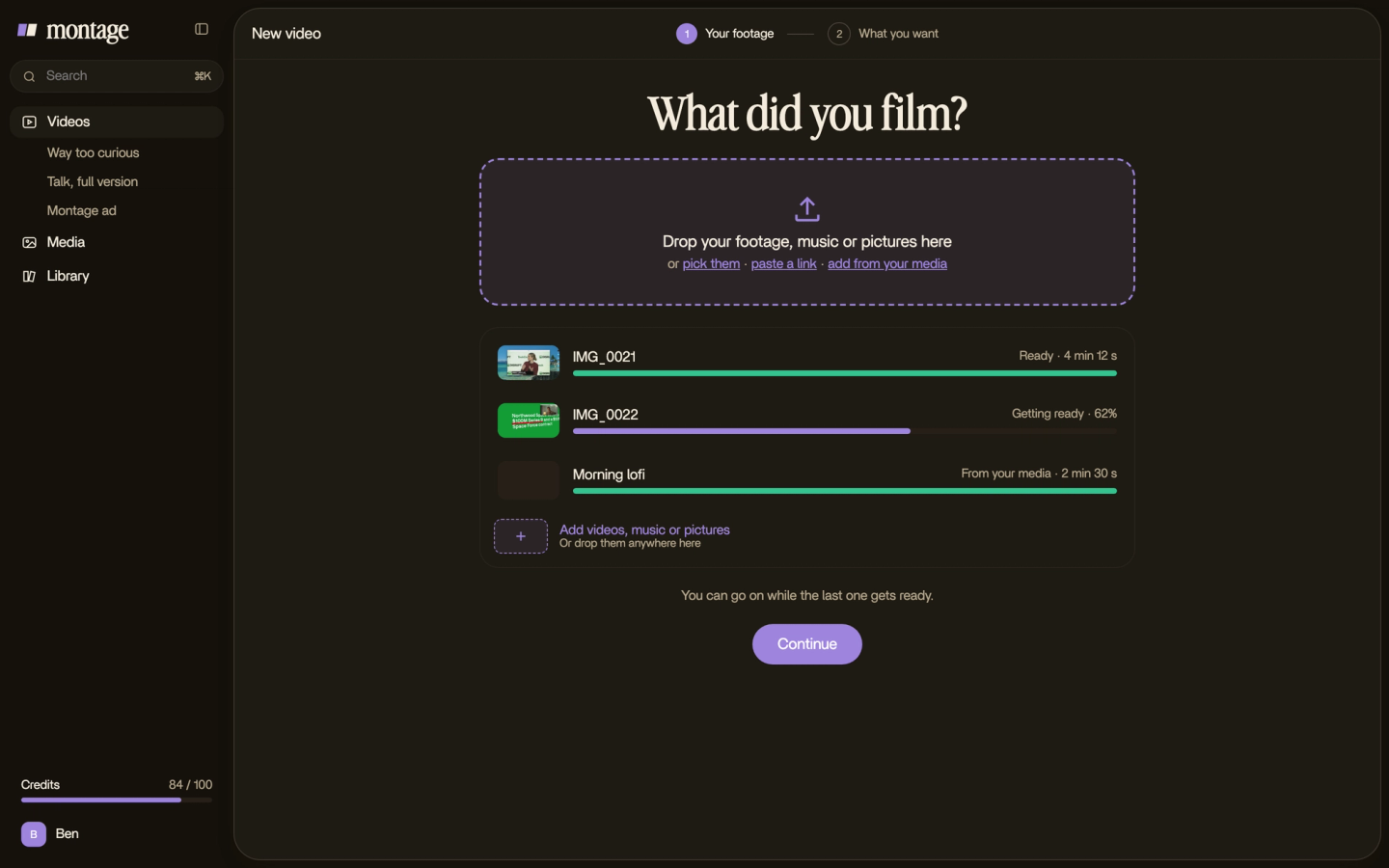

Then you watch. Where a sound is wrong, you pause and comment at that moment: « too loud here », « no sound on this one ». Then « Fix all ».

Let's be clear about one thing: Montage has no sound library and doesn't make sounds. You bring the files. Montage places them. Your video is built from reusable cards, each with its sound? Ask once, and every card gets its sound. Same for the text and cards the sounds go on: a title, a word underlined.
Want to finish the mix somewhere else? Montage exports the MP4, the sound only, or the cut for Premiere Pro or DaVinci Resolve.
How loud, and how often.
Truth is, most cheap-sounding edits have one of two problems. The sounds are too loud. Or there are too many.
- Under the voice. If a sound makes you miss a word, it's too loud. Simple as that.
- On a moment, not on a rhythm. A sound every second because « it keeps energy up » turns into noise. A sound on every card is a style.
- The same sound for the same job. The tap is always the tap. The swish is always the swish.
- Silence counts. A quiet shot with only ambience under it makes the next hit land harder.
And music under all of it? That's its own job, with its own level. Here's how to put music under your voice.
Sound effects for video editing: your questions.
What are good sound effects for video editing?
The simple ones: a whoosh for movement, a pop when something appears, a ding on a key word, a hit on a title, a riser into
a reveal. Pick a few from one free library and put each on something that moves in the picture.
Where do video editors get their sound effects?
From libraries. Free ones like Mixkit, Zapsplat and 99 Sounds, or paid ones like SoundDogs. Most editors keep a small
kit of favorites and reuse it from video to video.
How do I use sound effects in video editing?
Three steps. Pick a small kit. Place each sound on the moment it belongs to: a card, a cut, a word. Keep it under your
voice.
What are the top 5 sound effects?
My pick: whoosh, pop, ding, hit and riser. With those five you can cover transitions, things appearing, key words,
titles and reveals.
Are free sound effects safe to use on YouTube?
Only if the license says so. Mixkit's sound effects need no attribution and work in commercial projects. CC0 means no
copyright reserved. For any other pack, read its license before you upload.
Does Montage have sound effects built in?
No. Montage has no sound library and doesn't generate sounds. You bring your files, and Montage places them where you
ask. Need the opposite? Here's how to take a song out of a video.
See it in a real video.
Eleven sounds, forty-four moments, one nine-minute film. Here it is, with the three other showcase videos.
 9:18
 2:07
 0:56
 0:38
That's it for this one. Build your kit, and give every sound a job.
See you in the next one.