Generative AI for video editing:
what it makes, and what it leaves alone.
Every video tool says « generative AI » now. It means three different things. Here they are, sorted, with real videos to show what each one makes.
 Ben, founder of Montage · · 8 min read
In this post10 parts
- The short answer
- What « generative » actually means here
- Three things generative AI for video editing makes
- Kind 1: new pixels, for the shot you never filmed
- Kind 2: new graphics, on top of your footage
- Kind 3: the edit itself, with your footage kept
- A whole video, not 30 seconds
- Where the two kinds meet
- Generative AI for video editing: your questions
- See it in four whole videos
The short answer.
Let's start with the answer.
Generative AI for video editing means AI that makes something new inside your edit. It makes one of three things: new pixels (a shot you didn't film, a changed sky), new graphics on top of your footage (titles, cards, motion design), or the edit itself (the cuts, the captions, the color) of the footage you did film.
Those are three different jobs. And here's the thing: the pages that rank for this search use the same word for all three. Runway and Adobe Firefly mean the first one. Tools like invideo, Opus Clip and Captions mostly mean the third. So you read « generative » and you wonder: is it going to regenerate my face?
It depends which kind you pick. If you film yourself and want your video edited, you want the second and the third. If you need a shot you never filmed, you want the first. If you just want a list, here are the AI video editors worth trying, side by side. And if you want to edit a video by talking to it, that's what Montage does.
What « generative » actually means here.
So what does « generative » actually mean in a video tool? Let me explain.
A classic editor never makes anything new. It cuts, moves and layers what you filmed. Runway says it well on its own page: traditional editors like Premiere or DaVinci Resolve « don't change what's inside a clip ».
Generative AI does. It produces something that wasn't there before. Sometimes that's new pixels inside the shot. Sometimes it's a graphic drawn over the shot. Sometimes it's the edit itself, decided and built by the AI instead of by your hands.
Same word, three jobs. Know which one you're buying.
Three things generative AI for video editing makes.
Okay. Here are the three, side by side. The quotes and figures come from each tool's own page, read on 29 October 2026 (and from Zapier's guide for Firefly and Veo, since Adobe's own page was blocked).
| 1. New pixels | 2. New graphics on top | 3. The edit of your footage | |
|---|---|---|---|
| What is generated | A shot, or part of one: a new backdrop, new lighting, a few extra frames | Titles, cards, animated text, motion design | The cuts, captions, B-roll, color, rotation, cut-outs |
| Does it touch what you filmed? | Yes: it regenerates what's inside the clip | No: your footage stays as filmed, the graphic sits over it | It changes it the way an editor would, without regenerating it |
| How long | Short pieces: Runway's Edit Studio « supports sequences up to 30 seconds at 1080p »; Firefly's Generative Extend stretches clips « by a few frames », per Zapier | The length of your video | The length of your video |
| How you correct it | Generate again | Ask for a change | Ask for a change, or comment on the picture |
| Examples | Runway (Aleph), Adobe Firefly, Google Veo, invideo (« generate missing shots ») | Montage | Montage, Opus Clip, invideo, Captions, Descript |
Let's be clear about Montage: it does the second and the third. It doesn't make video from nothing, and it doesn't generate new pixels inside your shots.
Kind 1: new pixels, for the shot you never filmed.
This is the kind in the news. Runway's Aleph model, in Zapier's words, « edits and transforms your video with text prompts »: the lighting, the framing, different angles, the weather. Firefly's Generative Extend, inside Premiere Pro, can « stretch clips by a few frames without reshooting », Zapier says, to fix an awkward edit point. And invideo lets you « generate missing shots » when you're one short.
Give it its due: for a shot you never filmed, this is the right tool. Nothing else makes a sunset you didn't catch.
But Runway's own page also says the honest thing out loud: « Most AI editing tools change more than you asked — new cuts appear, the action shifts, the background drifts. »
Truth is, that's fine for a sky. It's not fine for your face, or for the words you said. In my opinion, the face and the words are the last things you want regenerated.
Kind 2: new graphics, on top of your footage.
Now, the second kind makes something new too. It just doesn't make it inside your shot. It draws it over the shot.
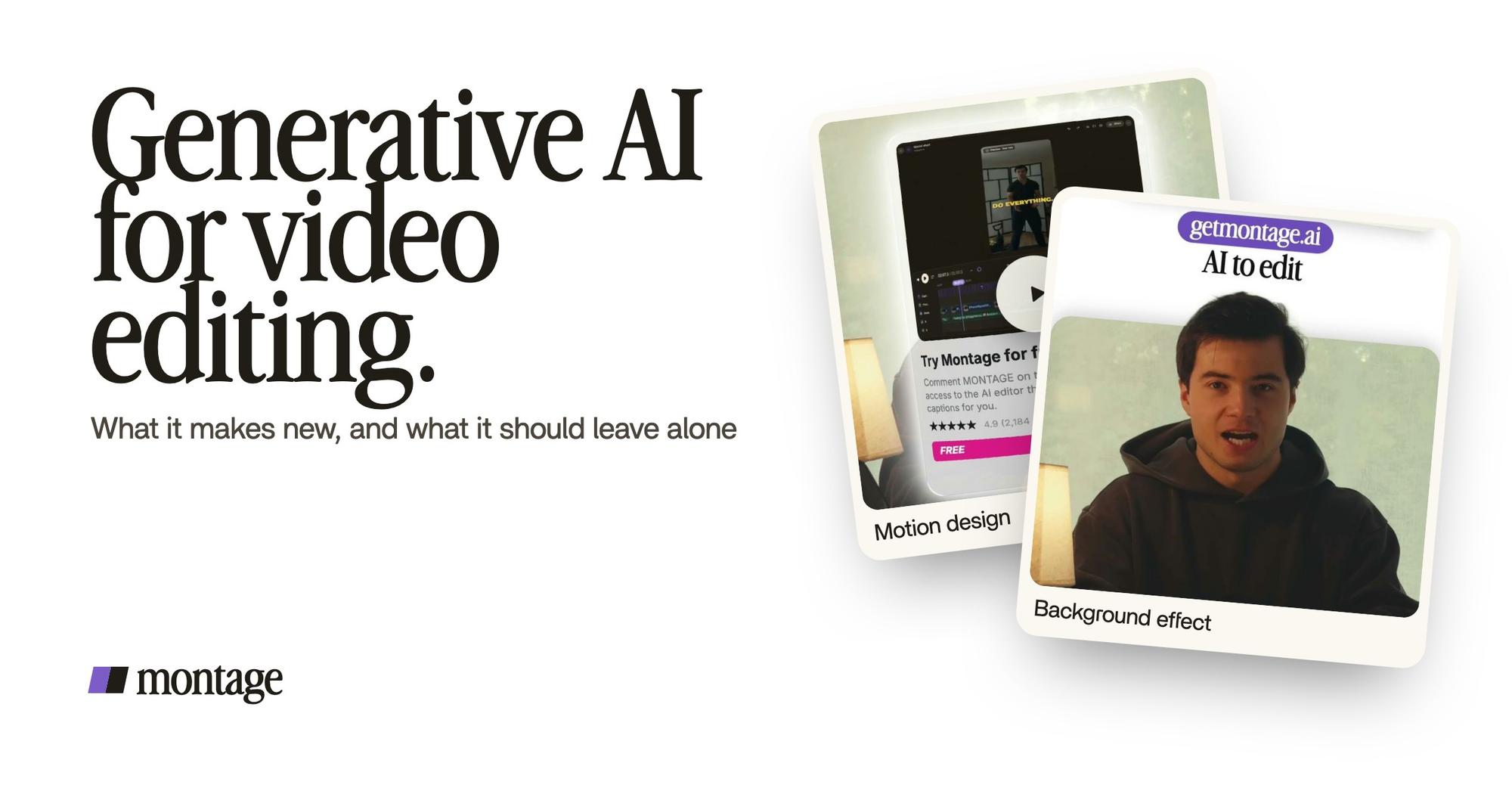
 Motion designThe product card: frosted at 80 %, a fisheye, a big glow, swiped in from the right. Click to watch it on its own.
 Animated textThe article tilts in and a red marker underlines the number. Click to watch it.
 Motion designThe Photo drop itself, exported on its own. Click to watch it: a flash, the shutter, the print falls in and lands tilted.
Here are three from real videos. In Edit it all with AI: « The product card: frosted at 80 %, a fisheye, a big glow, swiped in from the right. » In From Disney star to space CEO: « The article tilts in and a red marker underlines the number. » In Way too curious, the Photo drop: « a flash, the shutter, the print falls in and lands tilted. »
None of the three existed before the edit. None of them touches the face or the words. That's animated text made by asking, on top of footage that stays exactly as it was filmed.
Kind 3: the edit itself, with your footage kept.
The third kind is the one most creators actually need. The AI decides and builds the edit: what to cut, what to show, how it looks. Your takes get changed the way an editor changes them. They don't get regenerated.
 Color correctionFilmed too dark on an iPhone. I asked for a grade, no LUT: Montage lifted it on its own. Same frame, split.
 RotateThe notebook shots were filmed from above, upside down. Montage turned them the right way up.
 Background effectCut out of my background, my head rises over the top of the frame.
Way too curious was « filmed too dark on an iPhone. I asked for a grade, no LUT: Montage lifted it on its own. » That's a grade for footage that's too dark. In How to be creative, « the notebook shots were filmed from above, upside down. Montage turned them the right way up. » And in Edit it all with AI: « Cut out of my background, my head rises over the top of the frame. » More on how to cut yourself out of the background.
Same take. Same face. Same words.
Generate around you. Keep you as you filmed it.
Opus Clip says something close on its own page: « Real footage in, finished video out. No avatars, no generated speakers. » I think they're right.
A whole video, not 30 seconds.
Here's the other difference. The pixel tools above work in seconds: 30 at most per sequence in Runway's Edit Studio, a few frames for Firefly's extend (per Zapier). The edit works on the whole video.
The four videos in the showcase are whole videos. From Disney star to space CEO is 9 minutes 18 seconds, from seven takes, with 216 cuts. How to be creative is 2:07. Way too curious is 0:56. Edit it all with AI is 0:38.
And how do you correct it? Not by generating again and hoping. You say what you want, you watch it, and you comment.


A comment goes on a moment, or on a spot of the picture. « Fix all » does them all at once. Undo takes back Montage's last change. Pretty simple, right?
If you want the details of that first sentence, here's what to type into an AI video editor. And here's what an agent that finishes the edit does from there.
Where the two kinds meet.
Sure. But what if your video needs one generated shot? Then use both.
Montage exports the MP4, or the cut for Premiere Pro or DaVinci Resolve. That's where Firefly and Runway sit too. Runway's FAQ puts it this way: « The two work alongside each other. »

So: the edit of your footage in one place, the shot you never filmed from a generator, put together at the end. Boom.
Generative AI for video editing: your questions.
Is there a good AI for video editing?
Yes. Which one depends on what you need. For a shot you never filmed, a generator like Runway or Firefly. For an edit of
the footage you did film, an AI editor like Montage, Opus Clip or Descript.
Which generative AI is best for creating videos?
For a video from a prompt alone, Zapier's guide names Google Veo, Runway, LTX Studio and Adobe Firefly as its
generators. More on making a video from a prompt alone.
Can ChatGPT do video editing?
Not the way an editor does. Here's the longer answer on whether ChatGPT can edit your
footage.
Is there an AI that I can use to edit videos together?
Yes. Drop your takes in, say what you want, and Montage cuts them into one video. A client can comment on a link, with
no account.
Is there free generative AI for video editing online?
Montage runs in the browser, and it has a free plan. Your originals stay on your computer.
See it in four whole videos.
Everything above was done in real videos. Here are four whole videos made this way, each with what went in and how it was made.
 9:18
 2:07
 0:56
 0:38
That's it for this one. Generate around you, keep you as you filmed it.
See you in the next one.