The best AI video editor:
who does the editing?
Every video editor says « AI » now. The question that matters is simpler: who does the editing? Let me sort them by that, with four real videos.
 Ben, founder of Montage · · 11 min read
In this post12 parts
- The short answer
- How this guide sorts AI video editing software
- 1. Timeline editors with AI added
- 2. Text-based editors
- 3. Clip makers
- 4. Video generators
- 5. Editors you talk to
- What the AI decides in a real edit
- How to choose the best AI video editor for you
- Free AI video editors, honestly
- Questions about the best AI video editor
- See it in real videos
The short answer.
Ladies and gentlemen, let's start with the answer, because that's what you came for.
The best AI video editor depends on one question: who does the editing? In some tools, you still do it and the AI speeds up the chores. In others, a template does it. In a few, the AI does it and you just say what's wrong. Those are very different products, and they all say « AI » on the box.
In my opinion, the question isn't which tool has the most AI. It's who does the editing.
So here are the five kinds of AI video editor, and who each one is for.
| Kind | Examples | Who does the editing | Best for |
|---|---|---|---|
| Timeline editors with AI added | Premiere Pro, DaVinci Resolve, CapCut, Filmora, Final Cut Pro | You, clip by clip; AI speeds up chores | Career editors, full manual control |
| Text-based editors | Descript, Riverside, Kapwing | You, by editing the transcript | Podcasts and interviews, people who think in words |
| Clip makers | Opus Clip, Submagic | A template, in one click | Many short clips from one long video |
| Video generators | Veo, Runway, Synthesia | Nobody: they make new footage | A video from nothing, with no camera |
| Editors you talk to | ChatCut, Montage | The AI, from what you ask | Creators and founders with their own footage |
My verdict? If you film yourself and want the video finished without learning a program, pick an editor you talk to. That's what Montage is: you edit a video by talking to it, then watch it and comment on what's wrong. If you want a career as an editor, learn Premiere Pro or DaVinci Resolve. If you want twenty clips from a podcast, use a clip maker. Simple as that.
How this guide sorts AI video editing software.
Most lists of AI video editing software sort the tools by features. Captions, silence removal, auto-reframe, B-roll. The problem? Pretty much every tool now has those four. So the lists end up looking the same, and you still don't know what the AI actually does.
Here's the thing: a feature doesn't edit a video. Somebody decides which take to keep, what to show while you talk, how the video should look, and when it should end.
Features don't edit. Somebody does.
So this guide sorts AI video editing software by who makes those decisions: you, a template, or the AI.
Let's be clear about the method. I didn't run every tool on the same footage. This guide compares the kinds of tools by how each one describes itself on its own site. And I show Montage only through four real videos I made with it, each one with what I asked and what came out.
To be fair, the pages that rank for this search are honest about the same limit. ChatCut's own list says it didn't run a same-footage benchmark either; its claims come from each vendor's documentation (ChatCut). Manus did run 10 tools on one 8-minute clip, and concluded that « few actually supported editorial decisions » (Manus). Keep that line in mind. We'll come back to it.
1. Timeline editors with AI added.
Premiere Pro, DaVinci Resolve, CapCut, Filmora, Final Cut Pro.
The timeline is the product. You place every clip on it and adjust it by hand. The AI is a set of helpers inside: transcription, captions, masks, a smarter cut here and there. Adobe sells Premiere as « the go-to for pro video »: precision and control.
- Who does the editing: you.
- Best for: anyone who wants a job as an editor, or full manual control over every frame. CapCut is free and made for short social videos.
- Not for: people who want the video out this week without learning a program first.
Truth is, if you're aiming at film or TV, this is where you go. Studios use it, and there are years of free tutorials.
2. Text-based editors.
Descript, and the transcript editors in Riverside and Kapwing.
You edit the transcript like a document: delete a sentence, and the video loses it too. Descript adds an AI agent, Underlord, that takes prompts. And Descript says it plainly: the timeline is still there if you need it.
- Who does the editing: you, in text instead of on a timeline.
- Best for: podcasts, interviews, anything where the words are the edit.
- Not for: the visual part, mostly. B-roll, motion design and the look are still largely yours to do.
That's the closest idea to an AI that edits. Sure. But you're still the editor, just in a different window. More on this kind in the guide to the text-based video editor.
3. Clip makers.
Opus Clip, Submagic.
You give it a long video, and one click gives you short clips: captions, cuts, reframing, sometimes B-roll. Opus Clip says it plainly: « 1 long video, 10 viral clips ». Submagic promises shorts « 10x faster ».
- Who does the editing: a template.
- Best for: a podcaster or a long-form YouTuber who wants many clips, fast.
- Not for: a video in your own style, or one longer than their length caps. You get their template, not your idea.
If clips in bulk are the job, this is the right kind. No question.
4. Video generators.
Veo, Runway, Synthesia's avatars.
These make new footage from a prompt. Some make a talking person who isn't you. They don't edit the video you filmed.
- Who does the editing: nobody, really. There's no footage of yours to edit.
- Best for: a video with no camera at all.
- Not for: you, if you've already filmed something.
Montage doesn't make video from nothing either. So if that's what you're after, a generator is your tool. Here's the longer answer to whether ChatGPT can create videos.
5. Editors you talk to.
ChatCut, Montage.
You say what you want, in words, and the AI makes the edit. That's the kind most people picture when they type « AI video editor ». But even here, there are two ways to do it.
- ChatCut: you prompt, and every edit lands on a timeline that you adjust by hand.
- Montage: you never touch the edit. You drop the footage in, say what you want, and watch. Then you comment on the video, at a moment or on a spot of the picture, and press « Fix all ». Undo takes back Montage's last change.


- Who does the editing: the AI. You direct it, like an editor sitting next to you.
- Best for: creators who film themselves, and founders whose launches and demos are recorded but never edited.
- Not for: film and TV editors who need an industry tool.
A few more things about Montage, since it's mine. It runs in the browser, and your originals stay on your computer. A client can comment and press « Approve » from a link, with no account. You export the MP4, the sound only, or the cut for Premiere Pro or DaVinci Resolve. And on Pro, Max and Ultra, you can edit from Claude with MCP. There's a whole guide to the AI agent for video editing, and one on the AI video editor with a prompt.
What the AI decides in a real edit.
Okay. Remember the line from Manus? Most lists end on the same idea: AI handles the chores, and the creative decisions stay with you. B-roll choice, pacing, the look, the story.
So let me show you three real videos where Montage made exactly those decisions. Every card below is a part of a real video, and each one opens it.
The B-roll, cut to what I say
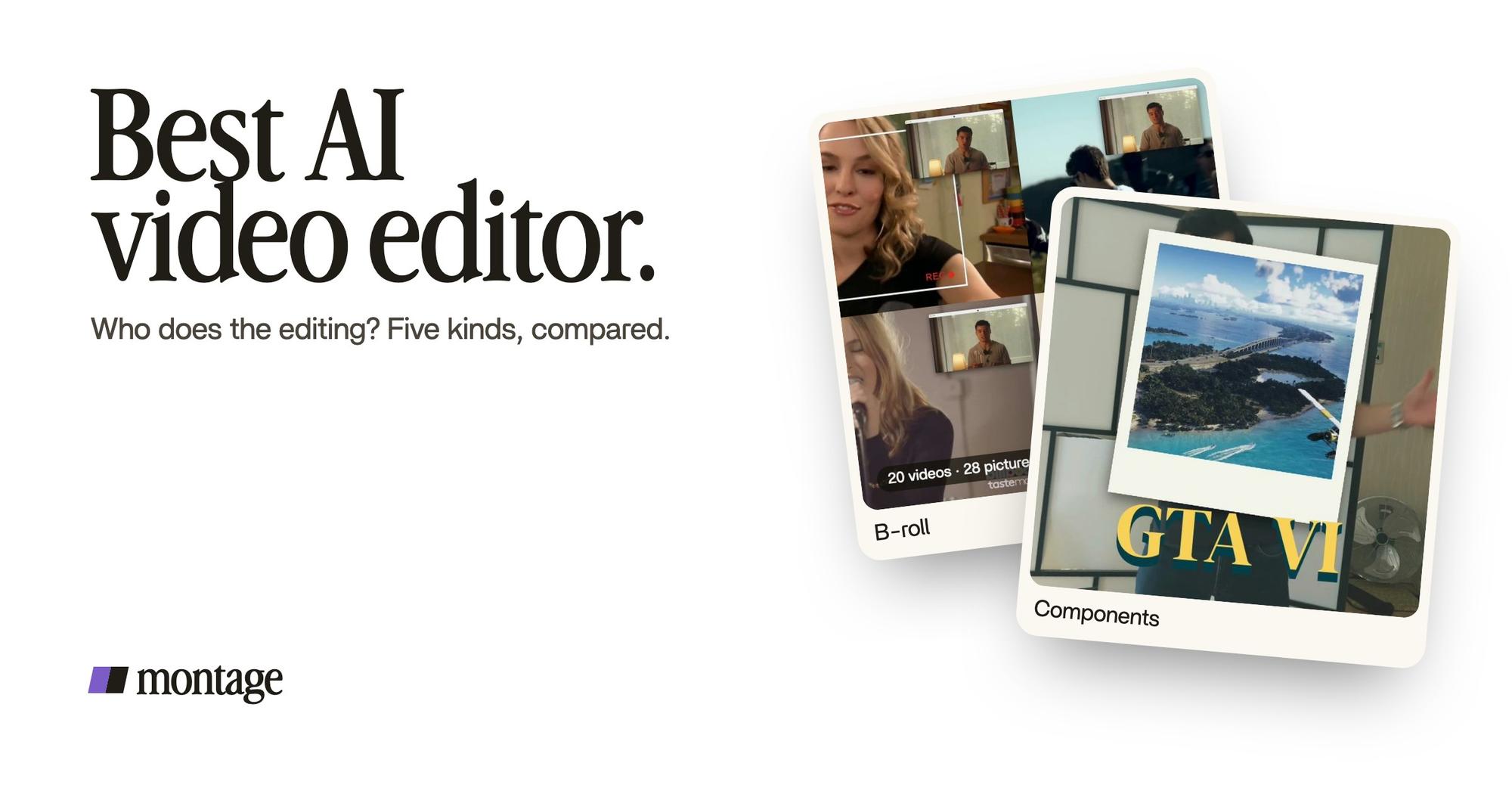
 B-rollGood Luck Charlie, Ready or Not, Billboard, the TODAY antenna: the face cam moves to the corner while each plays.
 B-rollWhile I talk, it cuts to the right shot: the book, the notebook, the whiteboard.
 ComponentsThe Photo drop is a component Montage made from my words: I say GTA VI, it drops in.
In From Disney star to space CEO, Good Luck Charlie, Ready or Not and Billboard play while my face cam moves to the corner. In How to be creative, it cuts to the book, the notebook and the whiteboard while I talk. In Way too curious, Montage made a Photo drop component from my words: I say GTA VI, it drops in.
The look
 Color correctionFilmed too dark on an iPhone. I asked for a grade, no LUT: Montage lifted it on its own. Same frame, split.
 Color correctionFilmed flat in Apple Log, my LUT on every shot. Same frame, split down the middle.
Way too curious was filmed too dark on an iPhone. I asked for a grade, no LUT, and Montage lifted it on its own. How to be creative was filmed flat in Apple Log, with my LUT on every shot.
The style, kept from start to end
 ComponentsMy face cam is a component: a macOS window over the James Webb images, on every one of the 216 cuts. Click to watch it.
 Reusable componentsOne media card, used 26 times: a picture or a clip, its caption, on the dark page. Click to watch it.
From Disney star to space CEO started as seven takes, 33 minutes filmed on an iPhone. The finished film is 9 minutes and 18 seconds, with 216 cuts. My face cam is a component, a macOS window over the James Webb images, on every one of those cuts. One media card is used 26 times.
Do you see the difference? That's not a caption preset. That's B-roll, a look and a style, decided from what I asked.
The chores were never the hard part. The decisions were.
How to choose the best AI video editor for you.
Here's how I'd choose. Start from your footage and the job, not from the feature list.
- You haven't filmed anything, and don't want to. A video generator. That's a different job from editing.
- You have one long video and want many clips. A clip maker, like Opus Clip or Submagic.
- You have a podcast or an interview, and the words are the edit. A text-based editor, like Descript.
- You want to become an editor, or need control over every frame. Premiere Pro or DaVinci Resolve.
- You filmed yourself, and you want the finished video, in your style, without learning a program. An editor you talk to, like Montage.
Is this your first video ever? Then start with the guide to video editing for beginners: it covers the five decisions every edit makes, whatever tool you pick.
Online, as an app, or on a PC? Montage runs in the browser, so there's nothing to install. And if you read the Reddit threads on this, you'll see people stack two or three tools. That works too.
And whatever you pick, test it on your own footage. One real video tells you more than any list, this one included.
Free AI video editors, honestly.
Let's be clear: « free » means different things in different tools.
- CapCut is free, and made for short social videos on a timeline.
- DaVinci Resolve has a free version that goes very far, if you're ready to learn it.
- Montage has a free plan to try it on your own footage. Paid plans are Plus $25, Pro $50, Max $100 and Ultra $200 a month.
My advice: don't pick a tool because it's free. Pick the kind that does the job, then try its free plan.
Questions about the best AI video editor.
What is the best AI video editor?
It depends on who you want to do the editing. If you film yourself and want the AI to make the edit while you comment,
an editor you talk to, like Montage. If you want full control, Premiere Pro or DaVinci Resolve. For clips in bulk, Opus
Clip. For a podcast, Descript.
Which AI is best to edit videos?
For your own footage, the one that makes the creative decisions too: which shot to show, how it looks, how it's paced.
Most tools only take the chores, like captions and silences. Check what the AI decides before you pick.
Can ChatGPT do video editing?
Not on its own: it doesn't edit your footage the way a video editor does. What you can do is connect an editor to an AI
assistant. With Montage, for example, you can edit from Claude with MCP. Here's the full answer to whether ChatGPT can
edit videos.
Which AI video maker is the best?
If « video maker » means a video made from a prompt, with no footage, that's a generator like Veo or Runway. If you've
filmed something, you need an editor, not a maker.
What is replacing CapCut?
For a lot of creators, an AI editor that does the edit for them instead of a timeline. That's why I built a CapCut
alternative with no timeline. If you like the timeline, CapCut is still a good free one.
Will AI replace video editors?
In my opinion, not the ones who make the decisions. But I think the hours spent on the timeline will keep going down. I wrote more on whether AI
will replace video editors.
See it in real videos.
Everything I said about Montage in this guide is in the four videos in the showcase: what went in, what I asked, and what came out.
 9:18
 2:07
 0:56
 0:38
Want to go further? Read about the app that automatically edits videos, and what generative AI for video editing really means.
That's it for this one. Now go film something, and let the AI do the hands.
See you in the next one.