AI agent for video editing:
what it really does.
Every video tool calls itself an agent now. They don't mean the same thing. Here are the three kinds, and what an agent actually built on real videos.
 Ben, founder of Montage · · 7 min read
In this post7 parts
The short answer.
Can an AI agent for video editing actually edit your video? Yes. An AI agent for video editing takes your footage and a sentence, makes the edit itself, step by step, and you correct it by talking.
Ladies and gentlemen, that's the answer. But here's the thing: on Google, « agent » means three different things. Some agents make a video from words, with no footage of yours at all. Some build a first cut and hand you a timeline to finish. And some make the whole edit on your footage, and you direct them with comments.
So before you ask which one is best (I compared the best AI video editors in another article), ask one question: whose footage, and who finishes the edit?
The three kinds of AI agent for video editing.
Okay. Let's sort them. Here's what each vendor says it does, on its own page (checked 29 October 2026).
| Agents that generate | Agents that assist a timeline | An editor you direct | |
|---|---|---|---|
| Generates footage | Yes: from words, generated shots and talking heads | No | No |
| Works on your footage | No | Yes | Yes |
| Who finishes the edit | The agent | You, on a timeline or in your editing program | The agent |
| How you correct it | Rewrite the prompt | By hand, on the timeline | Comment on the video |
| Examples | Pexo, Genra | invideo, Eddie, ChatCut | Montage; Mosaic's Motion goes part of the way |
Agents that generate. Pexo's video agent works from « Nothing but words » (pexo.ai). Genra makes talking heads « from a single photo » (genra.ai). That's a generator with a planner. Useful for some things, but it's not editing your footage. If that's what you want, I wrote about generative AI for video editing separately.
Agents that assist a timeline. invideo says its agents « work the timeline, and hand back a cut that stays yours » (invideo.io). Eddie exports to Premiere, Resolve, Final Cut and Avid (heyeddie.ai). ChatCut puts every edit on a timeline to adjust by hand. These are built for editors who finish in a pro program. And that's a fair job.
An editor you direct. The agent makes the whole edit, and you never touch the timeline. To be fair, Mosaic's Motion is close: it « checks the cut before you see it », and you can « draw on the video » to show what you mean (mosaic.so, « Introducing Motion », 20 October 2026). It also offers a timeline if you want one.
In my opinion, if you have to finish the edit yourself, it's an assistant, not an agent.
Whose footage, and who finishes? That's the whole sorting.
What makes it an agent, and not just a tool.
So what makes it an agent, and not just a tool? Let me explain.
A tool applies a preset. You pick « captions, style 3 » and you get style 3. An agent listens to what you said, works out what the video needs, and makes the part itself. Then it keeps that part and uses it again.
Let me show you on real videos.
It makes the part from your words
In Way too curious, I list the things I love. I just said what I wanted: when I name a thing, its photo drops in.
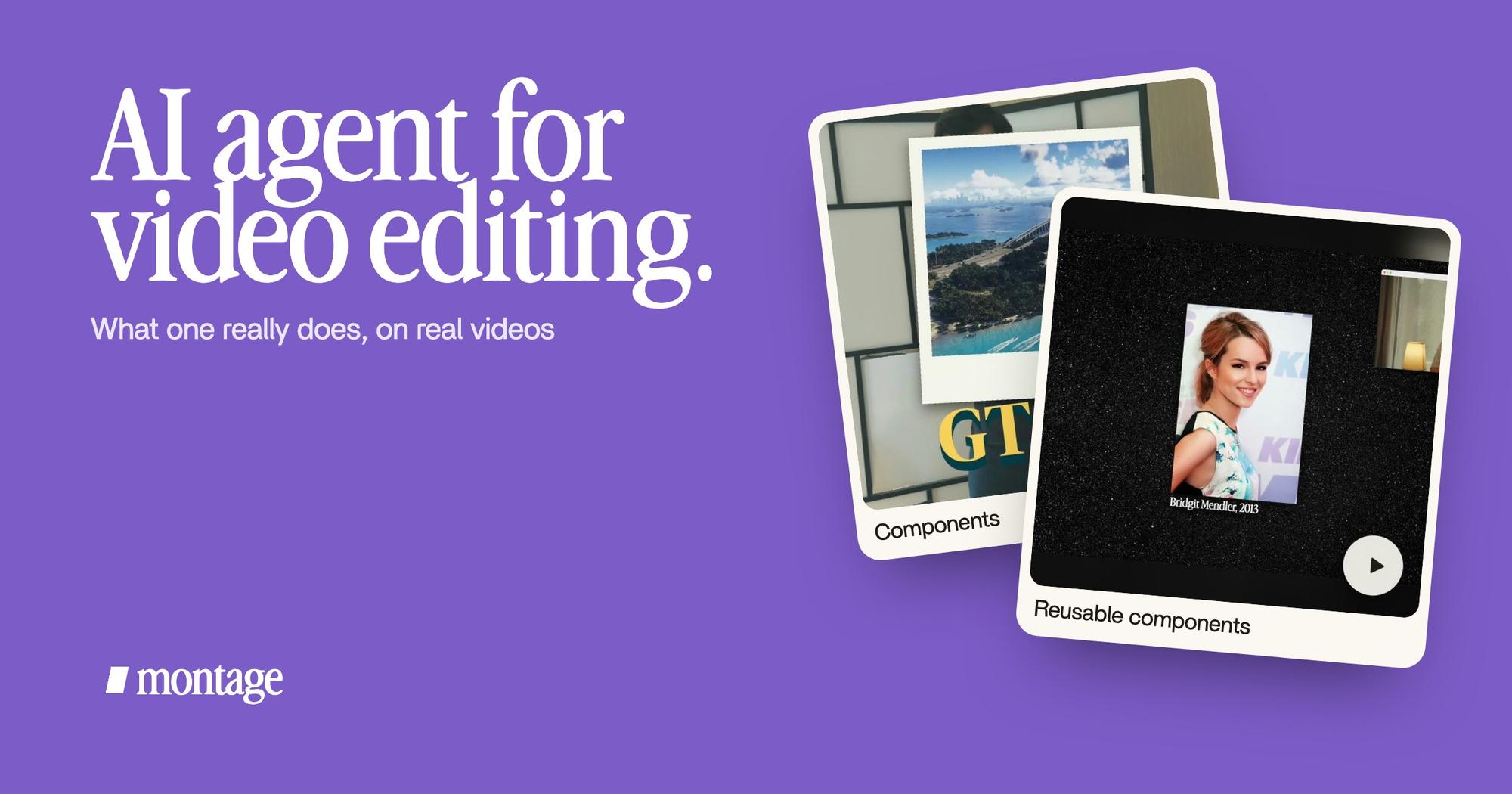
 ComponentsThe Photo drop is a component Montage made from my words: I say GTA VI, it drops in.
 Motion designThe Photo drop itself, exported on its own. Click to watch it: a flash, the shutter, the print falls in and lands tilted.
Montage made that « Photo drop » as a component, from my words. I say GTA VI, it drops in. And the drop itself: a flash, the shutter, then the print falls in and lands tilted. Nobody picked that from a menu. That's motion design asked for in a sentence.
Then it reuses it
From Disney star to space CEO is a 9:18 YouTube film, made from seven takes, 216 cuts. Doing each card by hand there would take forever.
 Reusable componentsOne media card, used 26 times: a picture or a clip, its caption, on the dark page. Click to watch it.
 Sponsor cardA component made for the sponsor: frosted glass, the QR code and the code BLG. Click to watch it.
Montage made one media card, a picture or a clip with its caption, and used it 26 times. And for the sponsor, a component of its own: frosted glass, the QR code and the code BLG. Components and styles stay in the Library for the next video. More on reusable components like the media card.
A tool applies a preset. An agent makes the part it needs.
It looks at the picture, not just the words
Reading the transcript is not enough. An agent that edits has to see what's on screen.
 TrackingLocked on me: Montage tracks me as I walk around the room.
 RotateThe notebook shots were filmed from above, upside down. Montage turned them the right way up.
In How to be creative, Montage tracks me as I walk around the room. And my notebook shots were filmed from above, upside down. It turned them the right way up. You only fix that if you look.
How you correct an AI video agent.
Here's the real test of an agent. Not the first draft. The second one.
Nobody gets a perfect edit on the first try, not even a human editor. So the question is: when something's wrong, how do you say it? With a timeline assistant, you fix it by hand. With an editor you direct, you say it, like you would to an editor sitting next to you.
In Montage, that's the loop:


And if a change isn't what you wanted? Undo takes back Montage's last change. Simple as that.
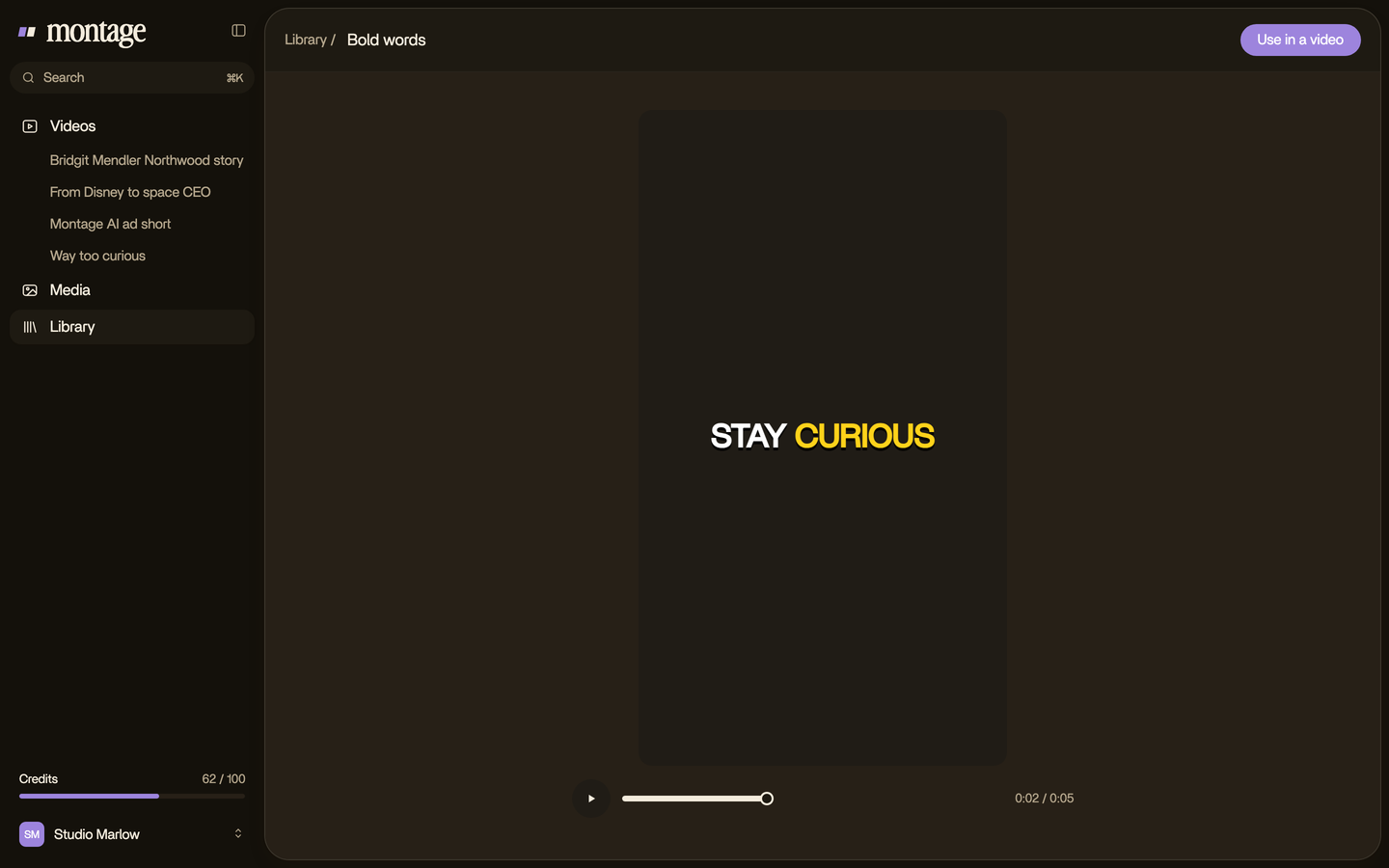
One more way to direct it: on Pro, Max and Ultra, you can use Montage from Claude or any MCP client, with a personal key. Here's how editing from Claude over MCP works. It's one way in, not the only one.
How to choose one.
Let's be clear: the right agent depends on the job.
- You have no footage, and you want a video from words: a generator (Pexo, Genra). Montage doesn't make video from nothing.
- You're an editor, and you finish in Premiere or Resolve: a timeline assistant (invideo, Eddie, ChatCut).
- You film yourself, and you want the finished video without touching a timeline: an editor you direct. That's what an AI video agent you talk to is for.
And if you still don't know what kind of tool you need, start with apps that edit videos automatically, or read about editing a video from a prompt.
AI agent for video editing: your questions.
Can AI agents do video editing?
Yes. An AI agent for video editing takes your footage and what you want, makes the cuts, captions, B-roll, color and
sound, and you correct it by commenting. Some agents only build a first cut on a timeline that you finish yourself.
Which AI agent is best for video editing?
It depends whose footage it is and who finishes the edit. I compared the AI video editors side by
side.
Is there an AI that can make video edits?
Yes. In Way too curious, I asked for a grade, a caption style and a photo that drops in on each thing I love, and
Montage made each one. You can see the four real videos and what was asked for in each.
Can ChatGPT do video editing?
That's its own question, and I answered it here: whether ChatGPT can edit your videos.
Is there an open-source video editing agent?
Yes, for developers. HKUDS's VideoAgent on GitHub is a research framework for understanding, editing and remaking
videos. It's not a product you drop footage into.
Will an AI agent replace video editors?
I don't think it's that simple. I wrote about whether AI will replace editors.
See what an agent did.
Every card in this article comes from a real video, each one asked for in words.
 9:18
 2:07
 0:56
 0:38
That's it. Ask the question, whose footage and who finishes, and the word « agent » gets a lot clearer.
See you in the next one.