Jump cut vs match cut:
what's the difference?
A match cut hides the cut. A jump cut shows it. Here's the difference, the famous examples, and which one a video of you talking actually needs.
 Ben, founder of Montage · · 7 min read
In this post9 parts
- The short answer
- Jump cut vs match cut, side by side
- The match cut: one cut, planned before you press record
- The jump cut: the cut you make hundreds of times
- The middle ground: a jump cut that feels smooth
- So which one does your video need?
- How the jump cuts get made without a timeline
- Jump cut vs match cut: your questions
- See it in real videos
The short answer.
Let's start with the answer.
Jump cut vs match cut comes down to one thing: what the cut does with the change. A jump cut stays inside one shot, takes a piece out, and lets you see the jump forward in time. A match cut joins two different shots through something they share, a shape or a movement, so the change feels smooth.
A match cut hides the cut. A jump cut shows it.
Morphic puts it in one line: « one conceals the cut, the other flaunts it ». If you want the jump cut on its own, from Godard to YouTube, here's what a jump cut is, in full.
So which one do you need? Let me explain.
Jump cut vs match cut, side by side.
Okay. Here are the two, plus the two cuts people mix them up with.
| What it does | Do you see the cut? | Shots | Planned when | Where you see it | |
|---|---|---|---|---|---|
| Jump cut | Takes a piece out of one shot, so time skips forward | Yes, on purpose | One | In the edit | Vlogs, tutorials, talking-head videos, Breathless |
| Match cut | Joins two shots through a shared shape or movement | No, it feels smooth | Two | When you film | 2001: A Space Odyssey, Lawrence of Arabia |
| Hard cut | Goes straight from one shot to the next, nothing in between | Yes, but it's the plain default | Two | In the edit | Almost every scene change |
| Smash cut | Cuts suddenly to something very different | Yes, it's the point | Two | Usually in the script | Comedy, horror, a punchline |
The smash cut has its own page: smash cut vs jump cut.
The match cut: one cut, planned before you press record.
So what does a match cut look like? Here are the two everyone names.
Beverly Boy gives both. In 2001: A Space Odyssey, a bone thrown in the air becomes a space station. In Lawrence of Arabia, a match being blown out becomes the sunrise over the desert. Two shots, millions of years or miles apart, joined by one shape.
Here's the line from that page I think matters most: a match cut has to be designed during production. You don't find one in the edit. The bone and the station have to be framed the same way, moving the same way, before anybody sits down to cut.
You plan a match cut. You make jump cuts by the hundred.
That's why a match cut is rare. It's a nice touch for one moment of a video, not something you'll do every day.
The jump cut: the cut you make hundreds of times.
Now the other one. Beverly Boy points to Godard's Breathless (1960) as the classic example, and calls it the default editing style for vlog and tutorial content. That's the part the film pages skip: if you film yourself, the jump cut isn't a style choice. It's most of your edit.
Let me give you a real number. My film From Disney star to space CEO started as seven takes, 33 minutes filmed on an iPhone. The finished film is 9 minutes and 18 seconds, with 216 cuts. Most of them are jump cuts: a pause taken out, a retake dropped, the best take of each line kept.
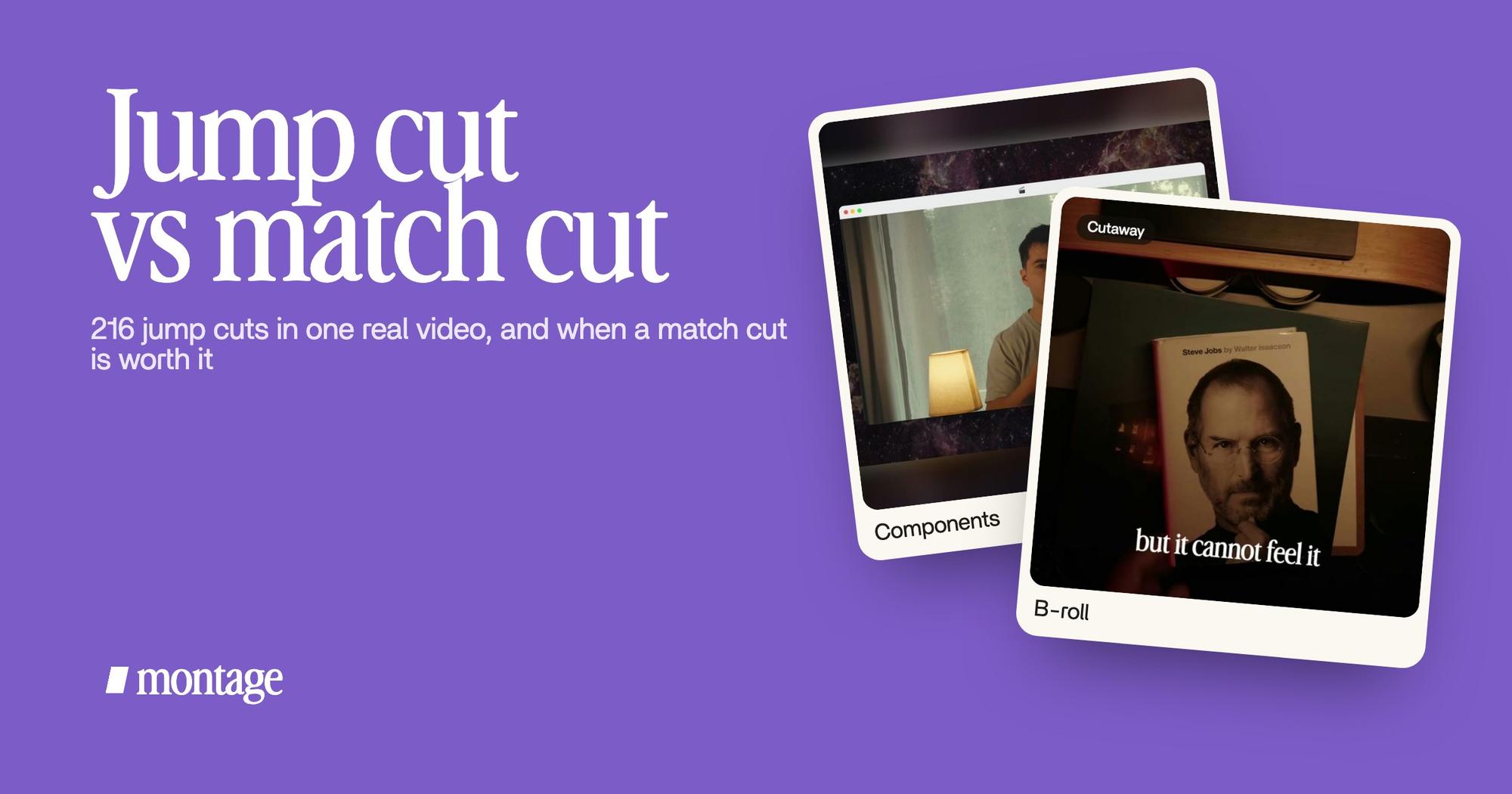
 Components
216 cuts, most of them jumps. And it doesn't look broken. Why? Because of the next part.
You can see the 216-cut film for yourself.
The middle ground: a jump cut that feels smooth.
Here's the thing: the comparison pages treat the two cuts as opposites. In a real edit, there's a lot in between. You can keep the jump cut and borrow a little of what a match cut does: make the change feel smooth. Three ways, each on a real video.
1. A push-in on every shot
Captions suggests zooming in on the second shot, so the jump feels like an instant zoom. In Way too curious it's a push-in on every cut: a slow zoom on each shot, and the jump reads as rhythm, not a mistake.
2. B-roll over the talk
Captions also says to cover jump cuts with B-roll or a cutaway. In How to be creative, while I talk, it cuts to the book, the notebook, the whiteboard. The jump is under the picture. That's B-roll that drops in while you talk, and here's what B-roll footage is and the cutaway shot, in full.
 ZoomsA slow push-in on every shot, and on « everything » and « curious » the picture pulls back on black.
 B-rollWhile I talk, it cuts to the right shot: the book, the notebook, the whiteboard.
3. The same frame around you, on every cut
This is the one I like most. In From Disney star to space CEO, my face cam is a macOS window over the James Webb images, on every one of the 216 cuts. Inside it, the picture jumps. The window stays the same.
Think about what a match cut does: it keeps the composition the same across a cut, so the eye doesn't notice. A frame that stays the same does that too. Once, a match cut. 216 times, a face cam.
One thing that stays the same makes every jump around it feel planned.
So which one does your video need?
In my opinion? For a video of you talking to the camera, the jump cut, every few seconds. That's what talking-head videos are made of. Learn to make it clean: cut between sentences, never mid-word, and use one of the three tricks above.
The match cut? Keep it for one moment you can plan. An object you'll hold up in one shot and show again in the next. A gesture that carries across a scene change. Decide it before you film, or it won't happen.
Sure. And if you're a film student? The film view is right on its own terms: a match cut is continuity, a jump cut breaks it. In a feature film, an unplanned jump cut looks like an error. On YouTube, people expect them.
Truth is, the two cuts aren't rivals. You'll use one by the hundred and the other once in a while.
How the jump cuts get made without a timeline.
In a timeline editor, you find every cut point by hand. In Montage, you say it: « cut the pauses and the retakes, keep the best take ». That's how you take the pauses and the retakes out. Then you watch, and comment on the one cut you don't like, at the moment it happens.


That's not a match cut: a match cut is still planned when you film. It's just how the jump cuts get done.
Jump cut vs match cut: your questions.
What is the difference between a match cut and a jump cut?
A jump cut stays inside one shot and skips forward in time, so you see the jump. A match cut joins two different shots
through a shape or a movement they share, so the change feels smooth. A jump cut is made in the edit. A match cut is
planned when you film.
What is the difference between a hard cut and a jump cut?
A hard cut goes straight from one shot to a different shot, with no transition. A jump cut stays in the same shot and
removes a piece of it, so the picture jumps forward.
Are jump cuts good or bad?
In a film, they break continuity, so they need a reason. In a talking-head video, they're normal. What looks bad is a
messy one: a cut mid-word, or a head jumping around the frame.
What is the difference between a smash cut and a jump cut?
A smash cut goes suddenly to something very different, often for a laugh or a scare. A jump cut stays in the same shot.
More in the smash cut, compared.
What is a match cut vs a smash cut?
A match cut makes the change feel smooth. A smash cut makes it feel sudden. Both join two different shots.
What is a text match cut?
The same idea with words: a word or a line on screen carries from one shot to the next, so the text joins the two.
See it in real videos.
Every jump cut and every trick in this guide is in one of these real videos. Watch them, and look for the jumps.
 9:18
 2:07
 0:56
 0:38
That's it for this one. Film a few takes, and plan one match cut if you've got a moment for it.
See you in the next one.