Jump cut:
what it is and how to use it.
A jump cut is the edit you can see: one shot, a piece taken out, and you jump forward in time. Let me show you how to use one, on a real video with 216 of them.
 Ben, founder of Montage · · 8 min read
In this post9 parts
The short answer.
Let's start with the answer, because that's what you came for.
A jump cut is a cut inside one continuous shot: a piece of the middle is taken out, so the picture jumps forward in time while the camera stays in the same place. You're sitting there, then you're sitting there a second later, a little to the left. That small jump is the cut you can see.
In a movie, that's a choice. It breaks the smooth flow on purpose. In a video of someone talking to a camera, it's pretty much every cut. The pauses and the retakes come out, the best take of each line stays, and you get a jump cut every few seconds.
In a film, a jump cut breaks the rules. On YouTube, it is the rule.
So the real question isn't « should I use jump cuts? ». It's « how do I make mine look on purpose, not sloppy? ». That's what this guide is about. If you're just starting out, the jump cut is also explained in video editing for beginners, with the four other things every edit does.
What a jump cut means, in film.
So what is a jump cut, really? Let me explain, with the film people's words first.
Wikipedia splits it in two:
- The temporal jump cut: one shot, the middle removed. The person is in the same frame, a moment later.
- The spatial jump cut: two shots filmed from almost the same place. The angle barely changes, so the cut looks like a jump instead of a new shot.
Classic film editing avoids both with the 30-degree rule: between two shots of the same subject, move the camera at least 30 degrees, so the cut reads as a new angle, not a mistake. A jump cut is what you get when you don't.
There's a cousin, the axial cut. StudioBinder describes it as a cut along the same line of view: same angle, but the subject suddenly gets bigger or smaller. Keep that one in mind. It's the trick behind the punch-in, further down.
Who popularized the jump cut.
Here's the short history, from those two sources.
- Georges Méliès, a magician, used it at the birth of cinema to make magic happen on screen, in his « trick shots » (StudioBinder).
- The Tempest (1908) and Man With a Movie Camera (1929) already used it (Wikipedia).
- Jean-Luc Godard's Breathless (1960) is the film that popularized it, edited by Cécile Decugis (Wikipedia). The cuts are left jarring on purpose.
- Television took it next: Arthur Schneider, the editor of Laugh-In, won an Emmy in 1968 for his jump-cut editing (Wikipedia).
- Vlogs made it everyday. Wikipedia names the show with zefrank as the one that popularized it there.
From Godard to the person filming themself on a phone. That's the whole road.
Where you'll actually meet jump cuts today.
Now, here's the thing the film pages miss: the jump cut today is mostly the edit of a person talking to a camera. A talking-head video.
Let me give you a real one. My film From Disney star to space CEO started as seven takes, 33 minutes filmed on an iPhone. The finished film is 9 minutes and 18 seconds, with 216 cuts. Most of them are jump cuts: a pause taken out, a retake dropped, the best take of each line kept.
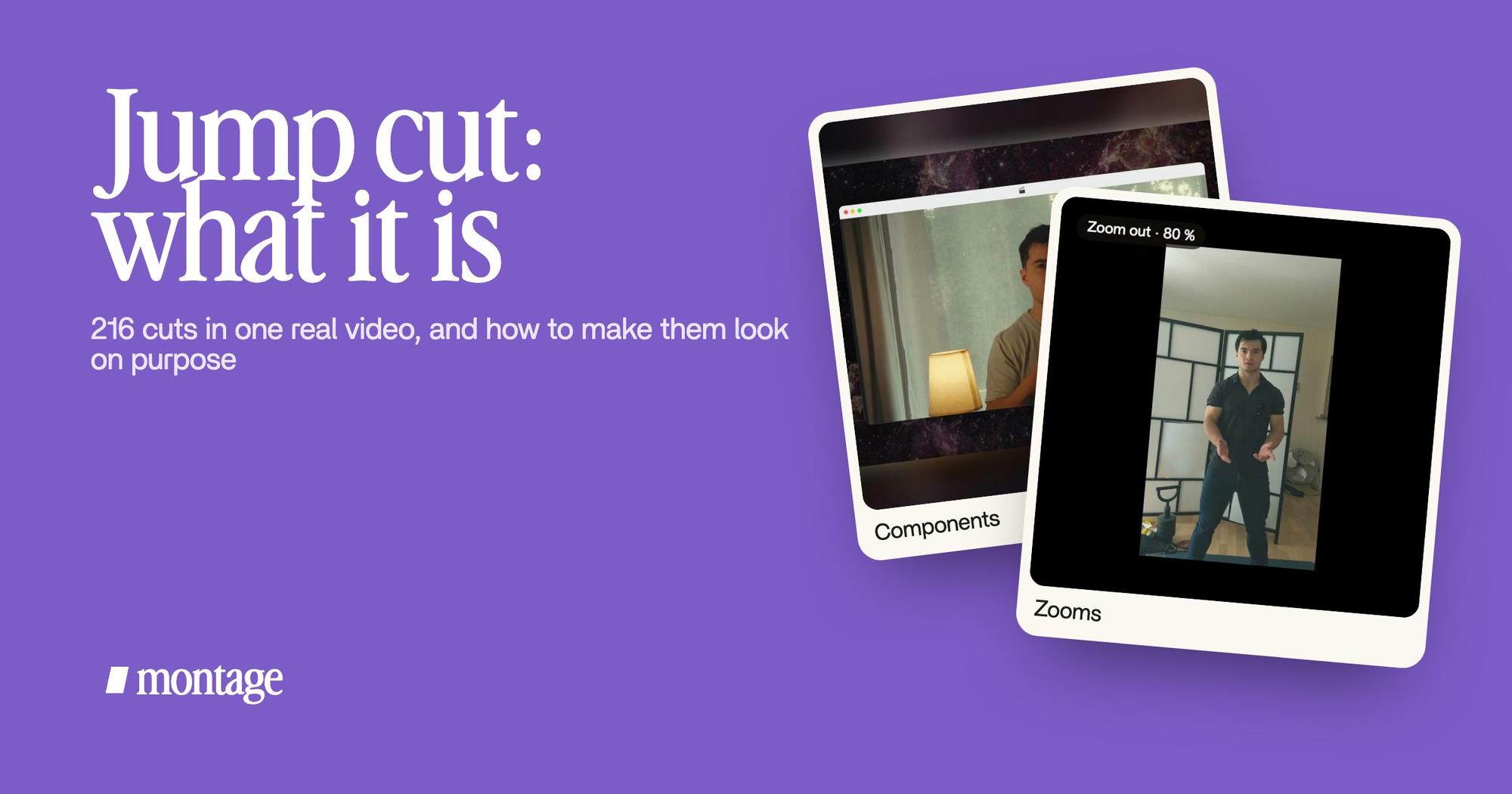
 Components
Do they feel like a lot of jump cuts? I don't think so. Why? Because something holds them together. Here, it's the face cam: a macOS window over the James Webb images, the same on every one of the 216 cuts. You can watch the 216-cut film and count, if you like.
Are jump cuts good or bad?
In my opinion? Good, when they're clean. Let me explain both sides.
In a film, continuity is the default. A jump cut tells you something's off: time passing, a mind falling apart, a rush. Used without a reason, it looks like an error. The film people are right about that.
Sure. But for everybody else? On YouTube, TikTok and Reels, people expect them. They're how a talking-head video stays fast. Leave every pause and every « um » in, and that's when people scroll.
So a jump cut isn't bad. A messy one is: a cut in the middle of a word, a head that jumps to a different place every two seconds, a cut that lands on a blink.
How to edit a jump cut that looks on purpose.
Okay. Here's how I'd do it. First, the cuts themselves. Then, three ways to make them feel intentional, each one on a real video.
Cut the pauses and the retakes
The first pass is always the same: cut the pauses and the retakes, and keep the best take of each line. Cut between sentences, not in the middle of a word. Leave a breath where you need one. That's the jump cut done right. And, to be honest, it's the most boring part of the edit.
1. A zoom on the cut
The axial cut, used on purpose. On the cut, the frame gets a little tighter or a little wider, so the jump looks like a choice. That's a punch-in on the cut.
In Way too curious it's a slow push-in on every shot, and on « everything » and « curious » the picture pulls back on black. You stop seeing the cuts. You see the rhythm.
2. B-roll over the cut
Cover the jump with something else. While you keep talking, the picture cuts to what you're talking about, then comes back to you. The jump is hidden under it. That's a cutaway shot, and it's what B-roll footage is for.
In How to be creative, it cuts to the right shot while I talk: the book, the notebook, the whiteboard.
 ZoomsA slow push-in on every shot, and on « everything » and « curious » the picture pulls back on black.
 B-rollWhile I talk, it cuts to the right shot: the book, the notebook, the whiteboard.
3. The same frame around you, on every cut
This is the one in From Disney star to space CEO. The face cam is a component: the same macOS window, on every one of the 216 cuts. Your head jumps a little inside the window, the window stays the same. The eye follows the window.
One thing that stays the same makes every cut around it look planned.
Doing it without a timeline
In a timeline editor, you hunt for every cut point by hand. 216 of them, in my case.
In Montage, you say it instead: « cut the pauses and the retakes, keep the best take ». Then you watch, and you comment on the one cut you don't like, at the moment it happens: « this one cuts me mid-word ». The same goes for the zooms and the B-roll dropped in while you talk: you ask, you watch, you comment.


That's not a reason to pick a tool. It's just how the cutting gets done. Simple as that.
Jump cut, match cut, smash cut, axial cut.
You'll hear the four together. Here they are side by side.
| What it does | Where you see it | |
|---|---|---|
| Jump cut | Cuts inside one shot, so the picture jumps forward in time | Talking-head videos, vlogs, Breathless |
| Match cut | Joins two different shots through something they share: a shape, a movement, a sound | Film transitions between scenes |
| Smash cut | Cuts suddenly to something very different, often in the middle of a moment | Comedy, horror, a punchline |
| Axial cut | Same angle, but the subject jumps closer or further | The punch-in on a talking-head cut |
The match cut has its own guide: jump cut vs match cut. So does a smash cut, and how it differs from a jump cut.
Jump cut: your questions.
What is a jump cut?
A jump cut is a cut inside one continuous shot. A piece is taken out, so the picture jumps forward in time while the
camera stays in the same place. In talking-head videos, it's how the pauses and retakes come out.
What is the difference between a match cut and a jump cut?
A jump cut stays inside the same shot and shows the jump. A match cut joins two different shots through something they
share, like a shape or a movement, so the change feels smooth.
Who popularized the jump cut?
Jean-Luc Godard, with Breathless in 1960, edited by Cécile Decugis. Georges Méliès used the idea much earlier, and
vlogs made it everyday.
Are jump cuts good or bad?
In a film, they break continuity, so they need a reason. In a video of someone talking, they're normal and people
expect them. What looks bad is a messy one: a cut mid-word, or a head jumping around the frame.
How do I make jump cuts less jarring?
Three ways: a small zoom on the cut, B-roll over it, or the same frame around you on every cut. And cut between
sentences, never in the middle of a word. If the « ums » are the problem, start with removing filler
words.
See it in real videos.
Every cut in this guide is in a real video. Watch them, and look for the jumps.
 9:18
 2:07
 0:56
 0:38
That's it for this one. Now go film a few takes, and cut them.
See you in the next one.