Retention editing:
what it is and how to do it.
Everybody lists the moves. Nobody shows them on a finished video. So let's take one real 56-second short and go through it, move by move.
 Ben, founder of Montage · · 8 min read
In this post9 parts
The short answer.
Ladies and gentlemen, let's start with the answer.
Retention editing is editing a video so people keep watching it to the end. Every cut, zoom, picture and caption is there to stop the viewer from leaving, and anything that doesn't do that job goes.
Here's the thing: retention editing is not just cutting faster. As pixflow.net puts it, it works « not by making videos shorter », but by making every second earn its place. The editing studio Etwell describes it as editing that treats the viewer's attention as the resource to protect.
Every second has to earn its place. Not every second has to move.
This guide is one part of a bigger one: the whole YouTube edit, step by step. Here, we stay on the part that keeps people watching.
Why retention editing matters on YouTube.
So why does everyone talk about it? Because YouTube shows you exactly where people leave.
In YouTube Studio, the audience retention report has a metric called « Intro »: the share of viewers still watching after the first 30 seconds. According to AIR Media-Tech's guide on air.io, which cites that report, a video above 50 % there is flagged as outperforming similar videos.
AIR also ran its own analysis of 100 long-form channels. The top 25 % by average view duration held viewers 20 to 30 % longer, and AIR's guide is built on how those channels cut. That's AIR's data, not mine, but it tells you where to look.
And here's how Etwell tells whether the problem is the edit: people click the video (good click-through rate), then leave early (low view duration). The title did its job. The edit didn't.
Retention editing, shown on a real short.
Okay. Every page about retention editing lists the same moves: zooms, pattern interrupts, B-roll, the highlighted word. In the abstract. So let me show you all of them in one video.
Way too curious is 56 seconds, vertical, filmed on an iPhone. You can watch the 56-second short before you read on. Here's what's in it.
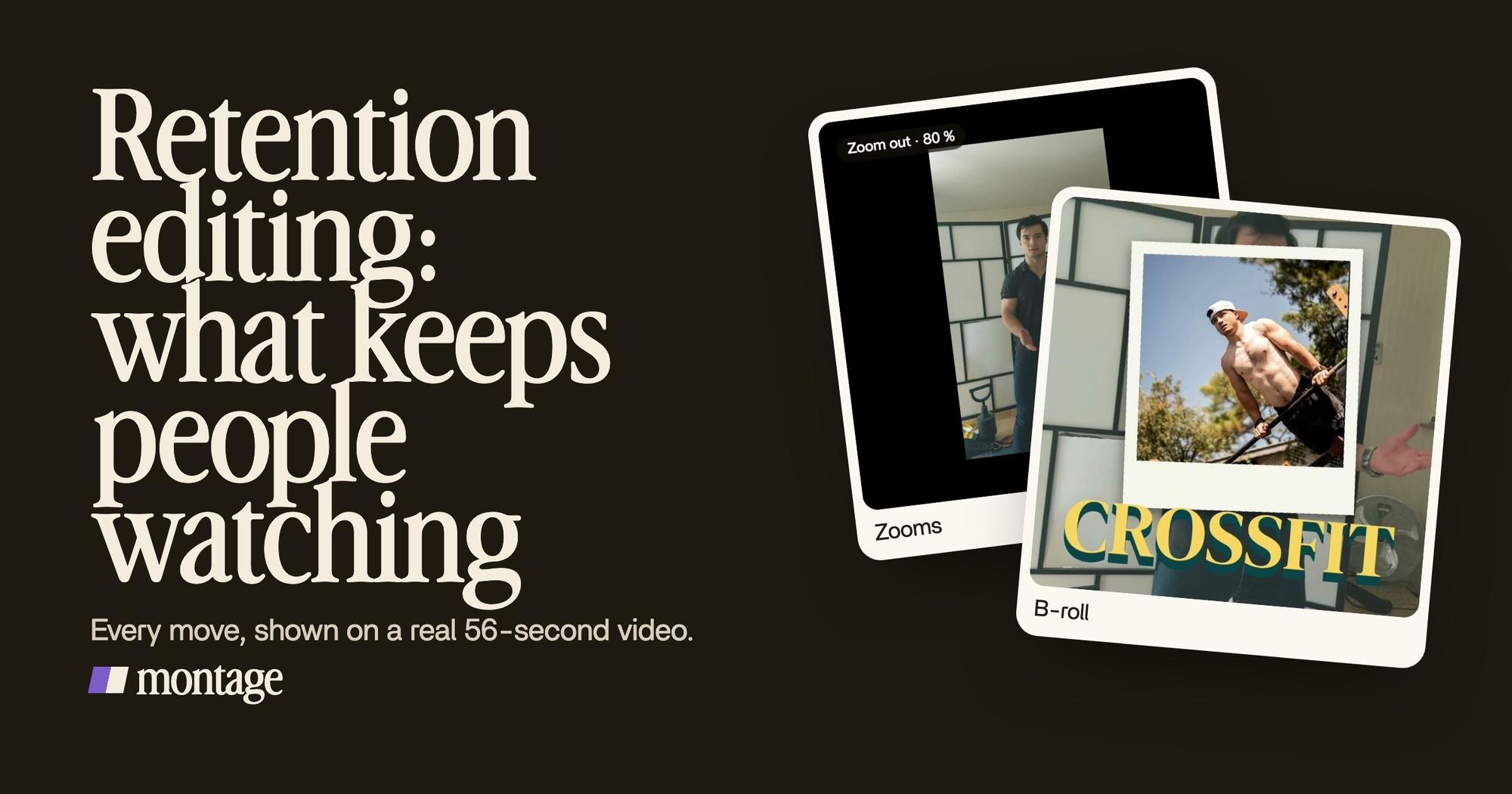
 ZoomsA slow push-in on every shot, and on « everything » and « curious » the picture pulls back on black.
 B-rollI say CrossFit, my photo drops in. One picture for each thing I love.
 CaptionsYellow, uppercase, a blue drop shadow, and the key word drawn bigger.
1. A slow push-in on every shot
Every shot slowly pushes in. You barely notice it, and that's the point: the picture is never fully still, so the eye never settles. Then, on « everything » and on « curious », the picture pulls back on black. That's a reset. Same take, new frame, on the words that matter. More on slow push-ins on every shot.
2. A picture that drops on a word
When I say CrossFit, my photo drops in. When I say GTA VI, same thing. One picture for each thing I love.
That's what editors call a pattern interrupt: something changes on screen, so the brain looks again. In my opinion, the best reset is tied to a word, not a timer. The picture lands when you say the thing, so it feels like part of the sentence, not decoration. Here's how pictures that drop in on your words work.
3. The key word in the captions
The captions are yellow, uppercase, with a blue drop shadow, and the key word is drawn bigger. AIR's list calls it the highlighted word. It gives the eye something to land on, even with the sound off. More on captions with the key word bigger.
4. No dead air, and nothing too dark to watch
Then there's the move every talking-head video needs, short or long: cutting the pauses between lines. Nobody waits through silence. Here's how to cut the dead air between lines.
And Way too curious was filmed too dark. I asked for a grade, no LUT, and the takes were lifted. A picture that's hard to see is one more reason to scroll.
Retention editing on a long video.
Now, a short is 56 seconds. What does it look like for nine minutes? Let me show you.
My film From Disney star to space CEO is 9 minutes and 18 seconds, 16:9, with 216 cuts. Etwell says a pattern interrupt should come « roughly every 20-40 seconds ». Here's how this one keeps changing the picture, start to end.
 B-rollGood Luck Charlie, Ready or Not, Billboard, the TODAY antenna: the face cam moves to the corner while each plays.
 Reusable componentsOne media card, used 26 times: a picture or a clip, its caption, on the dark page. Click to watch it.
- B-roll that moves the face cam. Good Luck Charlie, Ready or Not, Billboard, the TODAY antenna: the face cam moves to the corner while each one plays. The story keeps going, the picture changes.
- One media card, used 26 times. A picture or a clip, its caption, on the dark page. Same design every time, so the viewer knows how to read it.
- A real headline, highlighted while I read it. The words on screen match the words you hear.
Do you see the pattern? It's the same idea as the short: a new picture, tied to what's being said. Just more of it, spread over nine minutes.
Where to put the resets.
So where do they go? Here's how I'd place them, in order.
- In the first 30 seconds. That's the « Intro » metric in your retention report. Open on the point, not on a welcome. More on an intro that holds the first 30 seconds.
- On the words that matter. The thing you name, the number, the punchline. Put the picture, the zoom or the bigger word right there.
- When the same picture has held too long. AIR counts the same visual held too long among the retention killers. If you're bored watching a shot, so is everyone else.
- At each new part. A new idea needs a new frame: a pull-back, a card, a cut to something else. AIR calls these rehooks and puts one about every two minutes on long videos.
A reset with a reason holds people. A reset without one just moves.
The mistake: too much.
Let's be clear: more editing is not better retention. AIR says it plainly, « More editing doesn't equal better retention », and points at channels like Penguinz0 and MKBHD that hold people with very little.
Cuts with no reason, zooms on every sentence, a sound on every word: past a point, it's noise. People feel the edit instead of the video.
So match the audience. A tech review wants a calm picture you can trust. A 56-second short about everything you love can move a lot more. Same rule, different amount.
There's a whole article of more editing tips for YouTube.
How to do it without placing every reset by hand.
Here's the hard part, and nobody writing these guides says it honestly. Retention editing by hand means placing a zoom, a picture or a caption accent dozens of times in one video. That's how long all those resets take by hand, and it's why several of the pages ranking for this word end on « hire us ».
In Montage, the repeated reset is built once.
 ComponentsThe Photo drop is a component Montage made from my words: I say GTA VI, it drops in.
 Motion designThe Photo drop itself, exported on its own. Click to watch it: a flash, the shutter, the print falls in and lands tilted.
The Photo drop in Way too curious is a component Montage made from my words: I say GTA VI, it drops in. A flash, the shutter, the print falls in and lands tilted. Made once, used for each thing I love. The media card in the long video, same idea: once, 26 times.
So the advice that makes retention editing slow by hand (put an interrupt every few seconds) becomes one request.
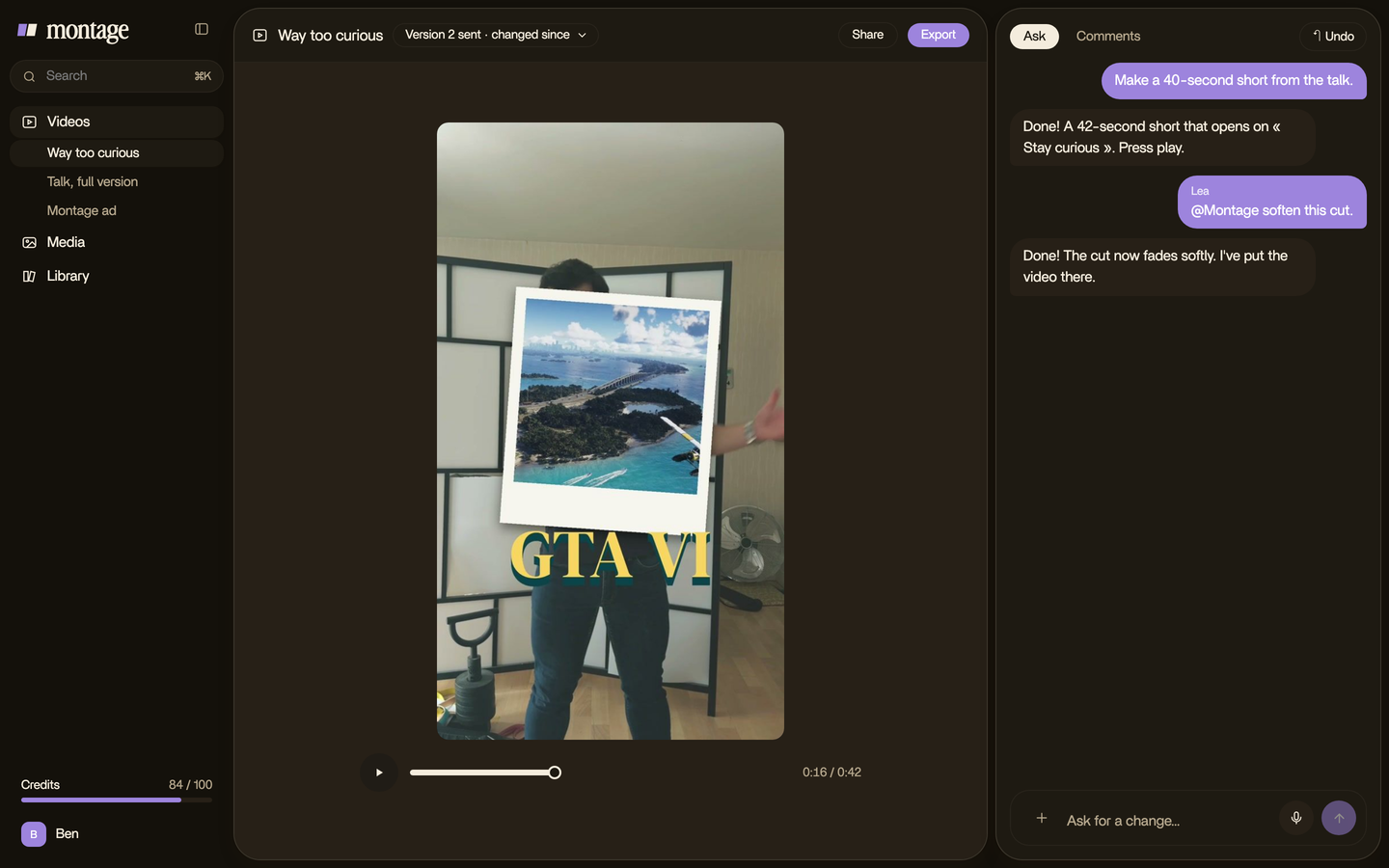
Then you watch it, and you comment where a reset is too much or missing.

Who is this not for? If you love placing every zoom yourself, a timeline is still the place, and there's a list of the software YouTubers edit in. And one more thing, to be honest: I have no retention numbers for these videos. What I can show you is the moves, done on real footage. Simple as that.
Questions about retention editing.
What is retention editing?
Retention editing is editing a video so people watch it to the end. Every cut, zoom, picture and caption is placed to
keep attention, on the words that matter and whenever the picture has held too long.
Is retention editing just fast cuts?
No. Fast cuts are one tool. Retention editing also means zooms, pictures that drop in, captions with the key word bigger,
and cutting dead air. And sometimes it means leaving a shot alone.
Is 70% retention good?
It depends on the video's length: holding 70 % of a 30-second short is not the same as holding 70 % of a 20-minute
video, and AIR's data shows it varies with length. The one benchmark from YouTube's own report: in the « Intro » metric, keeping more than 50 % of viewers after the first 30 seconds is flagged as
outperforming (AIR, citing YouTube Studio).
What is a retention editing example?
Way too curious, a 56-second short: a slow push-in on every shot, a pull-back on black on « everything » and
« curious », a photo dropping in on each thing named, the key word bigger in the captions. You can watch every
video in the showcase.
Do Shorts need retention editing?
Yes, maybe more than long videos. People decide fast whether to swipe. The same moves apply, closer together.
See it in real videos.
The moves in this guide are in real videos, each one asked for in words.
 9:18
 2:07
 0:56
 0:38
That's it for this one. Now go look at your retention graph, and find the second people leave.
See you in the next one.