How to make a YouTube intro:
hook first, logo second.
Most intro makers sell you a logo reveal. But the part that keeps people watching is the opening of your own video. Here's how to make both, with real examples.
 Ben, founder of Montage · · 8 min read
In this post9 parts
- The short answer
- What a YouTube intro is, and the part templates don't make
- How to make a YouTube intro, step by step
- YouTube intro ideas, from real videos
- Template tool, by hand, or by asking
- How long a YouTube intro should be
- The mistakes to avoid
- Questions about how to make a YouTube intro
- See it in real videos
The short answer.
Ladies and gentlemen, let's start with the answer.
How to make a YouTube intro comes down to two parts, in this order. First, the cold open: the first line, the first headline, the first moment of this video, so people know right away what they're about to get. Second, the sting: a few seconds of your channel's look, your name, your colors, the same every time.
Template tools make the second part. Nobody can make the first one for you, because it comes from your own footage. So write the hook first, then add the sting. And keep the sting short.
Nobody subscribes to a logo.
How short? The sources don't agree, and none of them shows data. More on that below. This guide is part of the bigger one on how to edit a YouTube video, if you want the whole picture.
What a YouTube intro is, and the part templates don't make.
So what is a YouTube intro, really? Let me explain.
When most people say « intro », they picture a logo reveal: a stock animation, your channel name dropped in, a whoosh. That's what Canva, Adobe Express, Intro Maker, Renderforest and Powtoon sell. You pick a template, type your name, add your logo, export.
Nothing wrong with that. But here's the thing: a logo reveal is the same on every video. It doesn't tell anyone why this video is worth the next ten minutes. The opening does. A line from the video. A question. A headline on screen. That's the hook, and it's yours.
Descript makes the same point in its guide to 21 YouTube intros: tell people « what they are about to get rather than show a logo animation ». And look at what it describes. Good Mythical Morning says the topic first, then plays its 8-second intro. The channel look comes second.
The hook is yours. The sting can be a template.
If you want to go deeper on the opening itself, here are the kinds of hooks that work, and why editing for retention starts in the very first seconds.
How to make a YouTube intro, step by step.
Here's how I'd do it. Six steps.
- Write the first line before you film. One sentence that says what the video gives. Not « Hey guys, welcome back ». The actual promise.
- Film it last. At the end of the shoot, you know what the video became. Say the line two or three times, so you can keep the best one. Here's how to record the cold open as its own take.
- Pick what's on screen during it. A headline, a number, a picture of the thing you're talking about. Something people can read in a second.
- Make the sting once. Your fonts, colors and logo, a few seconds, nothing more. Describe it in a sentence: what it looks like, how it moves in, how long it stays.
- Keep it, and reuse it. On the next video, the sting is already there. Only the hook changes.
- Watch the first 15 seconds, and comment. Pause where it drags. Point at what's wrong. Then fix it all at once.
In Montage, steps 4 and 5 look like this.

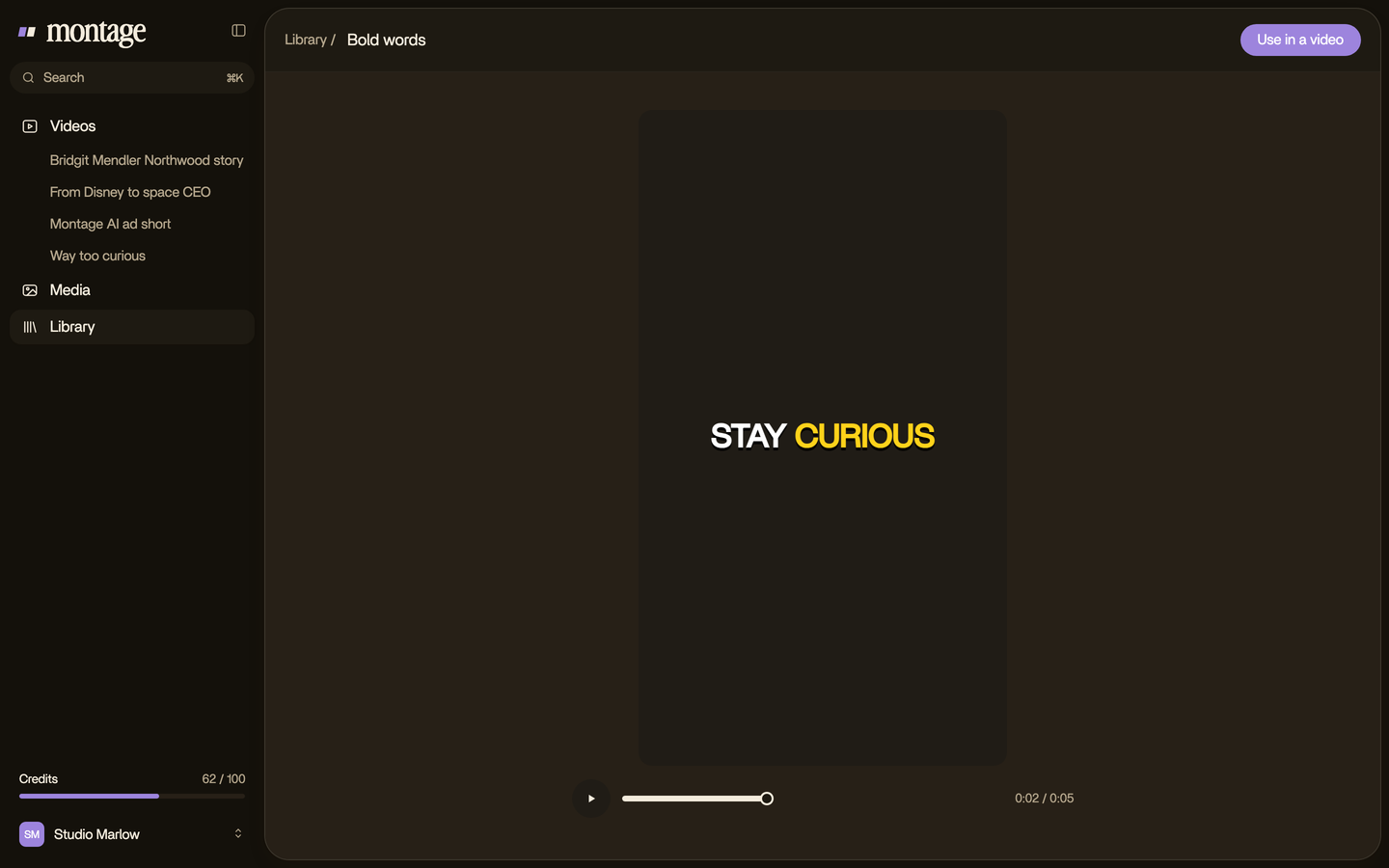
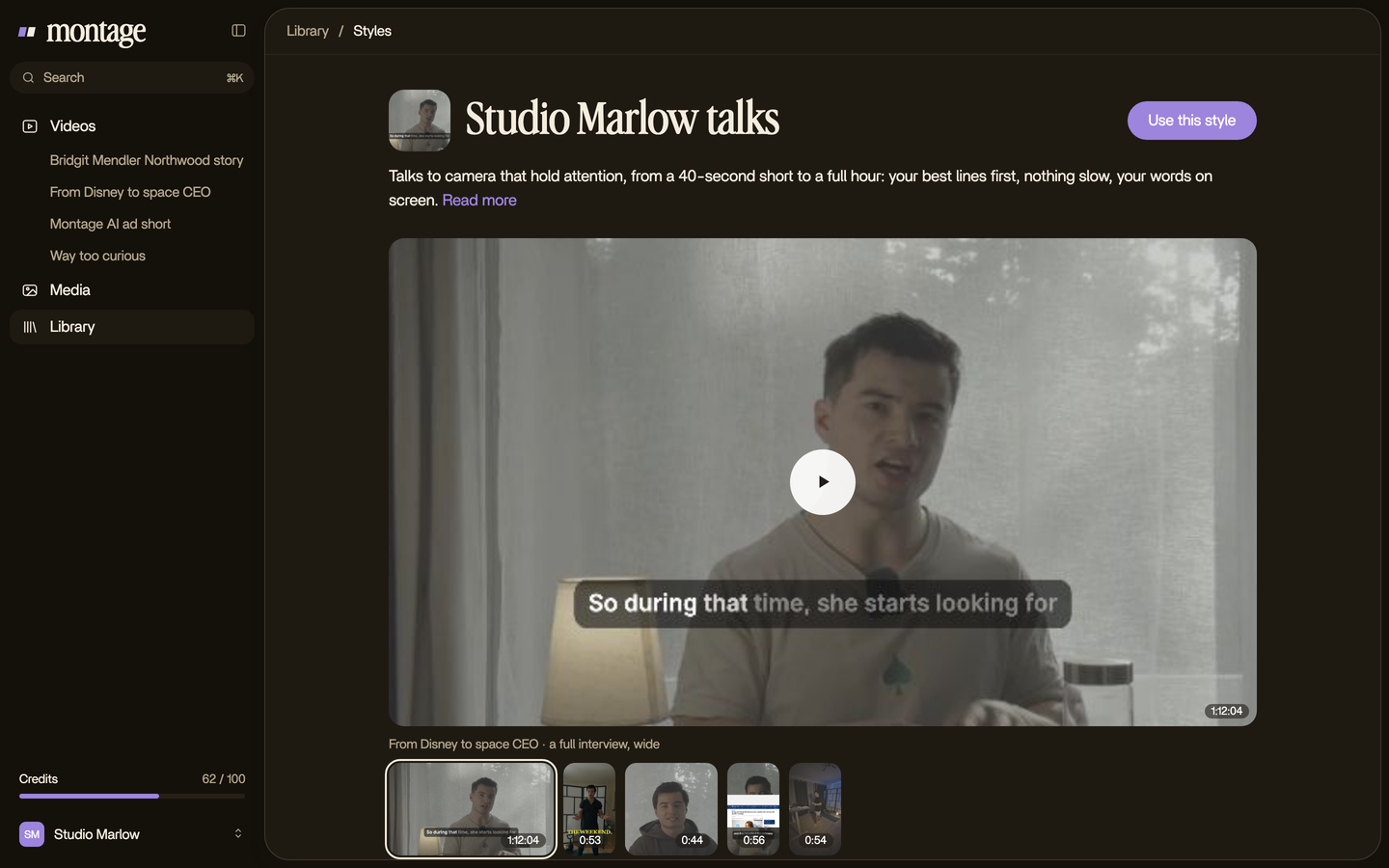
With a timeline editor? Steps 1 to 3 are the same. Steps 4 to 6 become the work you do by hand: animate the title, save it as a preset, drop it in again next time. Same result. More clicks.
YouTube intro ideas, from real videos.
Okay. Ideas are easier to see than to read. These are real parts of real videos, each one asked for in words.
A hook made once, reused
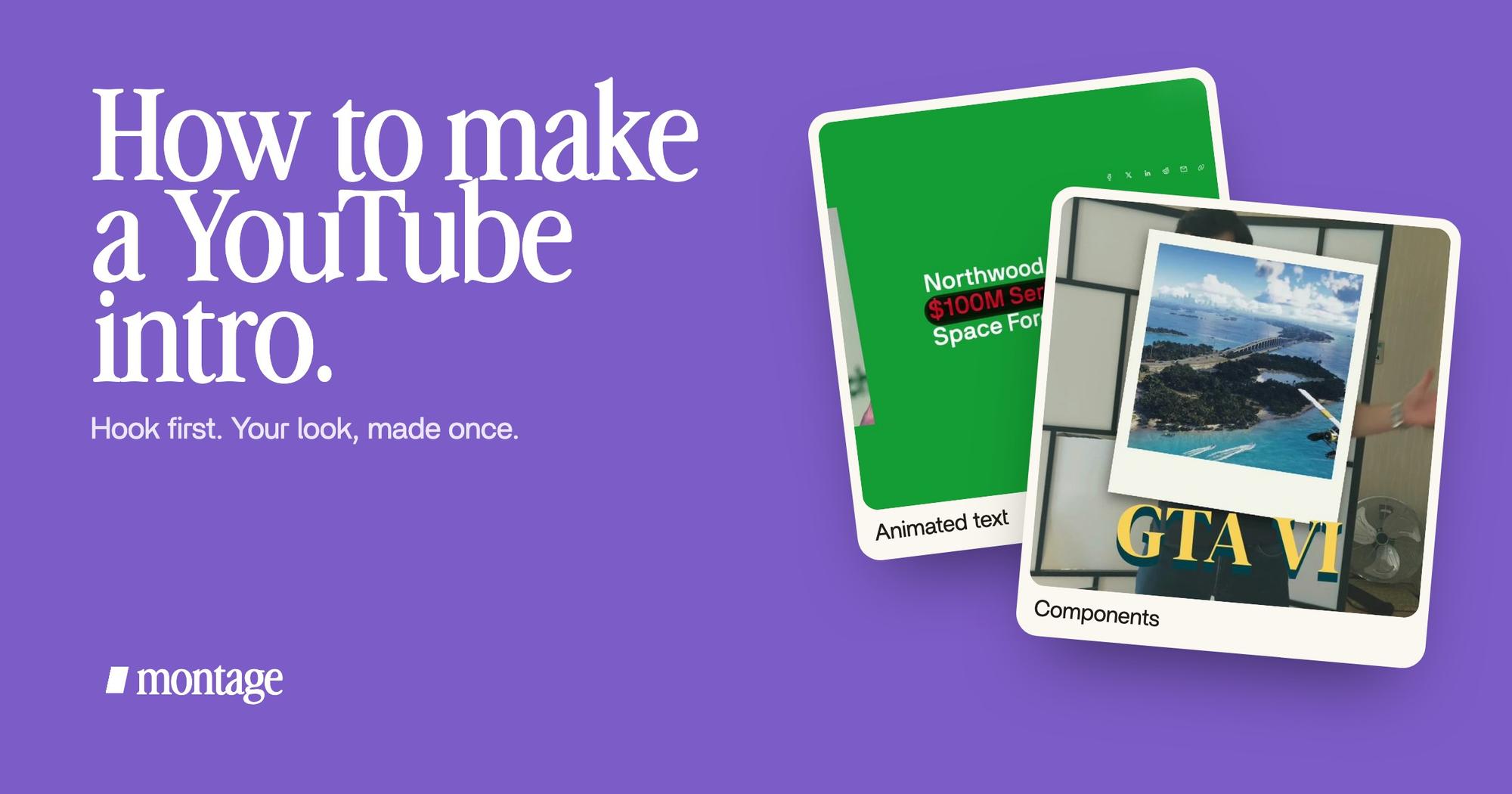
 ComponentsThe hook: a white Instagram reply, made as a component and reused. Click to watch it on its own.
 ComponentsThe Photo drop is a component Montage made from my words: I say GTA VI, it drops in.
The ad Edit it all with AI opens on its hook: a white Instagram reply, made as a component and reused. In Way too curious, the Photo drop is a component Montage made from my words: I say GTA VI, it drops in. That's the idea. You describe the piece once, and it's there for the next video. Here's how to make your intro once and reuse it.
A headline or a number on screen
 Motion designA real headline, highlighted in yellow while I read it. Click to watch it.
 Animated textThe article tilts in and a red marker underlines the number. Click to watch it.
In From Disney star to space CEO, a real headline gets highlighted in yellow while I read it. Another time, the article tilts in and a red marker underlines the number. Either one makes a strong cold open on a story like that: people read the headline, and they want the rest. More on titles and animated text by asking.
A look that carries past the intro
 Components
The same film has my face cam as one component: a macOS window over the James Webb images, on every one of the 216 cuts. Truth is, that's your real channel look. Not the five seconds at the start. The frame people see the whole way through. You can watch the 9-minute film these cards come from.
What big channels do
From Descript's list: SciShow keeps its intro to 3 seconds. Good Mythical Morning says the topic, then its 8-second intro. CinemaSins uses the same template with room for the episode title. The pattern? The part that changes comes first, or sits inside the part that doesn't.
Template tool, by hand, or by asking.
Let's put the three ways side by side.
| A template tool | By hand | By asking | |
|---|---|---|---|
| Examples | Canva, Adobe Express, Intro Maker, Renderforest, Powtoon | After Effects, Premiere Pro, DaVinci Resolve, CapCut | Montage |
| What it makes | The sting: a logo reveal from a template | Anything you can animate | The hook and the sting, from your footage and your words |
| How you make it | Pick a template, type your name, export | Keyframe every move on a timeline | Describe it, watch, comment on the picture |
| Next video | Export it again, or reuse the file | Reuse your preset, rebuild the hook | The component is kept; you change it by asking |
| Best for | A logo reveal tonight | Motion designers, full manual control | Creators who film themselves and want it made from their own video |
| Not for | An opening made from this video | Anyone who doesn't want to learn animation | Anyone who just wants a stock logo reveal |
Sure. If you want a logo reveal tonight, Canva will do it. Intro Maker's own guide says the « traditional » way needs Premiere Pro or Vegas Pro, Photoshop, and After Effects, Blender or Cinema 4D. That's a lot of programs for five seconds.
A few versions people search for, in one line each:
- Free: Renderforest advertises « 500+ free templates », and DaVinci Resolve has a free version.
- On CapCut or DaVinci Resolve: build the title on the timeline, then save it to reuse.
- On Canva: pick a video intro template, change the text and the logo, download it.
- On iPhone or on a phone: CapCut runs on a phone. Montage runs in the browser; the iPhone app is still on its waitlist.
- With an AI intro maker: most of them fill a template. Montage makes it from your own footage instead.
If you're choosing a whole editor, not only an intro tool, here's the software YouTubers edit with.
How long a YouTube intro should be.
Here's what the sources say, side by side.
| Source | What it says |
|---|---|
| Descript | « about five seconds » |
| Renderforest | « around 10 seconds » |
| Intro Maker | « between 5-30 seconds », and for most channels it « should not exceed 10 seconds » |
None of them names a study. So, my opinion? The branded part should be as short as you can make it, and the hook comes before it. If someone has to sit through your logo before they know what the video is about, it's too long. Simple as that.
The mistakes to avoid.
- The long logo reveal before anything happens. People came for the video, not the animation.
- No hook. « Hey guys, welcome back » isn't a reason to stay.
- A sting that doesn't match the channel. A stock template in colors you never use looks borrowed.
- A new intro every time, by hand. Make the sting once. Spend the time on the hook.
Questions about how to make a YouTube intro.
How do I make an intro for YouTube?
Write the first line of the video and film it as its own take. Put a headline or a picture on screen while you say it.
Then add a short sting with your name and your look, made once and reused on every video.
What do YouTubers use to make their intros?
For a logo reveal: template tools like Canva or Renderforest, or After Effects for full control. For the cut itself:
Premiere Pro, DaVinci Resolve or CapCut. With Montage, you describe the intro and it makes it from your own footage.
Can AI make me a YouTube intro?
Yes. Most AI intro makers fill a template with your name and logo. With Montage, you say what the intro should be, it
makes it from your takes, and you comment until it's right. The intro is kept as a component for the next video.
How long should a YouTube intro be?
The sources disagree: Descript says about five seconds, Renderforest around 10, Intro Maker 5 to 30 and usually under
10. None cites a study. Keep the branded part short and put the hook first.
See it in real videos.
Every intro idea in this guide comes from real videos, each part asked for in a sentence. Want more YouTube editing tips? They're in the next guide.
 9:18
 2:07
 0:56
 0:38
That's it for this one. Now go write your first line.
See you in the next one.