What editing software do YouTubers use:
the names, and the jobs.
Most YouTubers edit in DaVinci Resolve or Premiere Pro. But the name of the program is the easy part. Let me show you what it's actually used for, on four real videos.
 Ben, founder of Montage · · 8 min read
In this post8 parts
The short answer.
Ladies and gentlemen, let's start with the answer.
What editing software do YouTubers use? Mostly two programs: DaVinci Resolve and Adobe Premiere Pro. When Storyblocks asked five YouTubers what they edit with, four of them named DaVinci Resolve, and Premiere Pro came second. On a Mac, a lot of creators use Final Cut Pro. For shorts, made on a phone, a lot of them open CapCut.
And the fifth YouTuber in that survey? Jade Beason doesn't use editing software at all. She hired an editor.
That's the part most answers skip. So here's the full picture: YouTubers learn a timeline editor, or they hire someone, or, now, they describe the edit and comment on it. If you want the whole process around it, here's how to edit a YouTube video, step by step.
The software is a name. The edit is the job.
What editing software do YouTubers use, side by side?
Okay. Here are the names you'll hear, in one table. Prices are the ones opus.pro listed in its guide, updated October 2026.
| Known for | Works on | How you pay | |
|---|---|---|---|
| DaVinci Resolve | Color, and a free version that goes very far | Mac, Windows, Linux | Free; the Studio version is $295 once |
| Adobe Premiere Pro | The industry standard for long-form editing | Mac, Windows | A subscription, from $22.99 a month |
| Final Cut Pro | Fast editing on a Mac | Mac only | $299 once |
| CapCut | Shorts, templates and captions, on the phone | Phone, desktop, browser | Free, with a watermark on free exports |
| iMovie | The simplest first edit | Apple devices | Free |
So why do four out of five pick Resolve? Katie Steckly, one of the five, put it simply: the free version has « pretty much all the features » a YouTube video needs. Truth is, free and complete is hard to beat.
Let's be clear: this isn't a ranking. It's what creators say they use. If you want a recommendation, here are our picks for the best editing software for YouTube.
One more thing. If you meant the software YouTubers use to record, that's a different question: here's the software for recording.
What that software actually does on a YouTube video.
Now, here's what nobody tells you. Naming the program doesn't tell you what you'll be doing in it. So let me show you the jobs, on real videos made with Montage, each one asked for in words.
Cutting the takes
My film From Disney star to space CEO started as seven takes, 33 minutes filmed on an iPhone. The finished video is 9 minutes and 18 seconds, with 216 cuts. In Premiere Pro or Resolve, each of those cuts is a decision you make by hand, on the timeline. That's the first job, and the longest. Here's the 9-minute film with 216 cuts.
Fixing flat footage
This is the job DaVinci Resolve is famous for. Footage filmed flat looks grey until it gets a LUT or a grade.
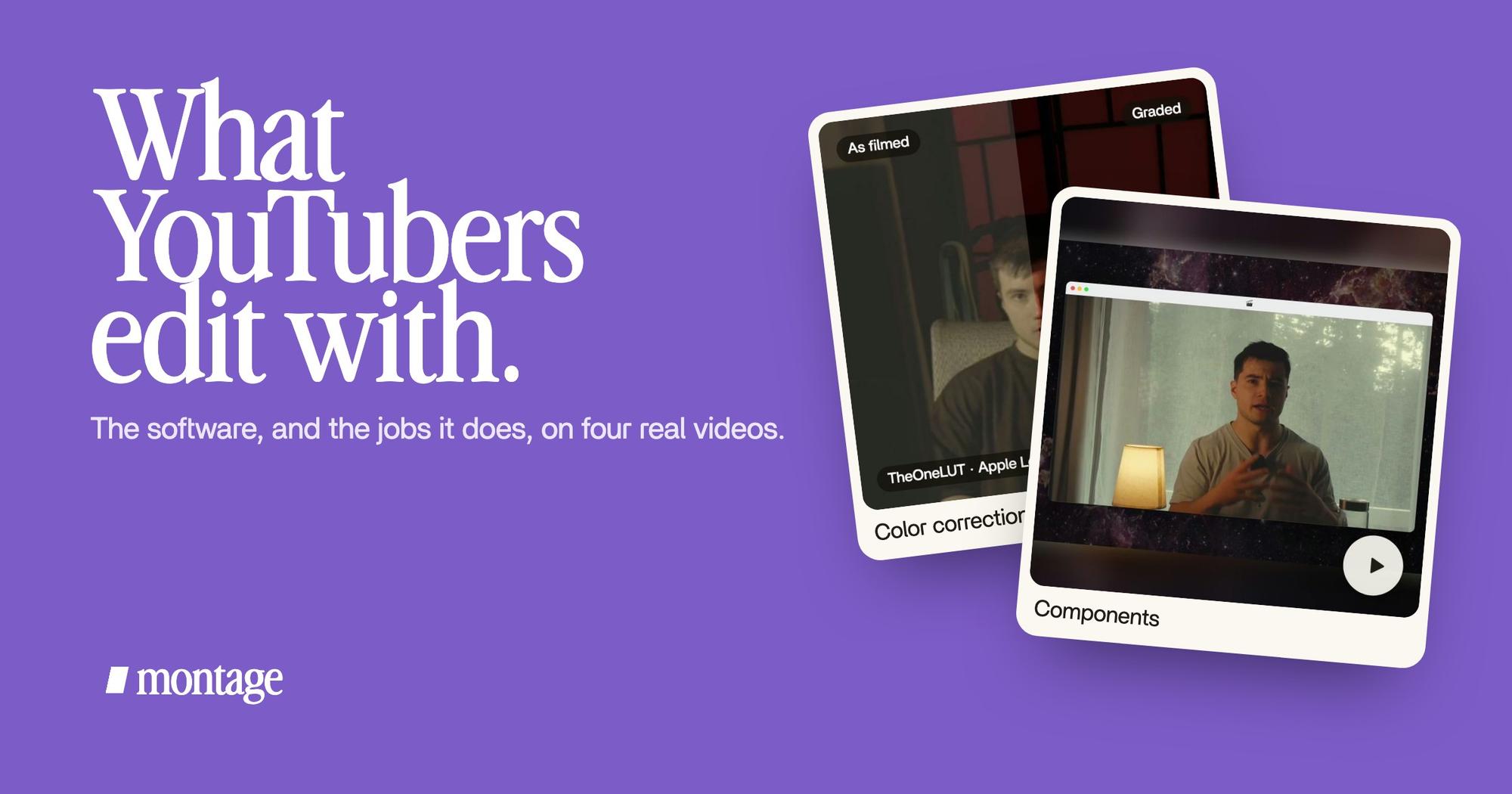
 Color correctionTakes 4 to 7 were filmed flat: the NOMAD LUT on each, the first three left as they were. Same frame, split.
 Color correctionFilmed flat in Apple Log, my LUT on every shot. Same frame, split down the middle.
In From Disney star to space CEO, takes 4 to 7 were filmed flat: the NOMAD LUT went on each of them, and the first three were left as they were. How to be creative was filmed in Apple Log, with my LUT on every shot. More on color grading done by asking.
The YouTube layers: face cam, cards, sponsor
A long YouTube video isn't just cuts. It's layers that come back again and again.
 ComponentsMy face cam is a component: a macOS window over the James Webb images, on every one of the 216 cuts. Click to watch it.
 Reusable componentsOne media card, used 26 times: a picture or a clip, its caption, on the dark page. Click to watch it.
 Sponsor cardA component made for the sponsor: frosted glass, the QR code and the code BLG. Click to watch it.
In the same film, my face cam is one component: a macOS window over the James Webb images, on every one of the 216 cuts. One media card, a picture or a clip with its caption, is used 26 times. And the sponsor gets a card of its own: frosted glass, the QR code and the code BLG. In a timeline editor, that's templates, presets and a lot of copying. In Montage it's a face cam and cards made once, reused.
What about gaming? The ranking guides say a gaming edit mostly needs the same thing: a face cam over the gameplay, and reaction cuts (opus.pro). That's the component above.
Captions for the shorts
This is the job people open CapCut for. On a short, the captions are part of the look.
 CaptionsYellow, uppercase, a blue drop shadow, and the key word drawn bigger.
 Auto captionsEvery line on screen in my own font, timed to my voice.
In Way too curious, I asked for yellow, uppercase, a blue drop shadow, and the key word drawn bigger. In How to be creative, every line is on screen in my own font, timed to my voice.
Every program can do these jobs. The question is who does them: you, or someone else.
The three ways YouTubers edit.
So, once you see the jobs, the real choice isn't between brand names. It's between three ways of getting them done.
1. Learn a timeline editor. Premiere Pro, Resolve, Final Cut Pro, CapCut. You place every clip, every card and every caption yourself. Full control, and every ranking guide warns you about the same thing: a steep learning curve for Premiere Pro and Resolve. You'll also need a laptop that runs Premiere Pro or Resolve well.
2. Hire an editor. That's what Jade Beason does. You film, you send the footage, you get notes back and forth until it's right. You never open the program. Here's what hiring an editor costs.
3. Describe the edit and comment on it. That's what Montage does. You drop in your takes, you say what the video is for, and Montage makes the edit.

Then you watch it, and you comment on the video, at a moment or on a spot of the picture, like you would with an editor sitting next to you. « Fix all », and it's done.

Do you see it? The third way is the second way, without waiting on someone. Here's more on editing YouTube videos by asking.
You don't have to choose.
Here's the thing: it's not either-or.
When you export from Montage, you get the MP4, the sound only, or the cut for Premiere Pro or DaVinci Resolve. So the edit you made by asking can be opened in the same software the big channels use, and finished there by hand.

Start by asking. Finish on the timeline if you want to. Simple as that.
Which one is for you?
Okay. Let me be honest about who each is for.
- You want a job as an editor, or full manual control: learn Premiere Pro or DaVinci Resolve. That's what studios and pro editors use, and there are years of free tutorials for both. Resolve's free version is the place to start.
- You're on a Mac and want speed: Final Cut Pro, paid once.
- You only make shorts, on your phone: CapCut does the job.
- You want videos out, and you'd rather not learn a program: describe the edit and comment on it, in Montage. And if you're looking at CapCut for that, here's a CapCut alternative without the timeline.
- You have the budget and want it off your plate: hire an editor.
Sure. Montage isn't for everybody. If you love building every cut yourself, keep your timeline.
Pick the way you'll actually finish your videos. The name matters less.
Questions about the editing software YouTubers use.
What editing software do YouTubers use?
Mostly DaVinci Resolve and Adobe Premiere Pro. In Storyblocks' survey of five YouTubers, four named Resolve and Premiere
Pro came second. Final Cut Pro is common on Macs, and CapCut for shorts. Some, like Jade Beason, use none: they hire an
editor.
Which editing software is used by YouTubers?
The same few names come back: Premiere Pro, DaVinci Resolve, Final Cut Pro, CapCut and iMovie. Which one depends on the
job: long videos in Premiere Pro or Resolve, shorts often in CapCut, a first edit in iMovie.
Do YouTubers use CapCut?
Yes, a lot of them do, for shorts. It's free, with a watermark on free exports, and it's built for captions and
templates on the phone. For long videos, most move to Resolve or Premiere Pro.
What editing app does MrBeast use?
MrBeast hasn't said so in any source I read for this article. Opus.pro says his team uses Premiere Pro, but that's
opus.pro saying it, not him.
Which is better, Final Cut or Premiere?
It depends on your computer and how you want to pay. Final Cut Pro is Mac only and costs $299 once. Premiere Pro runs on
Mac and Windows and is a subscription, from $22.99 a month (opus.pro, October 2026). If you edit with other people or on
Windows, Premiere Pro. If you're alone on a Mac, Final Cut Pro.
Is there free editing software YouTubers use?
Yes. DaVinci Resolve, the one four of the five creators in Storyblocks' survey named, has a free version. iMovie is
free on Apple devices, and CapCut is free with a watermark on free exports.
See it in real videos.
Every job in this article was done in real videos, each one asked for in a sentence. The four videos in the showcase show what went in and how each one was made.
 9:18
 2:07
 0:56
 0:38
That's it for this one. The name of the program is the easy part. Now go make the video.
See you in the next one.