Text animation for video:
the kinds, with real examples.
Text animation is words that move on screen. In a video someone talks in, the trick is when they move. Let me show you the kinds, with real ones.
 Ben, founder of Montage · · 7 min read
In this post7 parts
The short answer.
Ladies and gentlemen, let's start with the answer.
Text animation is text that moves on screen: words that appear, slide in, get highlighted, grow or get underlined, instead of just sitting there. On a website it plays when the page loads or when you scroll. In a video, it plays while someone is talking.
And that's the part most guides skip. In a video you talk in, a text animation has one job: make the viewer read one thing at the moment you say it. The headline lights up as you read it. The number gets underlined as you say it. The caption appears with your voice.
The word lands when you say it. That's the whole trick.
Now, let me explain the kinds, show you real ones, and tell you how they get made today.
So what is text animation, really?
Here's the thing: text animation isn't one effect. Motion, a code library for animating websites, calls it « a broad family of techniques » in its text animation guide. A few ideas sit under almost all of them.
- Split text: the text is cut into characters, words or lines, and each piece moves on its own (motion.dev).
- Stagger: each piece starts a little after the one before. That delay is what makes the split visible (motion.dev).
- Timing: a typewriter that types at a perfectly even pace looks robotic, because nobody types like that (motion.dev). A natural rhythm reads better.
All of that is written for websites. A video adds one thing on top: a voice. The text doesn't run on its own clock any more. It follows what's being said. If you want to see what that looks like when you just ask for it, here's how Montage animates text you describe.
Text animation effects: the kinds, and when each works.
Okay. Here are the kinds you'll meet, the web ones first, then the ones a video adds.
| Kind | What it does | When it works | Real example or source |
|---|---|---|---|
| Split and stagger | Letters, words or lines come in one after another | A title, a hook, a short line | motion.dev |
| Reveal | The text is uncovered, as if a mask slides off it | A title card, a chapter name | motion.dev |
| Typewriter | Characters appear one by one, like typing | A search, a message, a prompt on screen | motion.dev |
| Scramble | Random characters settle into the real word | A tech or « hacker » look, used once | motion.dev, GSAP |
| Number | A number counts up to its value | A price, a total, a result | motion.dev |
| Highlight as it's read | A line on screen lights up while you read it out | A headline, a quote, a source | From Disney star to space CEO |
| Marker underline | A line is drawn under the word or the number | The one figure you want remembered | From Disney star to space CEO |
| Captions in time | Each line of what you say appears with your voice | Every talking video, especially shorts | How to be creative |
| Key word bigger | One word in the caption is drawn bigger | The word that carries the sentence | Way too curious |
When is it too much? In my opinion, the moment you notice the animation more than the word. A scramble on every line, a bounce on every caption: the viewer watches the effect and stops reading.
One thing to read, at the right moment. Then out of the way.
Text animation examples from real videos.
Enough theory. Here are real ones, from videos I made with Montage.
A headline, highlighted as it's read
In From Disney star to space CEO, my 9-minute founder video, real headlines come up on screen, and the line I'm reading lights up.
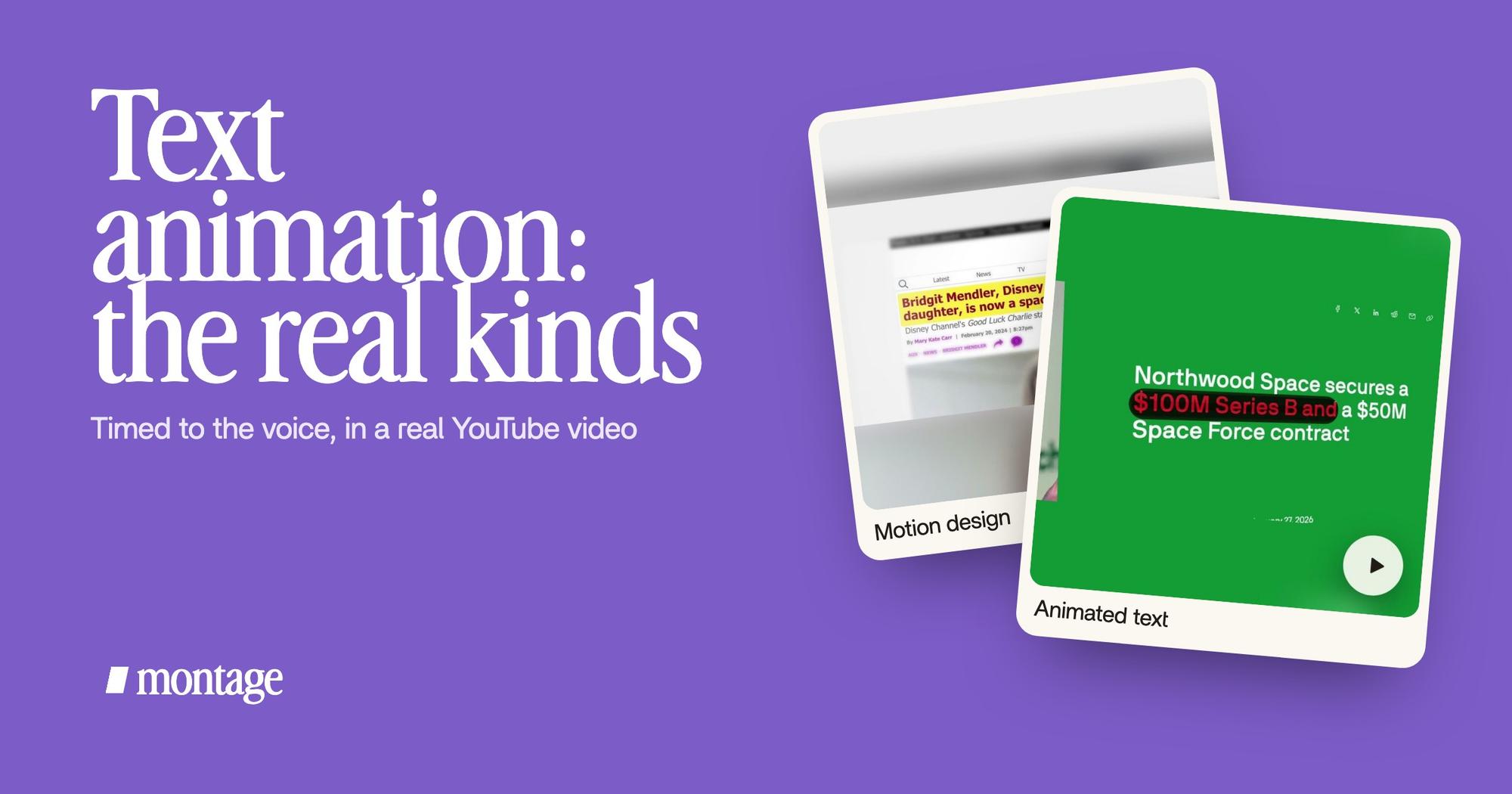
 Motion designA real headline, highlighted in yellow while I read it. Click to watch it.
 Animated textThe article tilts in and a red marker underlines the number. Click to watch it.
On the left: a real headline, highlighted in yellow while I read it. On the right: the article tilts in, and a red marker underlines the number. Do you see what they have in common? Neither one is there for decoration. The highlight follows my voice, and the marker points at the one number that matters. You can watch them in the 9-minute founder video.
When text on screen names a person or a source, it often becomes a lower third instead. Here's what lower thirds are.
Captions are text animation too
So, the text animation you probably already use in shorts? Captions. Each line appears when it's said, and the style is part of the look.
 Auto captionsEvery line on screen in my own font, timed to my voice.
 CaptionsYellow, uppercase, a blue drop shadow, and the key word drawn bigger.
In How to be creative, every line is on screen in my own font, timed to my voice. In Way too curious, I asked for yellow, uppercase, a blue drop shadow, and the key word drawn bigger. Same idea, two looks. More on captions in your fonts and colors.
How text animation is made today: three ways.
Now, how do you actually make one? There are three routes. Let's put them side by side.
| A template | Code | Describing it to an AI editor | |
|---|---|---|---|
| Examples | Jitter, Mixkit's Premiere Pro templates | Motion, GSAP | Montage |
| How it works | You pick a ready-made animation and change the words | You write the animation for a web page | You say what you want on screen, and when |
| Timed to your voice | By hand, on a timeline | No, it's for websites | Yes, you say when, and comment if it's late |
| Best for | People already working in that tool | Web developers | Creators who film themselves |
| Not for | Lines that have to match your speech | Videos | Anyone who wants a downloadable template file |
A few facts on each. Jitter exports its templates as GIF, MP4, MOV, WebM or Lottie, in 480p or 720p on the free plan and 1080p or 4K on Pro (jitter.video). Mixkit lists 26 free Premiere Pro templates for text animation (mixkit.co). Fine if you already edit in Premiere. And if you're animating text on a website, Motion and GSAP are the tools: that's a different job from video.
The third way is how the examples above were made. You describe the animation in words (« highlight the headline while I read it »), Montage puts it on your video, and you watch it.

If one lands late, you pause right there and say so.

And once you like a look, keep your font and colors on every video.
Let's be clear: this doesn't make a video from nothing. It animates text on your video, on the footage you filmed.
Text animation: your questions.
What is text animation?
Text animation is text that moves on screen: it appears, slides, gets highlighted, grows or gets underlined. In a
video, the best ones are timed to what's being said, so the viewer reads one thing at the right moment.
How do you animate text in a video?
Two ways, for a video. Use a template in your editor and adjust its timing by hand on the timeline. Or, with an AI editor like
Montage, say what the text should do and when (« underline the number when I say it »), then comment on what's off.
For the step-by-step version, here's how to add animated text to a video.
How can I animate text writing?
That's the typewriter kind: characters appear one by one. Give it an uneven rhythm, because a perfectly even one looks
robotic (motion.dev). Here's a typewriter effect, step by step.
Can I create an animation from text?
Yes, in the sense that you can describe an animation in words and get it. With Montage you describe it, and it's put on
your own footage. It doesn't make a whole video from a sentence.
Is there free text animation?
Yes. Jitter has free templates (480p or 720p on its free plan), and Mixkit has 26 free text animation templates for
Premiere Pro. For websites, there are code libraries like Motion and GSAP.
Where to go next.
Text animation is one part of motion design. If you want to keep going: video transitions, and motion graphics in a YouTube video.
Truth is, the kind matters less than the moment. Pick one word to land, say it, and let it land.
See you in the next one.