TikTok caption font:
what it is and what to use.
The TikTok caption font is TikTok Sans, and it's free. The real question is whether you should use it. Let me show you, with three real TikTok-size videos.
 Ben, founder of Montage · · 6 min read
In this post7 parts
The short answer.
Ladies and gentlemen, let's start with the answer, because that's what you came for.
The TikTok caption font is TikTok Sans. It's the font of TikTok's auto captions (blitzcutai.com), and TikTok's own GitHub page calls it « the default font used in millions of TikTok videos ». It's free, for anyone, for any video.
One more name you'll hear: when you type text on a video in TikTok, the default style, « Classic », is Proxima Nova (Semibold), according to blitzcutai.com. That one is a paid font.
So that's the answer. Now, here's the thing: knowing the font is the easy part. The harder part is deciding if you want your captions to look like TikTok's at all. That's what the rest of this is about. And if you want the general rules for picking any caption font, start with how to pick a font for captions.
Where to get the TikTok caption font, free.
TikTok put TikTok Sans out for everyone. As blitzcutai.com reports it, that happened in July 2025. You can get it from three places, all official:
- tiktok.com/font, TikTok's own page for the font.
- Google Fonts, where it has its own specimen page, « TikTok Sans ».
- GitHub, in TikTok's repo
tiktok/TikTokSans.
It's released under the SIL Open Font License 1.1 (tiktok.com/font, github.com/tiktok/TikTokSans). In plain words: free to download, free to use in your videos, personal or commercial.
A few facts worth knowing, from TikTok's GitHub README:
- It's a variable font: one file, with weight, width, slant and optical size you can adjust.
- It covers Latin, Greek and Cyrillic.
- It does not cover Arabic, Hebrew, Hindi, Thai, Chinese, Japanese or Korean, even though the TikTok app does.
That last point matters more than it looks. If you caption in one of those languages, TikTok Sans won't draw your words. You'll need another font anyway.
The font is free. The choice is still yours.
TikTok's font or yours?
So should you use TikTok's font? Let me explain.
TikTok Sans was made for the app. That's its strength, and its problem. Your captions look clean, and they look like every caption next to them. Even blitzcutai.com, which lists TikTok Sans among its picks, makes the point: it looks like part of the app, so it's easy to scroll past.
TikTok's font looks like TikTok. Yours looks like you.
In my opinion, your own font wins. Not because TikTok Sans is a bad font. It's a good one. But on a feed where everybody gets the same default, the caption is one of the few things people see before they hear you. It might as well be yours.
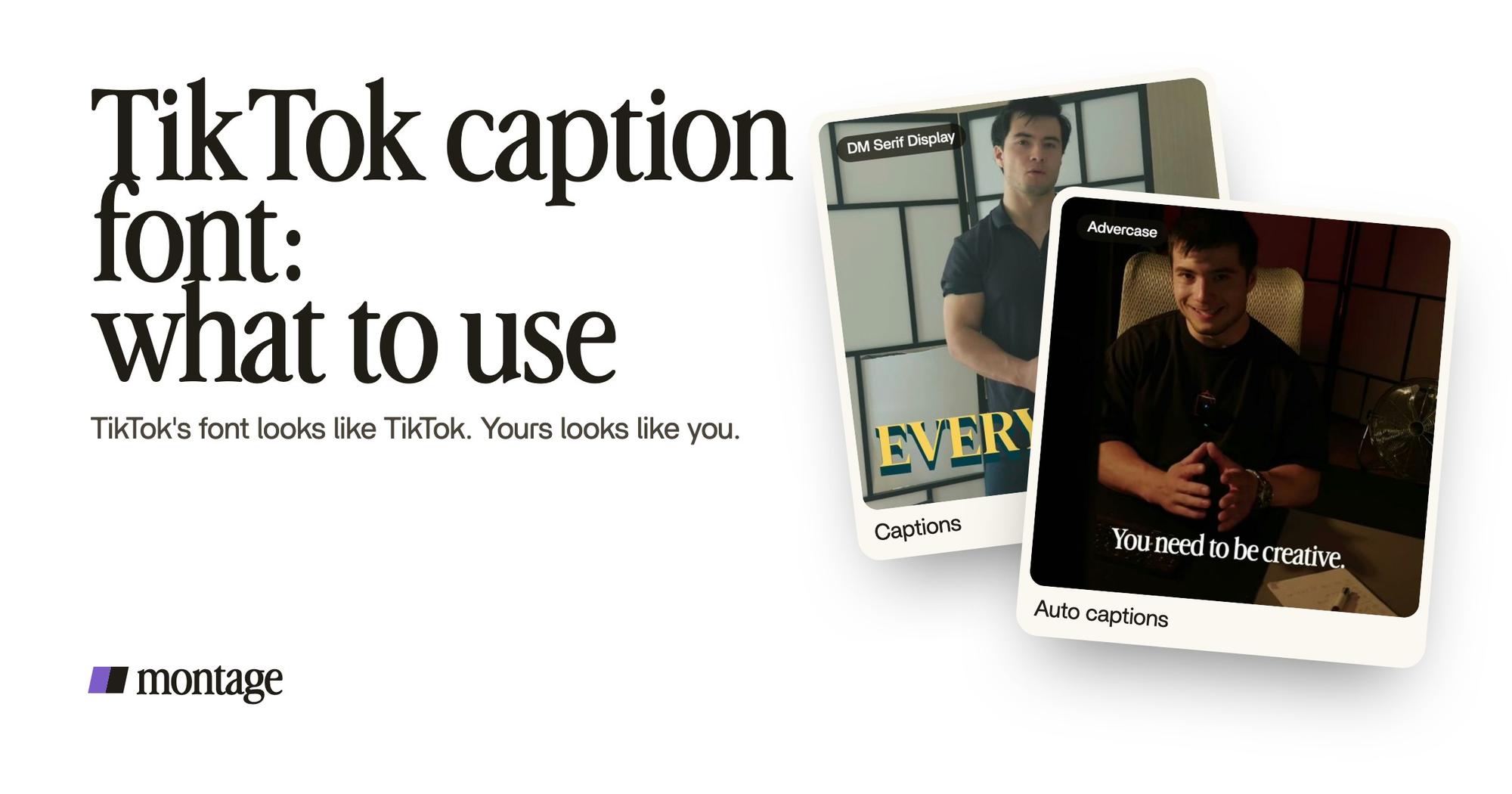
 Auto captions
Here's a real one. How to be creative is a 2-minute-7-second video, 9:16, the TikTok size. Every line on screen is in my own font, timed to my voice. Nothing about it says « default ». That's the whole idea of TikTok captions in your own fonts and colors.
Okay. Let's put the two side by side.
| TikTok Sans | Your own font | |
|---|---|---|
| Cost | Free (OFL 1.1) | Free if it's a free font (Montserrat, Poppins, Inter, Roboto, Anton, Bebas Neue are on Google Fonts); a licence if it's paid, like Proxima Nova |
| How it looks | Like the app | Like you |
| Languages | Latin, Greek, Cyrillic | Whatever that font covers |
| Best for | Captions that blend in with TikTok | Creators who want to be recognised on the first frame |
Sure. If you want your video to feel native, like it was made in the app, TikTok Sans does that perfectly. For everybody else? Pick one font, and keep it.
A caption look, not just a caption font.
Now, the font is only one part of the look. The color, the case, the shadow, one word bigger than the others: that's what people remember. And no font gives you that on its own.
 CaptionsYellow, uppercase, a blue drop shadow, and the key word drawn bigger.
 CaptionsOne line at a time, white on the take, dark on the white stage.
Two real examples, both 9:16:
- Way too curious (56 seconds): yellow, uppercase, a blue drop shadow, and the key word drawn bigger. I asked for it in one sentence.
- Edit it all with AI (38 seconds): one line at a time, white on the take, dark on the white stage. The caption changes color with what's behind it, so it always reads.
Do you see the difference? Neither of those is « a font ». They're a style. If you want more of them, here are the caption styles for video people use the most, and how to get MrBeast-style subtitles.
People don't remember a font. They remember a look.
Your font on every TikTok, without setting it again.
Now, the part that's easy to miss. Picking a font once is easy. Using the same font, the same size, the same color on every video, three times a week? That's where it's easy to give up and go back to the default.
Here's how it works in Montage. You ask for the captions in words: your font, the color, what gets bigger. Montage writes them, timed to your voice.
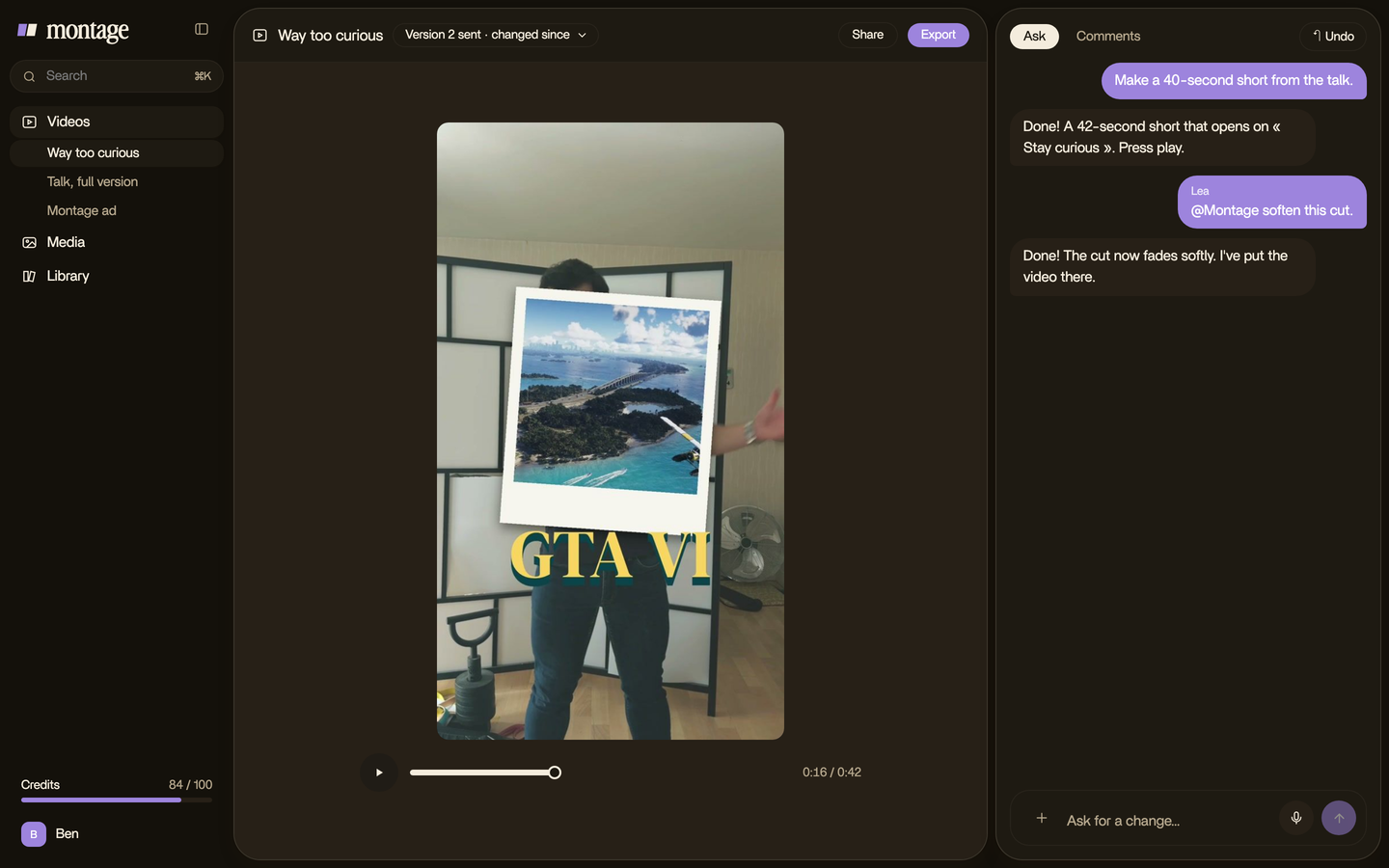
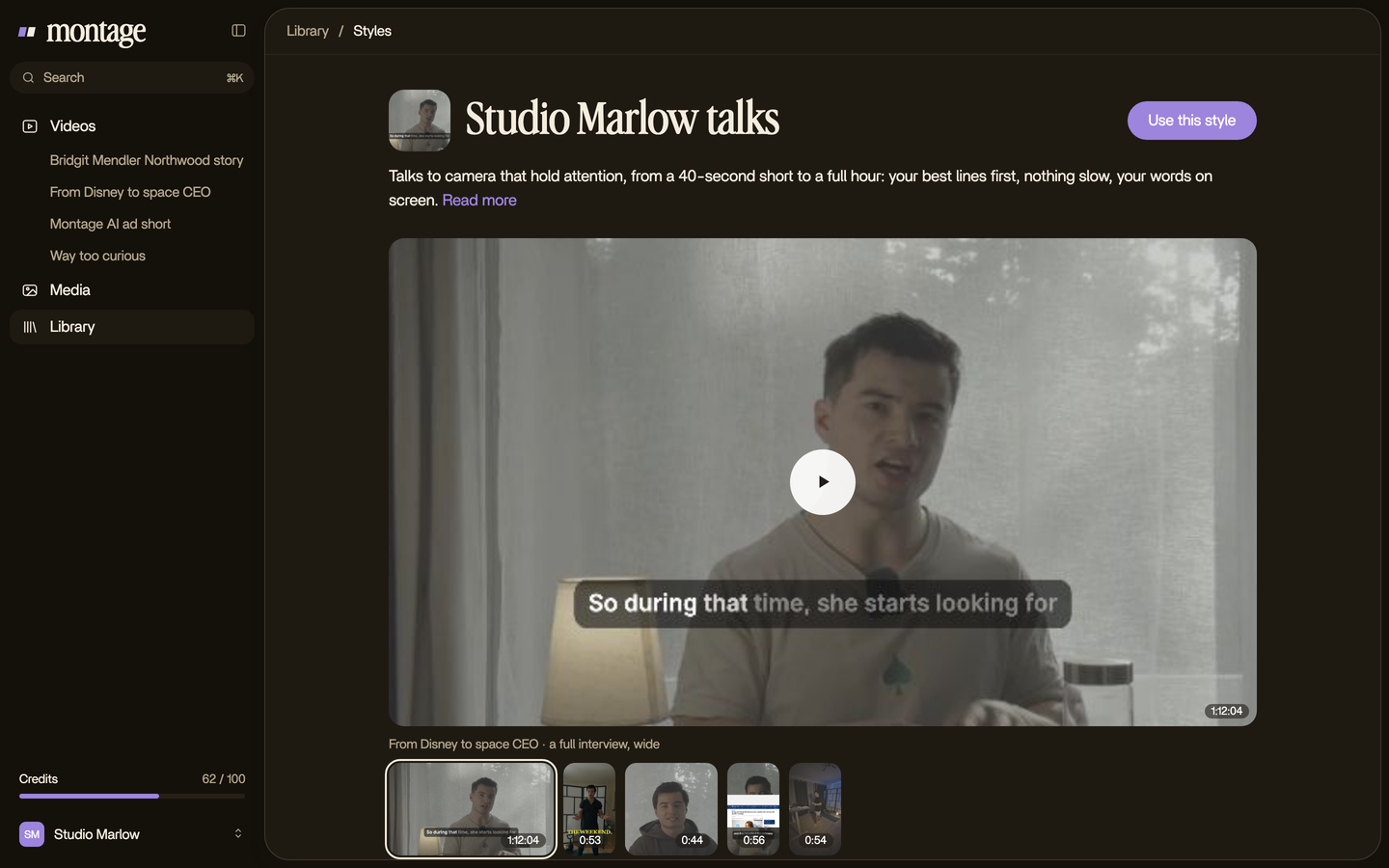
Then the look is kept as a style in the Library. On the next video, you use that style, and the captions come out the same. No settings to find again.
When it's done, the export is an MP4 with the captions burned in, ready to post. You post it yourself. That's an AI TikTok video editor in practice. And if the font is part of a brand, the same goes for your brand's fonts, colors and logo.
Pretty simple, right?
Questions about the TikTok caption font.
What font is TikTok captions?
TikTok Sans, TikTok's own font. According to blitzcutai.com, it's the font of the auto captions, and the default
« Classic » style of the text tool is Proxima Nova.
How do I get the TikTok text font?
Download TikTok Sans from tiktok.com/font, from Google Fonts, or from TikTok's GitHub repo (tiktok/TikTokSans). All
three are official and free.
Is TikTok Sans free to use?
Yes. It's under the SIL Open Font License 1.1, so you can use it in your videos, personal or commercial.
What is the best font for TikTok subtitles?
In my opinion, a bold, simple sans serif, or better, your own font, used on every video. For how to choose one, read
how to pick a font for captions. And if you're starting from zero, here's how to add
captions on TikTok.
What about TikTok font generators?
Those copy-and-paste « fonts » are Unicode characters for a nickname or a bio. lingojam.com says it itself: they're not
actually fonts. A video can't use them for captions.
Does it work the same on Instagram?
The idea does: one font, one look, every video. Here's how to put captions on an Instagram
Reel.
See it in real videos.
Every caption in this article is from a real video, asked for in a sentence. Watch them whole.
 9:18
 2:07
 0:56
 0:38
That's it for this one. Pick your font, and keep it.
See you in the next one.