Video caption styles:
six looks, and when to use each.
Every page on caption styles shows you presets. Let me show you the six looks on real videos instead, and the one sentence that gets each of them on yours.
 Ben, founder of Montage · · 9 min read
In this post9 parts
The short answer.
Let's start with the answer, because that's what you came for.
There are six video caption styles you'll see everywhere: word-by-word, highlighted word, full line, bold statement, branded and emoji. The first two are for short, punchy talking videos. Full line is for anything long or dense. Branded is for when you post a lot and want people to know it's you. Bold statement and emoji are seasoning, not a meal.
That's it. Now, which one fits your video? That's the rest of this article. I'll show three of them on real videos, and give you the sentence you'd say to get each look. That's how captions in your own fonts and colors work in Montage. The font itself is its own topic: here's how to pick a font for captions.
A style isn't a preset. It's a sentence.
What a caption style actually is.
So what makes one style different from another? Let me explain.
A caption style is a handful of settings. Nothing more.
- How many words at a time: one word, a few words, or a whole line.
- The font: its shape and its weight.
- The color, and whether one key word gets its own color or size.
- The outline or the shadow: what keeps the words readable on any picture.
- The place on screen: centred, a little above the bottom, out of the way of the app's buttons.
- How the words come in: they pop, they slide, or they just appear.
Every preset you'll find is one answer to those six questions. Which means you don't need someone's preset list. You need to know your answers.
The six video caption styles, side by side.
The names below come from the pages that rank for this search: increditors.com, a video-editing agency, lists six « style families », and Opus Clip's blog adds « bold statement » and calls word-by-word « karaoke ». I kept their names. Here's each one, the same way.
1. Word-by-word (« karaoke »)
What it looks like: one word, or two or three, on screen at a time, each one lighting up as it's said. When it works: fast talking-head shorts, hooks, anything where the voice has energy. When it doesn't: a dense tutorial. As increditors.com points out, the eye can't keep up when every word flashes and the content is complicated. The sentence: « Captions word by word, three words at a time, the word being said in white, the rest grey. »
2. Highlighted word
What it looks like: a short line of words, with the key word in another color or drawn bigger. When it works: most talking videos, honestly. It keeps the rhythm of word-by-word, but people can still read the line. When it doesn't: when every word is « key ». Then nothing is. The sentence: exactly what I asked for in Way too curious.
 Captions
Yellow, uppercase, a blue drop shadow, and the key word drawn bigger. One sentence. Boom.
Way too curious is a 56-second vertical video, filmed too dark on an iPhone. That's where the shadow earns its place: on a dark picture, the words would sink without it.
Honestly, the highlighted word beats word-by-word for most talking videos.
3. Full line
What it looks like: a whole sentence, or half of one, on screen at a time. Like subtitles, but on purpose. When it works: long videos, tutorials, interviews, ads with a lot to say. When it doesn't: a quick hook. It feels slow. The sentence: « One line at a time, white, and dark when the background is white. »
 Captions
In Edit it all with AI, a 38-second ad, the captions go one line at a time, white on the take and dark on the white stage. Every page on captions tells you to keep enough contrast (WCAG asks for at least 4.5:1 for text, as increditors.com and ptc.com both say). This is what that rule looks like on a real video: the color changes with what's behind the words.
4. Bold statement
What it looks like: one big phrase, heavy and centred, for the line that matters. Opus Clip's blog lists it as its own preset. When it works: the hook, the punchline, the number. When it doesn't: for the whole video. Shouting every line is the same as shouting none. The sentence: « On "this changed everything", make it huge, centred, for two seconds. »
5. Branded
What it looks like: your font, your colors, the same on every video. When it works: when you post often and want people to know it's you before they hear you. When it doesn't: when you haven't picked your look yet. Try a few first. The sentence: « Every line in my font, timed to my voice. »
 Auto captions
That's How to be creative (2:07, vertical): every line on screen in my own font, timed to my voice. A company can do the same thing: PTC's brand guide sets its captions in Open Sans, white on dark grey or black. More on one look for every video.
6. Emoji
What it looks like: an emoji next to the key word, or instead of it. When it works: light, playful content for TikTok and Reels. When it doesn't: a B2B ad, a serious story, a tutorial. Increditors.com says the same. The sentence: « Add one emoji on the key word of each line, never more than one. »
Which caption style for which video?
Okay. Let's put it in one table.
| Your video | The style I'd pick | Why | Not this one |
|---|---|---|---|
| A talking-head short (TikTok, Reels, Shorts) | Highlighted word | Rhythm, and still readable | Full line, it feels slow |
| A fast hook, the first seconds | Word-by-word or bold statement | It grabs the eye | Emoji everywhere |
| A long YouTube video | Full line | People read along for minutes | Word-by-word, it tires the eye |
| A tutorial or a demo | Full line | Dense words need time | Word-by-word |
| An ad | Full line, contrast that changes | Clear on every shot | Emoji on a B2B ad |
| A channel you post on every week | Branded | People know it's you | A new look every time |
So which style should you pick? Here's how I'd do it: start from the table, try it on one video, and change one thing at a time. Not the font, the color and the size all at once.
For the platforms themselves: how to add captions on TikTok, captions on a Reel and captions on a YouTube video. And if you want the MrBeast look, it has its own article: the MrBeast caption look.
Rules that work for every style.
Whatever style you pick, these hold. They come from the pages I read, so I'll say whose they are.
- Keep lines short. Increditors.com advises under about 40 characters a line, and about 35 on vertical video.
- Break lines where you'd breathe. At a natural phrase, not in the middle of one (increditors.com again).
- Mind the buttons. On TikTok, the buttons on the right cover the edge. Keep the captions centred, a little above the bottom.
- Contrast first. 4.5:1 at least between the words and what's behind them. A stroke or a shadow gets you there on any picture.
- One style per video. Changing the look halfway feels like a mistake, not a choice.
Readable first. Pretty second.
Animated captions: when the words move.
Now, what about animated captions? That's the other name people search for.
Animated captions are captions where the words do something: they pop in, bounce, change color as they're said, or get highlighted while you read them. Word-by-word is the simplest animated caption. But the motion can go further.
 Motion design
In From Disney star to space CEO, a real headline is highlighted in yellow while I read it. Same idea as a caption: the words on screen follow the voice. It's just bigger. More on animated text around the words. And if you're on TikTok, here's the font TikTok uses for captions.
How to get a style on your own video.
Here's the part the ranking pages skip. Most of them end on « pick our preset ». You don't have to.
- Drop the footage in. The takes, as they are.
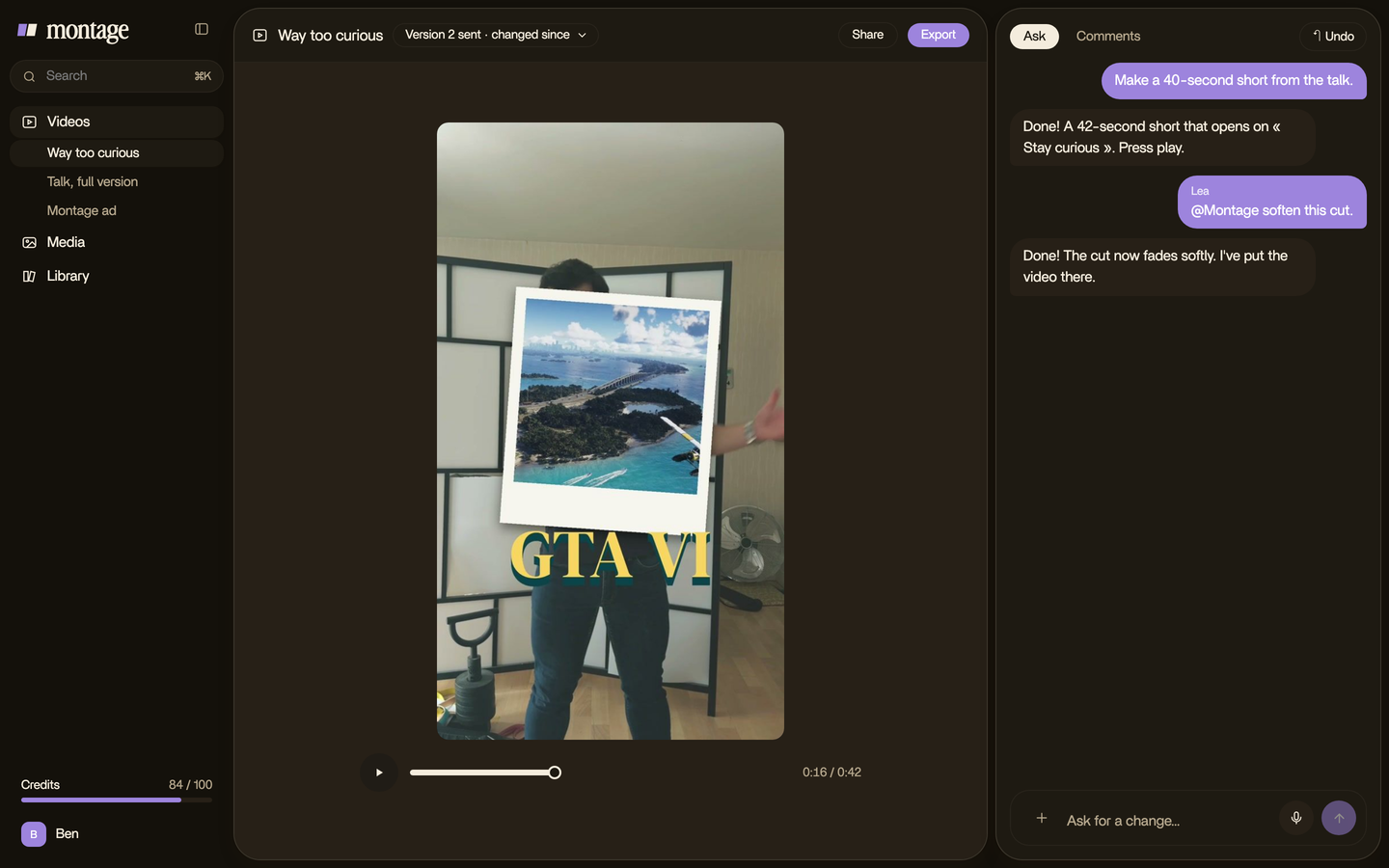
- Say the style in a sentence. Use the six settings above: how many words, the font, the color and the key word, the shadow, the place, how they come in.
- Watch it once. All the way through.
- Comment on the words. Pause where a line is wrong, at that moment or on that spot of the picture: « this word should be yellow », « move these up ». Then « Fix all ».
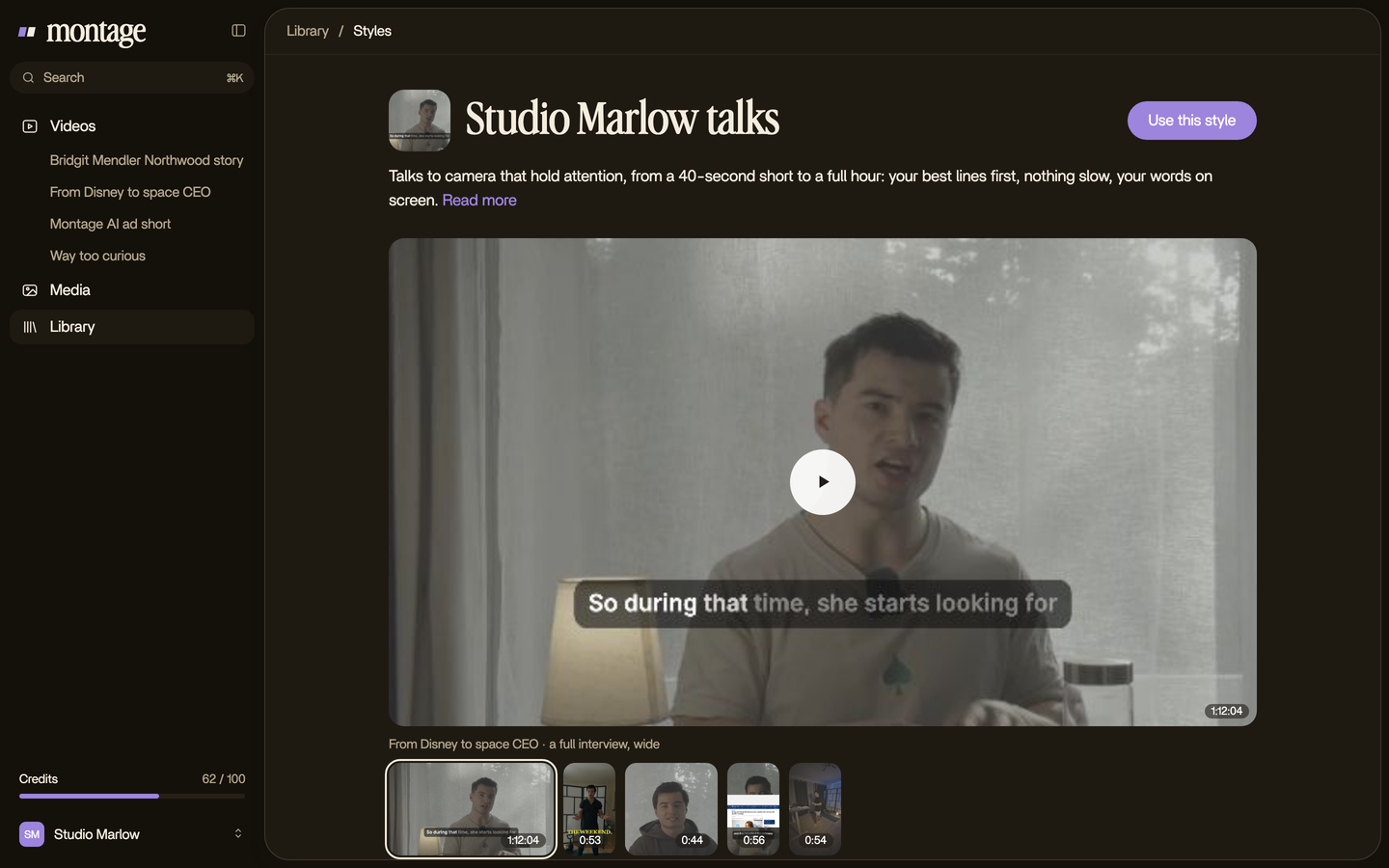
- Keep the look as a style. In Montage, it goes in the Library, so the next video gets the same captions without asking again.
New to editing? Start with editing your first video, then come back here.
Questions about video caption styles.
What are the different styles of video captions?
Six you'll see everywhere: word-by-word, highlighted word, full line, bold statement, branded and emoji. Most talking
videos use one of the first three.
What are animated captions?
Captions where the words move: they pop in, change color as they're said, or get highlighted. Word-by-word is the most
common kind.
What are the 7 types of captions?
To be honest, « 7 » isn't a standard list. The real kinds are open captions (burned into the video, what this article is
about) and closed captions (the viewer turns them on). Closed captions come in formats like pop-on, roll-up and
paint-on, and follow their own rules, as 3playmedia.com explains: dashes or names for who's speaking, italics for a
voice off screen, brackets for sounds and music.
What are good captions for videos?
Short lines, broken where you'd breathe, with strong contrast, one style for the whole video, and out of the way of the
app's buttons. Readable first.
Which caption style is best for YouTube?
For long YouTube videos, full line. Increditors.com says the same: people read along for minutes, so the words need
time. For Shorts, the highlighted word.
Can I get these styles with a CapCut template?
You can make every style here in any editor. This article doesn't cover CapCut's templates: it's about knowing what you
want, so you can ask for it anywhere.
See it in real videos.
The three styles above are on real videos, each one asked for in a sentence. The four videos in the showcase show what went in and how each one was made.
 9:18
 2:07
 0:56
 0:38
That's it for this one. Now go caption something.
See you in the next one.