Vertical video:
what it is, and how to make one.
A vertical video is taller than it is wide, made for a phone held upright. Here's when to choose it, what changes in the edit, and three ways to make one, with four real videos.
 Ben, founder of Montage · · 8 min read
In this post7 parts
What vertical video is.
Let's start with the answer.
A vertical video is a video that's taller than it is wide, made to be watched on a phone held upright. Most of the time its shape is 9:16, usually 1080 × 1920 pixels. It's the shape of TikTok, Instagram Reels, YouTube Shorts and Stories. That's it.
Wikipedia puts it simply: a vertical video is one meant for viewing in portrait mode. And it's not new. According to the same page, Étienne-Jules Marey's Falling Cat was shot vertically in 1894. For a long time, professionals avoided the shape, because players showed it with black bars on both sides. Then phones came along: Mary Meeker's 2015 report found vertical went from 5 % of video viewing in 2010 to 29 % in 2015, and YouTube started showing vertical videos without black bars on desktop in 2018. Today there are even whole vertical series, the micro-dramas of apps like ReelShort and DramaBox.
So if you're here to make one, you're in the right place. And if you want the edits that make a short work, here's how to edit a TikTok, step by step.
Vertical video vs horizontal video: when to use each.
So should everything be vertical now? Not really. Let me explain.
Most pages about vertical video say it wins everywhere. Honestly, it doesn't. It wins where people hold their phone upright. Everywhere else, wide still makes more sense.
| Where it plays | The shape | Why |
|---|---|---|
| TikTok | Vertical, 9:16 | The app is a full-screen phone feed |
| Instagram Reels and Stories | Vertical, 9:16 | Same: full screen, phone upright |
| YouTube Shorts | Vertical (or square) | YouTube's help says Shorts are square or vertical, up to three minutes |
| A YouTube video | Horizontal, 16:9 | Watched on a laptop, a TV, or a phone turned sideways |
| A website or a TV | Horizontal, 16:9 | The screen is wide |
| Both | Both, from one project | Ask for both sizes |
My own showcase shows it. Three of my videos are tall: How to be creative (2:07), Way too curious (0:56) and Edit it all with AI (0:38), all 9:16, made for shorts. One is wide: From Disney star to space CEO, 9 minutes and 18 seconds in 16:9, made for YouTube. Same person, same kind of video, me talking to the camera. Two shapes.
If you want the same video tall for every app, here's how to make the same video tall for Reels, TikTok and Shorts. And if you're not sure your video counts as a short, here's what counts as short-form video.
What changes in the edit when the frame stands up.
Now, here's the thing: none of the pages that rank for this search shows what actually changes in the edit. They give you sizes, and they stop there. But when the frame stands up, the edit changes. Let me show you, part by part, on those four real videos.
The face
Wide, your face doesn't have to fill the frame. In From Disney star to space CEO, my face cam is a window, a macOS window over the James Webb images, on every one of the 216 cuts. And while a clip plays, the face cam moves to the corner.
Tall, the face is the frame. So it has to stay in it. In How to be creative, I walk around the room, and the frame locks on me and follows me. That's a frame that follows you as you move.
 TrackingLocked on me: Montage tracks me as I walk around the room.
 ComponentsMy face cam is a component: a macOS window over the James Webb images, on every one of the 216 cuts. Click to watch it.
The pictures
Wide, a picture can sit next to you. In the Disney film, the guest gets a window of her own over a Mac desktop, while I keep talking.
Tall, there's no room next to you. So the picture takes your place, or drops in over you.
Wide, the picture sits next to you. Tall, it takes your place.
In Edit it all with AI, the site drops in on a white stage while I say « go to this app called Montage ». In Way too curious, I say CrossFit and my photo drops in, one picture for each thing I love. In How to be creative, it cuts to the book, the notebook, the whiteboard while I talk. Here's more on pictures that drop in over you.
 B-rollThe site drops in on a white stage while I say « go to this app called Montage ».
 B-rollI say CrossFit, my photo drops in. One picture for each thing I love.
 B-rollWhile I talk, it cuts to the right shot: the book, the notebook, the whiteboard.
The words
Wide, the words can live on the page. In the Disney film, a real headline gets highlighted in yellow while I read it, and a red marker underlines a number in an article.
Tall, the words go over the take, one line at a time. In Edit it all with AI, it's one line at a time, white on the take, dark on the white stage. In Way too curious, it's yellow, uppercase, a blue drop shadow, and the key word drawn bigger. Pretty simple, right? A tall frame has room for one line. So you give it one line.
 Captions
The movement
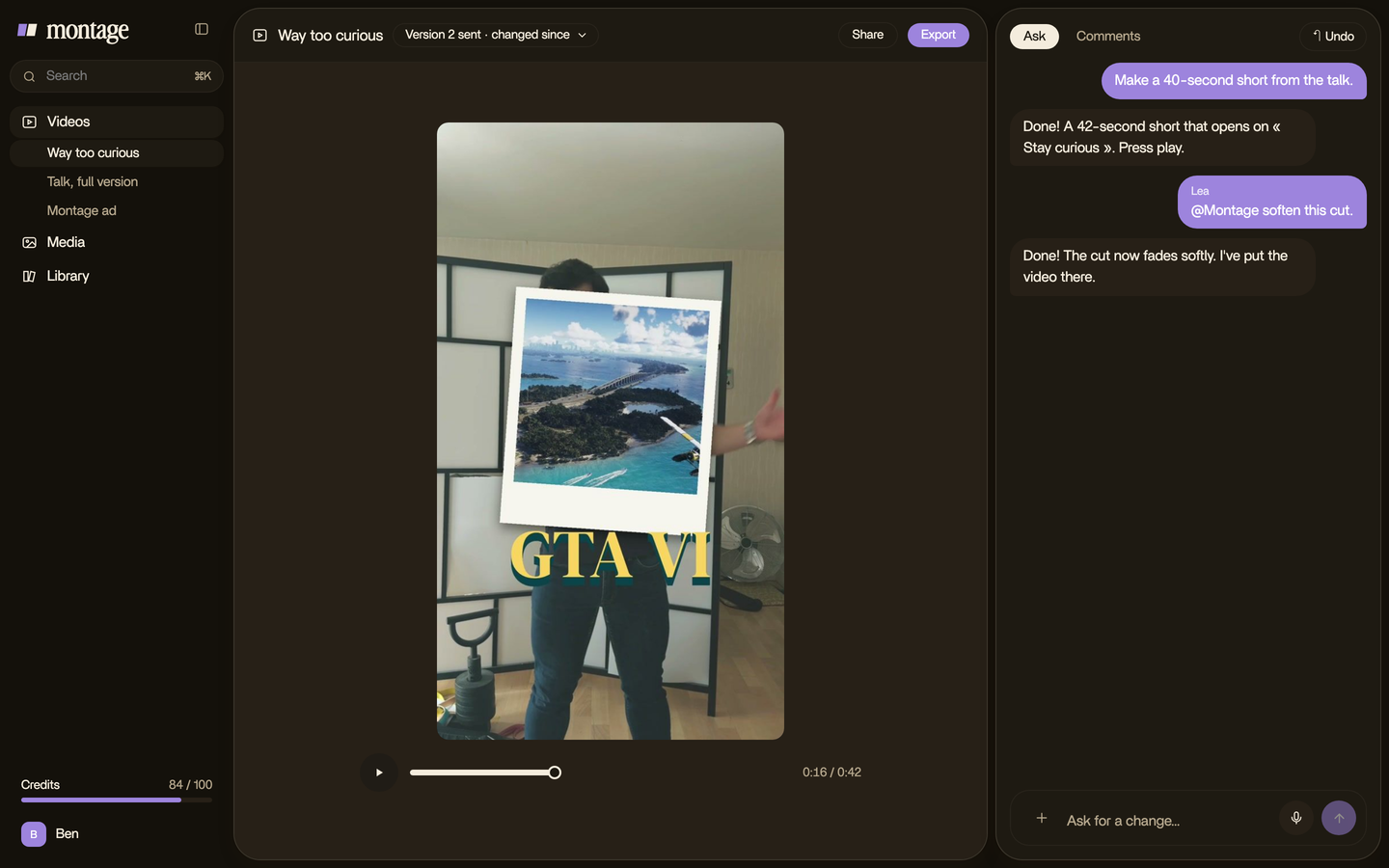
A tall frame shows one person, close. So the picture needs to move a little to stay alive. In Way too curious, there's a slow push-in on every shot, and on « everything » and « curious » the picture pulls back on black.
How to get a video vertical: three ways.
« How to get a video vertical? » is one of the questions Google lists under this search. And there isn't one answer. There are three, depending on what you filmed.
- Film it upright. The simplest one. Phones record 9:16 when you hold them upright, as IdeaRocket's vertical video guide reminds you. If you know the video is for TikTok or Reels, hold the phone that way and you're done.
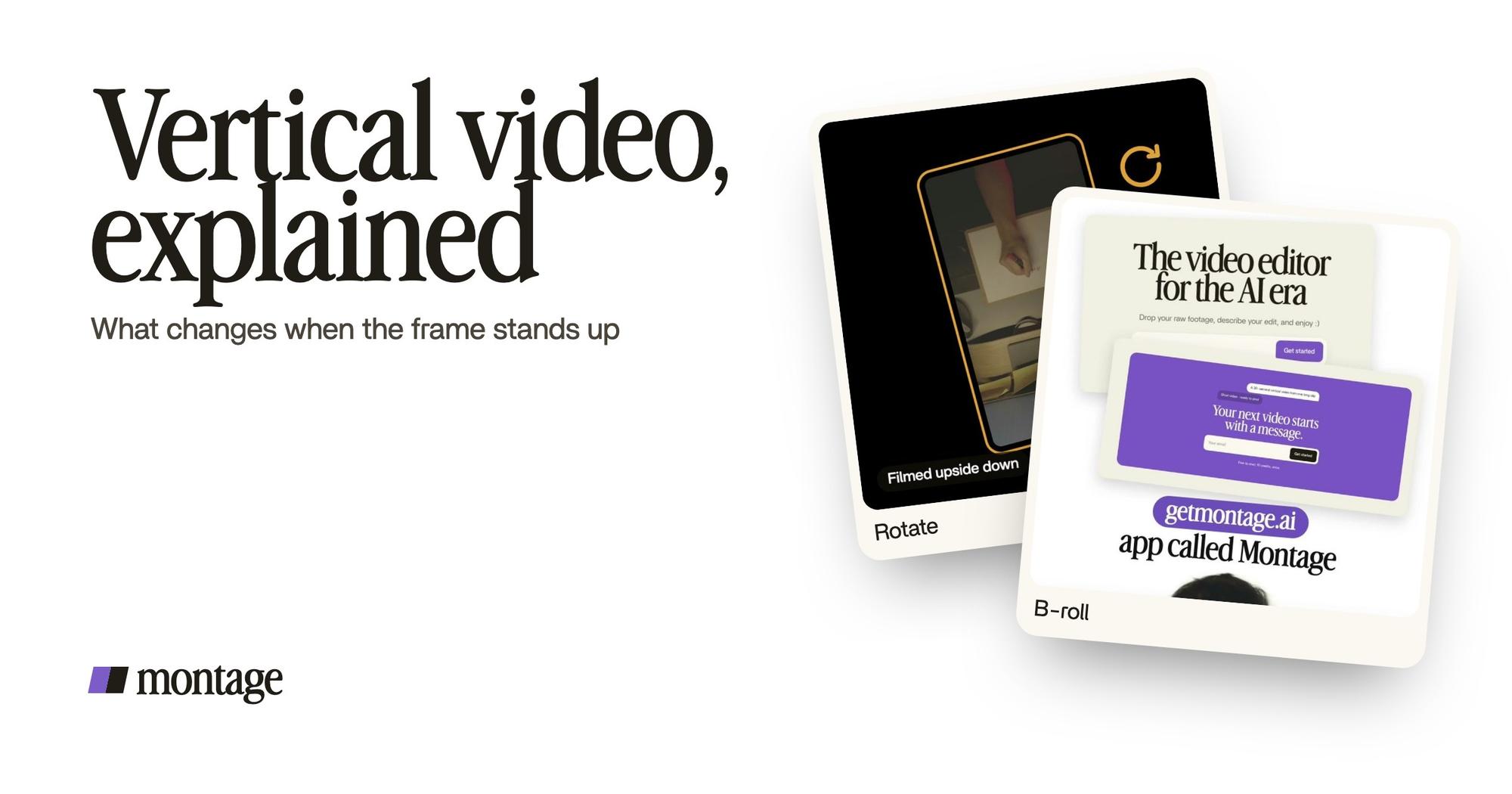
- Turn a shot that came out wrong. It happens. In How to be creative, my notebook shots were filmed from above, upside down. Montage turned them the right way up. Here's how to turn a sideways shot upright.
- Reframe wide material inside a tall frame. A website, a demo, a screen recording, a landscape clip: don't squeeze it, and don't drop it in the middle with black bars. Put it inside the tall frame, on a stage, the way the site drops in on a white stage in Edit it all with AI.
 Rotate
Honestly, black bars are the worst of both worlds. You get a small picture and a lot of empty screen.
Sure. But to be fair, a simple resize tool that crops the centre is fine when the subject stays in the middle the whole time. If you sit still in the centre of a wide shot, a crop works. If you walk around, or there's a screen beside you, it won't.
And if what you have is a long landscape video, here's a whole guide on Shorts cut from a landscape video.
With Montage, you just say it. You drop in your footage, landscape or upright, and ask: « make it 9:16 for TikTok, keep me in the frame ». Or ask for both sizes from the same project.
What size is a vertical video?
The usual shape is 9:16. Firework, IdeaRocket and Studio Pigeon all give the same size: 1080 × 1920 pixels. In 4K, it's 2160 × 3840, which is simply 4K UHD (3840 × 2160) turned upright.
| Width × height | |
|---|---|
| Vertical, Full HD | 1080 × 1920 |
| Vertical, 4K | 2160 × 3840 |
| Horizontal, Full HD (for comparison) | 1920 × 1080 |
Each app has its own details, like where its buttons cover the picture. Here's the TikTok aspect ratio, size by size.
Vertical video examples.
What does a vertical video look like? Here are three, and one wide one next to them, so you can see the difference. All four are mine, all four are in the showcase: three tall and one wide, with what went in and how each one was made.
 9:18
 2:07
 0:56
 0:38
Do you see the difference? Same person, me talking to the camera. The tall ones are close, fast, one line of words at a time. The wide one has room: windows, headlines, a guest beside me.
When you're ready to make yours, here's your first TikTok, from the take to the post.
Questions about vertical video.
What is a vertical video?
A video that's taller than it is wide, made to be watched on a phone held upright. Usually 9:16, 1080 × 1920 pixels. It's
the shape of TikTok, Reels, YouTube Shorts and Stories.
What does a vertical video look like?
It fills a phone screen held upright, with no black bars. The person is close, and pictures and captions sit over the
take instead of beside it. The three tall films in the showcase are real examples.
How do I get a video vertical?
Three ways: film it with the phone held upright; turn a shot that came out sideways or upside down; or reframe wide
footage inside a tall frame instead of adding black bars.
What size is a vertical video?
9:16, which is 1080 × 1920 pixels in Full HD, and 2160 × 3840 in 4K.
Is vertical video better than horizontal?
Not everywhere. Vertical is better on TikTok, Reels, Shorts and Stories, where people hold the phone upright. Horizontal
is still better for a YouTube video, a website or a TV. If you need both, make both from the same project.
How can I watch or download vertical videos for free?
To watch them, the apps themselves: TikTok, Reels and YouTube Shorts. To download free vertical footage, stock sites such
as Pexels have a vertical section.
That's it for this one. Now hold your phone upright and film something.
See you in the next one.