How to edit TikTok videos:
the seven edits that work.
Here's the thing: a good TikTok isn't about knowing where the buttons are. It's about seven edits. Let me show you each one, in a real 56-second short.
 Ben, founder of Montage · · 8 min read
In this post8 parts
The short answer.
Ladies and gentlemen, let's start with the answer, because that's what you came for.
How to edit TikTok videos comes down to seven edits. A hook in the first seconds. Cut the pauses. Add captions. Show what you're talking about. Keep the picture moving. Fix the color. Get the sound right. That's it. Every good TikTok does those seven, whatever app made it.
Now, there are three ways to make them. TikTok's own editor, right in the app. CapCut, a free timeline editor. Or an AI editor: you describe the edit, watch what it makes, and comment on what's wrong. That's how an AI TikTok video editor like Montage works.
Which one? In my opinion, a dance or a trend built on a sound belongs in TikTok's app. For a video of you talking to the camera, the seven edits are the work, and that's where the tool matters.
Why the buttons matter less than the edits.
Most guides on this are a tour of buttons. Where « Split » is. Where « Captions » is. Which menu hides the filters.
Sure. That helps the first time. But the buttons move with every app update, and knowing where they are doesn't make the video good. What makes it good is the decisions: what to cut, what to show, what to write on screen.
The buttons change. The edits don't.
So let's go through the seven edits, one by one, with a real TikTok.
The seven edits every TikTok needs.
The TikTok is Way too curious: 56 seconds, 9:16, filmed on an iPhone. I'll also use two other shorts from the showcase, How to be creative (2:07) and Edit it all with AI (0:38), where they show an edit better.
1. A hook in the first seconds
The first seconds decide if people stay or scroll. So the video has to open on something: a question, a strong line, a picture that makes you look twice.
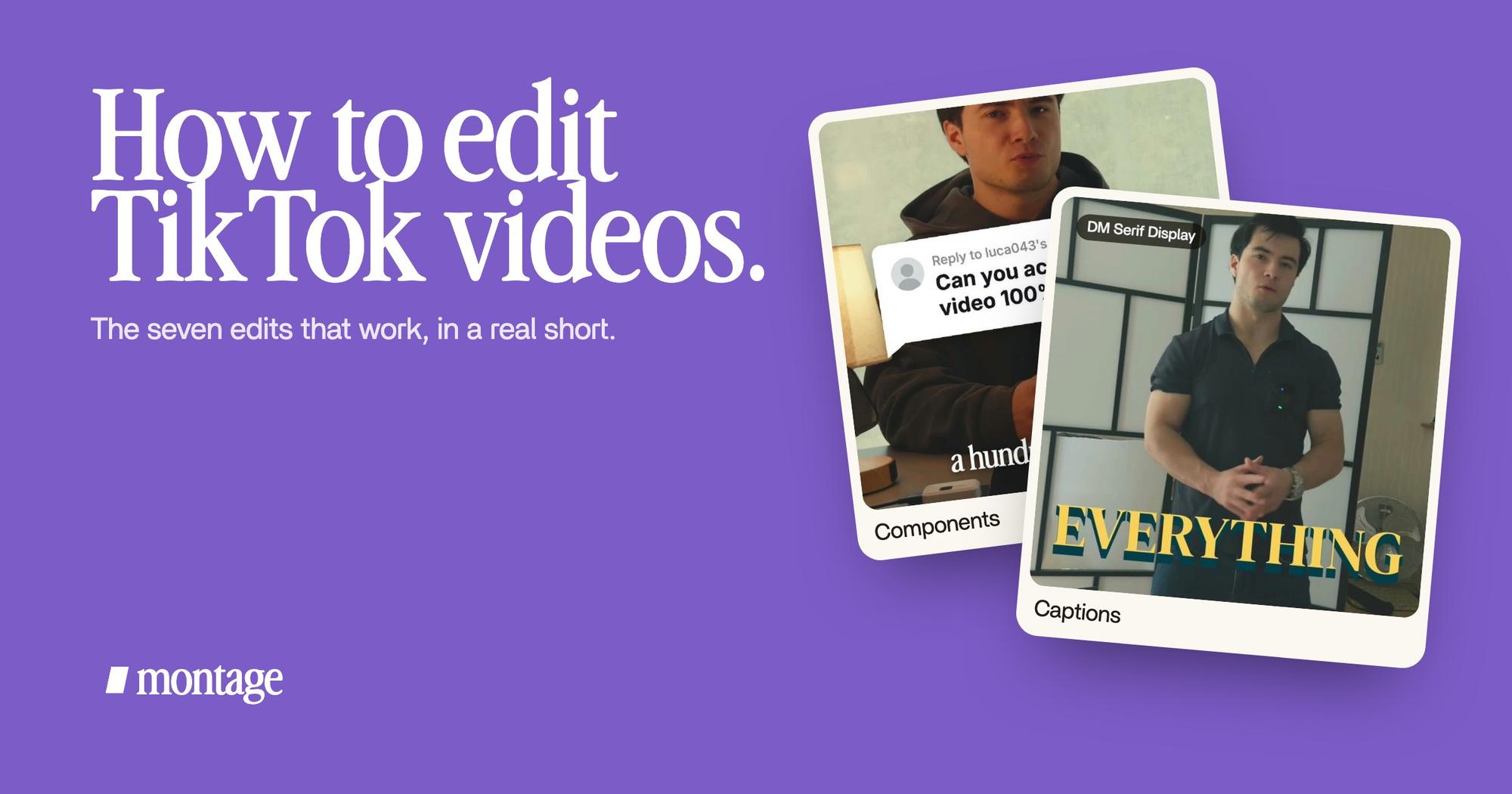
 Components
In Edit it all with AI, the hook is a white Instagram reply on screen. Montage made it as a component, so it can be reused in the next video. If you want more on this, here are intro hooks that stop the scroll.
2. Cut the pauses
The breaths. The « ums ». The take where you lost your words. On TikTok, every dead second is a reason to scroll.
When you cut inside one shot and the picture jumps a little, that's a jump cut. On TikTok it's normal. People expect it. So don't hide them, just cut the pauses and the ums and keep the best take of each line.
3. Add captions
A lot of people watch TikTok with the sound off. So captions aren't a bonus. They're part of the video, and part of its look.
 CaptionsYellow, uppercase, a blue drop shadow, and the key word drawn bigger.
 Auto captionsEvery line on screen in my own font, timed to my voice.
In Way too curious, I asked for yellow, uppercase, a blue drop shadow, and the key word drawn bigger. In How to be creative, every line is in my own font, timed to my voice. Two videos, two styles. Here's how TikTok captions in your own style work.
One thing the TikTok guides get right: keep text away from the bottom of the screen, where TikTok puts your caption, and away from the right, where the buttons sit.
4. Show what you're talking about
When you say a word, the thing should be on screen. Those extra shots are B-roll, and on a talking-head TikTok they do a lot of the work.
 B-roll
In Way too curious, I say CrossFit and my photo drops in. One picture for each thing I love. The Photo drop is a component Montage made from my words: I say GTA VI, it drops in. That's B-roll that drops in right on the word.
5. Keep the picture moving
A face that doesn't move for 50 seconds feels long, even when the words are good. Zooms fix that.
 Zooms
In Way too curious, there's a slow push-in on every shot, and on « everything » and « curious » the picture pulls back on black. Small moves. But they keep your eye on the screen. More on punch-ins on every cut.
6. Fix the color
Phones don't always get the picture right. Too dark, too flat, a little green.
 Color correction
Way too curious was filmed too dark on an iPhone. I asked for a grade, no LUT, and Montage lifted it on its own. How to be creative was filmed in Apple Log, which looks grey until a LUT goes on every shot. Whatever you film with, pick one look and keep it for the whole video.
7. Get the sound right
Your voice first. Then music under it, quiet enough that the voice stays clear. Then a sound on the moments that matter.
On TikTok, people forgive a so-so picture. They scroll past bad sound.
And if your video is built on a trending sound, add it in TikTok's own editor when you post. That's what it's for.
Three ways to edit a TikTok, compared.
Okay. Let's put the three ways side by side.
| TikTok's built-in editor | CapCut | An AI editor (Montage) | |
|---|---|---|---|
| How you edit | Trim, split, text, auto-captions, sounds, voiceover, filters, effects, speed, in the app | A free multi-track timeline: you place and adjust every clip by hand | You say what you want, watch, and comment on the picture |
| Who makes it | TikTok | ByteDance, TikTok's owner | Montage |
| Where it works | On your phone | Phone and computer | In the browser |
| Best for | Trends, dances, anything built on a sound | Creators who want full manual control | Creators who film themselves and post often |
| Not for | Videos with a lot of cuts, B-roll and custom captions | People who don't have the time to do each edit by hand | Dance and trend videos made around a sound |
So, which one is for you? If you post trends, stay in TikTok. If you love editing and want every frame in your hands, CapCut is free and goes far. Truth is, you'll do each of the seven edits yourself, every time.
Sure. But if editing is the part that eats the time you need to keep posting? Describe the edit, and comment on what's wrong.
How to edit TikTok videos, step by step.
Here's how I'd do it today. Eight steps, nothing more.
- Film vertical, and short. One idea per video, phone at eye level, a window in front of you. TikTok is 9:16 (here's TikTok's aspect ratio in detail).
- Film more than one take. Say each line two or three times. You'll keep the best one.
- Film the things you'll mention. The book, the screen, the place. A few minutes of B-roll at the end.
- Drop everything in, as it is. No sorting, no renaming.
- Say what the TikTok is for. « A short for TikTok. Open on the question, cut the pauses, yellow captions, show my photo when I name something. »
- Watch it once, all the way through. Don't fix anything yet. Notice the moment you'd scroll.
- Comment on what's wrong. Pause where something's off and point at it: « cut this pause », « make this word bigger ». Then fix everything at once.
- Export and post. Export the video, then post it from TikTok, with your caption and your sound.
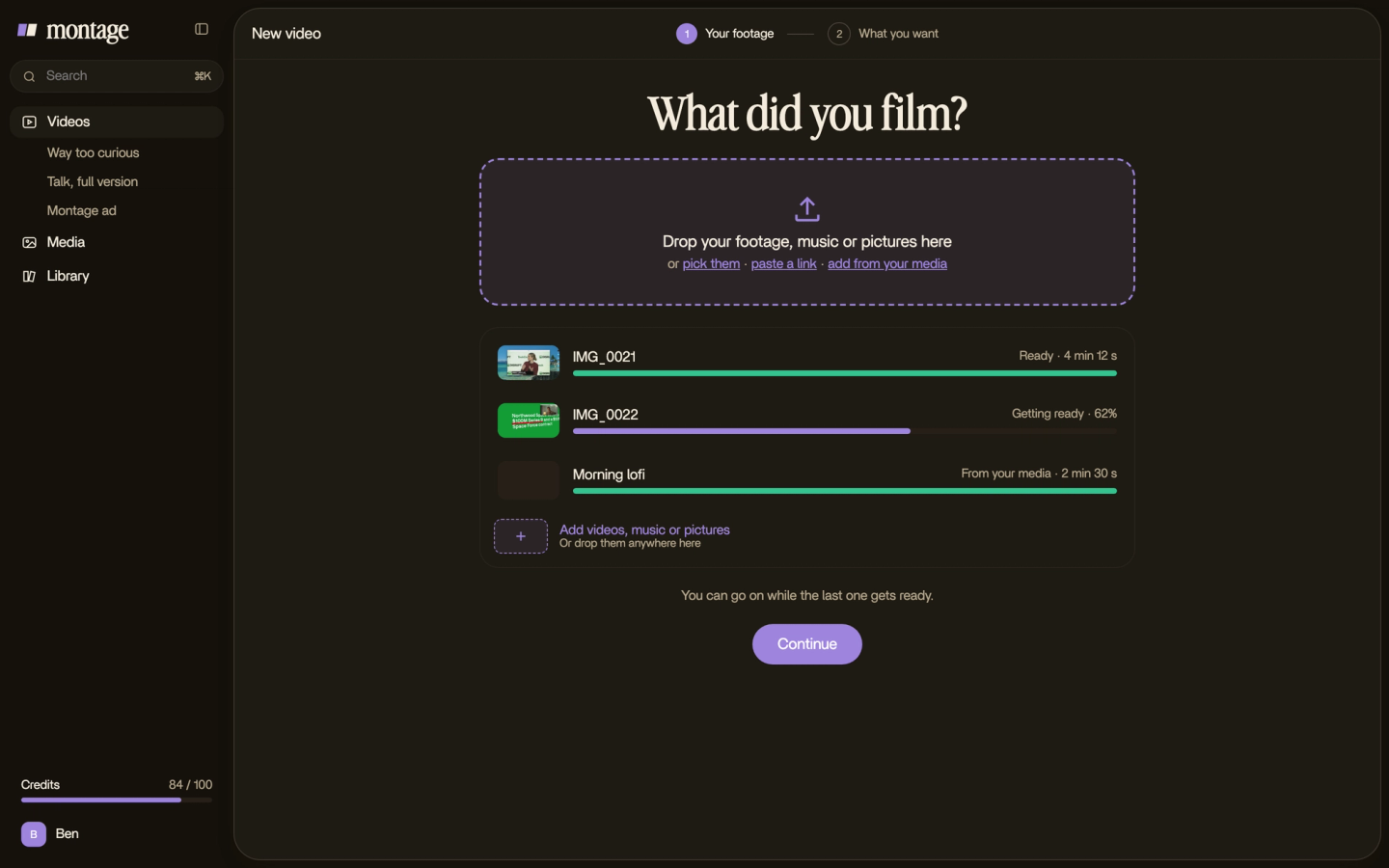


And in TikTok's editor or CapCut? Steps 1 to 4, and 6, are the same. Steps 5 and 7 become the work you do by hand, edit by edit. Do you see the difference?
Questions about how to edit TikTok videos.
How do I edit my TikTok video?
Film a few short takes of one idea. Then make the seven edits: a hook, cut the pauses, captions, B-roll, zooms, color,
sound. You can do them by hand in TikTok's editor or CapCut, or describe them to an AI editor and comment on the result.
What do TikTokers use to edit their videos?
A lot of them use TikTok's own editor for trends, and CapCut when they want a timeline. Others use a desktop editor, or
an AI editor like Montage when they'd rather say what they want than do every cut.
What is the 3 second rule in TikTok?
It means the first seconds decide if someone stays or scrolls. I wouldn't treat it as an exact number. Just open on your
strongest line or picture, never on « hey guys ».
How do TikTokers get clips for edits?
Mostly they film them: the thing they talk about, their place, their hands at work. That's B-roll. Film a few minutes of
it after your takes and you'll always have a shot to cut to.
How do I edit TikTok videos on my phone or on a PC?
On a phone, TikTok's editor and CapCut both work. On a PC, CapCut has a desktop app, and Montage runs in the browser, so
you can edit on your computer and post from your phone.
Can I edit a TikTok video after posting?
Not the video itself. To change it, edit the original and post it again. So keep the original file before you post.
Keep going with short-form video.
This is where the short-form guides start. If you're making a TikTok from scratch, read that one next. Then what short-form video is, why vertical video works the way it does, and how to make Shorts from videos you already made. On length: how long a YouTube Short can be and how long a Reel should be. And if you've never edited anything, read the beginner's guide to editing first.
See it in real videos.
Every edit in this guide was done in real videos, each one asked for in a sentence. Watch them, and see what went in.
 9:18
 2:07
 0:56
 0:38
That's it for this one. Now go film your next TikTok.
See you in the next one.