TikTok aspect ratio:
9:16, and what it means for your video.
The TikTok aspect ratio is 9:16, vertical, at 1080 x 1920 pixels. That's the easy part. Let me show you what it means for the picture, on three real shorts.
 Ben, founder of Montage · · 7 min read
In this post8 parts
The short answer.
Ladies and gentlemen, let's start with the answer, because that's what you came for.
The TikTok aspect ratio is 9:16, vertical, at 1080 × 1920 pixels. Nine wide, sixteen tall. That's the shape that fills the whole phone screen.
Any other shape still uploads. But a landscape (16:9) or square (1:1) video plays with black bars, or gets cropped. postfa.st, moda.app and riverside.com all say the same thing on that.
So the number is simple. Here's the thing, though: a video can be exactly 9:16 and still not work. The face drifts out of frame. The captions sit under TikTok's own text. A landscape picture shrinks into a strip in the middle. That's what the rest of this guide is about, and it's the part of how to edit TikTok videos that people skip.
If you already have a video in the wrong shape, you can resize a video for TikTok, Reels and Shorts in one go.
The number is easy. The frame is the work.
The TikTok aspect ratio, and every size around it.
Okay. Here are the sizes you'll meet, and what each one looks like on TikTok.
| Shape | Aspect ratio | Pixels | What it looks like on TikTok |
|---|---|---|---|
| Vertical | 9:16 | 1080 × 1920 | Fills the screen. The native shape. |
| Square | 1:1 | — | Accepted, with bars above and below, or cropped. |
| Landscape | 16:9 | 1920 × 1080 | Accepted, as a strip in the middle with black bars, or cropped. |
| Cover on your profile | about 3:4 | — | The profile grid shows a cut of your 9:16 cover (moda.app). |
A few things worth knowing around that table:
- 1080 × 1920 is the top. TikTok plays at 1080p at most; a 4K upload is compressed down (postfa.st, from TikTok's help center; riverside.com and moda.app agree). So filming in 4K is fine, but don't expect TikTok to show it in 4K.
- 1920 × 1080 is 16:9. The same pixels as 1080 × 1920, turned sideways. That's your usual YouTube video.
- The 3:4 you see searched is the profile grid. Your cover is still 9:16, but the grid only shows about 3:4 of it. So keep a cover's words in the middle, not at the top or the bottom.
That's it for the numbers. Now let's talk about what goes inside them.
Keep the face in the frame.
So why does a 9:16 video still go wrong? Let me explain.
A vertical frame is narrow. If you film yourself and move even a little, you walk out of it. On a landscape shot you'd still be in the picture. On 9:16, half your face is gone.
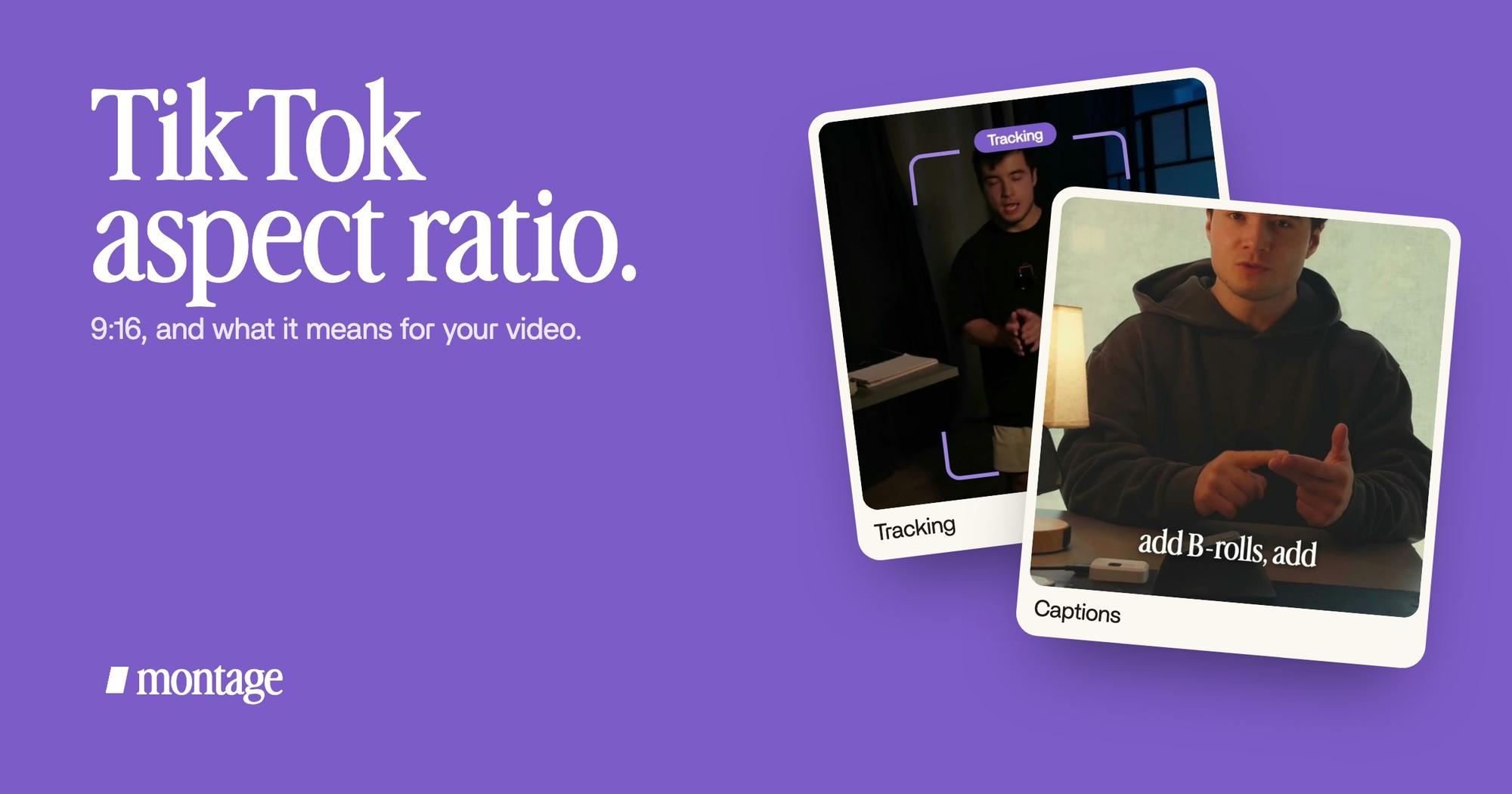
 TrackingLocked on me: Montage tracks me as I walk around the room.
 RotateThe notebook shots were filmed from above, upside down. Montage turned them the right way up.
In How to be creative (2:07, 9:16), I walk around the room while I talk. Montage tracks me, so the vertical frame follows me and I never leave it. That's a frame that follows you, and it's what makes a narrow frame work when you don't stand still.
Same video, other problem: the notebook shots were filmed from above, upside down. Montage turned them the right way up. A shot in the wrong direction looks wrong in any shape, but in a vertical frame there's nowhere for it to hide.
Keep your words clear of TikTok's.
Now, the second thing. TikTok puts its own things on top of your video: your caption and the sound at the bottom, the buttons down the right side. Anything of yours under them is hard to read.
So keep your words away from the bottom and the right edge (moda.app and postfa.st both say so). You'll find exact « safe zone » numbers online, but the pages that give them don't agree with each other. So I won't give you one. Keep your captions up from the bottom edge and in from the right side, and check it in TikTok before you post.
 CaptionsYellow, uppercase, a blue drop shadow, and the key word drawn bigger.
 CaptionsOne line at a time, white on the take, dark on the white stage.
Two real examples. In Way too curious (0:56), the captions are yellow, uppercase, with a blue drop shadow, and the key word drawn bigger. In Edit it all with AI (0:38), it's one line at a time, white on the take and dark on the white stage. Both were asked for in words, and where they sit in the frame is part of what you ask. More on captions in your own style.
A caption under TikTok's buttons is a caption nobody reads.
A landscape video on TikTok.
So you have a landscape video. A YouTube video, a camera shot, a screen recording. Now what?
You have three options:
- Post it as it is. TikTok shows it as a strip with black bars. In my opinion, black bars are the worst of both worlds: it's not landscape anymore, and it's not vertical either. Most of the screen is empty.
- Crop to the center. TikTok's own app and resize tools like CapCut or Kapwing do this. Honestly, it's fine when the subject stays in the middle. When it doesn't, you get the crop the Reddit threads ask about (« why TikTok crops », as one r/videography title puts it).
- Give the landscape picture its own place in a vertical frame. The video is 9:16, and the wide picture sits inside it, on purpose.
 B-rollThe site drops in on a white stage while I say « go to this app called Montage ».
 B-rollI say CrossFit, my photo drops in. One picture for each thing I love.
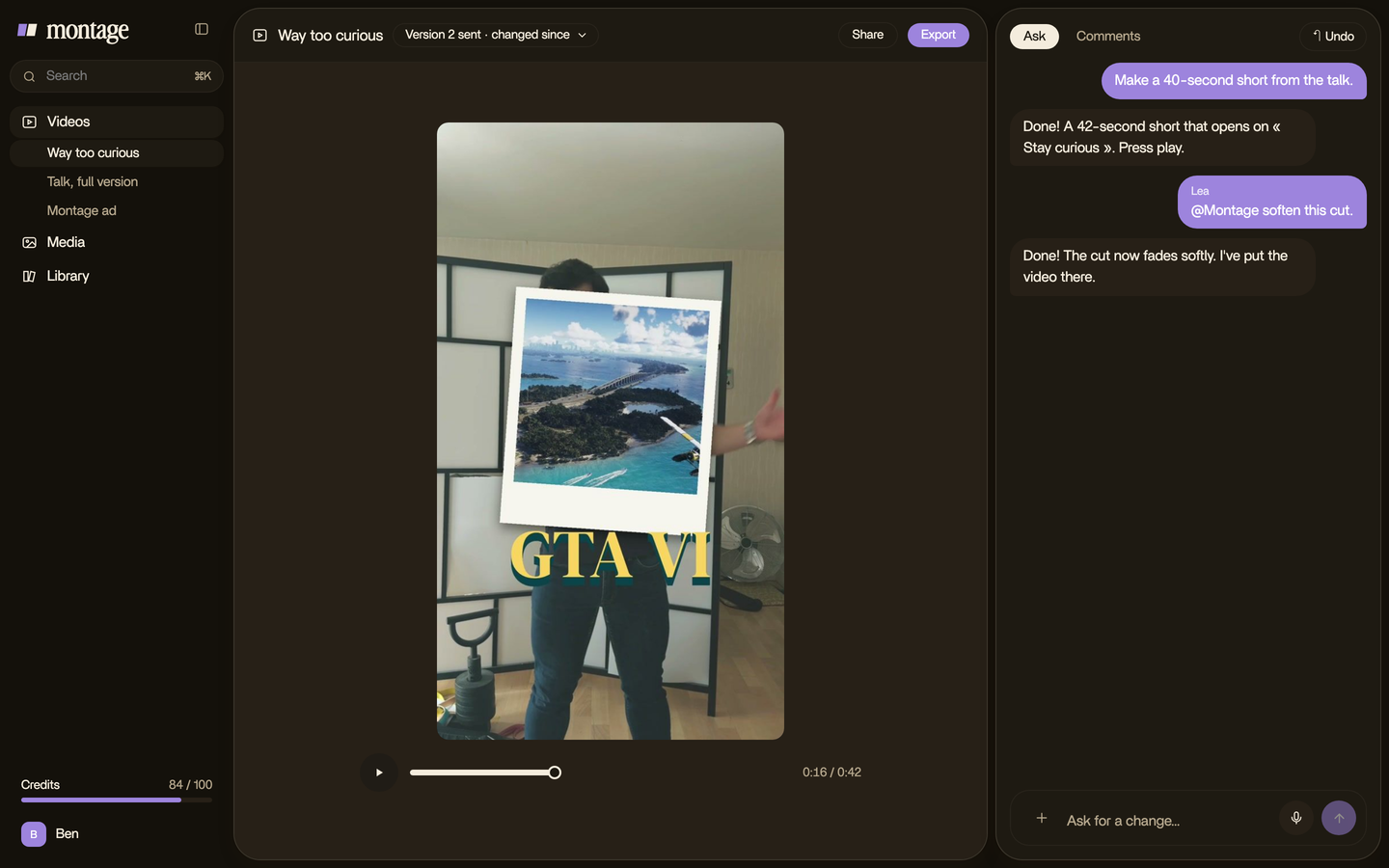
That third one is what I did. In Edit it all with AI, the Montage website is a landscape page. It drops in on a white stage inside the vertical frame while I say « go to this app called Montage ». In Way too curious, each thing I love drops in as a photo the moment I say it. Those are pictures that drop in while you talk: the wide picture has a place, and the frame stays full.
And if the whole video was filmed landscape? Then the size is one sentence. Here's the thing: the same Montage that made those three shorts at 9:16 made From Disney star to space CEO at 16:9, 9 minutes and 18 seconds. You say the size you want, like everything else, and the edit follows.
There's a whole guide on turning a landscape video into Shorts, and one on filming and editing vertical video from the start.
YouTube Shorts and Instagram Reels.
Good news: the same 9:16 works on all three.
- YouTube Shorts. YouTube's own help page says a video « with a square or vertical aspect ratio up to three minutes » uploaded since 15 October 2024 is a Short. So 9:16 works, and square is accepted too. See how long a Short can run.
- Instagram Reels. 9:16, vertical, like TikTok. Here's the right length for a Reel.
So make it once at 9:16, and it fits all three. Simple as that.

One thing to be clear on: you post it yourself, in TikTok or YouTube or Instagram. Montage makes the video; it doesn't publish it.
Questions about the TikTok aspect ratio.
Is TikTok 9:16?
Yes. The TikTok aspect ratio is 9:16, vertical, at 1080 × 1920 pixels. It fills the whole phone screen.
What aspect ratio is 1920x1080?
16:9, landscape. It's the same pixels as TikTok's 1080 × 1920, turned sideways. On TikTok it plays with black bars, or
gets cropped.
What aspect ratio is best for TikTok?
9:16. Square and landscape upload, but they don't fill the screen. If your footage is landscape, give the wide picture a
place inside a 9:16 frame instead of leaving black bars.
What is the frame size on TikTok?
1080 × 1920 pixels. TikTok plays at 1080p at most, so a 4K upload is compressed down to that (postfa.st, from TikTok's help
center).
What is the YouTube Shorts aspect ratio?
Vertical or square. YouTube counts a vertical or square video up to three minutes as a Short. 9:16 is the safe choice,
the same as TikTok.
Can I post a landscape video on TikTok?
Yes. It plays as a strip with black bars, or gets cropped. To fill the screen, make it 9:16: crop to the center if the
subject stays in the middle, or put the wide picture inside the vertical frame.
See it in real videos.
Three shorts at 9:16 and one film at 16:9, each asked for in sentences. The four videos in the showcase show what went in and how each one was made. If you're starting from zero, here's making your first TikTok, and an AI editor for TikTok that does the frame for you.
 9:18
 2:07
 0:56
 0:38
That's it for this one. Now go fill the frame.
See you in the next one.