Faceless video:
what it is and how to make one.
You want to make videos, but you don't want to be the face of them. Fair enough. Here's what a faceless video is made of, the two ways to make one, and what YouTube actually pays for.
 Ben, founder of Montage · · 8 min read
In this post9 parts
The short answer.
Ladies and gentlemen, let's start with the answer.
A faceless video is a video that tells its story without anyone on camera: a voice, captions, pictures, clips, a screen, maybe your hands on a desk. Kurzgesagt is the famous example (Descript and VideoGen both name it): a whole channel, and nobody ever sees a face.
Now, there are two ways to make one. You can generate it: type a topic, and a tool writes the script, reads it with an AI voice, fills it with stock footage and posts it. Or you can edit it from your own material: your voice, your screen, your photos, your clips.
Which one? If you want a channel that lasts, and that YouTube will pay, I think the second. I'll show you why, with YouTube's own rules.
What a faceless video is, really.
So what is a faceless video, really? Let me explain.
Take any video of someone talking to the camera. Now take the face out. What's left? The words. The pictures that show what the words are about. The text on screen. The music. The rhythm of the cuts.
That's a faceless video. Not a different kind of video. The same video, with one layer gone.
The face is one layer. The rest is the video.
And that's good news. Because every part of what's left is something you can make without being on camera. If you've never edited anything, start with video editing for beginners: the five decisions are the same, face or no face.
What a faceless video is made of.
Let me show you, on real videos. I'll be honest: the four videos in Montage's showcase have me in them. But look at what carries them when my face isn't on screen. Those parts, on their own, are a faceless video.
1. Footage that plays while you talk
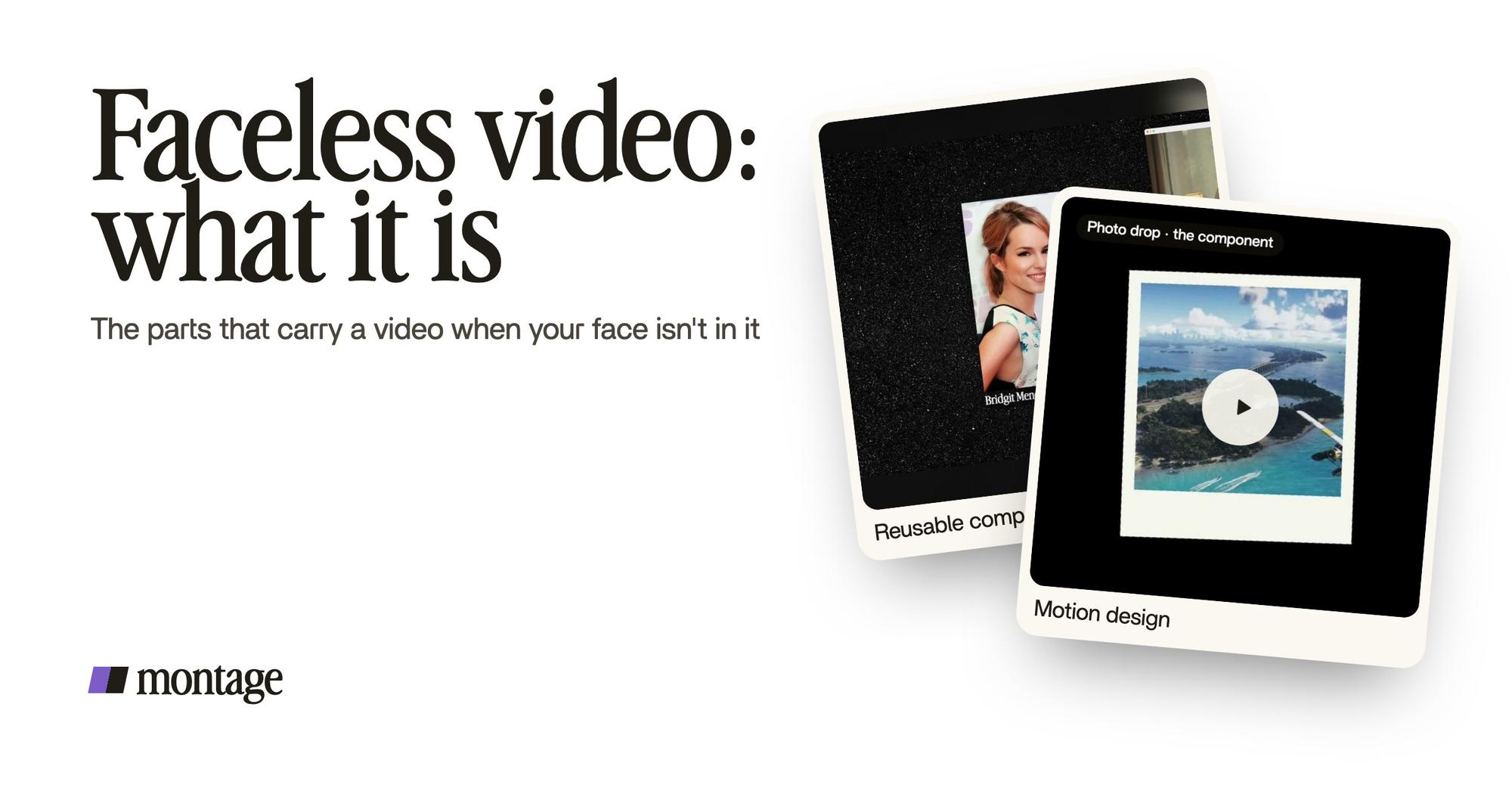
 B-rollGood Luck Charlie, Ready or Not, Billboard, the TODAY antenna: the face cam moves to the corner while each plays.
 Reusable componentsOne media card, used 26 times: a picture or a clip, its caption, on the dark page. Click to watch it.
 Animated textThe article tilts in and a red marker underlines the number. Click to watch it.
In From Disney star to space CEO, a 9-minute film, Good Luck Charlie, Ready or Not, Billboard and the TODAY antenna play while the face cam moves to the corner. One media card, a picture or a clip with its caption, is used 26 times. An article tilts in and a red marker underlines the number.
Make the face cam smaller, then take it out. The film still works. That's B-roll dropped in while you talk, a reusable card for every video, and animated text. More on the first one in what B-roll footage is.
2. Pictures that replace the face
 B-rollI say CrossFit, my photo drops in. One picture for each thing I love.
 RotateThe notebook shots were filmed from above, upside down. Montage turned them the right way up.
 B-rollThe site drops in on a white stage while I say « go to this app called Montage ».
In Way too curious, each thing I love drops in as a photo the moment I say it. In How to be creative, the notebook shots were filmed from above, upside down: my hands, no face. Montage turned them the right way up. In Edit it all with AI, the website drops in on a white stage while I name it.
A photo. Your hands. A screen. Pretty simple, right? That's most of what a faceless video shows.
3. Words on screen
 CaptionsYellow, uppercase, a blue drop shadow, and the key word drawn bigger.
 Auto captionsEvery line on screen in my own font, timed to my voice.
A faceless video lives on its words. There's no face to read, so the captions do the work: yellow, uppercase, a blue drop shadow and the key word bigger in Way too curious; every line in my own font, timed to my voice, in How to be creative. Here's how to get captions in your own font, and how to pick a font for your captions.
Two ways to make a faceless video.
Okay. Let's put the two ways side by side.
| Generate it | Edit it from your own material | |
|---|---|---|
| What goes in | A topic or a prompt | Your voice, your screen, your photos, your clips, your hands |
| Who writes it | The tool's AI | You |
| The voice | An AI voice | Yours |
| The pictures | Stock footage or AI images | What you filmed, recorded or collected |
| Posting | Often automatic, on a schedule | You post it |
| Examples | faceless.so, invideo, crreo.ai, faceless.video | Montage, CapCut, DaVinci Resolve |
| Best for | Testing a niche fast, lots of volume | A channel with something of yours in it |
| The risk | It looks like every other video made the same way | It takes your time: a script, a recording |
Let's be clear about Montage. It's on the right side only. It doesn't make a video from nothing, it has no avatars, and it doesn't schedule or post. It edits what you bring.
Sure. But the generators have their side. They're fast. If you want to know whether a niche gets views before you put a month into it, they'll tell you in a day. faceless.so even calls itself « the least AI-slop videos on the internet ». Which tells you the tools know what the worry is.
How to make a faceless video from your own material.
Here's how I'd do it today. Seven steps.
- Write it first. One idea, said the way you'd say it to a friend. A faceless video has nothing to hide a weak script behind.
- Record your voice. A quiet room, the phone close to your mouth. Say each line two or three times. You'll keep the best one, and you can cut the pauses in your voiceover later.
- Record what you'll show. Your screen, your hands on the desk, the place, the object. Five minutes of it after you finish.
- Collect your pictures. The photos, the screenshots, the headlines, the clips you'll talk about.
- Drop everything in, as it is. The voice, the screen, the pictures. No sorting.
- Say what you want. « A 60-second short. Put a picture on every thing I name, captions in my font, a slow push-in on every shot. »
- Watch it, then comment. Pause where something's off and point at it: « this picture is too late », « this word bigger ». Then fix everything at once.
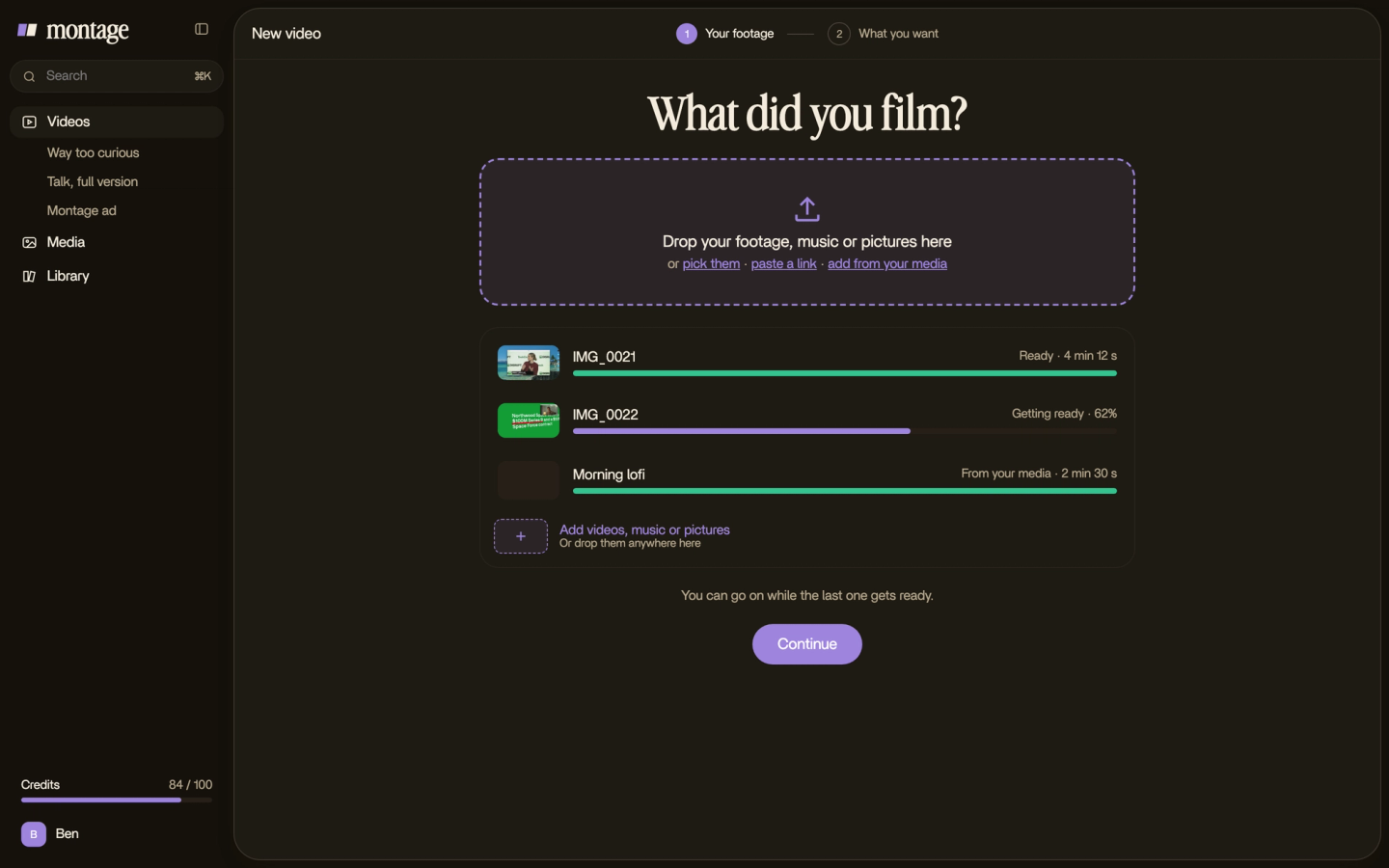


With a timeline editor, steps 1 to 5 are the same. Steps 6 and 7 become the work you do by hand: every picture placed, every caption timed. Do you see the difference?
How to start a faceless YouTube channel.
The video is the hard part. The channel is a few decisions on top.
- Pick a niche you know. Something you can talk about for fifty videos, not five. Here are faceless channel ideas by niche.
- Pick your look once. The same font, the same colors, the same cards, on every video. That's how people recognise a channel with no face. Look at what a faceless YouTube channel looks like when it's done well.
- Keep the same voice. Yours, ideally. It's the closest thing a faceless channel has to a face.
- Post on a rhythm you can hold. One good video a week beats seven you can't keep up.
Your voice is your face now.
What YouTube pays for.
Now, the part none of the generator pages tells you.
To earn from ads, a channel has to join the YouTube Partner Program. The thresholds, from YouTube's own help page: 1,000 subscribers with 4,000 valid public watch hours in the last 12 months, or 1,000 subscribers with 10 million valid public Shorts views in the last 90 days (YouTube Help, « YouTube Partner Program overview & eligibility »).
Then there's the policy. On July 15, 2025, YouTube renamed its « repetitious content » policy to « inauthentic content » (YouTube Help, « YouTube channel monetization policies »). Among what it won't monetize, it names AI-generated content made with generic or unoriginal templates that gives the impression of mass production, and image slideshows and templated storylines.
Read that again. It describes the « generate it » way, the one that starts from a topic and a template.
Here's the thing: YouTube has nothing against having no face. Kurzgesagt has none. What it doesn't pay for is the video that could have been made by anyone, three clicks from a topic. In my opinion, a faceless video that earns is one with something of yours in it: your voice, your research, your footage, your look.
YouTube doesn't pay for no face. It pays for something of yours.
More on the money side in whether faceless channels make money.
Faceless video: your questions.
What is a faceless video?
A faceless video tells its story without anyone on camera. A voice, captions, pictures, clips, a screen recording or
your hands do the work. It's a normal video with the face taken out, not a different kind of video.
Is a faceless video free to make?
Yes, if you make it from your own material: your voice on your phone, your screen, your photos, and a free editor like
DaVinci Resolve's free version or CapCut. The generators that make one from a prompt mostly sell paid plans.
Do faceless YouTube channels make money?
They can, on the same terms as any channel: 1,000 subscribers with 4,000 watch hours in 12 months, or with 10 million
Shorts views in 90 days, and then they have to meet YouTube's monetization policies. Here's the whole money
question.
Can AI make a faceless video for me?
The generators can: a script, an AI voice, stock footage, even the posting. But YouTube's « inauthentic content » policy
doesn't monetize templated, mass-produced videos. Montage does the other half: it edits the video you recorded, from
your voice and your pictures, when you say what you want.
Do I need to show my hands or my voice?
No. But something of yours should be in it. Your voice is the easiest, and the one people come back for.
See it in real videos.
Every part in this guide comes from a real video, each one asked for in a sentence. Start with the 9-minute film: pause it whenever the face cam is in the corner, and look at what's carrying it.
 9:18
 2:07
 0:56
 0:38
That's it for this one. Now go record your voice.
See you in the next one.