How to start a video podcast:
from your phone to episode one.
Every guide starts with the studio. I'd start with the phone you have and a plan for the edit, because the edit is what decides if there's an episode ten.
 Ben, founder of Montage · · 9 min read
In this post11 parts
- The short answer
- 1. Pick the show
- 2. Film it on the phone you have
- 3. Record the first episodes
- 4. How to make a podcast video from the takes
- 5. Build the look once, reuse it every episode
- 6. Publish: YouTube and a podcast host
- 7. Cut clips to bring people in
- What Montage doesn't do
- Questions about how to start a video podcast
- See it in real videos
The short answer.
Ladies and gentlemen, let's start with the answer.
How to start a video podcast comes down to seven steps. Pick the show. Film it on the phone you have. Record three episodes. Edit them. Build the look once. Publish on YouTube and a podcast host. Then cut clips to bring people in.
- Pick the show: the topic, solo or with guests, how long, how often.
- Film it on the phone you have: good sound first, then light, then framing.
- Record the first episodes: three before you launch.
- Edit the takes into a podcast video: cut, show, caption.
- Build the look once: the face cam, the cards, the sponsor read, reused every episode.
- Publish: the video on YouTube, the sound in a podcast host.
- Cut clips: short vertical videos that send people to the full episode.
Now, here's the thing. Most guides spend two thirds of the page on gear and the room, then give the edit one paragraph. I think that's backwards.
The gear gets you to episode one. The edit decides if there's an episode ten.
So let's go through each step, with a real long edit to show you what the picture of a video podcast is made of.
1. Pick the show.
So what are you making, exactly? Let me explain.
A video podcast is a talking show you can watch, not just hear. If you're not sure what counts as one, here's what a video podcast is, with the kinds you'll see. The guides that rank name the same few: one person talking to the camera, two people in a room, a guest on a call, and a show with pictures cut in while people talk.
Decide four things before you film anything:
- The topic. One subject you can talk about for fifty episodes, not five.
- Solo or guests. Solo is the easiest to start: one camera, one voice, no schedule to match.
- The length. Twenty minutes or an hour, pick one and keep it.
- How often. Weekly or every two weeks. What matters is that you keep to it.
That's it. A name and a cover can come later.
2. Film it on the phone you have.
What do you actually need to start? A phone, a quiet room, and a plan for the edit.
Sure. You'll read about cameras, lights and mixers. But look at what the guides themselves say it costs:
| Starting out | Getting serious | Studio | |
|---|---|---|---|
| Hollyland | about $80 to $150, a smartphone and free software | about $400 to $600 | $800 to $1,500+ |
| Riverside | free, phone only | an entry kit around $160 | $800+ |
Their figures, read on 2026-10-29 on Hollyland's guide and Riverside's guide. Check their pages, prices move.
Both start with the phone. And both say the same thing about where the first money goes: the sound. Honestly, I'd buy a mic before a camera. People forgive a soft picture. They leave over bad sound.
Then, in order:
- Sound: a small room with soft things in it, a mic close to your mouth.
- Light: a window in front of you, not behind.
- Framing: the phone at eye level. And one tip from HumblePod's beginner's guide: if you're solo, sit back from the camera, so the shot can be cut vertical later for clips.
When you're ready to go further, here's the setup to film it, piece by piece. But buy the upgrades after episode three, when you know what's missing.
3. Record the first episodes.
Hollyland's advice is to have three episodes ready before you launch. I agree: the first one is never the best one, and a new listener who likes it wants a second.
Record on the phone, or in a recorder like Riverside, OBS or QuickTime if you film a call or your screen. Montage doesn't record your show. It takes the files once they're filmed.
And you won't get it in one take. Nobody does. Say a line again when you trip on it, and keep going. That's what the edit is for.
4. How to make a podcast video from the takes.
Okay. This is the part the other guides rush through, and the part that costs you hours every week.
How do you make a podcast video, and not just an audio file with a face on it? Let me show you with a real one. My film From Disney star to space CEO isn't a podcast. But it was made like an episode: one person talking for a long time, about a guest. Seven takes, 33 minutes filmed on an iPhone. The finished video is 9 minutes and 18 seconds, in seven chapters, with 216 cuts.
Here's what the picture of it is made of.
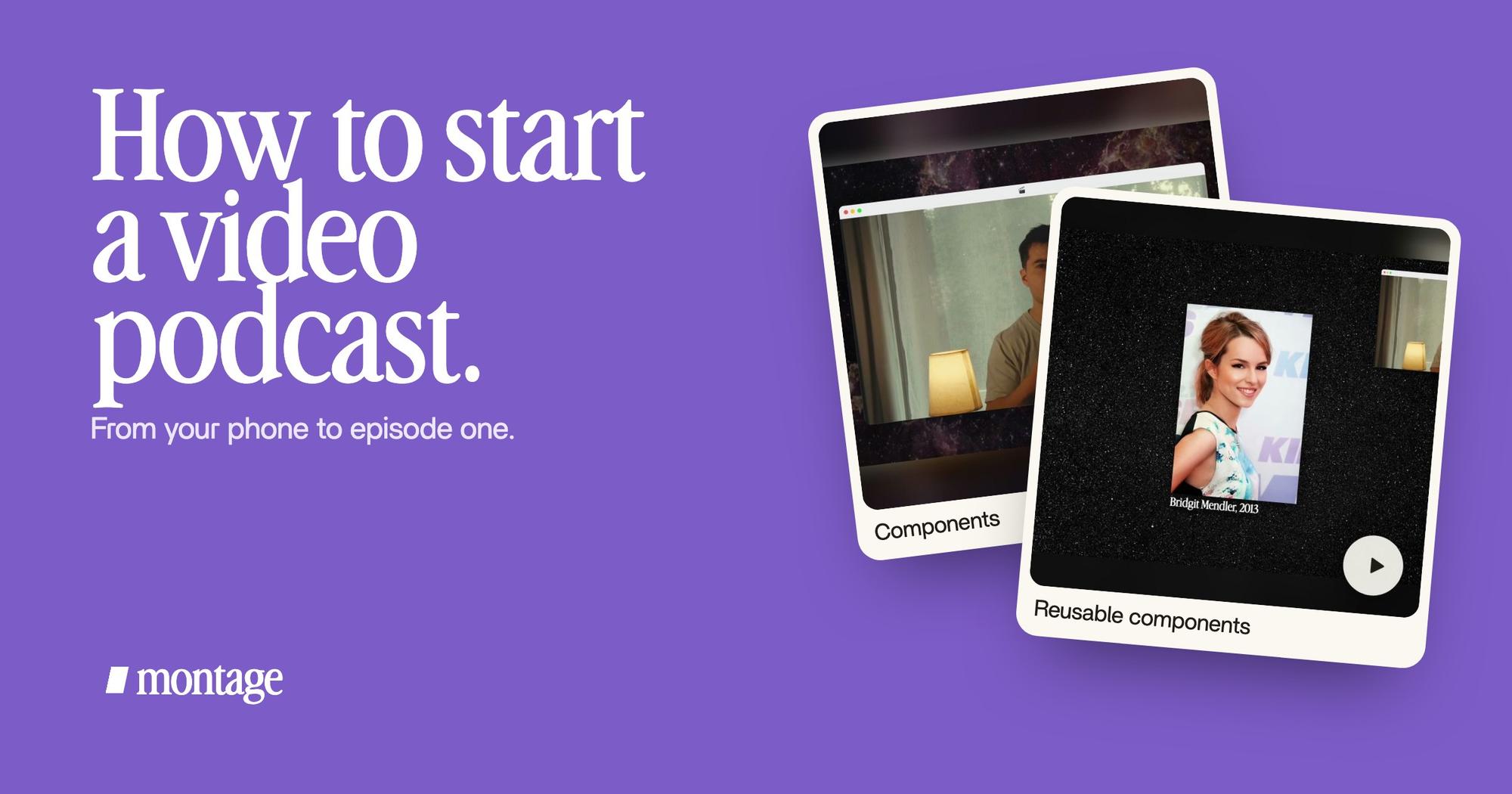
 ComponentsMy face cam is a component: a macOS window over the James Webb images, on every one of the 216 cuts. Click to watch it.
 B-rollGood Luck Charlie, Ready or Not, Billboard, the TODAY antenna: the face cam moves to the corner while each plays.
 Picture in pictureThe guest gets a window of her own: Bridgit at TechCrunch Disrupt, over a Mac desktop, while I keep talking.
- The face cam. Mine sits in a macOS window over the James Webb images, on every one of the 216 cuts.
- What you talk about, on screen. Good Luck Charlie, Billboard, the TODAY antenna: while each one plays, the face cam moves to the corner. That's B-roll.
- The guest's window. When I talk about Bridgit, she gets a window of her own, at TechCrunch Disrupt, while I keep talking.
And before any of that, the first pass: cut the ums, pauses and retakes. On this film Montage cut every silence and every retake, and kept the best take of each line.
So who does the edit? Three ways, and the podcast editing software, compared goes through them:
| A timeline editor | A transcript editor | An editor you talk to | |
|---|---|---|---|
| Examples | DaVinci Resolve, Premiere Pro, Final Cut | Descript | Montage |
| How you edit | Place and trim every clip by hand | Delete words in the text, the video follows | Say what the episode needs, then comment on the picture |
| Best for | Full manual control | Talk-heavy shows you clean up line by line | Solo creators who want the episode out |
Hollyland's guide calls ten hours or more for a 30-minute episode a warning sign. In my opinion, that's the number that makes people stop. With Montage, the loop is three steps:
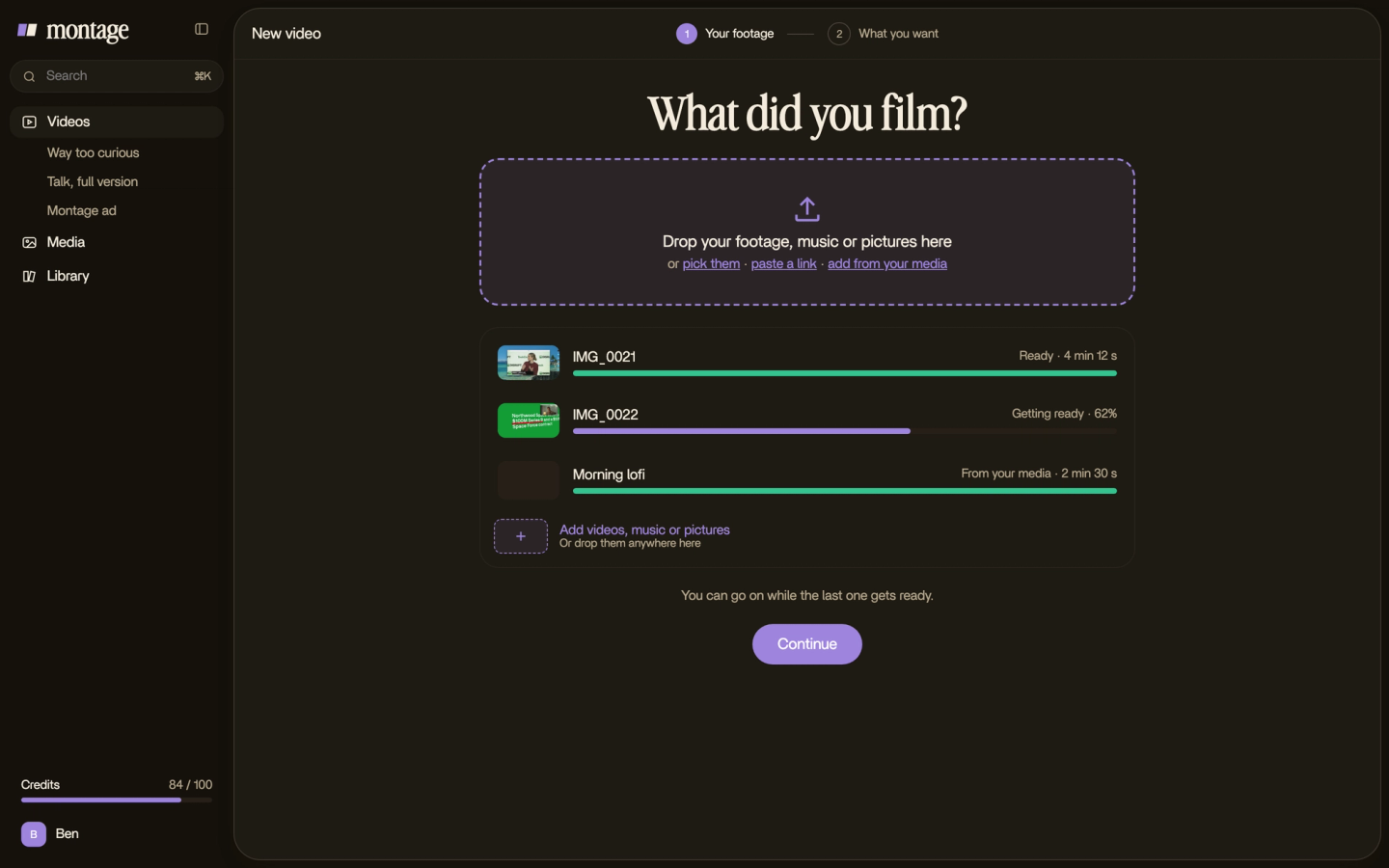

Then you watch, and you comment on a moment or on a spot of the picture. Undo takes back the last change. If you've never edited anything before, start with video editing for beginners.
5. Build the look once, reuse it every episode.
Here's what nobody tells you. A podcast's picture is the same every week. The face cam, the card that shows a link, the sponsor read. So why build it again every week?
 Reusable componentsOne media card, used 26 times: a picture or a clip, its caption, on the dark page. Click to watch it.
 Sponsor cardA component made for the sponsor: frosted glass, the QR code and the code BLG. Click to watch it.
In From Disney star to space CEO, one media card is used 26 times: a picture or a clip, its caption, on the dark page. And the sponsor gets a card of its own: frosted glass, the QR code and the code BLG.
In Montage those are components, kept in the Library. Make a face cam and a sponsor card you reuse, and episode two starts from episode one's look.
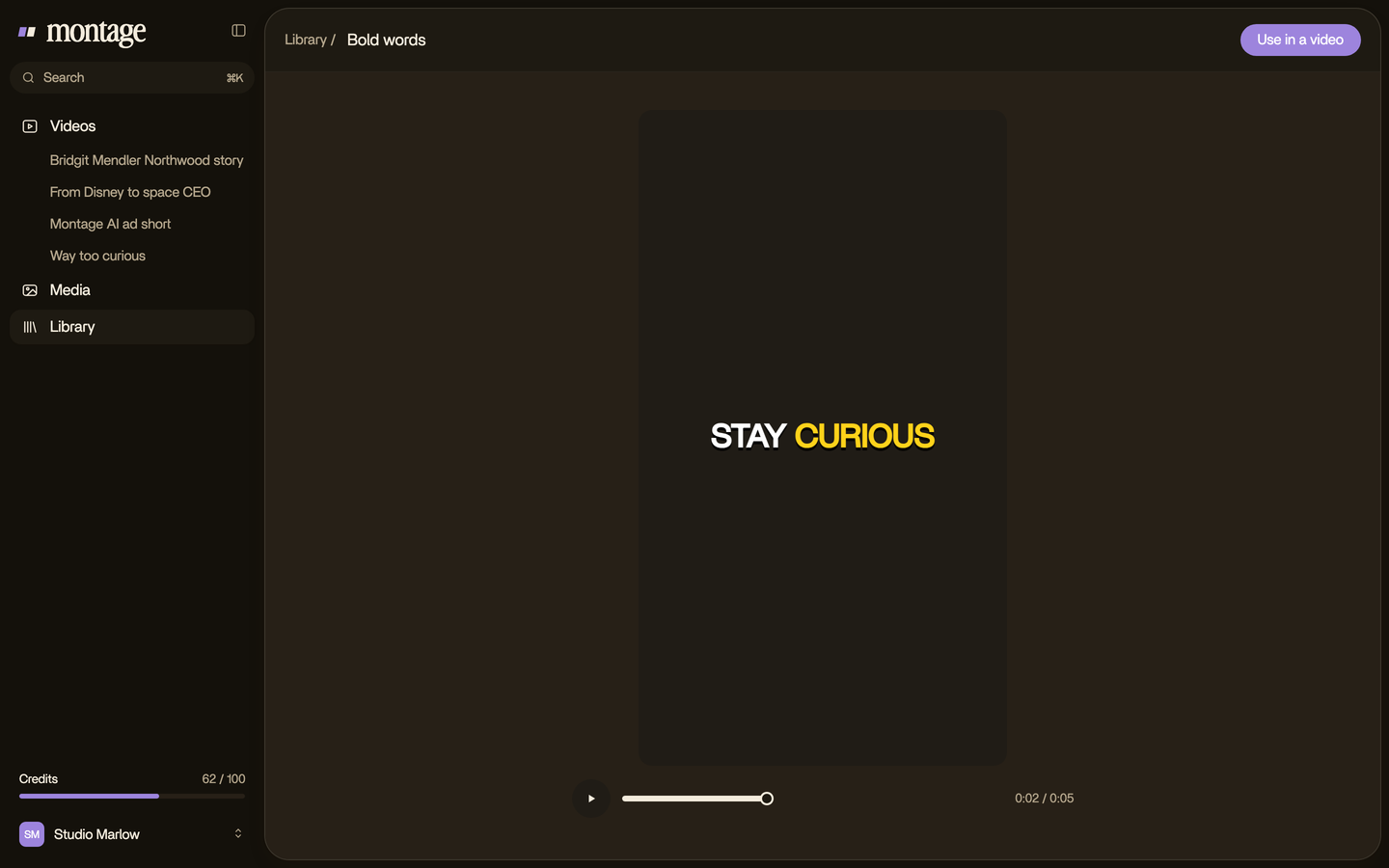
Build it once. Use it every episode.
6. Publish: YouTube and a podcast host.
A video podcast usually lives in two places. The video on YouTube. The sound in a podcast host, which sends your feed to Spotify, Apple Podcasts and the rest.
Montage doesn't host your show or publish it. It exports the files you upload yourself: the MP4 for YouTube, and the sound only for the audio feed. Already have videos on your channel? Here's how to turn a YouTube video into a podcast.
And if you'd rather finish by hand, Montage also exports the cut for Premiere Pro or DaVinci Resolve.
7. Cut clips to bring people in.
Full episodes are found by people who already know you. Clips are how new people find you: a short vertical video, one good moment, captions on.
Why captions? Riverside's guide puts it simply: « many people watch social videos on mute ».
 Auto captionsEvery line on screen in my own font, timed to my voice.
 CaptionsYellow, uppercase, a blue drop shadow, and the key word drawn bigger.
These two are shorts, not podcast clips. But it's the same job: every line on screen in my own font, timed to my voice, or yellow and uppercase with the key word bigger. Here's how to get captions in your own fonts, and how to make clips from your video episode.
What Montage doesn't do.
Let's be clear, so you can plan around it.
- It doesn't record. Use your phone, or a recorder like Riverside, OBS or QuickTime.
- It doesn't host or publish. Use a podcast host for the feed, and YouTube for the video.
- It doesn't clean a noisy voice. Record in a quiet room, and use a denoiser if the sound needs it. Here's how to edit the audio.
- It doesn't make clips from a YouTube link. You drop in the files.
What it does: the picture. The cuts, the face cam, the B-roll, the cards, the captions, any size. It runs in your browser, and your originals stay on your computer.
Questions about how to start a video podcast.
How do I start a video podcast?
Pick a topic, a format and a schedule. Film on the phone you have, with good sound first. Record three episodes, edit
them, then publish the video on YouTube and the sound on a podcast host. Cut clips to bring people in.
What equipment do I need for a video podcast?
A phone, a mic close to your mouth, and a quiet room with light in front of you. Hollyland and Riverside both put the
sound first. Upgrade the camera and the lights later.
Can I start a video podcast with just my phone?
Yes. Both Hollyland and Riverside start their cheapest setup with a smartphone. Hollyland's FAQ names an iPhone 13 or
later, or a Pixel 7 or later.
How do I start a video podcast on YouTube?
Film and edit the episode as a video, then upload the MP4 to your channel. Use the same look every episode, and post
short clips to point people to it.
How much does it cost to start a video podcast?
Hollyland puts a beginner setup at about $80 to $150, and Riverside says a phone-only start is free. The editing tool
is the other cost: Montage has a free plan to try it, and paid plans from $25 a month.
Can I start a video podcast for free?
Mostly, yes: the phone you have, a free recorder, and the free version of an editor. The mic is the first thing worth
paying for.
See it in real videos.
Everything in this guide was done in real videos, each one asked for in words. The four videos in the showcase show what went in and how each one was made.
 9:18
 2:07
 0:56
 0:38
That's it for this one. Now go record episode one.
See you in the next one.