Making an explainer video:
no animation, no crew.
Most guides on Google say an explainer is a cartoon or a film shoot. There's a third way: you, talking, and the real thing on screen the moment you name it. Here it is, on two real videos.
 Ben, founder of Montage · · 8 min read
In this post10 parts
- The short answer
- What an explainer video has to do
- The four kinds of explainer video
- What two real explainers do
- Making an explainer video, step by step
- How long an explainer video should be
- The problems you'll meet when you film one
- What Montage won't do
- Questions about making an explainer video
- See it in real videos
The short answer.
Ladies and gentlemen, let's start with the answer.
Making an explainer video comes down to three things: say what the problem is, show how your thing solves it, and tell people what to do next. That's it. A short video, one message, one action at the end.
Now, most guides tell you there are two ways to make one. Animate it with a template tool. Or hire a crew. There's a third way, and it's the one I use: film yourself explaining, and put the real thing on screen the moment you name it. Your product, your book, your page. No cartoon of it.
If you want to see what that looks like before reading on, here's the whole 2-minute explainer. And if you're making ads rather than explainers, start with these video ad examples that work.
What an explainer video has to do.
So what makes a video an explainer? Let me explain.
An explainer answers one question someone already has: what is this, and why should I care? Lemonlight, a video production agency, splits it into three parts: the What, the How, and the Why. And it says the Why is the part brands forget (lemonlight.com).
Here's the thing: the Why is the part you know best. You don't need a script to say why you built your product.
Loom's guide on atlassian.com says the best explainers « feel like a natural conversation ». I agree. And the most natural conversation there is? You, talking to the camera.
Say it. Then show it.
The four kinds of explainer video.
Okay. Before you film anything, pick the kind. Here they are side by side, from the pages that rank for this search.
| Animated | Whiteboard | Screen recording | Filmed (you on camera) | |
|---|---|---|---|---|
| What it is | Characters and shapes, moved by a template or an animator | A hand drawing the idea as a voice explains it | Your screen, with your voice over it | You, explaining, with the real things cut in |
| What you need | A template tool or a studio | A whiteboard tool (VideoScribe, Powtoon) | A screen recorder | A phone, your voice, the thing you talk about |
| Best for | Ideas you can't film | Processes and concepts | Software walkthroughs | Founders, creators, anyone who can talk about their product |
| Not for | Feeling personal | Showing a real product | Anything off-screen | People who can't, or won't, be on camera |
VideoScribe calls the mix of animation and filmed footage « mixed media », and says it's the best of both worlds (videoscribe.co). The filmed explainer in this article is that idea, made from your own takes: you, plus the real things dropping in as you name them.
Sure. But if your idea can't be filmed, or you don't want to be on camera, a whiteboard or template tool is the right call. No shame in that. And if you're explaining software, a product demo from a screen recording is its own job.
Honestly? For everybody else, your face explains your product better than a cartoon of you.
What two real explainers do.
Let me show you two of mine. One explains an idea in two minutes. The other tells a story at length, nine minutes and eighteen seconds. Same method.
Show the real thing at the word
In How to be creative (2:07, vertical), while I talk, Montage cuts to the right shot: the book, the notebook, the whiteboard. In From Disney star to space CEO (9:18, horizontal), a real headline is highlighted in yellow while I read it, and an article tilts in while a red marker underlines the number.
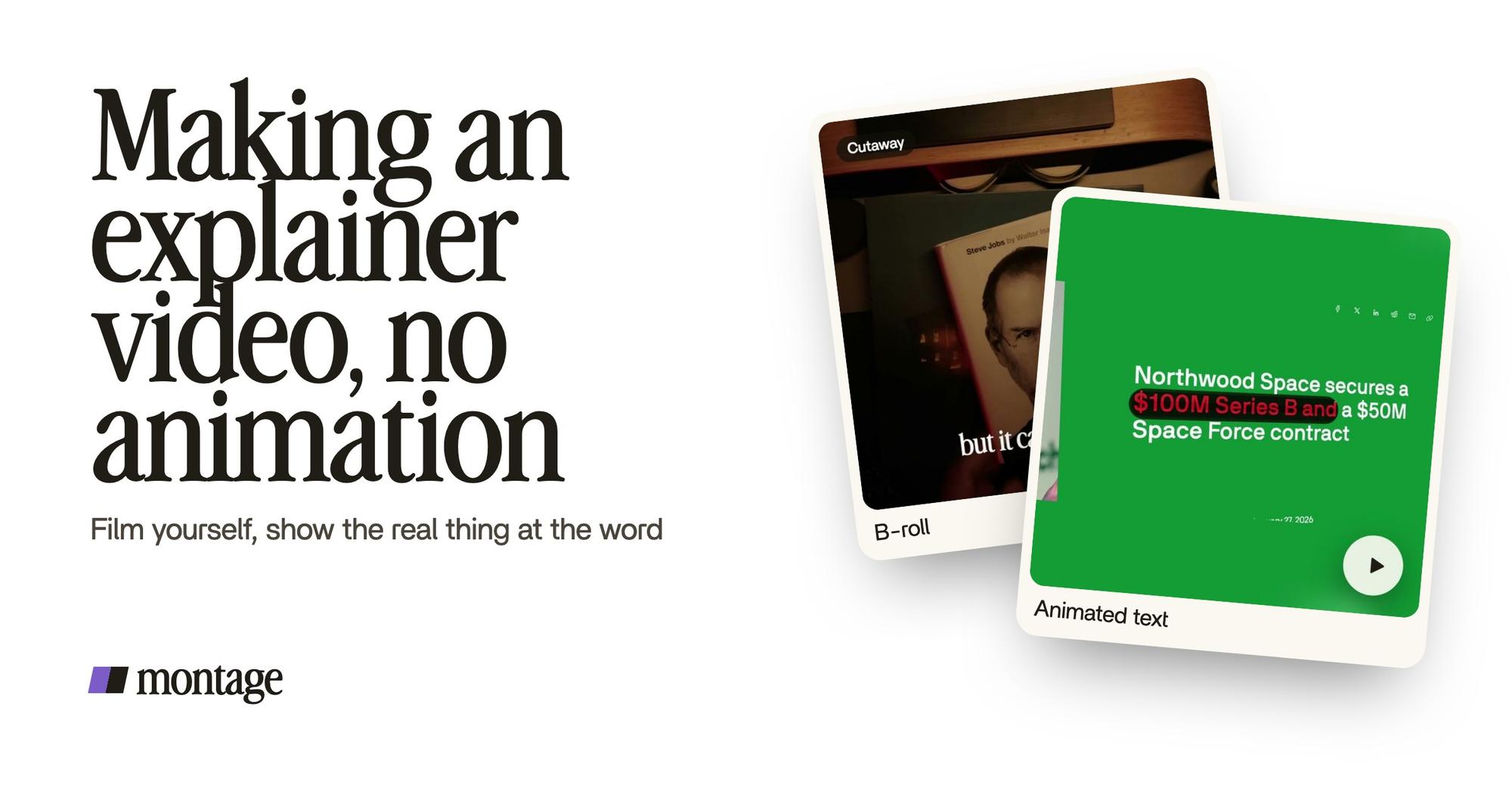
 B-rollWhile I talk, it cuts to the right shot: the book, the notebook, the whiteboard.
 Motion designA real headline, highlighted in yellow while I read it. Click to watch it.
 Animated textThe article tilts in and a red marker underlines the number. Click to watch it.
No animator. No keyframes. Each of those was asked for in words. That's what cut to the right shot as you talk means, and here's how the highlighted headline and the underlined number are made.
Words on screen, and parts you reuse
Lemonlight says the short vertical cuts of an explainer should be captioned, because a lot of feeds play on mute (lemonlight.com). In How to be creative, every line is on screen in my own font, timed to my voice.
In the long one, one media card is used 26 times: a picture or a clip, its caption, on the dark page. And my face cam is a component, a macOS window over the James Webb images, on every one of the 216 cuts.
 Auto captionsEvery line on screen in my own font, timed to my voice.
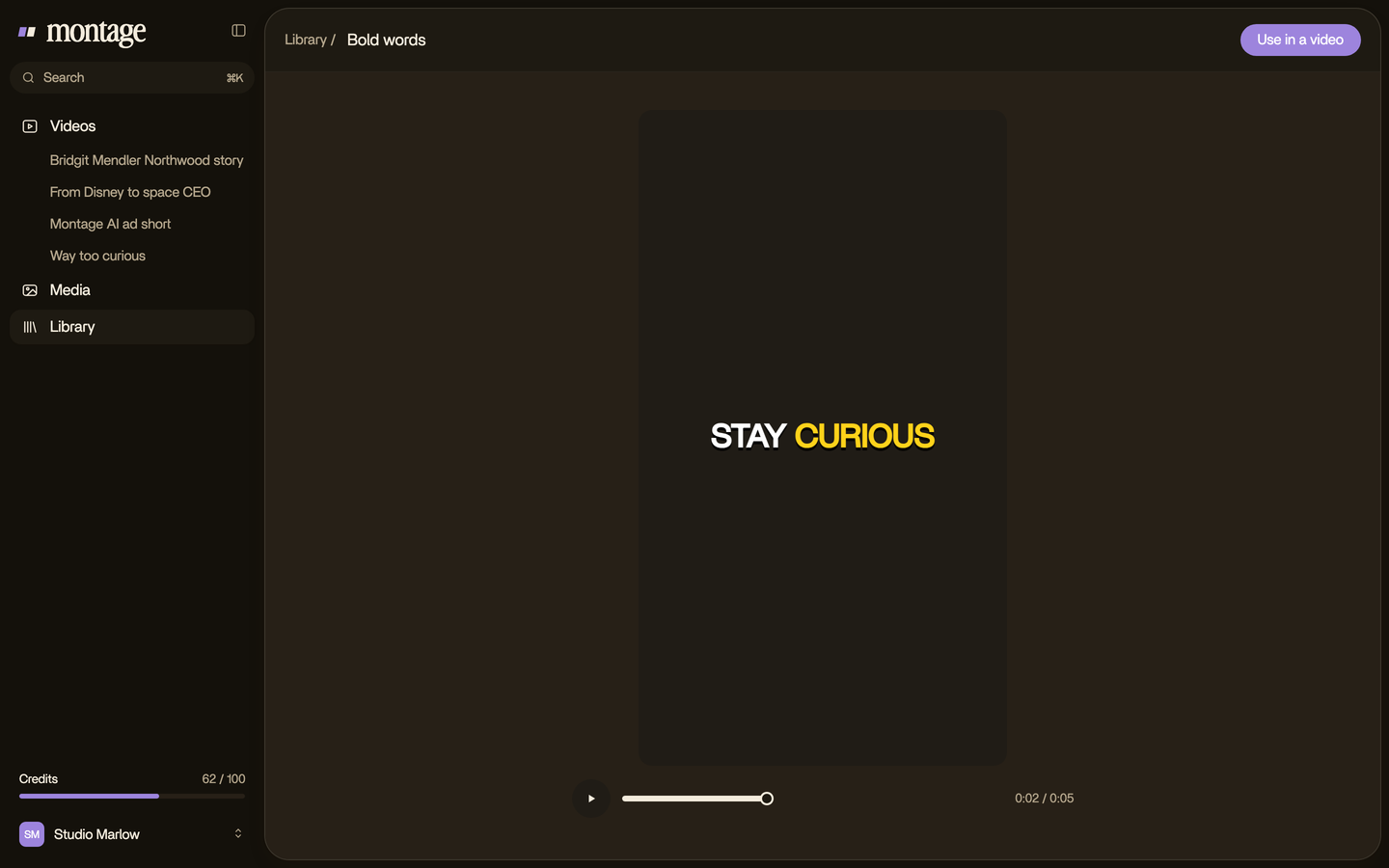
 Reusable componentsOne media card, used 26 times: a picture or a clip, its caption, on the dark page. Click to watch it.
 ComponentsMy face cam is a component: a macOS window over the James Webb images, on every one of the 216 cuts. Click to watch it.
So there's your map to copy:
- You, talking. One idea, in your own words.
- The thing on screen when you say it. The real one, not a drawing of it.
- The words on screen. Captions in your own font, for the muted feed.
- One card you reuse. Same look every time something drops in.
One person, one phone, the real thing. That's an explainer.
Making an explainer video, step by step.
Here's how I'd do it. Seven steps.
- Write the three parts. The What, the How, the Why, a few lines each. Loom says ChatGPT can draft a first script. Fine. Then rewrite it the way you'd say it out loud.
- Film yourself, in short takes. Phone at eye level, a window in front of you. Say each line two or three times.
- Film or gather what you'll show. The product, the page, the notebook, the article. Photos and clips both work.
- Drop it all in, as it is. The takes and the pictures. No sorting.
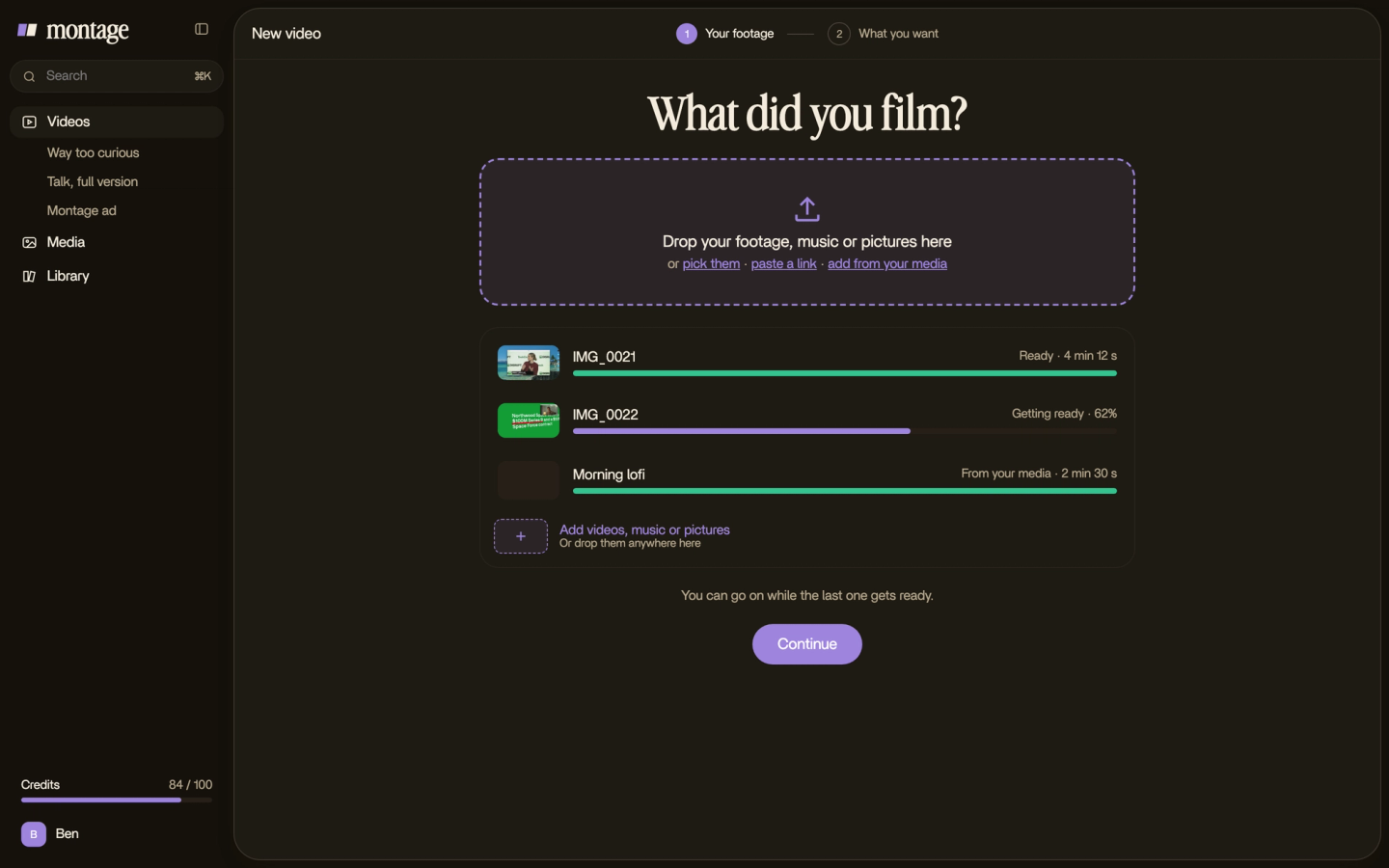
- Say the edit. « Cut the pauses. Cut to the book when I say book. Captions in my font. Highlight the headline while I read it. »
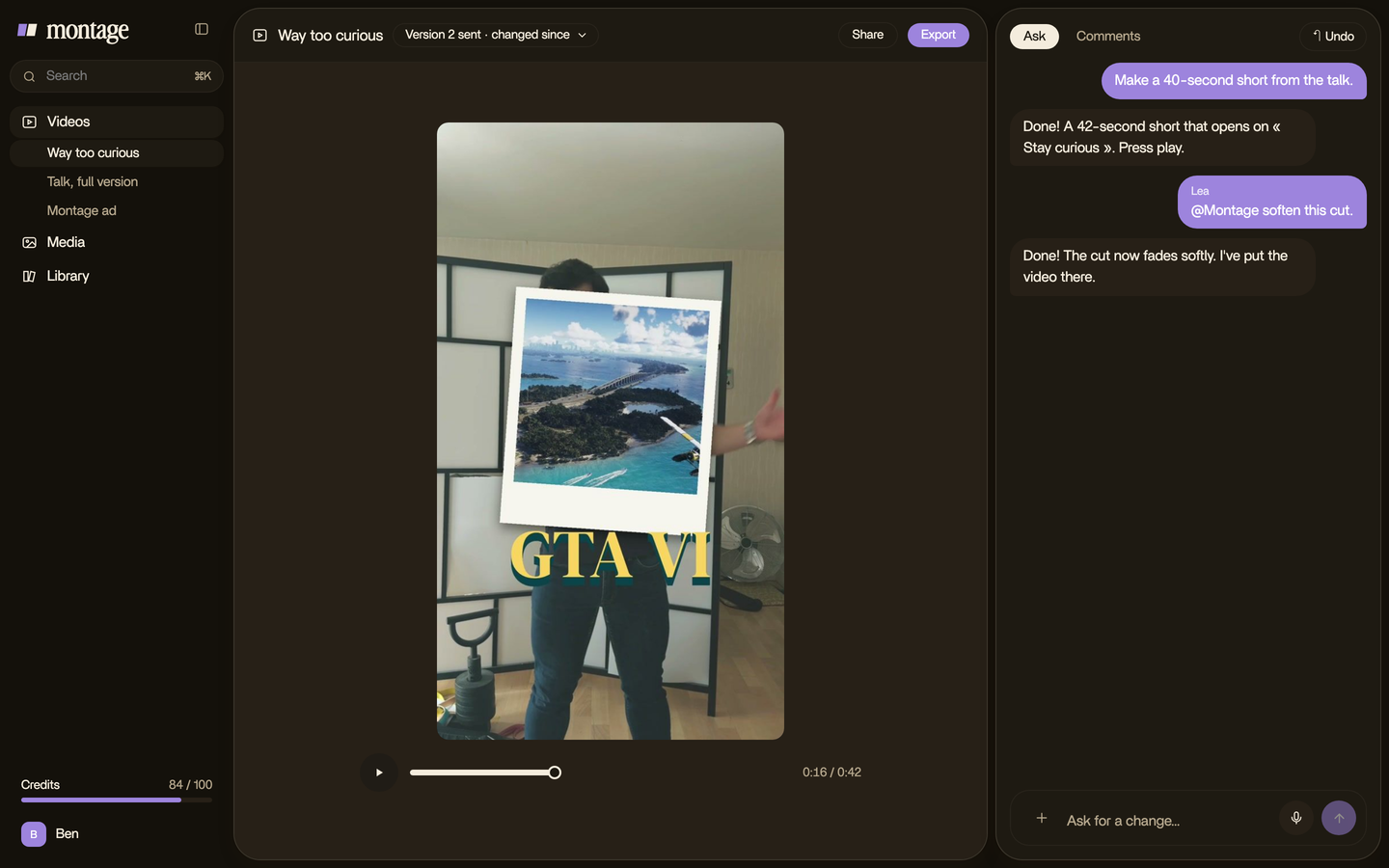
- Watch it once, then comment on what's wrong. Pause at the moment, click the spot on the picture, say what to change. Then fix everything at once.

- Export. The MP4, ready to post. Or the cut for Premiere Pro or DaVinci Resolve, if someone finishes it there.
With a template tool, steps 2 and 3 become picking a template, and steps 5 and 6 become dragging, dropping and syncing the voice-over by hand. Do you see the difference?
If you teach, the same steps work for lessons and courses. And if it's for a software product, here's an explainer for a SaaS product.
How long an explainer video should be.
Short. But how short depends on who you ask. Here's what the pages that rank say.
| Source | Length they recommend |
|---|---|
| VideoScribe (videoscribe.co) | Around 40 seconds |
| Animaker (animaker.com) | 60 to 90 seconds |
| Lemonlight (lemonlight.com) | 1 to 2 minutes, under 3; 30 to 60 seconds for social |
| Loom (atlassian.com) | 2 to 3 minutes, never over 5 |
My take: as short as the idea allows. How to be creative is 2:07. And if you post it on Reels, Shorts or TikTok, cut a 30-to-60-second version, captioned, the hook first.

The problems you'll meet when you film one.
Let's be clear: filming yourself has its own problems. Here are two I had, and how they were fixed.
- Shots upside down. The notebook shots in How to be creative were filmed from above, upside down. Montage turned them the right way up.
- Grey, flat footage. The same video was filmed flat in Apple Log, which looks grey on purpose. My LUT went on every shot.
 RotateThe notebook shots were filmed from above, upside down. Montage turned them the right way up.
 Color correctionFilmed flat in Apple Log, my LUT on every shot. Same frame, split down the middle.
And three more to watch for:
- No Why. The What and the How are easy. Say why it matters, out loud.
- Too many messages. One video, one idea. VideoScribe says the same.
- Showing nothing. If you name it, show it. A face talking about a product nobody sees isn't an explainer yet.
What Montage won't do.
Truth is, this way isn't for everything. Montage edits what you film and record. It doesn't make an explainer from a prompt or a PDF, the way Animaker or NoteGPT do. It has no avatars, no AI voice-over and no cartoon characters, and it doesn't publish or schedule your video.
So if you need character animation, or you can't be on camera, use a template tool or a studio. If you can talk about your product to a phone, this way is for you.
Questions about making an explainer video.
How can I make my own explainer video?
Write the What, the How and the Why in a few lines. Film yourself saying them, in short takes. Film the things you'll
mention. Then edit: cut the pauses, show each thing as you name it, add captions, and export.
Can ChatGPT create explainer videos?
ChatGPT can draft the script, as Loom's guide says. It doesn't film you or edit your footage. That part is still yours, or
your editor's.
How much does it cost to make an explainer video?
It depends who makes it. Sparkol Studio, VideoScribe's sister studio, makes them « from $1,000 per minute »
(videoscribe.co). Lemonlight won't give one figure and says to scope the project first. Filming yourself costs your time
and the editor you use: Montage's paid plans start at $25 a month.
What is the best software for explainer videos?
It depends on the kind. For whiteboard or character animation, a template tool like VideoScribe or Powtoon. For a software
walkthrough, a screen recorder. For a filmed explainer, an editor you can talk to, like Montage.
How long should an explainer video be?
Between 40 seconds and 3 minutes, depending on the source: VideoScribe says about 40 seconds, Lemonlight 1 to 2 minutes,
Loom 2 to 3 minutes and never over 5. For social, 30 to 60 seconds.
See it in real videos.
For more to copy, here are explainer video examples, and if you're launching something, a product launch video. Running ads? See an Instagram video ad and LinkedIn video ads.
And here are the four videos in the showcase, each one asked for in sentences.
 9:18
 2:07
 0:56
 0:38
That's it for this one. Now go explain something.
See you in the next one.