LinkedIn video ads examples:
the ones a founder can copy.
Most lists of LinkedIn ads shows you Slack, Gong and Salesforce, made by teams with a budget. Here they are, sorted by what one person can actually make. Then one real ad, checked against LinkedIn's own rules.
 Ben, founder of Montage · · 12 min read
In this post11 parts
- The short answer
- How I picked these examples
- The best LinkedIn video ads examples, sorted
- What one founder can copy, side by side
- One real ad, checked against LinkedIn's rules
- The founder's own format: Thought Leader Ads
- LinkedIn video ad specs
- How to make your own LinkedIn video ad
- Who this is not for
- LinkedIn video ads examples: questions
- See the ad, and the others
The short answer.
Ladies and gentlemen, let's start with the answer.
The best LinkedIn video ads examples all do three things. They hook a professional in the first two or three seconds. They work with the sound off, because LinkedIn plays them muted. And they show the product or a real customer, not a list of features. That's it. From Slack to a legal-software company, the good ones do those three.
Now, here's the thing: almost every example you'll find was made by an agency or an in-house video team. So I sorted them by what one founder can copy alone. Then I checked one real ad against LinkedIn's rules: a 38-second vertical ad I filmed myself and edited by asking Montage. For the wider picture, beyond LinkedIn, I took apart more video ads examples. And when you're ready to make every version and size of your ad, that's where to go.
Truth is, you don't need a sitcom. You need the first two seconds and captions.
How I picked these examples.
So where do these come from? Every ad below is one that the pages ranking for this search describe: Aimers, a B2B ad agency, Vidico, a video production company, and The B2B House, a LinkedIn ads agency. I only use what they say about each ad, and the figures are LinkedIn's own case studies, as those pages report them.
Each one gets the same block: who, what happens, why it works, and whether one person can make it. Three answers only: yes, with footage you have, or no.
The best LinkedIn video ads examples, sorted.
The ones you can make alone
Zapier, the micro-demo. Vidico describes fast, step-by-step ads that show one integration, like connecting HubSpot to LinkedIn. Why it works: the viewer sees the exact payoff and can copy it the same day. One person? Yes. A screen recording and one clear task.
Grammarly, the chore and then the fix. The ad opens on the drudgery of rewriting emails, then shows the AI cutting the task in half, with the payoff on screen before sound would matter (Vidico). One person? Yes. Your product, a problem your buyer knows, on screen.
Miro, the product in motion. Miro's launch video for its Intelligent Canvas shows AI agents as visible cursors working beside people, through prototypes, diagrams, boards and documents. Aimers' point: the product's movement carries the explanation. One person? Yes. If your product moves on screen, the screen is the ad.
Slack, one phrase, proven. Slack's ad opens on a statement, the future of AI at work is multiplayer, and ends on « Everyone needs Slack » (Aimers). Why it works: one phrase that changes how the buyer sees the category. One person? Yes. Finding the phrase is the hard part. Filming it isn't.
The ones you can make with footage you have
Smokeball, the customer talking. The legal-software company recorded customer testimonials and promoted them as Thought Leader Ads. LinkedIn's case study reports 186% growth in return on ad spend (via Aimers). One person? With footage you have: one happy customer on a video call is enough.
Gong, clips from real conversations. Vidico describes Gong cutting clips from its own customer podcasts into ads: real customers, unscripted. Another Gong ad, « Anthropic's Go-To-Market Secret », puts the customer's name in the hook (Aimers). One person? With footage you have. Vidico says it plainly: not the move if you have no customer footage yet.
ClickUp, the office joke. Short, funny sketches with real team members, inside the workspace (Vidico). One person? With footage you have, which here means people. Two colleagues and a phone will do.
The ones you can't
Zoho Workplace, the sitcom. A series of 30- to 40-second office sitcoms, each about one frustration. LinkedIn's case study: a 12% lift in aided awareness in the United States (via Aimers). One person? No. It needs a cast.
Salesforce, the celebrity. A well-known actor walks viewers through what its AI is meant to be (Vidico). No. The budget is the talent.
Notion and HubSpot, the brand films. Notion builds on « your life's work », HubSpot opens on a point of view instead of a product (Vidico). No, not because of the crew, but because brand films need reach and time to pay off.
ServiceNow and Jasper, the campaigns. ServiceNow ran brand video on Connected TV, then retargeted the viewers. Jasper told its rebrand across video, Thought Leader, carousel, image and document ads (Aimers). No. Those are whole media plans, not one video.
What one founder can copy, side by side.
Okay. Let's put them in one table.
| Example | Type | The hook | One person can make it? | Why |
|---|---|---|---|---|
| Zapier | Micro-demo | One integration, step by step | Yes | A screen recording is enough |
| Grammarly | Chore, then the fix | The email you hate rewriting | Yes | Your product and a known problem |
| Miro | Product in motion | Agents as cursors on the canvas | Yes | The product explains itself |
| Slack | One phrase | « AI at work is multiplayer » | Yes | The idea is the hard part |
| Smokeball | Customer testimonial | A real customer's story | With footage you have | One customer on camera |
| Gong | Customer clips | A customer's name | With footage you have | Calls or podcasts you recorded |
| ClickUp | Office comedy | A joke buyers live | With footage you have | Two colleagues and a phone |
| Zoho Workplace | Sitcom | One office frustration | No | A cast and a script |
| Salesforce | Celebrity | A famous face | No | Talent costs |
| Notion, HubSpot | Brand film, anthem | A belief, not a product | No | Needs reach and time |
Do you see the pattern? The ones you can make alone all show the product working or a real person talking. The ones you can't are bought: actors, celebrities, media plans.
One real ad, checked against LinkedIn's rules.
So what does a founder-made ad look like next to those rules? Let me show you.
Edit it all with AI is a 38-second vertical ad for Montage. I filmed it myself and edited it by asking Montage. Let's be clear: I didn't run it as a LinkedIn campaign for this article, and I have no performance number for it. What I can show you is where each rule lands, in its real frames.
The hook and the sound-off feed
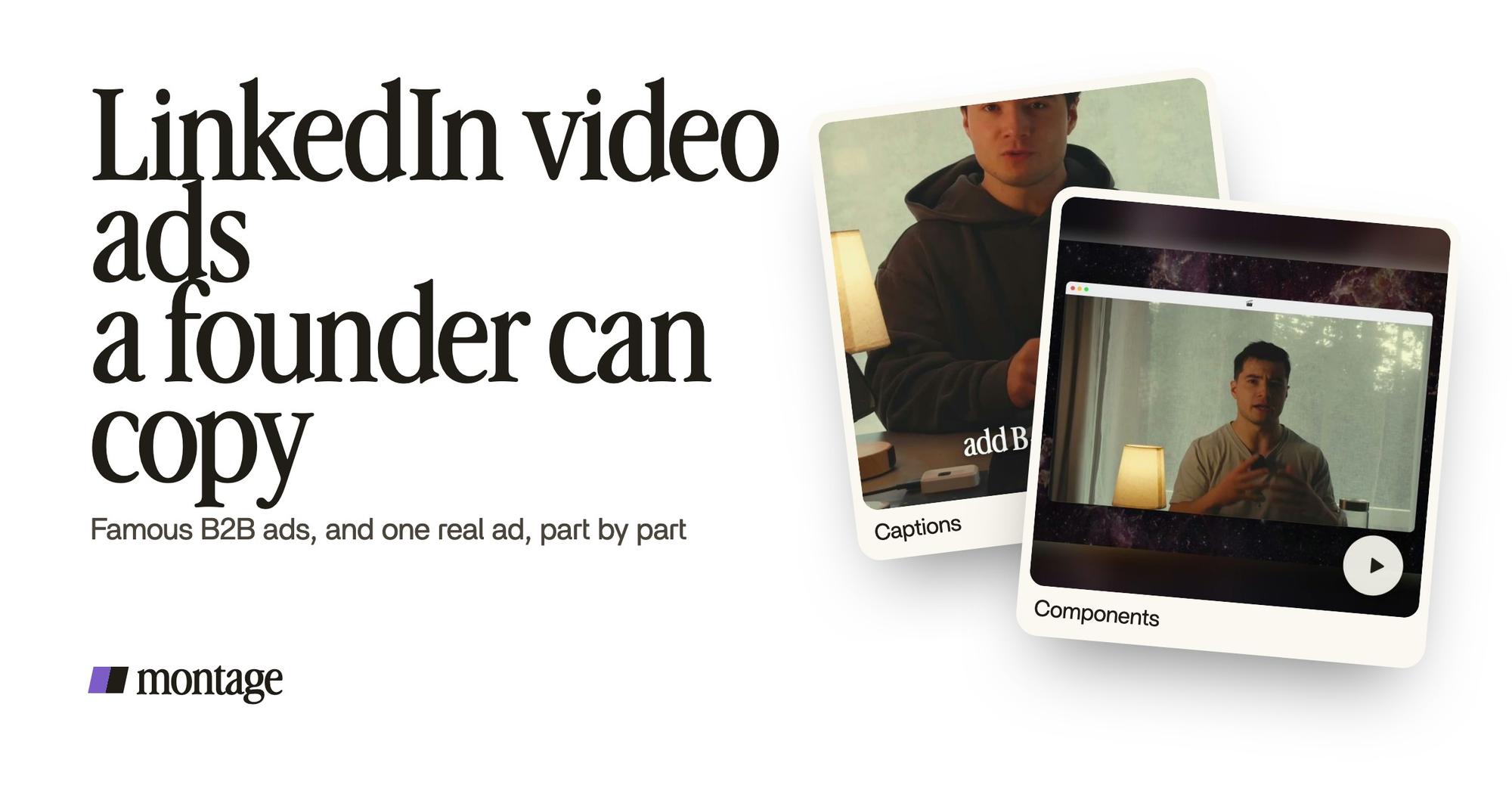
 ComponentsThe hook: a white Instagram reply, made as a component and reused. Click to watch it on its own.
 CaptionsOne line at a time, white on the take, dark on the white stage.
- The hook. Vidico gives you 3 seconds, Aimers 1 to 2. Mine opens on a white Instagram reply, made as a component and reused.
- The sound off. LinkedIn's own page says video ads autoplay muted and that captions are « strongly recommended ». Vidico quotes LinkedIn's data: 21% of mobile B2B video viewers keep the sound permanently off. So the captions run one line at a time, white on the take, dark on the white stage. Those are captions that read with the sound off.
The product in action, and a frame that stops the scroll
 B-rollThe site drops in on a white stage while I say « go to this app called Montage ».
 Motion designThe product card: frosted at 80 %, a fisheye, a big glow, swiped in from the right. Click to watch it on its own.
 Background effectCut out of my background, my head rises over the top of the frame.
- The product, shown. The site drops in on a white stage while I say « go to this app called Montage ». Then the product card: frosted at 80%, a fisheye, a big glow, swiped in from the right. That's Miro's lesson, small.
- The scroll stopper. Cut out of my background, my head rises over the top of the frame. And the footage was filmed flat in HDR, with the NOMAD LUT on every shot, so the picture doesn't look like a webcam.
The rules are the same for Slack and for you. Only the budget changes.
The founder's own format: Thought Leader Ads.
Now, here's the format the lists name and never show. A Thought Leader Ad is a post boosted from a person's own profile, not the company page. Vidico says it reads as more personal than a company ad, and that brands use video for awareness and Thought Leader Ads for engagement and clicks. Smokeball used it for its customers.
For a founder, what does that mean? The ad is you, talking.
 ComponentsMy face cam is a component: a macOS window over the James Webb images, on every one of the 216 cuts. Click to watch it.
 Sponsor cardA component made for the sponsor: frosted glass, the QR code and the code BLG. Click to watch it.
In my long-form film From Disney star to space CEO, my face cam is a component: a macOS window over the James Webb images, on every one of the 216 cuts. And the sponsor card is an ad inside the video: frosted glass, the QR code and the code BLG. A face cam you reuse and a card for your offer. That's a founder's ad kit.
Then the size. LinkedIn accepts four ratios. The B2B House notes that vertical video only appears on mobile, so 16:9 still has a place on desktop. Vidico leans to 1:1 and 4:5 for the mobile feed; Aimers recommends vertical. My advice: make more than one, and turn the same ad into 4:5, 1:1 or 9:16 by asking.
LinkedIn video ad specs.
Here are LinkedIn's own numbers, from its video ads page, in one table.
| Spec | LinkedIn's requirement |
|---|---|
| Aspect ratios | 4:5, 9:16, 16:9, 1:1 |
| Length | 3 seconds to 30 minutes |
| File | MP4 (H.264 video, AAC or MPEG-4 audio) |
| File size | 75 KB to 500 MB |
| Sound | Autoplays muted in the feed |
| Captions | Strongly recommended |
LinkedIn also says video ads drive 3x higher engagement than non-video formats (its own data, 2025). And how is a view counted? The B2B House explains it: 2 continuous seconds, with at least 50% of the video on screen. You can retarget people by how much they watched, 25, 50, 75 or 97%. Its advice: keep those videos very short, so more people reach the mark.
How to make your own LinkedIn video ad.
Here's how I'd do it. Six steps.
- Pick one type from the « yes » list. A micro-demo, the chore then the fix, or you talking.
- Write the first two seconds first. A role, a problem, or a surprising frame.
- Film it. Your face on a phone, your screen, or a customer call you already have. For software, a demo from a screen recording works too.
- Say what the ad should be. « A 30-second vertical ad for LinkedIn. Open on the problem, cut the pauses, captions one line at a time, show the app when I say its name. »
- Watch it muted, then comment on what's wrong. If it doesn't make sense without sound, it won't work in the feed.
- Ask for each size, then export. One ad, the ratios you need.


Then the rest is LinkedIn Campaign Manager's job: targeting, bidding, budget. That's another article.
Launching something? See a product launch video and how to make a product demo video. If your product needs explaining first, start with making an explainer video, look at explainer video examples, or go straight to a SaaS explainer video. Selling to consumers too? Here are video ads for Instagram.
Who this is not for.
If you want a sitcom with actors or a celebrity, hire a production company. Vidico, for one, starts at $5,000 a month, by its own pricing. And if you want an AI avatar to present your product, look elsewhere: Montage edits your own footage. It doesn't make a presenter for you.
Sure. But if you have a product, a phone and something to say? You have a LinkedIn ad.
LinkedIn video ads examples: questions.
What is a good example of a LinkedIn video ad?
Zapier's micro-demos are the easiest to copy: one integration shown step by step, so the viewer sees the payoff. For
customer proof, Smokeball's testimonials, promoted as Thought Leader Ads, are the example Aimers gives, with 186% growth
in return on ad spend in LinkedIn's case study.
How long should a LinkedIn video ad be?
LinkedIn allows 3 seconds to 30 minutes. Vidico calls 15 to 30 seconds the sweet spot, and 30 to 90 seconds for demos
and retargeting. Aimers says to use the shortest length that does the job.
Should a LinkedIn video ad be vertical or landscape?
For the mobile feed, vertical (9:16 or 4:5) or square. But vertical video only shows on mobile, so a 16:9 version still
covers desktop.
Do LinkedIn video ads play with sound?
No. LinkedIn says they autoplay muted in the feed, and the viewer turns the sound on.
Should I add captions?
Yes. LinkedIn strongly recommends them, and its own data says 21% of mobile B2B video viewers keep the sound permanently
off.
Where can I see competitors' LinkedIn ads?
In the LinkedIn Ad Library. It's free, and it shows the ads a company is running. Aimers' caution: a long run time is not proof
that an ad performs.
What is a Thought Leader Ad?
A post boosted from a person's own profile, like the founder's, instead of the company page. For a founder, it's the most
natural ad there is: you, talking.
Can I make one without a video team?
Yes. A micro-demo, a customer clip or a talking-head video needs a phone or a screen recording. I filmed my own ad
above myself and edited it by asking Montage.
See the ad, and the others.
Everything in this article is in real videos. Watch the ad and the other videos in the showcase, each one with what went in and how it was made.
 9:18
 2:07
 0:56
 0:38
That's it for this one. Now go make your first LinkedIn ad.
See you in the next one.