Video ads for Instagram:
how to make one without a crew.
Most lists of Instagram ads are Nike and Apple. Here's what one person with a phone can actually make, with one real ad taken apart, the sizes, and the steps.
 Ben, founder of Montage · · 10 min read
In this post9 parts
- The short answer
- One real ad, checked against Instagram's rules
- A hook that looks like Instagram, made once
- Instagram video ad specs and safe zones
- The best video ads for Instagram, sorted by what one person can copy
- How to make yours
- What it costs to run
- Video ads for Instagram: questions
- See it in real videos
The short answer.
Let's start with the answer.
Good video ads for Instagram do three things. They stop the thumb in the first second. They read with the sound off or on. And they show the product working, then ask for one thing. That's it.
Now, here's the problem. Most guides to video ads for Instagram show you Nike, Apple, Spotify, and an agency's own clients, and most of them end on « hire us ». So what does a video ad need on Instagram that it doesn't need on TV? A hook that looks like the feed, words on screen, and a vertical shape. None of that needs a studio.
Truth is, you don't need a crew. You need the first second, and words on screen.
This guide is part of the video ads examples series. Below: one real ad I made, taken apart against Instagram's rules; the specs for every placement in one table; the best ads sorted by what one person can copy; and how to make every version and size of your ad yourself.
One real ad, checked against Instagram's rules.
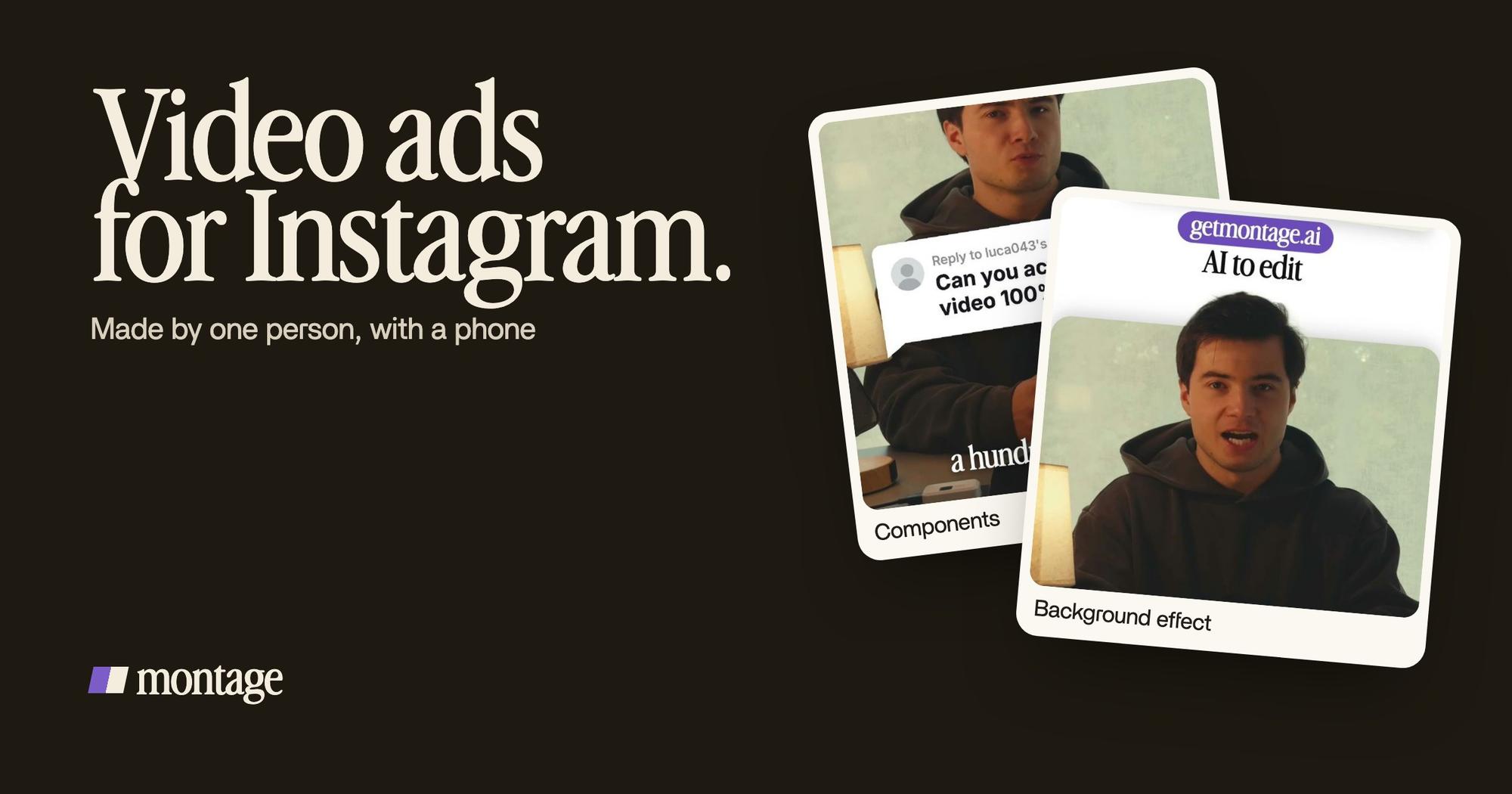
Edit it all with AI is a 38-second vertical ad for Montage. I filmed it myself, talking to my phone, and edited it by asking Montage. There's no performance number for it, so I won't give you one. What I can show you is how each rule the ranking guides repeat lands on a real part of it.
The first second
moonb and Superside say the same thing: the first second decides it. Movement earns the first half second, Superside says.
 ComponentsThe hook: a white Instagram reply, made as a component and reused. Click to watch it on its own.
 Background effectCut out of my background, my head rises over the top of the frame.
The ad opens on a white Instagram reply. Then there's the frame that breaks the pattern: my head, cut out of my background, rises over the top of the frame. You don't see that every day in a feed. That's the point.
Sound off, or sound on
Here the guides disagree. moonb says most of the feed is watched muted. Superside says Reels is sound-on by default, and quickframe says most Stories are watched with sound on.
So who's right? It doesn't matter much. Captions solve it either way.
 CaptionsOne line at a time, white on the take, dark on the white stage.
 B-rollThe site drops in on a white stage while I say « go to this app called Montage ».
 Motion designThe product card: frosted at 80 %, a fisheye, a big glow, swiped in from the right. Click to watch it on its own.
In this ad the captions come one line at a time, white on the take, dark on the white stage. If you want them in your own font and color, here's how captions that read with the sound off work.
Show the product working
Superside's low-cost example is Adobe showing one feature in a screen share. Same idea here. While I say « go to this app called Montage », the site drops in on a white stage. Then the product card swipes in from the right: frosted, a fisheye, a big glow. One product, on screen, while I talk about it.
Native, not a TV ad
moonb calls the classic mistake « bringing a TV ad to a feed fight ». Its good examples look like the feed: Glossier like a friend's Story, Dollar Shave Club's founder in one take, Rihanna demoing her own line for Fenty.
Mine is a founder talking to a phone. Filmed flat in HDR, with the NOMAD LUT on every shot. No set, no actors.
 Color correction
A founder talking to a phone is not a weakness on Instagram. It's the format.
A hook that looks like Instagram, made once.
Okay. This is the part none of the guides show.
Superside says « one concept should be designed to become 10 variants ». moonb says to test three to five hooks against the same edit, one change at a time. Good advice. But how does one person make ten versions of the same ad without an agency?
Here's the thing: the hook in my ad is a component. The white Instagram reply was made once, and it's reused. So a new hook is a new sentence in the reply, not a new design. The rest of the edit stays the same, which is exactly what moonb asks for: one change at a time.
It also speaks the feed's own language. A reply bubble is something people already stop on. More on a hook made once and reused.
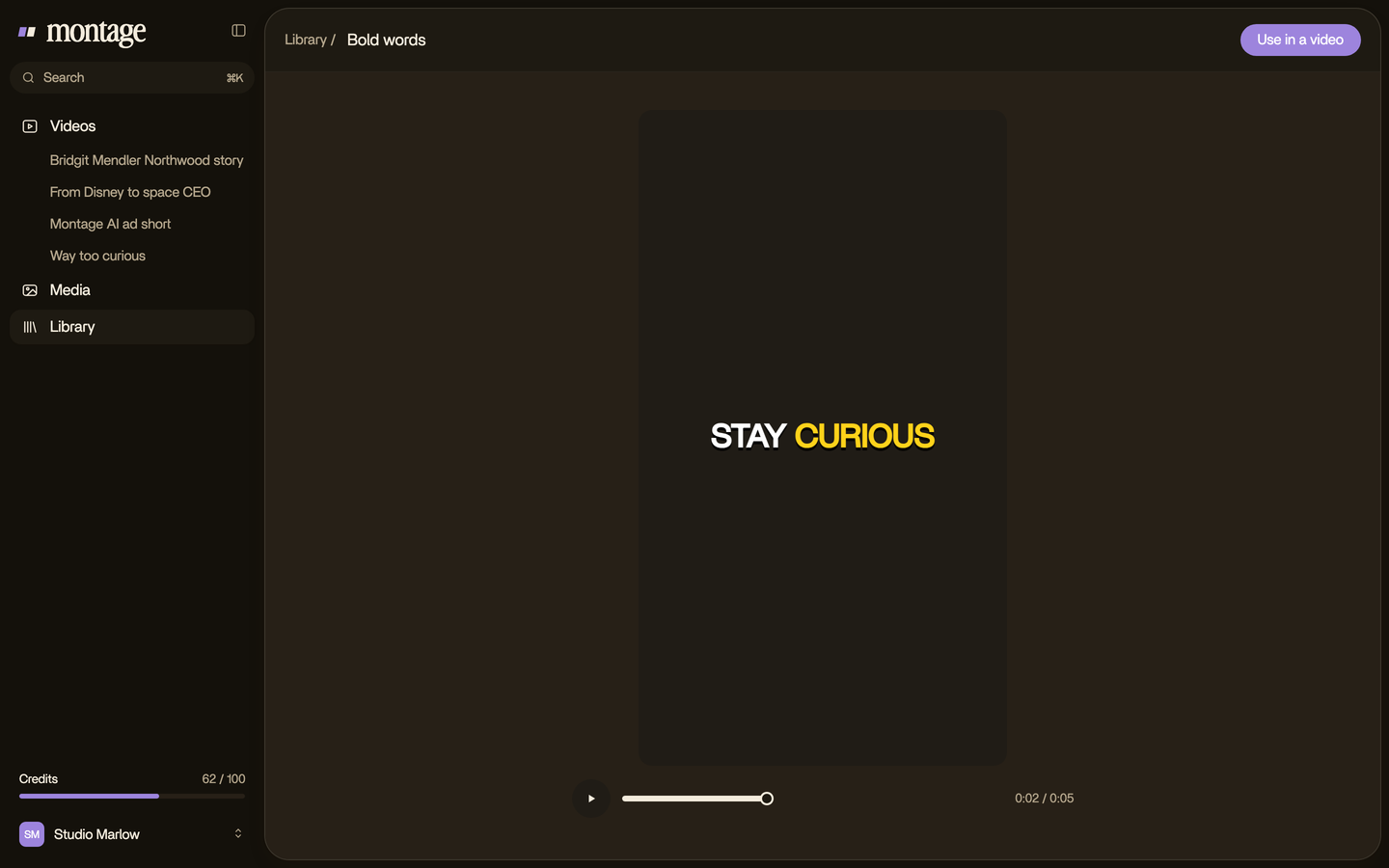
The same trick works for any vertical video. In Way too curious, Montage made a « Photo drop » component from my words: I say GTA VI, it drops in. And the captions can be your own style, every time.
 ComponentsThe Photo drop is a component Montage made from my words: I say GTA VI, it drops in.
 CaptionsYellow, uppercase, a blue drop shadow, and the key word drawn bigger.
 Auto captionsEvery line on screen in my own font, timed to my voice.
Instagram video ad specs and safe zones.
Now, the sizes. Three placements, three shapes, and a caption or a logo cut off when one file runs everywhere: that's the pain moonb describes. Here are the specs, from quickframe and Superside, both citing Meta's Ads Guide.
| Placement | Ratio | Size | File | Notes |
|---|---|---|---|---|
| Reels | 9:16 | 1080 × 1920 | .mp4 or .mov, up to 4 GB | Uploads up to 3 minutes since 2025 (quickframe) |
| Stories | 9:16 | 1080 × 1920 | .mp4 or .mov | Delivered as short cards |
| Feed | 4:5 or 1:1 (1.91:1 too) | 1080 × 1350 recommended | .mp4 or .mov, 250 MB | 125 characters of copy |
| Explore | 4:5 | 1080 × 1350 | .mp4 or .mov | Profile Feed is 4:5 too |
Safe zones: leave 14 % (250 px) free at the top and 20 % (340 px) at the bottom, Instagram's own suggestion as quickframe reports it. That's where the username, the buttons and the call to action sit.
So how would I do it? One vertical master first. Superside's PointCard case says it well: the 9:16 asset was the starting point, and the feed sizes came off it.
- Film and edit in 9:16. That's Reels and Stories done.
- Keep the words out of the top 14 % and the bottom 20 %.
- Then ask for the 4:5 and 1:1 cuts for Feed and Explore.
In Montage you get any size by asking: here's how to turn the same ad into 4:5, 1:1 or 9:16.
One master. Every placement comes off it.
The best video ads for Instagram, sorted by what one person can copy.
Let's be clear: the famous ads are worth studying. But the question for you is simpler. Can one person with a phone make it? Here are nine, as the pages that rank describe them.
| Brand | The move | Source | One person with a phone? |
|---|---|---|---|
| Dollar Shave Club | The founder, in one take, « shot in a day for a few thousand dollars » | moonb | Yes |
| Fenty Beauty | Rihanna demos her own line | moonb | Yes (you, demoing yours) |
| Glossier | Looks like a friend's Story | moonb | Yes |
| Adobe | A screen share of one feature | Superside | Yes |
| Eubi | Side by side: the product shot, then real life | tribegroup | Yes |
| Lull | A creator filming herself | tribegroup | Yes |
| Great Simple | A straight tutorial | adespresso | Yes |
| Häagen-Dazs | An unfinished sentence as the hook (« without honey bees ») | adespresso | Yes |
| Nike | A spot shot vertical on purpose | moonb | No |
See the pattern? The ones you can copy all lean on a person, a product and one idea. The ones you can't lean on a budget. For the famous campaigns in full, the pillar covers them: video ads examples. For other platforms, see LinkedIn video ads examples.
How to make yours.
Here's how I'd do it today.
- Film vertical, on your phone. Eye level, light in front of you. One take per idea, two or three times each.
- Film the product. The screen, the box, the thing in your hand. That's your B-roll.
- Say what the ad is. « A 30-second Reels ad. Open on a white Instagram reply with the hook. Captions one line at a time. Show the site when I say its name. »
- Watch it once. Where do you get bored? That's where the ad loses people too.
- Comment on what's wrong. Pause on the moment and point at it. Then fix everything at once.
- Ask for the other sizes. The 4:5 for Feed, the 1:1 if you need it.
- Make the hook variants. Same edit, a new sentence in the hook. One change at a time.
- Export the MP4, and upload it in Instagram or Meta's Ads Manager yourself.


If your ad is a walkthrough of your app, how to make a product demo video goes deeper. If it's for launch day, see a product launch video. And if the ad has to explain the product, start with making an explainer video, explainer video examples and a SaaS explainer video.
Who this isn't for
A brand that needs actors, sets or hundreds of variants a month should hire a studio like moonb or Superside. If you want an AI avatar or an ad made from nothing, look elsewhere: Montage edits your own footage. And targeting, bidding and budgets are Ads Manager's job, not your editor's.
What it costs to run.
So how much do Instagram ads cost? Here are WebFX's 2024–2025 Meta benchmarks, as Superside reports them. A sanity check, not a promise.
| Placement | CPC | CPM | CTR |
|---|---|---|---|
| Instagram feed | $3.35 | $7.68 | 0.22–0.88 % |
| Instagram Stories | $1.83 | $6.25 | 0.33–0.54 % |
What moves those numbers? The creative. Superside's PointCard case, by the agency's own figures, went from a 0.54 % to a 1.84 % CTR with 441 ads made from about 30 concepts. That's why every guide tells you to test hooks.
And making the ad? With Montage, the plans are Plus at $25, Pro at $50, Max at $100 and Ultra at $200 a month.
Video ads for Instagram: questions.
How do I make a video ad for Instagram?
Film yourself vertical on a phone, with the product in shot. Edit it with a hook in the first second, captions, and the
product working on screen, then one call to action. Export the 9:16 master, make the 4:5 cut for Feed, and upload it in
Ads Manager.
How long should an Instagram video ad be?
moonb's view: 6 to 15 seconds for Reels and Feed in most cases. Reels can take uploads up to 3 minutes since 2025, per
quickframe, but a short ad is easier to watch to the end.
What size is an Instagram video ad?
1080 × 1920 (9:16) for Reels and Stories, 1080 × 1350 (4:5) recommended for Feed and Explore, per quickframe and
Superside citing Meta's Ads Guide.
Do I need a separate cut for Reels, Stories and Feed?
moonb says yes: a separate cut per placement. The easy way is one 9:16 master, words kept inside the safe zones, then a
4:5 cut from it.
Sound on or off?
The guides disagree: moonb says most of the feed is muted, Superside says Reels is sound-on by default. Put captions on
every line and it works both ways.
How many versions should I test?
moonb says three to five hooks against the same edit, one change at a time. Superside says one concept should become 10
variants.
How much do Instagram ads cost?
WebFX's 2024–2025 benchmarks, via Superside: about $3.35 per click and $7.68 per thousand views in the feed, $1.83 and
$6.25 in Stories.
Can I make one for free?
You can film it and edit it yourself. But an ad is paid by definition: running it on Instagram costs money. A free post
isn't an ad.
See it in real videos.
The ad, and the other videos it sits next to, are all in the showcase: what went in, and how each one was made.
 9:18
 2:07
 0:56
 0:38
That's it for this one. Go film your first second.
See you in the next one.